

Table of Contents
Why Most YouTubers Are Stuck (And It’s Not Their Fault)
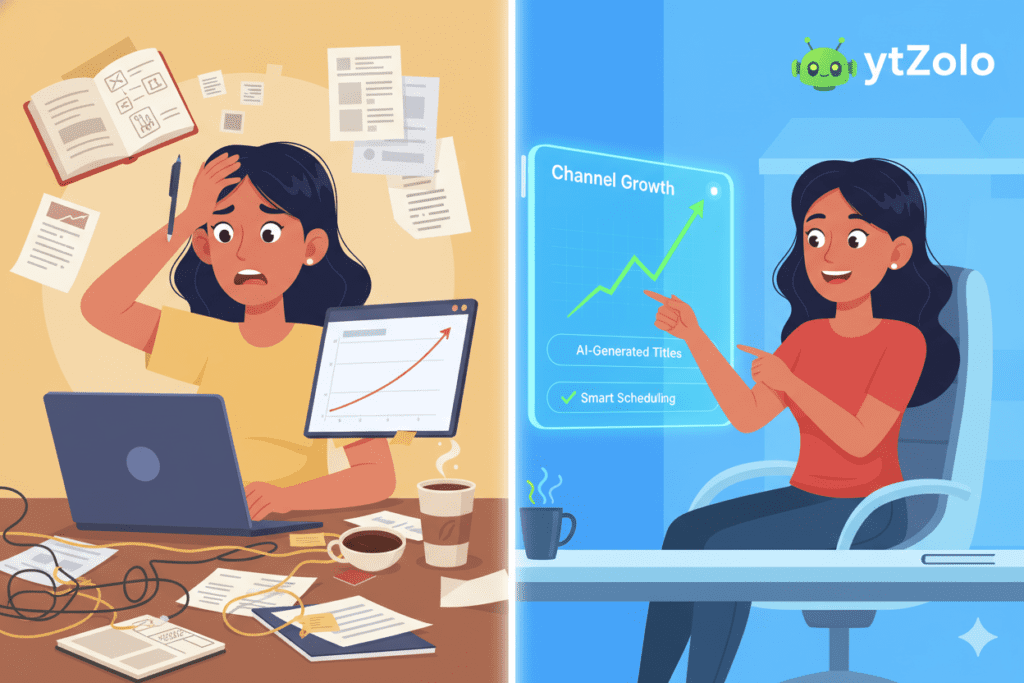
Imagine this. You spend an entire Sunday filming a video. You edit it for hours. You upload it on Monday — and by Friday, it has 47 views.
Sound familiar?
You’re not alone. Research shows that 88% of YouTube videos never reach 1,000 views. That’s not because creators lack talent. It’s because they’re missing the right tools and strategy.
The brutal truth? The top YouTube AI tools list in 2026 is not a luxury. It’s the difference between growing and grinding in place.
Successful creators today don’t work harder. They work smarter — with AI doing the heavy lifting on titles, scripts, SEO, thumbnails, and more.
And here’s the exciting part: you can do the same. Starting right now.

Why You Need AI Tools for YouTube Growth in 2026
The creator economy has completely changed. A 2025 report found that 83% of creators now use AI in some part of their workflow. The ones skipping AI? They’re falling behind — fast.
Manual content creation used to take days. Writing a script, researching tags, designing thumbnails, writing descriptions — all of it piled up.
Now, the best creators in the top YouTube AI tools list use these tools to produce more content, better content, and more consistent content — in a fraction of the time.
Here’s what AI tools for YouTube can do for you:
- Generate viral video ideas before they peak
- Write engaging, click-worthy scripts in minutes
- Suggest high-traffic, low-competition keywords
- Create scroll-stopping thumbnails with one click
- Automate your video descriptions, titles, and tags
- Repurpose long videos into Shorts automatically
The question isn’t should you use AI tools. The question is which ones you should trust.
That’s exactly what this guide answers.
The Top YouTube AI Tools List for 2026
We’ve tested, researched, and ranked the best AI tools available for YouTube creators right now. This list covers every part of your workflow — from idea to upload.
Whether you’re a beginner or a full-time creator, at least one of these tools will transform how you create.
Let’s dive in.
ytZolo – The Best All-in-One AI YouTube Growth Tool
Website: ytZolo.com
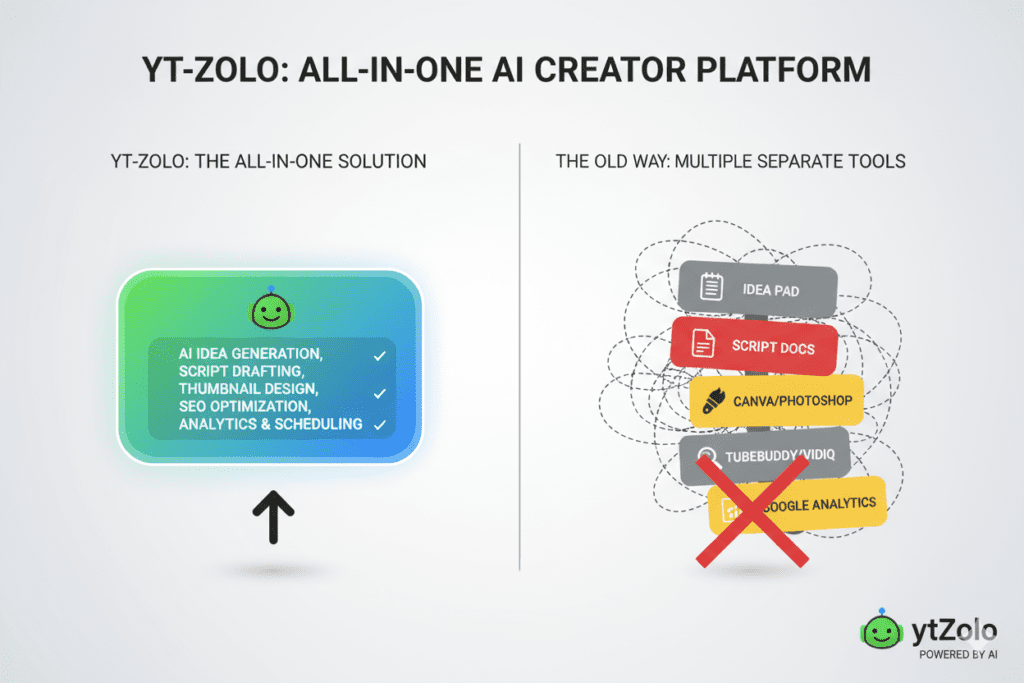
Here’s the hard truth most tool roundups won’t say out loud: you don’t need 12 different AI subscriptions. You need one powerful tool that handles everything.
That’s exactly what ytZolo is built for.
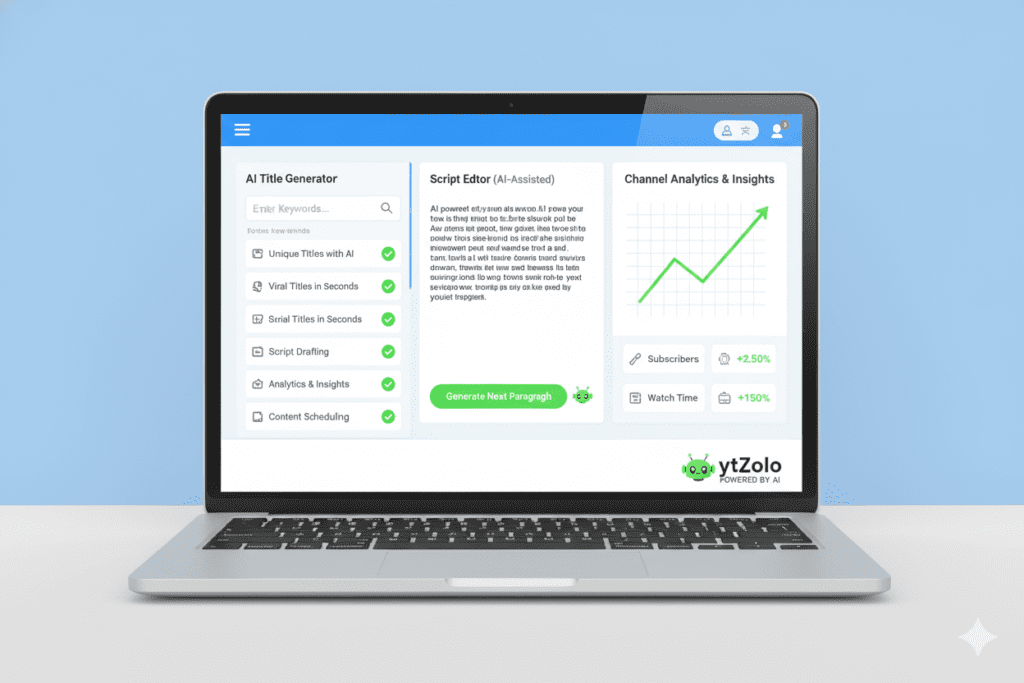
ytZolo is the all-in-one AI YouTube growth tool designed specifically for creators who want to grow faster without burning out. It combines everything you need — titles, scripts, thumbnails, descriptions, tags, and keyword research — into one clean, easy-to-use platform.
What Makes ytZolo Special?
- AI Title Generator — Crafts irresistible, click-worthy titles that rank and get clicks
- AI Script Writer — Produces full scripts optimized for viewer retention and engagement
- Thumbnail AI — Designs eye-catching thumbnails based on what’s already going viral
- AI Description & Tags Generator — Handles YouTube SEO automatically in seconds
- Keyword Research Tool — Finds high-traffic, low-competition keywords in your niche
- Viral Content Analyzer — Studies top-performing videos so you always know what works
- Channel Growth Dashboard — Tracks your performance and suggests next steps
Unlike tools that do one thing well, ytZolo is purpose-built for YouTube from the ground up.
Creators who use ytZolo consistently report saving 5–10 hours per week. That’s time you can put back into filming, building your audience, or just living your life.
Who is ytZolo for?
- New creators who want to grow without guessing
- Mid-level creators stuck under 10K subscribers
- Full-time creators managing multiple channels
- Agencies running YouTube channels for clients
If you’re serious about growing on YouTube, ytZolo belongs at the top of your toolkit — and honestly, it may be the only tool you need. You can also check out ytZolo’s blog for free growth strategies that pair perfectly with the platform.
💡 Pro Tip: Start with ytZolo’s AI title generator. Run your next 5 video ideas through it and watch your click-through rate climb.
VidIQ – AI-Powered YouTube SEO
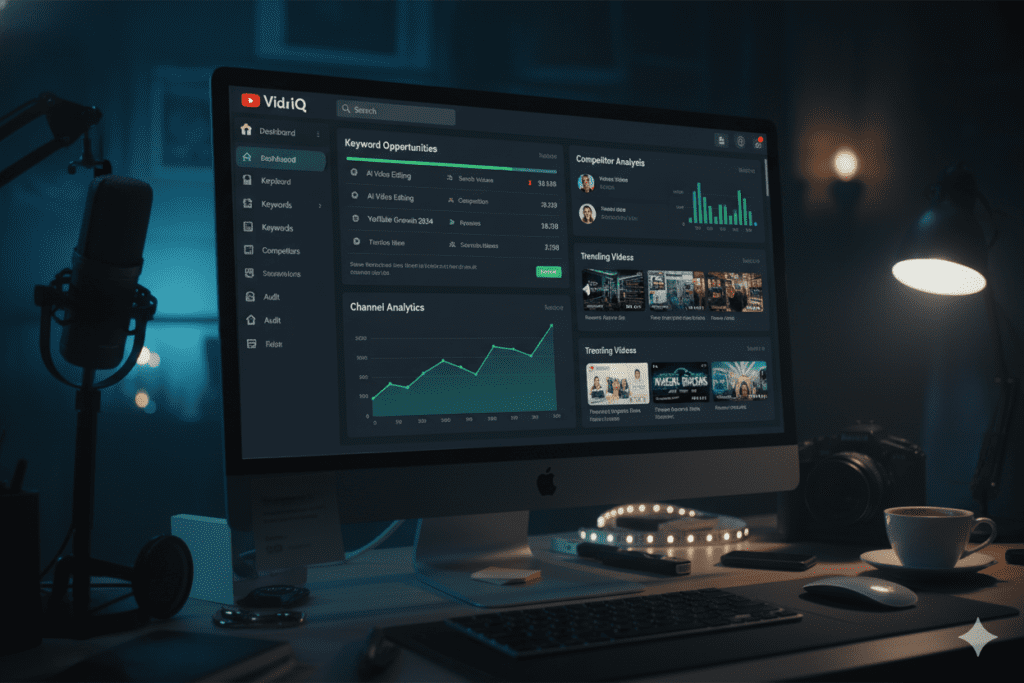
Best for: Keyword research and competitor analysis
VidIQ is one of the most well-known names in YouTube SEO tools. It uses AI to analyze the YouTube algorithm and surface high-demand, low-competition topics.
Key features include:
- Daily video idea suggestions based on trending topics
- Competitor channel tracking and analysis
- AI-powered title and description generators
- Real-time views-per-hour performance data
- AI coaching for personalized growth advice
VidIQ is especially useful for creators who want deep data on what’s working in their niche. The free plan is limited, but the Boost plan at around $16.50/month unlocks the most valuable AI features.
Where VidIQ falls short: It’s primarily an SEO and research tool. For scripts, thumbnails, and full content creation, you’d need to stack it with other tools — which is where an all-in-one platform like ytZolo saves you both time and money.
TubeBuddy – Channel Optimization Assistant
Best for: A/B testing and tag management
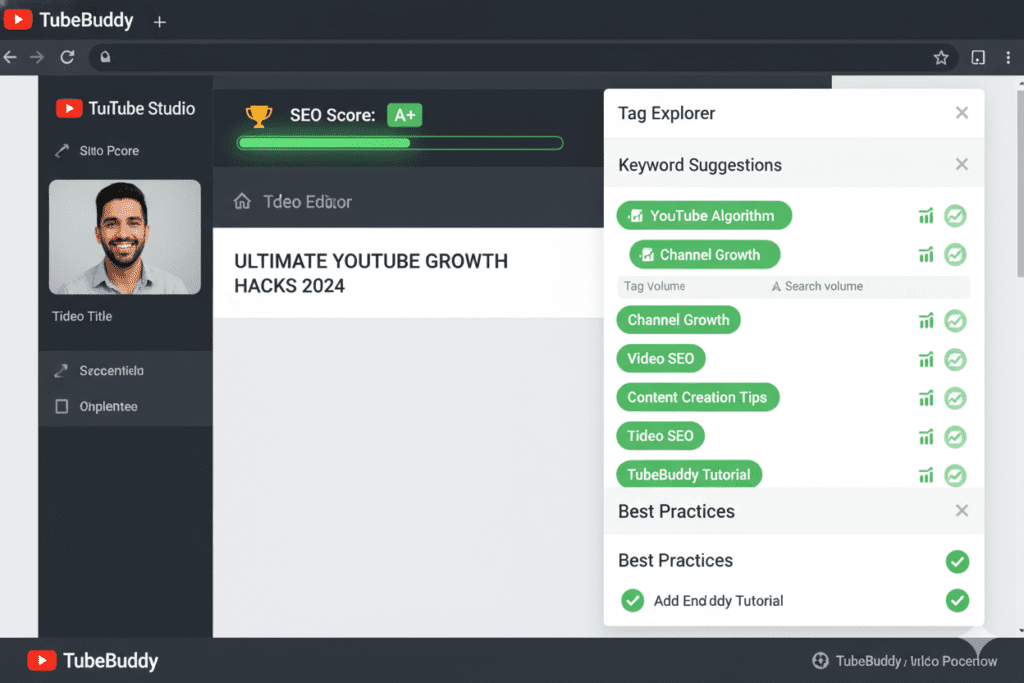
TubeBuddy is a browser extension that plugs directly into YouTube Studio. It’s been a staple in many creators’ top YouTube AI tools list for years.
What TubeBuddy does well:
- Tag explorer for finding ranked keywords
- A/B testing for thumbnails and titles
- Bulk processing tools for managing older videos
- Competitor scorecard and channel analysis
- SEO score checking before you publish
The Pro plan starts at around $4.99/month making it one of the most affordable options on this list.
The limitation: TubeBuddy is great for optimization but weak on content creation. It won’t write your scripts or generate your thumbnails. Think of it as a polish tool — not a growth engine.
Descript – AI Video & Audio Editing
Best for: Editing videos by editing text
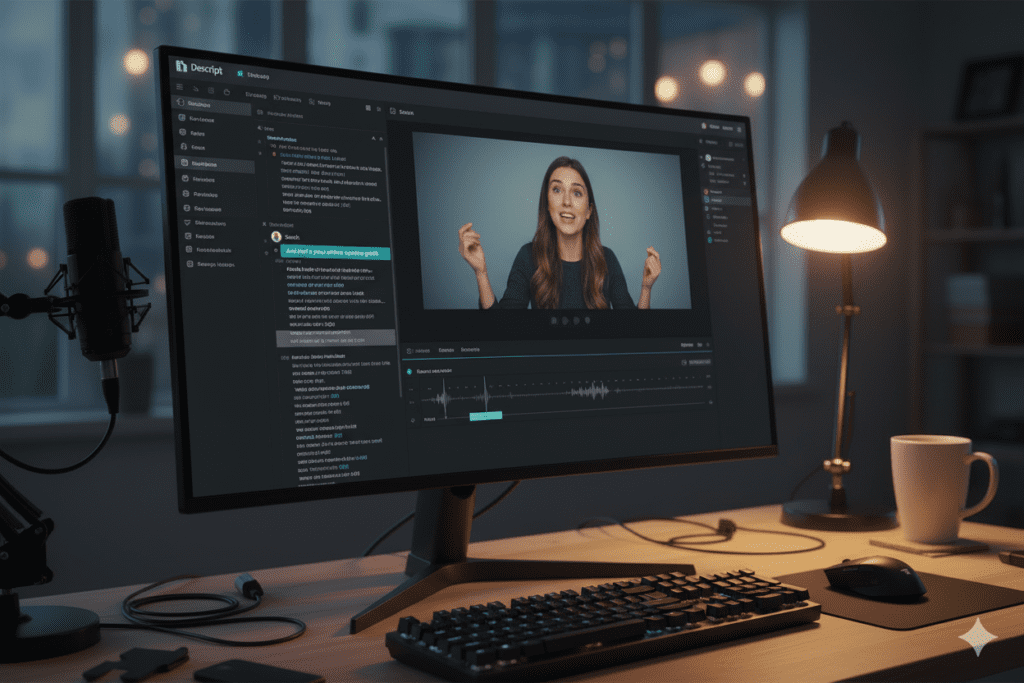
Descript flips traditional video editing on its head. Instead of cutting timelines, you edit a transcript — and the video updates automatically.
Top features:
- Overdub: Clone your voice to fix mistakes without re-recording
- Filler word removal (goodbye “um” and “uh”) with one click
- Screen recording built right into the platform
- Automatic captions and subtitles
- Multi-track audio editing
Descript starts at around $24/month and is a massive time-saver for talking-head and interview-style content.
The gap: Descript handles editing beautifully but doesn’t touch YouTube SEO, thumbnails, or channel growth strategy. You’ll still need a dedicated YouTube growth tool alongside it.
OpusClip – AI Short-Form Repurposing
Best for: Turning long videos into viral YouTube Shorts
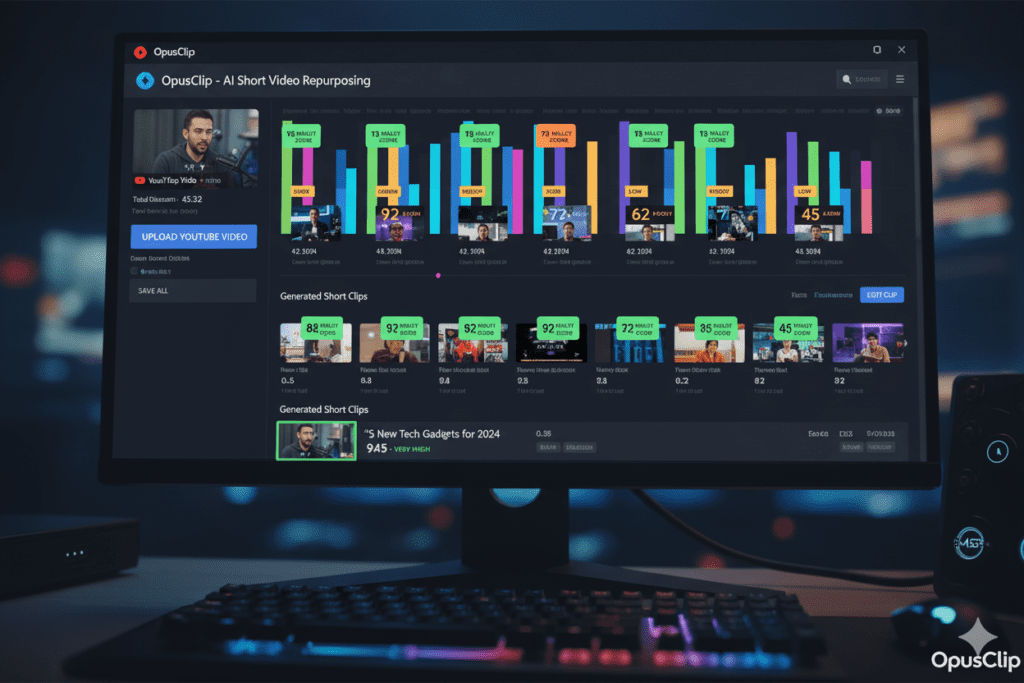
If you upload long-form content, OpusClip is a must-know tool. It uses AI to analyze your full video and automatically clips the best, most viral-worthy moments.
What stands out:
- Virality score for each clip generated
- Auto-captions with dynamic styling
- Direct scheduling to YouTube Shorts, TikTok, and Instagram
- B-roll generation and subject tracking
- Works with 2–3 long videos to fill an entire month of Shorts
For creators trying to grow on both long-form and short-form simultaneously, OpusClip removes a massive workflow bottleneck.
Worth noting: OpusClip only works after you’ve already created content. Pair it with a tool like ytZolo that helps you plan and create better content from the start.
ElevenLabs – AI Voiceover Generation
Best for: Faceless channels and professional narration
Bad audio kills retention faster than bad visuals. ElevenLabs solves that problem completely.
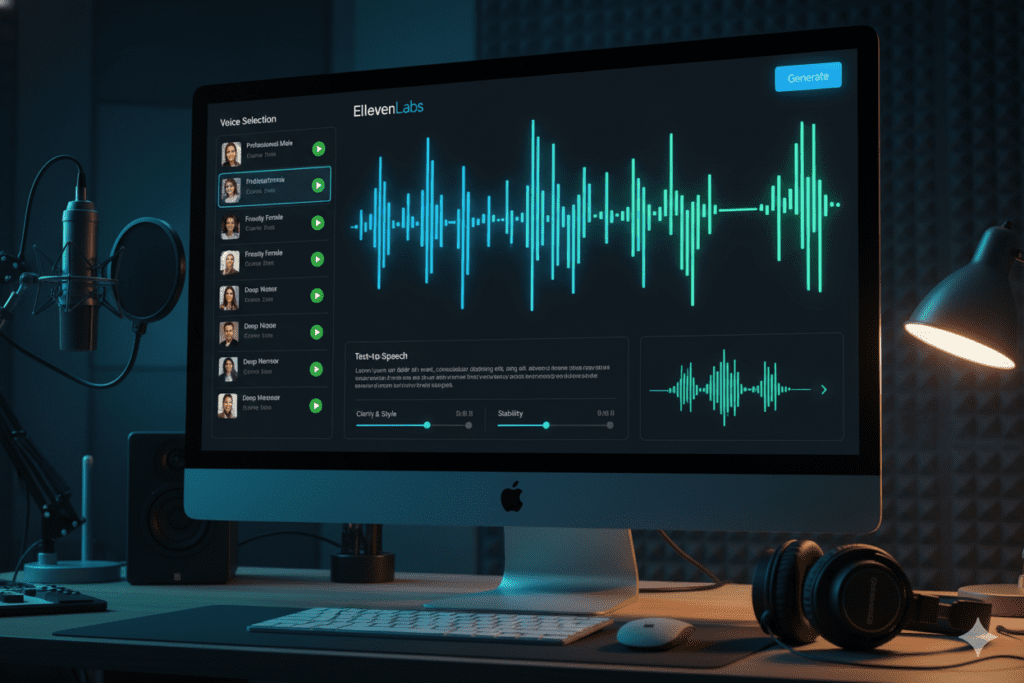
It produces ultra-realistic AI voices that sound indistinguishable from real voice actors. For faceless channels, this is a game-changer.
Standout features:
- Voice cloning (train the AI on your own voice)
- Emotional range controls (excited, calm, authoritative)
- Speech-to-speech: record rough audio on your phone, let AI clean it up
- 29+ languages for international reach
- Text-to-speech for full narration scripts
Plans start free for limited use, with paid options unlocking more characters and voice customization.
ChatGPT – AI Script Writing
Best for: Brainstorming, scripting, and content ideation
No top YouTube AI tools list is complete without ChatGPT. It’s the Swiss Army knife of content creation — flexible, powerful, and incredibly fast.
How YouTubers use ChatGPT effectively:
- Generate 20 video title ideas in seconds
- Write full video scripts with hooks, body, and CTAs
- Create YouTube descriptions and tags
- Repurpose old content into new angles
- Research niche topics and summarize them quickly
The GPT-4o model (free tier) works well for basic tasks. The Plus plan at $20/month is recommended for heavy usage.
The catch: ChatGPT is generic by nature. It doesn’t know your channel, your audience, or your niche. It takes significant prompting skill to get great results.
For YouTube-specific AI that’s already tuned for growth, ytZolo is a smarter starting point — it’s purpose-built for creators, not general audiences.

Canva AI – Thumbnail Design Made Easy
Best for: Quick, professional-looking thumbnail design
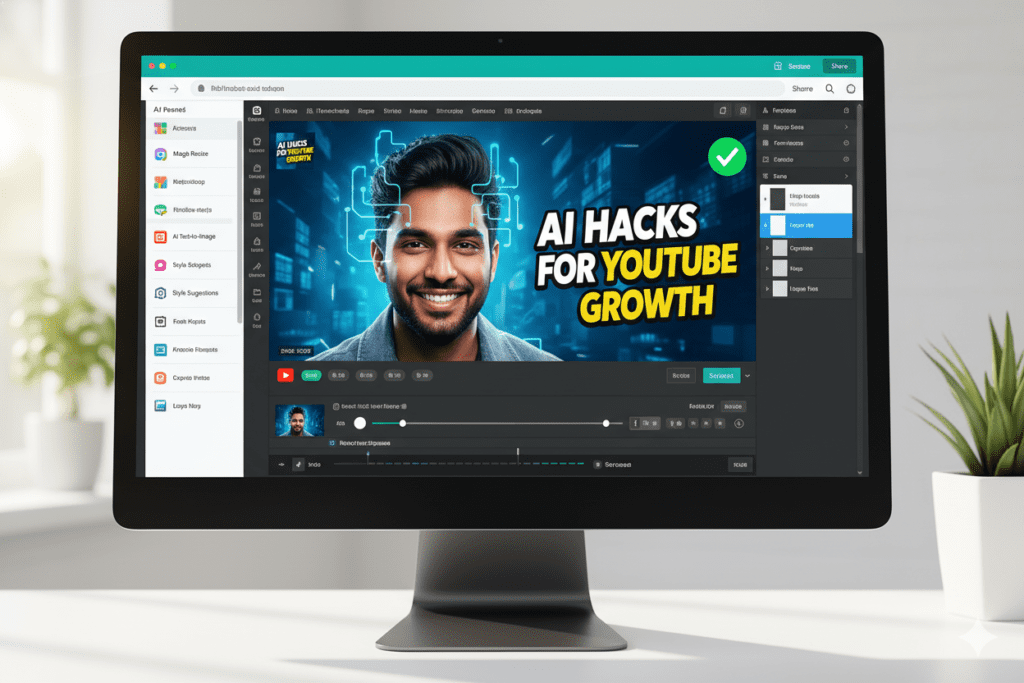
Thumbnails drive up to 80% of your click-through rate. Canva’s AI features have made creating compelling thumbnails faster than ever.
What Canva AI offers:
- Magic Design: describe your thumbnail, AI generates options instantly
- Background remover with one click
- Brand kit to keep thumbnails consistent
- Text-to-image generation for custom visuals
- Thousands of YouTube thumbnail templates
The free plan covers most basics. Canva Pro at $15/month unlocks the full AI suite.
The limitation: Canva is still mostly template-based. For thumbnails that are truly data-driven and optimized for CTR based on your specific niche, a YouTube-native tool will always outperform a general design platform.
Why ytZolo Is Better Than Other Tools
Let’s be direct. Most tools on this top YouTube AI tools list do one thing well.
VidIQ handles keywords. Descript handles editing. OpusClip handles repurposing. ElevenLabs handles voiceovers.
That means to run a complete YouTube operation, you’d need to pay for and manage 5–8 separate subscriptions. That’s expensive. That’s complicated. And that’s exhausting.
ytZolo is different.
Here’s a simple comparison:
| Feature | ytZolo | VidIQ | TubeBuddy | ChatGPT |
|---|---|---|---|---|
| AI Title Generator | ✅ | ✅ | ❌ | ⚠️ (generic) |
| AI Script Writer | ✅ | ❌ | ❌ | ⚠️ (generic) |
| Thumbnail AI | ✅ | ❌ | ❌ | ❌ |
| Tags & Descriptions | ✅ | ✅ | ✅ | ⚠️ (manual) |
| Keyword Research | ✅ | ✅ | ✅ | ❌ |
| Viral Content Analysis | ✅ | ⚠️ | ⚠️ | ❌ |
| Channel Growth Dashboard | ✅ | ✅ | ❌ | ❌ |
| Built Specifically for YouTube | ✅ | ✅ | ✅ | ❌ |
| All-in-One Platform | ✅ | ❌ | ❌ | ❌ |
The math is simple. Instead of juggling multiple tabs, multiple logins, and multiple invoices — ytZolo puts everything in one place, tuned specifically for YouTube success.
Creators who struggle without AI spend hours on tasks that take minutes with the right tool. Manual keyword research, writing descriptions from scratch, designing thumbnails by guessing — all of these outdated methods slow your growth and drain your energy.
With ytZolo, the entire workflow from idea to publish-ready content is streamlined, intelligent, and fast. It’s why creators who switch to ytZolo consistently see faster channel growth, better click-through rates, and more time to focus on what matters: making great videos.
Want to go deeper on YouTube growth strategies? Check out ytZolo’s blog for expert guides built around the same AI-first philosophy.
How to Use This Top YouTube AI Tools List to Build Your Workflow
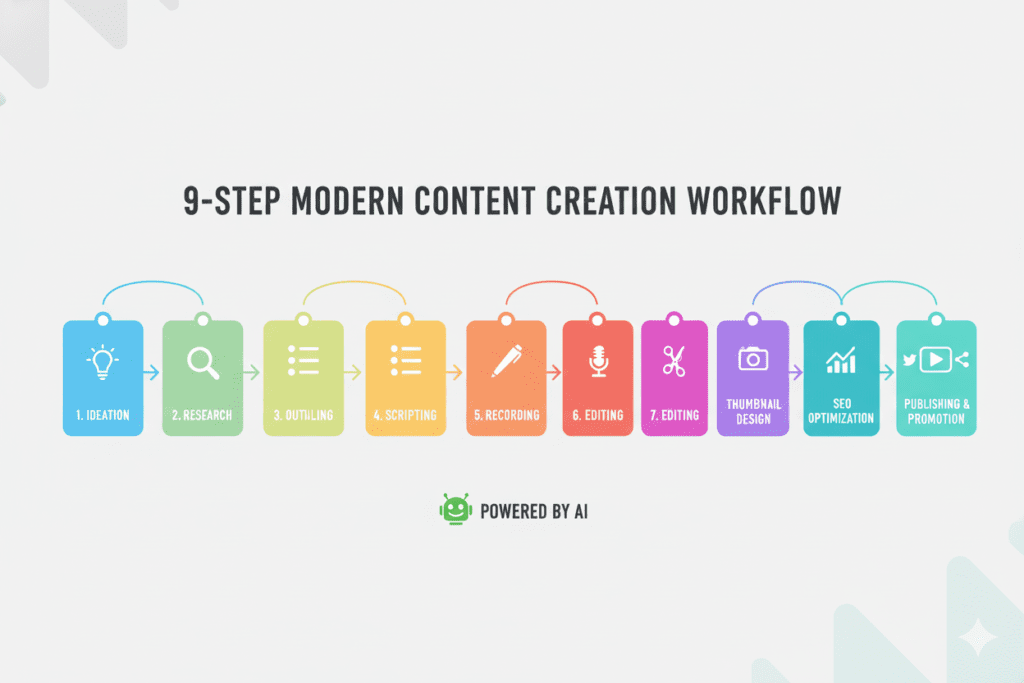
Here’s a practical, step-by-step content workflow using the tools from this list:
Step 1 – Research & Ideation
Use ytZolo to find trending topics in your niche and generate data-backed video ideas before they peak.
Step 2 – Keyword Research
Use ytZolo’s built-in keyword tool to find high-traffic, low-competition search terms. Cross-reference with VidIQ if you want extra data depth.
Step 3 – Title Creation
Run 5–10 title variations through ytZolo’s AI Title Generator. Pick the one with the best balance of emotion, curiosity, and keyword placement.
Step 4 – Script Writing
Use ytZolo’s AI Script Writer to create a full script — hook, main content, and CTA. Refine with your own voice. Use ChatGPT for additional brainstorming if needed.
Step 5 – Recording & Editing
Record your video. Edit with Descript if you want text-based editing. Use ElevenLabs if you run a faceless channel.
Step 6 – Thumbnail Design
Generate thumbnail concepts using ytZolo’s Thumbnail AI. Customize in Canva AI if needed for fine-tuning.
Step 7 – SEO Optimization
Let ytZolo auto-generate your description, tags, and end-screen suggestions. Use TubeBuddy to do a final SEO check before uploading.
Step 8 – Shorts Repurposing
Upload your finished video to OpusClip to extract the best clips for YouTube Shorts automatically.
Step 9 – Publish & Track
Upload to YouTube. Monitor performance inside ytZolo’s Channel Growth Dashboard. Adjust your strategy based on data, not guesses.
This entire workflow can be completed in a fraction of the time it would take manually — and the results will speak for themselves.
FAQ – Top YouTube AI Tools List
❓ What is the best all-in-one AI tool for YouTube creators?
ytZolo is widely considered the best all-in-one AI YouTube growth tool in 2026. It combines title generation, script writing, thumbnail creation, keyword research, descriptions, tags, and channel analytics in one platform — purpose-built for YouTubers.
❓ Do AI tools really help grow a YouTube channel faster?
Yes. Research shows that YouTube creators who use AI tools grow their channels up to 3x faster than those who don’t. AI tools remove the guesswork from video titles, SEO, and content planning — helping creators make smarter decisions faster. According to YouTube’s Creator Blog, consistent posting with optimized metadata dramatically affects channel growth.
❓ Are AI-generated YouTube videos allowed by YouTube?
Yes, as of YouTube’s July 2025 policy update, AI-assisted content is allowed as long as it provides genuine value to viewers. Content that is spammy, repetitive, or deceptive may be flagged. Using AI for scripting, voiceover, editing, and SEO — as tools on this list help you do — is completely within YouTube’s guidelines.
❓ How much do AI tools for YouTube cost per month?
Costs vary widely. You could easily spend $80–$150/month stacking multiple individual tools. An all-in-one platform like ytZolo consolidates these functions, reducing both cost and complexity significantly. Many tools also offer free tiers or trials to get started.
❓ Can beginners use AI tools for YouTube effectively?
Absolutely. AI tools are actually most valuable for beginners because they eliminate the steep learning curve. Tools like ytZolo guide you through every step — from choosing a video topic to optimizing it for search — so you don’t need years of experience to create content that competes.
Conclusion – Your Next Move Starts Now
The top YouTube AI tools list in 2026 isn’t just a list of products. It’s a blueprint for how modern creators grow, scale, and win on the platform.
You’ve seen the tools. You’ve seen the workflow. Now the only thing standing between you and faster growth is the decision to start.
The creators dominating YouTube right now aren’t necessarily more talented than you. They’re just smarter about the tools they use. They’re saving hours every week, publishing better content, and letting AI handle the repetitive work — while they focus on what they love.
You can do the same. Right now.
ytZolo is the top YouTube AI tools list solution that brings everything together — titles, scripts, thumbnails, SEO, and growth analytics — all in one place.
Stop wasting time on outdated manual methods. Stop paying for five tools when one can do it all better.
🚀 Start creating smarter, faster, and more viral YouTube content with ytZolo today.

