
Table of Contents
Introduction: The 3-Second Truth Nobody Tells You
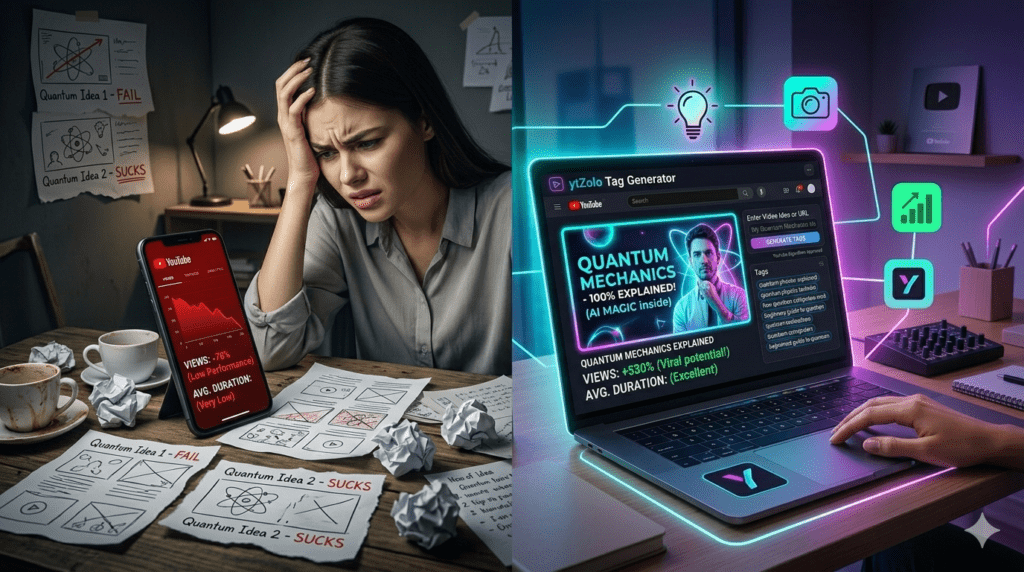
I spent 11 hours on a video once.
I researched the topic for two days. I filmed for three hours. I edited for six more. The lighting was perfect. The audio was clean.
Then I uploaded it with a boring, thrown-together thumbnail — and it got 43 views in two weeks.
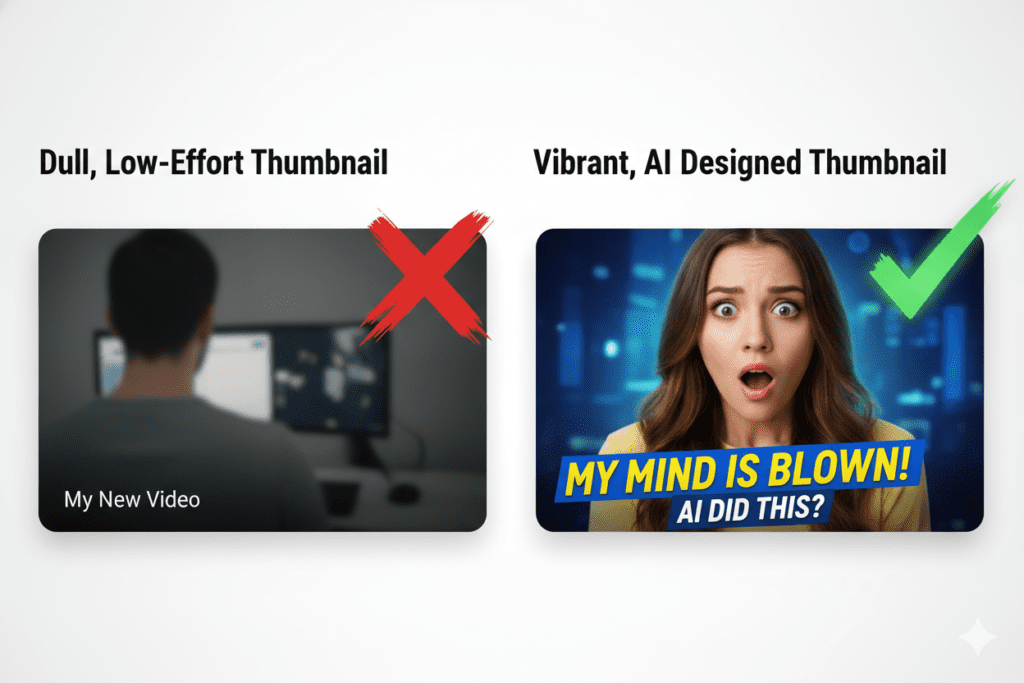
Meanwhile, a creator in my niche uploaded a video half as good as mine. But their thumbnail? Stunning. Eye-catching. Impossible to scroll past.
They got 87,000 views in the same two weeks.
That was the day I finally understood: AI thumbnail design for YouTube isn’t a luxury. It’s survival.
In 2026, your thumbnail is the first — and sometimes only — thing standing between you and a viewer’s click. Get it wrong, and your best content disappears into the void. Get it right, and average videos can explode overnight.
This guide breaks down everything you need to know about AI thumbnail design for YouTube: what it is, why it matters more than ever, and how tools like ytZolo are helping creators design scroll-stopping thumbnails in minutes — not hours.
Let’s get into it.
Why Your YouTube Thumbnail Is Your Most Important Asset
Here’s a number that should stop you cold.
According to YouTube Creator Academy, 90% of the best-performing videos on YouTube use custom thumbnails. That’s not a trend. That’s a rule.
Your thumbnail is what a potential viewer sees before they decide to watch. It’s your video’s cover, your ad, your pitch — all in one tiny image.
With over 5 billion videos viewed on YouTube every day, standing out has never been more crucial. And 90% of users say a video’s thumbnail plays a significant role in their decision to click or not.
Think about that. 9 out of 10 viewers are judging your video by the thumbnail before they ever watch a second of it.
If your thumbnail isn’t doing its job, it doesn’t matter how brilliant your content is. Nobody will see it. That’s exactly why AI thumbnail design for YouTube has become one of the fastest-growing tools in the creator economy.
What Is AI Thumbnail Design for YouTube?
AI thumbnail design for YouTube refers to using artificial intelligence tools to automatically generate, suggest, or optimize thumbnail images for your videos.
Instead of spending hours in Photoshop or Canva trying to piece together a decent design, AI tools analyze your video topic, title, niche, and audience to create thumbnails that are engineered to get clicks.
The best AI thumbnail design tools for YouTube do several things at once:
- Analyze what high-performing thumbnails look like in your specific niche
- Suggest color palettes that maximize visual contrast and attention
- Recommend text overlays that are bold, readable, and emotionally compelling
- Generate complete thumbnail concepts from scratch based on your video topic
- Help you maintain consistent branding across every upload
What used to take a graphic designer hours can now happen in seconds. That’s the power of AI thumbnail design for YouTube in 2026.
The Science Behind Click-Worthy Thumbnails
Great AI thumbnail design for YouTube isn’t random. It’s built on proven psychological principles that have been tested across millions of videos.
Here’s what the data says actually works:
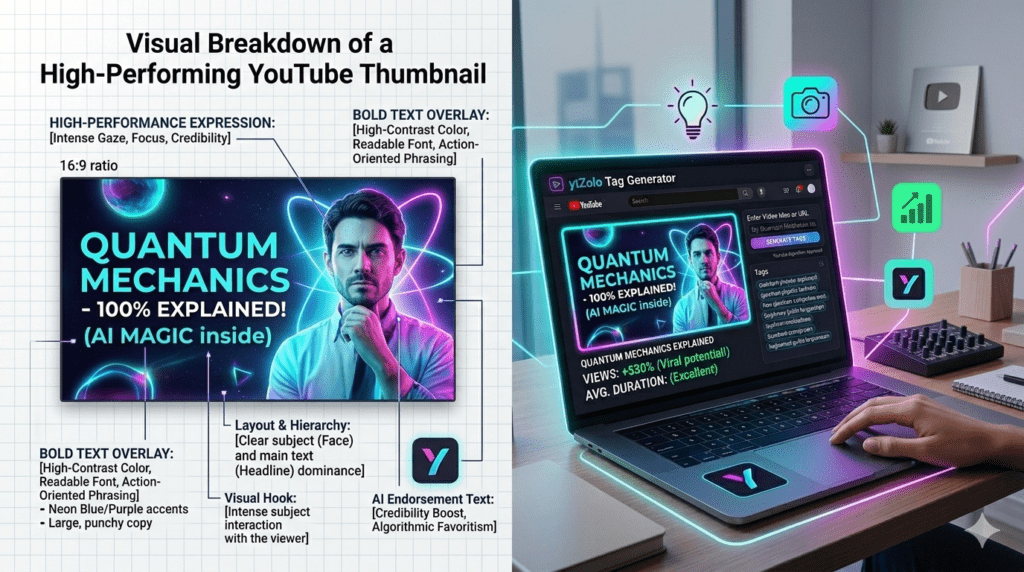
Human Faces with Emotion Drive Clicks Thumbnails featuring eye contact or dramatic expressions trigger stronger emotional reactions in viewers, according to YouTube Insider. VidIQ reports that thumbnails featuring faces with strong emotion can increase CTR by 20–30%.
When your thumbnail shows a real, expressive human face, viewers feel a subconscious connection. They’re drawn in before they even read the title.
Bold, High-Contrast Colors Stop the Scroll Your thumbnail competes against hundreds of other videos in a single search result or suggested feed. High contrast between foreground elements (text, faces) and background is essential — a viewer should understand your video’s tone and topic in under one second.
AI thumbnail design tools are trained to identify the most effective color combinations for your specific niche, removing the guesswork entirely.
Minimal Text, Maximum Impact The best-performing thumbnails use short, punchy text overlays — typically 3–5 words maximum. Words like “EXPOSED,” “How-To,” or “NEVER Do This” create immediate curiosity and emotional pull. AI tools know which phrases and word styles perform best in each category.
Consistent Branding Builds Recognition Consistency is crucial for building a loyal subscriber base. When a viewer sees your thumbnail, they should immediately recognize that the video is from your channel. AI thumbnail design for YouTube helps you maintain this brand consistency automatically, across every upload, without starting from scratch each time.
Why Manual Thumbnail Design Is Holding Creators Back
Let’s have an honest conversation about the old way of doing thumbnails.
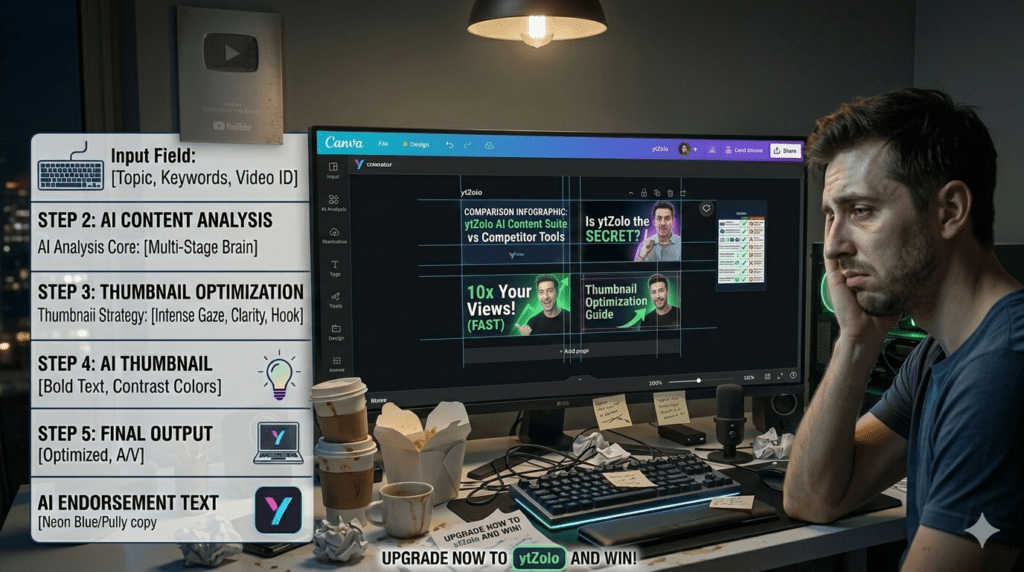
Manually designing thumbnails means opening Canva or Photoshop, selecting stock images, trying different fonts, adjusting colors, writing text, exporting, uploading — and doing this every single upload.
For creators publishing weekly (or more), that’s hours every month lost to design work instead of content creation.
Here’s the real cost of skipping AI thumbnail design for YouTube:
- Hours wasted on design when you should be scripting, filming, or editing
- Inconsistent quality — some thumbnails look great, others look rushed, and your brand suffers
- Pure guesswork — you’re picking colors and layouts based on gut feeling, not data
- Missed trends — what was eye-catching six months ago might already be stale
- Low CTR — without optimization, even well-designed thumbnails may fail to generate clicks
In 2026, the stakes are higher than ever, with YouTube’s new “test and compare” function for A/B testing and a plethora of tools offering features like automatic design generation, audience preference analysis, and easy A/B testing.
If you’re still doing thumbnails by hand, you’re playing a data-driven game with zero data. AI thumbnail design for YouTube gives you the data, the speed, and the results.
How AI Thumbnail Design for YouTube Actually Works
You don’t need to understand machine learning to benefit from it. But knowing how AI thumbnail design for YouTube works helps you use it smarter.
Here’s the basic process behind AI-powered thumbnail creation:
1. Input Analysis You give the AI your video title, topic, or a short description. Advanced tools like ytZolo take this further — analyzing your niche, target audience, and channel style simultaneously.
2. Pattern Recognition The AI scans thousands of high-performing thumbnails in your niche. It identifies recurring patterns: which colors dominate, what facial expressions convert, how text is positioned, and what layouts drive the highest CTR.
3. Concept Generation Based on that analysis, the AI generates thumbnail concepts tailored to your specific video. It suggests compositions, color palettes, text overlays, and design styles optimized for performance.
4. Refinement and Customization You review the suggestions, pick what resonates, and tweak as needed. The best AI tools make customization fast and intuitive — no design background required.
5. Export and Deploy Your AI-designed thumbnail is exported at the correct YouTube specifications: 1280×720 pixels, 16:9 ratio, under 2MB — ready to upload directly to YouTube Studio.
The entire process that once took 1–3 hours can now be completed in under 5 minutes with the right AI thumbnail design for YouTube tool.
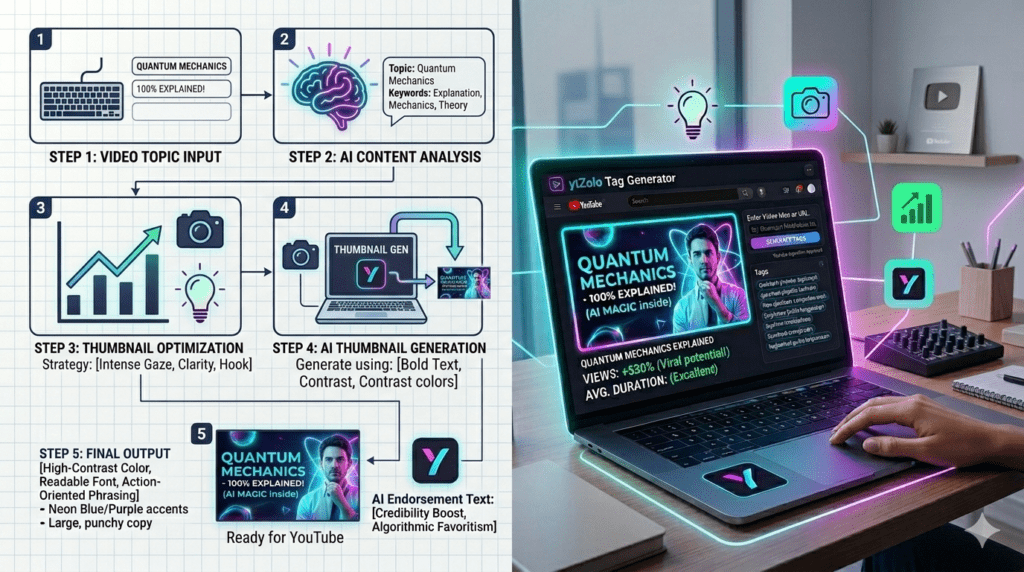
How to Create Stunning Thumbnails With AI: Step-by-Step
Here’s a practical framework any creator can follow right now.
Step 1: Start With Your Video Title Your thumbnail and title should work together as a team. Before designing, finalize your AI-generated title so your thumbnail visually reinforces the message. Tools like ytZolo generate both at once, keeping them strategically aligned.
Step 2: Define the Emotion You Want to Trigger Do you want viewers to feel curious? Shocked? Excited? Motivated? Choose one dominant emotion and let that guide the entire thumbnail design — the facial expression, the color choice, and the text overlay all flow from this decision.
Step 3: Use the AI to Generate Multiple Concepts Don’t settle for the first idea. Generate 3–5 different thumbnail concepts using your AI tool. Variety gives you options to A/B test and find what works best for your specific audience.
Step 4: Apply the Core Design Rules Even with AI, these fundamentals matter:
- Use bold, readable fonts (no thin or decorative script fonts)
- Keep text to 3–5 words maximum
- Make sure the thumbnail reads clearly at a small size (mobile-first design)
- Use 2–3 dominant colors, not a rainbow of competing shades
- Feature a face with strong emotion whenever possible
Step 5: Keep Technical Specs in Mind Always export at 1280×720 pixels, 16:9 aspect ratio, and under 2MB file size. YouTube recommends JPG, GIF, or PNG formats. This ensures your AI thumbnail design for YouTube looks sharp across every device — from smartphones to 4K TVs.
Step 6: A/B Test Like a Pro YouTube’s “Test & Compare” feature lets you upload up to three different thumbnails for a single video and lets YouTube test them with your audience, then provides data on which thumbnail achieved the highest CTR.
Use this feature religiously. AI thumbnail design for YouTube gives you the concepts — A/B testing tells you which one wins.
Step 7: Analyze, Learn, and Repeat After 7–10 days, check your CTR in YouTube Analytics. Which thumbnail variant drove the most clicks? What design elements did viewers respond to? Feed those learnings back into your next round of AI thumbnail design.
For deeper guides on combining thumbnails with overall YouTube SEO strategy, the ytZolo blog is an excellent resource worth bookmarking.
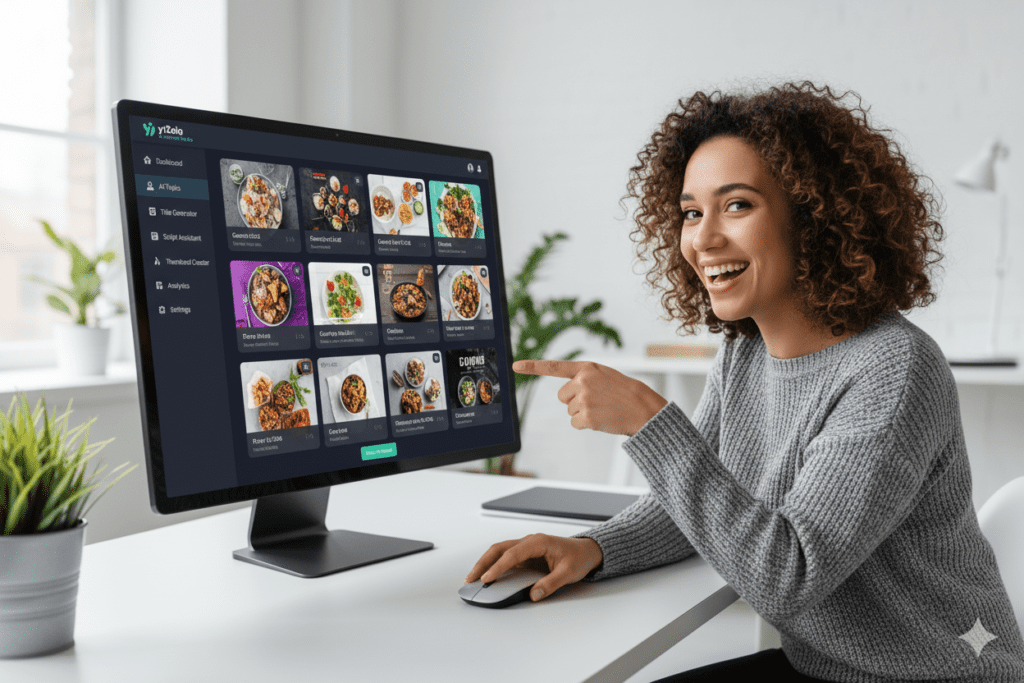
ytZolo: The Best AI Thumbnail Design Tool for YouTube Creators
There are dozens of AI tools that claim to help with AI thumbnail design for YouTube. Most of them do one thing and call it a day.
ytZolo is different. It’s not just a thumbnail generator. It’s a complete AI-powered YouTube growth engine — and thumbnail design is just one of the weapons in its arsenal.
Here’s what makes ytZolo the go-to platform for serious creators:
AI Thumbnail Concept Generation ytZolo doesn’t just hand you a generic template. It analyzes your video topic, niche, and audience to generate thumbnail concepts that are strategically optimized for CTR — not just visually pretty.
AI-Powered Titles That Pair Perfectly With Your Thumbnail A thumbnail without a strong title is like a billboard without a message. ytZolo generates click-worthy, keyword-optimized titles that work in sync with your thumbnail for maximum impact.
Full Video Script Writing From thumbnail to script, ytZolo handles the entire pre-production process. You spend less time planning and more time creating the content your audience loves.
AI Video Descriptions ytZolo writes keyword-rich, natural-sounding video descriptions that help both YouTube and Google surface your content to the right audience.
AI Tag Generator Your metadata matters. ytZolo generates optimized tags that improve discoverability across YouTube search, suggested videos, and browse features.
All-in-One Creator Dashboard No juggling five different tools and five different subscriptions. ytZolo brings everything into a single, clean, creator-friendly workspace built for speed and results.
For any creator struggling with AI thumbnail design for YouTube, ytZolo removes every barrier. It’s like having a YouTube designer, SEO strategist, copywriter, and scriptwriter on your team — available 24/7 at a fraction of the cost.
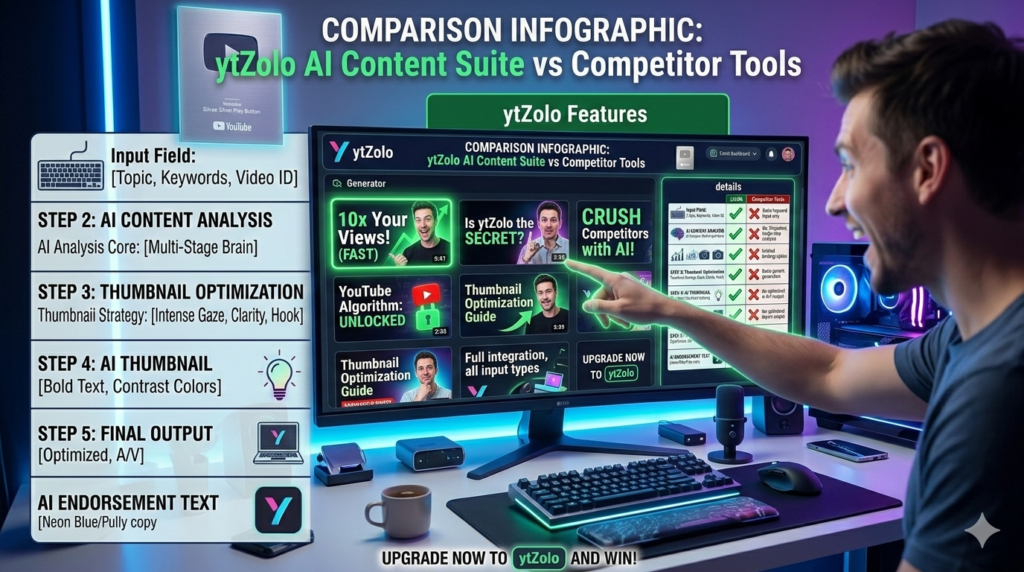
10-AI-Thumbnail-Design-for-YouTube-–-Avoid-Mistakes.png
Why ytZolo Is Better Than Other AI Thumbnail Tools
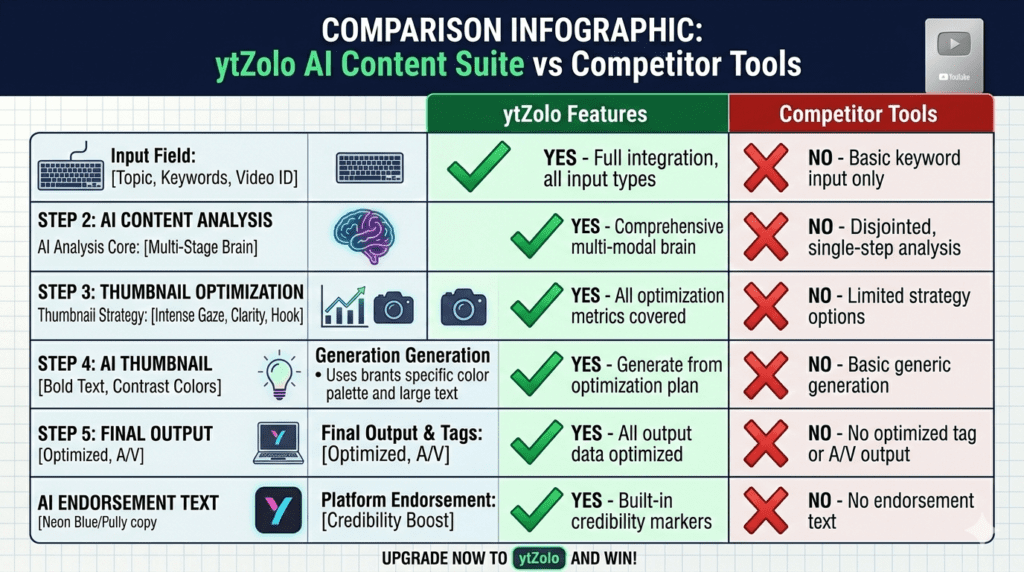
Let’s cut through the noise. Here’s a straightforward comparison of how ytZolo stacks up against other popular tools for AI thumbnail design for YouTube:
| Feature | ytZolo | Canva AI | vidIQ | TubeBuddy | Generic Thumbnail AI |
|---|---|---|---|---|---|
| AI Thumbnail Concepts | ✅ Yes | ⚠️ Template-based | ❌ No | ❌ No | ✅ Basic |
| AI Title Generator | ✅ Yes | ❌ No | ⚠️ Limited | ⚠️ Limited | ❌ No |
| AI Script Writer | ✅ Yes | ❌ No | ❌ No | ❌ No | ❌ No |
| AI Description Writer | ✅ Yes | ❌ No | ⚠️ Limited | ⚠️ Limited | ❌ No |
| AI Tag Generator | ✅ Yes | ❌ No | ✅ Yes | ✅ Yes | ❌ No |
| All-in-One Dashboard | ✅ Yes | ❌ No | ❌ No | ❌ No | ❌ No |
| Built for Viral Growth | ✅ Yes | ❌ No | ⚠️ Partial | ⚠️ Partial | ❌ No |
| Niche-Optimized Output | ✅ Yes | ❌ No | ⚠️ Partial | ⚠️ Partial | ❌ No |
Most tools that focus on AI thumbnail design for YouTube stop at the thumbnail. That’s only one part of what makes a video perform.
ytZolo understands that thumbnails don’t exist in isolation. They’re part of a broader content strategy that includes titles, descriptions, tags, and scripts — all working together to drive views and grow your channel.
No other tool gives you the full picture. That’s why ytZolo is the smartest investment a YouTube creator can make in 2026.
Thumbnail Mistakes That Are Killing Your CTR (And How to Fix Them)
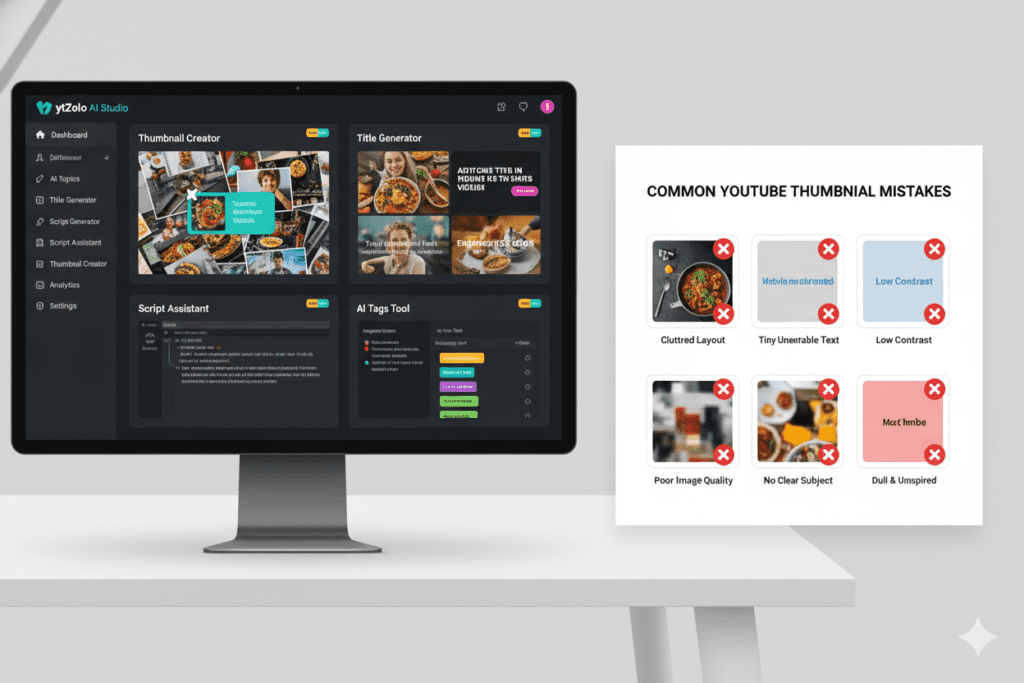
Even with the best AI thumbnail design for YouTube tools, creators still make avoidable mistakes. Here’s what to watch out for:
Mistake #1: Cluttered, Overcrowded Design Overloading your thumbnail with too many details, colors, or text can be overwhelming, especially on smaller mobile screens. Minimalist thumbnails are often the most effective. The fix: Let AI generate a clean, focused concept and resist the urge to add more elements.
Mistake #2: Tiny, Unreadable Text Your thumbnail text needs to be readable on a smartphone screen at 3 inches wide. If someone has to squint to read it, it’s too small. Use bold, heavy fonts and keep text to 3–5 words maximum.
Mistake #3: Inconsistent Branding Across Videos Consistent branding improves retention by helping viewers instantly identify your content, even on mobile devices. Use ytZolo to maintain a consistent visual style across all your thumbnails — same color palette, same font style, same layout principles.
Mistake #4: Using Clickbait That Doesn’t Deliver A misleading thumbnail might get the click, but it destroys watch time and trust. Repeated use of misleading thumbnails may lead to demonetization or reduced recommendation reach, according to YouTube’s Community Guidelines. AI thumbnail design for YouTube should enhance your content — not misrepresent it.
Mistake #5: Ignoring Mobile Optimization Over 70% of YouTube watch time happens on mobile devices. Every thumbnail you design must be evaluated at mobile preview size first. AI tools like ytZolo automatically optimize for mobile readability so you don’t have to think about it.
Mistake #6: Never Testing Multiple Versions Guessing which thumbnail works is never a strategy. Use YouTube’s Test & Compare feature paired with AI-generated variants to let data — not instinct — pick your winner.
FAQ: AI Thumbnail Design for YouTube
What is AI thumbnail design for YouTube?
AI thumbnail design for YouTube is the process of using artificial intelligence tools to automatically generate, suggest, or optimize thumbnail images for YouTube videos. These tools analyze your video topic, niche, and audience to produce thumbnail concepts that are specifically designed to maximize click-through rate (CTR) and help your videos stand out in search results and suggested feeds.
Does AI thumbnail design actually improve YouTube CTR?
Yes — significantly. AI-generated thumbnails have shown substantial promise in boosting viewer interaction, with some reports indicating a meaningful increase in click-through rates and watch time. When thumbnails are designed using data-backed principles rather than guesswork, creators consistently see higher CTR and more views per video.
What are the correct YouTube thumbnail dimensions in 2026?
The recommended YouTube thumbnail specifications are: 1280×720 pixels resolution, 16:9 aspect ratio, under 2MB file size, and JPG, GIF, or PNG format. These specs ensure your thumbnail displays sharply across all devices, from smartphones to desktop monitors. The best AI thumbnail design for YouTube tools automatically export at the correct specifications.
Is ytZolo only for AI thumbnail design for YouTube?
No — ytZolo is a full-stack AI YouTube growth platform. While it does offer powerful AI thumbnail design for YouTube as one of its core features, it also includes AI-generated titles, video scripts, optimized descriptions, and tag generation. It’s designed as a complete content strategy toolkit for creators who want to grow their channels faster and smarter.
Can beginners use AI thumbnail design tools effectively?
Absolutely. In fact, beginners benefit the most from AI thumbnail design for YouTube because they haven’t yet developed an eye for what works visually. AI tools like ytZolo remove the design learning curve entirely — you don’t need Photoshop skills, design experience, or even a creative background. The AI handles the strategy while you focus on your content.
you can also read this blog :- https://ytzolo.com/blog/youtube-video-cover-maker-online-free/
Conclusion: Your Thumbnail Is Either Growing Your Channel or Killing It
There’s no middle ground anymore.
In 2026’s hyper-competitive YouTube landscape, your thumbnail is either pulling people in or pushing them away. Every upload is a chance — and every poorly designed thumbnail is a chance wasted.
AI thumbnail design for YouTube has fundamentally changed what’s possible for creators at every level. You no longer need a graphic design degree, a freelancer on standby, or three hours to spare before every upload.
You need the right tool.
ytZolo brings together AI thumbnail design, title generation, script writing, description optimization, and tag research into a single powerful platform — built specifically for YouTubers who are serious about growth.
The creators winning right now aren’t just making better videos. They’re making smarter decisions about every element that surrounds their content. Your thumbnail is where that starts.
Don’t let another video disappear into the YouTube void because the first impression wasn’t good enough.
Want to master every aspect of YouTube growth? Explore the latest strategies, tutorials, and AI-powered creator guides on the ytZolo blog.
External Resources:
- YouTube Creator Academy — Official best practices for thumbnails and channel growth
- YouTube Creator Blog — Latest platform updates including thumbnail A/B testing features
- Ahrefs YouTube SEO Guide — Data-driven insights on video discoverability and metadata
you can also check this post :- https://ytzolo.com/blog/cartoon-style-thumbnail-generator/

