
Introduction: The Video That Should Have Gone Viral
Marcus had everything going for him.
A 20-minute video packed with value. Great audio. Solid editing. He hit publish on a Tuesday afternoon — peak upload time — and waited.
A week later? 114 views.
He couldn’t figure it out. His content was genuinely good. His topic was trending. His tags were right. But nobody was clicking.
Then a creator friend looked at his channel and said three words: “Fix your thumbnails.”
Marcus redesigned his thumbnails using AI thumbnail templates for YouTube. Same videos. Same titles. Same channel. Within two weeks, his click-through rate jumped from 1.8% to 6.4%. Views tripled. Subscribers started rolling in.
The content hadn’t changed. The thumbnail had.
Here’s the hard truth: YouTube is a visual platform. Before anyone reads your title or watches your video, they see your thumbnail. That image — a tiny rectangle — determines whether a stranger gives you their time or keeps scrolling.
In this guide, you’ll learn exactly what makes a great thumbnail, how AI thumbnail templates for YouTube are changing the game for creators, and why ytZolo is the tool that’s helping thousands of channels grow faster than ever before.
Table of Contents
Why Thumbnails Are the Most Underrated Growth Tool on YouTube
Most creators obsess over one thing when they want more views: the algorithm.
They tweak their tags. They study trending topics. They post at the “right” time. And yet their CTR stays flat.
Here’s what the data actually says: according to YouTube Creator Academy, 90% of the best-performing videos on YouTube have custom thumbnails. That’s not a coincidence. That’s a pattern.
Your thumbnail isn’t decoration. It’s your video’s entire marketing campaign compressed into a single image. It has roughly 1.5 seconds to convince a complete stranger that your video is worth their time.
Research shows that high-contrast thumbnails with bold colors like yellows and oranges can increase CTR by 20–30%. That’s not a small bump — that’s the difference between a video that gets ignored and one that goes viral.
And here’s the kicker: a compelling thumbnail can increase CTR by up to 70%, based on a Backlinko report.
Most creators leave that growth on the table because they’re either designing thumbnails wrong, or they’re spending so much time on them that they burn out. Both problems have the same fix — using AI thumbnail templates for YouTube.
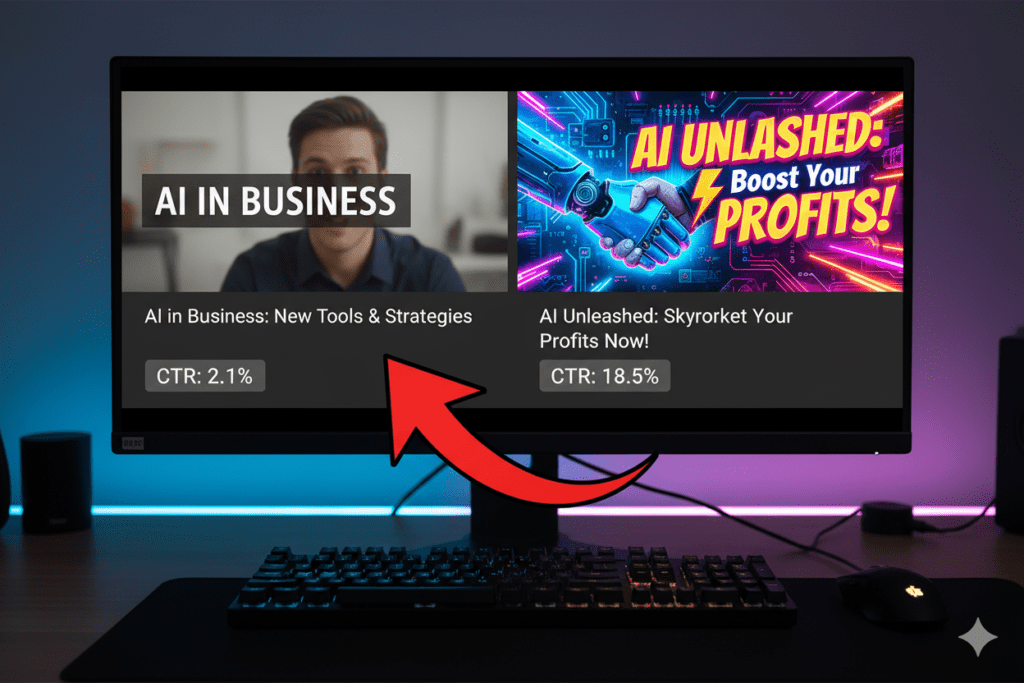
What Are AI Thumbnail Templates for YouTube?
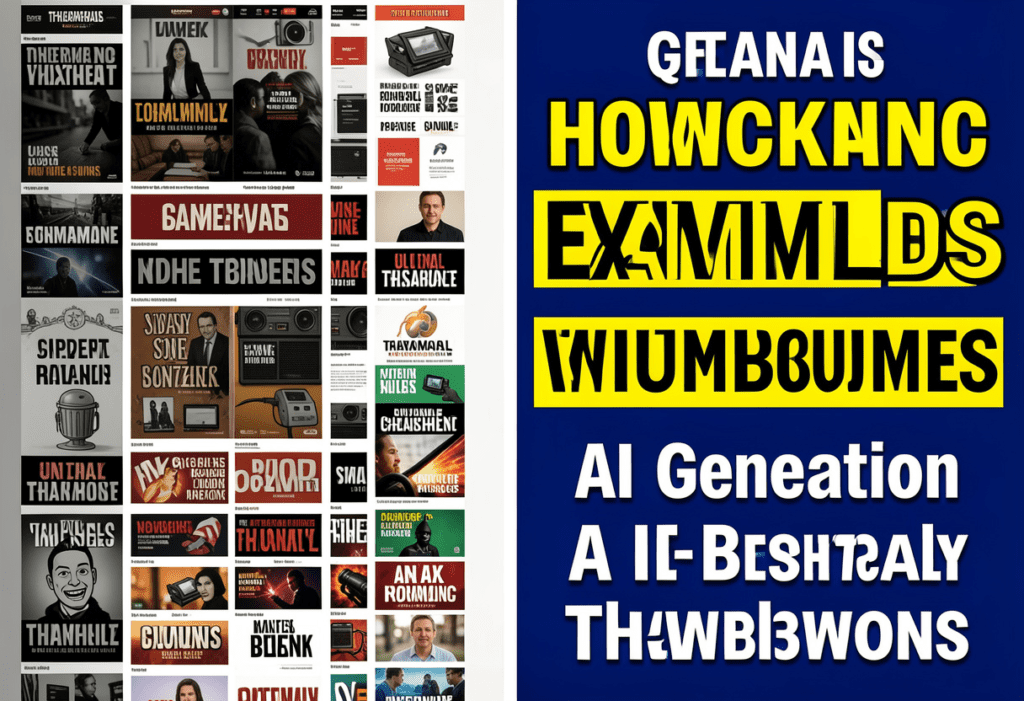
AI thumbnail templates for YouTube are pre-designed, artificially intelligent layouts that generate high-converting thumbnail visuals automatically.
They’re not just pretty pictures. The best AI thumbnail templates are trained on what actually drives clicks — color psychology, facial expression positioning, bold text placement, contrast ratios, and niche-specific design trends.
Instead of opening Photoshop or spending an hour on Canva starting from a blank canvas, you give the AI your video topic, a photo, or even just your title — and it generates multiple professional thumbnail options in seconds.
Here’s what modern AI thumbnail templates for YouTube typically include:
- Optimized aspect ratio — The standard 1280×720 pixels (16:9) that YouTube recommends
- Emotion-driven facial expressions — Placed strategically to maximize emotional impact
- Bold, readable text overlays — Usually 3–5 words max for mobile readability
- High-contrast color schemes — Specifically chosen to pop against YouTube’s interface
- Niche-matched design — A finance thumbnail looks nothing like a gaming thumbnail, and AI knows the difference
The best tools don’t just generate random visuals. They generate thumbnails that are optimized to get clicked. That’s the fundamental difference between AI thumbnail tools and generic design apps.
ytZolo takes this even further — it trains its AI on millions of high-performing thumbnails across YouTube niches, so every template it generates is designed around real performance data, not aesthetic guesswork.
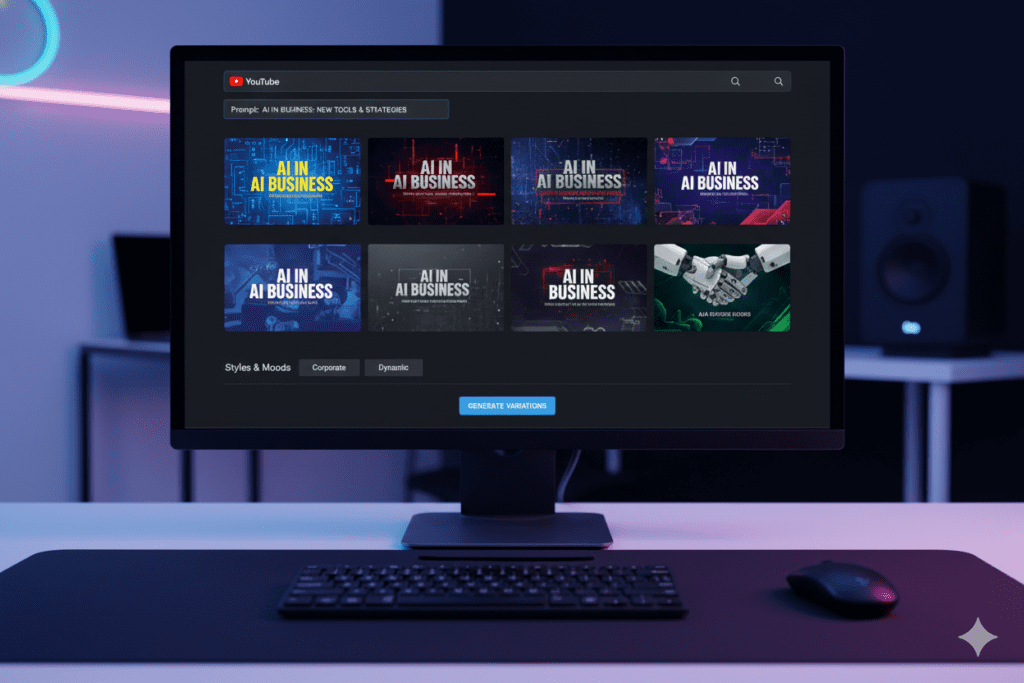
Why Manual Thumbnail Design Is Holding You Back
Let’s be real about the old way of doing things.
Manual thumbnail design is expensive, time-consuming, and inconsistent. Even experienced creators spend 45–90 minutes designing a single thumbnail — and that’s if they actually know what they’re doing in Photoshop or Canva.
Here’s what the manual process actually looks like:
- Find or take a photo (15–30 minutes)
- Open your design tool and start from scratch (or hunt for a template)
- Choose fonts, colors, and layout — hoping it looks right
- Export and upload — then realize it looks terrible on mobile
- Repeat the whole process when the CTR is disappointing
And here’s the painful irony: you can spend 90 minutes on a thumbnail that gets a 1.2% CTR, while a creator using AI thumbnail templates for YouTube spends 5 minutes and gets 6%.
Manual methods are outdated for creators who want to scale. Struggling without AI means:
- Inconsistent branding across your videos
- Hours wasted on design instead of content
- Missed opportunities when trending topics need fast uploads
- Burnout from the creative grind of doing everything manually
- Guesswork instead of data-driven design decisions
The YouTube Creator Blog consistently highlights that creators who publish more consistently — with optimized visuals — grow significantly faster than those who post sporadically with poorly designed assets. Speed and quality aren’t mutually exclusive anymore. AI thumbnail tools give you both.
The Anatomy of a High-CTR YouTube Thumbnail
Before you start designing — with AI or otherwise — you need to understand what makes a thumbnail actually work.
Here are the core elements that separate a scroll-stopper from a skip-past:
1. A Bold Emotional Trigger
According to VidIQ, emotional expressions increase CTR by up to 30%. Surprise, excitement, disbelief, curiosity — these emotions are contagious. If a face in your thumbnail is feeling something, viewers feel it too.
Great AI thumbnail templates for YouTube automatically include emotional cue prompts to guide expression selection. ytZolo even suggests which emotions perform best in your specific niche.
2. High-Contrast Colors That Pop
Your thumbnail is competing against hundreds of other videos in the same feed. If it blends in, it dies.
Use 2–3 bold colors with strong contrast. Warm colors like red, orange, and yellow create urgency and excitement. Cool blues and greens communicate trust and calm. Neither is inherently better — what matters is that your palette stands out against YouTube’s white and dark backgrounds.
3. Short, Punchy Text (3–5 Words Max)
Less is more. Aim for a maximum of 3–5 high-impact words. Your title handles the context — the thumbnail text handles the curiosity gap. Think: “You’re doing it WRONG” or “I Tried This for 30 Days.”
Make the text bold, large, and readable at thumbnail preview size — especially on mobile, where most YouTube traffic actually comes from.
4. The Rule of Thirds
Position your main subject — a face, a product, a dramatic visual — on the left or right third of the frame. Leave the opposite side clean for your text. This creates visual balance and natural eye movement across the thumbnail.
AI thumbnail templates apply this composition rule automatically. You don’t need to know design theory — the template handles it.
5. Consistent Branding
Your thumbnails should be recognizable. Choose a font that matches your channel’s personality and stick with it for brand consistency. Viewers who see your thumbnail in a feed should immediately know it’s yours — even before reading your channel name.
ytZolo stores your brand settings and applies them across every AI thumbnail template it generates. That means every new thumbnail automatically matches your existing visual identity.
6. Mobile-First Design
Over 70% of YouTube views happen on mobile devices. If your thumbnail looks great on a desktop but unreadable on a phone, you’re designing for the wrong screen.
AI thumbnail templates for YouTube generated by tools like ytZolo are built with mobile readability as a core design requirement — not an afterthought.
Step-by-Step: Creating AI Thumbnail Templates for YouTube with ytZolo
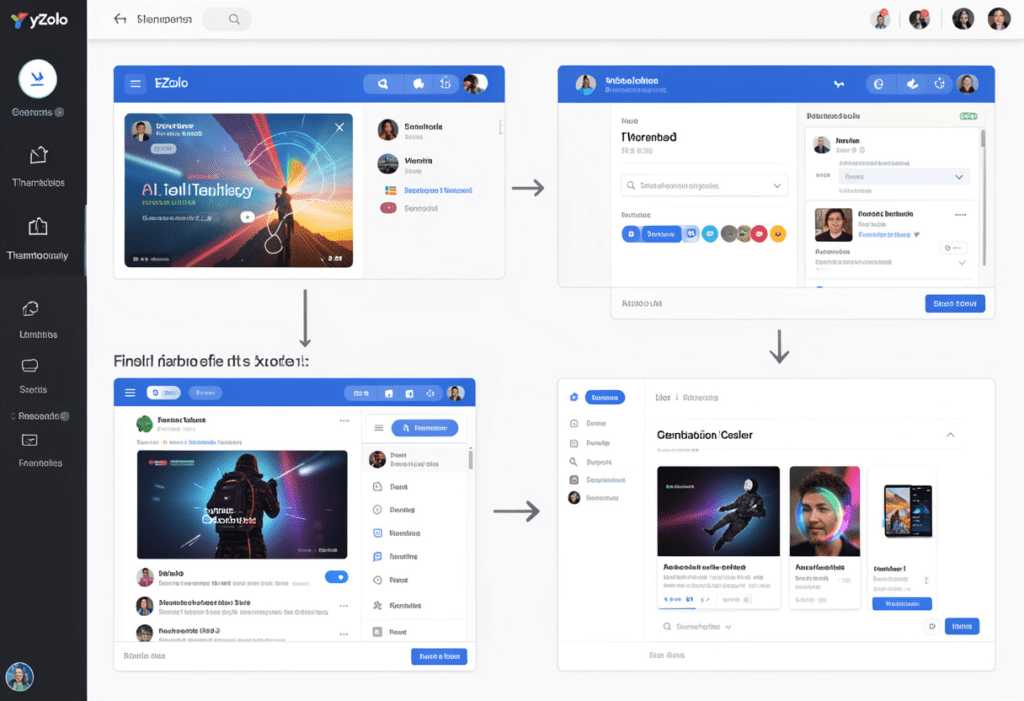
Ready to create your first AI-powered thumbnail? Here’s exactly how to do it using ytZolo:
Step 1: Create Your Free ytZolo Account Head to ytzolo.com and sign up. No credit card needed. You’ll be inside the dashboard in under a minute.
Step 2: Enter Your Video Topic or Title Type in your video title or topic. The more specific, the better. Instead of “weight loss tips,” try “I lost 20 pounds in 60 days — here’s what actually worked.” The AI uses this to understand your niche and generate contextually relevant designs.
Step 3: Upload Your Photo (Optional but Recommended) If you’re a face-on-camera creator, upload a high-quality photo. ytZolo’s AI automatically removes the background, adjusts lighting for contrast, and positions you for maximum CTR impact. No Photoshop needed.
Step 4: Choose Your Thumbnail Style ytZolo offers multiple style categories — bold and dramatic, clean and informative, curiosity-driven, reaction-based, and more. Pick the style that matches your video’s emotional tone.
Step 5: Generate Multiple AI Thumbnail Variations Hit generate. Within seconds, ytZolo produces several distinct AI thumbnail template for YouTube variations — different color schemes, text placements, and compositions. You get options, not just one take-it-or-leave-it result.
Step 6: Customize and Brand Tweak the text, swap colors, or adjust the layout using ytZolo’s intuitive editor. Apply your brand kit — fonts, color palette, logo — with one click. No design skills required.
Step 7: Export in Full HD Download your finished thumbnail at the YouTube-recommended 1280×720 resolution. Clean, watermark-free, and ready to upload.
Step 8: Pair with ytZolo’s Other Tools Here’s where ytZolo’s real power shows up. After your thumbnail is done, use ytZolo to generate:
- An SEO-optimized video title to match your thumbnail’s hook
- A keyword-rich description for maximum discoverability
- Tags and metadata that work in sync with your visual branding
- A retention-optimized script that matches the promise your thumbnail makes
Everything connected. Everything optimized. All in one dashboard. That’s not a workflow — that’s an unfair advantage.
Why ytZolo Is the Best Tool for AI Thumbnail Templates for YouTube
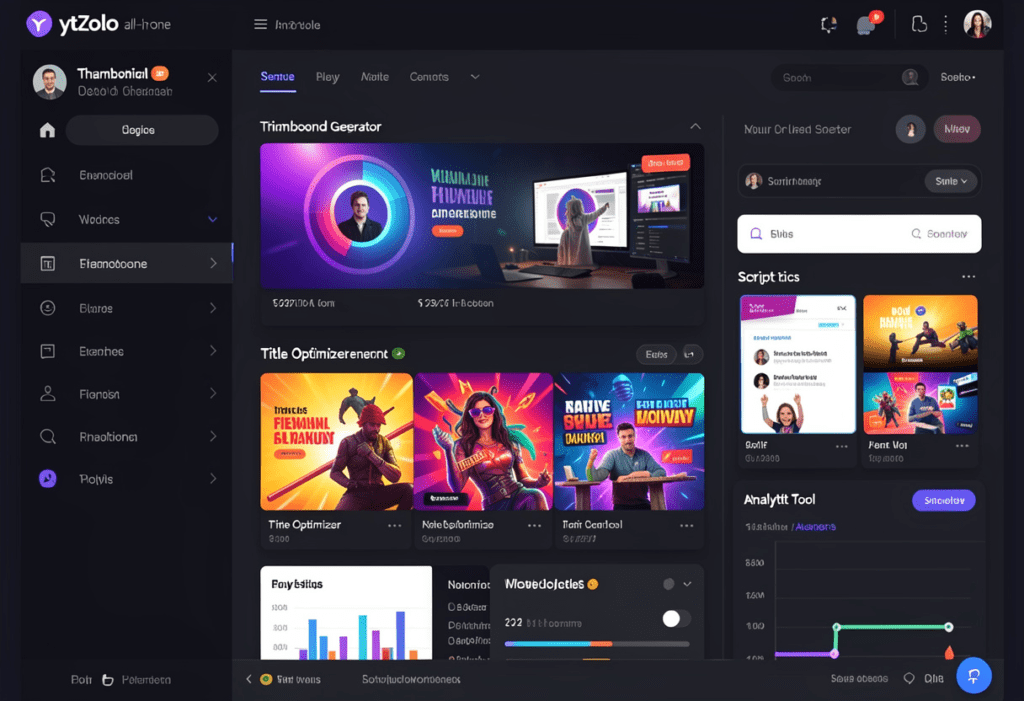
There are dozens of tools that claim to generate thumbnails. So what makes ytZolo different?
It was built exclusively for YouTube.
Generic AI design tools like Canva or Midjourney create beautiful visuals. But they don’t know what makes a YouTube thumbnail get clicked. They don’t know your niche. They don’t understand click-through rate psychology. They don’t connect your thumbnail to your title, description, and tags.
ytZolo was built from the ground up with one mission: helping YouTube creators grow faster. Every feature — especially its AI thumbnail templates for YouTube — is designed around real YouTube performance data.
Here’s what makes ytZolo’s thumbnail AI genuinely different:
- Niche intelligence: A gaming thumbnail needs bold character cutouts and dramatic contrast. A finance thumbnail needs clean authority signals and trustworthy color schemes. ytZolo’s AI adapts automatically to your niche — it doesn’t apply the same template to every video.
- CTR-first design: Every design decision — color, text size, composition — is made based on what statistically drives more clicks on YouTube. This isn’t aesthetic guesswork. It’s data-driven design.
- Full-stack integration: Your thumbnail, title, description, and tags all speak the same visual and semantic language. When every element of your video is optimized together, YouTube’s algorithm takes notice.
- Brand consistency at scale: Whether you’re posting once a week or once a day, ytZolo applies your brand settings automatically so every thumbnail looks like it belongs to the same channel.
Explore how creators are using AI-powered thumbnails alongside other growth strategies on the ytZolo blog — there are some seriously actionable deep dives there.
Why ytZolo Is Better Than Other Tools
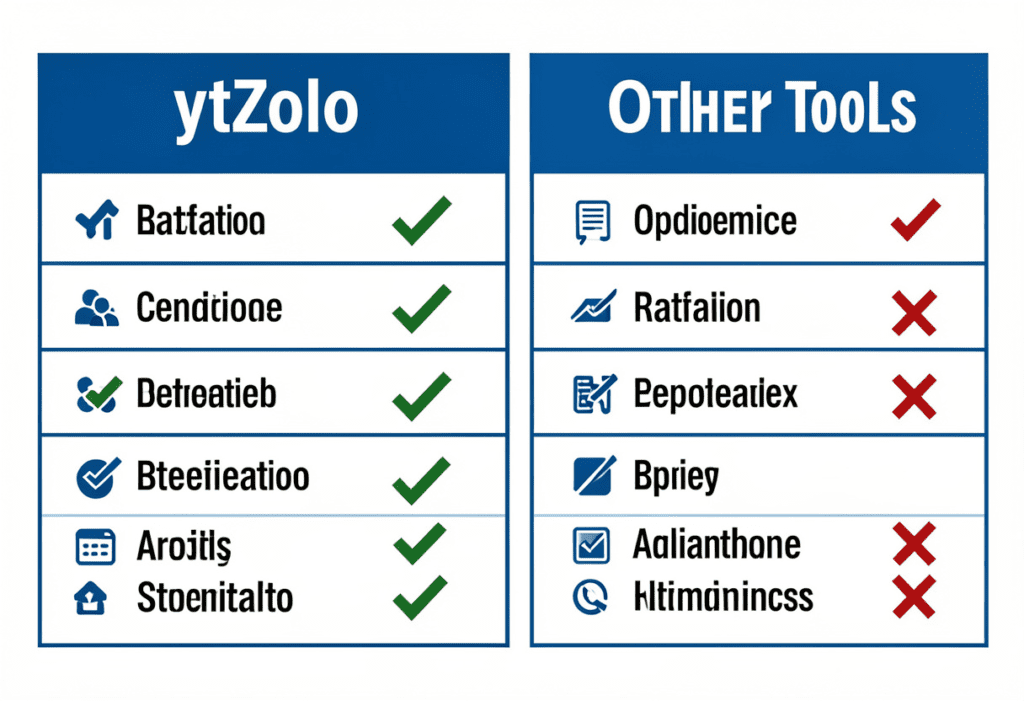
Let’s cut to the honest comparison. You’ve probably heard of Canva, VidIQ, TubeBuddy, or Midjourney. Each one has strengths. But none of them do what ytZolo does.
Here’s how they stack up:
| Feature | ytZolo | Canva | VidIQ | TubeBuddy | Midjourney |
|---|---|---|---|---|---|
| AI Thumbnail Templates | ✅ YouTube-specific | ⚠️ Generic templates | ✅ Basic AI | ❌ No | ⚠️ Not CTR-optimized |
| Niche-Aware Design | ✅ Yes | ❌ No | ⚠️ Partial | ❌ No | ❌ No |
| Full-HD Export (No Watermark) | ✅ Yes | ⚠️ Paid only | ✅ Yes | N/A | ✅ Yes |
| Brand Kit Integration | ✅ Yes | ✅ Yes | ❌ No | ❌ No | ❌ No |
| AI Script + Title + Tags | ✅ All-in-One | ❌ No | ⚠️ Title only | ⚠️ Tags only | ❌ No |
| Built for Viral Growth | ✅ Yes | ❌ Design-first | ⚠️ Analytics-first | ⚠️ Analytics-first | ❌ Art-first |
Canva is a great design tool for static content. But it starts with a blank canvas. It has no idea what drives YouTube CTR — you’re still designing by instinct and hope.
VidIQ is excellent for analytics and keyword research. Its thumbnail tool is basic and disconnected from the rest of your content strategy. AI Thumbnail Templates for YouTube: Powerful Guide 2026
TubeBuddy focuses on channel optimization and A/B testing. But it doesn’t generate thumbnails from scratch using AI.
Midjourney creates stunning images, but it wasn’t built for a creator who needs a 1280×720 CTR-optimized thumbnail for a finance video at 11pm before an upload deadline.
ytZolo is the only tool where your thumbnail, script, title, description, and tags are all generated and optimized together — in one place, by an AI that was built specifically to help YouTube creators go viral.
For a deeper look at what the best YouTube channels are doing with AI tools, HubSpot’s YouTube marketing guide is a great external resource. And for YouTube-specific strategy, the ytZolo blog breaks down what’s actually working right now.
How to Use AI Thumbnails to Boost Your YouTube SEO
Most creators think SEO stops at keywords. It doesn’t.
Your thumbnail is part of your SEO strategy — and here’s why it matters more than most creators realize.
CTR Is an Algorithm Signal
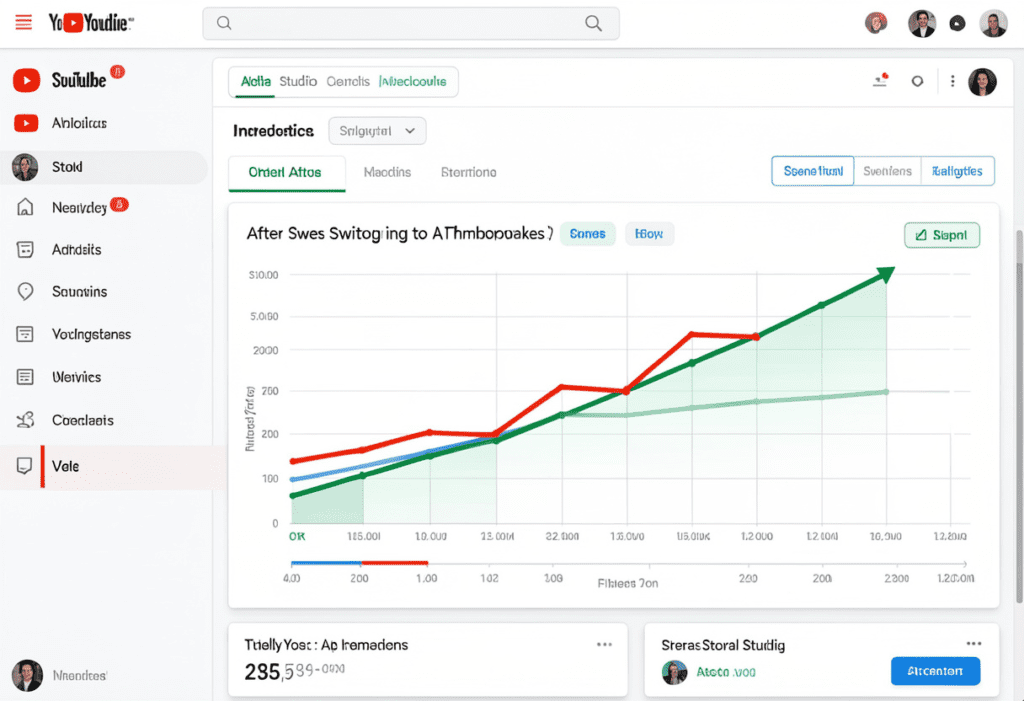
YouTube’s algorithm tracks your click-through rate constantly. A higher CTR signals to YouTube that your video is relevant and appealing to its audience. That triggers more impressions, which drives more views, which accelerates your channel’s growth.
Every time you improve your thumbnail’s CTR with better AI thumbnail templates for YouTube, you’re directly improving your algorithmic performance — not just your visual design. AI Thumbnail Templates for YouTube: Powerful Guide 2026
Thumbnail–Title Alignment Is Critical
YouTube’s own researchers have identified a “thumbnail-content alignment paradox” — thumbnails generating high CTRs but poor retention ultimately harm video performance in YouTube’s recommendation system.
The message your thumbnail communicates must match what your video delivers. ytZolo helps you align these because your thumbnail and title are generated in the same platform — they speak the same language from the start.
A/B Test Your Thumbnails
YouTube’s “Test & Compare” feature is a game-changer for creators. This tool allows you to upload up to three different thumbnails for a single video and let YouTube test them with your audience. AI Thumbnail Templates for YouTube: Powerful Guide 2026
Use ytZolo to generate 2–3 distinct thumbnail variations. Upload them all through YouTube Studio’s test feature. Let real audience data tell you which one wins. Then apply that learning to every future video.
Consistency Builds Algorithmic Trust
Channels that maintain a consistent visual style are more likely to be recognized and recommended by YouTube’s suggestion engine. When your thumbnails are consistent — same fonts, same color palette, same energy — your channel becomes a trusted brand in YouTube’s eyes.
ytZolo’s brand kit feature makes this automatic. Every AI thumbnail template you generate matches your brand, every time.
23-AI-Thumbnail-Templates-for-YouTube-Proven-Guide-2026
Common Thumbnail Mistakes Creators Make (And How AI Fixes Them)
Even talented creators fall into these traps. Here’s what to avoid — and how AI thumbnail templates for YouTube solve each problem automatically:
Mistake 1: Too Much Text Packing six lines of explanation into a thumbnail kills readability — especially on mobile. AI thumbnail tools enforce the 3–5 word rule by design.
Mistake 2: Low-Contrast Colors A thumbnail where text blends into the background is invisible in a busy feed. ytZolo’s AI automatically selects color combinations with the contrast needed to pop.
Mistake 3: Inconsistent Branding Thumbnails that look completely different from video to video confuse viewers and weaken channel recognition. ytZolo’s brand kit solves this in one click.
Mistake 4: Ignoring Mobile Preview The official YouTube thumbnail dimension is 1280×720 pixels (16:9 aspect ratio) with a maximum file size of 2MB. But many creators design at full size and never check how the thumbnail actually looks at mobile preview size. AI tools that are built for YouTube design for both simultaneously.
Mistake 5: Misleading Thumbnails Clickbait that overpromises and underdelivers destroys trust and tanks your watch time. ytZolo generates thumbnails aligned with your actual video content — so your CTR and retention move up together.
Mistake 6: Skipping A/B Testing Most creators upload one thumbnail and never test alternatives. ytZolo makes it easy to generate multiple AI thumbnail templates for YouTube variations so you can let data — not gut feeling — make the final design decision.
Mistake 7: Designing Without Data Building thumbnails based on what looks nice instead of what performs well is the biggest mistake in the whole list. ytZolo’s AI is trained on performance data from millions of real YouTube thumbnails. Every design choice it makes is backed by evidence.
FAQ: AI Thumbnail Templates for YouTube
What are AI thumbnail templates for YouTube and how do they work?
AI Thumbnail Templates for YouTube: The Ultimate Guide explains that AI thumbnail templates are intelligent design layouts that generate high-converting thumbnails based on your video topic or title.
These tools analyze thousands of high-performing thumbnails to understand what drives clicks in different niches. AI Thumbnail Templates for YouTube: The Ultimate Guide 2026
You simply enter your video details, and the AI applies proven design elements like strong contrast, bold text, and effective composition to create thumbnails in seconds — no design skills required. 🚀
you can also check this post :- https://ytzolo.com/blog/youtube-ai-narrator-scripts-ultimate-guide/
Are AI-generated thumbnails better than manually designed ones?
AI Thumbnail Templates for YouTube: The Ultimate Guide explains that AI-powered thumbnail tools often outperform manual design for most creators. AI Thumbnail Templates for YouTube: The Ultimate Guide 2026
Because they are trained on YouTube performance data, these tools generate designs optimized for click-through rate from the start.
While experienced designers may combine their creativity with AI concepts, most creators achieve faster and stronger results using AI thumbnail templates. 🚀
How many thumbnail variations should I create per video?
Most YouTube growth experts recommend testing 2–3 variations per video. YouTube Studio’s “Test & Compare” feature lets you upload multiple options and measures real-world performance. ytZolo generates multiple AI thumbnail template variations in seconds — so creating 3 testing options takes the same amount of time as creating one manually. Let audience data decide the winner.
Can I use AI thumbnail templates if I run a faceless YouTube channel?
AI Thumbnail Templates for YouTube: The Ultimate Guide shows that faceless channels can benefit greatly from AI-powered thumbnail templates.
Without a face in the image, elements like bold text, color contrast, and strong visuals must carry the click-through power. AI Thumbnail Templates for YouTube: The Ultimate Guide 2026
AI tools like ytZolo generate niche-specific thumbnail concepts using curiosity-driven design and visual hooks that attract clicks even without a person on screen. 🚀
What makes ytZolo’s AI thumbnail templates different from Canva’s templates?
AI Thumbnail Templates for YouTube: The Ultimate Guide explains the difference between a simple design tool and a true growth tool.
While Canva offers flexible templates, ytZolo uses AI trained on YouTube performance data to generate thumbnails optimized for CTR and niche relevance.
This intelligence connects your thumbnail with titles, descriptions, and tags — creating a unified system designed specifically for YouTube channel growth. 🚀
Conclusion: Stop Losing Clicks
Marcus’s story isn’t unique.
Thousands of creators are sitting on great content that nobody sees — not because the content is bad, but because the thumbnail isn’t doing its job.
AI thumbnail templates for YouTube have completely changed what’s possible for creators at every level. You no longer need to choose between speed and quality. You no longer need to guess what design will drive clicks. You no longer need to spend hours in Photoshop instead of creating the content you love.
The creators who are growing the fastest right now understand something simple: the thumbnail is the first second of every video. If it doesn’t stop the scroll, nothing else matters.
ytZolo gives you the sharpest, most intelligent, most YouTube-specific AI thumbnail templates available — and pairs them with everything else you need to grow: scripts, titles, descriptions, and tags, all optimized together in one powerful platform.
The opportunity is sitting right in front of you. Your next viral video already exists. It just needs a thumbnail that gets it clicked.
Don’t wait for the perfect design. Don’t waste another week on thumbnails that underperform. Start generating AI-powered, CTR-optimized thumbnails today — and watch what happens to your numbers.
🚀 Start creating smarter, faster, and more viral YouTube content with ytZolo today
Related Resources
- 📖 Explore more YouTube growth strategies on the ytZolo Blog
- 🎥 YouTube Creator Blog — Official Tips & Announcements📊 HubSpot’s YouTube Marketing Guide
you can also read this blog :- https://ytzolo.com/blog/youtube-growth-strategies-ai/

