

Introduction: The Thumbnail That Killed 100 Hours of Work
Picture this.
You spent three days filming, editing, and polishing a YouTube video. The content is solid. Your script is sharp. The audio? Crystal clear.
You hit publish and… crickets.
Sound familiar?
Here’s the brutal truth most creators discover too late: your thumbnail is the reason people don’t click. Not your editing. Not your topic. Your thumbnail.
According to YouTube’s own Creator Academy, 90% of top-performing YouTube videos use custom thumbnails. And research shows that the right thumbnail can boost your click-through rate by 30–40%.
That’s the difference between 1,000 views and 10,000 views — on the same video.
But designing thumbnails manually? It’s slow, expensive, and honestly — exhausting.
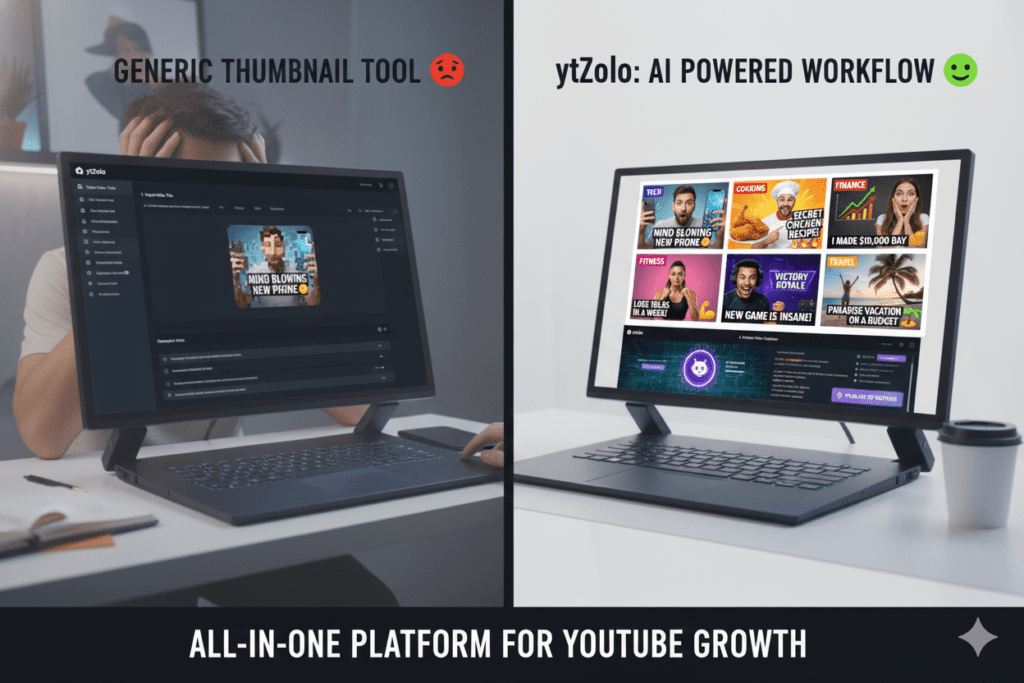
That’s exactly why smart creators in 2026 are switching to AI to auto generate YouTube thumbnails that actually convert. Tools like ytZolo are making it ridiculously easy to produce scroll-stopping, click-worthy thumbnails in seconds — not hours.
In this guide, you’ll learn everything: why thumbnails make or break your channel, how AI thumbnail generators work, what makes one click-worthy, and why ytZolo is the all-in-one AI growth tool that’s changing the game for creators.
Let’s dive in.
Table of Contents
Why Your YouTube Thumbnail Is Your #1 Growth Lever
Most creators obsess over their video quality. But the thumbnail is what gets your video watched in the first place.
Think about how you browse YouTube. You’re scrolling fast. Something catches your eye. You click. That split-second decision? 100% driven by the thumbnail and title combo.
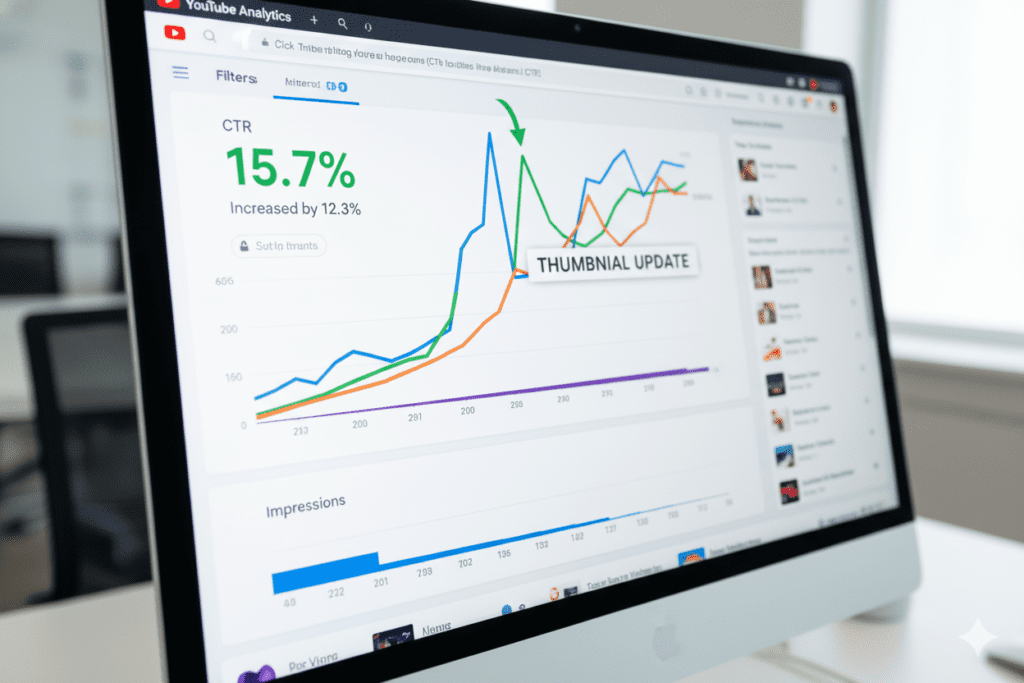
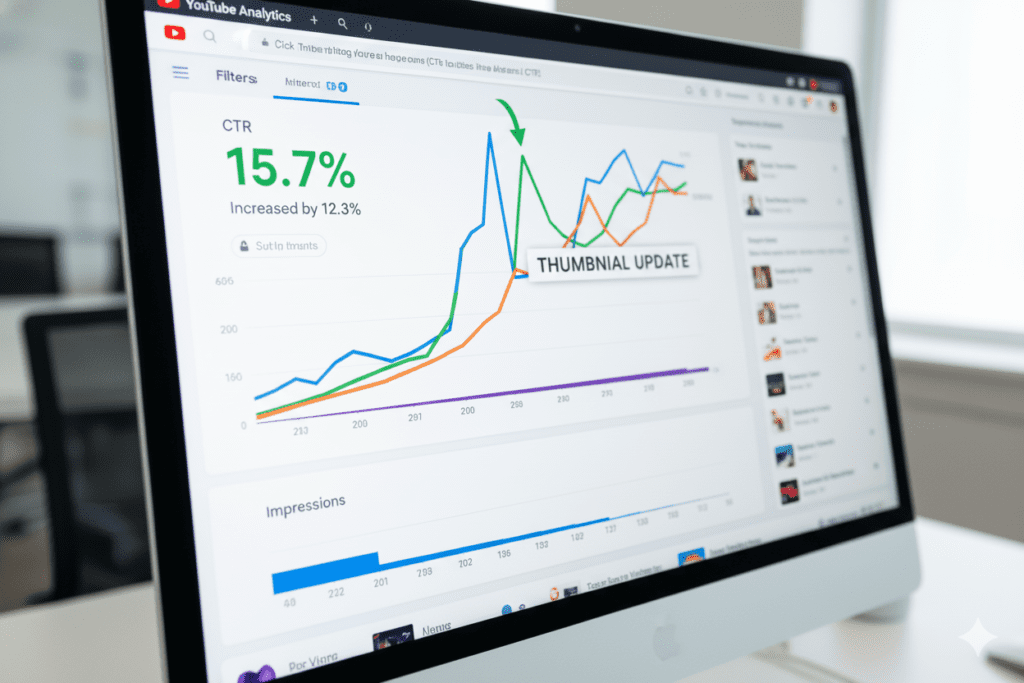
YouTube’s platform data is clear: a video’s click-through rate (CTR) is one of the most important signals the algorithm uses to push content to new viewers. A healthy CTR — generally anything above 7% — tells the algorithm: “People love this. Show it to more people.”
A weak CTR, say below 3%, tells the algorithm the opposite. Your video gets buried. Forever.
And here’s the kicker: mobile devices drive 70% of YouTube traffic, meaning your thumbnail needs to pop on a tiny 6-inch screen. High contrast, bold visuals, and clear faces aren’t optional — they’re survival.
The creators who auto generate YouTube thumbnails using AI are gaining a massive, compounding advantage. They’re testing more designs, faster. They’re winning more clicks. They’re growing more channels.
Are you one of them?
What Does It Mean to Auto Generate YouTube Thumbnails?
“Auto generate YouTube thumbnails” refers to using artificial intelligence to automatically create thumbnail images for your YouTube videos — without you needing any design skills, Photoshop knowledge, or a graphic designer on payroll.
When you auto generate YouTube thumbnails using AI, the tool typically:
- Analyzes your video title or topic to understand the content
- Suggests layouts, color schemes, and visual compositions proven to drive clicks
- Generates multiple thumbnail variations you can choose from or A/B test
- Outputs the image at YouTube’s recommended size (1280 x 720 px)
This is lightyears ahead of YouTube’s built-in auto-thumbnail feature, which just grabs a random frame from your video — usually a blurry mid-blink moment that makes you look terrible.
Real AI-powered thumbnail generation is strategic. It understands what makes viewers click. And the best tools, like ytZolo, go even further — combining thumbnail generation with your full YouTube content workflow.
The Problem With Making Thumbnails Manually
Let’s be honest about what manual thumbnail creation really costs you.
It Eats Your Time
Opening Canva or Photoshop. Picking a template. Swapping the image. Adjusting the text. Checking contrast. Re-exporting. Uploading. Realizing the font is wrong. Starting over.
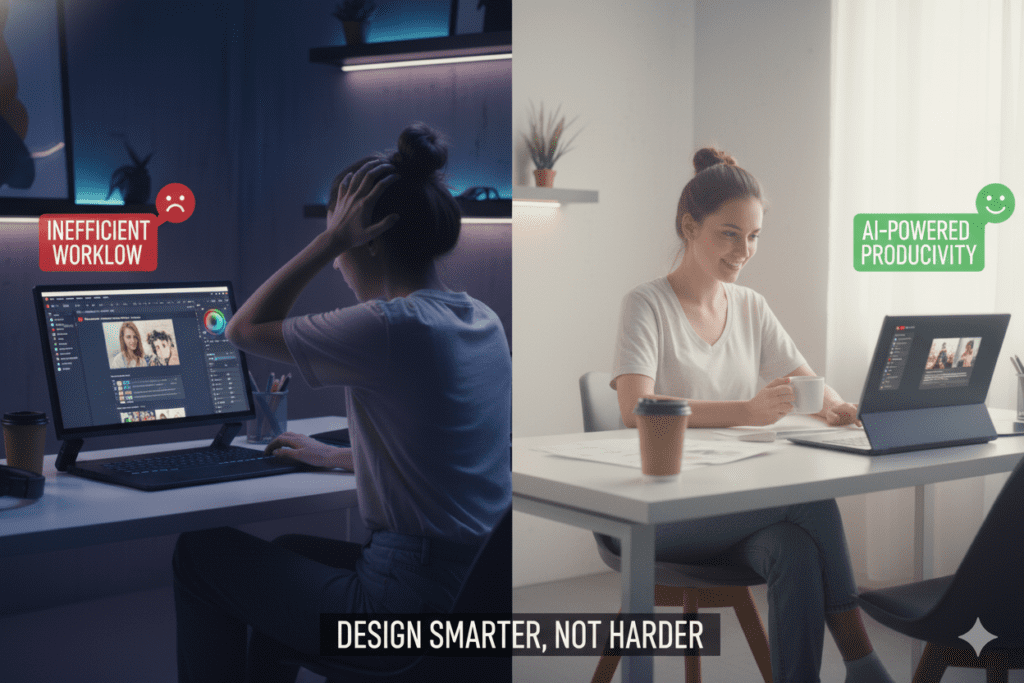
Easily 1–3 hours per thumbnail for most creators. If you post 3 videos per week, that’s up to 9 hours per week — just on thumbnails.
It Kills Your Momentum
You just finished editing a 20-minute video. The last thing you want to do is become a graphic designer for 2 hours. Creative burnout is real, and thumbnail fatigue is one of the biggest reasons creators quit.
It’s Inconsistent
Without a system, every thumbnail looks slightly different. Your channel has no visual identity. New visitors can’t recognize your brand at a glance — and that hurts subscriber conversion.
Manual Methods Are Outdated in 2026
In 2026, the YouTube landscape is more competitive than ever. Over 500 hours of video are uploaded to YouTube every single minute. Creators who are still manually designing thumbnails the old-fashioned way are operating with a serious disadvantage.
The smart move? Auto generate YouTube thumbnails with AI — and reclaim those hours for actual content creation.
What Makes a YouTube Thumbnail Click-Worthy?
Before you can auto generate YouTube thumbnails effectively, it helps to understand what actually works. Here’s what the data says:
1. Bold, High-Contrast Colors
Thumbnails that use high-contrast color combinations — like bright orange on dark backgrounds — stand out in YouTube’s feed. Research from TubeBuddy shows that contrast matters more than color choice itself.
2. Expressive Human Faces
Thumbnails featuring faces with strong emotions can increase CTR by 20–30%, according to VidIQ research. Our brains are hardwired to notice other human faces — especially ones showing surprise, excitement, or fear.
3. Clear, Readable Text
If you include text, keep it to 3–5 words max. It needs to be legible on a 375px mobile screen. Bold fonts, high contrast, and simple language win every time.
4. One Clear Focal Point
The best thumbnails communicate one idea instantly. Don’t cram in multiple subjects, competing colors, or too much text. One image. One message. One click.
5. Mobile-First Design
Since most YouTube views happen on mobile, your thumbnail must look amazing at small sizes. When you auto generate YouTube thumbnails with a good AI tool, this is handled automatically.
6. Curiosity and Emotional Hooks
Top-performing thumbnails create a visual gap — they make you curious enough to click without giving away the whole story. Think “before vs. after,” shocked expressions, or a dramatic visual cliffhanger.

How AI Tools Auto Generate YouTube Thumbnails
Modern AI thumbnail generators work by combining several technologies:
Computer Vision — The AI analyzes what’s visually compelling in images. It knows where faces are, what colors pop, and what layout structures historically get clicked.
Natural Language Processing (NLP) — You input your video title or topic, and the AI understands the content context. A video titled “I Tried Living on $5 a Day” gets a visually different treatment than “Top 10 Gaming Keyboards 2026.”
Design Pattern Training — The AI is trained on millions of high-performing YouTube thumbnails. It’s essentially studied what works across every niche and applies those patterns to your content.
Multi-Variation Output — Good AI tools don’t just give you one thumbnail. They auto generate YouTube thumbnails in multiple variations so you can pick the best one — or A/B test them.
The result: professional-looking, high-converting thumbnails in seconds. No design skills. No expensive software. No freelancers.

Step-by-Step: How to Auto Generate YouTube Thumbnails with ytZolo
ytZolo makes the process of thumbnail generation incredibly simple — even for creators who’ve never designed anything in their lives.
Here’s how to do it:
Step 1: Sign Up at ytZolo.com Head over to ytZolo and create your free account. No credit card required to get started.
Step 2: Enter Your Video Title or Topic Paste your video title (or describe your video topic) into ytZolo’s AI dashboard. The more descriptive you are, the better the output.
Step 3: Select Your Style or Niche Choose your content category — gaming, finance, fitness, tech, lifestyle, etc. ytZolo tailors the thumbnail design style to match what performs best in your niche.
Step 4: Let ytZolo Auto Generate YouTube Thumbnails Hit generate and watch the magic happen. In seconds, ytZolo produces multiple thumbnail options based on proven high-CTR design patterns.
Step 5: Customize If Needed Swap colors, adjust text, or tweak layouts with ytZolo’s easy editing tools. No Photoshop skills needed.
Step 6: Download and Upload to YouTube Download your thumbnail at the optimal 1280 x 720 px resolution and upload it directly to your YouTube video. Done.
The entire process takes under 3 minutes. Compared to hours of manual design — this is a game-changer.
💡 Pro tip: Use ytZolo’s title generator alongside the thumbnail tool. When your title and thumbnail tell the same compelling story, your CTR compounds. Check out more creator tips on the ytZolo blog.

Why ytZolo Is Better Than Other Tools
There’s no shortage of AI thumbnail tools out there in 2026. Canva has AI. vidIQ has a thumbnail generator. Thumbnail.ai exists. So why choose ytZolo?
Here’s the honest comparison:
| Feature | Canva | vidIQ | Thumbnail.ai | ytZolo |
|---|---|---|---|---|
| AI Thumbnail Generation | ✅ Basic | ✅ Good | ✅ Good | ✅ Advanced |
| YouTube Title Generator | ❌ | ✅ | ❌ | ✅ Yes |
| Script Generator | ❌ | ❌ | ❌ | ✅ Yes |
| Video Description + Tags | ❌ | Partial | ❌ | ✅ Full |
| All-in-One Creator Dashboard | ❌ | Partial | ❌ | ✅ Yes |
| Built for Viral YouTube Growth | ❌ | Partial | ❌ | ✅ Yes |
The Key Difference
Other tools are single-feature products. They help you with one piece of the puzzle.
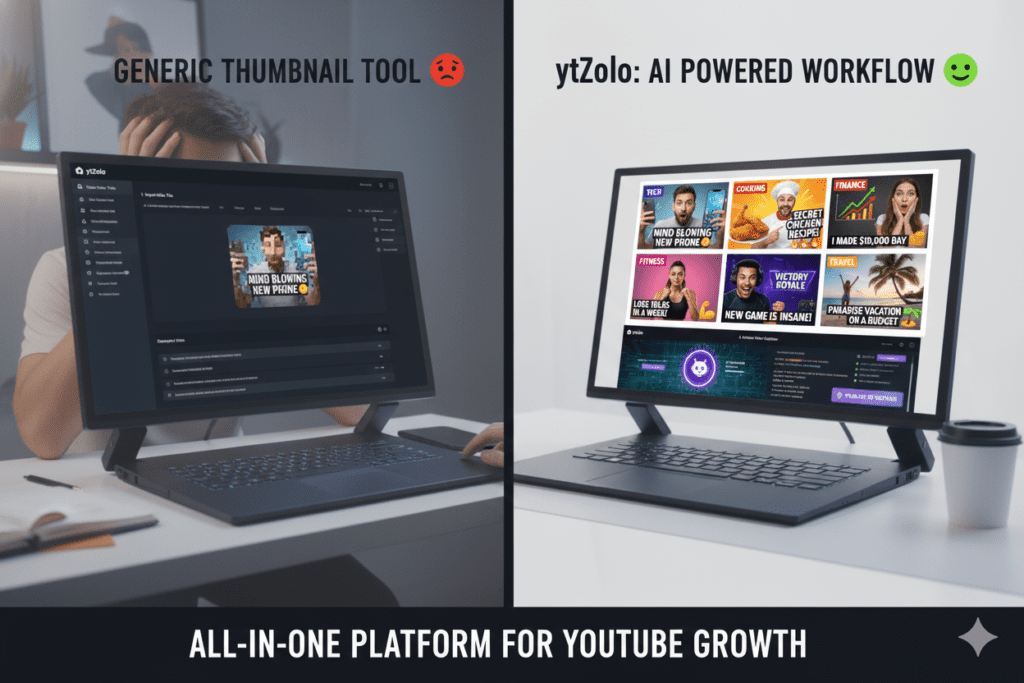
ytZolo is built as a complete AI YouTube growth system. When you auto generate YouTube thumbnails with ytZolo, you’re also able to generate your video title, script, description, and tags — all in the same workflow.
That’s not just convenient. It means your title, thumbnail, and content are aligned, which is what drives both higher CTR and better viewer retention.
Other tools make you jump between platforms. ytZolo keeps your entire YouTube creation process in one place — saving time, money, and mental energy.
ytZolo Is Built for Viral Content
The AI behind ytZolo isn’t just trained on design principles. It’s trained on what makes YouTube content go viral. From psychological triggers to niche-specific thumbnail patterns, ytZolo gives you a data-backed creative edge that other tools simply don’t offer.
For creators who are serious about growth, there’s no comparison.
How ytZolo Helps You Go Viral — Beyond Just Thumbnails
The ability to auto generate YouTube thumbnails is just the beginning of what ytZolo offers.
Think about the full lifecycle of a YouTube video. Every single step has a growth lever:
- Video Idea → ytZolo’s AI suggests trending, high-demand topics in your niche
- Title → ytZolo generates click-optimized, SEO-friendly titles that rank and convert
- Script → ytZolo helps you write engaging video scripts that hold attention
- Thumbnail → ytZolo auto generates YouTube thumbnails built for high CTR
- Description → ytZolo writes keyword-rich descriptions that boost discoverability
- Tags → ytZolo generates the most effective tags for your video’s topic
Imagine handling all of that in under 30 minutes, instead of 3 hours.
That’s the power of having an AI YouTube growth tool that covers the full content lifecycle. And that’s exactly what ytZolo delivers.
For more deep dives on growing your YouTube channel with AI, check out the ytZolo blog — it’s packed with actionable guides updated regularly for 2026.
Common Thumbnail Mistakes That Kill Your CTR
Even with great AI tools, some creators make avoidable mistakes. Watch out for these:
- Using too much text — More than 5–6 words on a thumbnail is almost always too many. Keep it punchy.
- Low-contrast designs — If your text blends into the background, viewers won’t register it at small sizes.
- Clickbait mismatches — A flashy thumbnail that doesn’t match your video content destroys trust and tanks watch time. YouTube’s algorithm will punish you for it.
- Ignoring mobile — Always preview your thumbnail at small size before publishing. What looks great on desktop may be unreadable on mobile.
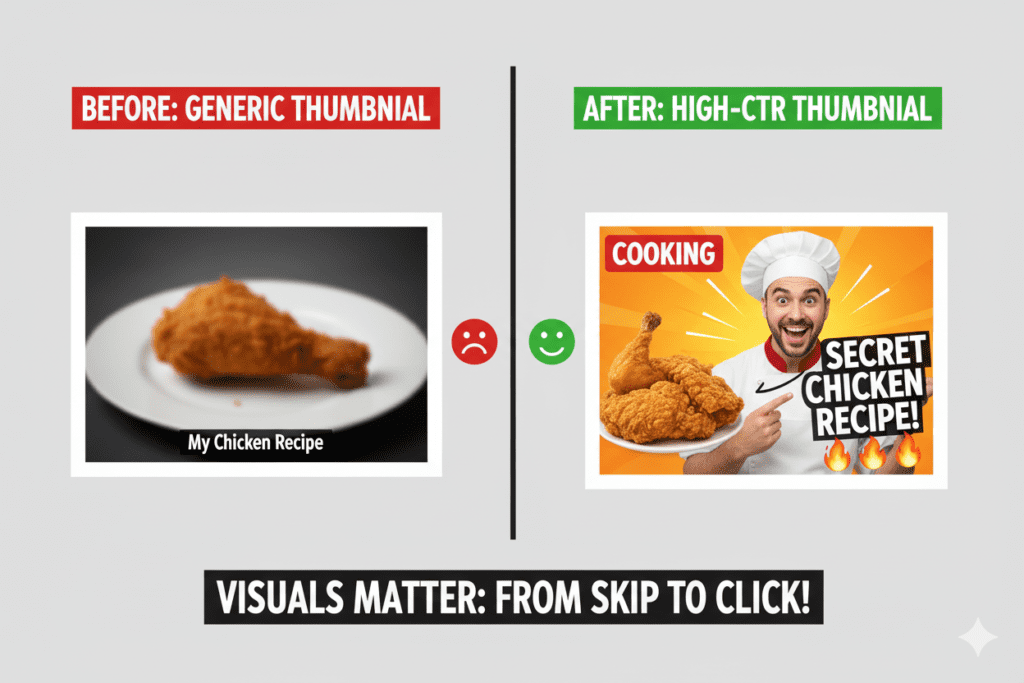
- Relying on YouTube’s auto-thumbnail — YouTube’s default frame grabs are almost always low quality and unflattering. Always use a custom thumbnail.
- Inconsistent visual style — Your channel should have a recognizable “look.” When all your thumbnails feel visually related, returning viewers recognize your content instantly.
- Never testing — Top creators constantly A/B test thumbnails. If you’re not testing, you’re guessing. YouTube Studio now allows testing up to three thumbnail variations — use it.
When you auto generate YouTube thumbnails through ytZolo, many of these mistakes are avoided automatically. The AI applies proven design principles from the start.
FAQ: Auto Generate YouTube Thumbnails
1. Can I really auto generate YouTube thumbnails without any design skills?
Absolutely. Modern AI tools like ytZolo are built specifically so that anyone — beginner or pro — can create professional, click-worthy thumbnails in minutes. No Photoshop, no Canva expertise needed. You enter your video title, choose a style, and the AI handles the rest.
2. Are AI-generated thumbnails allowed on YouTube?
Yes. YouTube has no restrictions against AI-generated thumbnails. What matters to YouTube is that your thumbnail accurately represents your video content and doesn’t violate their community guidelines. AI thumbnails from tools like ytZolo are fully compliant. The platform cares about viewer experience, not how you created the artwork.
3. How do AI thumbnail generators boost my CTR?
AI tools are trained on millions of high-performing YouTube thumbnails. They understand which color combinations, face expressions, text placements, and visual compositions generate the most clicks — by niche. When you auto generate YouTube thumbnails with AI, you’re applying data-backed design science instead of guessing. The result is thumbnails built for maximum CTR from the start.
4. What is the best size for YouTube thumbnails in 2026?
YouTube recommends thumbnails at 1280 x 720 pixels with a minimum width of 640 pixels. The 16:9 aspect ratio is the standard. Keep file size under 2MB (YouTube supports up to 50MB now, but smaller files load faster). When you auto generate YouTube thumbnails with ytZolo, the correct dimensions are applied automatically.
5. How often should I update my YouTube thumbnails?
There’s no fixed rule, but industry best practice suggests reviewing thumbnails on videos that have high impressions but low CTR (below 4%). Updating a weak thumbnail can sometimes dramatically revive an underperforming video. Many growth-focused creators also A/B test thumbnails on new uploads within the first 2 weeks to find the highest-performing design.
Conclusion: Your Next Click Is Waiting — Stop Leaving It on the Table
Here’s the bottom line.
In 2026, YouTube is more competitive than ever. Over 500 hours of content are uploaded every single minute. The difference between a video that goes viral and one that disappears isn’t always the content itself — it’s the thumbnail.
Your thumbnail is your sales pitch. It runs 24/7. It appears in front of millions of potential viewers. And it takes less than a second to win or lose a click.
The creators winning right now understand this. They auto generate YouTube thumbnails using AI. They test multiple designs. They align their title, thumbnail, and content for maximum impact. And they do it in minutes — not hours.
ytZolo gives you everything you need to compete at that level. From AI-powered thumbnail generation to viral titles, scripts, descriptions, and tags — it’s the complete YouTube growth system built for the modern creator.
You’ve spent hours creating your videos. Don’t let a bad thumbnail bury them.
🚀 Start creating smarter, faster, and more viral YouTube content with ytZolo today.
The views are out there. ytZolo helps you earn them.

