
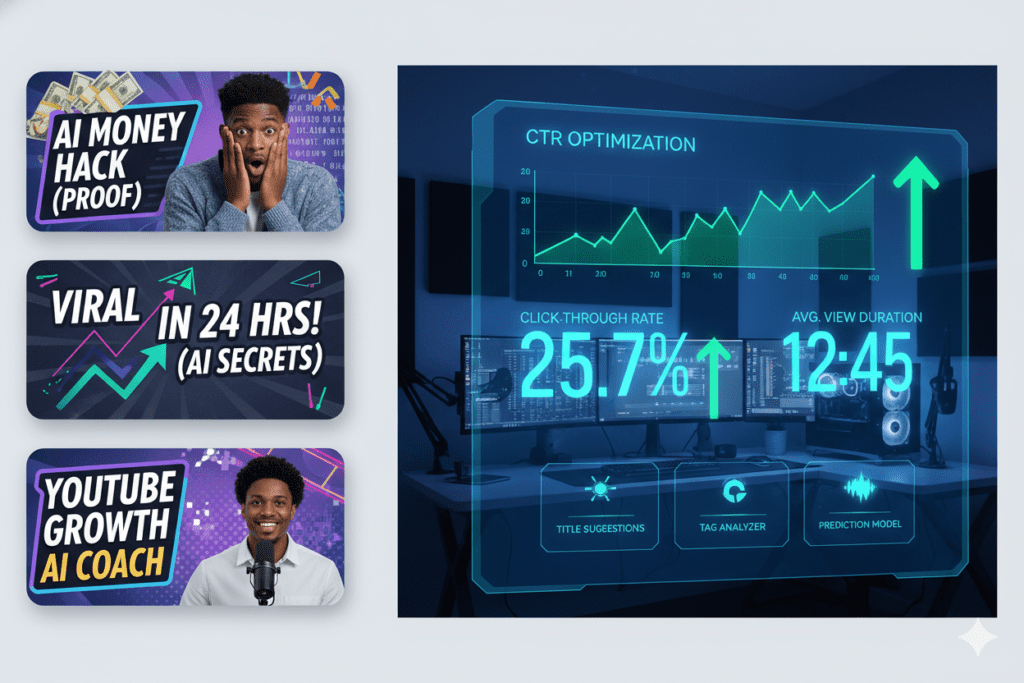
Introduction: The 3-Second Battle You’re Probably Losing
Picture this. You just spent 12 hours filming, editing, and uploading a YouTube video you’re genuinely proud of.
You hit publish. You wait.
Crickets.
Meanwhile, a creator with half your production quality is racking up 100k views. The difference? Their thumbnail stopped the scroll. Yours didn’t.
Here’s the brutal truth: 90% of top-performing YouTube videos use custom thumbnails, according to YouTube Creator Academy. Your thumbnail is your video’s first impression — and it’s made in under three seconds.
That’s why smart creators are turning to AI to compare YouTube thumbnails, optimize designs, and stop leaving clicks on the table. But not all AI thumbnail tools are built the same. Some are slow, generic, and disconnected from real YouTube data.
That’s where ytZolo changes everything.
In this guide, we’ll break down how to compare YouTube thumbnails AI tools the right way, what separates great tools from average ones, and why ytZolo is the all-in-one AI growth platform that creators are choosing in 2026.
Let’s get into it.
Table of Contents
1. Why Thumbnails Are the #1 Factor in YouTube CTR
Your click-through rate (CTR) is the single most important signal YouTube uses to decide whether to promote your video — or bury it.
And what drives CTR more than anything else? Your thumbnail.
Studies show that a compelling thumbnail can increase CTR by up to 70% compared to auto-generated stills. That means more views, more watch time, and more revenue — all from one image.
Yet most creators spend the least amount of time on this crucial element. They slap together a screenshot, add some text, and call it a day. Then they wonder why their video isn’t growing.
The algorithm doesn’t care how good your content is if nobody clicks. When you compare YouTube thumbnails AI tools, you’re essentially comparing tools that can make or break your channel’s growth trajectory.
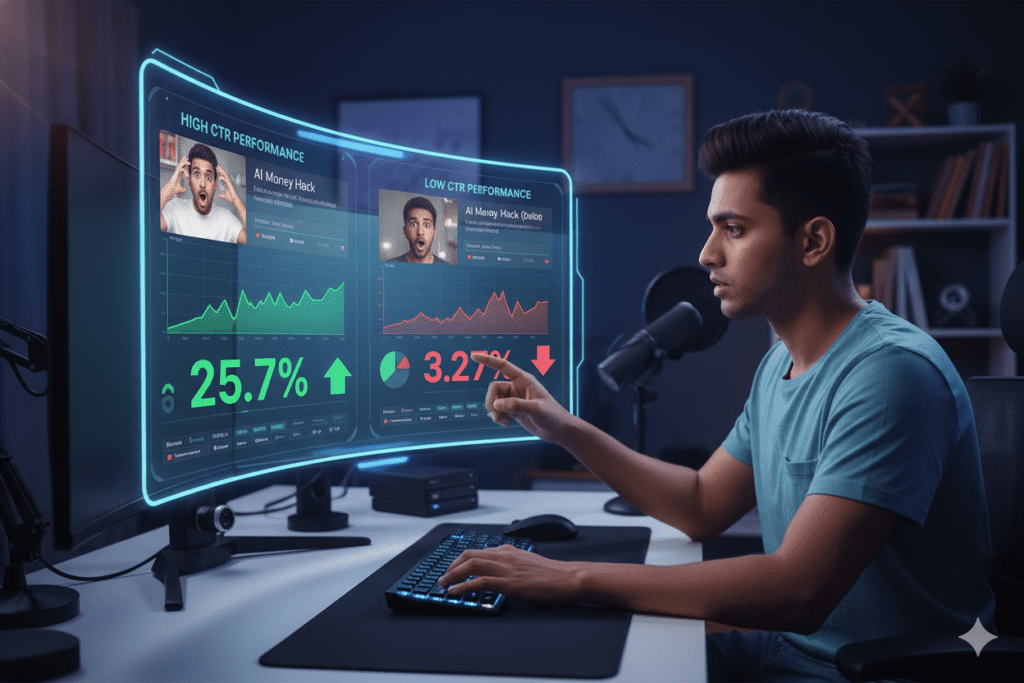
2. What Does It Mean to Compare YouTube Thumbnails AI?
When we talk about comparing YouTube thumbnails using AI, we’re talking about using smart software to:
- Analyze multiple thumbnail designs side by side
- Predict which thumbnail will earn the highest CTR before you publish
- Generate new thumbnail variations using AI image and design tools
- Test thumbnails against each other using A/B testing features
- Learn from performance data to improve future designs
This isn’t just about making pretty images. It’s about using data and machine learning to make smarter creative decisions — faster.
When you compare YouTube thumbnails AI tools effectively, you gain a massive competitive edge. You’re no longer guessing. You’re making decisions backed by data from millions of high-performing videos.
The smartest creators in 2026 aren’t designing thumbnails by feel. They’re using AI-powered platforms like ytZolo to test, compare, and optimize every visual decision.

3. The Problem With Manual Thumbnail Design
Let’s be real — manual thumbnail creation is outdated.
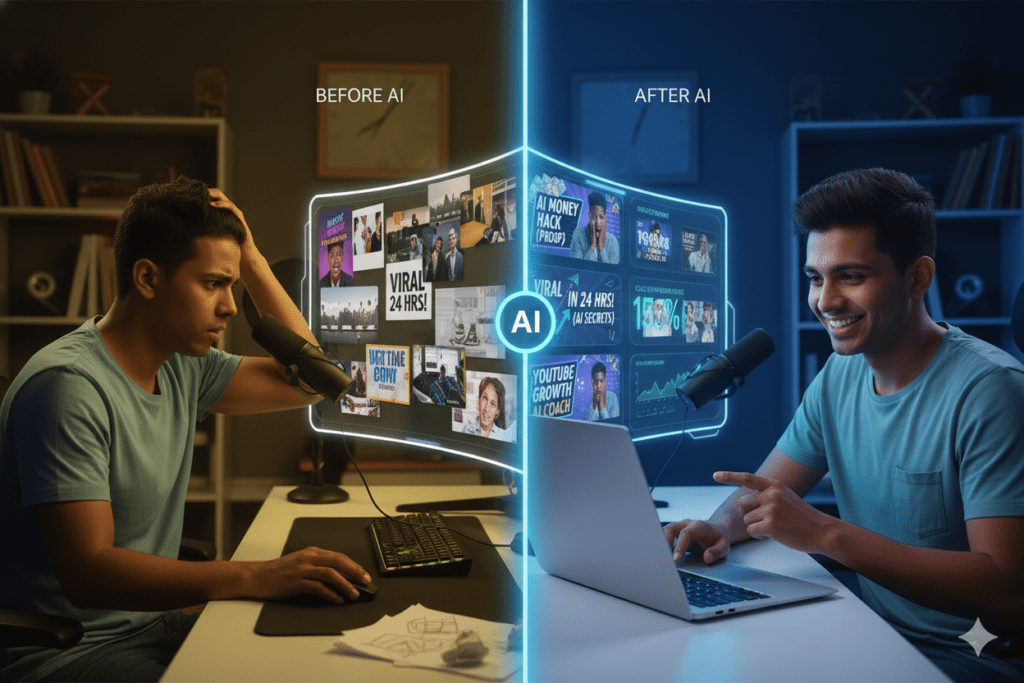
Here’s what the old process looks like: Open Photoshop or Canva. Stare at a blank canvas. Try 10 different color combinations. Spend 2 hours on something that might not even work. Upload it. Hope for the best.
There’s no data. No prediction. No comparison. Just guesswork dressed up as design.
And the costs add up fast. Hiring a professional thumbnail designer can run $50+ per thumbnail. For creators publishing multiple times a week, that’s unsustainable.
Manual design also ignores what’s actually working in your niche right now. Trends move fast on YouTube. What converted last month might flop today.
AI thumbnail tools solve all of this. They analyze real-time data, generate multiple variations in seconds, and help you compare YouTube thumbnails AI-powered insights so you always publish the strongest possible image.
The creators who keep doing thumbnails manually are falling further behind every single day. Don’t be one of them.
4. Top AI Tools to Compare YouTube Thumbnails
Ready to compare YouTube thumbnails AI tools available in 2026? Here’s an honest breakdown:
Canva (AI-Assisted Templates)
Canva is beginner-friendly and offers drag-and-drop templates with AI design suggestions. It’s great for getting started but lacks deep performance data or real CTR prediction. You’re still largely guessing.
Best for: Beginners who want quick, visually clean thumbnails. Limitation: No channel learning, no AI comparison engine, no YouTube-specific CTR optimization.
TubeBuddy (Thumbnail A/B Testing)
TubeBuddy integrates with YouTube Studio to let you run A/B tests on two thumbnail versions. It’s useful for testing, but you still have to create the thumbnails yourself. It doesn’t generate images — it just tracks them.
Best for: Creators who already have thumbnails and want basic split testing. Limitation: No AI generation, limited design tools, requires manual thumbnail creation.
VidIQ (Thumbnail Insights + Generation)
VidIQ offers keyword insights and some thumbnail generation features. It’s a solid analytics tool but isn’t purpose-built for deep thumbnail comparison or creative AI generation.
Best for: Data-focused creators who want keyword research combined with basic thumbnail features. Limitation: Thumbnail tools are secondary to its core analytics offering.
Canva Magic Studio / Adobe Express
These tools offer AI-powered image generation and template adjustment. They produce polished visuals but aren’t deeply integrated with YouTube performance data. You get design quality, not growth intelligence.
Best for: Creators who prioritize visual branding over data-backed decisions. Limitation: No real CTR prediction, no competitor comparison, no YouTube-native insights.
ytZolo — The All-in-One AI YouTube Growth Platform
Here’s where the game changes completely. ytZolo isn’t just a thumbnail tool. It’s a full AI-powered YouTube growth system that helps you compare YouTube thumbnails AI features alongside title optimization, script generation, SEO tags, and descriptions.
With ytZolo, you get everything in one place — the complete creative arsenal a growing YouTuber needs.
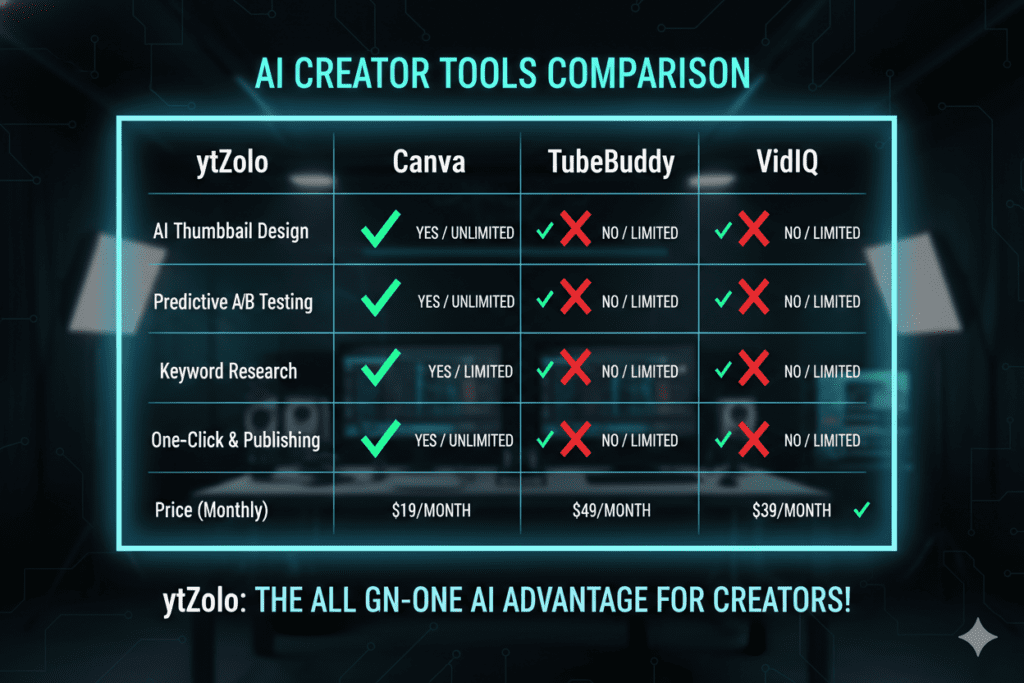
5. Why ytZolo Is Better Than Other Tools
When you compare YouTube thumbnails AI features across the market, one platform consistently comes out on top: ytZolo.
Here’s why creators are making the switch:
It’s Built for YouTube Growth — Not Just Design
Most thumbnail tools are design tools first. ytZolo is a YouTube growth platform first. Every feature — from thumbnail comparison to title generation — is built with one goal: getting your videos more views.
It Combines AI Thumbnail Analysis With Full Content Optimization
While other tools make you jump between five different apps, ytZolo gives you AI-powered thumbnails, titles, descriptions, tags, and scripts in one seamless workflow. That’s hours of work compressed into minutes.
It Uses Real Performance Data
ytZolo leverages insights from high-performing YouTube content to help you make data-backed thumbnail decisions. You’re not guessing — you’re comparing YouTube thumbnails AI analysis from proven, viral-content frameworks.
It’s Designed for All Creator Levels
Whether you’re a brand-new creator or a seasoned YouTuber with 500k subscribers, ytZolo scales with you. The interface is clean, intuitive, and powerful without being overwhelming.
It Saves Massive Time
The average creator spends 2+ hours on thumbnail design per video. With ytZolo, that drops to minutes. That’s time you get back to create more content, engage your audience, and grow faster.
Check out more creator success stories on the ytZolo blog to see real results in action.
| Feature | ytZolo | Canva | TubeBuddy | VidIQ |
|---|---|---|---|---|
| AI Thumbnail Generation | ✅ | ✅ | ❌ | Limited |
| Thumbnail Comparison | ✅ | ❌ | ✅ | ❌ |
| Title & Description AI | ✅ | ❌ | ❌ | Limited |
| Script Generation | ✅ | ❌ | ❌ | ❌ |
| SEO Tag Optimization | ✅ | ❌ | ✅ | ✅ |
| All-in-One Platform | ✅ | ❌ | ❌ | ❌ |
| Built for Viral Growth | ✅ | ❌ | ❌ | ❌ |
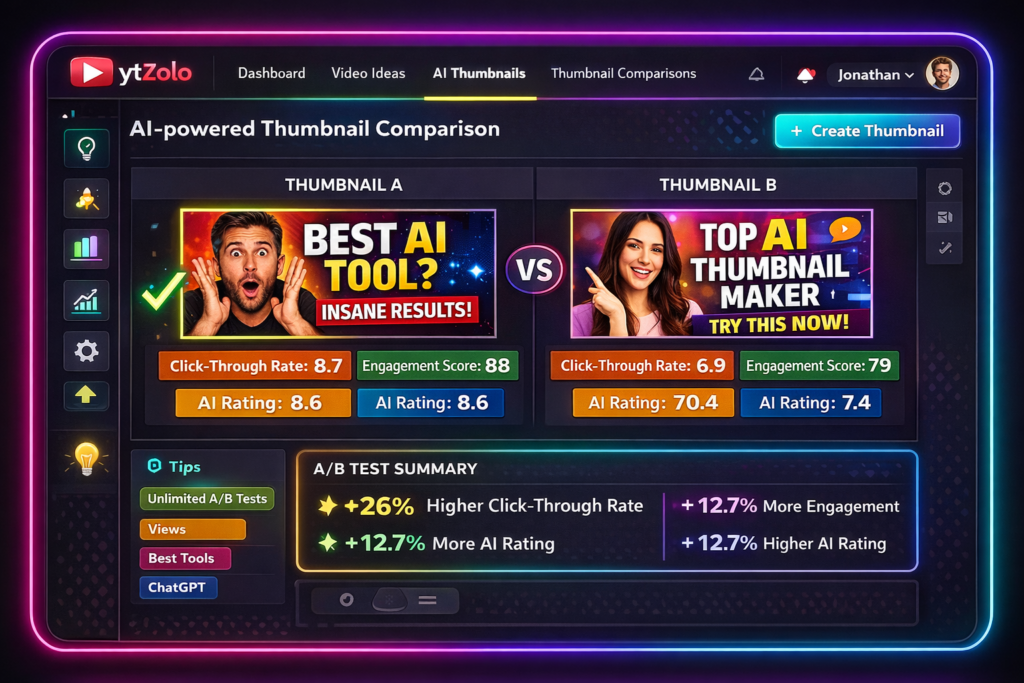
6. How ytZolo Helps You Compare YouTube Thumbnails AI
Here’s the real power of using ytZolo to compare YouTube thumbnails AI style:
It analyzes your thumbnail’s visual elements — color contrast, text placement, facial expressions, and composition — using AI trained on millions of high-performing YouTube videos.
It suggests improvements in real time. Not vague advice like “use brighter colors.” Specific, actionable suggestions tied to what’s actually working in your niche right now.
It generates multiple thumbnail variants so you can compare YouTube thumbnails AI options before committing to one. This A/B testing mindset is what separates growing channels from stagnant ones.
It connects thumbnails to your full content strategy, ensuring every visual element supports your video’s performance goals. Your thumbnail and your title should work together, telling one clear, compelling story that stops the scroll and sparks curiosity.
ytZolo’s AI makes sure they do — analyzing contrast, emotion, keywords, and viewer intent to optimize both for maximum click-through rate and watch time. Instead of guessing what might work, you get data-driven suggestions that align with your niche and audience behavior.
This unified approach helps your videos attract the right viewers, keep them engaged longer, and ultimately grow your channel faster and more consistently.
Creators who struggle without AI are spending time on guesswork instead of growth. ytZolo eliminates the guesswork entirely. You can explore more tips on how to use AI for your entire content workflow on the ytZolo blog.
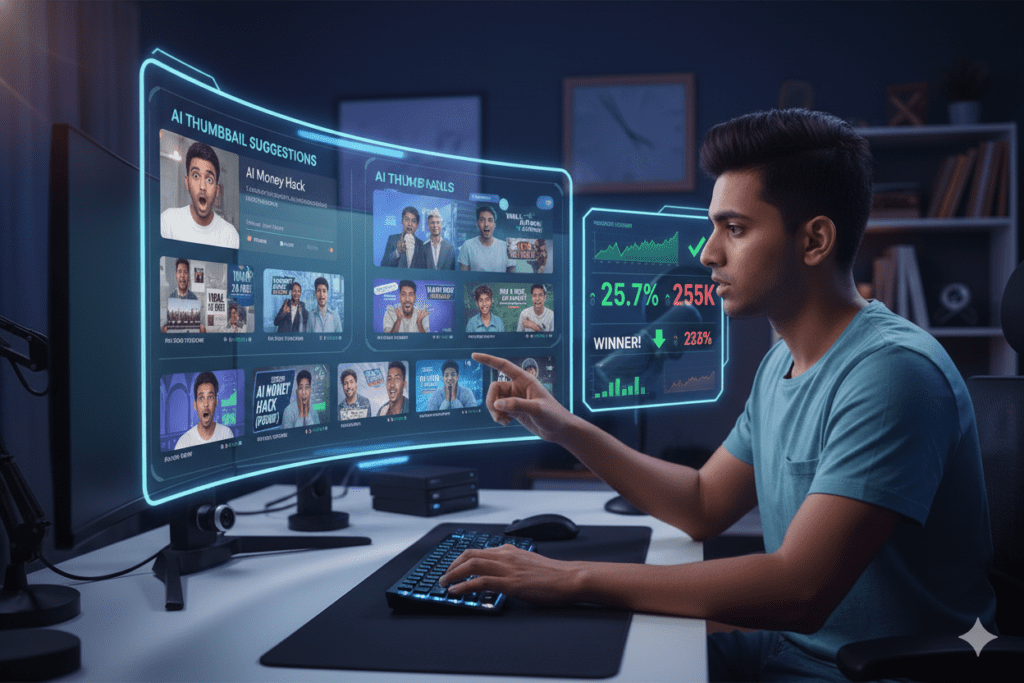
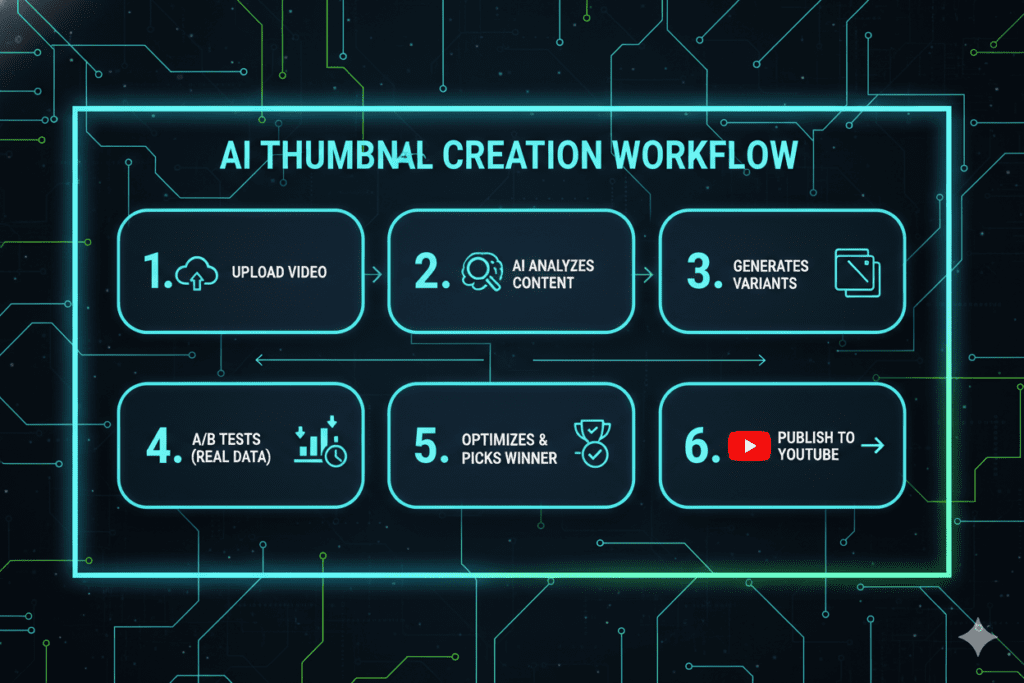
7. Step-by-Step: How to Compare Thumbnails Using AI
Ready to start using AI to compare YouTube thumbnails? Here’s a practical, actionable process you can use right now:
Step 1: Define Your Thumbnail Goal Before creating any design, ask: What emotion or curiosity do I want to trigger? Thumbnails that drive clicks usually evoke surprise, curiosity, or FOMO (fear of missing out).
Step 2: Create 2–3 Thumbnail Variations Use an AI tool like ytZolo to generate 2–3 different thumbnail concepts. Vary the text overlay, background image, facial expression, and color scheme across each version.
Step 3: Run the Designs Through AI Analysis Let the AI evaluate each variation against CTR benchmarks from successful videos in your niche. This is where you truly compare YouTube thumbnails AI scoring — not just subjective feel.
Step 4: Check for These Key Elements
- Bold, readable text (visible on mobile)
- High contrast between subject and background
- A clear focal point (face, object, text)
- Emotional expression if a face is included
- Brand consistency (colors, style, fonts)
Step 5: A/B Test Your Top Two Choices After publishing, use ytZolo’s insights or YouTube Studio’s test feature to compare real-world CTR performance between your two strongest thumbnails.
Step 6: Learn and Iterate The AI gets smarter the more you use it. Over time, you’ll build a personal library of what works for YOUR audience — not generic advice that works for someone else’s channel.
This is how top creators consistently outperform the competition. They compare YouTube thumbnails AI data, test obsessively, and improve relentlessly.
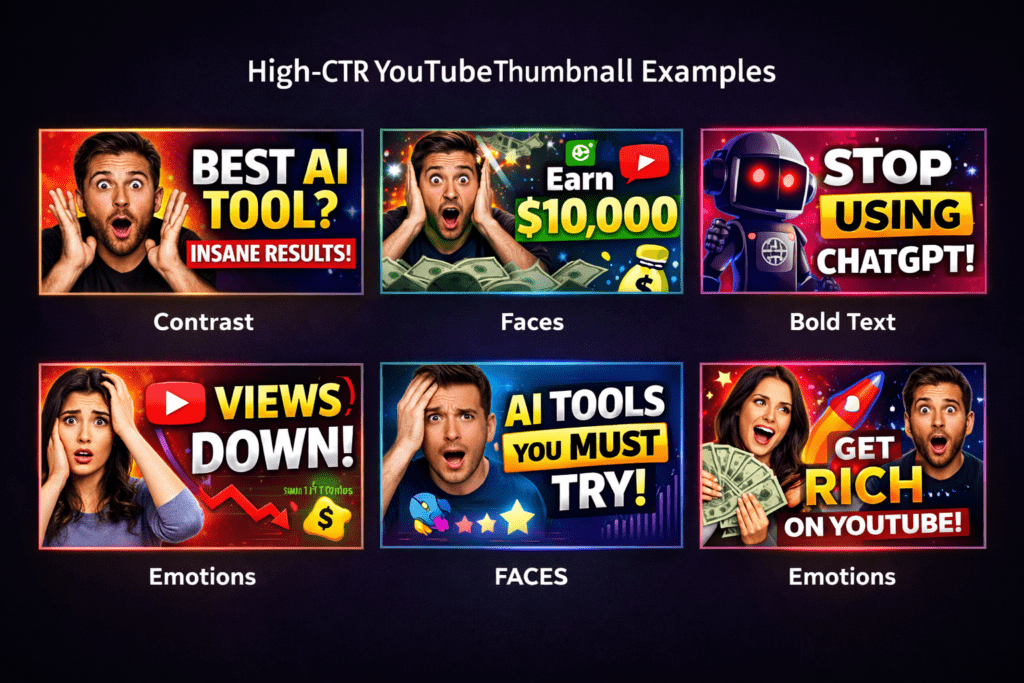
8. Pro Tips to Maximize Your Thumbnail CTR
Beyond just using the right tool, here are some proven strategies to squeeze every click out of your thumbnails:
- Use faces with strong emotions. Surprised, shocked, excited faces consistently outperform neutral ones. Viewers connect emotionally in milliseconds.
- Keep text under 5 words. Your thumbnail text should tease, not tell. Leave viewers curious enough to click.
- Design for mobile first. Over 70% of YouTube views come from mobile devices. If your thumbnail doesn’t read clearly on a small screen, you’re losing most of your potential clicks.
- Study competitors in your niche. Notice what color palettes, text styles, and compositions the top channels use. Don’t copy — but understand the patterns that work.
- Refresh old thumbnails on underperforming videos. A new thumbnail can revive a video that’s been dead for months. AI tools make this process incredibly fast.
- Match your thumbnail to your title. The thumbnail and title should work as a duo. If the title asks a question, the thumbnail should visually tease the answer.
- Test bold colors. Bright reds, yellows, and high-contrast combinations consistently outperform muted, natural tones on YouTube’s busy homepage feed.
According to HubSpot’s visual content research, visual content drives 94% more engagement than text-only content. On YouTube, that principle starts with your thumbnail.
FAQ: Compare YouTube Thumbnails AI
Q1: What is the best AI tool to compare YouTube thumbnails?
The best tool to compare YouTube thumbnails AI-powered features is ytZolo. It offers thumbnail analysis, variant generation, title optimization, and full content creation in one platform — making it the most comprehensive option for serious YouTubers.
Q2: How does AI help improve YouTube thumbnail CTR?
AI analyzes high-performing thumbnails across millions of YouTube videos to identify patterns — color schemes, text placement, facial expressions, and composition — that drive higher click-through rates. When you compare YouTube thumbnails AI analysis, you’re using data instead of guesswork.
These systems evaluate what actually captures attention in crowded feeds, learning which visual cues trigger curiosity and emotional response. They can also detect trends within specific niches, ensuring your design matches audience expectations while still standing out. By applying these insights before you publish, you reduce the risk of underperforming visuals.
The result is a thumbnail strategy built on proven performance signals, helping your videos attract more clicks, reach wider audiences, and compete effectively.
Q3: Can I A/B test YouTube thumbnails with AI?
Yes. Tools like ytZolo and TubeBuddy allow you to compare two thumbnail variations and track which one earns a higher CTR. This split-testing approach is one of the fastest ways to improve video performance. YouTube’s native “Test & Compare” feature also allows basic A/B testing directly in YouTube Studio.
Q4: Is it worth using AI to create YouTube thumbnails instead of designing manually?
Absolutely. AI tools reduce thumbnail creation time from 1–2 hours down to 10–15 minutes, while also providing data-backed design suggestions. Manual design relies on guesswork. AI relies on performance data. For creators serious about growth, AI is the clear choice.
Q5: How often should I update my YouTube thumbnails?
You should update thumbnails on underperforming videos (low CTR) at least once every 3–6 months. If a video has a CTR below 2–3%, a new AI-optimized thumbnail can dramatically revive its performance. Use ytZolo to compare YouTube thumbnails AI options before committing to a new version.
Conclusion: Stop Guessing, Start Growing
Here’s the bottom line: every video you publish without an optimized thumbnail is a missed opportunity.
The creators winning on YouTube in 2026 aren’t more talented than you. They’re smarter about their tools. They compare YouTube thumbnails AI platforms, test relentlessly, and use data to make decisions that their competitors are still leaving to gut instinct.
The gap between a 2% CTR and a 10% CTR isn’t talent. It’s thumbnails.
And the fastest, most reliable way to bridge that gap is with an AI platform that doesn’t just generate pretty images — but actually understands what makes people click.
That’s exactly what ytZolo delivers. From AI-powered thumbnail comparison to complete video content optimization — titles, scripts, descriptions, and tags — ytZolo is the only platform built end-to-end for YouTube growth.
Don’t let another video die quietly in the algorithm because the thumbnail wasn’t optimized.
Start creating smarter, faster, and more viral YouTube content with ytZolo today.
Want more tips on growing your YouTube channel with AI? Check out the ytZolo blog for guides, strategies, and creator success stories.
External Resources:
- YouTube Creator Academy — Thumbnail Best Practices
- HubSpot — Visual Content Marketing Statistics
- YouTube Creator Blog — Test & Compare Feature

