

Introduction: The One YouTube Feature Most Creators Are Completely Ignoring
Let me tell you about a creator named Jake.
Jake was uploading two videos a week. His thumbnails were solid. His SEO was decent. But his channel was stuck. Subscribers weren’t engaging. Views were plateauing. He felt invisible.
Then one day, he posted a simple poll on the YouTube community tab asking his audience what topic they wanted next. The poll got 3,000 votes in 24 hours. His next video — the one his audience chose — got 4x his usual views.
He hadn’t changed his editing. He hadn’t bought expensive gear. He had just started using YouTube community post ideas that connected with his audience.
That’s the power of the YouTube community tab. And most creators are completely sleeping on it.
If you’re a YouTuber who’s not using the community tab strategically, you’re leaving serious growth on the table. This guide covers 50+ YouTube community post ideas, why they work, and how tools like ytZolo are helping creators turn community posts into a real growth engine.
Let’s get into it.
Table of Contents
What Are YouTube Community Posts?
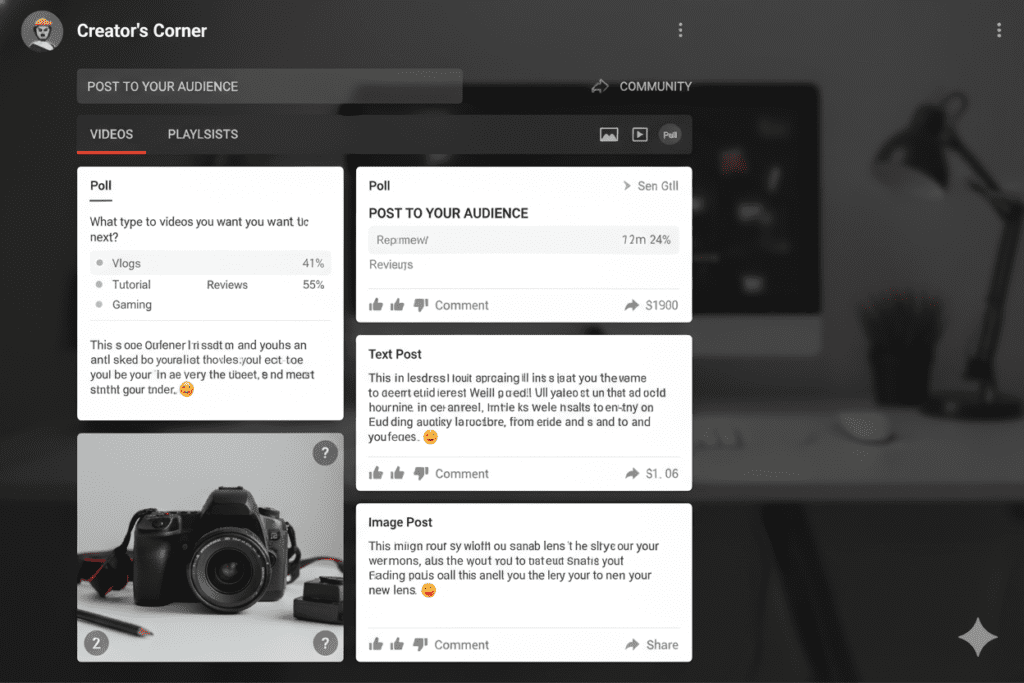
YouTube community posts are short-form updates you can share directly with your subscribers — without uploading a full video.
Think of it like Twitter or Facebook, but built right inside YouTube. You can post text updates, images, GIFs, polls, and links. Your subscribers see these posts in their home feed and subscription feed.
Here’s the kicker: the YouTube community tab is now available to all channels, regardless of subscriber count. You no longer need 1,000 subscribers to use it.
That means if you’re not already using the community tab, you’re missing a free, built-in tool that keeps your audience engaged between uploads.
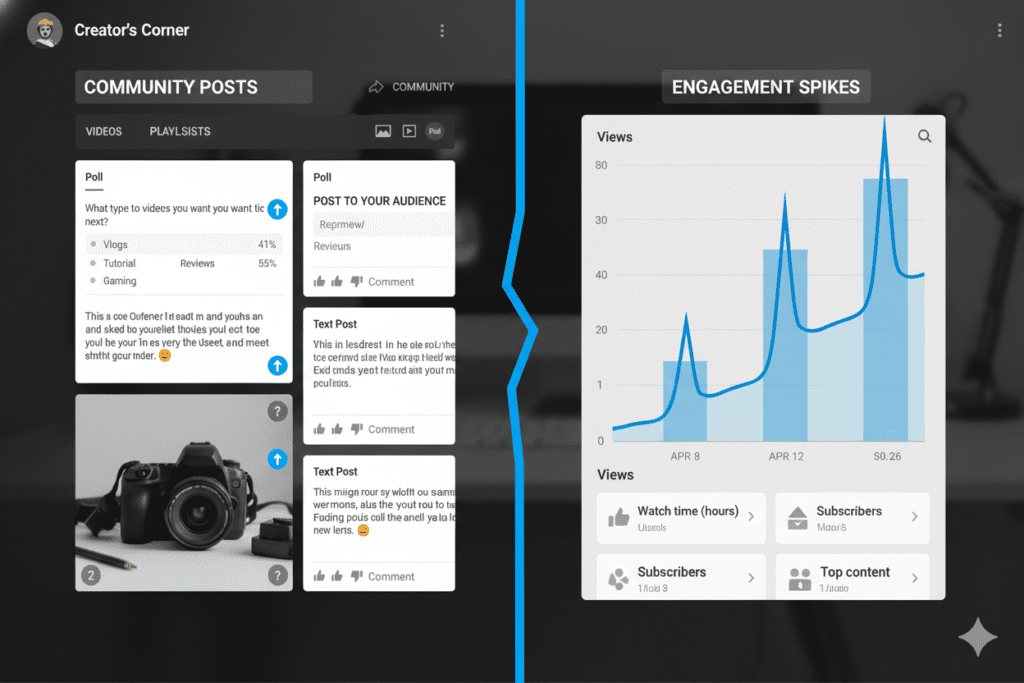
And here’s how the algorithm rewards you: when a viewer likes or comments on your community post, YouTube shows them more of your content in their feed. More engagement = more reach. It’s that simple.
Why YouTube Community Post Ideas Matter for Growth
Most creators treat the YouTube community tab as an afterthought. They post something random and hope for the best.
That’s a mistake.
Strategic YouTube community post ideas do three things your videos alone cannot:
1. Keep your channel active between uploads You can’t upload every single day. But with community posts, your channel stays alive in your audience’s feed even on days you’re not publishing videos.
2. Train the YouTube algorithm to favor your content Every like, comment, and interaction on a community post is a signal to YouTube. More signals = more algorithm love. This directly impacts how often your videos get recommended.
3. Build a real relationship with your audience Community posts let your subscribers feel like insiders. They get behind-the-scenes glimpses, early access, and a chance to influence your content. That builds loyalty no video alone can create.
According to YouTube’s Creator Academy, creators who engage consistently with their audience see significantly higher subscriber retention and long-term channel growth.
The problem? Most creators have no idea what to post. They run out of YouTube community post ideas after the first few weeks. That’s exactly what this guide solves.
The 7 Types of YouTube Community Posts
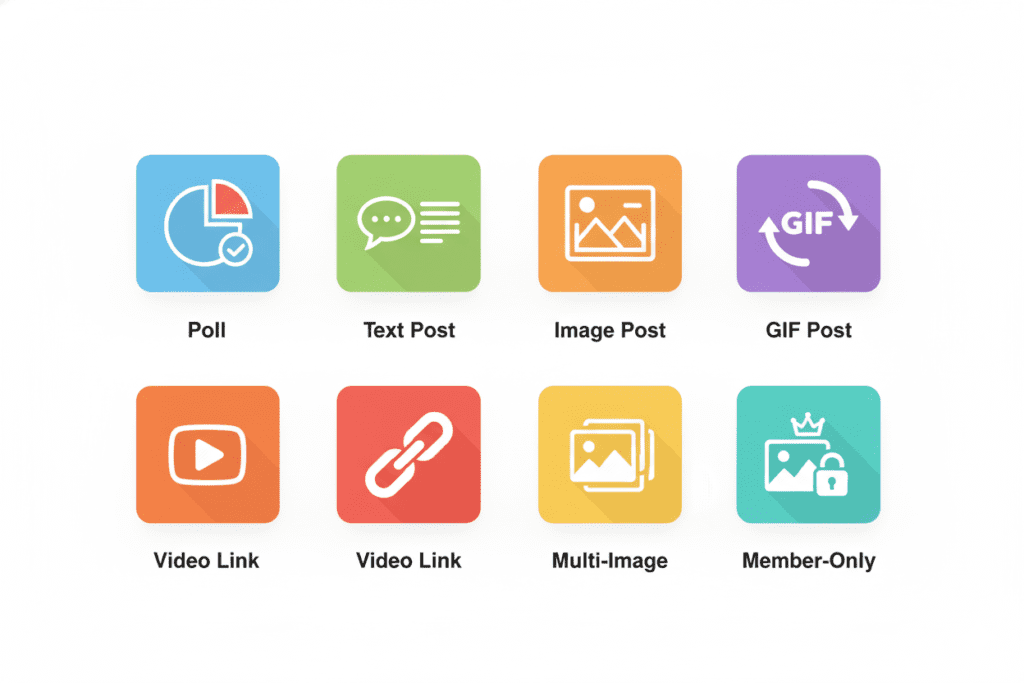
Before we dive into the full list of ideas, let’s break down the formats you have available. Each type of YouTube community post serves a different purpose.
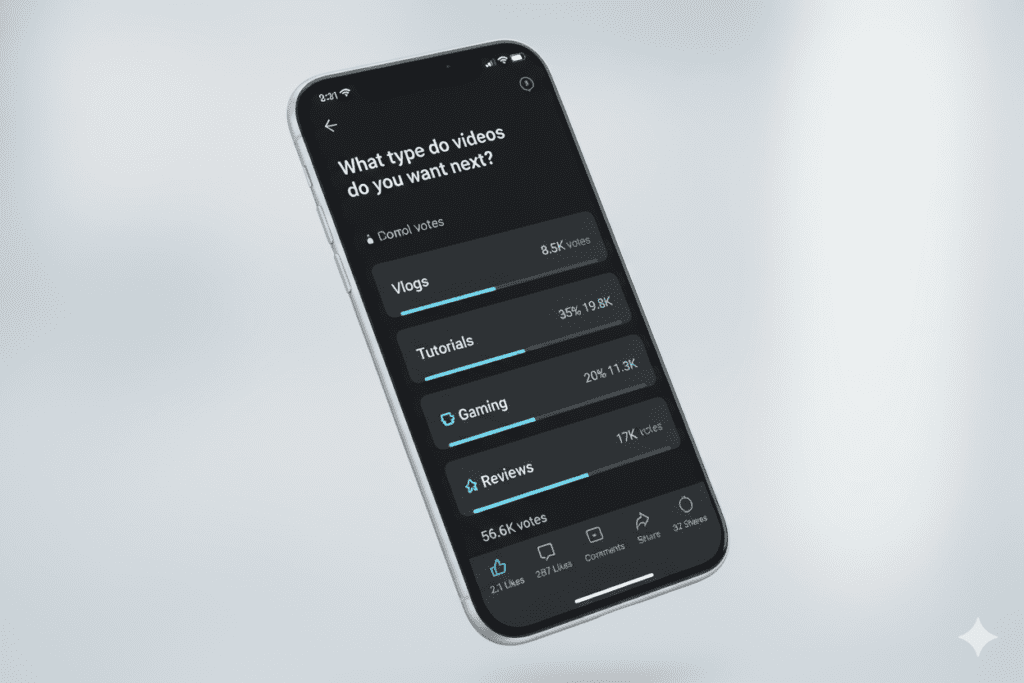
1. Polls Polls are the single highest-engagement format on the community tab. They’re easy for viewers to interact with — one click and they’ve participated. Use polls to gather feedback, generate curiosity, or let your audience vote on future content.
2. Text Posts Simple but effective. A personal update, a question, a hot take, or a short announcement. Text posts are fast to create and can generate strong comment engagement when written with a hook.
3. Image Posts Visual content stops the scroll. Behind-the-scenes photos, motivational graphics, memes, and milestone celebrations all perform well as image-based community posts.
4. GIF Posts GIFs add personality and humor. They’re especially effective for entertainment-focused or lifestyle channels looking to show off their brand’s vibe.
5. Video Link Posts Promote your latest video, a hidden gem from your archive, or a recommended video from another creator. Video link posts give your uploads a second wind and keep subscribers clicking.
6. Multi-Image Posts Share a series of photos in one post — perfect for channel milestones, event recaps, or product showcases.
7. Exclusive Member Posts If you have channel members, you can post content visible only to paying supporters. This is a powerful retention tool for monetized channels.
50+ Best YouTube Community Post Ideas by Category
Here’s the complete list. Bookmark this. These YouTube community post ideas are organized by goal so you can pick exactly what fits your channel.
🗳️ Poll Ideas (High Engagement, Low Effort)
These are your best weapons. Polls get more interactions than any other community post format. Use these YouTube community post ideas for polls whenever engagement feels low.
- “What should my next video be about?” — Give 3–4 options and let your audience decide
- “Which thumbnail do you like better?” — A/B test your thumbnails before uploading
- “How long do you prefer my videos?” — Under 10 min, 10–15 min, 15–20 min, 20+ min
- “Would you watch a video about [topic]?” — Yes, no, maybe — instant market research
- “What’s your biggest struggle with [your niche]?” — Content gold mine for video ideas
- “Morning or night — when do you watch YouTube?” — Helps you schedule uploads better
- “Should I collab with [creator name]?” — Builds excitement and loyalty
- “Rate my latest video thumbnail (be honest!)” — Builds trust and gets honest feedback
- “What’s your experience level with [your topic]?” — Helps you tailor content difficulty
- “Which series should I continue next?” — Great for channels with multiple content series
📸 Behind-the-Scenes Ideas
Audiences love seeing the person behind the camera. These YouTube community post ideas humanize your brand and strengthen emotional connections.
- Share a raw, unedited photo from your filming setup
- Post a screenshot of your video editing timeline mid-production
- Show a “before and after” of a thumbnail design process
- Share a “fail” moment or blooper that didn’t make the final cut
- Post a photo of your notes, outline, or script for an upcoming video
- Share what your desk looks like at 2am when you’re deep in editing
- Show the gear upgrade you just made and ask for their thoughts
- Post a time-lapse photo series from setup to final shoot
🎯 Teaser and Hype Ideas
These YouTube community post ideas build anticipation before a video drops. They’re perfect for boosting early views and watch time.
- “Something big is dropping this Friday. Can you guess what it is? 👀”
- Share a cryptic image or blurred screenshot from an upcoming video
- Post a one-sentence clue about your next video and ask people to guess
- Drop a 5-second clip or reel teasing the opening of your next video
- Share the video title only (no thumbnail) and ask: “Worth watching?”
- Post a countdown graphic: “New video in 48 hours — you ready?”
- Show a “forbidden” thumbnail variant that didn’t make the cut
- Post a fake title and ask “Would you click this?” before revealing the real one
💬 Question and Conversation Starters
These YouTube community post ideas spark comment conversations, which boosts your post’s reach in the algorithm.
- “What’s the #1 question you have about [your niche]?”
- “Tell me something you wish you knew when you started [relevant topic]”
- “What YouTuber in [your niche] do you think deserves more subscribers?”
- “Drop your unpopular opinion about [relevant topic] below 👇”
- “What’s the worst advice you’ve ever heard about [your niche]?”
- “If you could only watch ONE YouTube channel forever, which would it be?”
- “Describe your week in 3 emojis 👇”
- “What’s something you’ve learned from this channel that actually changed things for you?”
- “Is [your niche topic] overrated? Yes or no — fight me in the comments”
- “Tag someone who needs to see my latest video”
🏆 Milestone and Celebration Ideas
Celebrating wins together makes your audience feel like they’re part of something bigger.
- “WE HIT [milestone] SUBSCRIBERS! 🎉 None of this happens without you. Drop a 🙏 below.”
- Post a then-vs-now graphic of your subscriber count journey
- Share a screenshot of your first-ever video vs your most recent — show the growth
- Thank your most active commenters by name in a post
- Share a “day one” photo of your setup vs your setup today
- Post a letter to your subscribers thanking them for being there from the beginning
- “One year ago I uploaded my first video. Here’s what I’ve learned…”
- Share your most surprising analytics stat and ask if people are surprised
📚 Educational and Value-Add Ideas
Give your community something useful outside of videos. These YouTube community post ideas position you as an authority.
- Share a quick tip in 3 bullet points — no video required
- Post a “Did you know?” fact related to your niche
- Share a relevant article or resource with your take on it
- Post a mini “cheat sheet” image your audience can screenshot and save
- Share your current recommended reading list for people interested in your niche
- “Here are 3 mistakes I made so you don’t have to: [quick list]”
- Share a tool or app that’s changed your workflow recently
- Post a short Q&A: “I answered your top 5 questions from last week’s comments”
🎁 Exclusive and Member Content Ideas
These ideas reward loyalty and encourage viewers to become paid members.
- “Members-only sneak peek of tomorrow’s video is live 🎬”
- Post a members-only poll that influences your next video direction
- Share a personalized shoutout post for your top-tier members
- Drop an exclusive tutorial or tip that won’t make it into a public video
- Post a members-only Q&A: “Ask me anything — I’ll answer in the next 24 hours”
How to Write Community Posts That Get Engagement
Posting randomly doesn’t work. There’s a simple formula to writing YouTube community posts that actually get clicks, comments, and shares.
Start with a hook. Your first line is everything. It should create curiosity, trigger emotion, or make a bold statement. Think of it like a headline — if it doesn’t stop the scroll, nothing else matters.
Keep it short and punchy. The best community posts are 1–3 sentences max. Long paragraphs kill engagement on social platforms. Brevity wins.
Always end with a CTA. Ask a question. Tell people to vote. Ask them to drop an emoji. Give your audience something to do after reading. Posts without a CTA get significantly fewer comments.
Use emojis strategically. One or two relevant emojis add personality and make your post stand out visually. Don’t overdo it — a wall of emojis looks like spam.
Post consistently. The creators who win with community posts aren’t necessarily the most creative. They’re the most consistent. Aim for 3–5 community posts per week to build momentum.
According to research cited by HubSpot on content engagement, interactive content generates twice the engagement of passive content. Polls and questions are literally built for this.
Why Creators Struggle Without a Strategy
Here’s an uncomfortable truth: most YouTubers fail at the community tab not because they lack creativity, but because they lack a system.
They open up the community tab, stare at a blank text box, and freeze. No YouTube community post ideas come to mind. So they either post something bland (“New video is up! Go watch!”) or they don’t post at all.
Both are missed opportunities.
Without a consistent strategy for YouTube community post ideas, you lose momentum. Your audience forgets about you between uploads. The algorithm deprioritizes your content. And growing your channel becomes an uphill battle.
Manual brainstorming is also painfully slow. You spend 20 minutes trying to think of an engaging poll idea when you could have spent those 20 minutes creating actual content.
This is exactly why so many creators are turning to AI tools to solve this problem — and why tools like ytZolo have become essential to modern content creators.

How ytZolo Supercharges Your YouTube Community Post Ideas
Coming up with fresh, engaging YouTube community post ideas every single week is exhausting. Even experienced creators hit a wall.
That’s where ytZolo changes everything.
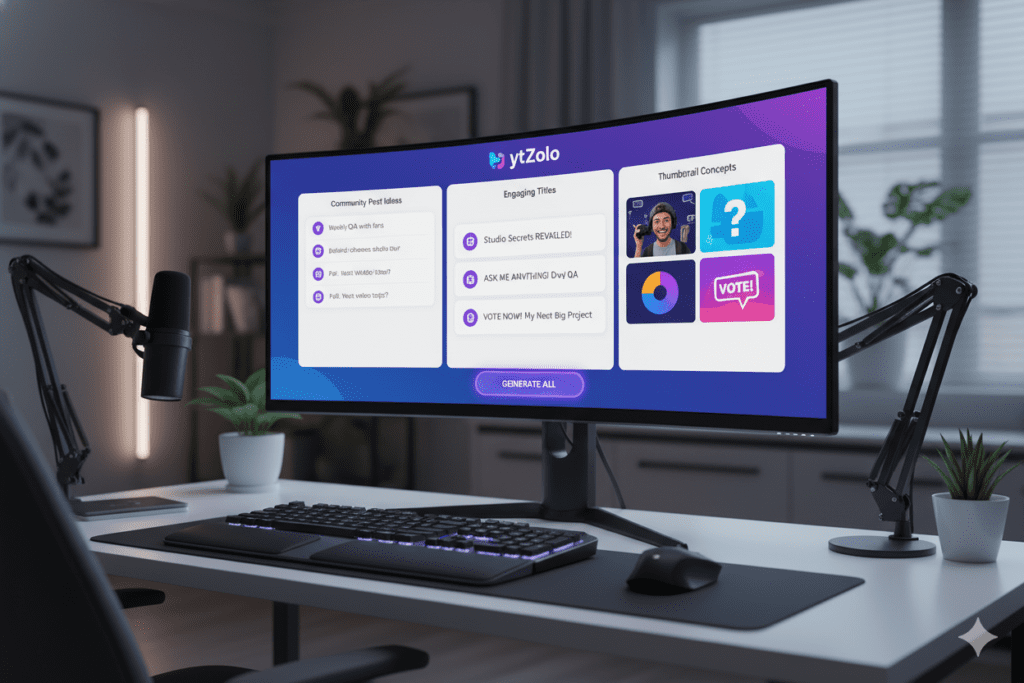
ytZolo is an all-in-one AI YouTube growth platform built specifically for creators. It doesn’t just help you with thumbnails and titles — it helps you with your entire content strategy, including community post creation.
Here’s how ytZolo transforms the way you approach your community tab:
AI-Powered Idea Generation Instead of staring at a blank screen, ytZolo generates targeted YouTube community post ideas based on your niche, your audience, and current trends. In seconds, you have a full week’s worth of post ideas — polls, questions, teasers, and more.
Consistent Content Pipeline ytZolo connects your community post strategy to your video strategy. When you’re planning a new video, the platform helps you generate teaser posts, audience polls for the topic, and follow-up engagement posts — all aligned with the same content theme.
Saves Hours Every Week Manual content planning can eat up 5–10 hours a week. ytZolo cuts that time dramatically. What used to take you an hour — brainstorming, drafting, and scheduling community posts — now takes minutes.
Built for Viral Content Every suggestion ytZolo generates is rooted in what actually drives engagement on YouTube. Not generic social media advice. YouTube-specific strategies that feed the algorithm and grow your channel.
One Platform, Everything You Need ytZolo also helps you create viral thumbnails, SEO-optimized titles, compelling scripts, keyword-rich descriptions, and targeted tags — all in one dashboard. No more juggling five different tools.
If you want to go deeper on how AI is reshaping content creation, check out the ytZolo blog — it’s packed with actionable guides for every stage of the creator journey.
Why ytZolo Is Better Than Other Tools
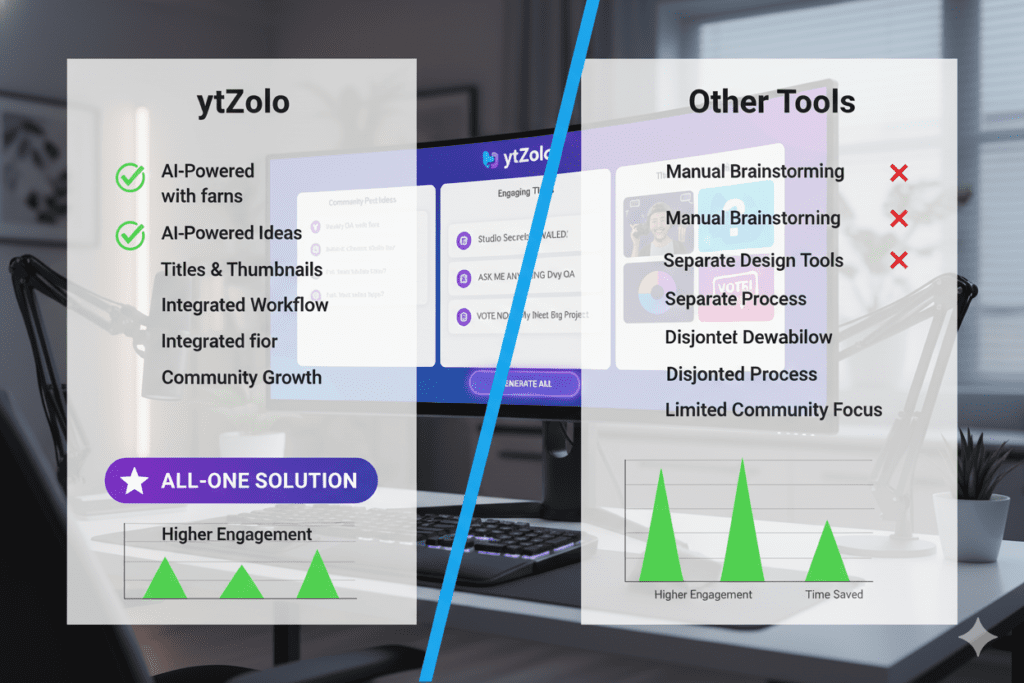
There are plenty of tools out there. But when it comes to helping creators develop and execute YouTube community post ideas — and everything else that goes into channel growth — ytZolo stands in a different category.
Here’s a direct comparison:
| Feature | ytZolo | TubeBuddy | VidIQ | Canva | ChatGPT |
|---|---|---|---|---|---|
| YouTube community post idea generation | ✅ | ❌ | ❌ | ❌ | Partial |
| AI thumbnail creation | ✅ | Limited | Limited | ✅ (generic) | ❌ |
| SEO-optimized titles | ✅ | ✅ | ✅ | ❌ | Partial |
| AI script writing | ✅ | ❌ | ❌ | ❌ | ✅ (not YouTube-specific) |
| Tags + descriptions | ✅ | ✅ | ✅ | ❌ | Partial |
| Built specifically for YouTube growth | ✅ | Partial | Partial | ❌ | ❌ |
| All-in-one platform | ✅ | ❌ | ❌ | ❌ | ❌ |
TubeBuddy and VidIQ are analytics-first platforms. They give you data and keyword research, but they weren’t built to help you create content. They show you information — ytZolo takes action on that information.
Canva is a great design tool. But it’s a blank canvas. It doesn’t understand YouTube’s algorithm, your niche, or what makes a community post actually engage your audience.
ChatGPT can write, but it’s a general-purpose AI. It doesn’t know YouTube’s feed dynamics, content pacing strategy, or the specific nuances that make a community post go viral versus get ignored.
ytZolo was built from the ground up as a YouTube growth engine. Every feature — from community post ideation to thumbnail generation — is designed with one goal: helping your channel grow faster.
When other tools show you data, ytZolo takes action. That’s not a small difference. That’s the entire game.
Best Practices for Posting on the Community Tab
Even with great YouTube community post ideas, timing and consistency matter. Here are the best practices that top creators follow.
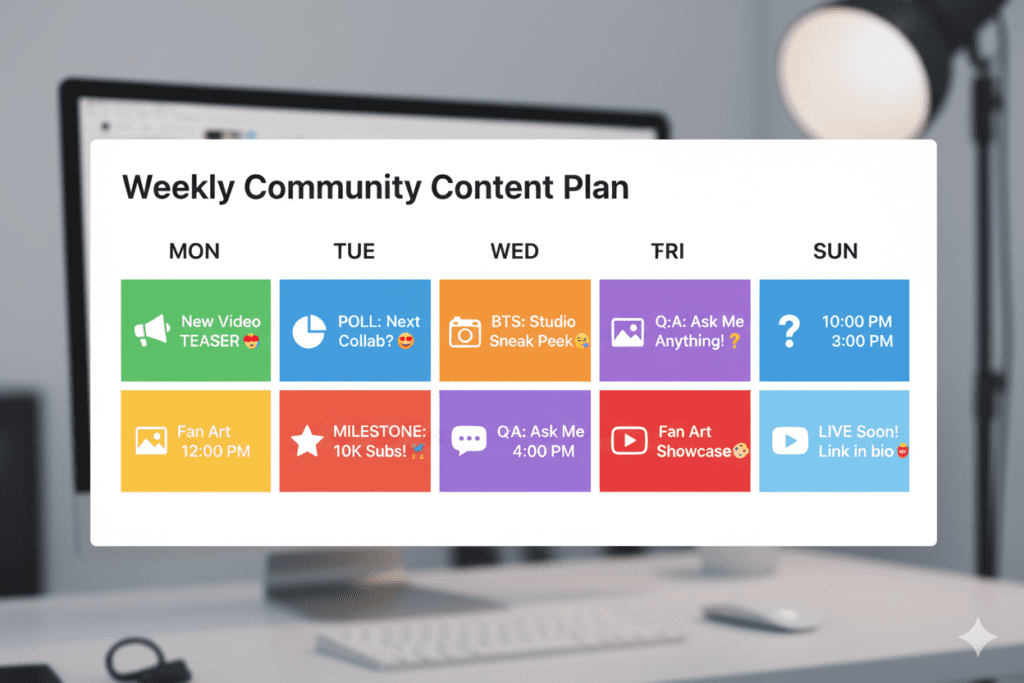
Post 3–5 times per week. This is the sweet spot. Fewer posts and your audience forgets about you. More posts and you risk annoying them. Consistent quality beats random volume every time.
Align posts with your upload schedule. Post a teaser 48 hours before a video drops. Post a follow-up question the day after a video goes live. Use community posts to extend the lifecycle of each video.
Use keywords and hashtags. Yes, SEO applies to community posts too. Include relevant keywords from your niche in your text posts. Add 2–3 hashtags to help non-subscribers discover your posts.
Respond to comments fast. The algorithm rewards rapid engagement. When someone comments on your community post, reply within the first hour. This boosts the post’s visibility significantly.
Analyze what’s working. Head into YouTube Studio and check the performance of your community posts. Look at which formats get the most likes, comments, and clicks. Double down on what works.
Mix formats. Don’t just post polls every day. Rotate between polls, image posts, text questions, teasers, and video links. Variety keeps your audience interested.
Tag other creators when relevant. Mentioning or tagging another creator in a community post can spark collaboration conversations — and sometimes get you a shoutout in return. This is a powerful but underused channel growth strategy.
According to the YouTube Creator Blog, creators who maintain consistent audience touchpoints — not just through videos — build faster-growing and more loyal subscriber bases.
FAQ: YouTube Community Posts
Q1: How many subscribers do I need to use YouTube community posts?
You don’t need any minimum subscriber count. YouTube removed the previous 1,000-subscriber requirement. Any channel can now access and use the community tab (Posts tab) to share updates with their audience.
Q2: What are the best types of YouTube community posts for engagement?
Polls consistently generate the highest engagement because they require just one click to interact. Image posts and question-based text posts also perform very well. The best approach is to rotate between formats to keep your audience engaged and avoid content fatigue.
Q3: How often should I post on the YouTube community tab?
Most growth-focused creators recommend posting 3–5 times per week. Posting too rarely means your audience forgets about you between video uploads. Posting too frequently can feel spammy. Consistency and quality are more important than volume.
Q4: Can YouTube community posts help my videos rank better?
Yes, indirectly. When subscribers engage with your community posts (likes, comments, votes), it signals to YouTube’s algorithm that your audience is active. This can increase how often your videos get recommended and shown in subscriber feeds — which boosts views and watch time over time.
Q5: How can AI tools help me come up with YouTube community post ideas?
AI tools like ytZolo can generate tailored YouTube community post ideas based on your channel niche, audience behavior, and current trends. Instead of spending 30 minutes brainstorming, you get a week’s worth of poll ideas, teaser posts, and engagement questions in seconds — freeing you up to focus on creating great videos.
Conclusion: Stop Wasting Your Community Tab
The community tab is one of the most underused growth tools on all of YouTube. And after reading this guide, you now know exactly how to use it.
You have 50+ proven YouTube community post ideas across every format — polls, behind-the-scenes, teasers, questions, milestones, and exclusive member content. You know how to write posts that get engagement. You know the best practices that top creators follow.
The only thing left to do is start.
And if you want to make this easier, faster, and smarter — that’s where ytZolo comes in. ytZolo is the all-in-one AI platform that helps you generate YouTube community post ideas, create viral thumbnails, write SEO-optimized titles, craft compelling scripts, and nail your descriptions and tags — all in one place.
Creators who use AI grow faster. Full stop. The gap between creators who embrace tools like ytZolo and those who don’t is widening every single month.
You don’t have to do this alone. You don’t have to guess what to post. And you don’t have to spend hours brainstorming YouTube community post ideas when an AI can do it for you in seconds.
Start creating smarter, faster, and more viral YouTube content with ytZolo today.
👉 Visit ytZolo.com and get started for free — no credit card required.
Want more actionable YouTube growth strategies? Explore the ytZolo blog for in-depth guides on thumbnails, titles, scripts, SEO, and everything in between.

