
Introduction: The 5-Second Window That Decides Everything
Picture this.
A new viewer lands on your latest video. They don’t know you yet. They haven’t subscribed. They’re hovering over the skip button before your intro even finishes.
Then something unexpected happens. Instead of a wall of animated text flying across the screen, they see a clean, confident logo reveal. No clutter. No words. Just your brand — pure and powerful — for five seconds. And they stay.
That’s the magic of using a YouTube intro maker no text approach. And it’s the branding strategy that’s quietly separating top creators from the rest of the crowd in 2026.
If you’re still opening every video with your channel name bouncing around in bubble letters, this guide is going to change everything for you. We’re breaking down exactly what a YouTube intro maker no text style is, why it works so well, the best tools to create one, and how AI-powered platforms like ytZolo are helping creators build channel brands that look and feel like a million dollars — without the production budget to match.
Let’s get into it.
Table of Contents
What Is a YouTube Intro Maker No Text Style?
A YouTube intro maker no text approach is exactly what it sounds like — creating a short branded intro for your videos that relies entirely on visuals, logo animation, motion graphics, and music. No channel name. No taglines. No jumping typography.
Think of it as the difference between a billboard covered in words and a Nike swoosh. One demands your attention. The other commands it.
In practical terms, a no-text YouTube intro typically features:
- A logo reveal animation (spinning, morphing, particle effects, or clean fades)
- A signature sound or music sting (your audio brand identity)
- Motion graphics or abstract visuals that match your channel’s color palette
- Clean negative space that lets the brand breathe
- A runtime of 3 to 8 seconds — short, sharp, and impactful
The goal isn’t to tell viewers who you are with words. It’s to show them who you are through design, motion, and sound alone. When done right, it creates a brand recognition moment that sticks in the viewer’s mind far longer than any animated text ever could.
Using a YouTube intro maker no text tool makes this achievable for any creator — regardless of whether you have design experience or a budget for a motion graphics artist.
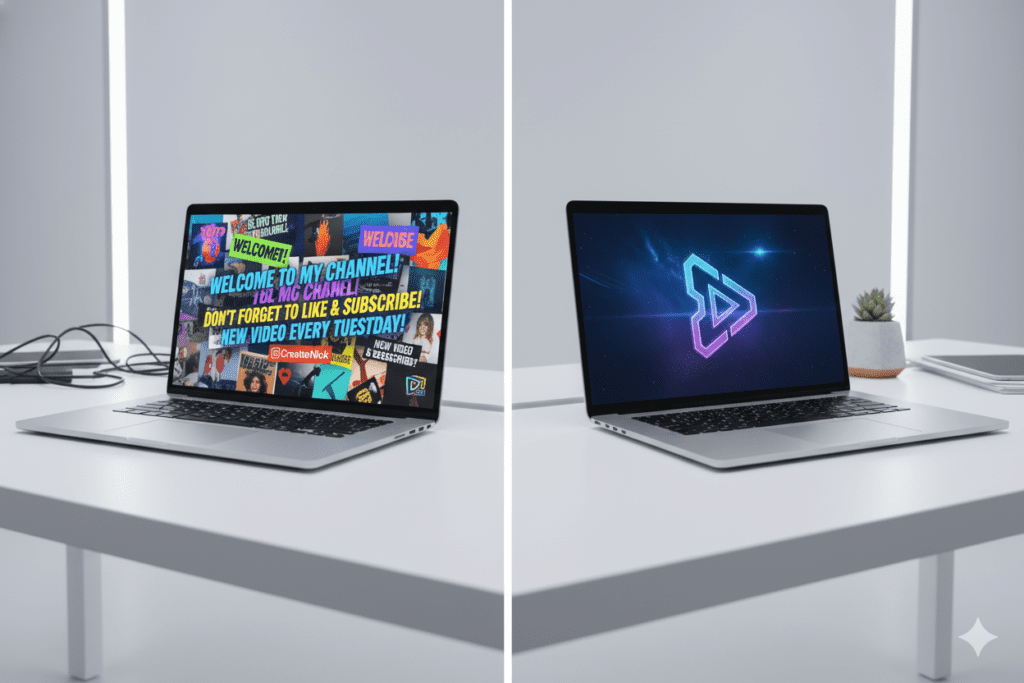
Why No-Text Intros Are Outperforming Traditional Intros in 2026
There’s a reason the biggest brands in the world don’t spell out their name in their commercials. Apple doesn’t open ads with “Hello, we are Apple Computer Company.” They just show you something beautiful, and the logo appears at the end.
The same principle is now reshaping YouTube channel branding.
Here’s why the YouTube intro maker no text trend is dominating creator channels in 2026:
Attention spans are shorter than ever. Viewers decide whether to keep watching within the first 3 to 5 seconds of a video. A flashy text-heavy intro burns those seconds without delivering value. A clean logo reveal respects the viewer’s time — and they reward you for it by staying.
Text-heavy intros feel dated and amateurish. Over the past several years, content quality expectations on YouTube have skyrocketed. What looked impressive in 2015 looks cluttered and cheap today. Clean, minimal, logo-driven intros signal professionalism and brand maturity.
Logo reveals are language-agnostic. If your channel has a global audience — or you’re trying to grow one — a no-text intro is understood by every viewer, regardless of language. It removes a barrier while reinforcing your visual brand simultaneously.
They’re more reusable and evergreen. An intro loaded with your channel name or tagline becomes outdated the moment you rebrand. A clean logo reveal with strong music? That can last for years and still feel fresh.
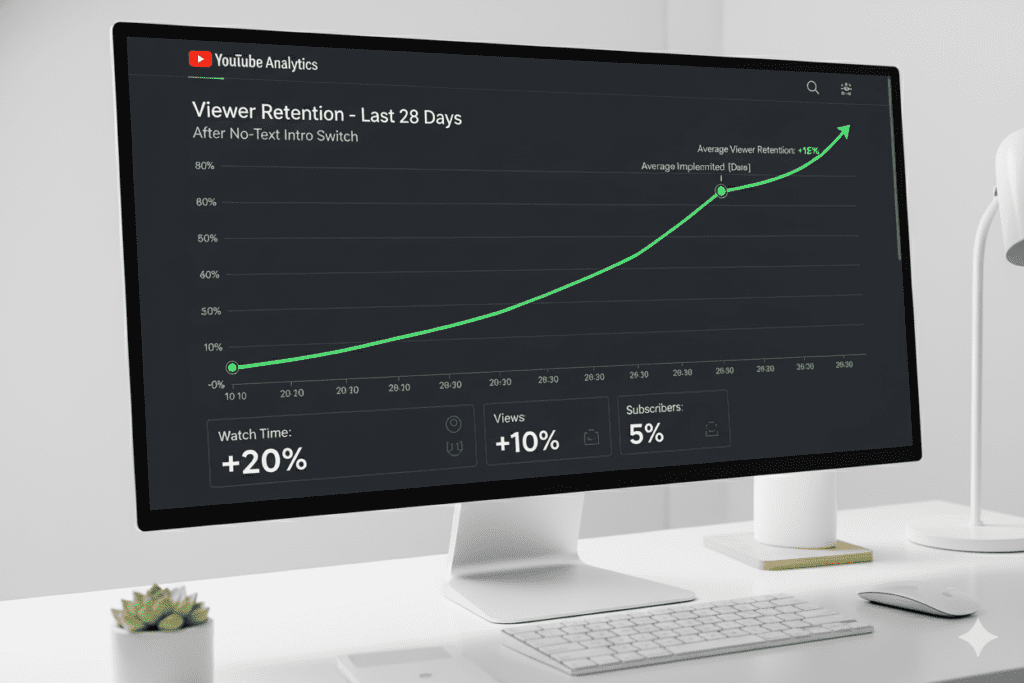
Algorithm signals improve. Creators who test YouTube intro maker no text styles often report improved average view duration. When viewers aren’t subjected to a long animated intro they can’t skip, they’re more likely to keep watching — and YouTube’s algorithm notices.
The Psychology Behind Clean, Text-Free YouTube Intros
This isn’t just aesthetics. There’s real viewer psychology at play.
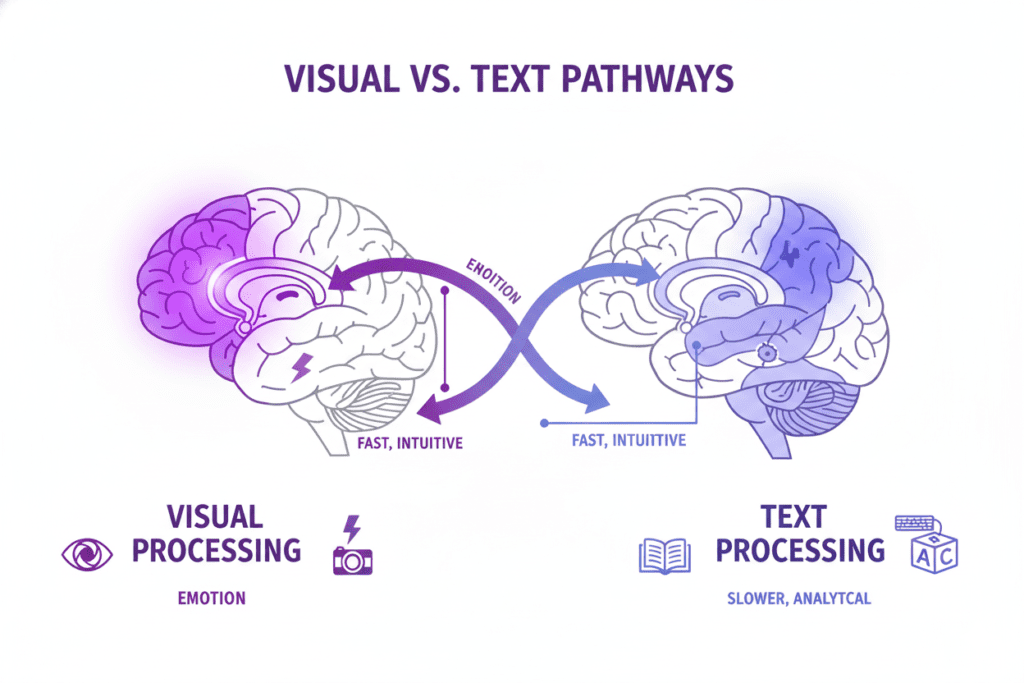
When a viewer sees text on screen, their brain automatically switches into reading mode. That’s a cognitive load shift — your viewer is now processing language instead of experiencing your brand emotionally. Even for just three seconds, that’s a disruption.
A no-text, visual-only intro bypasses that completely. It engages the visual-emotional part of the brain — the part that processes brand logos, recognizes faces, and responds to music. That’s where brand loyalty actually lives.
According to research shared on the HubSpot marketing blog, visual content is processed 60,000 times faster than text. That means your logo, moving fluidly across the screen for five seconds, is doing more communication work per millisecond than a paragraph of animated text ever could.
When you use a YouTube intro maker no text tool to build this kind of open, you’re essentially training your audience to recognize and respond to your visual identity — the same way people respond to a Spotify jingle, an HBO static sound, or a Netflix “ta-dum.”
That’s brand-level thinking. And it’s available to every creator right now.
How to Create a YouTube Intro with No Text: Step-by-Step
Ready to make your own no-text YouTube intro? Here’s a clear, actionable process you can follow today.
Step 1: Define Your Brand Visual Identity
Before you open any YouTube intro maker no text tool, you need to know your brand’s core visual elements:
- Primary logo (or icon/symbol version of your logo)
- Brand color palette (2–3 core colors maximum)
- Brand vibe (minimal and clean? Dark and cinematic? Energetic and bold?)
If you don’t have a solid logo yet, now is the time to create or refine one. Your logo is the hero of a no-text intro — it needs to be strong enough to carry the entire visual message on its own.
Step 2: Choose Your Intro Style
There are several motion styles that work beautifully for a YouTube intro maker no text approach:
- Logo Reveal — Your logo assembles from particles, morphs from abstract shapes, or fades in dramatically
- Geometric Animation — Abstract shapes, lines, or patterns move and transform into your logo
- Kinetic Logo Sting — A fast, energetic logo animation paired with a punchy sound effect
- Cinematic Fade — A slow, atmospheric reveal with mood music — great for travel, film, and lifestyle channels
- Glitch or Neon Effect — Popular for gaming, tech, and entertainment channels
Step 3: Select Your Background Music or Sound Sting
Sound is the second half of your brand intro. A 3-second musical sting can become as recognizable as the visual itself — think of the Netflix “ta-dum” as the gold standard.
Choose music that:
- Matches your channel’s energy and niche
- Is royalty-free and YouTube-safe (avoid copyright strikes)
- Is short and punchy — under 5 seconds if possible
- Ends crisply rather than fading awkwardly
Step 4: Build in a YouTube Intro Maker No Text Tool
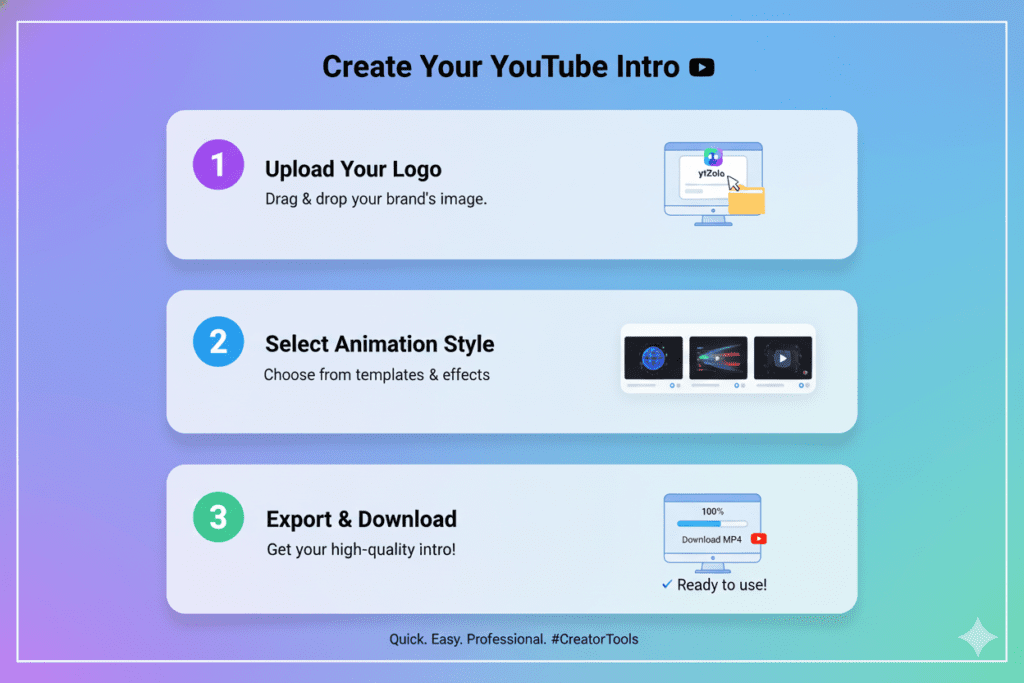
Open your chosen tool (we cover the best options below), upload your logo, select your animation style, choose your audio, and render. Most modern tools let you preview before exporting in full HD.
Step 5: Keep It Under 8 Seconds
This is critical. A no-text intro that drags on for 15 seconds defeats its own purpose. Aim for 3–8 seconds maximum. Five seconds is the sweet spot for most channels.
Step 6: Export and Add to Every Video
Once your intro is ready, export in 1080p minimum (4K if possible). Import it into your video editor and place it at the very beginning — or right after a 1–2 second hook moment if your content style calls for it.
Best YouTube Intro Maker No Text Tools Compared
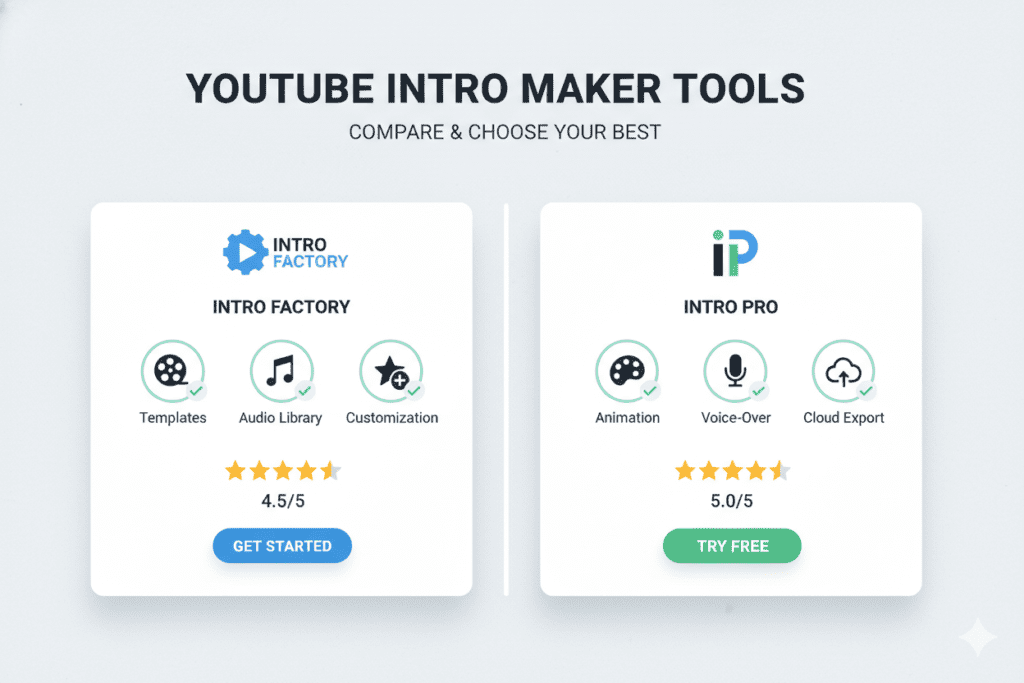
There’s no shortage of YouTube intro maker no text tools on the market. Here’s an honest breakdown of the leading options.
1. Adobe Express
Adobe Express is one of the most polished free tools for creating no-text intros. It offers a library of customizable templates, allows logo uploads, and lets you download your final video watermark-free on the free plan. The drag-and-drop interface makes building a clean logo reveal straightforward, even for beginners.
Best for: Creators who want a professional look with minimal design experience.
2. Canva Video Intro Maker
Canva’s intro maker is widely loved for its ease of use and massive template library. For a YouTube intro maker no text purpose, Canva’s strength is in its motion graphics templates — many of which are logo-centric with no text by default. You can remove any text layers from existing templates easily.
Best for: Creators who already use Canva for thumbnails and channel art.
3. InVideo
InVideo’s AI-powered intro maker offers a wide range of templates and is particularly strong for music integration. It supports no-text animation styles and has a generous free tier, though exports include a watermark unless you upgrade.
Best for: Creators who want AI-assisted automation in their intro creation process.
4. Placeit by Envato
Placeit specializes in slick, branded video templates. Their logo animation library is one of the strongest available specifically for the YouTube intro maker no text use case — many templates are pure logo reveals with no text elements whatsoever. The per-video pricing can add up, but the quality is consistently impressive.
Best for: Creators who want premium, unique logo animations on demand.
5. Krikey AI
Krikey AI takes a different approach — it focuses on 3D animated logo reveals and character-based intros. It’s a standout option for gaming channels, animation creators, and anyone who wants a genuinely cinematic no-text intro experience.
Best for: Gaming and entertainment channels wanting 3D animation quality.
| Tool | Free Plan | Watermark-Free | No-Text Templates | Ease of Use |
|---|---|---|---|---|
| Adobe Express | ✅ Yes | ✅ Yes | ✅ Strong | ⭐⭐⭐⭐ |
| Canva | ✅ Yes | ✅ Yes | ✅ Strong | ⭐⭐⭐⭐⭐ |
| InVideo | ✅ Yes | ❌ Paid only | ✅ Good | ⭐⭐⭐⭐ |
| Placeit | ❌ Paid | ✅ Yes | ✅ Excellent | ⭐⭐⭐⭐ |
| Krikey AI | ✅ Yes | ✅ Yes | ✅ Good | ⭐⭐⭐ |
Why Manual Design Methods Are Holding You Back
Here’s a conversation that happens in creator communities every single day.
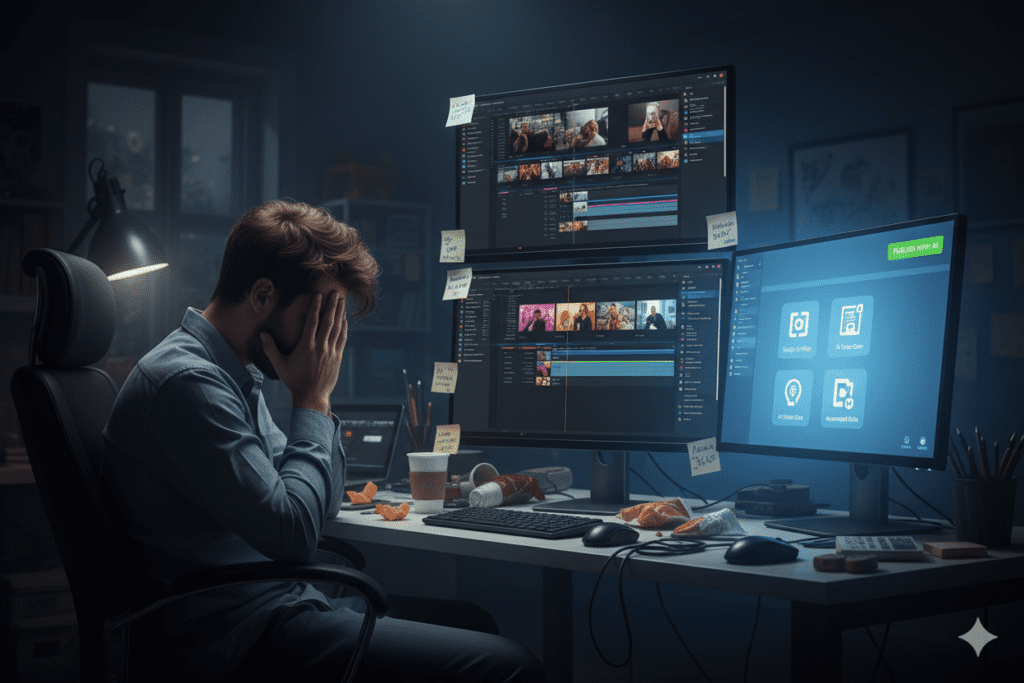
Someone spends three hours trying to create a clean logo reveal in Premiere Pro or After Effects. They’re battling keyframes, layer masks, and plugin errors. By the time they’re done, the result looks… okay. Not great. Not brand-defining. Just okay.
And while they were doing all that — they weren’t writing their next script. They weren’t optimizing their titles and descriptions. They weren’t researching their next video topic.
Manual design is a time thief. And in 2026, time is your most valuable resource as a creator.
The problem goes deeper than just the intro itself. Even if you nail a clean YouTube intro maker no text style, what about the rest of your channel strategy? Are your titles optimized for search? Are your descriptions structured to help the algorithm? Are your tags pulling the right audience?
Most creators are grinding through all of this manually — and falling behind creators who’ve made the switch to AI-powered tools.
The modern creator toolkit isn’t about working harder. It’s about working smarter. And that’s exactly where ytZolo changes everything.
How ytZolo Supercharges Your YouTube Intro Strategy
Let’s be clear: ytZolo isn’t just another tool in your stack. It’s the all-in-one AI YouTube growth platform that handles the content strategy work that most creators are drowning in.
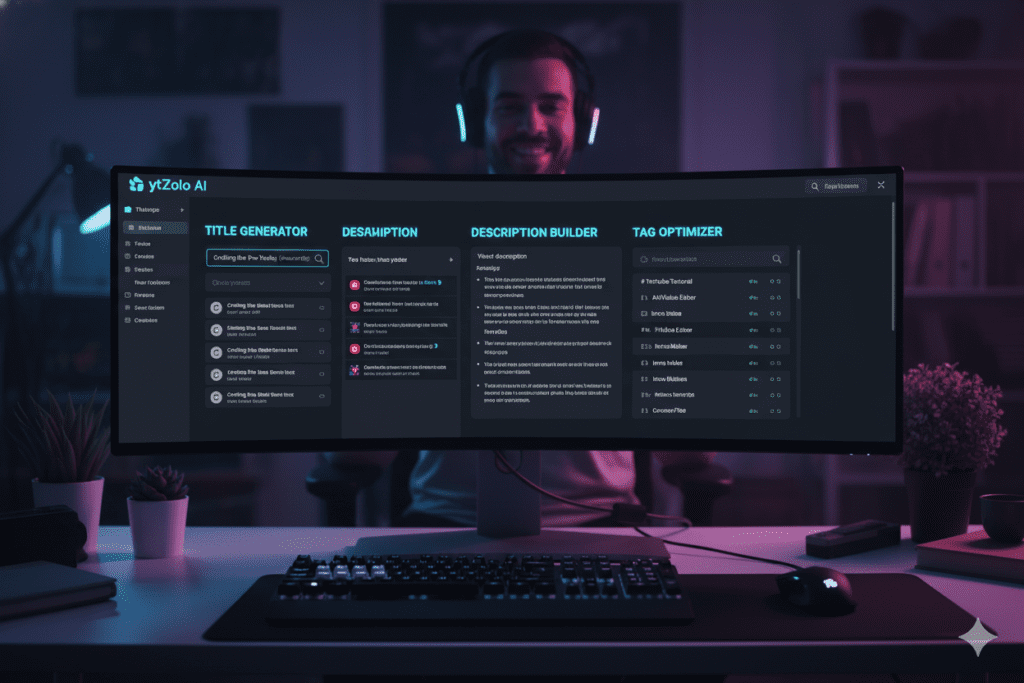
Here’s how ytZolo directly powers your YouTube intro maker no text channel-building strategy:
AI-Powered Title Generator Your intro might be clean and brand-perfect, but if your title doesn’t hook viewers in search, they’ll never get to your intro at all. ytZolo generates click-worthy, SEO-optimized YouTube titles that are engineered to rank and get clicks — so your beautiful intro actually gets seen.
Smart Description Builder ytZolo builds structured, keyword-rich video descriptions that help YouTube’s algorithm understand your content. More algorithmic clarity means more distribution — and more people watching your intro-branded videos.
Tag & Hashtag Optimizer Stop guessing which tags work. ytZolo’s tag optimizer identifies the high-impact keywords and hashtags that drive discoverability in your niche. Pair that with a strong no-text intro, and you’ve got a complete first impression — from search result to screen.
Script Writer for Creators ytZolo’s AI script generator crafts structured, engaging video scripts in your niche. Your intro sets the tone — ytZolo makes sure what follows lives up to it. Every video becomes a cohesive, brand-consistent experience.
Thumbnail Concept Ideation A no-text intro builds visual brand recognition inside your videos. A ytZolo-optimized thumbnail builds that recognition before viewers even click. When both elements work together, your channel starts looking like a premium brand — not a hobby project.
Creators who’ve explored the ytZolo blog already know how quickly AI-powered content strategy accelerates channel growth. Your intro is the beginning of the viewer journey. ytZolo makes sure the entire journey is optimized.
Why ytZolo Is Better Than Other Tools
The creator tool space is crowded. So let’s cut through the noise and talk about what actually matters.
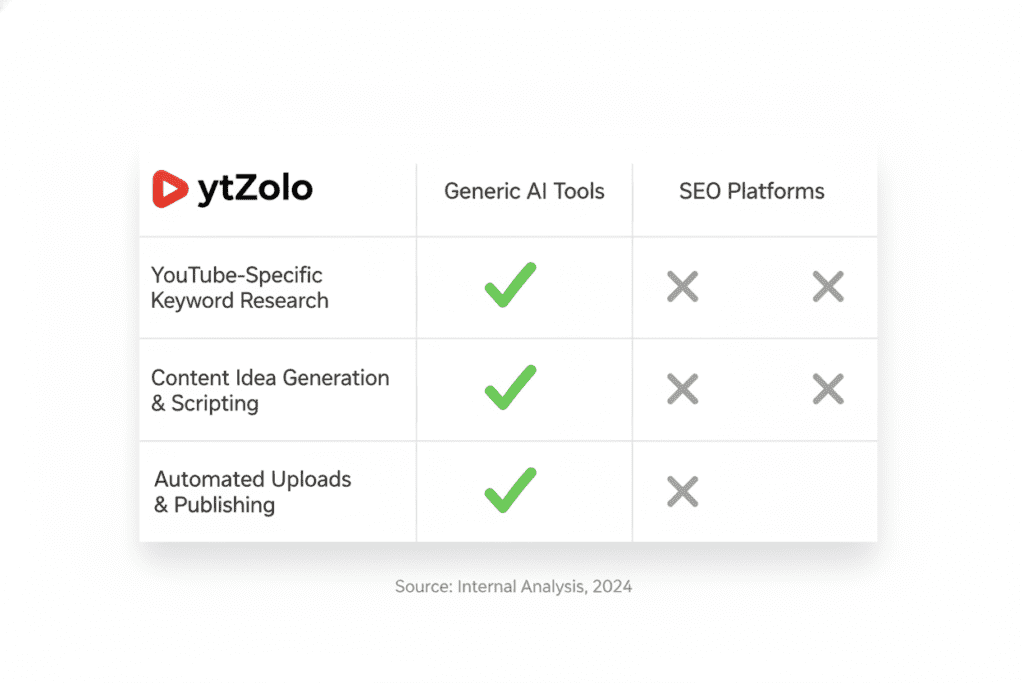
Most YouTube tools fall into one of two camps. Either they’re generic AI writers that produce content without any understanding of YouTube’s algorithm, audience psychology, or video SEO. Or they’re basic SEO tools that give you keyword data but leave you to figure out the execution yourself.
ytZolo is neither. It’s built specifically for YouTube creators, by people who understand what it takes to grow a channel in 2026.
Here’s how it stacks up against the alternatives:
| Feature | ytZolo | Generic AI Writers | SEO-Only Tools |
|---|---|---|---|
| YouTube-native optimization | ✅ Built-in | ❌ Not designed for it | ⚠️ Partial |
| AI title + description + tags bundle | ✅ All-in-one | ❌ Separate tools needed | ❌ Tags only |
| Script writing for video content | ✅ Yes | ⚠️ Generic output | ❌ No |
| Thumbnail concept generation | ✅ Yes | ❌ No | ❌ No |
| Viral content strategy support | ✅ Yes | ❌ No | ❌ No |
| Built for channel growth | ✅ Core purpose | ⚠️ Incidental | ❌ No |
The real difference is context. A generic AI tool doesn’t know the difference between a YouTube title and a blog headline. It doesn’t understand CTR optimization, thumbnail coordination, or how tag selection affects suggested video placement.
ytZolo was built with all of that baked in. Every feature — from the title generator to the description builder — is calibrated for YouTube’s specific algorithm and viewer behavior patterns.
And unlike expensive enterprise tools designed for marketing agencies, ytZolo is priced and designed for individual creators. Whether you’re at 1,000 subscribers or 100,000, ytZolo scales with your ambition.
Pro Tips for a Perfect No-Text YouTube Intro
You’ve got the concept. You’ve got the tools. Now let’s make sure your no-text intro actually delivers.
Keep it ruthlessly short. Three to five seconds is ideal. Eight seconds is the absolute maximum. Test it on yourself — if you’d skip it, your viewers will too.
Invest in your logo first. A no-text intro is only as strong as the logo at its center. If your logo is weak or generic, even the most stunning animation won’t save it. Get a clean, versatile logo icon before you start building your intro.
Match your music to your niche. A cinematic orchestral sting works for documentary and lifestyle channels. A snappy electronic hit fits tech and gaming content. A lo-fi chord fade suits study or productivity channels. The music should feel unmistakably you.
Use your brand colors throughout. Even without text, color is one of the strongest brand signals available to you. Build your logo animation around your channel’s core color palette so every intro reinforces your visual identity.
Test both versions. If you’re uncertain, test a text intro vs. a YouTube intro maker no text style across a handful of videos. Compare the average view duration drop-off in YouTube Studio. The data won’t lie.
Pair your intro with strong AI-optimized content. The cleanest intro in the world won’t help if your video titles don’t drive clicks or your descriptions don’t feed the algorithm. That’s where using ytZolo alongside your no-text intro strategy creates a compound effect — great first impressions + great discoverability = exponential growth.
According to the YouTube Creator Academy, strong branding combined with consistent upload schedules and optimized metadata are the three pillars of sustainable channel growth. Your no-text intro handles the branding pillar. ytZolo handles the optimization.
Don’t change it too often. Brand recognition is built through repetition. Once you’ve nailed your YouTube intro maker no text style, commit to it. Every video that opens with the same intro is training your audience to recognize you on sight.

FAQ: YouTube Intro Maker No Text
1. What is a YouTube intro maker no text and why use one?
A YouTube intro maker no text tool lets you create a short branded video intro using only logo animations, motion graphics, and music — with no written words or typography. Creators use this approach because it’s faster for viewers to process, feels more professional, and builds stronger logo-based brand recognition than text-heavy intros that slow down engagement.
2. What is the ideal length for a no-text YouTube intro?
The ideal length for a YouTube intro maker no text style intro is between 3 and 8 seconds. Five seconds is widely regarded as the sweet spot — long enough to make a visual impact and short enough to avoid losing impatient viewers. According to creator data, intros longer than 10 seconds often see a measurable drop in viewer retention.
3. What are the best free YouTube intro maker no text tools in 2026?
The top free options for creating a YouTube intro maker no text style intro include Adobe Express (watermark-free on free plan), Canva’s video intro maker (excellent template library), InVideo (AI-powered but watermarked on free plan), and Krikey AI (strong 3D animation options). For premium quality with no restrictions, Placeit by Envato is the top paid choice.
4. Can I create a YouTube intro with no text if I have no design skills?
Absolutely. Every major YouTube intro maker no text tool is designed for creators with zero design or animation experience. You simply upload your logo, choose a template or animation style, select your audio, and export. The entire process typically takes under 10 minutes, even for a complete beginner.
5. How does using a no-text YouTube intro affect my channel growth?
A clean, professional no-text intro contributes to stronger visual brand recognition, better average view duration (since viewers aren’t sitting through long text animations), and a more premium channel aesthetic that encourages subscriptions. Pairing a strong intro with AI-optimized titles, descriptions, and tags through tools like ytZolo creates a complete, high-performance channel strategy that compounds over time.
Conclusion: Your Brand Deserves Better Than Bouncing Text
The creators winning on YouTube in 2026 aren’t the ones with the biggest budgets. They’re the ones who understand branding, respect their viewers’ time, and use the right tools to work smarter.
A YouTube intro maker no text approach is one of the simplest, highest-impact upgrades you can make to your channel right now. It signals professionalism. It builds brand recognition. It keeps viewers watching. And it takes less than an afternoon to set up.
But your intro is only the beginning of the viewer journey.
The titles that get your video clicked. The descriptions that help the algorithm find your audience. The tags that put you in front of the right viewers. The scripts that keep people watching till the end. All of that determines whether your beautiful no-text intro is seen by 100 people or 100,000.
That’s exactly what ytZolo is built to help you with. It’s the all-in-one AI YouTube growth platform that handles your content strategy so you can focus on creating — not grinding through spreadsheets and keyword research at midnight.
Pair your clean, text-free intro with a full AI-powered content strategy, and your channel won’t just look professional. It’ll grow like one.
Start creating smarter, faster, and more viral YouTube content with ytZolo today.
👉 Visit ytZolo.com and start growing your channel now
Want more creator strategies, YouTube SEO tips, and AI growth guides? Head over to the ytZolo blog — it’s updated regularly with everything serious creators need to stay ahead of the algorithm.
External Authority Links Referenced:

