

Introduction: The Video That Got Zero Views (And Why It Wasn’t Your Fault)
You spent 6 hours filming. Another 3 editing. You hit publish with a rush of excitement — and then… nothing.
15 views. 11 of which were you, refreshing the page.
Here’s the brutal truth: your video didn’t fail because it was bad. It failed because nobody could find it. And the reason nobody found it? Your YouTube SEO title and description were not doing their job.
This is the silent killer for most creators. They pour everything into production and treat metadata like an afterthought. Meanwhile, a competitor with a worse video but a better-optimized title and description gets 50,000 views in a week.
In this guide, you’re going to learn exactly how to write YouTube SEO titles and descriptions that rank, get clicked, and help your channel grow. We’ll break down every strategy, every mistake to avoid, and show you why tools like ytZolo are changing the game for creators who want results without spending hours on metadata.
Let’s get into it.
Table of Contents
Why YouTube SEO Title and Description Matter More Than You Think
Let’s get one thing straight first.
YouTube is not just a video platform. It’s the second-largest search engine in the world, with over 2.5 billion monthly active users typing in questions every single day.
When someone searches “how to lose weight fast” or “best guitar for beginners,” YouTube scans millions of videos to find the most relevant result. And the #1 thing it looks at? Your YouTube SEO title and description.
Your title tells YouTube what your video is about. Your description gives it more context. Together, they determine whether your video shows up on page one — or gets buried on page twenty where nobody ever scrolls.
A well-optimized YouTube SEO title and description can:
- Increase your click-through rate (CTR) by 20–30%
- Push your video into YouTube search results and Google
- Get your content recommended in the “suggested videos” sidebar
- Help even small channels compete with massive ones
This is your biggest growth lever. And most creators are leaving it completely untouched.
How YouTube’s Algorithm Actually Reads Your Title and Description
Before you write a single word, you need to understand how YouTube actually processes your metadata.
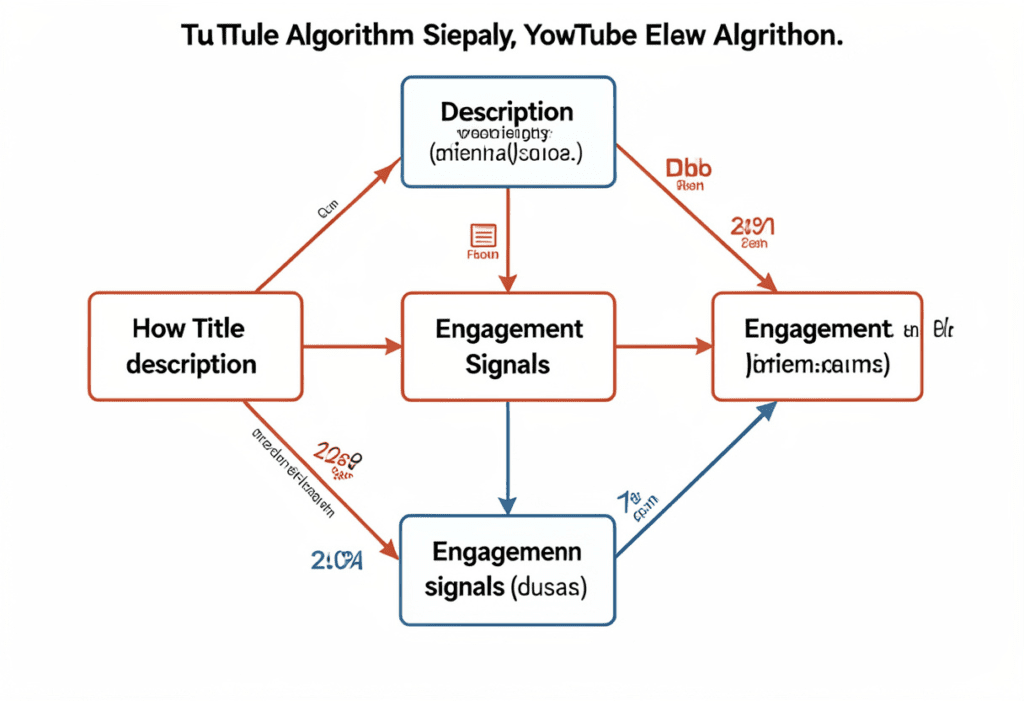
YouTube’s algorithm doesn’t “watch” your video the way a human does. Instead, it reads your YouTube SEO title and description as primary signals to understand what your video is about and who should see it.
What YouTube Looks For in Your Title
Your title is essentially YouTube’s version of an H1 tag on a webpage. The algorithm scans it first to determine the topic, the keyword relevance, and the search intent your video addresses.
Keywords placed at the beginning of your title carry the most weight. Research shows that front-loading your target keyword can improve YouTube rankings by up to 20%.
What YouTube Looks For in Your Description
Your description is like a mini-blog post that provides deeper context. YouTube indexes the words in your description and uses them to match your video with relevant searches. YouTube SEO Title and Description: Proven 2026 Guide
The first 2–3 lines are the most critical because that’s what appears before the “Show More” button. If your primary keyword isn’t in the first 25 words, you’re already losing ranking power.
Other Ranking Signals YouTube Uses
Title and description don’t work in isolation. The algorithm also weighs:
- Watch time — how long people stay watching your video
- Click-through rate (CTR) — how often people click when they see your video
- Audience retention — the percentage of your video people actually finish
- Engagement — likes, comments, shares, and new subscribers
A great YouTube SEO title gets the click. A great description (with timestamps and hooks) builds watch time. Both together are what push your video up the rankings.
How to Write a Perfect YouTube SEO Title (Step-by-Step)
Writing a great YouTube SEO title is part science, part art. Here’s the exact process you should follow every time you publish.
Step 1: Do Your Keyword Research First
Never start with a title idea. Start with a keyword.
Use tools like YouTube’s autocomplete, Google Trends, or an AI tool like ytZolo to find what people are actually searching for in your niche.
Look for keywords that have:
- Clear search intent (people are actively looking for this)
- Moderate to high search volume
- Reasonable competition (especially if you’re a smaller channel)
Long-tail keywords like “best budget camera for YouTube beginners” will often outperform broad terms like “camera review” because they match more specific search intent.
Step 2: Front-Load Your Primary Keyword
Once you have your keyword, put it as close to the beginning of your title as possible.
Weak title: “My Thoughts on the Best Camera Choices for YouTube in 2026”
Strong title: “Best Camera for YouTube Beginners 2026 (Under $300)”
See the difference? The strong title leads with the keyword and immediately signals relevance to both YouTube and the viewer.
Step 3: Add a Power Word or Emotional Hook
A keyword alone isn’t enough to get clicked. You need to add an emotional hook that makes the viewer need to click.
Power words that consistently boost CTR include:
- Curiosity triggers: Secret, Hidden, Shocking, Nobody Talks About
- Authority boosters: Proven, Ultimate, Expert, Best
- Urgency words: Now, Fast, 2026, Today, This Week
- Numbers and specifics: 5 Tips, 3 Mistakes, 10x Your Views
Step 4: Keep Your Title Under 60 Characters
YouTube truncates titles in search results after roughly 60 characters. If your most important words get cut off, you lose both the SEO signal and the emotional hook.
Aim for 50–60 characters as your sweet spot. Put the most important words first — always.
Step 5: Match the Title to the Thumbnail
Your title and thumbnail should tell the same story. Viewers see both at the same time. When they work together to create curiosity or convey a clear benefit, CTR skyrockets.
If your title says “5 YouTube Mistakes Killing Your Views,” your thumbnail should visually reinforce that idea — not just show a smiling face with no context. YouTube SEO Title and Description: Proven 2026 Guide
Examples of Strong YouTube SEO Titles
- ✅ “YouTube SEO Title and Description Guide (Rank #1 in 2026)”
- ✅ “5 YouTube SEO Mistakes Killing Your Channel (And How to Fix Them)”
- ✅ “How to Write YouTube Descriptions That Actually Rank [Step-by-Step]”
- ❌ “My New Video About SEO Stuff for YouTube Channels”
- ❌ “🔥🔥 WATCH THIS NOW!! Amazing YouTube Tips!! 😱”
How to Write a High-Ranking YouTube Description
Most creators treat the YouTube description box like a legal disclaimer — something they copy-paste and forget. That’s a massive missed opportunity.
A well-written YouTube SEO description can significantly boost your video’s visibility, increase watch time, and drive traffic back to your channel and website.
The Perfect YouTube Description Structure
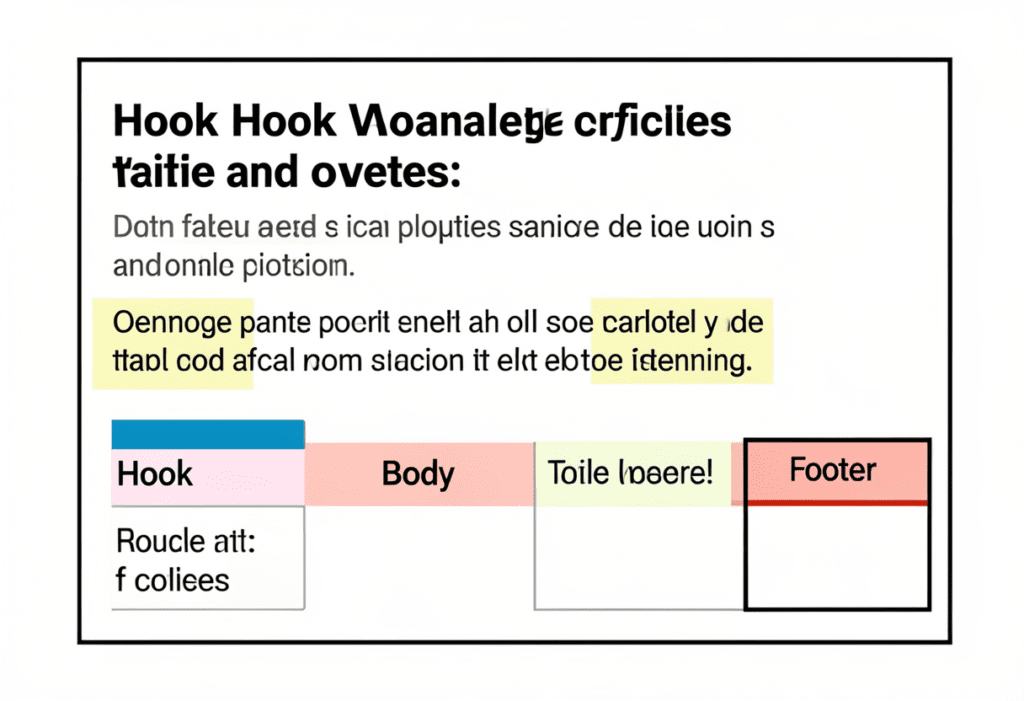
Think of your description in three distinct zones:
Zone 1: The Hook (First 2–3 Lines)
This is what appears before “Show More.” It must include your primary keyword in the first 25 words and give the viewer a reason to keep watching. Think of it like an ad — make it compelling.
Example: “Struggling to get views on YouTube? In this video, you’ll learn the exact YouTube SEO title and description strategies that top creators use to rank their videos and grow their channels fast.”
Zone 2: The Meat (Lines 4–15)
This section is for YouTube’s algorithm, not just viewers. Include:
- Your primary keyword 2–3 times naturally
- Secondary and LSI keywords woven into helpful context
- Timestamps with keyword-rich labels
- A summary of what the video covers
Zone 3: The Evergreen Footer (Lines 16+)
This is where you add links, calls-to-action, and channel information. Include:
- Link to your website or a lead magnet
- Links to related videos or playlists
- Social media profiles
- A subscribe prompt
- Relevant hashtags (2–5 is plenty)
Description Length: How Long Is Long Enough?
Aim for 300–500 words in your description. This gives YouTube enough text to understand your video’s topic while also providing value to viewers who scroll down.
Don’t stuff keywords unnaturally. Write first for the human reader, then layer in keywords where they fit logically. YouTube SEO Title and Description: Proven 2026 Guide
One More Pro Tip
Use keywords in your chapter timestamps. When you write “0:00 – Introduction to YouTube SEO,” YouTube indexes those words too. This is free keyword real estate that most creators completely ignore.
LSI Keywords and Semantic SEO: The Secret Weapon Most Creators Ignore
LSI keywords — Latent Semantic Indexing keywords — are related terms and phrases that signal to YouTube what your video is really about.
When you write a YouTube SEO title and description that includes semantic keywords, you’re essentially giving YouTube a richer map of your content’s topic. This helps your video appear in more related searches, not just your primary keyword.
What Are LSI Keywords for YouTube SEO?
If your primary keyword is “YouTube SEO title and description,” related LSI keywords might include:
- YouTube video optimization
- How to rank on YouTube
- YouTube metadata tips
- Video keyword research
- YouTube algorithm explained
- Increase YouTube views
- YouTube CTR optimization
- Video description best practices
- YouTube search ranking factors
- How to grow a YouTube channel
You don’t need to cram all of these into your title or description. Sprinkle 5–8 of them naturally throughout your description text.
How ytZolo Makes LSI Keywords Effortless
Finding and using the right LSI keywords manually can take 30–45 minutes per video. With ytZolo, you just enter your video topic and the AI automatically identifies the best primary, secondary, and semantic keywords — then builds your optimized title and description around them in seconds.
No guesswork. No hours of manual research. Just a perfectly optimized YouTube SEO title and description, ready to go.
4-YouTube-SEO-Title-and-Description-Smart-2026-Strategy.png
Common YouTube SEO Title and Description Mistakes to Avoid
Even experienced creators make these errors. Learning to avoid them can be the difference between 500 views and 50,000. YouTube SEO Title and Description: Proven 2026 Guide
Mistake #1: Putting the Keyword at the End of Your Title
YouTube and Google both prioritize words at the beginning of your title. If your keyword is buried at the end, you’re losing ranking power and confusing viewers about what the video is actually about.
Mistake #2: Writing Clickbait That Doesn’t Deliver
Sensationalized titles might get a click, but if your video doesn’t deliver on the promise, viewers leave early. Low watch time and poor retention will tank your rankings fast. Clickbait is a short-term trick with long-term consequences.
Mistake #3: Keyword Stuffing Your Description
Repeating the same keyword 15 times in your description doesn’t help. YouTube is smart enough to recognize stuffing, and it makes your content look spammy to viewers. Write naturally.
Mistake #4: Leaving the Description Blank (or Too Short)
A two-sentence description is basically invisible to the algorithm. You’re throwing away free ranking opportunities every time you leave the description box half-empty. YouTube SEO Title and Description: Proven 2026 Guide
Mistake #5: Using Vague Titles with No Context
Titles like “My Thoughts on This Topic” or “Check This Out!” have zero searchability. They tell neither YouTube nor the viewer what the video is about. Be specific, be clear, and be keyword-conscious.
Mistake #6: Not Updating Old Titles and Descriptions
If a video isn’t performing, your title and description might be the problem. Review your analytics regularly. Videos with high impressions but low CTR almost always have a title or thumbnail problem that’s costing you clicks.
Why ytZolo Is Better Than Other Tools for YouTube SEO Titles and Descriptions
There are a lot of tools out there claiming to help with YouTube SEO. Let’s be real about what most of them actually do.
TubeBuddy and VidIQ are solid for research and analytics. But when it comes to creating your YouTube SEO title and description, they give you data and leave the writing to you. That means you still have to do the hard part yourself.
ChatGPT can write things, but it doesn’t understand YouTube SEO nuance, trending keywords, thumbnail-title synergy, or what hooks actually work in your specific niche.
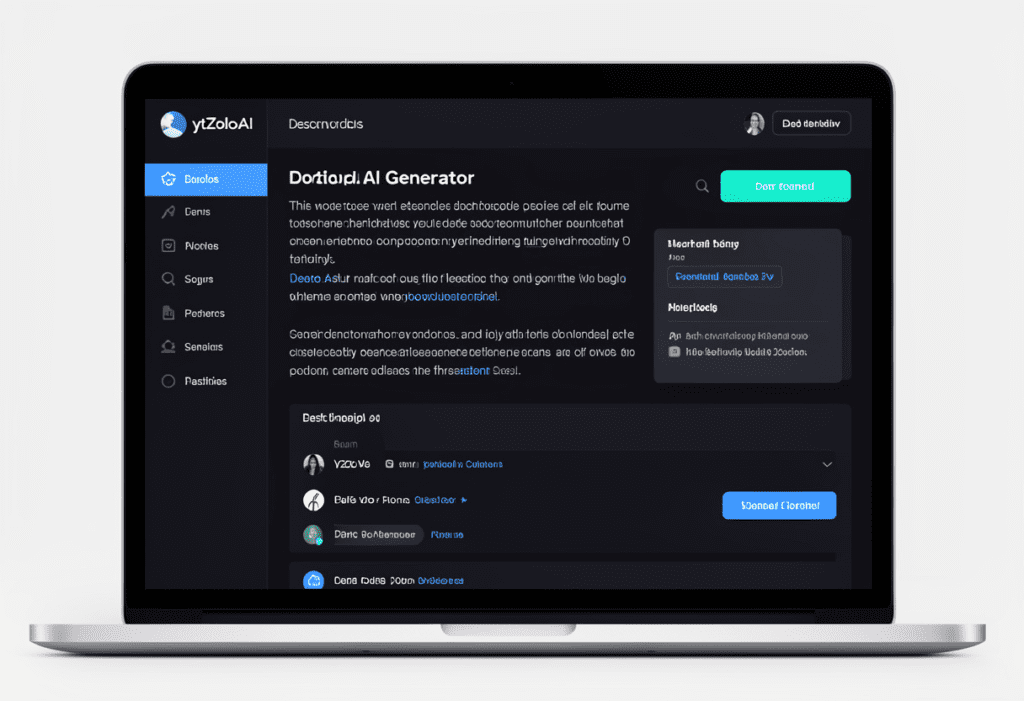
ytZolo is built differently. It’s an all-in-one AI YouTube growth tool designed specifically for creators who want to publish smarter, grow faster, and stop burning hours on tasks that AI can do better.
The ytZolo Advantage
Here’s how ytZolo stacks up against other tools when it comes to YouTube SEO titles and descriptions:
| Feature | TubeBuddy | VidIQ | ChatGPT | ytZolo |
|---|---|---|---|---|
| AI-generated SEO titles | ❌ | ❌ | ✅ (generic) | ✅ (YouTube-specific) |
| AI description writer | ❌ | ❌ | ✅ (basic) | ✅ (SEO-optimized) |
| Keyword research integration | ✅ | ✅ | ❌ | ✅ |
| Thumbnail generation | ❌ | ❌ | ❌ | ✅ |
| Script writing | ❌ | ❌ | ✅ (generic) | ✅ (structured for YouTube) |
| Built for viral content | ❌ | ❌ | ❌ | ✅ |
| All-in-one creator workflow | ❌ | ❌ | ❌ | ✅ |
ytZolo doesn’t just suggest keywords. It generates complete, optimized YouTube SEO titles and descriptions that are crafted for clicks, rankings, and viewer retention — all in one tool.
Why Manual Methods Are Outdated
In 2020, you could spend an hour researching keywords, writing a decent title, and tweaking your description manually — and that would be enough.
In 2026, you’re competing against creators who are using AI to publish 3x more content with 3x better optimization. If you’re still doing everything by hand, you’re not just working slower. You’re falling further behind every single day.
The creators growing the fastest right now aren’t necessarily the most talented. They’re the ones who’ve combined talent with smart tools. ytZolo is that smart tool.
You can also explore more YouTube growth strategies on the ytZolo blog — it’s packed with actionable guides for creators at every level.
8-YouTube-SEO-Title-and-Description-Powerful-2026-Guide.
How to Use ytZolo to Generate Viral Titles and Descriptions in Seconds
Using ytZolo to optimize your YouTube SEO title and description is remarkably simple. Here’s exactly how it works.
Step 1: Enter Your Video Topic
Type in what your video is about. You don’t need to have a perfect keyword — just a general idea of the topic. ytZolo’s AI does the keyword research for you.
Step 2: Let the AI Generate Title Options
ytZolo produces multiple SEO-optimized YouTube title options based on your topic, trending keywords, and proven viral title formulas. Each title is designed to get clicks and rank in search.
Step 3: Generate Your Optimized Description
With one click, ytZolo writes a full YouTube SEO description — complete with your primary keyword, LSI terms, a compelling hook in the first three lines, and a built-in call-to-action. The whole thing is structured perfectly for the algorithm.
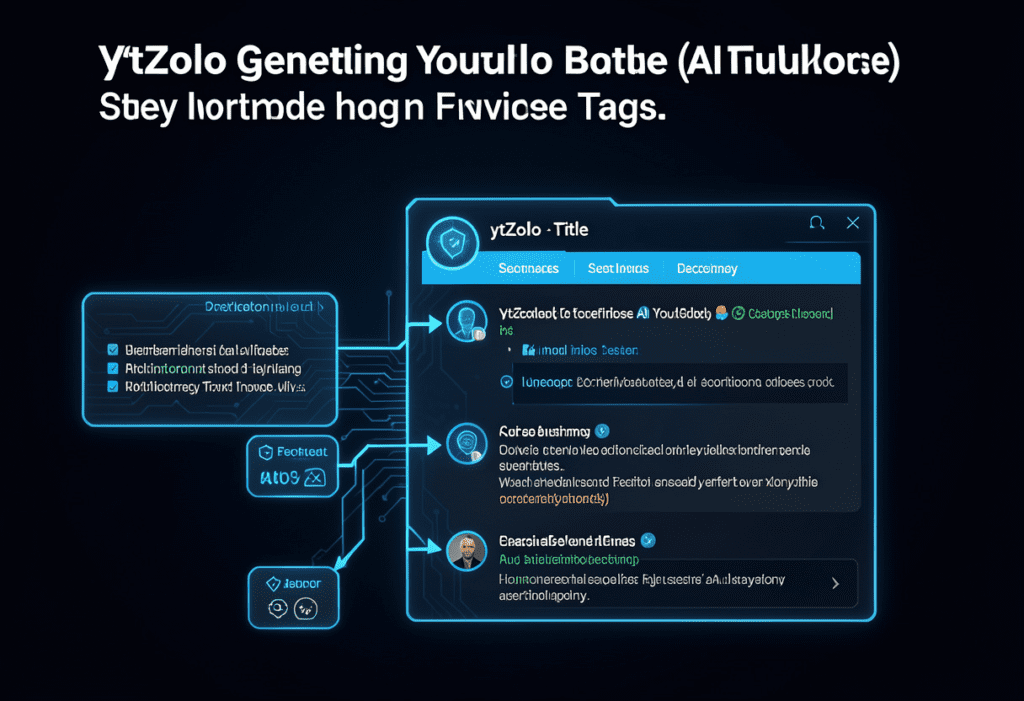
Step 4: Get Your Tags, Thumbnail, and Script Too
This is where ytZolo goes beyond any other tool. While you’re in the same dashboard, you can also generate:
- YouTube tags — perfectly matched to your title and description
- AI thumbnail concepts — visual ideas that complement your title
- Full video scripts — structured for engagement and retention
Everything is interconnected. Your title, description, thumbnail, tags, and script all work together — because that’s how YouTube actually ranks content.
One creator used ytZolo to go from spending 3 hours on YouTube SEO per video to under 10 minutes. The result? More consistent uploads, better optimization, and a channel that finally started growing.
That could be you.
Actionable Checklist: YouTube SEO Title and Description Done Right
Use this checklist every time you publish a video. Save it. Bookmark it. Make it a habit.
✅ YouTube SEO Title Checklist
- [ ] Primary keyword is in the first 3–5 words of the title
- [ ] Title is 50–60 characters or less
- [ ] Includes at least one power word or emotional hook
- [ ] Uses a number or specific detail where possible
- [ ] Matches the promise made by the thumbnail
- [ ] Avoids excessive caps, emojis, or clickbait
- [ ] Title makes clear what the viewer will get from the video
✅ YouTube SEO Description Checklist
- [ ] Primary keyword appears in the first 25 words
- [ ] First 2–3 lines function as a compelling “above the fold” hook
- [ ] Description is 300–500 words long
- [ ] Includes 5–8 LSI and semantic keywords naturally
- [ ] Has timestamps with keyword-rich labels
- [ ] Contains links to related content, your website, and social profiles
- [ ] Ends with a clear call-to-action (subscribe, comment, visit link)
- [ ] Includes 2–5 relevant hashtags at the bottom
- [ ] No keyword stuffing — reads naturally to a human
✅ Bonus Power Moves
- [ ] Used ytZolo to auto-generate and optimize title + description
- [ ] Checked analytics after 2 weeks and updated if CTR is below 4%
- [ ] Tested 2 title variations using YouTube Studio’s A/B testing
FAQ: YouTube SEO Title and Description
Q1: What is the ideal length for a YouTube SEO title?
The ideal length for a YouTube SEO title is 50–60 characters. This ensures the title is fully visible in search results on both desktop and mobile without getting truncated. Always put your most important keyword at the beginning of the title so it’s visible even if the end gets cut off.
Q2: How many times should I use my keyword in a YouTube description?
You should use your primary keyword 2–3 times in a YouTube description — once in the first 25 words, once in the middle section, and optionally near the end. Avoid repeating it more than that, as keyword stuffing can make your description look spammy and may hurt your rankings.
Q3: Does the YouTube description actually help with ranking?
Yes, absolutely. Your YouTube description is indexed by YouTube’s algorithm and directly contributes to keyword relevance signals. A well-written description that includes your primary keyword, LSI keywords, and timestamps gives YouTube more data to match your video with the right searches — which improves your ranking and visibility.
YouTube SEO Title and Description: The 2026 Guide explains that an effective YouTube SEO title should place the primary keyword near the beginning for better search relevance.
It should also include a power word or emotional hook, plus specific details like numbers or clear outcomes to spark curiosity.
Keeping the title under 60 characters helps ensure full visibility in search results, improving both rankings and click-through rates.
YouTube SEO Title and Description: The 2026 Guide explains that AI tools like ytZolo are designed to enhance your creativity, not replace it.
By combining AI writing with real YouTube SEO data, ytZolo generates titles and descriptions optimized for both search rankings and clicks.
For many creators, AI-assisted metadata performs better because it removes guesswork and applies proven SEO strategies consistently.
Conclusion: Your YouTube SEO Title and Description Are Your Growth Engine
Let’s bring it all home.
Your YouTube SEO title and description are not just metadata. They are the difference between a video that gets discovered and one that disappears into the void.
A title that front-loads your keyword, adds an emotional hook, and stays under 60 characters will always outperform a vague, keyword-free alternative. A description that includes a compelling hook in the first three lines, uses semantic keywords naturally, and provides clear timestamps will always help your video rank higher.
These are not optional optimizations. In 2026, with billions of videos competing for attention, this is the baseline for being found.
The good news? You don’t have to figure all of this out alone — and you definitely don’t have to spend hours doing it manually.
ytZolo handles your YouTube SEO title and description optimization automatically. It generates viral-ready titles, algorithm-friendly descriptions, perfectly matched tags, AI thumbnail concepts, and full video scripts — all in one place, all in minutes.
The creators winning on YouTube right now are not necessarily the ones with the biggest budgets or the most subscribers. They’re the ones working smarter with better tools.
Stop guessing. Stop wasting hours. Stop watching your videos disappear into obscurity.
Start creating smarter, faster, and more viral YouTube content with ytZolo today.
For more YouTube growth strategies, check out the ytZolo blog — packed with creator guides, AI tips, and actionable tutorials to help you grow your channel faster.
Related Resources
- YouTube Creator Academy — Official YouTube learning hub for creators
- Google Search Central: Video SEO — How Google indexes and ranks video content
- Ahrefs YouTube SEO Guide — In-depth keyword research and video optimization strategies
you can also check this blog :- https://ytzolo.com/blog/ai-thumbnail-creator-free/

