

Table of Contents
The Tag Mistake That’s Costing You Thousands of Views
Imagine uploading a video you spent three full days creating.
The content is genuinely good. The editing is clean. The topic is something people are actively searching for on YouTube every single day.
And then — silence. Forty-one views in a week. No growth. No momentum.
Meanwhile, a creator in the exact same niche uploads something half as polished and pulls in 60,000 views in 72 hours.
What did they know that you didn’t?
YouTube tag ideas for more views. Specifically — the right ones, in the right order, with the right structure.
Most creators either skip tags entirely, stuff them randomly, or copy whatever they see on a competitor’s video without any real strategy. All three approaches leave an enormous amount of discoverable traffic on the table.
The truth is, YouTube tag ideas for more views are one of the most underestimated parts of YouTube SEO. And in 2026 — with over 500 hours of video uploaded every single minute — getting your tags right is no longer optional. It’s survival.
This guide will show you everything you need to know: what tags actually do, the best YouTube tag ideas for more views by niche, how to structure them for maximum impact, and how tools like ytZolo make the entire process automatic so you never have to guess again.
Let’s build a tag strategy that actually works.
What Are YouTube Tags and Do They Still Matter in 2026?
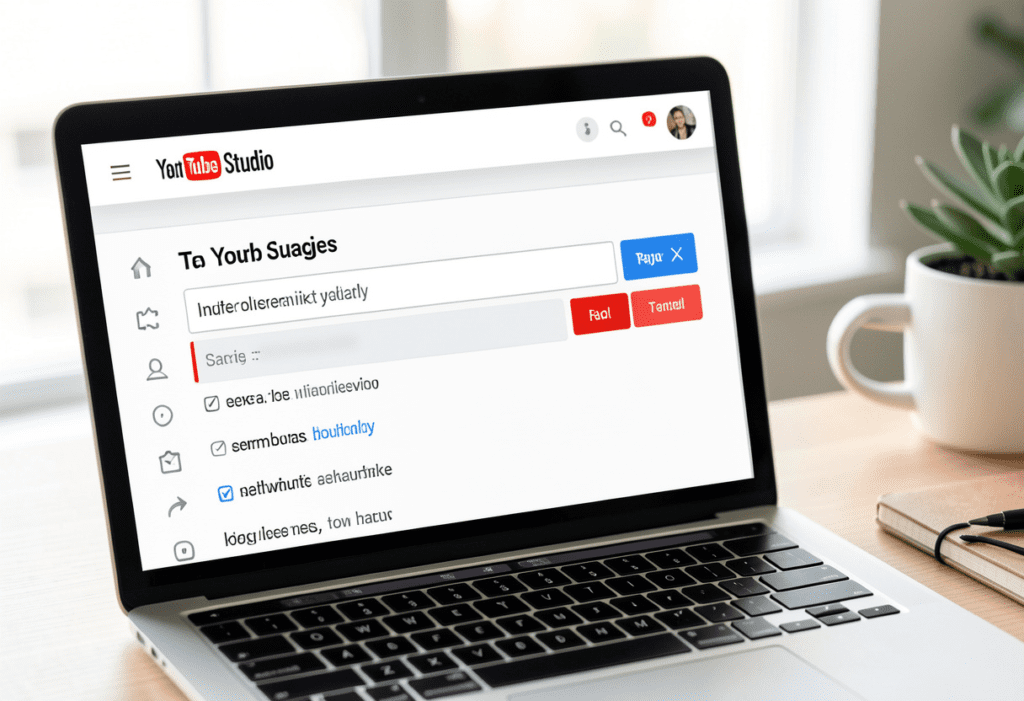
Let’s clear up the confusion once and for all.
YouTube tags are hidden keywords and phrases you add to your video in YouTube Studio. Unlike hashtags — which are visible to viewers — tags work entirely behind the scenes. They’re metadata that helps YouTube’s algorithm understand your video’s content, topic, and context.
Think of tags as invisible signals you send directly to YouTube’s algorithm. The more accurately and specifically those signals describe your video, the better YouTube can match your content to the right viewers at the right time.
So do YouTube tags still matter in 2026?
The honest answer: yes — but as part of a complete strategy, not as a standalone fix.
YouTube itself has acknowledged that tags play a smaller role compared to your title and description. But “smaller” doesn’t mean “irrelevant.” Here’s what great YouTube tag ideas for more views actually help you accomplish:
- Improve search ranking for specific keywords your audience is typing into YouTube
- Increase placement in suggested videos alongside similar high-performing content
- Clarify your video’s topic for the algorithm, especially for niche or complex subjects
- Capture misspellings and synonym searches that you might not cover in your title or description
- Strengthen contextual relevance signals that YouTube uses for recommendation feeds
According to research by content agency Briggsby, videos that use 200–300 characters of targeted tags consistently rank higher in YouTube search than videos with fewer tags. That’s a meaningful competitive edge — especially for newer channels trying to break through.
The creators ignoring tags in 2026 are leaving free discoverability on the table. The smart ones are using every available signal to their advantage.
How YouTube Tags Actually Work (What Most Guides Don’t Tell You)
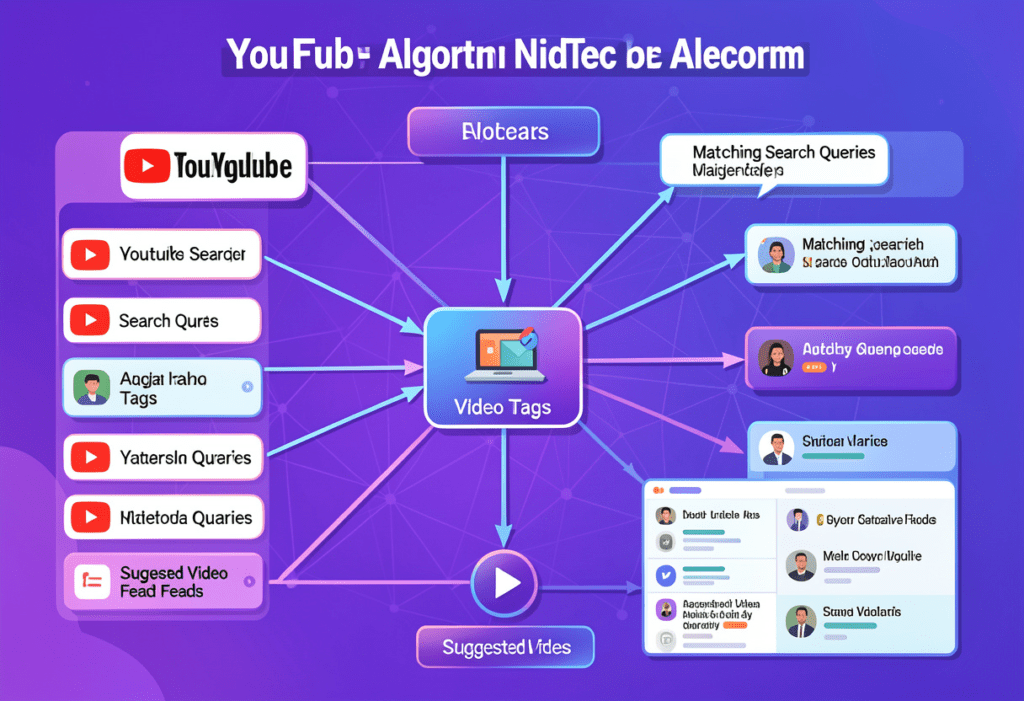
Here’s the part most guides completely skip over — and it makes all the difference.
YouTube doesn’t treat all your tags equally. The platform gives significantly more weight to the tags you list first. That means the order of your tags matters just as much as the tags themselves.
Your first tag should always be your exact primary keyword — the phrase that most precisely describes what your video is about and what your target viewer would type into the search bar.
Beyond order, YouTube uses your tags in a few specific ways:
Tags Tell the Algorithm What Your Video Is “About”
When you upload a video, YouTube doesn’t watch the whole thing to understand it. It reads your metadata — title, description, and tags — to build an initial understanding of your content’s topic and category.
Strong, relevant tags give YouTube a clear, confident picture of your video from the moment you publish. Vague or irrelevant tags leave YouTube guessing — and when YouTube guesses wrong, your video gets shown to the wrong audience. Wrong audience means low click-through rate and poor watch time, which tanks your rankings fast.
Tags Help You Show Up in Suggested Videos
This is actually where tags create the biggest growth opportunity for most channels.
When YouTube decides which videos to suggest alongside other popular videos, it looks for contextual relevance signals — and your tags are a key part of that signal set. If your tags closely align with the tags used by high-performing videos in your niche, YouTube is more likely to suggest your video alongside those popular videos.
That kind of suggested video placement can drive thousands of views completely on autopilot — and it starts with the right YouTube tag ideas for more views. YouTube Tag Ideas for More Views – Full 2026 Guide
Tags Bridge the Gap Between Your Content and Search Queries
People search on YouTube using dozens of different phrases for the same topic. Your title can only contain one version of your keyword. Your description might cover two or three more. YouTube Tag Ideas for More Views – Full 2026 Guide
But your tags? You have up to 500 characters — roughly 10 to 15 tags — to cover every relevant keyword variation, synonym, and long-tail phrase that your potential viewers might be searching for.
That’s powerful real estate. And most creators waste it entirely. YouTube Tag Ideas for More Views – Full 2026 Guide
The Best YouTube Tag Ideas for More Views by Niche
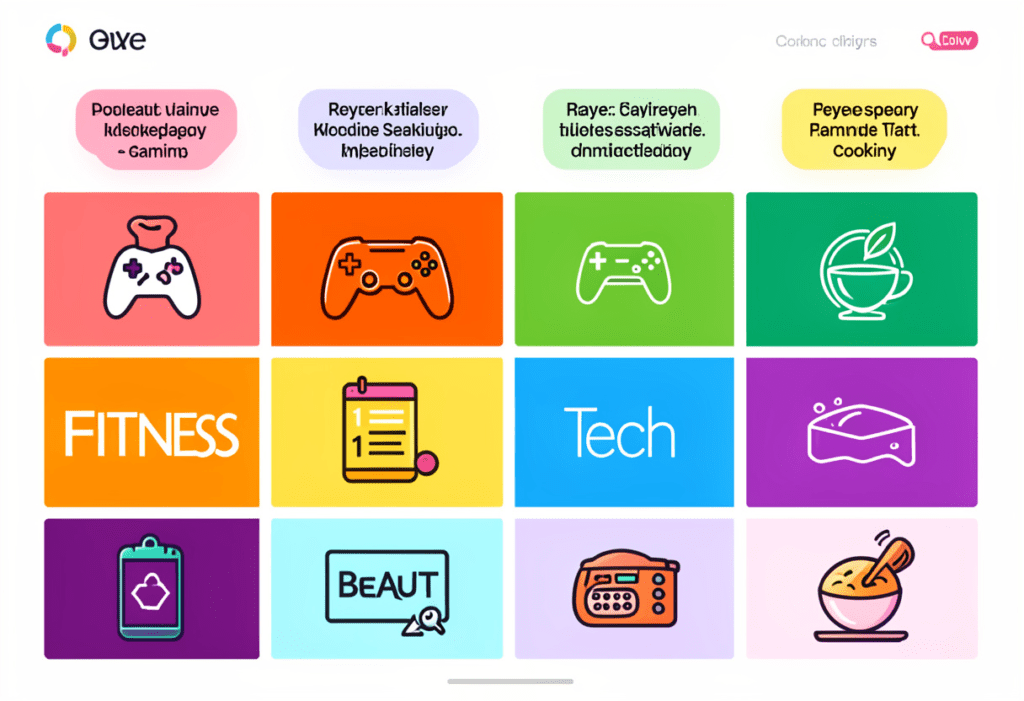
The most effective YouTube tag ideas for more views are always niche-specific. Generic tags like “video” or “YouTube” tell the algorithm almost nothing and help you rank for nothing.
Here are proven tag structures for the most popular YouTube niches — use these as a starting framework and customize them for your specific video topic. YouTube Tag Ideas for More Views – Full 2026 Guide
Fitness & Health Tags
A strong tag set for a fitness video about home workouts might include:
- Primary: home workout, home workout for beginners, workout at home no equipment
- Long-tail: 20 minute home workout, full body workout at home, beginner home workout routine
- Broad context: fitness for beginners, weight loss workout, workout motivation
- Audience-specific: home workout for women, morning workout routine, home gym workout
Tech & Gadget Review Tags
For a video reviewing a popular smartphone:
- Primary: iPhone 16 review, iPhone 16 pro review, best iPhone 2026
- Comparison: iPhone 16 vs Samsung S25, best smartphone 2026
- Buying intent: should I buy iPhone 16, iPhone 16 worth it
- Category: tech review, smartphone review, best phone camera
Finance & Investing Tags
For a video on saving money or investing:
- Primary: how to save money, money saving tips, personal finance tips
- Long-tail: how to save money fast, money saving tips for beginners, how to budget your money
- Trending: financial freedom 2026, how to build wealth young, investing for beginners 2026
- Category: personal finance, money management, financial tips
Gaming Tags
For a gameplay or tutorial video:
- Primary: [game name] gameplay, [game name] tutorial, how to play [game name]
- Audience: gaming tips for beginners, [game name] tips and tricks, [game name] guide 2026
- Category: gaming, video game walkthrough, gaming tutorial
- Platform-specific: PS5 gameplay, PC gaming, Xbox Series X gameplay
Beauty & Lifestyle Tags
For a makeup tutorial or skincare video:
- Primary: makeup tutorial for beginners, easy makeup tutorial, natural makeup look
- Product-specific: drugstore makeup tutorial, affordable skincare routine, [brand name] review
- Audience: makeup tips for beginners, everyday makeup routine, 5 minute makeup
- Category: beauty tips, skincare routine, makeup for beginners
How-To & Educational Tags
For any tutorial or educational video:
- Primary: how to [topic], [topic] for beginners, [topic] tutorial
- Long-tail: step by step [topic] guide, [topic] tutorial 2026, learn [topic] fast
- Category: tutorial, how to, educational, learn [topic]
- Outcome-focused: [desired result] tips, how to get [result], [result] fast
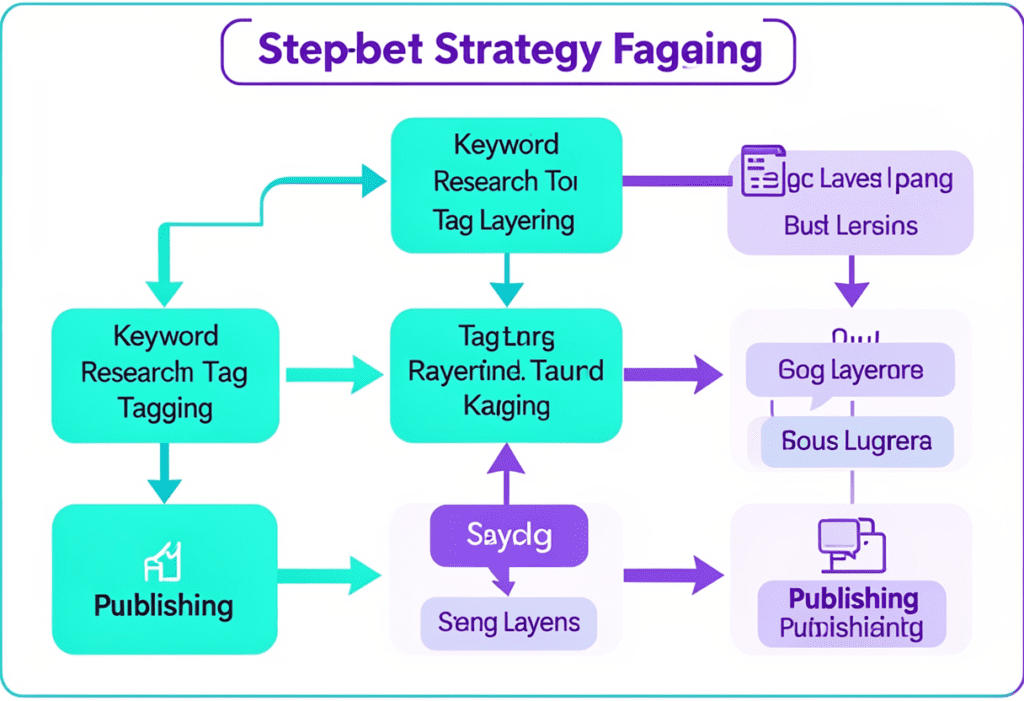
The pattern across every niche is the same: start specific, layer in long-tail variations, add broad category context, and finish with audience-specific phrases. That’s the formula for YouTube tag ideas for more views that actually move the needle.
How to Structure Your Tags for Maximum Algorithmic Impact
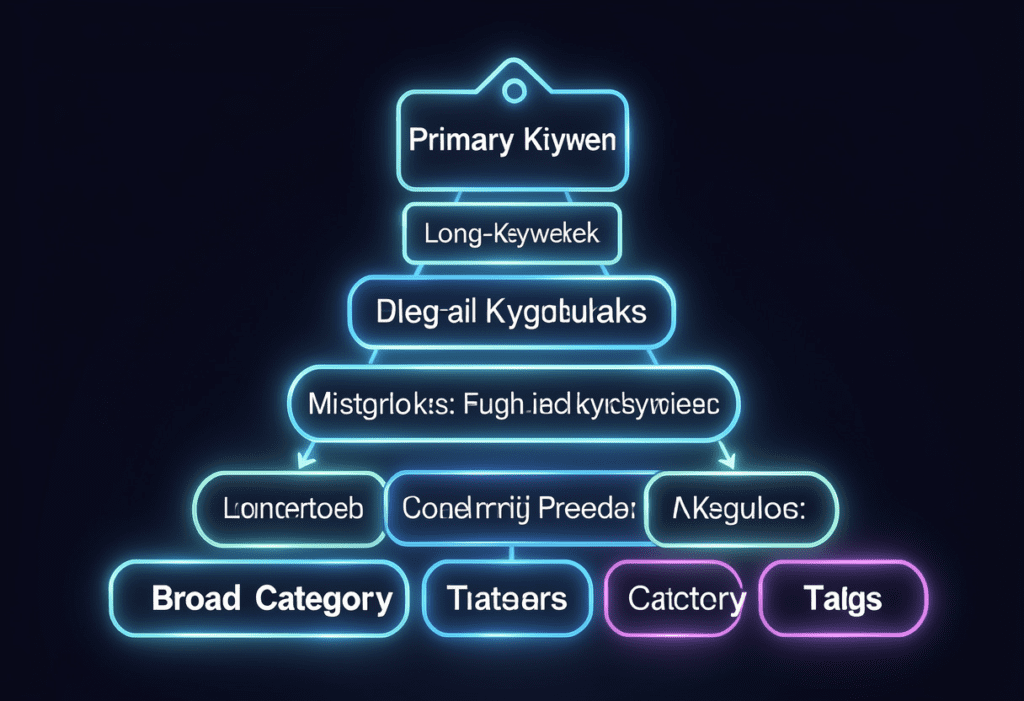
Knowing which tags to use is only half the battle. The other half is how you structure and order them. Here’s the exact tag architecture that maximizes your algorithmic reach. YouTube Tag Ideas for More Views – Full 2026 Guide
The 5-Layer Tag Structure
Layer 1 — Your Exact Primary Keyword (Tag 1)
Your very first tag must be your exact primary keyword — the phrase you most want to rank for. YouTube gives this tag the most algorithmic weight. Don’t waste it on something generic. YouTube Tag Ideas for More Views – Full 2026 Guide
Layer 2 — Primary Keyword Variations (Tags 2–3)
Include two or three close variations of your primary keyword. If your primary tag is “how to lose weight fast,” your Layer 2 tags might be “lose weight quickly,” “weight loss tips fast,” and “fastest way to lose weight.”
Layer 3 — Long-Tail Keywords (Tags 4–7)
Long-tail tags are where you capture highly specific searches from viewers with strong intent. These are longer phrases — typically 4–7 words — that represent exactly what someone is looking for. Competition is lower and relevance is higher. This is where newer channels can actually win search placement.
Layer 4 — Audience and Context Tags (Tags 8–10)
These tags tell YouTube who your video is for: “beginners,” “women over 40,” “teens,” “small business owners,” etc. They also clarify the context: “2026,” “at home,” “without equipment,” “on a budget.” Context and audience tags help YouTube match your content to the right viewer profile.
Layer 5 — Broad Category Tags (Tags 11–13)
Finish with two or three broad category tags that place your video within a recognizable content category — “fitness,” “personal finance,” “tech review,” “cooking tutorial.” These help YouTube understand your channel’s overall content space, not just this individual video.
The Character Count Sweet Spot
YouTube allows up to 500 characters in the tags field. Research suggests the ideal range is 200–300 characters — enough to cover all five layers without diluting your relevance signals. YouTube Tag Ideas for More Views – Full 2026 Guide
Don’t leave it empty. Don’t stuff it to 500 characters with random keywords. Target that 200–300 character sweet spot with purposeful, layered tags and you’ll consistently outperform channels that don’t.
YouTube Tag Ideas for More Views: The Complete Strategy Framework
30-YouTube-Tag-Ideas-for-More-Views-–-Hidden-Formula.png
Understanding the structure is great. But you also need a repeatable process for finding and building great YouTube tag ideas for more views for every single video you upload.
Here’s the complete framework you can use starting today.
Step 1: Start With Your Primary Search Intent
Ask yourself: “What would my ideal viewer type into YouTube to find this exact video?”
That phrase — the most specific, direct answer to that question — is your primary tag and the anchor for your entire tag set.
Step 2: Use YouTube’s Auto-Suggest to Find Real Search Phrases
Type your primary keyword into YouTube’s search bar and pay close attention to the autocomplete suggestions that appear. These suggestions are based on real searches happening right now — they’re gold for YouTube tag ideas for more views.
Screenshot the top 5–8 autocomplete suggestions and add the most relevant ones directly to your tag set.
Step 3: Research Competitor Tags
Search for your primary keyword on YouTube and look at the top-performing videos in your niche. Use a tool or browser extension to view their tags. You’re not copying — you’re identifying the tag patterns that are already working in your space.
Note the tags that appear consistently across multiple high-performing videos. Those are the ones YouTube has already associated with success in your topic area.
Step 4: Build Your 5-Layer Tag Set
Using the layered structure from the previous section, build your complete tag set:
- 1 exact primary keyword tag
- 2–3 keyword variation tags
- 3–4 long-tail keyword tags
- 2–3 audience and context tags
- 2–3 broad category tags
Aim for 200–300 total characters. Make every tag count.
Step 5: Front-Load Your Most Important Tags
Remember — YouTube weights your first tags most heavily. List them in order of importance: primary keyword first, then variations, then long-tail, then context, then broad category.
Step 6: Refresh Tags on Older Videos
This is the underused hack most creators never think about. Go back to your older videos — especially ones that performed reasonably well — and update the tags using your new framework.
Updated tags can breathe new life into older content and bring in views you’d otherwise never see. It takes five minutes per video and can produce noticeable results within days.
How ytZolo Automates Your YouTube Tag Ideas for More Views
2-YouTube-Tag-Ideas-for-More-Views-–-Secret-Hack.png
Here’s the honest reality about the tag strategy above: done manually, it takes 30–45 minutes per video.
You need to research keywords, analyze competitors, build layered tag sets, check character counts, and make sure every tag is properly ordered. Do that for every video, every week, and you’ll burn through hours you don’t have.
That’s exactly why ytZolo exists.
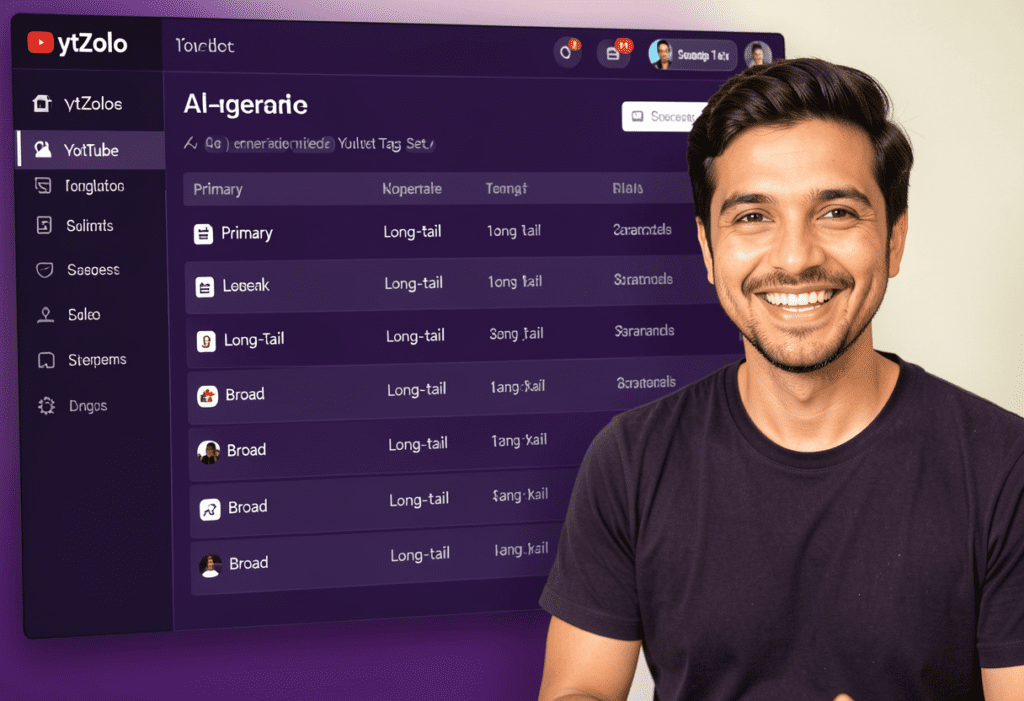
ytZolo is the all-in-one AI YouTube marketing platform that automates your entire video optimization workflow — including generating complete, perfectly structured YouTube tag ideas for more views in seconds.
Here’s exactly how ytZolo handles your tags:
AI-Generated Smart Tag Sets — Instantly
Enter your video topic into ytZolo and the AI instantly generates a complete tag set using the 5-layer structure described above. Your primary keyword, long-tail variations, audience context tags, and broad category tags — all generated, ordered, and ready to paste directly into YouTube Studio.
No guesswork. No research. No manual character counting.
Tags Built Around Real Search Intent
ytZolo’s AI is trained on what actually works on YouTube — not generic keyword data. The tag suggestions it generates are built around real viewer search behavior, which means your videos are tagged to match what your audience is actually looking for.
Complete Video Optimization — Not Just Tags
Here’s where ytZolo separates itself from every standalone tag tool on the market.
While other tools stop at tags, ytZolo generates your complete video optimization package in one session:
- AI-generated viral titles crafted for click-through rate and keyword ranking
- Full SEO-optimized descriptions front-loaded with your primary keyword
- Complete smart tag sets using proven layered structure
- AI video scripts built for watch time and audience retention
- Thumbnail concept ideas designed to maximize impressions-to-clicks
Your entire video goes from unoptimized to fully packaged — in under 30 minutes, all from one dashboard.
Explore more YouTube growth strategies and creator tips on the ytZolo blog — it’s packed with guides for creators at every level.
Why ytZolo Beats Every Other Tag Tool Out There
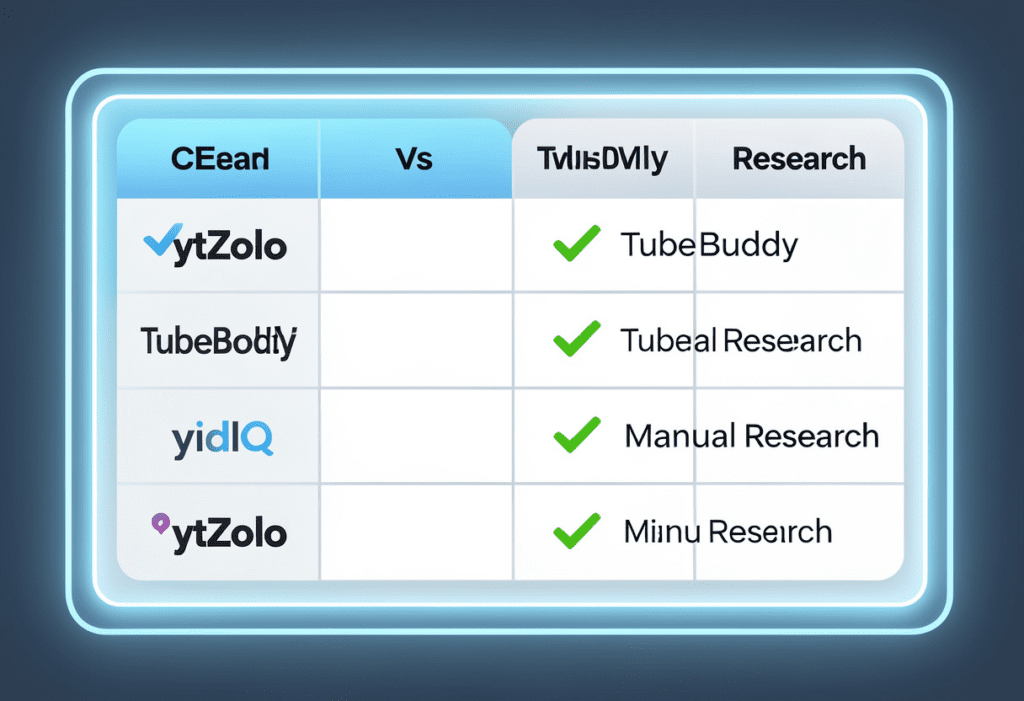
There are a handful of tools that help with YouTube tag ideas for more views. Here’s how ytZolo compares to each of them — honestly and directly.
ytZolo vs. TubeBuddy
TubeBuddy’s tag explorer is genuinely useful for checking keyword competition scores and copying tags from competitor videos. But it’s a research tool — it shows you data and then leaves the building.
You still have to build your tag set yourself, manually, one keyword at a time.
ytZolo takes your topic and builds the entire optimized tag set for you — instantly. No research sessions, no manual assembly. Just a complete, ready-to-use tag package generated in seconds.
ytZolo vs. vidIQ
vidIQ gives you tag suggestions based on keyword data and shows you what tags competitors are using. Again — great research functionality, but the output still requires significant manual work to turn into a usable tag set.
ytZolo replaces the research AND the build process entirely. And unlike vidIQ, it goes far beyond tags — generating your full video content package in one workflow.
ytZolo vs. RapidTags / TubeRanker
These dedicated tag generator tools can quickly populate a tag list from a keyword. They’re fast and simple — but the output is flat. You get a list of loosely related keywords without strategic layering, prioritization, or integration with your title, description, or script.
ytZolo’s tag generation is intelligent and contextual — built to complement your title and description, not just exist independently. The result is a coherent, fully aligned video optimization package that sends consistent signals to YouTube’s algorithm.
ytZolo vs. Manual Research
Let’s be real about manual tag research. It works — if you have 45 minutes per video and deep expertise in keyword strategy.
For the vast majority of creators, that’s not realistic. And even for experienced creators, that’s time that could be spent filming, editing, or engaging with your audience.
ytZolo does the same quality of strategic work in under 60 seconds. For every video. Every time.
The Side-by-Side Comparison
| Feature | ytZolo | TubeBuddy | vidIQ | RapidTags | Manual |
|---|---|---|---|---|---|
| AI-Generated Tag Sets | ✅ | ❌ | ❌ | ⚠️ Basic | ❌ |
| 5-Layer Strategic Structure | ✅ | ❌ | ❌ | ❌ | ⚠️ With Expertise |
| Integrated With Title & Description | ✅ | ❌ | ❌ | ❌ | ⚠️ Manual |
| Full Script Generation | ✅ | ❌ | ❌ | ❌ | ❌ |
| Thumbnail Concept Ideas | ✅ | ⚠️ | ⚠️ | ❌ | ❌ |
| Time Per Video | <2 min | 20–30 min | 20–30 min | 5 min | 30–45 min |
| All-in-One Dashboard | ✅ | ❌ | ❌ | ❌ | ❌ |
The verdict is clear. For creators who want the best YouTube tag ideas for more views — without the research, manual work, or guesswork — ytZolo is the only tool that delivers the complete package.
👉 See everything ytZolo does at ytzolo.com
YouTube Tags vs. Hashtags: What’s the Difference and Why It Matters
9-YouTube-Tag-Ideas-for-More-Views-Proven-Tips.png
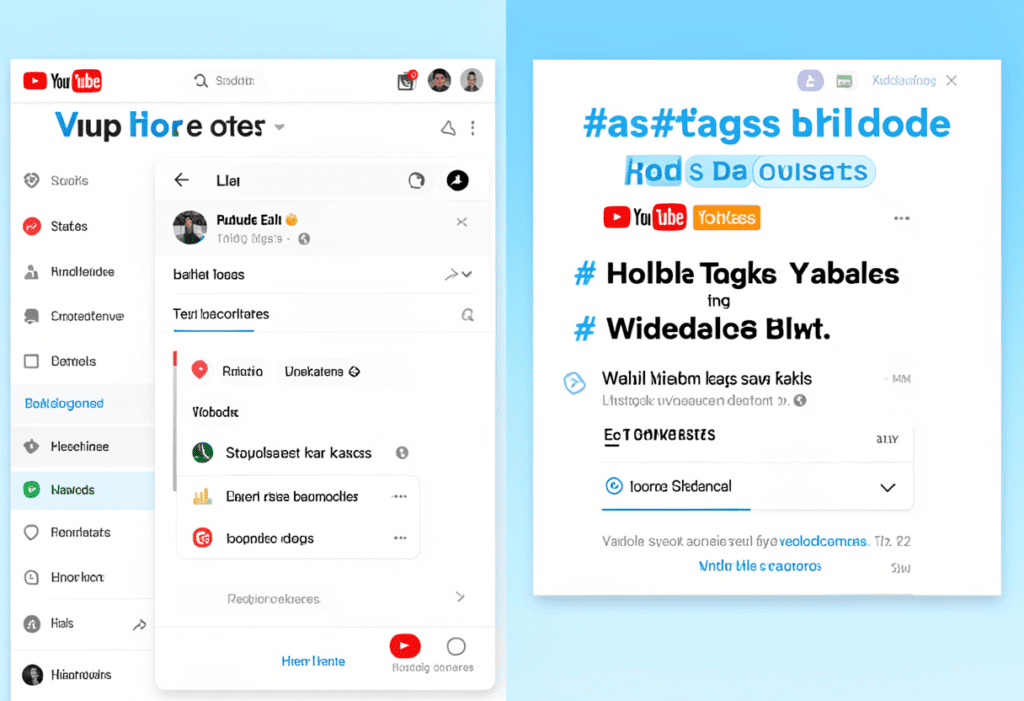
A huge source of confusion for creators — especially newer ones — is the difference between YouTube tags and YouTube hashtags. They serve different purposes, and mixing them up leads to wasted optimization opportunities.
Here’s the clear breakdown:
YouTube Tags
- Hidden from viewers — only you and YouTube’s algorithm see them
- Added in YouTube Studio under “More Options” in the Video Details screen
- Purpose: Help the algorithm understand your video’s content, topic, and context
- Character limit: Up to 500 characters
- Best practice: 10–15 highly specific, layered keywords covering primary, long-tail, context, and category
YouTube Hashtags
- Visible to viewers — appear above your video title in the first three positions
- Added in your video description (at the end) or in the title for YouTube Shorts
- Purpose: Help viewers discover your content by browsing or clicking hashtags; link your video to themed content collections
- Best practice for long-form: 3–5 relevant hashtags at the end of your description; never in the title for long-form videos
- Best practice for Shorts: 2–3 hashtags can be placed directly in the Shorts title
The Key Rule to Remember
For long-form YouTube videos: hashtags go in the description, not the title. Putting hashtags in a long-form video title looks unprofessional and can reduce your click-through rate.
For YouTube Shorts: hashtags in the title are standard practice and help with discoverability in the Shorts feed.
Use both strategically — tags to signal context to the algorithm, hashtags to boost viewer-facing discoverability. Together, they create a more complete optimization layer around every video you publish.
Common YouTube Tagging Mistakes That Kill Your Growth
6o-YouTube-Tag-Ideas-for-More-Views-–-Hidden-Formula.png
Now that you know what great YouTube tag ideas for more views look like, let’s talk about the mistakes that quietly destroy your discoverability — even when your content is genuinely great.
Mistake 1: Using Only Broad, Generic Tags
Tags like “video,” “YouTube,” “funny,” or “viral” are almost useless. They place you in massive, impossibly competitive buckets where your video will never be found.
Always lead with specific, niche-targeted tags and use broad tags only as supporting context — never as primary tags.
Mistake 2: Over-Tagging With Irrelevant Keywords
Some creators stuff their tags with every popular keyword they can think of — completely unrelated to their actual video. YouTube catches this. It can result in your video being removed from search results, and it confuses the algorithm about what your content is actually about.
Relevance always beats volume. Ten highly relevant tags outperform fifty scattered, irrelevant ones every single time.
Mistake 3: Ignoring Tag Order
Remember — YouTube weights your first tags most heavily. If your first tag is a vague broad keyword instead of your specific primary keyword, you’re immediately weakening your ranking potential.
Always put your most important, specific keyword first.
Mistake 4: Never Updating Tags on Old Videos
Your tags aren’t permanent fixtures — they’re flexible, editable metadata. Go back and update tags on your older videos using your improved strategy. Refreshed tags can dramatically improve the performance of content you published months ago.
Mistake 5: Copying Competitor Tags Blindly
Looking at competitor tags for inspiration is smart. Copying them wholesale without adapting them to your specific video is not. Your tags need to accurately reflect your content — not someone else’s.
Take the patterns you observe in successful videos and build original, contextually accurate tag sets from them. That’s strategy. Blind copying is just noise.
Mistake 6: Treating Tags as an Afterthought
The single biggest tagging mistake creators make? Rushing through the tags field right before publishing — throwing in five or six generic keywords just to fill the box — and moving on.
Tags deserve the same strategic intention as your title and description. They’re part of your video’s complete SEO infrastructure. Treat them that way — or use a tool like ytZolo to handle it automatically so strategic tagging becomes a default part of every upload, not an afterthought.
FAQ: YouTube Tag Ideas for More Views
What are the best YouTube tag ideas for more views in 2026?
YouTube Tag Ideas for More Views – Full 2026 Guide recommends a layered tag strategy: start with your primary keyword, add variations and long-tail phrases, then include audience and broad category tags within 200–300 characters.
This structured approach improves search ranking and suggested video placement.
Tools like ytZolo instantly generate this complete tag set in seconds, eliminating manual research while ensuring every upload is fully optimized.
How many tags should I use on a YouTube video?
YouTube Tag Ideas for More Views – Full 2026 Guide recommends using 10–15 highly relevant tags, aiming for 200–300 total characters instead of filling the entire 500-character limit.
Overstuffing with loosely related keywords can weaken your relevance signals and hurt discoverability.
A focused set of 12 strategically layered, high-quality tags will consistently outperform a long list of random ones.
you can also read this post :- https://ytzolo.com/blog/youtube-seo-title-generator-free/
Do YouTube tags help get more views?
YouTube Tag Ideas for More Views – Full 2026 Guide shows that strategic tags help YouTube understand your video’s context, improving placement in search results and suggested feeds.
While tags won’t make weak content viral, they boost discoverability by targeting long-tail keywords and niche variations that bring consistent views.
What is the difference between YouTube tags and hashtags?
YouTube Tag Ideas for More Views – Full 2026 Guide explains that YouTube tags are hidden metadata used by the algorithm for categorization and ranking, while hashtags are public and appear above your title or in descriptions.
Both play different roles in your optimization strategy — tags support discoverability behind the scenes, and hashtags boost visible search presence. YouTube Tag Ideas for More Views – Secret 2026 Hack
How does ytZolo help with YouTube tag ideas for more views?
YouTube Tag Ideas for More Views – Full 2026 Guide explains how tools like ytZolo automatically generate complete, strategically layered tag sets in under 60 seconds — fully aligned with your title and description.
Instead of manual research, ytZolo integrates tag generation with AI titles, scripts, and SEO descriptions, optimizing your entire video in one streamlined workflow.
Conclusion: Stop Guessing Your Tags and Start Growing
Here’s the bottom line about YouTube tag ideas for more views in 2026. YouTube Tag Ideas for More Views – Secret 2026 Hack
Tags are not magic. They won’t rescue a video with a terrible title or a hook that loses people in the first five seconds. But they are a real, measurable part of your video’s discoverability infrastructure — and creators who take them seriously consistently outperform those who don’t.
Every time you publish a video without a strategic tag set, you’re leaving potential views, subscribers, and revenue on the table. Not because your content isn’t good enough. Because YouTube’s algorithm didn’t have enough signal to know who to show it to.
You now have the complete framework:
- The 5-layer tag structure that maximizes algorithmic reach
- Niche-specific YouTube tag ideas for more views across every major content category
- The critical difference between tags and hashtags — and how to use both
- The six tagging mistakes destroying your rankings — and how to avoid every one of them
But knowing the strategy is only half the battle. Executing it consistently — for every video, every week, without burning hours on manual research — is where most creators fall short.
That’s exactly what ytZolo was built for.
ytZolo is the all-in-one AI YouTube growth platform that handles your YouTube tag ideas for more views automatically — along with your titles, scripts, descriptions, and thumbnail concepts — so every video you publish is fully optimized from day one.
The channels growing fastest on YouTube in 2026 aren’t working harder. They’re working smarter. And their tag strategy is part of what sets them apart.
You have the knowledge. Now it’s time to put the right tools behind it.
Start creating smarter, faster, and more viral YouTube content with ytZolo today.
👉 Get Started Free at ytZolo.com
Sources & Further Reading
- YouTube Help — Add tags to your YouTube videos
- Ahrefs — YouTube SEO: How to Rank Your Videos in 2025
- HubSpot — The Complete Guide to YouTube Marketing
Published by the ytZolo Content Team | ytZolo Blog
you can also check this keyword :- https://ytzolo.com/blog/create-youtube-thumbnails-with-ai-free/

