

Introduction: The Six Words That Can Kill a Great Video
You spent two weeks on that video.
The research was thorough. The editing was clean. The lighting? Actually decent for once. You hit publish — full of hope — and watched the view count crawl to 47 over the next three days.
Meanwhile, a channel in your exact niche posted something you could have made in a weekend. That video? 280,000 views in 72 hours.
What was the difference?
The title.
Not the content. Not the production quality. Not the algorithm treating them better than you. The title. Those six to ten words that appear in the search results are the single most powerful lever you can pull to get more views — and most creators get them completely wrong.
That’s exactly why a YouTube title generator for views has become one of the most searched tools in the creator space. When you know how to use one effectively, your click-through rate climbs, your impressions get converted, and your channel finally starts growing the way it should.
In this guide, you’ll discover everything you need to know about using a YouTube title generator for views — the science behind it, the formulas that work, and why ytZolo is the smartest, most powerful option for creators who are serious about growth.
Let’s turn your titles into your secret weapon.
Table of Contents
1. Why Your YouTube Title Is More Powerful Than You Think
Most creators treat their title as an afterthought. They finish editing, slap on whatever first comes to mind, and move on.
That’s one of the most expensive mistakes you can make as a creator.
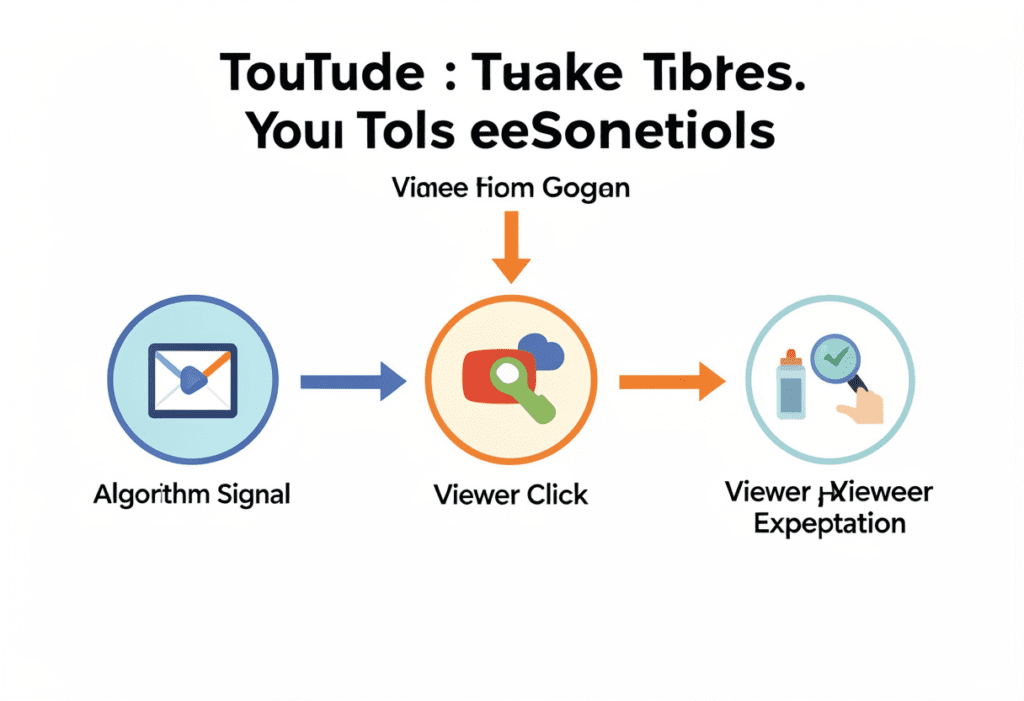
Your YouTube title does three critical jobs at the same time — and it needs to nail all three:
Job 1: Signal the Algorithm YouTube’s AI reads your title to understand what your video is about. Your keyword placement, topic clarity, and language pattern all influence where and to whom YouTube shows your video. A poorly worded title leaves the algorithm confused — and confusion means less distribution.
Job 2: Win the Click Your title appears alongside dozens of other videos in search results and the Browse feed. Viewers make a split-second decision about whether to click. A well-crafted title creates curiosity, promises value, and triggers an emotional response — all in under 60 characters.
Job 3: Set Expectations A great title doesn’t just get the click. It delivers the right viewer — someone who will actually watch your video all the way through. High watch time and retention are the signals that push your video up in the algorithm. That all starts with the title.
Studies show that around 28% of videos that reach the YouTube Trending page include numbers in their titles. Something as simple as adding “7 Ways” or “10 Tips” to your title measurably boosts click-through rates. That’s the power of smart title strategy — and it’s exactly what a YouTube title generator for views is designed to unlock.
2. What Is a YouTube Title Generator for Views — And How Does It Work?
A YouTube title generator for views is an AI-powered tool that creates optimized, click-worthy title options for your videos — based on your topic, target keyword, niche, and proven performance data.
The best YouTube title generators don’t just string random words together. They analyze:
- Real YouTube search data — what viewers are actually typing into the search bar
- Click-through rate patterns — what title structures and words consistently drive more clicks
- Keyword placement rules — where to put your primary keyword for maximum SEO impact
- Emotional trigger mapping — which words create curiosity, urgency, or desire to click
- Character count optimization — ensuring your full title is visible on mobile devices
Think of a YouTube title generator for views as a blend of SEO analyst, copywriter, and YouTube algorithm expert — all working together in seconds to give you a title that both humans and the algorithm love.
The key difference between a good title generator and a great one? Platform specificity. A generic AI writing tool can generate titles. But a YouTube title generator for views built specifically for the platform — like ytZolo — understands the unique ranking signals, audience behavior patterns, and search intent that make YouTube titles work differently from any other content format.

3. The Anatomy of a High-CTR YouTube Title
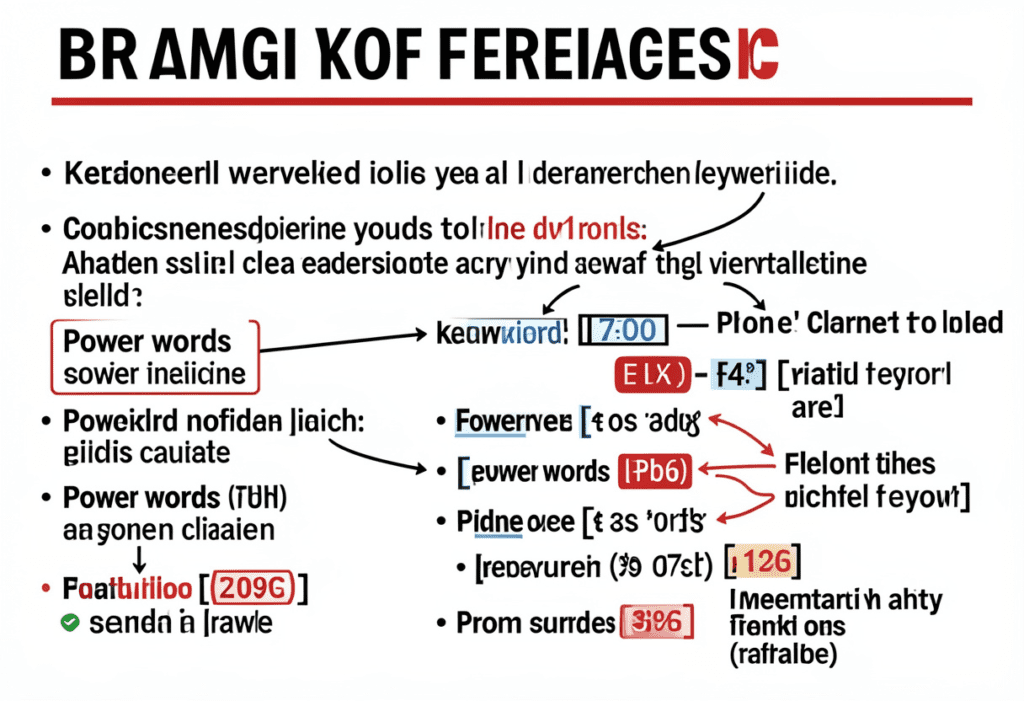
Before you use any YouTube title generator for views, it helps to understand what makes a title actually work. Here’s what every high-performing YouTube title has in common:
✅ Primary Keyword Near the Front
Always aim to place the most important keyword at the beginning of your title. This makes it easier for YouTube and viewers to understand what your video is about, increasing the chances that it will be discovered in search.
For example, if your keyword is “YouTube title generator for views,” lead with that — don’t bury it at the end.
✅ Under 60 Characters
Keep titles readable and within 55–60 characters so the message stays visible on mobile. Mobile accounts for over 70% of YouTube watch time. If your title gets cut off, viewers miss your value proposition — and your CTR takes a hit.
✅ Numbers and Lists
Numbered titles signal structure and clarity. They tell viewers what they are getting before they click, which matters when someone is skimming through search results or suggested videos. Titles with numbers like “10 Ways” or “5 Mistakes” consistently outperform vague alternatives.
✅ Brackets and Parentheses
Brackets and parentheses add context, which can significantly improve click-through rates. They can indicate who the video is for, what format it follows, or what year the content is relevant for. Examples: [2026 Update], (Beginner Guide), [Full Tutorial].
✅ Power Words and Emotional Triggers
Words like proven, secret, mistake, never, instantly, finally, shocking, and simple tap into reader psychology. They create a pull that generic, informational titles simply can’t match.
✅ A Clear Promise
Your title should answer one question: “What will I get from watching this?” The clearer the promise — the more specific the benefit — the more likely a viewer is to click.
✅ Current Year When Relevant
Adding timing cues like “[2026]” or “(New)” can signal viewers that your content is fresh and up-to-date. Simply including the current year in your title shows the content is current and can help it appeal to searchers.
4. 11 Proven YouTube Title Formulas That Drive Views
The best YouTube title generator for views is built on formulas that have proven to convert. Here are 11 battle-tested structures you can use right now:
Formula 1: The Number List
[Number] + [Topic] + [Audience or Benefit] Example: “10 YouTube Title Generator Tricks That Double Your Views”
Formula 2: The How-To
How to [Achieve Specific Result] [Without Pain Point] Example: “How to Write YouTube Titles That Get Views Without Clickbait”
Formula 3: The Secret Reveal
The [Adjective] Secret Behind [Impressive Result] Example: “The Surprising Secret Behind Every Viral YouTube Title”
Formula 4: The Mistake Warning
[Number] [Topic] Mistakes That Are Killing Your Views Example: “5 YouTube Title Mistakes That Are Killing Your Views”
Formula 5: The Year Update
[Topic]: The Complete Guide [Year] Example: “YouTube Title Generator for Views: The Complete Guide 2026”
Formula 6: The Personal Journey
How I [Achieved Result] in [Timeframe] ([Proof Element]) Example: “How I Hit 100K Views Using a YouTube Title Generator (Full Strategy)”
Formula 7: The Versus Battle
[Option A] vs [Option B]: Which Gets More Views? Example: “AI Title Generator vs Manual Titles: Which Gets More Views?”
Formula 8: The Beginner Hook
[Topic] for Beginners: [Specific Promise] Example: “YouTube Title Generator for Beginners: Get More Views Fast”
Formula 9: The Warning
Stop [Common Action] If You Want More Views Example: “Stop Writing YouTube Titles This Way If You Want More Views”
Formula 10: The Quick Win
[Number] Fast Ways to [Desired Outcome] in [Short Timeframe] Example: “7 Fast Ways to Write Better YouTube Titles in 10 Minutes”
Formula 11: The Curiosity Gap
Why [Unexpected Thing] Is [Surprising Outcome] Example: “Why Your YouTube Title Is the Real Reason You’re Not Getting Views”
Use these formulas manually — or plug them into a YouTube title generator for views like ytZolo to get instant, optimized variations built around your specific keyword and niche.
5. How to Use a YouTube Title Generator for Views the Right Way
A YouTube title generator for views is only as powerful as how you use it. Here’s the step-by-step process for getting the best results:
Step 1: Start with Your Target Keyword
Before opening any YouTube title generator for views, know your target keyword. This is the phrase your audience is actively searching for. Use YouTube Search Autocomplete or ytZolo‘s keyword research feature to identify high-intent, low-competition keyword opportunities.
Step 2: Enter Your Topic with Context
Don’t just enter a generic keyword. Give the generator as much context as possible:
- Your niche and target audience
- The specific angle or unique value of your video
- The emotion you want to trigger (curiosity, urgency, excitement)
- Your desired tone (beginner-friendly, advanced, entertaining)
The more specific your input, the more relevant and powerful your title output will be.
Step 3: Generate Multiple Options
Never settle for the first title. A good YouTube title generator for views like ytZolo produces multiple high-quality variations. Generate at least 5–10 options, then evaluate them against the high-CTR checklist from Section 3.
Ask yourself:
- Does the keyword appear in the first 3–5 words?
- Is it under 60 characters?
- Does it create genuine curiosity or promise a specific benefit?
- Does it accurately represent my video’s content?
Step 4: Personalize the Winner
Use the AI output as a starting point and tweak the titles to fit your voice and audience. The best titles combine the algorithmic intelligence of AI with your unique creator voice and niche knowledge. Add a personal detail, a relatable reference, or a specific outcome your video delivers.
Step 5: Pair Your Title with a Matching Thumbnail
Your title and thumbnail work as a team. They should tell a cohesive story. If your title promises “5 Shocking Mistakes,” your thumbnail should visually reinforce shock or urgency — not show a neutral face and a random background.
Step 6: Monitor and Swap if Needed
Launch your video with the title you believe will perform best, then monitor its click-through rate (CTR), impressions, and watch time in YouTube Studio. If CTR is low after 48–72 hours, swap in another option. Your YouTube title generator for views gives you backup options — use them.
6. Why Manual Title Writing Is Costing You Views
Let’s talk about what most creators are doing right now — and why it’s quietly draining their channel’s potential.
Manual title writing means you’re relying on gut instinct, guesswork, and whatever happens to come to mind after a long editing session. It means you’re spending 30–45 minutes on a title when you could be spending 5 minutes and getting a smarter result.
But the real cost isn’t even the time. It’s the missed optimization.
When you write titles manually, you’re working without data. You don’t know which power words are currently driving higher CTR in your niche. You don’t know whether your keyword is placed optimally. You can’t instantly generate 10 variations to find the one that genuinely converts.
Every video you publish with a weak, manually-guessed title is a video that underperforms its potential — sometimes by a factor of 10x or more. That’s the difference between a video that gets 500 views and one that gets 50,000 views on the same topic.
The good news? The best YouTube title generator for views eliminates every single one of these problems. And the one that does it better than any other tool is ytZolo.
Head to the ytZolo blog for more strategies on replacing guesswork with data-driven YouTube growth systems.

7. Why ytZolo Is the Best YouTube Title Generator for Views
There are plenty of YouTube title generators for views out there. Most of them do one thing adequately. ytZolo does everything — exceptionally.
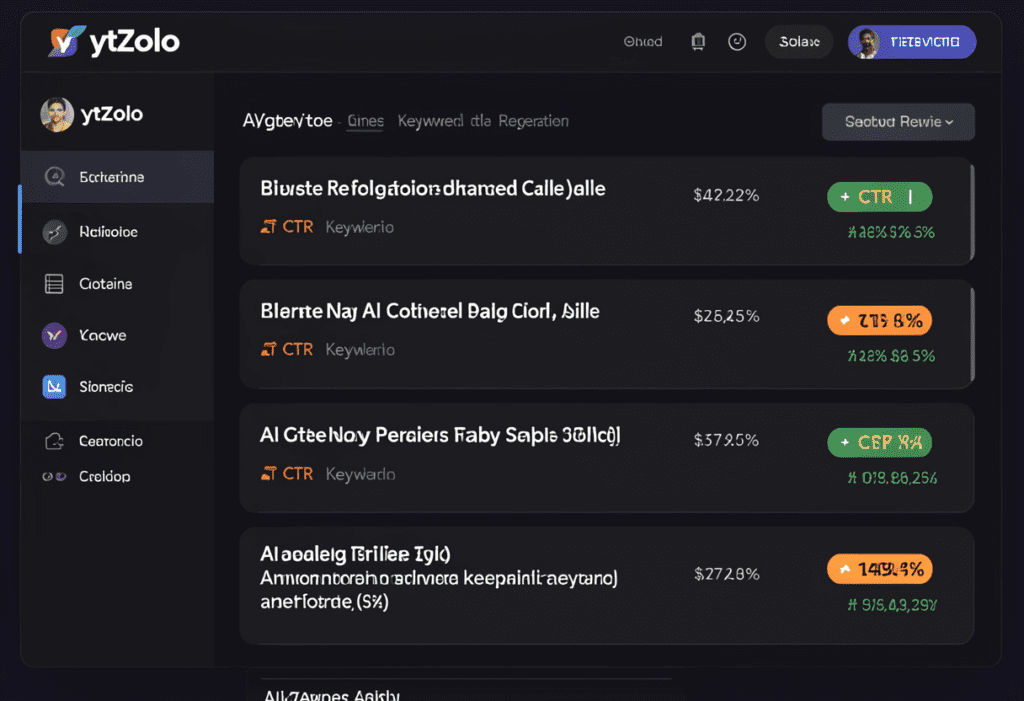
ytZolo is built from the ground up as an all-in-one AI YouTube growth platform. Its title generator isn’t a bolt-on feature — it’s deeply integrated with keyword research, niche data, and proven CTR patterns specific to YouTube. Here’s what makes it the best YouTube title generator for views on the market:
🎯 YouTube-Native Intelligence
ytZolo doesn’t just use a generic language model to generate titles. It understands YouTube — the algorithm signals, the search behavior, the click psychology specific to the platform. Every title it generates is optimized for discoverability and click-through rate simultaneously.
🔍 Powered by Real Keyword Data
Before ytZolo generates a single title option, it pulls real search data from your niche. That means your titles aren’t just catchy — they’re built around what your audience is actually searching for. This is what separates a YouTube title generator for views that works from one that just sounds impressive.
📋 Multiple High-CTR Variations Instantly
ytZolo generates multiple strong title options for every video — each one using a different proven formula (curiosity gap, number list, how-to, mistake warning, and more). You choose your favorite, blend elements, or use them as inspiration for your final pick.
💡 Integrated with Your Full Content Workflow
This is the game-changer. Most YouTube title generator for views tools give you a title and nothing else. ytZolo gives you the title and the keyword research that informed it, and the AI-generated script based on that keyword, and the SEO-optimized description, and the tag recommendations, and the content calendar to plan what’s next.
It’s not just a title generator. It’s your entire YouTube growth system.
✅ Beginner-Friendly, Expert-Level Results
You don’t need to know anything about SEO, copywriting, or the YouTube algorithm to get professional-quality results with ytZolo. The platform guides you through every step — from keyword to published, optimized video.
“I used to agonize over titles for 45 minutes. Now I run ytZolo’s title generator, pick my favorite option in 2 minutes, and my CTR has gone up 40% since I started. It’s the single best thing I’ve done for my channel.” — ytZolo creator
👉 Try ytZolo free at ytzolo.com
8. Why ytZolo Beats Other YouTube Title Generator Tools
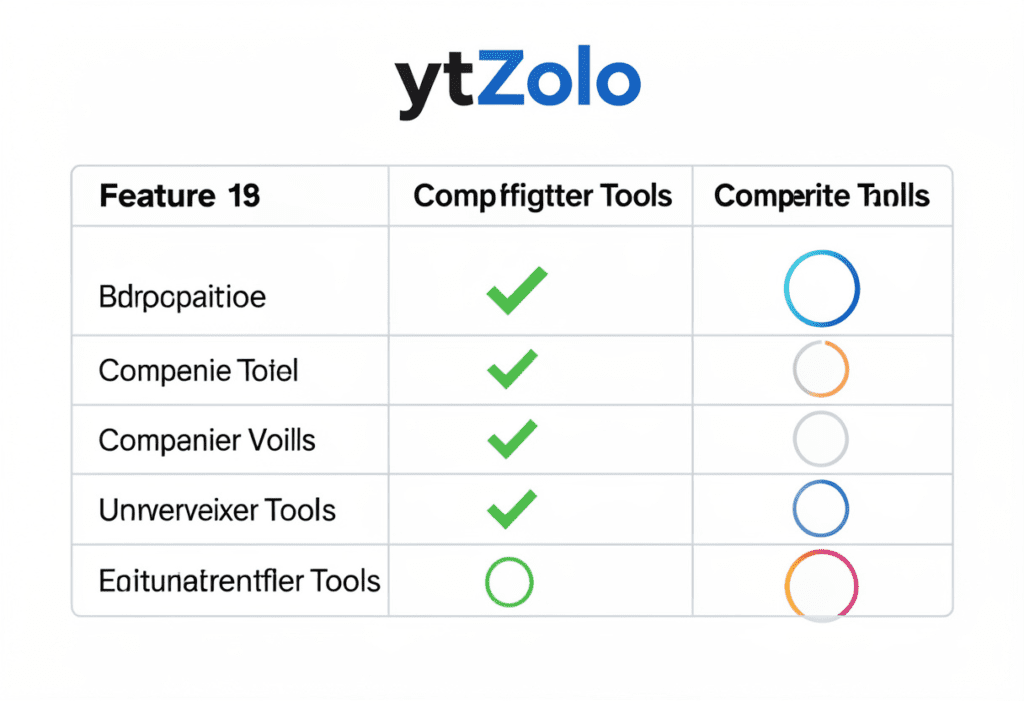
The YouTube title generator for views market is crowded. Here’s how ytZolo stacks up against the most popular alternatives:
| Feature | ytZolo | VidIQ Title Gen | Hootsuite Title Gen | TunePocket | ChatGPT |
|---|---|---|---|---|---|
| YouTube-specific AI | ✅ | ✅ | ⚠️ Partial | ✅ | ❌ |
| Real YouTube keyword data | ✅ | ✅ | ❌ | ⚠️ Limited | ❌ |
| Multiple title variations | ✅ 10+ | ✅ 5 | ✅ | ✅ 5 | ✅ (prompt-dependent) |
| CTR-optimized formulas | ✅ | ✅ | ⚠️ Basic | ⚠️ Basic | ❌ |
| Niche & audience targeting | ✅ | ⚠️ Limited | ❌ | ❌ | ❌ |
| Integrated script writing | ✅ | ❌ | ❌ | ❌ | ✅ (not YouTube-specific) |
| SEO description + tags | ✅ | ⚠️ Partial | ❌ | ❌ | ❌ |
| Content calendar | ✅ | ❌ | ❌ | ❌ | ❌ |
| All-in-one YouTube platform | ✅ | ❌ | ❌ | ❌ | ❌ |
VidIQ’s title generator is solid and YouTube-native, but it produces only five options at a time and doesn’t integrate with a broader content creation workflow. Great for titles — but you’ll still need six other tools to run your channel.
Hootsuite’s title generator is powered by ChatGPT and tuned for social media. It’s decent but not deeply YouTube-specific, and it won’t help you with your keyword research, script, description, or tags.
TunePocket is a simple free tool that works well for quick title generation by format and tone — but it lacks the depth of keyword intelligence and niche targeting that serious creators need.
ChatGPT is infinitely flexible, but it has no YouTube-specific knowledge, no real-time search data, and no awareness of what’s actually working in your niche right now.
ytZolo stands alone as the only YouTube title generator for views that combines real keyword intelligence, CTR-optimized AI, and a full channel growth workflow in a single platform built exclusively for YouTube creators.
For more deep-dives into the best YouTube tools available, browse the ytZolo blog.
90-YouTube-Title-Generator-for-Views-–-Secret-Hack.png
9. How to Test and Optimize Titles After Publishing
Using a YouTube title generator for views is step one. Testing and optimizing is what separates good channels from great ones.
Here’s your post-publish title optimization process:
Monitor CTR in YouTube Studio
After publishing, open YouTube Studio → Analytics → Reach. Your Impressions Click-Through Rate tells you what percentage of people who saw your video actually clicked on it. Average YouTube CTR is 2–10%. If yours is below 4%, your title (or thumbnail) needs work.
The 48–72 Hour Rule
Give your title at least 48–72 hours to collect meaningful data before making changes. Early views (friends, subscribers) often behave differently from algorithmic traffic. Let the algorithm start distributing your video before you draw conclusions.
When to Change Your Title
Consider changing your title if:
- Your CTR is under 3% after the first week
- You’re getting impressions but low watch time (title isn’t matching content)
- You discover a better keyword with higher search volume after publishing
- A similar video from a competitor performs significantly better with a different title angle
How to Update Old Titles
Your YouTube title generator for views is also a powerful tool for reviving underperforming old videos. Updating older videos with better, keyword-rich titles can boost performance and attract new viewers. Run your old video topics through ytZolo’s title generator and update the titles of your 10 most-viewed videos to see an immediate lift in impressions and CTR.
A/B Test When Possible
Some tools allow automatic A/B title testing. If you have access to this feature, use it. Testing two different title variations on the same video gives you concrete data on what resonates — and makes every future video more optimized from the start.

10. FAQ: YouTube Title Generator for Views
What is the best YouTube title generator for views in 2026?
YouTube Title Generator for Views: Get More Clicks Fast highlights how tools like ytZolo create high-performing titles using real keyword data and proven CTR formulas.
Instead of a simple title generator, ytZolo combines title creation with AI scripts, SEO descriptions, and smart tag generation in one workflow.
This allows creators to instantly generate multiple optimized title variations and fully prepare a video for better clicks and visibility.
How does a YouTube title generator for views actually work?
YouTube Title Generator for Views: Get More Clicks Fast explains that AI title generators analyze your topic, keyword, and niche to create titles using proven CTR formulas and SEO best practices.
Instead of guessing, these tools generate optimized title variations based on real search patterns and audience intent.
Platforms like ytZolo use actual YouTube search data to produce titles designed to attract clicks and improve discoverability.
How many characters should a YouTube title be for maximum views?
YouTube Title Generator for Views: Get More Clicks Fast recommends keeping your titles around 55–60 characters for the best visibility on both desktop and mobile.
Shorter titles ensure your full message appears in search results, where most viewers decide whether to click.
If a title exceeds 60 characters, important elements like your keyword or value hook may get cut off, reducing potential clicks.
Can I use a YouTube title generator for views on old videos?
Absolutely — and you should. Updating old video titles with better, keyword-optimized versions is one of the highest-ROI actions you can take for channel growth. Run your underperforming video topics through a YouTube title generator for views like ytZolo, update the titles, and monitor your CTR and impressions in YouTube Studio over the following two weeks.
Should I use a YouTube title generator for views instead of writing titles myself?
YouTube Title Generator for Views: Get More Clicks Fast works best when you use AI-generated titles as a starting point and then refine them with your own voice and niche expertise.
AI provides the data-driven structure and CTR-optimized framework for strong titles.
Your personal style and audience insight add authenticity, creating titles that perform better than either approach alone.
11. Conclusion: Your Titles Are Either Working For You or Against You
Every video you publish starts with a title. That title is the first impression, the search signal, and the click decision — all rolled into six to ten words.
If those words aren’t working hard for you, your best content will go unseen. Your most valuable insights will stay buried. Your channel growth will stall — not because of your quality, but because of your titles.
A YouTube title generator for views changes all of that. It gives you the algorithmic intelligence, the copywriting expertise, and the data-backed confidence to write titles that actually convert impressions into views, and views into subscribers.
And the best YouTube title generator for views in 2026 — the one that goes beyond titles to power your entire YouTube workflow — is ytZolo.
ytZolo doesn’t just generate titles. It generates growth. From keyword research and script writing to SEO descriptions, tag optimization, and content planning, ytZolo gives you everything you need to go from idea to viral-ready video — faster, smarter, and more consistently than ever before.
Your audience is searching for your content right now. Make sure they can actually find it.
Start creating smarter, faster, and more viral YouTube content with ytZolo today.
👉 Get started free at ytZolo.com
Sources & Further Reading
- VidIQ — 11 YouTube Title Formulas That Get More Clicks and Views
- Teleprompter.com — YouTube Titles Best Practices That Get Clicks
- Backlinko — YouTube SEO: The Definitive Guide
you can also check this post :- https://ytzolo.com/blog/generate-youtube-video-titles/

