

Introduction: The Painful Mistake Almost Every New Creator Makes
You hit “publish” with butterflies in your stomach. YouTube SEO tips for beginners
You’d spent days on that video. The lighting was perfect. Your script was solid. You were sure this was the one.
Then you refreshed the views page. 12 views. Your mom watched it twice.
Sound familiar?
Here’s the hard truth: even great videos die in silence if nobody can find them. YouTube has over 2 billion monthly active users — but with 500 hours of content uploaded every minute, your video needs more than quality to survive. It needs strategy.
That’s exactly why YouTube SEO tips for beginners are the most important thing you can learn when starting your channel. YouTube SEO is the difference between a video that gets buried on page 5 and one that shows up on page 1 — for months, even years.
In this guide, you’ll get 15 battle-tested YouTube SEO tips for beginners that are working right now. You’ll also discover why smart creators are using ytZolo to automate their entire SEO workflow — and getting results faster than ever.
Let’s turn your channel into a discovery machine.
Table of Contents
1. What Is YouTube SEO and Why Does It Matter for Beginners?
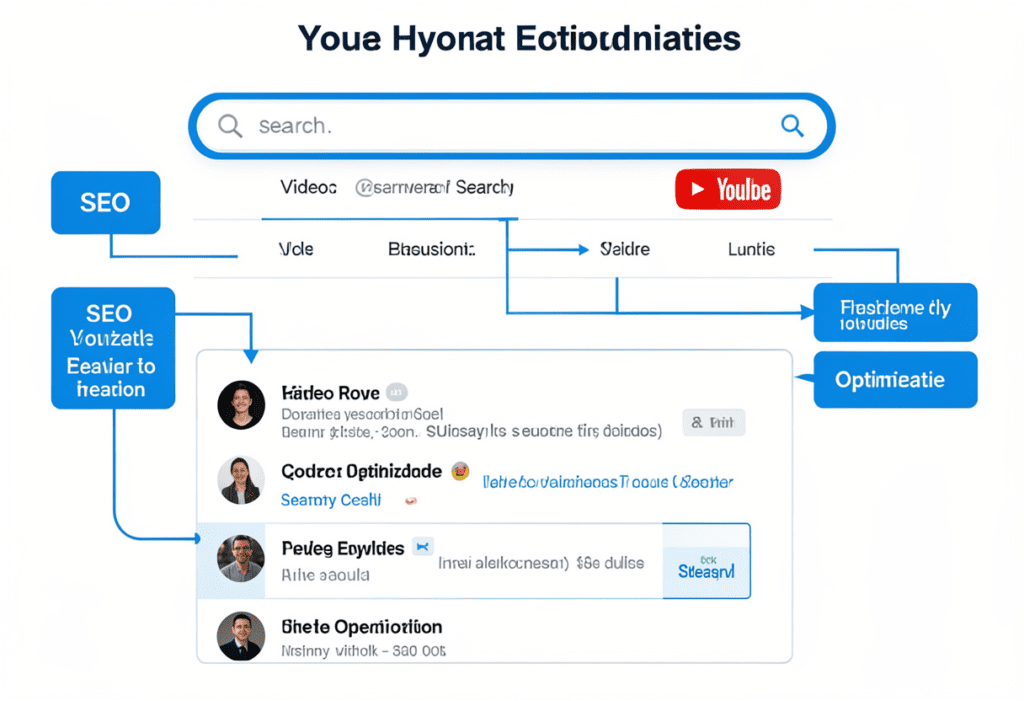
YouTube SEO is the process of optimizing your videos and channel so that YouTube’s algorithm understands your content — and shows it to the right people.
Think of it this way: YouTube is the world’s second-largest search engine, right behind Google. When someone types “how to bake sourdough bread” or “best gaming headset under $50,” YouTube searches through millions of videos to find the best match. YouTube SEO tips for beginners help your videos become that best match.
Without YouTube SEO, you’re essentially publishing blind. You’re hoping the algorithm picks you — rather than giving it clear signals that your video deserves to rank.
The good news? YouTube SEO tips for beginners aren’t complicated. Even small channels can land in the top 10 search results. According to SEMrush research, 18% of top-ranking videos come from channels with fewer than 1,000 subscribers. You don’t need a massive following to win — you need the right strategy.
That strategy starts here.
2. How YouTube’s Algorithm Works (What You Need to Know)
YouTube SEO Tips for Beginners: Rank & Grow Fast 2026 Before diving into YouTube SEO tips for beginners, it helps to understand what you’re optimizing for.
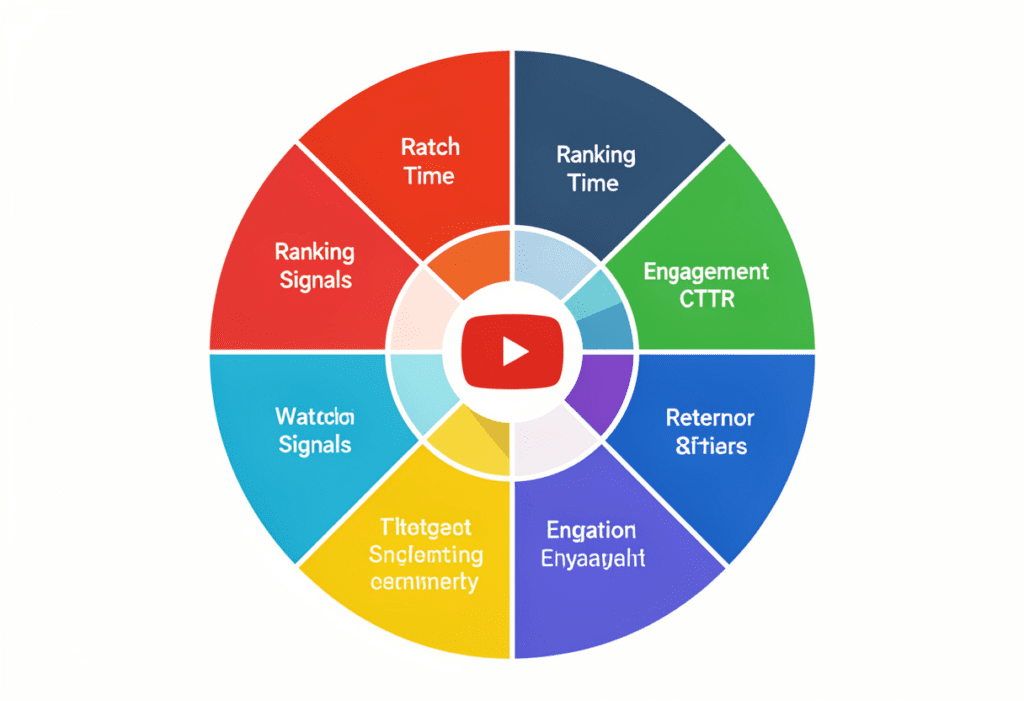
YouTube’s algorithm has one goal: keep people on YouTube as long as possible. It rewards videos that get clicked and keep people watching. The key ranking signals are:
- Click-Through Rate (CTR) — How often people click your video when they see it
- Watch Time — Total minutes people spend watching your content
- Audience Retention — What percentage of your video people actually finish
- Engagement — Likes, comments, shares, and new subscriptions
- Keyword Relevance — How well your title, description, and tags match search intent
Here’s what most beginners miss: YouTube SEO isn’t just about keywords. It’s about making videos that people want to watch all the way through. Strong keywords get you found. Strong content keeps people watching. Both matter.
The YouTube SEO tips for beginners in this guide address both sides of that equation.
3. 15 YouTube SEO Tips for Beginners That Actually Work
Tip 1: Start with Keyword Research Before You Hit Record
This is the most important of all YouTube SEO tips for beginners — and the one most people skip.
Don’t create a video and then figure out the keywords. Do the research first. Find out what your target audience is actually searching for, then build your video around that intent. YouTube SEO Tips for Beginners: Rank & Grow Fast 2026
How to do it:
- Type your topic into YouTube’s search bar and study the autocomplete suggestions
- Look at what your competitors’ most popular videos are about
- Use tools like ytZolo to get keyword ideas with real search volume and competition data
- Target long-tail keywords (e.g., “YouTube SEO tips for beginners 2026” instead of just “YouTube SEO”)
Long-tail keywords are less competitive, more specific, and often convert better because the viewer knows exactly what they’re looking for. YouTube SEO Tips for Beginners: Rank & Grow Fast 2026
Tip 2: Put Your Keyword in the Right Places
Once you have your keyword, you need to place it strategically. This is one of the core YouTube SEO tips for beginners that directly impacts your rankings.
Put your keyword in:
- The video title (ideally in the first 3–5 words)
- The first 25 words of your description
- Your video file name before uploading (e.g.,
youtube-seo-tips-beginners.mp4) - Your tags (more on that in Tip 5)
- Your spoken content — YouTube’s AI reads your captions and recognizes keywords you say out loud
This “keyword stacking” tells YouTube’s algorithm exactly what your video is about — from multiple signals at once.
Tip 3: Write Titles That Get Clicks AND Rank
Your title does two jobs simultaneously: it tells the algorithm what your video is about, and it convinces real humans to click. YouTube SEO Tips for Beginners: Rank & Grow Fast 2026
Most beginners optimize for one or the other. The best YouTube SEO tips for beginners nail both.
A great title formula:
For example:
- ✅ “YouTube SEO Tips for Beginners: 15 Tricks to Get More Views Fast”
- ❌ “How I do YouTube things (you should watch this)”
Keep your title under 60 characters so it doesn’t get cut off in search results. YouTube SEO Tips for Beginners (Avoid Big Mistakes) 2026 Use numbers — they signal specific, actionable content and consistently increase CTR.
Tip 4: Craft Descriptions Like a Pro
Your video description is prime SEO real estate. YouTube SEO Tips for Beginners: Rank & Grow Fast 2026 Most beginners write two sentences and call it a day. That’s leaving massive visibility on the table.
Here’s how to write a high-performing description:
- Open with your primary keyword in the first 25 words
- Write a compelling 2–3 sentence summary for human readers
- Include 250–300 words total with natural keyword variations
- Add timestamps to boost engagement and discoverability
- Link to related videos, playlists, and your channel
The first 2–3 lines matter most — they show up before the “Show More” button. Write them to hook the viewer and reinforce why they should keep watching.
Tip 5: Use Tags Strategically (Not Randomly)
Tags don’t carry as much weight as they used to — but they’re still a useful YouTube SEO signal for beginners.
Best practices for tags:
- Use 8–12 tags per video
- Start with your exact target keyword as the first tag
- Add 2–3 variations of that keyword
- Include broader topic tags related to your niche
- Mirror the tags your top competitors use for similar videos
Never stuff irrelevant tags just to chase views. YouTube can penalize misleading metadata, and it confuses the algorithm about what your video is actually about.
Tip 6: Design Thumbnails That Stop the Scroll
Here’s a YouTube SEO tip for beginners that surprises people: your thumbnail is technically an SEO factor.
Not directly — but your thumbnail drives your click-through rate (CTR), which is one of YouTube’s most important ranking signals. A higher CTR tells YouTube your video is worth showing to more people.
Thumbnail best practices:
- Use bright, high-contrast colors that stand out in feeds
- Show a clear human face with an expressive emotion (faces perform consistently well)
- Add 3–5 bold words of text that complement (not repeat) your title
- Keep it readable at thumbnail size — test it at 1/4 size on your phone
- Stay consistent with your style so viewers recognize your channel instantly
ytZolo helps you brainstorm and plan thumbnail concepts that are engineered to get clicks — based on what’s actually working in your niche right now.
Tip 7: Hook Viewers in the First 15 Seconds
This is one of the most overlooked YouTube SEO tips for beginners — and it directly affects your audience retention score.
If viewers click away in the first 15 seconds, YouTube treats that as a negative signal. YouTube SEO Tips for Beginners (Avoid Big Mistakes) 2026 Your video gets pushed down in the rankings.
How to write a killer hook:
- Start with the problem your video solves (“If your videos are getting zero views, here’s exactly why…”)
- Preview the payoff immediately (“By the end of this video, you’ll know exactly what to fix”)
- Skip the long intro, the “please like and subscribe,” and the b-roll montage
Get to the point fast. Your audience will thank you — and so will the algorithm.
Tip 8: Maximize Watch Time and Audience Retention
Watch time and retention are the two most powerful ranking factors in YouTube’s algorithm. More than keywords. More than likes.
Proven tactics to boost retention:
- Use chapter markers to let viewers jump to what they want (ironically, this improves retention)
- Tease upcoming content: “And at the end of this video, I’ll share a bonus trick…”
- Use pattern interrupts every 30–60 seconds: cut to a b-roll clip, add graphics, change camera angles
- Remove filler words and long pauses in editing
- Keep your video as long as it needs to be — but not one second longer
Tip 9: Add Chapters with Keyword-Rich Labels
Video chapters are a double win for YouTube SEO tips for beginners. They improve the viewer experience and give the algorithm more keyword data to work with.
When you add timestamps with descriptive labels (e.g., “00:45 — Keyword Research for YouTube SEO”), you’re feeding YouTube more context about your content. Those chapter titles can even show up in Google search results as their own links.
Use chapters that mirror what viewers might actually search for — phrases like “How to Start,” “Common Mistakes,” or “Step-by-Step Tutorial” perform particularly well.
Tip 10: Use Closed Captions and Subtitles
YouTube auto-generates captions, but they’re not always accurate. Uploading your own transcript gives YouTube perfect, clean text to index — boosting your keyword relevance significantly.
This is one of those YouTube SEO tips for beginners that takes 10 minutes and pays off for the lifetime of your video. Include your target keywords naturally in your spoken content, and they’ll appear in your captions — giving you an extra SEO boost with zero extra effort.
Tip 11: Build Playlists Around Your Topics
Playlists are an underrated YouTube SEO strategy for beginners. They increase watch time by auto-playing the next video, and they signal to YouTube that your content is organized and topically focused.
How to build SEO-friendly playlists:
- Give your playlist a keyword-rich title (e.g., “YouTube SEO Tips for Beginners — Complete Guide”)
- Write a keyword-optimized playlist description
- Group videos by topic, not by date
- Link to your playlists in your video descriptions
When someone watches one video in your playlist, YouTube often recommends the next one automatically. That’s free watch time — and it compounds fast.
Tip 12: Encourage Engagement the Right Way
Likes, comments, and shares tell YouTube your video is sparking real conversations. YouTube SEO Tips for Beginners (Avoid Big Mistakes) 2026 That means more distribution.
But “please like and subscribe” at the start of every video? Viewers have tuned that out completely.
Better engagement tactics:
- Ask a specific question at the end: “Which of these YouTube SEO tips for beginners will you try first? Let me know below.”
- Pin your own comment with a key takeaway or a link to a related video
- Reply to early comments — this signals activity and encourages more responses
- Ask for a share when you’ve just delivered your most valuable insight
Engagement earned through value is worth ten times more than engagement begged for at the intro.
Tip 13: Upload Consistently (The Algorithm Rewards It)
Consistency is one of the most unsexy — but undeniable — YouTube SEO tips for beginners.
YouTube favors channels that publish regularly. A consistent upload schedule trains both the algorithm and your audience. Your subscribers start expecting your content. The algorithm starts surfacing it more reliably.
You don’t need to post every day. Once a week is better than seven videos in one week and then silence for a month. Pick a schedule you can actually maintain — and stick to it.
This is where AI tools like ytZolo become a game-changer. ytZolo’s content calendar and idea engine mean you’ll never stare at a blank page wondering what to post next. You’ll always have your next video ready to go.
Tip 14: Optimize Your Channel Page
Most beginners ignore their channel page entirely. Big mistake.
Your channel page is indexed by Google. A well-optimized channel can show up in search results on its own — bringing in new subscribers who haven’t seen any of your videos yet.
Channel optimization checklist:
- Write a keyword-rich channel description (put your main keyword in the first sentence)
- Set a professional banner and profile picture
- Add links to your website and social media
- Feature your best-performing playlists prominently
- Organize your content into topical sections
Think of your channel page as a landing page. It should tell a new visitor exactly who you are, what you make, and why they should subscribe.
Tip 15: Analyze, Learn, and Iterat
The final — and most powerful — of all YouTube SEO tips for beginners: use your data.
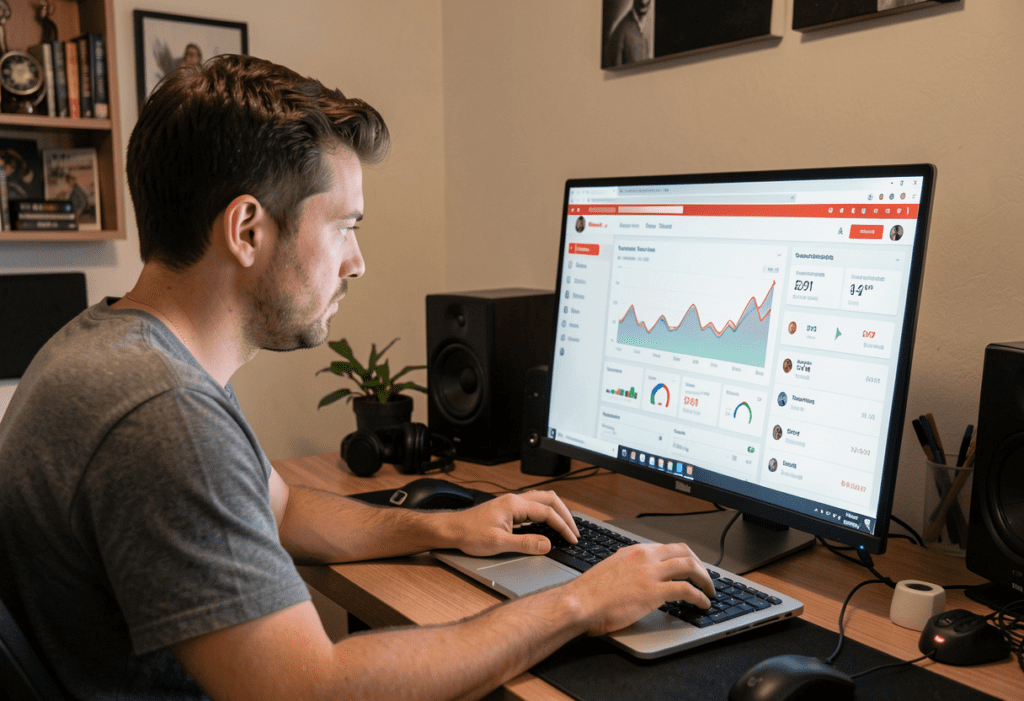
YouTube Studio gives you access to incredible analytics. Most beginners never look at them beyond view counts. That’s a missed opportunity.
What to look at in YouTube Analytics:
- Impressions CTR — Are people clicking your thumbnails and titles?
- Average View Duration — Are people watching or clicking away?
- Traffic Sources — Where are your views coming from? (Search vs. Browse vs. Suggested)
- Audience Retention Graph — Where exactly do people drop off?
Use this data to improve every future video. YouTube SEO tips for beginners aren’t a one-time fix — they’re a continuous loop of testing, learning, and optimizing.
4. Why Manual YouTube SEO Is Holding Beginners Back
Let’s be blunt about something.
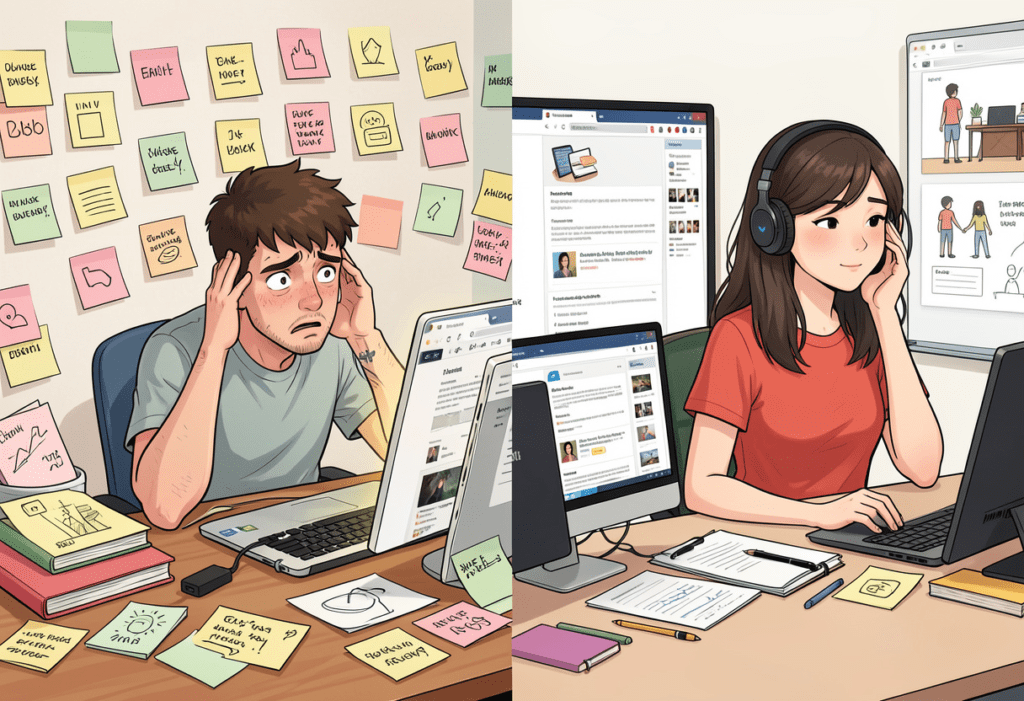
Doing all of the above manually — keyword research in one tab, title brainstorming in another, description writing in a third, tags guessed from memory — is exhausting. It’s slow. And it leads to inconsistent results.
Most beginners spend 3–5 hours on each video upload, just dealing with SEO metadata. That’s time you should be spending on creating better content.
Manual YouTube SEO methods are outdated for three core reasons:
First, they rely on guesswork. You’re picking keywords based on instinct rather than real data. You’re writing titles you hope will get clicks instead of ones that are proven to convert.
Second, they’re painfully slow. The creators growing fastest in 2025 are publishing more often, not less. If your SEO process takes hours per video, you physically can’t keep up.
Third, consistency breaks down. When you’re tired or overwhelmed, your SEO gets sloppy. You write a weak description, skip the tags, forget to add chapters. One under-optimized video can take months to recover from in the algorithm.
The solution isn’t working harder. It’s working smarter.
Head to the ytZolo blog for more creator strategies that replace outdated methods with AI-powered workflows.
5. How ytZolo Makes YouTube SEO Easy for Every Creator
Here’s where everything clicks into place.
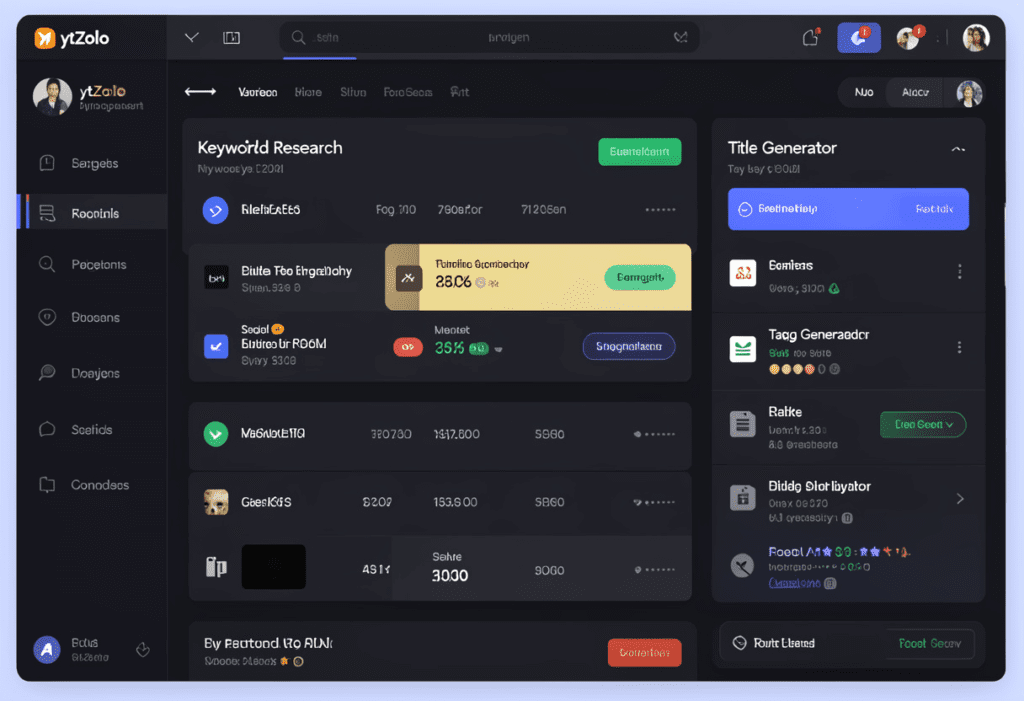
ytZolo is the all-in-one AI tool built specifically for YouTube creators who want to grow faster without burning out. It takes every YouTube SEO tip for beginners in this guide and automates the hard parts — so you can focus on making videos you’re proud of.
Here’s what ytZolo does for your YouTube SEO:
🔍 AI Keyword Research
Stop guessing what to rank for. ytZolo analyzes real search data in your niche and surfaces high-potential keywords that beginners can actually rank for — not the super-competitive terms dominated by channels with millions of subscribers.
📝 Title Generator
ytZolo generates multiple title options for every video — each one SEO-optimized and designed for high click-through rates. You pick your favorite, or mix and match. No more staring at a blank title field for 45 minutes.
📋 Script Writer
From a topic and keyword, ytZolo builds a full video script — structured for retention, loaded with natural keyword placement, and written in your niche’s language. It’s not a robot script. It’s a framework you can make your own.
🏷️ Description & Tag Generator
ytZolo writes SEO-rich descriptions that hit all the right ranking signals: keyword in the first 25 words, natural variations throughout, timestamps included. Plus, it recommends the exact tags that will push your video to the right audience.
🖼️ Thumbnail Concept Ideas
ytZolo helps you brainstorm thumbnail concepts that are proven performers in your space — so you walk into your design knowing what to create.
📅 Content Calendar & Idea Engine
Never run out of ideas or miss a posting day. ytZolo surfaces trending topics in your niche before they peak — so you can ride waves of search interest at exactly the right time.
Whether you’re a complete beginner or a creator with a growing channel, ytZolo gives you a professional-level YouTube SEO workflow from day one.
“I used to spend half a day on SEO alone. With ytZolo, I do the same work in 20 minutes — and my videos are ranking higher than ever.” — ytZolo creator
6. Why ytZolo Is Better Than Other YouTube SEO Tools
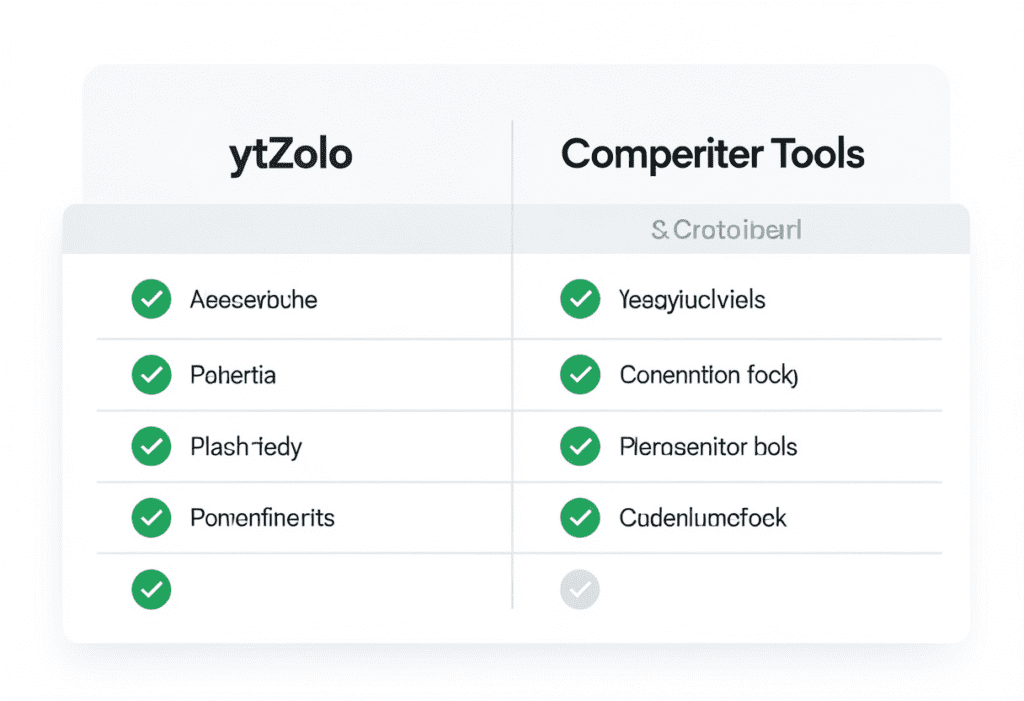
You might be weighing ytZolo against other YouTube SEO tools. Here’s how they stack up:
| Feature | ytZolo | TubeBuddy | VidIQ | Ahrefs |
|---|---|---|---|---|
| Keyword Research (YouTube-specific) | ✅ | ✅ | ✅ | ✅ (web-focused) |
| AI Title Generator | ✅ | ⚠️ Basic | ⚠️ Basic | ❌ |
| Full Script Writing | ✅ | ❌ | ❌ | ❌ |
| AI Description Writer | ✅ | ⚠️ Limited | ⚠️ Limited | ❌ |
| Tag Recommendations | ✅ | ✅ | ✅ | ❌ |
| Thumbnail Concept Ideas | ✅ | ❌ | ❌ | ❌ |
| Content Calendar | ✅ | ❌ | ❌ | ❌ |
| Built Exclusively for YouTube | ✅ | ✅ | ✅ | ❌ |
| All-in-One Platform | ✅ | ❌ | ❌ | ❌ |
TubeBuddy and VidIQ are solid analytics and optimization tools. They’re great at telling you what your SEO metrics are. But they leave you to do all the actual writing and strategy yourself.
Ahrefs is a powerhouse for web SEO. But it wasn’t built for YouTube creators, and it won’t help you write a single word of your video metadata.
ytZolo is the only platform that covers your entire YouTube SEO workflow — from keyword research through script writing, title generation, descriptions, tags, and content planning. It’s the difference between getting a report card and getting a full-time SEO coach.
For a deeper look at the best tools for growing on YouTube, check out the ytZolo blog.
7. FAQ: YouTube SEO Tips for Beginners
What are the most important YouTube SEO tips for beginners?
The most impactful YouTube SEO tips for beginners are: doing keyword research before filming, placing your keyword in the first words of your title and description, designing high-CTR thumbnails, maximizing watch time and audience retention, and using 8–12 relevant tags. Together, these signals tell YouTube what your video is about and prove to the algorithm that people enjoy watching it.
How long does YouTube SEO take to work for beginners?
YouTube SEO Tips for Beginners (Avoid Big Mistakes) 2026 explains that YouTube SEO usually takes about 2–8 weeks to start showing noticeable results, depending on the competition in your niche.
Evergreen content can keep attracting views and improving rankings for months or even years after publishing.
Creators who consistently apply SEO strategies to every upload often experience steady, compounding channel growth over time.
Do tags still matter for YouTube SEO in 2026?
YouTube SEO Tips for Beginners (Avoid Big Mistakes) 2026 explains that tags still play a role in helping the algorithm understand your video’s topic and connect it to related content.
Use 8–12 highly relevant tags, starting with your exact keyword, followed by variations and a few broader topic tags.
Avoid adding irrelevant tags just to chase views, as this can harm your SEO performance and violate YouTube’s guidelines.
What is the best free tool for YouTube SEO for beginners?
YouTube’s own Search Suggest feature is free and incredibly useful for finding keywords people are actively searching. For more advanced YouTube SEO, ytZolo offers a complete AI-powered workflow — from keyword research to script writing and description generation — making it the best tool for beginners who want professional-level SEO without the manual effort.
How do I write a YouTube description for SEO as a beginner?
YouTube SEO Tips for Beginners (Avoid Big Mistakes) 2026 recommends starting your description with the primary keyword within the first 25 words to help the algorithm understand your topic quickly.
An effective description should be around 250–300 words, include natural keyword variations, timestamps for easy navigation, and links to related content or resources.
The first 2–3 lines matter most because they appear before the “Show More” button and should hook viewers while reinforcing the video’s main topic for better ranking.
you can also read this blog :-https://ytzolo.com/blog/ai-content-creation-youtube/
8. Conclusion: Your YouTube Growth Starts with These SEO Foundations
Growing a YouTube channel as a beginner feels overwhelming — until you realize it’s mostly science, not luck.
The YouTube SEO tips for beginners in this guide give you the exact playbook that’s working right now. From keyword research and title optimization to watch time, retention, and channel SEO — every tip in this list is something you can implement in your next upload.
But here’s the thing: knowing these YouTube SEO tips for beginners is only half the battle. Actually executing them consistently — on every video, every week — is where most creators fall short. That’s where ytZolo makes all the difference.
ytZolo automates your keyword research, writes your titles, builds your descriptions, recommends your tags, and plans your content calendar. Everything you just learned, done in minutes instead of hours.
You don’t have to choose between making great content and having great SEO. With ytZolo, you get both.
Your channel deserves to be found. Your videos deserve to rank. Your audience is out there searching for exactly what you create — and YouTube SEO tips for beginners are the roadmap to reach them.
Start creating smarter, faster, and more viral YouTube content with ytZolo today.
👉 Get started free at ytZolo.com

