

Introduction: The Title That Changed Everything
Thinking of a title for your YouTube video isn’t easy, is it? You can’t risk getting another video about the same topic buried under yours because you chose a less relevant title and got your video ranked lower on Google.
At the same time, you want to describe your video accurately so that someone interested in its content can quickly decide whether they want to watch it.
An AI title generator for YouTube can help you create different variations of a title based on a topic or keyword.
But not all of these variations will be relevant to your niche, and there’s no guarantee that any particular title will get you more views or subscribers. Fortunately, this guide will walk you through using a tool to find the best title for your video.
In addition, you’ll learn why and how to avoid mistakes when creating a title and discover how ytZolo fits into your YouTube content strategy.
If your thumbnails aren’t pulling clicks either, here’s how to use an AI-generated YouTube thumbnail to boost your CTR instantly.
Table of Contents
Why Your YouTube Title Is the Most Important Part of Your Video
Your YouTube title helps viewers understand what a video is about and decide whether it matches their interests. It also gives YouTube useful information about the video’s subject.
A good title balances three things:
- Clarity: Viewers can quickly understand the topic.
- Relevance: The title matches what the video actually delivers.
- Interest: The wording gives the right audience a reason to watch.
For example, consider these two titles:
| Generic title | More specific title |
|---|---|
| YouTube Editing Tips | 7 YouTube Editing Mistakes Beginners Should Avoid |
| Podcast Tips | How to Turn a Podcast Into a YouTube Video |
| Gaming Video | 5 Beginner Mistakes to Avoid in Minecraft Survival |
The more specific examples communicate a clearer topic and audience. They are not guaranteed to get more clicks, but they give viewers a better idea of what to expect.
Remember that CTR depends on several factors, including the topic, thumbnail, audience, and where YouTube shows your video. A strong title helps, but titles alone aren’t enough — pairing them with SEO-optimized YouTube descriptions can significantly improve your rankings and visibility.
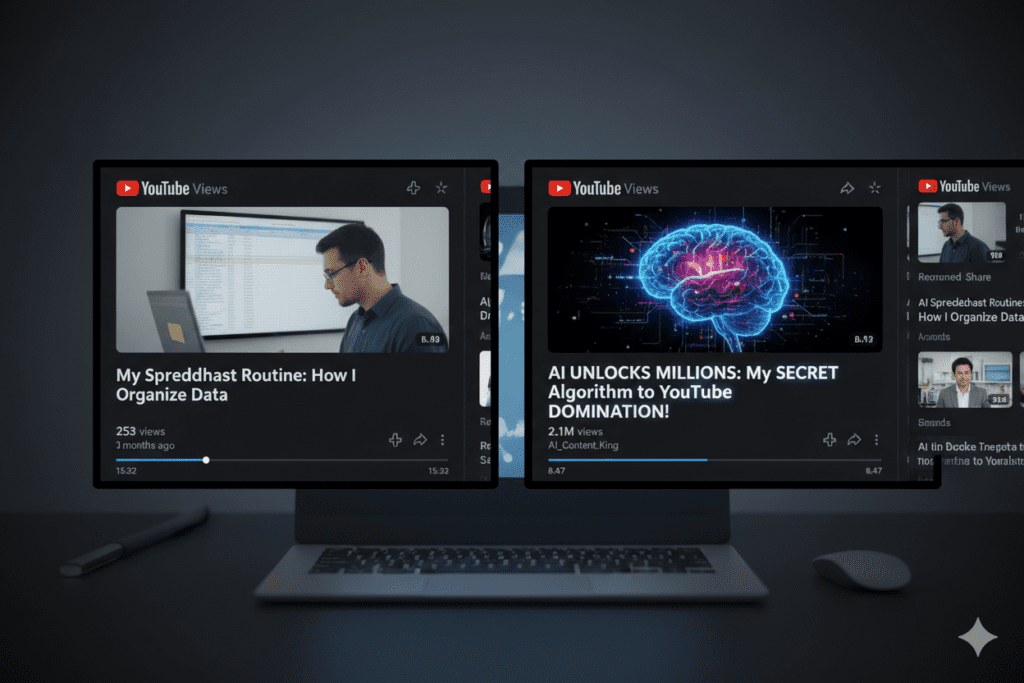
What Is an AI Title Generator for YouTube?
An AI title generator for YouTube is a tool that suggests video titles from a topic, keyword, or short description. It can assist creators in brainstorming various kinds of titles, such as how-to, listicle, comparisons, and problem-solution type videos, amongst others.
For example, suppose your video explains how beginners can improve their YouTube thumbnails.
Your starting topic is: “YouTube thumbnail tips for beginners.”
An AI title generator might suggest:
- 7 YouTube Thumbnail Mistakes Beginners Should Avoid
- How to Make Better YouTube Thumbnails as a Beginner
- YouTube Thumbnail Tips: Text, Contrast, and Composition
Each title uses a slightly different approach, ranging from one centered around one’s mistakes, a specific goal, and methods used.
Use this as inspiration and ensure that the title accurately reflects the content of the video, appeals to the target audience, and does not make unrealistic claims.
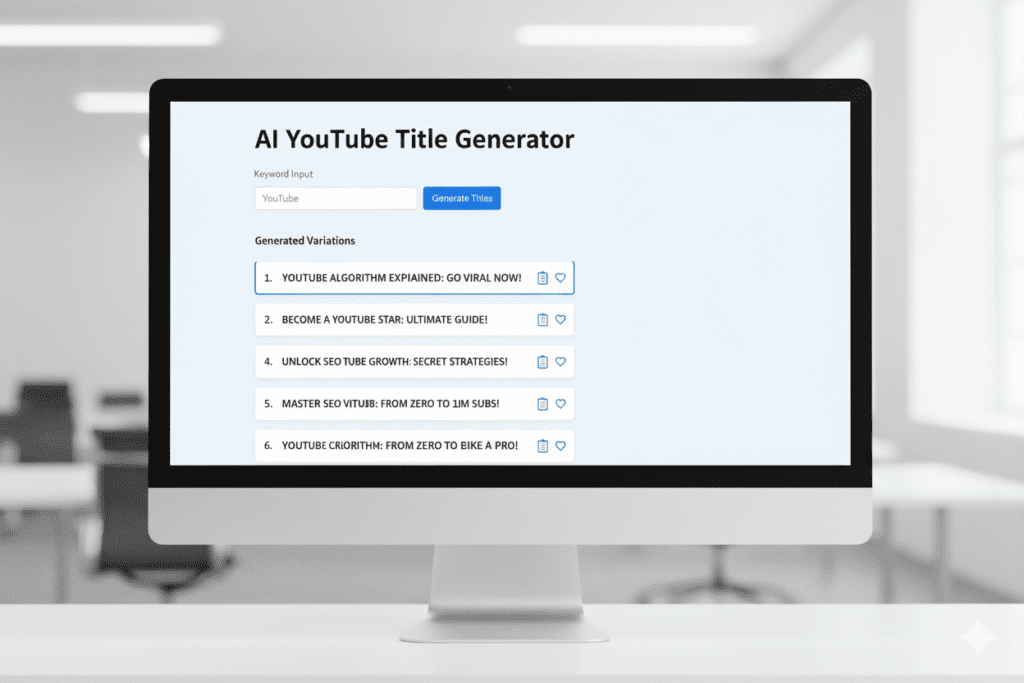
How an AI Title Generator for YouTube Actually Works
Most AI title generators use your topic or prompt to produce a set of possible titles. The quality of the suggestions depends on the information you provide, the model, and the instructions used.
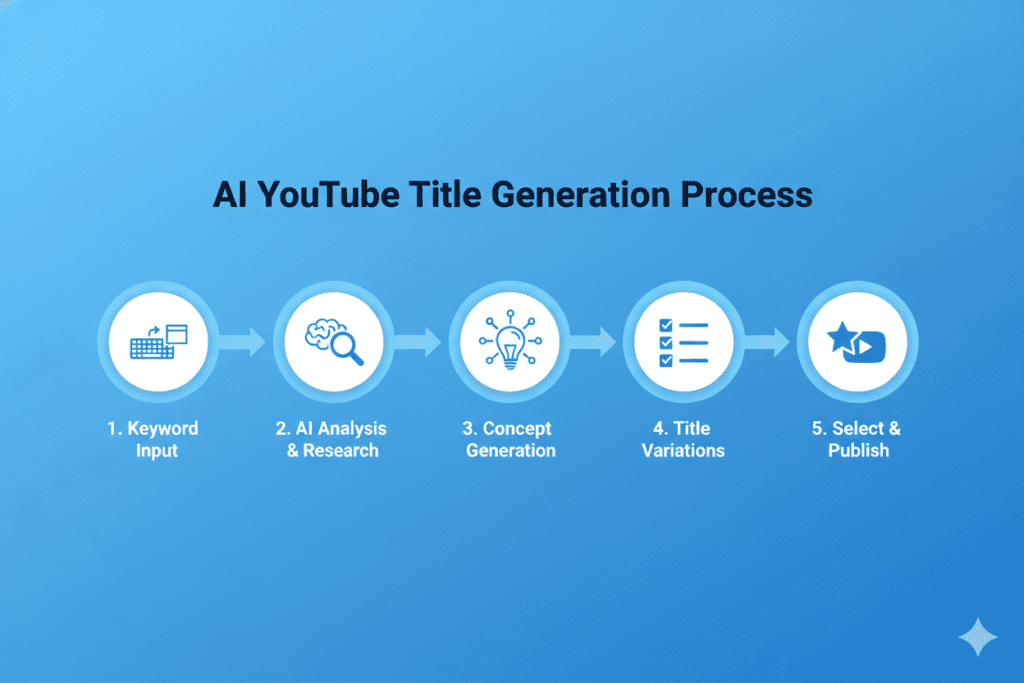
Here is what the process typically looks like.
1. Understand the video topic
Start with a clear description of what the video covers and who it is for. “YouTube SEO” is broad, while “YouTube SEO tips for a new gaming channel”” gives the tool more context.
2. Generate different title angles
Ask for a mix of how-to titles, list titles, beginner-friendly explanations, and comparisons. This gives you more than several versions of the same sentence.
3. Review relevance and clarity
Remove suggestions that repeat keywords unnaturally, sound misleading, or promise an outcome the video cannot deliver.
4. Compare your strongest options
Look at the intended audience, search intent, readability, and how well each title communicates the video’s value.
5. Edit the final title
Use the best suggestion as a starting point. Change the copy to reflect what was actually said in the video and language your audience would use.
While AI can certainly accelerate this process, always make sure the tools you choose actually do what they claim, and have been programmed to perform tasks such as using up-to-date search data or finding the most popular titles.
The Hidden Cost of Writing Titles Manually
Writing YouTube titles manually gives you direct control over the wording, but it can be difficult to come up with several distinct ideas for every video. An AI title generator can help you explore alternatives without starting from a blank page.
For example, imagine you have finished a tutorial about removing background noise from a recording.
Your first idea might be:
“Remove Background Noise”
You could then explore more specific alternatives:
- How to Remove Background Noise From Audio
- Remove Background Noise Without Re-Recording
- How to Clean Up Noisy Audio for YouTube Videos
The best choice depends on what your tutorial actually demonstrates. If it’s only about one software, mention the name of the software, if the video’s scope benefits from it.
You don’t need to use AI for every title. Use it when you’re stuck, or just want to experiment, or you need a consistent brainstorming session. Your own knowledge of the video and target audience is the ultimate judge.
If you’re still doing everything manually, you’re wasting hours — here’s how AI tools for YouTube creators can automate your entire workflow.

What Makes a YouTube Title Go Viral?
Not everything that is viral has a great title formula. However, the correct wording, topic, and promise to deliver will get you somewhere. Here are a few tips for you to revise the title before hitting the publish button.
First, ensure that the topic is clear and specific to what you are providing. Instead of saying How to Edit Videos, narrow down the options and specify the YouTube Shorts video editing on phones.
The search intent should also be apparent as you create the title. So, if people search for a comparison, make it obvious.
You could also use numbers if the video includes them, as it is easier to create a title with numbers in it. However, ensure that the promise is delivered and that there are genuinely five things to be avoided in audio editing.
Another thing to do is to spark the viewer’s interest. You don’t want to be too vague, though. So you should make it intriguing enough to entice your audience while still being informative about the contents of the video.
Furthermore, make the critical words easily scannable so that a person can look at the title and understand what the video is about.
There is no exact number of characters that make a title more appealing. We might think that it is necessary to keep the beginning and the first few words concise and meaningful while the rest can be anything.
Finally, your title and thumbnail should complement each other. The image represents the video, while the title informs about the process or outcome without being a marketing tool. Ensure that both are not repetitive, as they serve different purposes.
For instance, your thumbnail can show the audio wave with the stripes, while your title promises to teach how to remove background noise from audio.
Before you post the video, ask yourself if someone would watch the video based on the title. Furthermore, determine whether the target audience is defined and what benefits are promised.
For more on what makes content perform, check out the ytZolo blog — it’s packed with actionable strategies for every stage of channel growth.
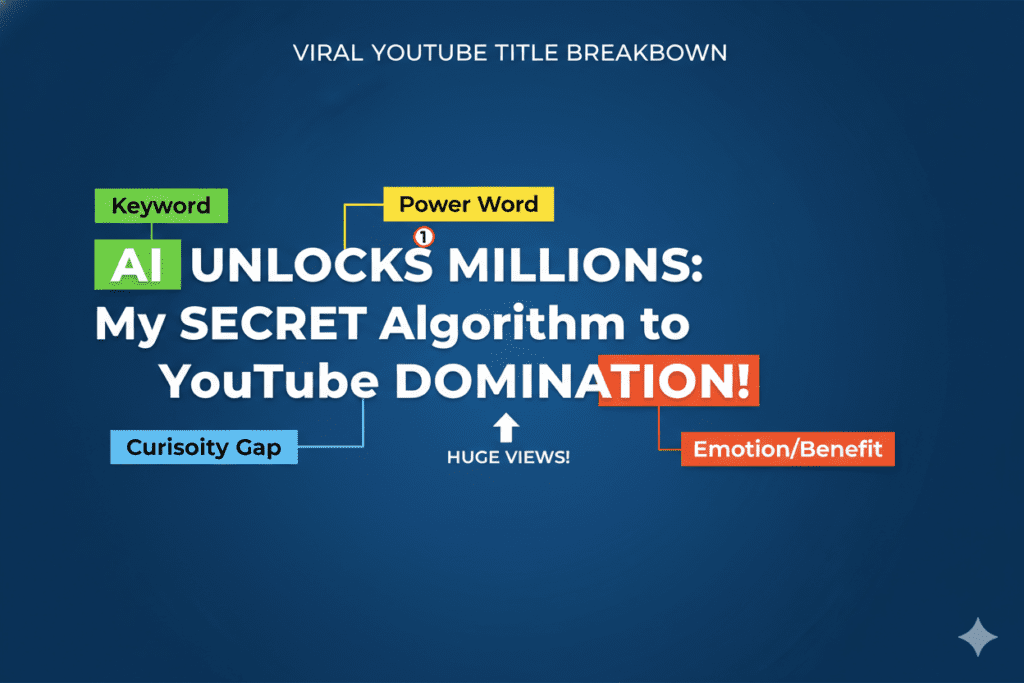
How ytZolo Dominates as the Best AI Title Generator for YouTube
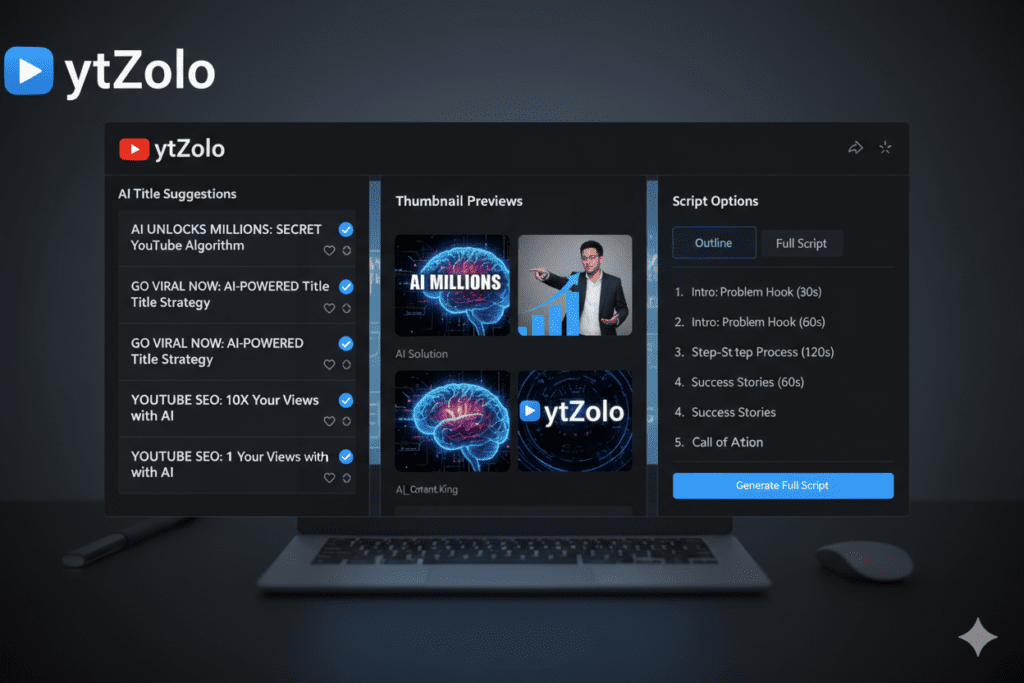
ytZolo can be part of a YouTube creator’s workflow when brainstorming titles and preparing related video content. The goal is to use title suggestions as a starting point, then refine them to match the topic, audience, and thumbnail.
For example, consider a video about turning a podcast episode into a YouTube video.
A useful title-generation process would be:
- Enter the topic and explain whether the video is a tutorial, comparison, or personal experience.
- Generate several title options with different angles.
- Remove titles that make unsupported promises or do not match the video.
- Choose the title that communicates the subject and intended value most clearly.
- Review the title alongside the thumbnail before publishing.
ytZolo also includes tools to assist with other aspects of YouTube content creation, such as scripts, thumbnails, descriptions, and tags. These tools can be used to create ancillary assets.
An essential step is to critically evaluate each generated asset to ensure that the proposed title accurately reflects the video’s content and that ancillary assets support the described idea rather than suggesting an entirely different concept.
You can also combine this with a YouTube thumbnail generator to create a complete click-optimized content package.
Why ytZolo Is Better Than Other Tools
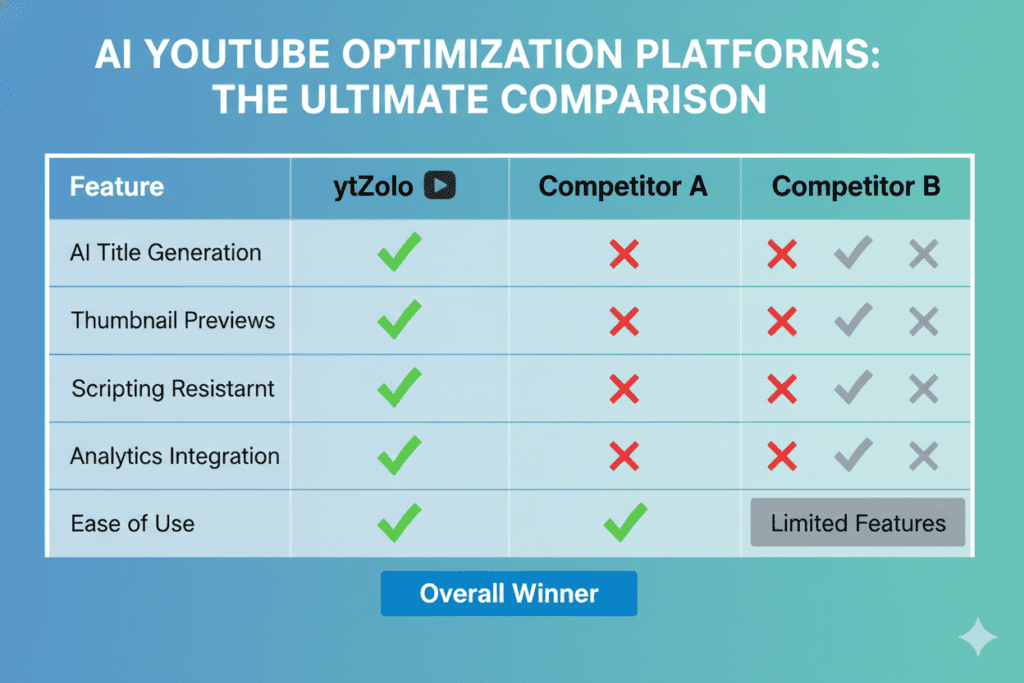
Different YouTube title-writing tools suit different needs. Some creators prefer a general AI assistant for flexible brainstorming, while others want a workflow that combines title ideas with additional content creation tasks.
Here is a practical way to compare your options.
| What to compare | What to check |
|---|---|
| Topic relevance | Does the tool understand the video’s subject and audience? |
| Variety | Does it suggest genuinely different title angles? |
| Editing control | Can you refine the prompt and improve weak suggestions? |
| Keyword handling | Can you include your target phrase naturally? |
| Ease of use | Can you generate and review ideas without an unnecessarily complicated workflow? |
| Additional features | Does the tool offer scripts, thumbnails, descriptions, or other tools you need? |
When comparing ytZolo with ChatGPT, vidIQ, or TubeBuddy, test the same video topic in each tool. Review the suggestions for accuracy, clarity, relevance, and variety.
Do not judge a tool solely by the number of titles it generates. A smaller set of relevant suggestions may be more useful than a long list of repetitive or misleading titles.
The right choice depends on your workflow, budget, and whether you need title brainstorming alone or additional content creation features.
Step-by-Step: How to Use ytZolo to Generate Viral YouTube Titles
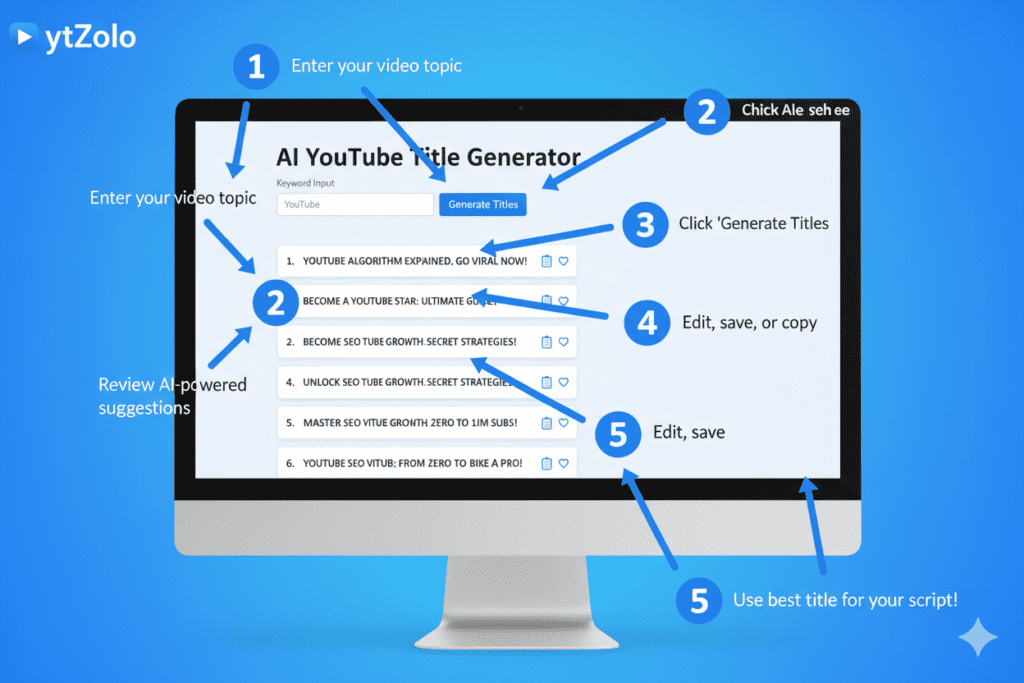
Follow these steps to generate and review YouTube title ideas with ytZolo.
Step 1: Open ytZolo
Visit ytZolo and navigate to the title-generation tool. Follow the current sign-in or access instructions displayed on the website.
Step 2: Enter a specific video topic
Instead of entering “YouTube tips,” provide context such as “YouTube thumbnail design tips for beginners using free editing tools.”
Step 3: Generate different title options
Ask for a mix of how-to, list-based, and problem-solving titles. Different angles help you compare more than minor wording changes.
Step 4: Review each suggestion
Check whether the title accurately describes the video, communicates a clear benefit, and uses the topic naturally.
To improve viewer retention, use a YouTube intro script generator to hook your audience in the first few seconds.
Step 5: Select and edit the best option
Choose the title that fits your intended audience and the content you actually created. Remove exaggerated claims, unnecessary words, and vague promises.
Step 6: Review the thumbnail and title together
Make sure both elements communicate a consistent message. The thumbnail should complement the title rather than repeat it word for word.
Before publishing, check that the final title accurately reflects the video. After publication, use YouTube Studio’s available analytics and testing features, where applicable, to evaluate performance rather than assuming an AI suggestion will perform better.
Real Results: What Happens When You Use AI for YouTube Titles
Generating a title is only the first step. The next step is to determine if your title was worth it and how the audience reacted after watching the video.
Start with these checks.
1. Review impressions and click-through rate
YouTube Studio shows how often thumbnails are shown in eligible contexts and how often viewers click after seeing them. Depending on the traffic source, audience, and video type, the CTR can vary, so do not use the same metric for everything.
2. Check whether the title matches viewer expectations
If the title caught the viewer’s eye, it does not guarantee that they will be satisfied with the video.
3. Review the traffic source
A title that works well for YouTube Search may not perform the same way in Browse features or Suggested videos. Look at the source of your impressions when interpreting results.
4. Learn from comparable videos
Compare videos with similar topics and audiences on your channel. Differences in thumbnails, timing, subject matter, and distribution can all affect results.
5. Test changes carefully
If YouTube Studio offers title or thumbnail testing for your channel and video, follow the available testing process. Otherwise, make thoughtful changes and review the results without treating a simple before-and-after comparison as proof of causation.
An AI title generator can help you create alternatives, but performance should be evaluated using your own channel data. Do not assume a particular percentage increase in CTR, views, or subscribers without evidence from a relevant test.
This is why creators are switching to AI tools for writing YouTube scripts to maintain consistency and scale faster.

FAQ: AI Title Generator for YouTube
What is an AI title generator for YouTube?
An AI title generator for YouTube creates title ideas from a video topic, keyword, or description. It helps creators explore different wording and angles, but the final title should accurately represent the video and its intended audience.
Are AI-generated YouTube titles allowed?
Creators can use AI to brainstorm and write video titles. The important consideration is that the title must accurately represent the content and must not mislead viewers. Check YouTube’s current policies for the requirements that apply to your content.
Can an AI title generator improve YouTube CTR?
It can help you explore clearer and more relevant title options, but it cannot guarantee a higher click-through rate. CTR also depends on the topic, thumbnail, audience, and where the video is shown.
How do I choose the best title from AI-generated suggestions?
Compare the suggestions for clarity, relevance, audience fit, and accuracy. Remove misleading promises and unnecessary wording. Choose the title that best communicates what viewers will learn or experience in the video.
Are free AI title generators worth using?
A free title generator can be useful for brainstorming and exploring different title formats. Before choosing a tool, check its available features, usage limits, output quality, and whether it fits your workflow.
Should I use an AI title generator for every YouTube video?
Not necessarily. Use one when you need fresh ideas, want to compare different angles, or are struggling to phrase a topic clearly. Your understanding of the video and its audience should guide the final title.
Conclusion: Stop Guessing. Start Growing.
Choosing a good YouTube title begins with an understanding of the contents of your video as well as the target audience. A descriptive title informs viewers of what to expect, while a compelling value proposition entices them to watch your video.
An AI title generator for YouTube can assist in this process by suggesting multiple enticing options that you can review and edit before finalizing one that aligns with the contents as well as the thumbnail of the video.
If you are looking for an easier way to generate ideas for YouTube video titles, you can always experiment with ytZolo’s title generator tool as well as the rest of the tools offered by the company.
Take the suggestions into account and use your knowledge of the contents of the video and your YouTube audience to formulate a list of potential titles that you can finalize by selecting the most appropriate option.
A good title does not guarantee an increase in views, but a descriptive title that delivers on its promise is always a safe option.
Start creating smarter, faster, and more viral YouTube content with ytZolo today.
👉 Get started free at ytZolo.co
For more YouTube growth strategies, creator tips, and AI tool guides, explore the ytZolo Blog.

