
You spent hours filming. You edited every cut perfectly. You hit publish — and then… nothing.
The views trickle in. The CTR is embarrassing. And your video slowly sinks to the bottom of YouTube’s algorithm, never to be seen again.
Here’s the brutal truth: it wasn’t your content that failed. It was your thumbnail.
In 2026, your free thumbnail maker AI strategy is the difference between a video that goes viral and one that gets buried. Every second you spend uploading a weak, rushed thumbnail is a second your competitors are using a free AI thumbnail maker to design something that makes people stop scrolling — and click.
This guide covers everything you need to know: the best free thumbnail maker AI tools, what makes a thumbnail actually work, and why thousands of smart creators are using ytZolo to handle the entire process in one place.
Let’s get into it.
Table of Contents
Why Your Thumbnail Is Your Most Powerful Growth Tool
Most creators focus obsessively on video quality. Better cameras, better lighting, better editing.
But here’s what they miss: viewers decide to click before they ever watch a single second of your video.
Your thumbnail is the first impression. It’s your movie poster. It’s the billboard that either earns the click — or doesn’t.
According to YouTube Creator Academy, 90% of top-performing videos use custom thumbnails. The other 10% are basically gambling with auto-generated frames that almost never win — which is exactly why creators are shifting toward AI generated thumbnails for YouTube that are designed to maximize click-through rates.
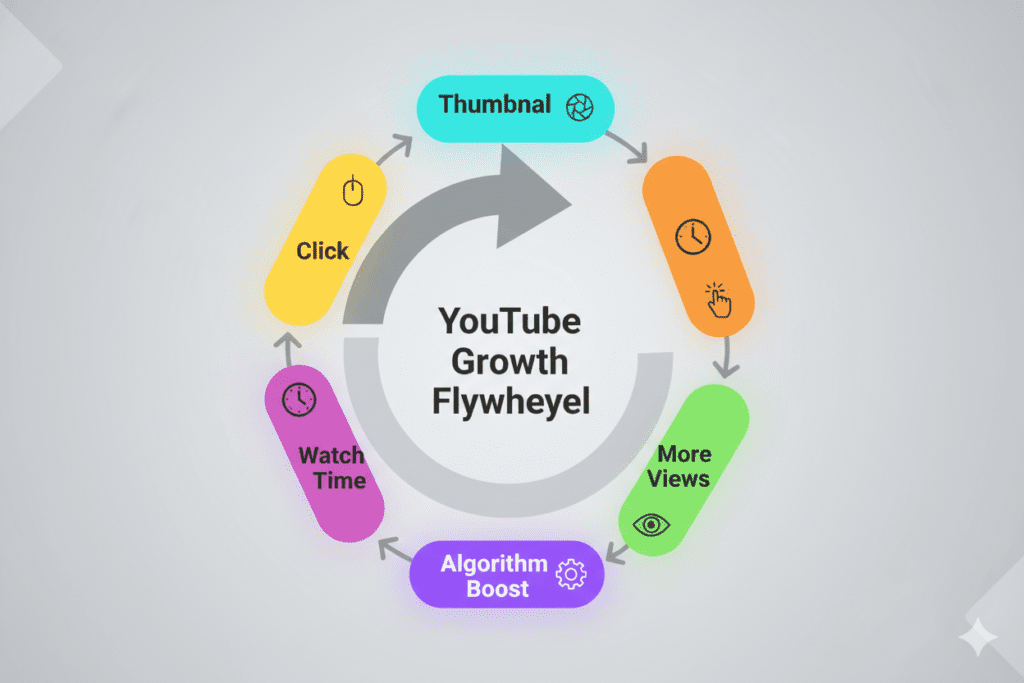
And the research backs this up further. Thumbnails done right can increase your click-through rate by 30–40%, which directly changes how aggressively YouTube recommends your video to new viewers. A higher CTR tells the algorithm: people want to watch this. And the algorithm responds by showing it to more people.
This is the growth flywheel every creator wants — and it all starts with your free thumbnail maker AI strategy.
What Is a Free Thumbnail Maker AI — And How Does It Work?
A free thumbnail maker AI is a tool that uses artificial intelligence to generate scroll-stopping thumbnail images for your YouTube videos — without requiring any design skills.
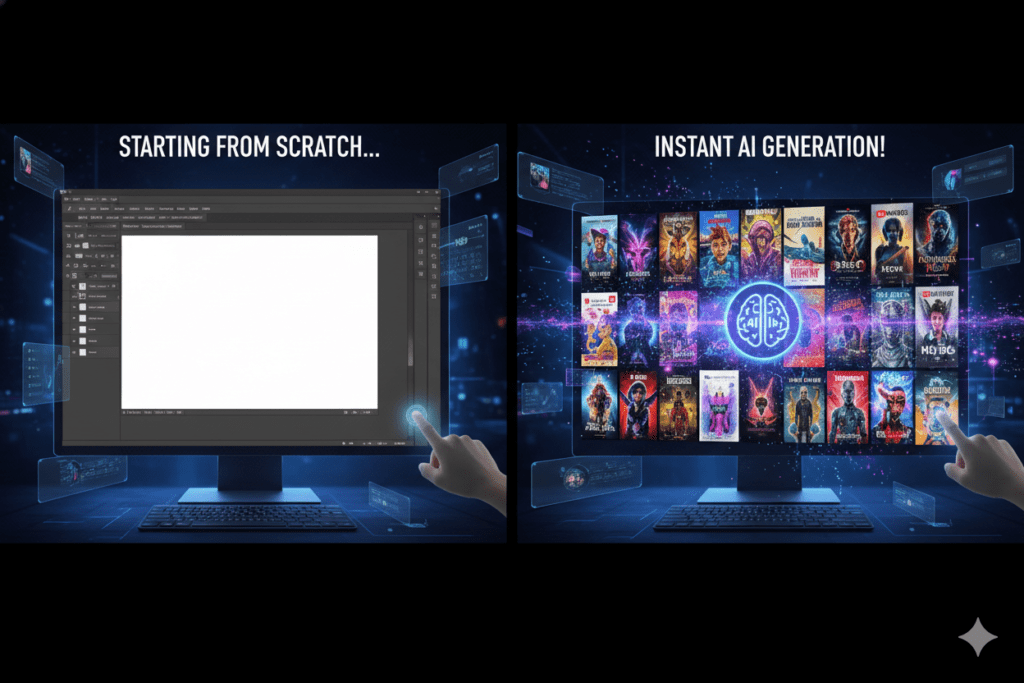
Unlike traditional design tools (looking at you, Photoshop), a free thumbnail maker AI doesn’t ask you to drag, drop, and manually tweak every pixel. You give it your video topic or title, and it generates multiple thumbnail options in seconds.
Here’s how most AI thumbnail tools work under the hood:
- Machine learning models are trained on millions of high-performing YouTube thumbnails
- The AI learns which colors, layouts, and text styles drive the most clicks in different niches
- You provide a text prompt or video topic — the AI applies those patterns to generate your thumbnail
- You download, customize if needed, and upload
The best free thumbnail maker AI tools go even further. They factor in color psychology, emotional expression data, text placement, and niche-specific trends — all automatically.
That’s the shift from guessing to knowing. And for creators who want to grow fast, this difference is enormous.
The Real Cost of Bad Thumbnails (Numbers Don’t Lie)
Let’s talk data — because this isn’t just about aesthetics. It’s about growth.
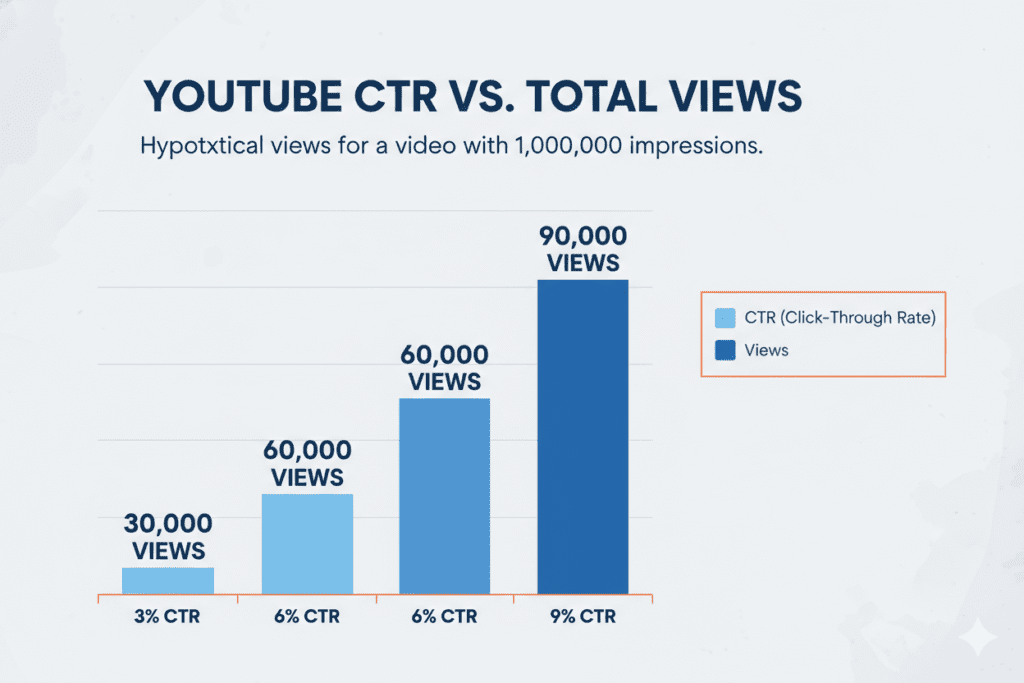
The average YouTube CTR sits between 4% and 6% for most channels. Creators hitting above 7% consistently are outperforming their niche. Hit 9–10%, and you’re in elite territory.
Now think about what a jump from 3% to 6% means in practice. If your video gets 10,000 impressions, the difference is 300 vs. 600 clicks. Double the views — from the same content.
More clicks mean more watch time. More watch time means more algorithm push. More algorithm push means more impressions. That’s compounding growth — and your free thumbnail maker AI is the trigger.
Meanwhile, creators using auto-generated thumbnails or spending hours in Canva manually tweaking templates are leaving massive amounts of views on the table. Time that could be spent creating more content is burned on design work that AI can handle in 30 seconds — which is why more creators are now switching to how to make YouTube thumbnails with AI to eliminate guesswork and save hours of manual effort.
The math doesn’t lie. A better thumbnail is the highest-ROI investment a YouTuber can make.
Top Free Thumbnail Maker AI Tools in 2026
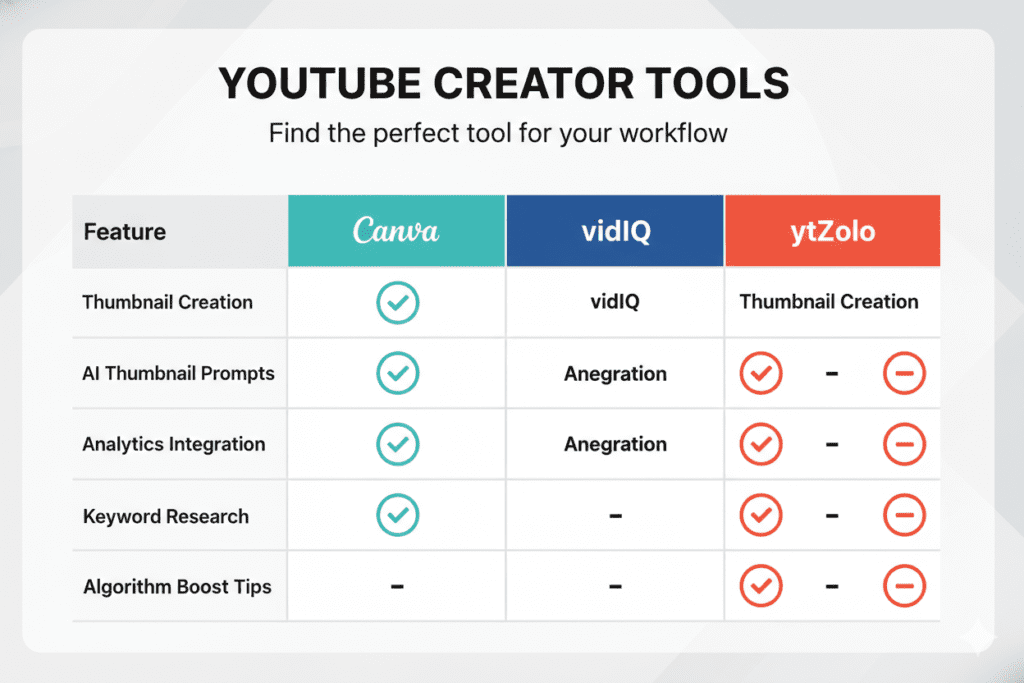
The market for free thumbnail maker AI tools has exploded. Here’s a quick breakdown of the most popular options in 2026:
Canva AI (Magic Media)
Canva is the go-to for millions of creators. Its Magic Media feature lets you generate thumbnails from text prompts and choose from various art styles.
- Pros: Huge template library, easy drag-and-drop editor, free plan available
- Cons: Generic output, not built specifically for YouTube CTR optimization, no title or script generation
- Best for: Beginners who need a starting point
vidIQ AI Thumbnail Maker
vidIQ is a trusted name in YouTube analytics. Their AI thumbnail maker is included with a free account.
- Pros: Connected to YouTube data, decent customization
- Cons: Thumbnail generation is one feature inside a broader analytics tool — not a deep creative AI
- Best for: Creators already using vidIQ for analytics
Canva + CapCut Combo
Many creators combine Canva for design with CapCut for quick video-to-thumbnail extraction.
- Pros: Free, flexible
- Cons: Requires juggling multiple tools, no AI strategy layer, time-consuming
QuillBot Free AI Thumbnail Generator
A newer entrant. Describe your thumbnail and choose a style — the AI generates options in seconds.
- Pros: No design skills needed, fast
- Cons: Limited YouTube-specific optimization, no integration with titles or SEO
ytZolo — The All-in-One AI Thumbnail Maker Built for YouTube Growth
Then there’s ytZolo — and this is where things get genuinely exciting for serious creators.
ytZolo doesn’t just generate a thumbnail. It generates a thumbnail that works with your title, your script, your tags, and your description — as a unified content strategy. More on this below.
What Makes a High-CTR Thumbnail in 2026?
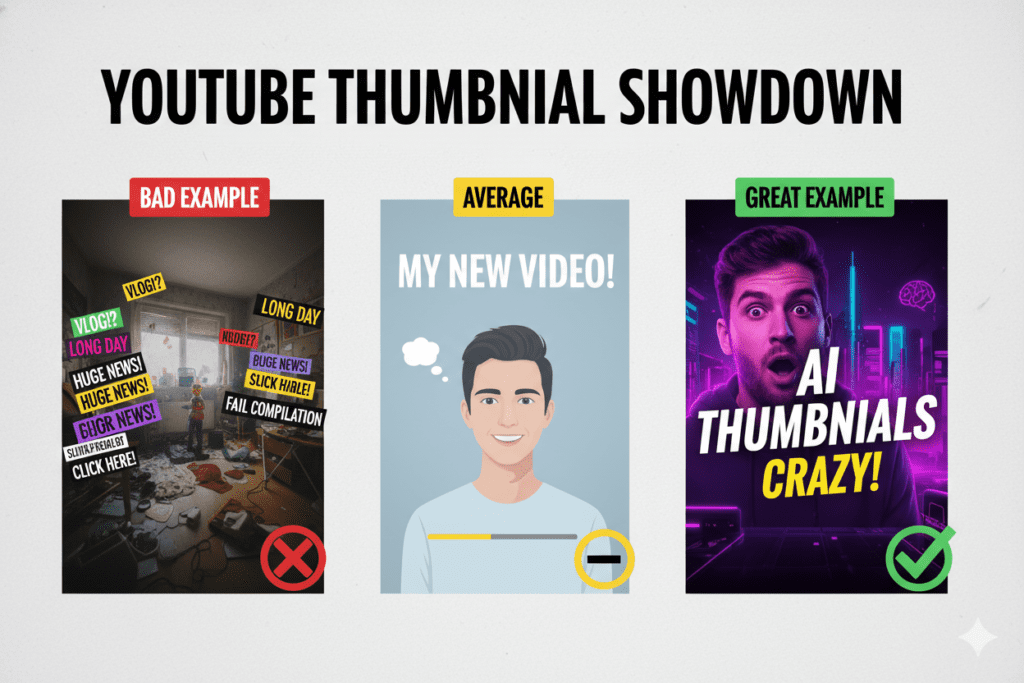
Before you use any free thumbnail maker AI, you need to understand what the data says actually works. Here are the evidence-backed principles that top creators use:
1. Emotional Faces Win
Thumbnails featuring expressive human faces increase CTR by 20–30%, according to vidIQ research. Neutral or blank expressions blend into the feed. Genuine emotion — surprise, excitement, intensity — stands out.
You don’t need to look ridiculous. Even a strong smile can outperform a flat, neutral pose in educational or lifestyle content.
2. Contrast Is Everything
Your thumbnail competes with dozens of others on a mobile screen. High contrast — a bright subject against a dark background, or vice versa — makes your thumbnail pop immediately.
Color choice matters less than contrast. A properly contrasted thumbnail in muted tones will outperform a colorful but muddy design every time.
3. Keep Text Under 5 Words
More than 60% of YouTube viewing happens on mobile. If you cram a paragraph onto your thumbnail, nobody can read it on a small screen.
The best thumbnails use short, punchy text — 3 to 5 words maximum — that creates curiosity or urgency without explaining everything. Your title does the explaining. Your thumbnail does the hooking.
4. One Clear Focal Point
Cluttered thumbnails confuse viewers. The best performing designs in 2026 follow neo-minimalism principles: one subject, clean background, bold visual statement.
If a viewer has to search your thumbnail to understand it, they’ve already scrolled past.
5. Match Your Title’s Energy
Your thumbnail and title are a team. The title sets context; the thumbnail amplifies emotion. When they contradict each other, viewers lose trust — and your watch time drops, which hurts your long-term algorithm standing.
A great free thumbnail maker AI understands this relationship. The best ones, like ytZolo, are designed to generate thumbnails in context with your title — so both elements work together as one.
How to Create a Winning Thumbnail With a Free Thumbnail Maker AI (Step-by-Step)
Ready to start? Here’s a proven workflow any creator can follow right now:
Step 1: Define your video’s core hook Before you open any tool, write down the single most compelling thing about your video. What would make someone need to click? That’s your thumbnail concept.
Step 2: Go to ytZolo.com Sign up for free — no credit card required. You’re in within seconds.
Step 3: Enter your video topic or title Be specific. “10 Beginner Mistakes in Investing” gives the AI much better signals than just “Investing.”
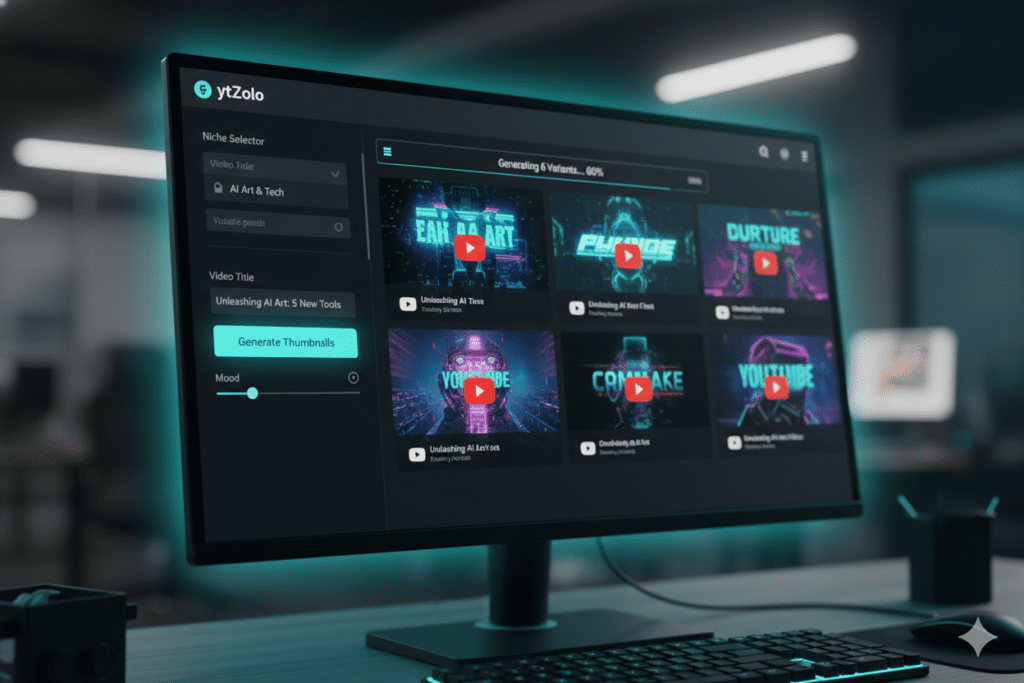
Step 4: Generate thumbnail variations ytZolo’s free thumbnail maker AI generates multiple options instantly. It applies color psychology, text placement best practices, and niche-specific visual patterns automatically.
Step 5: Pick your winner and customize if needed Choose the thumbnail that best matches your hook. You can tweak colors, text, or layout before downloading.
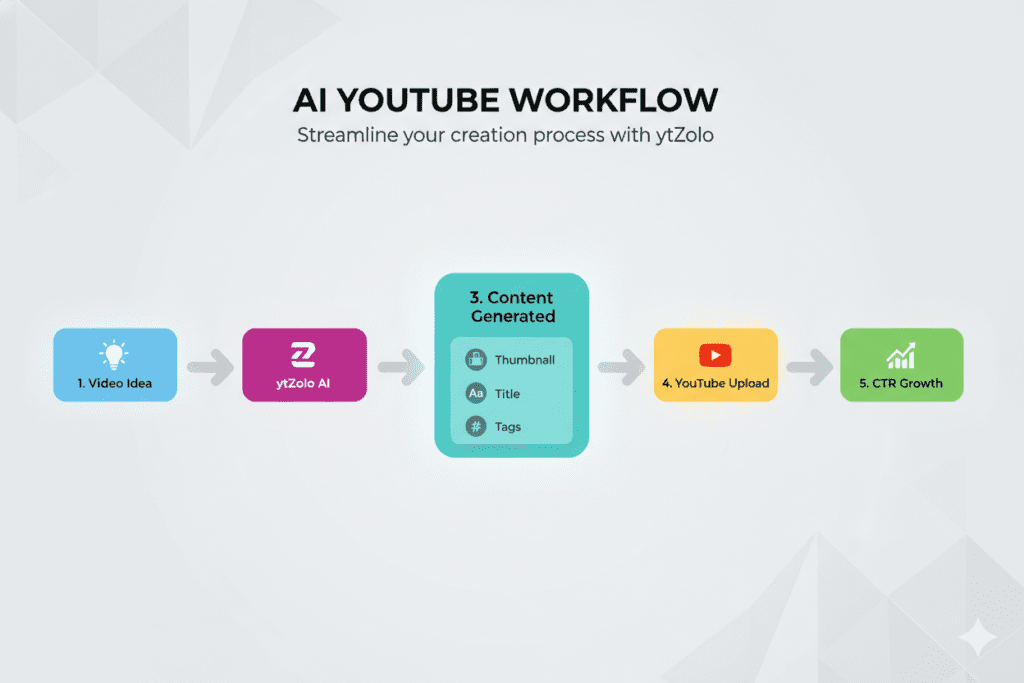
Step 6: Generate your title, tags, and description — in the same dashboard This is the part most creators skip — and it’s the secret weapon. With ytZolo, your thumbnail, title, description, and tags are all aligned around the same AI brain. Everything reinforces everything else.
Step 7: Upload and track your CTR Watch your analytics after 48–72 hours. If CTR is below your channel average, swap the thumbnail and test another variation from your ytZolo session.
That’s it. What used to take 30–45 minutes of manual Photoshop work now takes under 5 minutes with a free thumbnail maker AI.
Why ytZolo Is Better Than Other Tools
There are plenty of free thumbnail maker AI options out there. So why do serious creators keep coming back to ytZolo?
Here’s the honest comparison:
| Feature | Canva | vidIQ | Generic AI Tools | ytZolo |
|---|---|---|---|---|
| AI Thumbnail Generation | Partial | Basic | Yes | ✅ Advanced |
| YouTube CTR Optimization | ❌ | Partial | ❌ | ✅ Built-in |
| AI Title Generator | ❌ | Basic | ❌ | ✅ Viral-focused |
| Script Writer | ❌ | ❌ | ❌ | ✅ Full scripts |
| SEO Tags & Description | ❌ | ✅ | ❌ | ✅ All-in-one |
| Niche-Specific AI | ❌ | Partial | ❌ | ✅ Adapts to you |
| Free Plan | ✅ | ✅ | Varies | ✅ No credit card |
Canva is a design tool — and a great one. But it’s not a YouTube growth tool. It can’t tell you which thumbnail will outperform others in your niche. It doesn’t understand CTR optimization or trending visual patterns. You start with a blank canvas and hope for the best.
vidIQ is excellent for analytics. But its free thumbnail maker AI is one small feature inside a large platform built primarily around data — not creative AI output.
Generic AI image generators like Midjourney or DALL-E produce stunning images. But they know nothing about YouTube. They don’t understand what makes someone click on a finance video vs. a gaming video. You’d spend more time prompt-engineering than creating.
ytZolo was built from the ground up for YouTube creators. Every feature — thumbnails, titles, scripts, descriptions, tags — is purpose-built to grow your channel. The AI adapts to your niche, your tone, and your audience over time.
And crucially: everything works together. Your thumbnail, your title, and your tags are all generated from the same AI brain — resulting in cohesive content that performs consistently.
That’s not four tools duct-taped together. That’s one complete YouTube growth system.
For more on building a full channel strategy, check out the ytZolo blog — it’s packed with deep dives on titles, scripts, SEO, and more.
How ytZolo Powers Your Free Thumbnail Maker AI Workflow
Let’s get specific about what makes ytZolo’s free thumbnail maker AI different at a functional level.
When most creators struggle with thumbnails, the problem isn’t effort — it’s knowledge. They don’t know which colors convert best in their niche. They don’t know whether bold text or minimal text performs better for their audience. They’re guessing with every upload.
ytZolo’s AI removes the guesswork by pulling from high-performing YouTube thumbnail data across niches. When you input your topic, the AI doesn’t just generate a pretty image — it generates a CTR-optimized image based on what actually drives clicks in your content category.
Here’s what ytZolo brings to your free thumbnail maker AI workflow specifically:
- Niche intelligence — The AI knows that a thumbnail that works for a gaming channel looks completely different from one for a cooking or personal finance channel
- Emotional trigger optimization — Layouts are designed to create curiosity, urgency, or desire — the three emotions that make people click
- Mobile-first design — All generated thumbnails are optimized for readability at small sizes, where most YouTube views happen
- Full content package — Once your thumbnail is done, generate a matching title, SEO description, and tags in the same session
Creators who try ytZolo for thumbnails almost always end up using it for their entire content workflow. Because once you see how much time and energy you save — and how much better your content performs — going back to manual methods just doesn’t make sense.
You can explore all the features at ytzolo.com and start your first free thumbnail in minutes.
Common Thumbnail Mistakes Killing Your CTR
Even with a free thumbnail maker AI, it’s easy to fall into bad habits. Here are the most common mistakes creators make — and how to fix them fast:
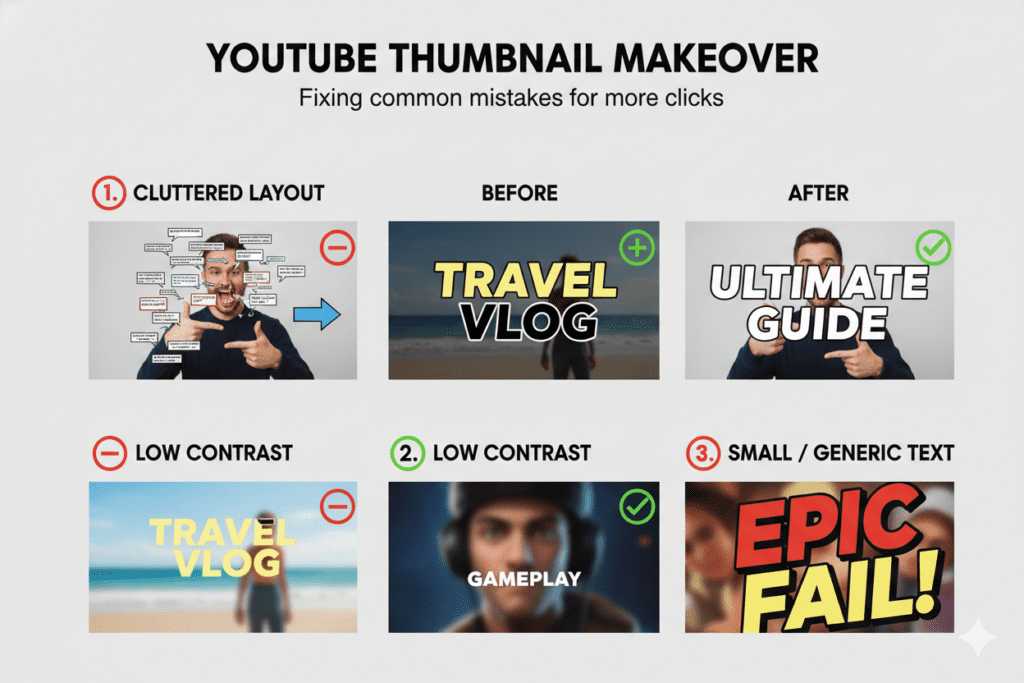
Mistake #1: Using auto-generated frames YouTube’s default thumbnail is almost always a random, poorly-lit mid-sentence face. It signals low effort to viewers. Custom thumbnails consistently outperform auto-generated ones across every niche.
Mistake #2: Overcrowding the design Too many elements — too much text, multiple faces, busy backgrounds — create visual noise. Viewers scroll past what they can’t process instantly. Simplify ruthlessly.
Mistake #3: Low resolution Blurry or pixelated thumbnails look amateur and reduce CTR by 15–25% on larger screens. Use a free thumbnail maker AI like ytZolo that automatically exports in full HD, optimized for YouTube’s specs.
Mistake #4: Ignoring mobile viewers Over 60% of YouTube watch time happens on mobile. If your thumbnail’s text is unreadable at phone size, you’re losing the majority of your potential audience before they ever click.
Mistake #5: Mismatch between thumbnail and content Clickbait thumbnails that don’t reflect your video content might earn the click — but they destroy watch time, hurt retention, and signal to the algorithm that your content disappoints viewers. Always align your thumbnail promise to what you actually deliver.
Mistake #6: Never testing variations Top creators treat thumbnails like experiments. They test multiple options, track CTR data over 1,000+ impressions, and apply winning patterns to future uploads. Your free thumbnail maker AI should make it easy to generate multiple variations quickly.
FAQ: Free Thumbnail Maker AI
What is the best free thumbnail maker AI for YouTube in 2026?
The best free thumbnail maker AI for YouTube in 2026 is ytZolo. Unlike generic design tools, ytZolo is purpose-built for YouTube creators and combines AI thumbnail generation with title creation, script writing, and SEO optimization — all in one free platform. You can get started at ytzolo.com with no credit card required.
Can a free thumbnail maker AI really improve my CTR?
Yes — significantly. Research consistently shows that custom, AI-optimized thumbnails can improve click-through rates by 30–40%. Since CTR is one of YouTube’s most important ranking signals, even a small improvement can lead to dramatically more views, recommendations, and channel growth over time.
Is using AI for YouTube thumbnails against YouTube’s rules?
No. YouTube fully supports the use of AI tools to improve content quality. The only requirement is that your thumbnail accurately represents your video content — which is exactly what a quality free thumbnail maker AI like ytZolo is designed to do.
What makes ytZolo different from Canva or vidIQ for thumbnails?
Canva is a general design tool — it gives you templates but no YouTube-specific intelligence. vidIQ is an analytics platform with a basic thumbnail feature. ytZolo is an all-in-one AI growth platform built exclusively for YouTubers, where your thumbnail, title, description, and tags are all generated together as a unified, CTR-optimized content package.
How many thumbnails can I create for free with a free thumbnail maker AI?
With ytZolo’s free plan, you can start creating and exporting AI thumbnails immediately with no credit card. For creators who need higher volume, more variations, or advanced features like deeper niche customization and full script generation, premium plans are available. Visit ytZolo.com for the latest plan details.
Final Thoughts: Your Thumbnail Strategy Starts Today
Here’s the reality of YouTube in 2026: the gap between creators who use AI and those who don’t is growing every single day.
Creators using a free thumbnail maker AI are publishing faster, testing more variations, and watching their CTR climb — while manual creators spend hours in Photoshop hoping something clicks.
Your next video deserves better than a bad thumbnail.
Every video you upload is hours of your time, energy, and creativity. Don’t let a weak, rushed, or generic thumbnail be the reason people scroll right past it.
The tools exist. The data is clear. The window to get ahead of your competition is right now.
Start creating smarter, faster, and more viral YouTube content with ytZolo today.
👉 Try ytZolo Free at ytzolo.com →
No credit card. No complicated setup. Just better thumbnails, better titles, and a channel that finally starts growing the way you always knew it could.
Want to go deeper on YouTube growth strategy? Explore the ytZolo blog for guides on viral titles, SEO optimization, script writing, and more.
External resources: YouTube Creator Academy | Google’s Guide to Content Marketing | HubSpot’s YouTube Marketing Guide

