
Introduction
Picture this. You spent 8 hours filming and editing an incredible video.
You hit publish. And then… nothing. Barely any clicks. Your views flatline.
Sound familiar? Here’s the brutal truth that most creators learn too late: your thumbnail is more important than your video.
People don’t watch YouTube — they scroll YouTube. And in that 0.3-second window, your thumbnail either wins the click or gets ignored forever.
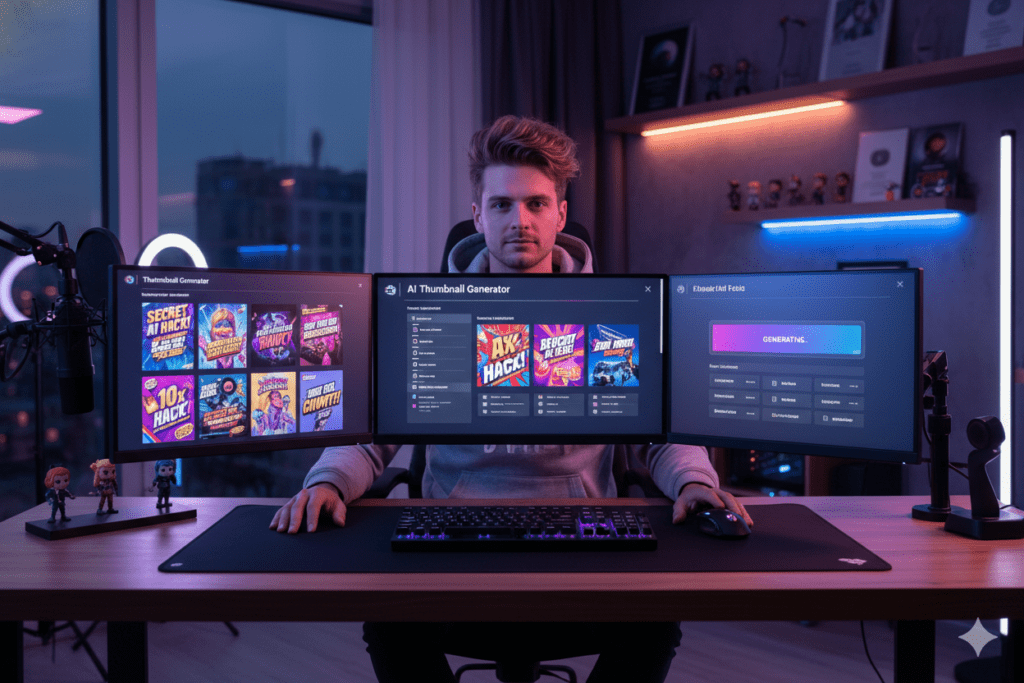
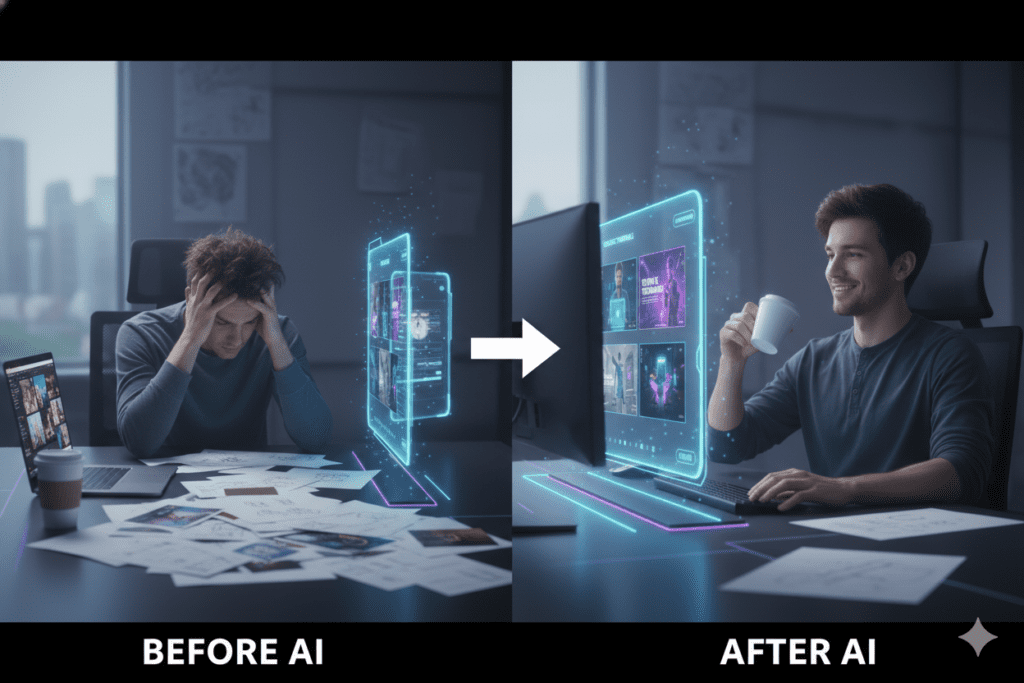
The good news? You don’t have to be a graphic designer or spend hours in Photoshop anymore. A YouTube thumbnail AI generator can create scroll-stopping visuals in seconds — and the smartest creators in 2026 are already using one.
In this guide, you’ll learn exactly what a YouTube thumbnail AI generator is, why it matters, how to use one effectively, and why ytZolo is quickly becoming the go-to platform for creators who are serious about growth.
Let’s get into it.
Table of Contents
What Is a YouTube Thumbnail AI Generator?
A YouTube thumbnail AI generator is an AI-powered tool that creates custom, high-converting thumbnail images for your videos — automatically.
Instead of opening Photoshop, hunting for stock images, and guessing what looks good, you simply provide your video topic, title, or script. The AI analyzes the content, studies what performs well in your niche, and generates thumbnail concepts optimized for maximum click-through rate.
The best YouTube thumbnail AI generators don’t just make pretty pictures. They make strategic visuals — designed around real performance data…
If you want a deeper breakdown, check out this AI-powered thumbnail maker for YouTube creators.
The best YouTube thumbnail AI generators don’t just make pretty pictures. They make strategic visuals — designed around real performance data, color psychology, text placement, and emotional triggers that compel viewers to click.
In 2026, this isn’t a luxury. It’s a competitive necessity.
Why Your Thumbnail Is Killing Your Channel (And You Don’t Know It)
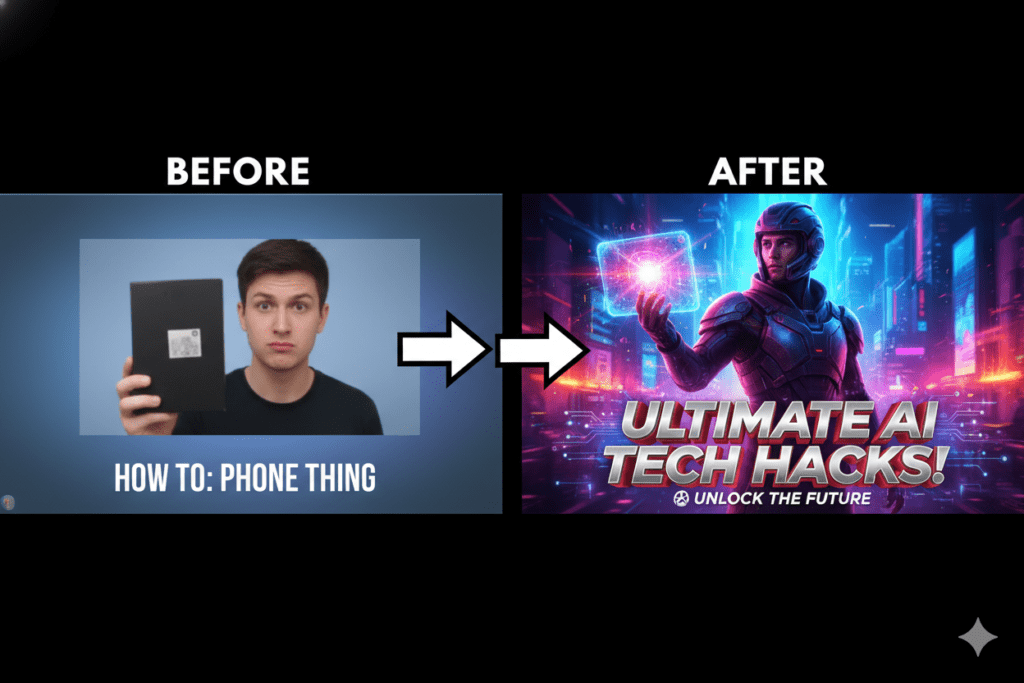
Most creators underestimate the power of a thumbnail. They focus on video quality, editing, and SEO — but completely overlook the one thing that determines whether anyone clicks in the first place.
Here’s the data that should wake you up:
- According to YouTube Creator Academy guidelines, 90% of the best-performing videos on YouTube use custom thumbnails. That’s not a coincidence. That’s a pattern repeated across every niche, every category, and every creator size.
- Research from VidIQ’s thumbnail CTR researchshows that thumbnails with strong emotional expressions can boost CTR by 20–30%.
- A single thumbnail swap has been documented to produce a 978% increase in views on some videos.
Your CTR (click-through rate) is one of the most important signals YouTube uses to decide how widely to distribute your content. A higher CTR tells the algorithm your video is worth promoting. A low CTR buries it.
And right now, if you’re not using a YouTube thumbnail AI generator, there’s a very good chance your thumbnails are leaving clicks — and views — on the table.
How a YouTube Thumbnail AI Generator Works
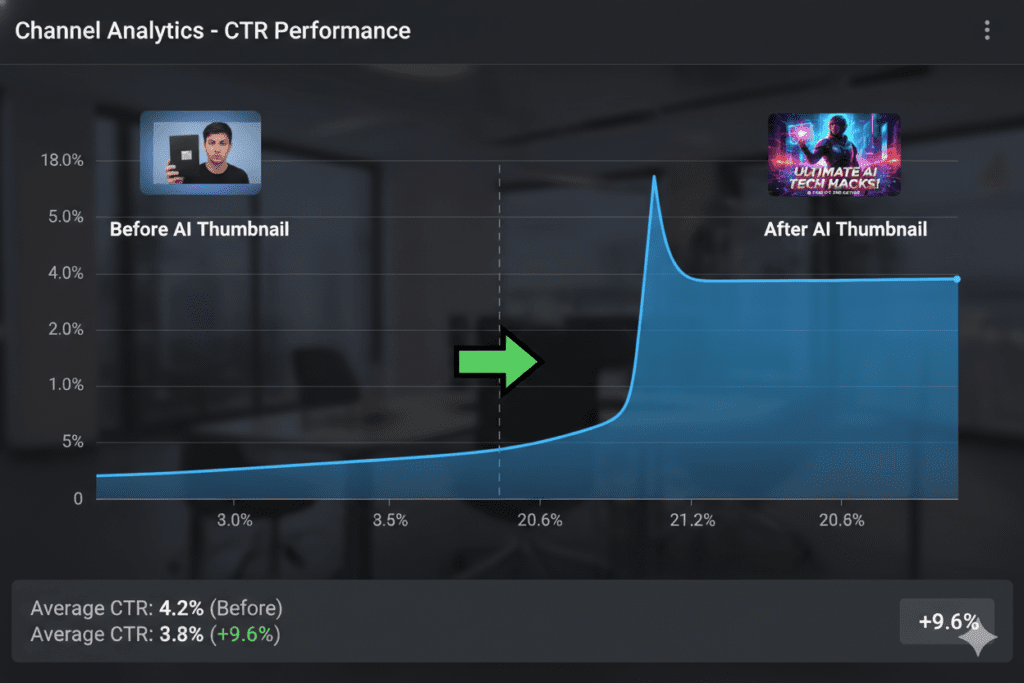
Modern AI thumbnail tools are far more sophisticated than simple image generators. Here’s what’s happening under the hood when you use a quality YouTube thumbnail AI generator:
1. Content Analysis The AI reads your video title, topic, or script to understand what your content is actually about. It identifies the emotional angle, the key hook, and the visual story that needs to be told.
2. Niche Pattern Recognition The AI has been trained on thousands of high-performing thumbnails across every YouTube niche. It recognizes what visual styles, color combinations, and layouts consistently drive clicks in your specific category.
3. Performance-Backed Design Rather than making aesthetic choices randomly, the AI applies data-driven design principles — high contrast, readable text, emotional facial expressions, and mobile-optimized layouts — that have been proven to increase CTR.
4. Multiple Variations A good AI thumbnail generator produces multiple distinct options, giving you the ability to A/B test and find the highest performer. YouTube’s own Test & Compare feature rewards creators who iterate.
The result? A thumbnail that looks like it was designed by a professional — in seconds, not hours.
The Real Cost of Designing Thumbnails Manually
Let’s be honest about what manual thumbnail design actually costs you.
Time. The average creator spends 1–3 hours designing a single thumbnail in Canva or Photoshop. Over 50 videos, that’s 50–150 hours. That’s time you could spend scripting, filming, or just living your life.
Money. Hiring a freelance thumbnail designer costs $15–$50 per thumbnail minimum. Scale that across a consistent upload schedule and you’re spending hundreds — or thousands — per month.
Consistency. When you design manually, your quality fluctuates. Some thumbnails look great. Others look rushed. Inconsistency confuses your audience and weakens your brand.
Strategy. Most creators aren’t thumbnail strategists. They design based on gut feel, not performance data. That means most manual thumbnails are built on guesswork — not what actually converts.
A YouTube thumbnail AI generator eliminates every one of these problems. It’s faster, more affordable, more consistent, and more strategically informed than anything you can produce manually.
Manual methods had their moment. That moment is over.
What Makes a High-CTR Thumbnail? (The AI Knows)
Before we dive into the tools, let’s understand what actually makes a YouTube thumbnail work. This is what the best YouTube thumbnail AI generators are trained on:
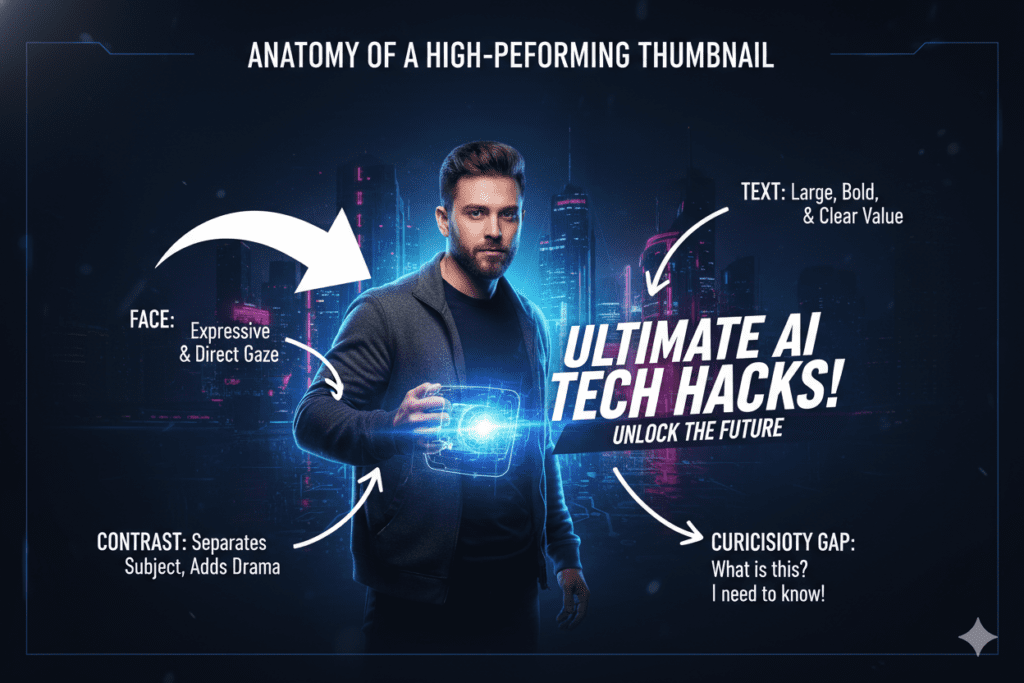
Emotional Expression Faces with strong, clear emotions — surprise, excitement, curiosity, shock — consistently outperform neutral expressions. The human brain is wired to respond to facial cues. AI tools know this and prioritize it.
High Contrast Colors Bright, bold color combinations that pop against YouTube’s white or dark backgrounds drive more clicks. Muted, soft palettes get lost in the feed.
Minimal Text Research consistently shows that 3 words or fewer on a thumbnail outperforms long text overlays. The visual should do the heavy lifting. Text is a supporting element, not the star.
Mobile Readability Over 70% of YouTube views come from mobile devices. Your thumbnail needs to be legible at 150 pixels wide. AI generators optimize for this automatically.
Curiosity Gap The best thumbnails tease something without giving it away completely. They create an unanswered question in the viewer’s mind that only clicking — and watching — can resolve.
Understanding these principles is one thing. Applying them consistently…
This is exactly where learning how AI thumbnail tools optimize for higher CTR can give you an unfair advantage.
How ytZolo’s AI Thumbnail Generator Is Different
Most thumbnail tools give you a design. ytZolo gives you a growth strategy.
Here’s the key difference. When you use a standalone thumbnail generator, you’re solving one piece of the puzzle. You still need to go somewhere else for your title. Somewhere else for your script. Somewhere else for your tags and description.
ytZolo is an all-in-one AI YouTube growth platform built specifically for creators who want to grow faster without burning out. The AI thumbnail generator isn’t just a bolt-on feature — it’s deeply integrated into the full content creation workflow.
Here’s what makes ytZolo’s approach to YouTube thumbnail AI generation genuinely unique:
It starts with your content, not a blank canvas. You don’t need to come up with a thumbnail concept from scratch. ytZolo reads your video topic, title, or script and generates thumbnail concepts that are directly aligned with what your content promises. The thumbnail tells the same story your title is selling — which is critical for both CTR and viewer retention.
It’s trained on YouTube performance data, not just aesthetics. Generic AI image generators make beautiful images. But they have no idea what drives clicks on YouTube specifically. ytZolo’s AI is trained on CTR-optimization patterns, niche-specific visual trends, and real performance benchmarks from across the platform.
It generates multiple variations for A/B testing. You always get distinct thumbnail options in one generation, ready to test using YouTube’s native Test & Compare feature. Testing thumbnails is one of the highest-leverage growth activities you can do — and ytZolo makes it frictionless.
It exports in full HD with zero watermarks. No visible branding. No compromise on quality. Clean, professional, high-resolution thumbnails ready to upload directly to YouTube Studio.
It’s connected to your entire content pipeline. In ytZolo, your thumbnail is generated alongside your AI-written script, SEO-optimized title, keyword-rich description, and tag suggestions. Everything is aligned. Everything is consistent. That’s not just convenience — it’s a strategic advantage most creators never even consider.
In ytZolo, your thumbnail is generated alongside your AI-written script…
You can also explore advanced AI script writing tools for YouTube videos to improve your overall content performance.

Why ytZolo Is Better Than Other Tools
The YouTube thumbnail AI generator market has exploded. There are plenty of options out there. So why are thousands of creators switching to ytZolo?
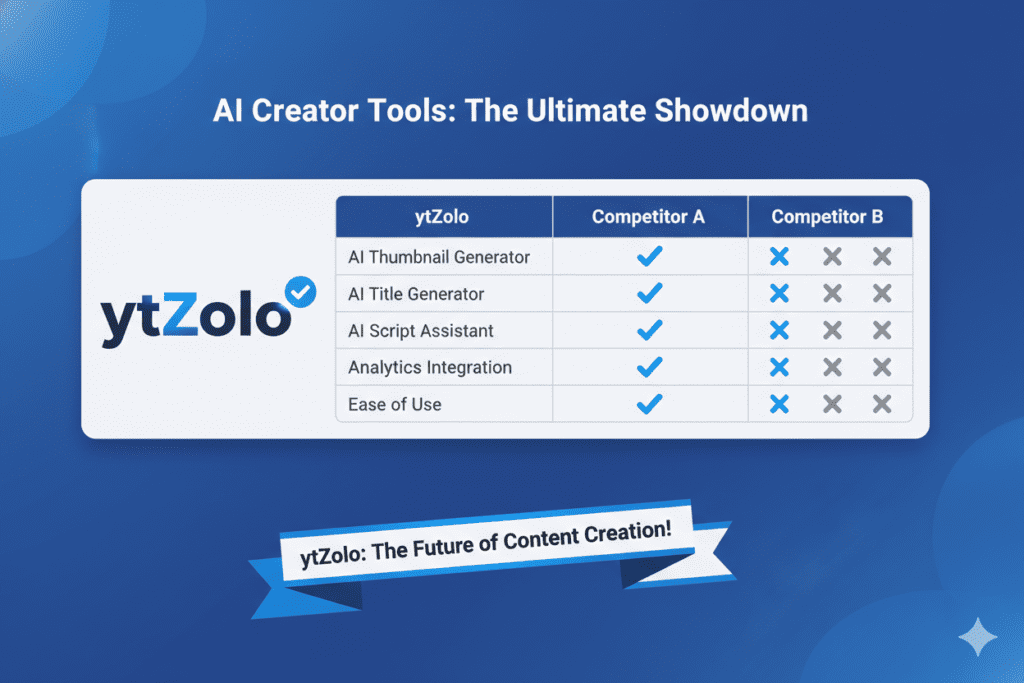
Here’s the honest comparison:
| Tool | What It Does | What It Lacks |
|---|---|---|
| Canva | Beautiful templates, drag-and-drop design | No AI trained on YouTube CTR data; you make all the creative decisions |
| VidIQ Thumbnail Maker | Decent thumbnail feature inside an analytics tool | No deep content integration; isolated from your title/script workflow |
| Generic AI Image Generators | Stunning visuals from text prompts | Zero knowledge of YouTube CTR patterns, mobile readability, or niche trends |
| Standalone Thumbnail Tools | Fast thumbnail generation | Solve one problem; you still need 4–5 other tools for a complete workflow |
| ytZolo | AI thumbnails + titles + scripts + descriptions + tags | Nothing — it’s the complete package |
The bottom line: other tools give you one piece of the puzzle. ytZolo gives you the whole picture.
And because every feature is built around the same goal — helping your content reach more people — everything works together as a unified system. Your title informs your thumbnail. Your tags reinforce your description. Your script is built to maximize watch time.
It’s a growth engine, not just a generator.
According to research from YouTube SEO ranking factors study by Ahrefs, keyword-optimized content consistently outperforms unoptimized content in search rankings. On YouTube, that advantage compounds over time as the algorithm learns what your channel delivers. ytZolo is designed to give you that advantage on every single upload.
Step-by-Step: How to Use a YouTube Thumbnail AI Generator
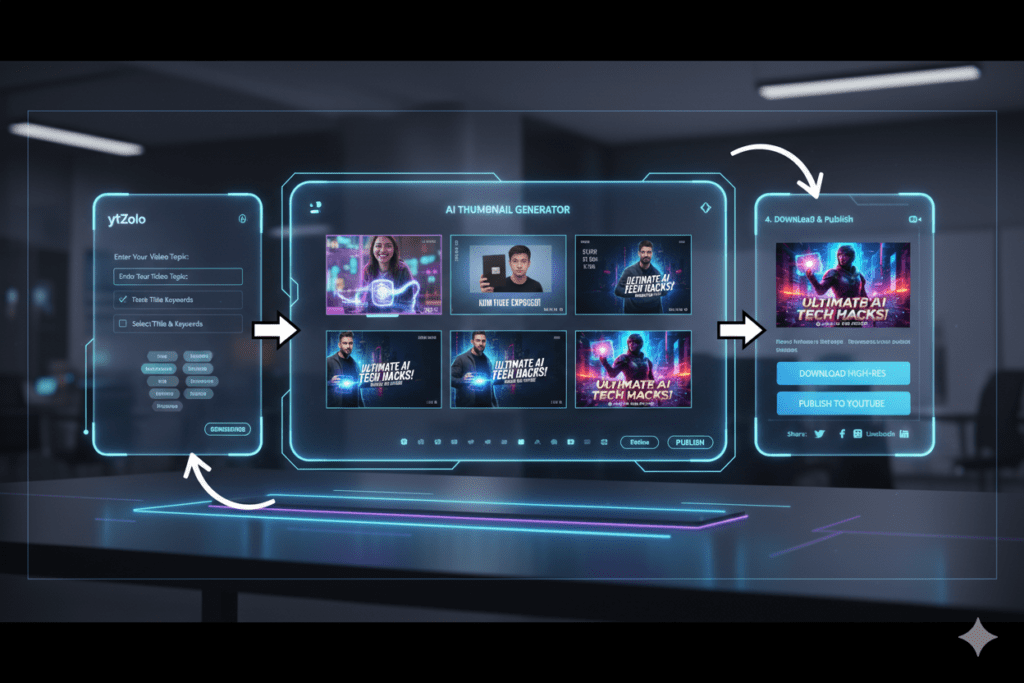
Getting started with ytZolo’s YouTube thumbnail AI generator takes less than five minutes. Here’s the exact process:
Step 1 — Go to ytZolo Head to ytzolo.com and create your free account. No credit card required to get started.
Step 2 — Enter Your Video Topic or Title Type in your video title or a brief description of what your video is about. The more specific you are, the better the AI’s output will be.
Step 3 — Let AI Generate Your Thumbnail Concepts Hit generate. ytZolo’s AI engine analyzes your input, cross-references top-performing content in your niche, and produces thumbnail concepts optimized for CTR.
Step 4 — Choose Your Variation Review the multiple thumbnail options produced. Pick the one that best captures your video’s energy, or select two for A/B testing in YouTube Studio.
Step 5 — Download and Upload Download your thumbnail in full HD, zero watermarks. Upload directly to YouTube Studio. Done.
Bonus Step — Build Your Full Content Package While you’re in ytZolo, generate your AI-optimized title, your SEO description, your tags, and your video script — all from the same platform. Walk away with a complete, fully optimized video package in under 15 minutes.
This is what “working smarter” actually looks like in 2026.
Pro Tips to Maximize Your Thumbnail CTR
A great YouTube thumbnail AI generator does the heavy lifting. But these extra strategies will push your CTR even higher:
Always A/B Test YouTube’s native Test & Compare feature lets you test up to three thumbnails per video. Never assume your first thumbnail is your best one. Let the data decide.
Check Mobile Readability Shrink your thumbnail preview to 150 pixels wide before uploading. If you can’t clearly read the text or identify the main subject, it will get lost on mobile screens.
Keep Text Under 3 Words Short, punchy text outperforms full sentences on thumbnails. Think “I QUIT MY JOB” not “I Finally Decided to Quit My Corporate Job After 5 Years.”
Use Bold, Contrasting Colors Your thumbnail should visually pop on both YouTube’s light and dark themes. High contrast, bold colors drive more instinctive clicks.
Align Your Thumbnail and Title Your thumbnail and title should tell the same story from different angles. The thumbnail creates curiosity. The title answers the curiosity. When they’re misaligned, viewers feel deceived — and that destroys your audience retention.
Study Top Performers in Your Niche Spend 10 minutes a week looking at the thumbnails of the top 5 channels in your niche. Note patterns — colors, expressions, text styles, subject placement. ytZolo’s AI is already trained on this data, but your own observation adds an extra layer of strategic awareness.
According to official YouTube Creator Blog insights, channels that optimize their thumbnails consistently see measurable improvements in both impressions and watch time — not just clicks.
FAQ
What is the best YouTube thumbnail AI generator in 2026?
The best YouTube thumbnail AI generator in 2026 is one that goes beyond just creating images — it should generate thumbnails optimized for CTR, integrate with your full content workflow, and export in HD without watermarks. ytZolo is widely considered the top choice because it combines AI thumbnail generation with title creation, script writing, descriptions, and tags — all in one platform built specifically for YouTube creators.
Can a YouTube thumbnail AI generator really improve my CTR?
Yes — significantly. AI thumbnail generators are trained on what actually drives clicks on YouTube: color contrast, emotional expressions, text hierarchy, and niche-specific visual patterns. Creators using AI thumbnail tools frequently report CTR improvements of 50–200% within their first month. ytZolo specifically uses performance data from top-performing videos in your niche to generate thumbnails built for clicks, not just aesthetics.
Is a YouTube thumbnail AI generator free to use?
Many tools offer free tiers with limited generations. ytZolo offers a free plan that gives you access to core features including thumbnail generation without requiring a credit card. Premium plans unlock advanced features, higher output volumes, and the full suite of AI tools including scripts, titles, and SEO optimization.
How is ytZolo different from Canva for making YouTube thumbnails?
Canva is a general-purpose design tool built for visual creation across many platforms. ytZolo is a YouTube-native AI growth platform. Canva’s AI isn’t trained on YouTube CTR data — it gives you templates that you design manually. ytZolo’s AI analyzes your content, studies top-performing thumbnails in your niche, and generates performance-optimized visuals automatically.
It also connects your thumbnail with your title, script, and tags — creating a cohesive, optimized content package that Canva simply can’t offer.
Do I need design skills to use a YouTube thumbnail AI generator?
No. That’s the whole point. A quality YouTube thumbnail AI generator like ytZolo is designed to be completely beginner-friendly. If you can type a video title into a text box, you can generate a professional, high-CTR thumbnail in seconds. No Photoshop skills, no design background, and no creative inspiration required. The AI handles all of it.
Conclusion
Here’s the reality of YouTube in 2026: the feed is more competitive than ever, attention spans are shorter than ever, and your thumbnail is the single most powerful lever you have to drive clicks and grow your channel.
Manual thumbnail design made sense when there were no better options. Today, using a YouTube thumbnail AI generator isn’t just a time-saver — it’s a strategic edge that separates the creators who grow from the creators who stagnate.
The best content in the world won’t save a weak thumbnail. But a strong, AI-optimized thumbnail can turn a good video into a viral one.
ytZolo gives you everything you need to win that micro-second battle for the click — scroll-stopping AI thumbnails, viral titles, compelling scripts, SEO descriptions, and strategic tags — all in one platform, all working together.
Stop guessing. Stop struggling with design tools. Stop leaving views on the table.
Start creating smarter, faster, and more viral YouTube content with ytZolo today.
Want to learn more about growing your YouTube channel with AI? Check out the ytZolo blog for in-depth guides, creator case studies, and the latest AI strategies for content creators.


Pingback: 7 Shocking Tricks YouTube Thumbnail Maker AI Can’t Ignore!
Pingback: Best AI Script Writer for YouTube Videos in 2026 | ytZolo
Pingback: Best Thumbnail Maker AI Free for YouTube in 2026
Pingback: Your Thumbnails Are Killing Your Channel (Here's How AI A/B Testing Fixes That in 2026) - ytZolo