
Table of Contents
Why Your Thumbnail Is Killing Your Channel (Even If Your Content Is Great)
You spent six hours filming. Another two hours editing. You wrote the perfect title.
And then you published — and got 47 views.
Sound familiar? You’re not alone. Thousands of creators put their heart into videos every single week and still wonder why they’re not growing. The painful truth is this: most videos fail before they’re ever watched. They fail at the thumbnail.
According to YouTube’s own Creator Academy, 90% of the best-performing videos on the platform use custom thumbnails. Not auto-generated frames. Not screenshots. Custom, click-worthy thumbnails designed to stop the scroll.
Here’s the thing — your thumbnail is your video’s first impression, its billboard, its handshake with every potential viewer. Get it wrong, and it doesn’t matter how good your content is. Nobody clicks, nobody watches, and the algorithm pushes you further into the shadows.
The good news? A thumbnail maker AI free tool can completely change this for you — and you don’t need to be a designer, spend money on Photoshop, or hire a freelancer. In 2026, AI does the heavy lifting.
In this guide, you’ll learn exactly how free AI thumbnail makers work, what to look for, and why ytZolo is the tool thousands of creators are quietly using to dominate their niches.
What Is a Thumbnail Maker AI Free Tool — And How Does It Work?
A thumbnail maker AI free tool is software powered by machine learning that automatically generates professional YouTube thumbnails based on your video title, topic, or uploaded image.
Instead of spending 45 minutes fiddling with fonts in Canva or begging a graphic designer for a quick turnaround, you simply type in your video topic — and AI creates a click-worthy thumbnail in seconds.
Here’s the science behind it. Modern AI thumbnail tools are trained on millions of high-performing YouTube videos. They learn which colors drive more clicks, which layouts stop the scroll, which facial expressions trigger emotions, and which text styles get read first on a crowded homepage.
When you use a quality thumbnail maker AI free, you’re not just getting a pretty picture. You’re getting a data-backed, CTR-optimized visual that’s been built on the patterns of what actually works on YouTube right now.

Why Manual Thumbnail Design Is Officially Dead
Let’s be honest. Manual thumbnail creation in 2026 is a productivity disaster.
Here’s what it used to look like for most creators:
- Open Photoshop or Canva
- Spend 20–30 minutes looking for the right background image
- Try seven different font combinations
- Export, realize it looks wrong on mobile, start over
- Repeat this for every single video
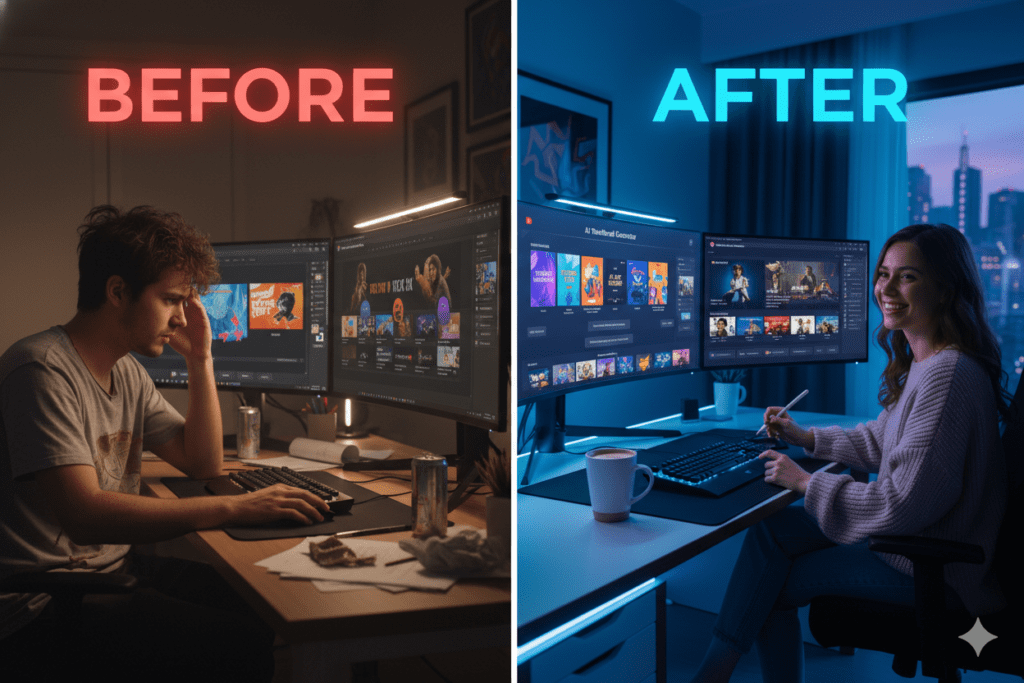
That’s 1–2 hours gone per upload. For a creator publishing twice a week, that’s nearly 100+ hours a year just on thumbnails.
And guess what? After all that effort, most manually-designed thumbnails still underperform. Why? Because manual design is based on gut feeling. AI is based on data.
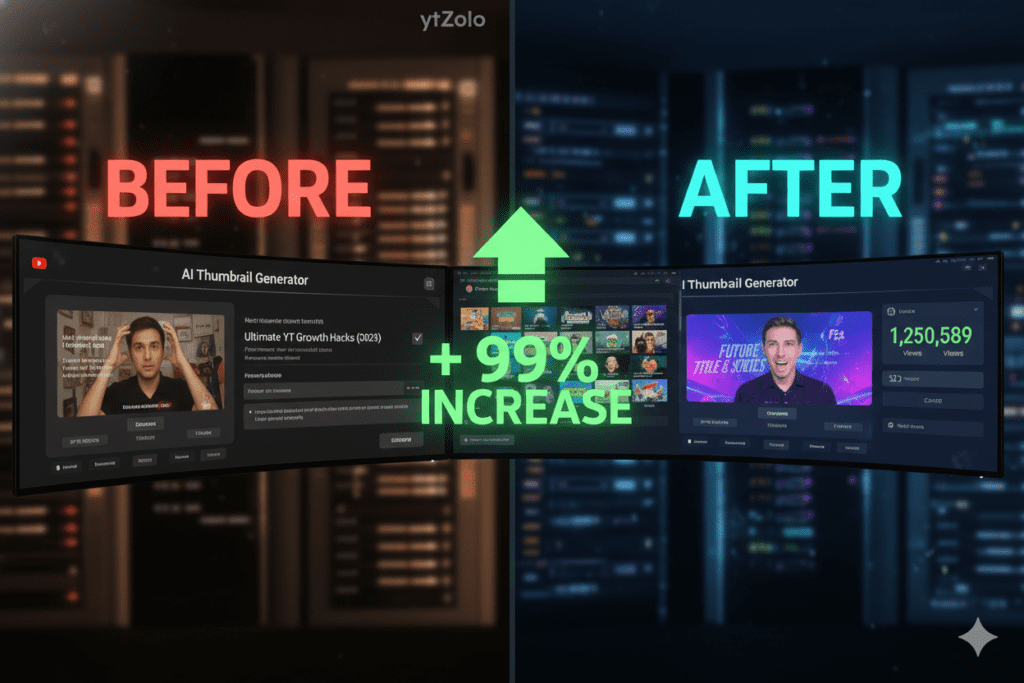
Studies consistently show that creators switching to AI-powered thumbnail tools frequently report CTR improvements of 20–50% within the first month. That’s not a small bump — that’s the difference between a video getting 500 views and 5,000 views.
The YouTube algorithm in 2026 is smarter than ever. It uses AI to analyze content — which means you need AI to compete with it. Using manual methods against an AI-powered platform is like bringing a pen to a code sprint.
The creators growing fastest right now aren’t working harder. They’re working smarter.
What Makes a Great AI-Generated YouTube Thumbnail?
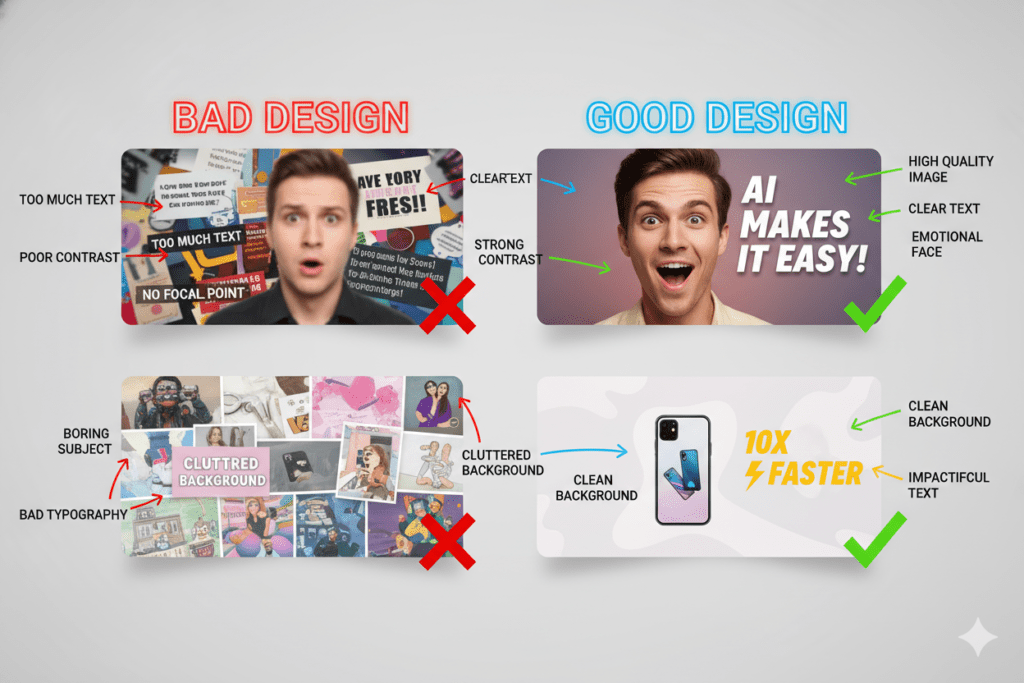
Before you pick a tool, you need to know what separates a great thumbnail from a forgettable one. The best thumbnail maker AI free tools understand these principles automatically:
High Contrast Colors
Bright, contrasting visuals — think bold yellows, deep blues, electric oranges — consistently outperform muted designs. High contrast thumbnails can increase CTR by 20–30%, according to VidIQ’s 2025 design research.
Expressive Human Faces
Thumbnails featuring expressive faces — surprise, excitement, shock — see significantly higher CTR than those without. Your brain is wired to connect with human emotion instantly.
Bold, Minimal Text
Three to five words maximum. Use power words that trigger curiosity or urgency: “Secret,” “Finally,” “Warning,” “You Won’t Believe.” The text should be a hook, not a summary.
Clear Subject Matter
Viewers should understand your video’s topic in under three seconds. If they have to think about it, you’ve already lost them.
Mobile-First Design
Over 70% of YouTube views happen on mobile. Your thumbnail must be crystal clear at thumbnail size — not just on a desktop browser.
The best thumbnail maker AI free tools embed all of these principles into every single generation. You don’t have to remember the rules — the AI already knows them.
Top Thumbnail Maker AI Free Tools in 2026
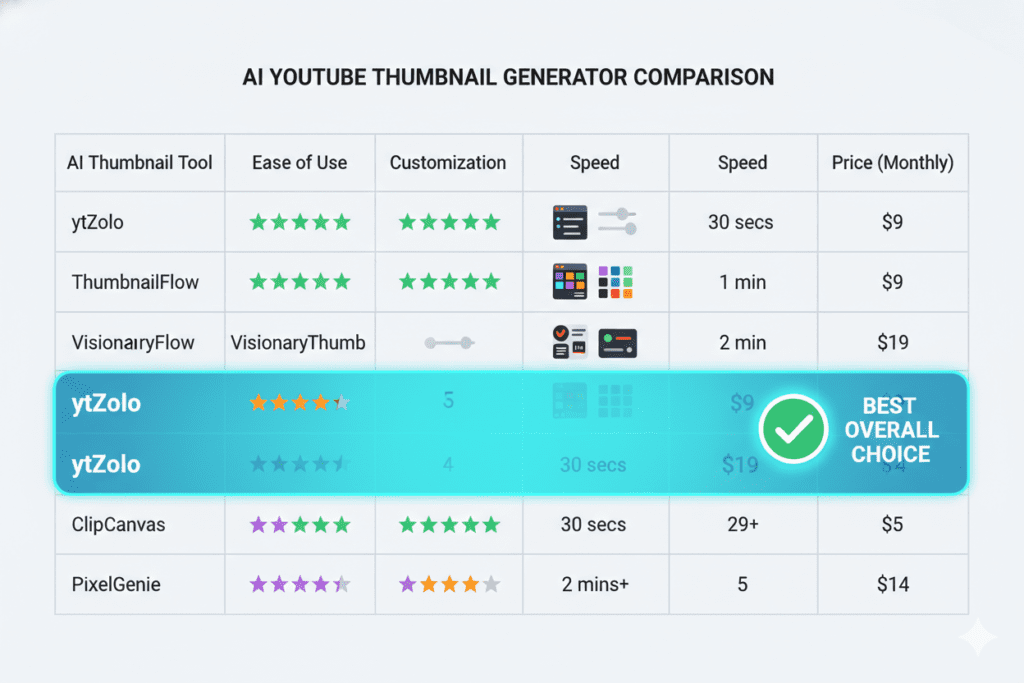
Here’s a quick overview of the most-used free AI thumbnail tools right now — and what they’re actually good (and not so good) for:
Canva AI
Canva’s Magic Media and Dream Lab features let you generate thumbnails from text prompts. It’s beginner-friendly with a massive template library.
Pros: Easy drag-and-drop interface, beautiful templates, strong brand kit features Cons: Limited free AI generations per day, not purpose-built for YouTube CTR, feels generic
Adobe Express (with Firefly AI)
Powered by Adobe Firefly, this tool is commercially safe for monetized YouTube channels. If you’re already in the Adobe ecosystem, it’s essentially free.
Pros: No copyright concerns, polished output, integrates with Adobe tools Cons: Only 25 free AI credits per month, steep learning curve for non-Adobe users
Fliki AI Thumbnail Maker
Fliki offers a clean five-step thumbnail generation process with multiple AI models to choose from — no forced signup required for basic use.
Pros: Multiple AI model options, works without an account, no watermarks on downloads Cons: Stands alone — doesn’t connect to your video title, tags, or SEO strategy
Thumbnail.ai
A dedicated YouTube Thumbnail Maker AI Free with 15+ style options and text-to-thumbnail generation.
Pros: Optimized for YouTube dimensions (1280×720), versatile style options, free tier available Cons: Limited free generations, no integration with broader YouTube workflow
ytZolo (Best All-in-One Option)
While the tools above each do thumbnails reasonably well in isolation, none of them connect your thumbnail to the rest of your YouTube strategy. That’s exactly where ytZolo stands apart — and we’ll break that down fully in the next section.
Why ytZolo Is Better Than Other Thumbnail Tools
Here’s the uncomfortable truth about most thumbnail maker AI free tools: they’re solving half the problem.
A great thumbnail and a weak title cancel each other out. A stunning thumbnail paired with poor tags means YouTube won’t even show your video to the right people. A click-worthy thumbnail won’t save a video with a bad description that kills your SEO.
Your thumbnail doesn’t exist in a vacuum. It’s part of a system — and that system only works when everything is aligned.
That’s what makes ytZolo fundamentally different.
The All-in-One Advantage
ytZolo isn’t just a thumbnail tool. It’s a complete AI YouTube growth platform built specifically for creators who want every element of their video working together:
- AI Thumbnail Generation — Scroll-stopping designs optimized for emotional impact and curiosity
- Viral Title Generator — Titles built for both search and viewer psychology
- AI Script Writer — Full structured scripts with hooks, retention patterns, and CTAs
- SEO Descriptions & Tags — Metadata automatically optimized for YouTube’s algorithm
- Video Idea Generator — Trending topic discovery before you even pick up a camera
When you use ytZolo, your thumbnail is built in context with your title, your script, and your SEO strategy. That’s not something Canva, Fliki, or any dedicated thumbnail tool can offer.
YouTube-Native Intelligence
General-purpose AI tools are powerful — but they weren’t built for YouTube. They don’t understand CTR benchmarks, algorithm signals, retention patterns, or what a hook looks like in a 10-minute video.
ytZolo was designed from the ground up by people who understand the YouTube algorithm. Every output — including thumbnails — is trained on YouTube-specific performance data. That’s not a marketing claim. That’s the difference between a tool that makes pretty pictures and one that makes your channel grow.
Free to Start
You can get started with ytZolo completely free — no credit card required. That makes it the most powerful thumbnail maker AI free option for creators at every stage.
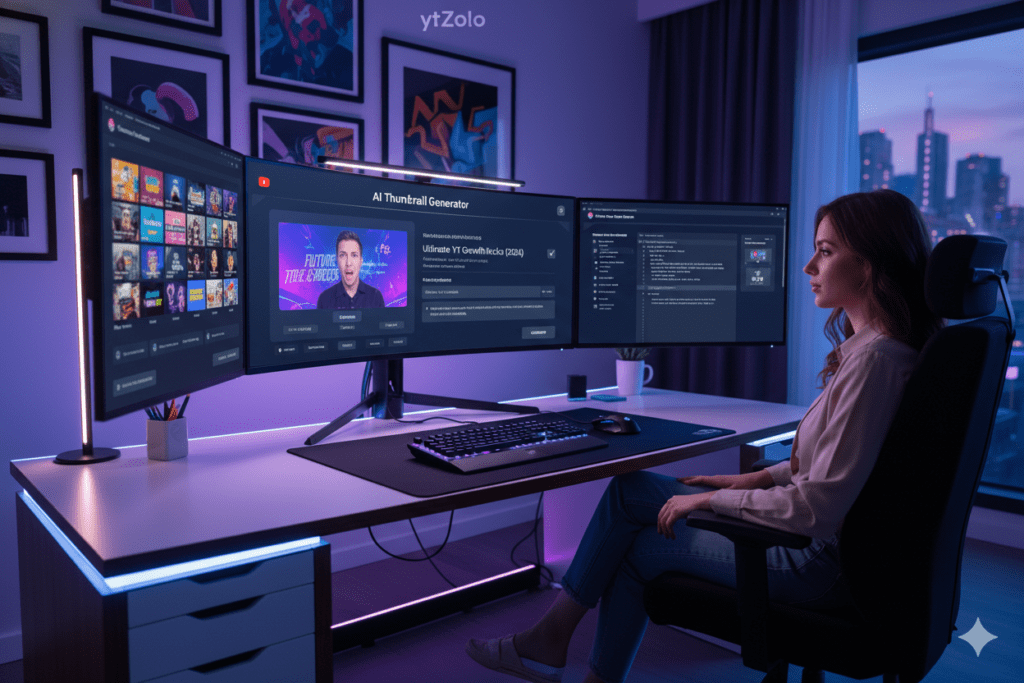
How ytZolo Solves Your Thumbnail Problem (And Everything Else)
Most creators don’t have one problem — they have five problems that are all connected.
They struggle to come up with video ideas that actually get searched. They write titles that sound good but don’t get clicks. They spend hours scripting videos that lose viewers at the two-minute mark. They create decent thumbnails that don’t match the energy of the title. And they upload with descriptions and tags that basically guarantee the algorithm ignores them.
ytZolo solves all of this in one workflow.
Here’s why that matters specifically for thumbnails: when you generate a thumbnail inside ytZolo, the AI already knows your video title, your target keyword, and your content angle. It doesn’t just make a generic eye-catching image. It makes a thumbnail that’s visually and conceptually aligned with your entire video strategy.
That’s what top creators who are growing channels to millions of views are doing — and it’s exactly what the ytZolo blog covers in depth across dozens of creator growth guides.
According to research cited by HubSpot’s content marketing studies, creators who use AI tools produce content up to 3x faster and maintain more consistent publishing schedules. Consistency is one of the most powerful signals you can send to the YouTube algorithm — and ytZolo is built to help you achieve it.
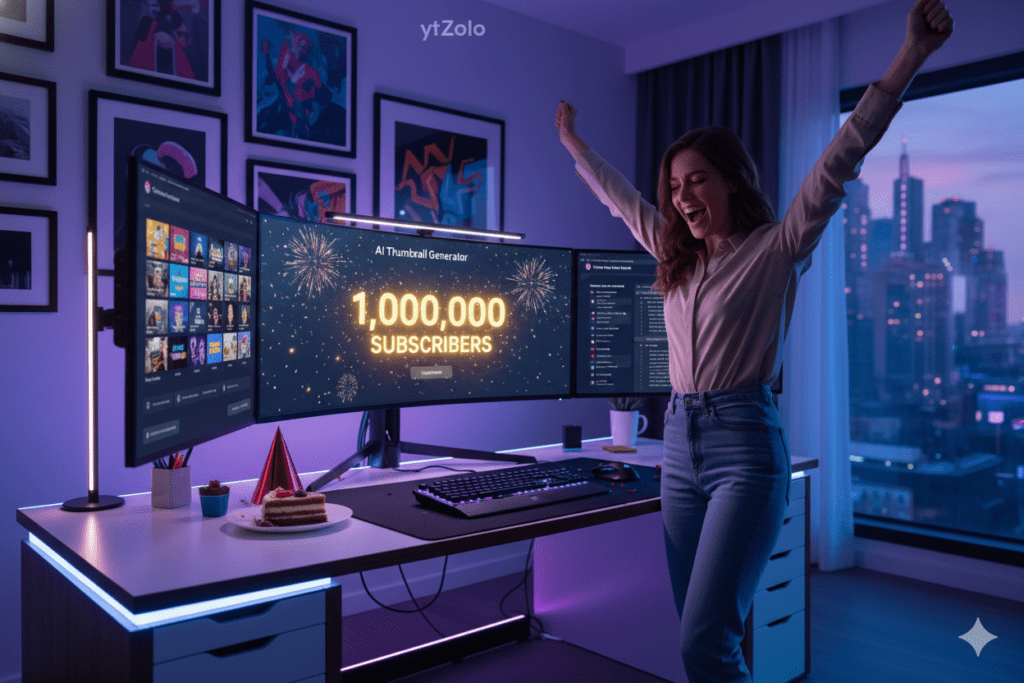
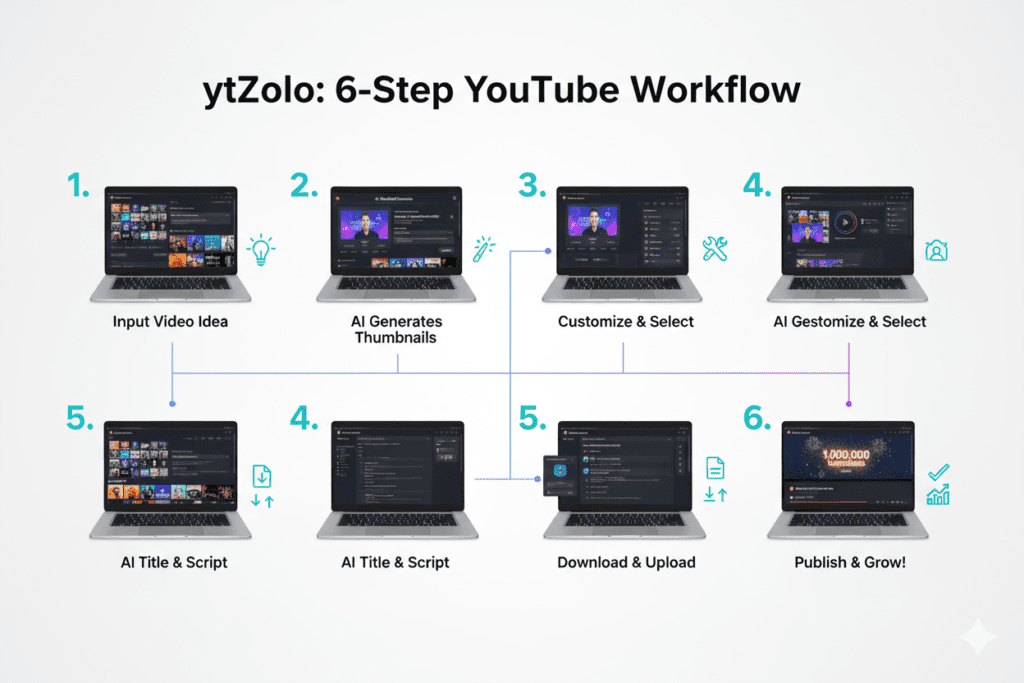
Step-by-Step: How to Create Viral Thumbnails With ytZolo
Ready to stop guessing and start growing? Here’s exactly how to use ytZolo as your go-to thumbnail maker AI free:
Step 1 — Create Your Free Account
Head to ytzolo.com and sign up for free. No credit card needed. Setup takes under two minutes.
Step 2 — Enter Your Video Topic or Title
Type in your video title or describe what your video is about. The more specific you are, the better your results. For example: “5 mistakes beginner investors make with ETFs” gives far better output than just “investing tips.”
Step 3 — Let AI Generate Your Thumbnail
Click generate. ytZolo’s AI analyzes your input, applies CTR-optimized design principles — high contrast, emotional visual hooks, bold typography — and delivers thumbnail options in seconds.
Step 4 — Customize and Align
Tweak colors to match your channel brand, adjust text, and fine-tune expressions. The AI gives you a strong starting point; you add the final creative layer that makes it unmistakably yours.
Step 5 — Generate Supporting Assets
Here’s where ytZolo separates itself completely. While you’re in the platform, generate your SEO title, description, and tags using the same video topic. Everything works together as a cohesive unit.
Step 6 — Upload and Monitor
Upload your thumbnail through YouTube Studio and track your CTR in the first 24–48 hours. Use YouTube’s A/B testing feature to test two to three variations if you want to optimize further.
Pro Tips to Maximize Your CTR With AI Thumbnails
Getting a good thumbnail is just the start. Here’s how to squeeze maximum performance from your AI-generated thumbnails:
Always test multiple variations. Even the best AI-generated thumbnail can be beaten by a slightly different version. YouTube Studio’s test-and-compare feature lets you upload multiple options and collect real performance data.
Lead with emotion, not information. Thumbnails that trigger a feeling — curiosity, surprise, excitement, urgency — outperform thumbnails that simply explain what the video is about. Your thumbnail should make someone feel something before they read a single word.
Keep your branding consistent. Use the same color palette, fonts, and layout structure across your thumbnails. Consistency builds channel recognition. Viewers start to recognize your thumbnails in the feed before they even read your name.
Don’t put text in the bottom-right corner. YouTube’s timestamp overlay will cover anything placed there. Always keep critical text in the center-top or left-center zones.
Pair your thumbnail with a complementary title. The best thumbnails and titles create a curiosity gap together — the thumbnail shows something intriguing, and the title promises the answer. This combination is what drives clicks far above the average 2–5% CTR benchmark.
Revisit old thumbnails. If a video is underperforming, try regenerating a new thumbnail with ytZolo and swapping it in YouTube Studio. Many creators report significant view recovery just from refreshing an old thumbnail.
FAQ: Thumbnail Maker AI Free — Answered
Q1: What is the best thumbnail maker AI free tool for YouTube?
The best thumbnail maker AI free depends on your needs. For standalone thumbnail creation, tools like Canva and Fliki offer free tiers. But for creators who want a complete workflow — where your thumbnail, title, tags, and description all work together — ytZolo is the strongest free option available in 2026. It’s purpose-built for YouTube and free to get started.
Q2: Can AI thumbnail makers really improve my YouTube CTR?
Yes — significantly. Data consistently shows that creators switching to AI-powered thumbnail tools frequently report CTR improvements of 20–50% within the first month. A 1% increase in CTR can compound into dramatically more views over time, because YouTube’s algorithm rewards higher-clicked videos with more impressions and recommendations.
Q3: What size should my AI-generated YouTube thumbnail be?
The ideal YouTube thumbnail size is 1280×720 pixels with a 16:9 aspect ratio. YouTube’s file size limit is 50MB, and your thumbnail should be saved as a JPG or PNG. Quality AI thumbnail tools like ytZolo automatically generate thumbnails in the correct specifications.
Q4: Do I need design skills to use a thumbnail maker AI free ?
Not at all. That’s the entire point of using a thumbnail maker AI free tool. Modern AI platforms like ytZolo handle the design principles automatically — color contrast, text placement, emotional visuals. You just describe your video topic and the AI does the work. No Photoshop, no design background required.
Q5: Is ytZolo only a thumbnail tool, or does it do more?
ytZolo is a complete AI YouTube growth platform — not just a thumbnail tool. It handles viral title generation, AI script writing, SEO descriptions, tag optimization, and video idea generation, all in one place. For creators who want every element of their YouTube workflow optimized by AI, ytZolo is the all-in-one solution. You can explore all features at ytzolo.com.
Conclusion: Stop Guessing. Start Growing.
Your next viral video isn’t going to fail because of bad editing. It’s not going to fail because you didn’t post at the “right time.” It’s going to fail — or succeed — based on one tiny image that viewers see for less than half a second as they scroll through their feed.
That image is your thumbnail.
And in 2026, there is absolutely no reason to leave that first impression to chance, to guesswork, or to hours wasted in a design tool you barely know how to use. A thumbnail maker AI free tool removes every single barrier between you and professional-quality thumbnails that actually get clicked.
But here’s the real insight: a great thumbnail is just one piece of a much bigger puzzle. The creators who are growing fastest right now aren’t using five different tools for five different problems. They’re using one platform that connects everything — thumbnails, titles, scripts, descriptions, and tags — into a unified growth strategy.
That platform is ytZolo.
It’s free to start. It’s built specifically for YouTube. And it gives you the tools to compete at the highest level without burning out, without spending money on a team, and without wasting another minute on manual methods that are already outdated.
The competition is using AI. The algorithm is powered by AI. The only question is whether your content creation workflow is too.
Start creating smarter, faster, and more viral YouTube content with ytZolo today. 👉 Try ytZolo Free at ytzolo.com
Want more strategies like this? Explore the ytZolo blog for the latest tips on YouTube growth, AI content tools, and ranking strategies that actually work in 2026.
External Authority Sources Referenced:

