

Introduction
Imagine uploading your best video ever. Great topic. Solid editing. Strong hook.
And then… it gets 300 views. Meanwhile, a channel in the same niche with weaker content is pulling 50,000 views per video.
What’s the difference? Nine times out of ten — it’s the thumbnail.
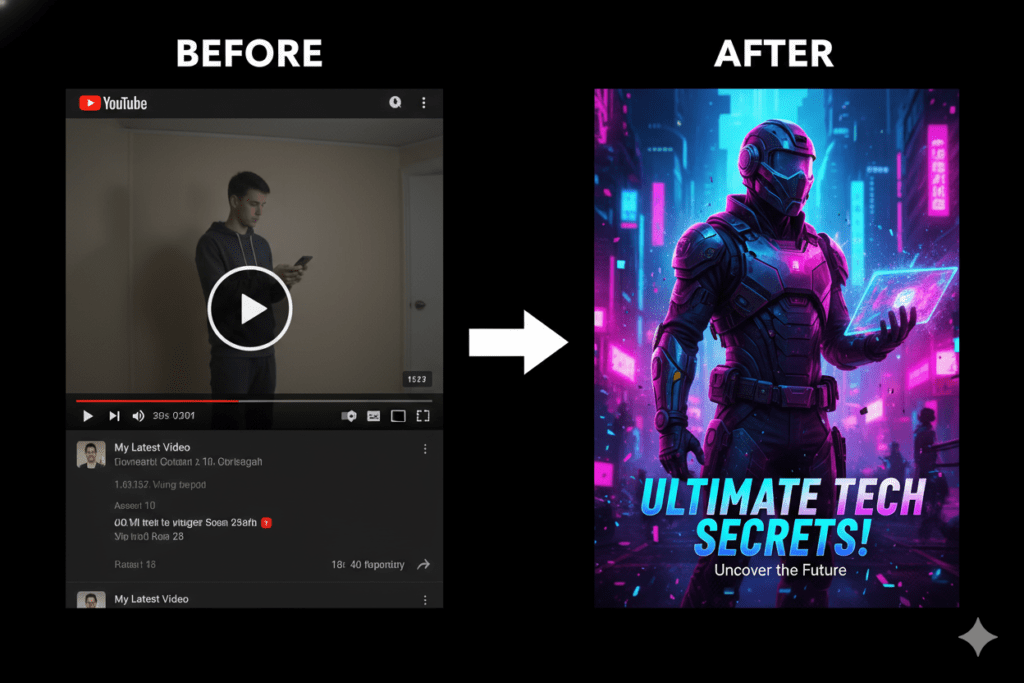
Here’s what the data confirms: according to YouTube Creator Academy guidelines on thumbnails, 90% of the best-performing videos on YouTube use custom thumbnails. Not auto-generated screenshots. Not random frozen frames. Carefully crafted, strategically designed visuals built to earn a click.
And right now, the smartest creators in 2026 are using an AI generated YouTube thumbnail to win that battle — faster, smarter, and more consistently than ever before.
In this guide, you’ll learn exactly why AI generated YouTube thumbnails outperform manual designs, how the technology actually works, and why ytZolo is the tool serious creators are using to build their entire content strategy — from thumbnail to viral video.
…why ytZolo is the tool serious creators are using to build their entire content strategy — from thumbnail to viral video.
If you’re also looking to improve your content quality, explore the best AI tools for writing YouTube scripts.
Let’s go.
Table of Contents
What Is an AI Generated YouTube Thumbnail?
An AI generated YouTube thumbnail is a custom thumbnail image created by artificial intelligence — not by a graphic designer, not by dragging things around in Canva, and not by screenshotting a random video frame.
You give the AI your video topic, title, or script. The AI analyzes your content, studies what’s driving clicks in your niche, and produces a high-converting visual in seconds.
The best AI generated YouTube thumbnail tools don’t just make images that look nice. They make images that are engineered — built around color psychology, emotional expression, text hierarchy, and platform-specific performance data that manual designers simply can’t match at scale.
This is the new standard for competitive creators in 2026. And if you’re not using it yet, you’re already behind.
Why Your Thumbnail Is the #1 Factor in YouTube Growth
Most creators think growing on YouTube is about better content. Better editing. Better topics.
Those things matter. But they don’t matter if nobody clicks.
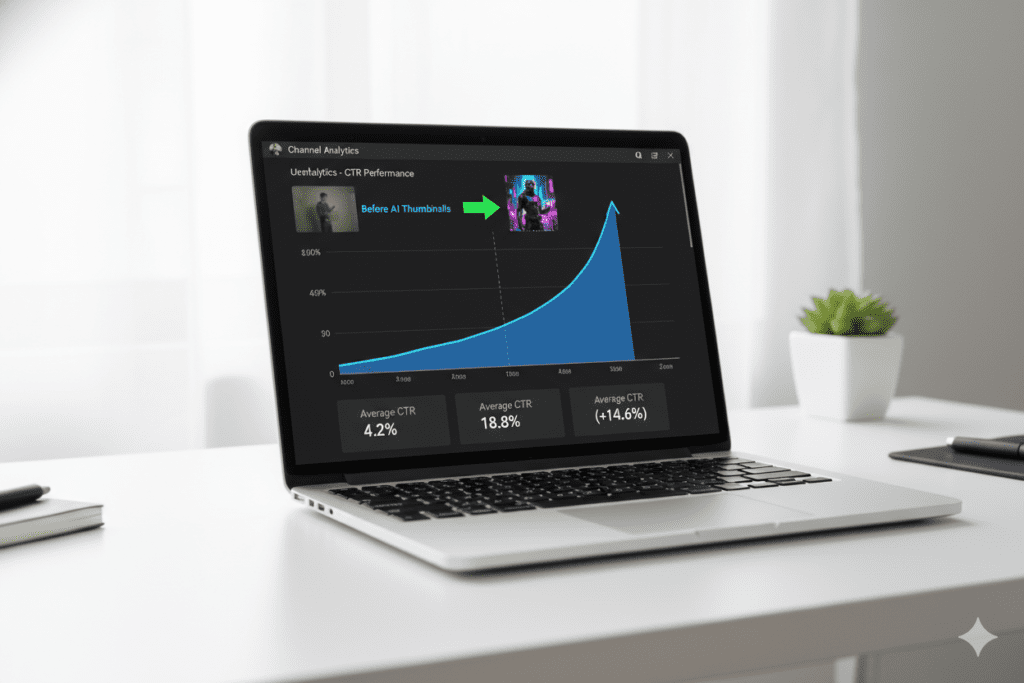
Your click-through rate (CTR) is one of the most powerful signals in YouTube’s algorithm. A higher CTR tells YouTube that viewers want your video — and the algorithm responds by pushing it to more people. It’s a snowball effect that can turn 500 views into 50,000.
And what drives CTR more than anything else? Your thumbnail.
Research from VidIQ thumbnail CTR researchconsistently shows that thumbnails featuring strong emotional expressions can boost CTR by 20–30%. Studies across high-performing channels show that bold, high-contrast designs outperform generic or cluttered layouts in virtually every niche.
Here’s the hard truth: your video doesn’t get a second chance to make a first impression. Viewers scroll YouTube in seconds. Your thumbnail has roughly 1.5 seconds to stop the scroll, create curiosity, and earn a click.
An AI generated YouTube thumbnail is designed for exactly that window.
The Science Behind a Click-Worthy Thumbnail
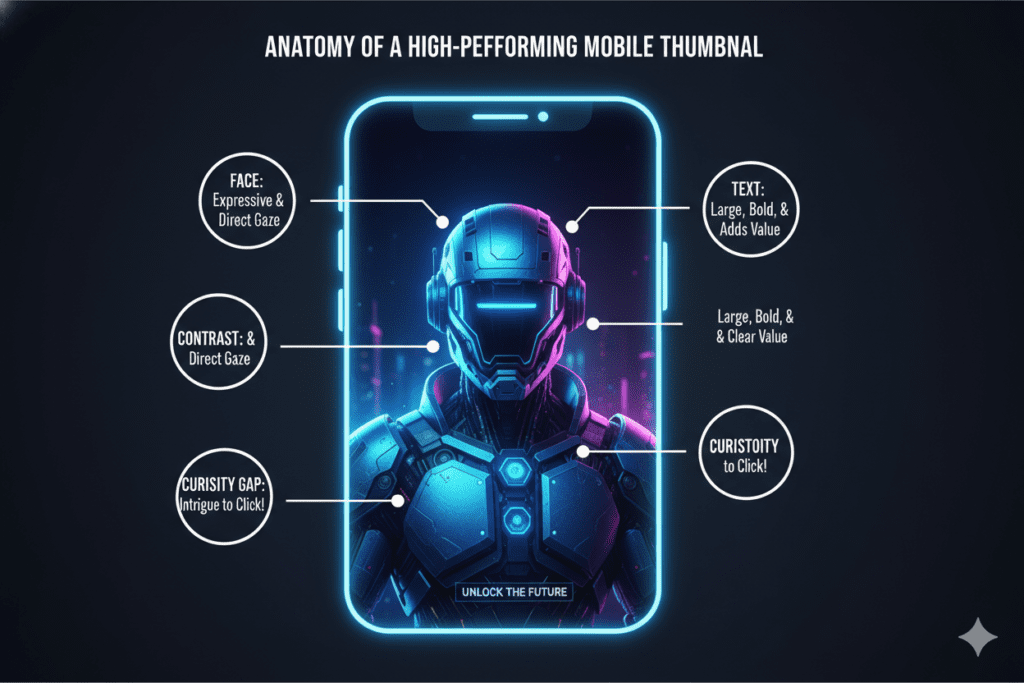
Before we talk about tools, let’s understand what actually makes a thumbnail perform. This is the data that the best AI generated YouTube thumbnail tools are trained on:
Emotional Faces Work Every Time
The human brain is hardwired to notice faces. Thumbnails with strong, expressive emotions — surprise, excitement, curiosity, shock — consistently outperform neutral expressions across every niche.
This isn’t just design intuition. Research from VidIQ confirms that emotional expression thumbnails can drive 20–30% higher CTR. Even a genuine, natural smile beats a blank stare.
High Contrast Stops the Scroll
Bold colors that pop against YouTube’s background grab attention instantly. Muted palettes, soft gradients, and low-contrast designs get buried in the feed.
Your subject needs to feel like it was physically cut out and placed on the background. The visual separation should be immediate, even on a tiny mobile screen.
Minimal Text Wins
Three words or fewer on a thumbnail consistently outperforms long text overlays. The visual should carry the story. Text is a supporting detail — not a billboard.
Short, punchy phrases like “I WAS WRONG” or “IT FINALLY HAPPENED” trigger curiosity without giving away the full story.
Mobile-First Design Is Non-Negotiable
Over 70% of YouTube views happen on mobile devices. Your AI generated YouTube thumbnail needs to be readable at the smallest sizes — roughly 150 pixels wide in some list views.
If the text is unreadable or the subject isn’t clear at thumbnail size, you’re losing clicks before viewers even process what they’re looking at.
The Curiosity Gap
The best thumbnails create an unanswered question in the viewer’s mind. They tease — they don’t tell. They make you need to click just to find out what happens.
This is the invisible psychology behind every viral thumbnail you’ve ever clicked on.
Why Creators Struggle Without AI
Here’s a timeline most creators know too well.
You finish editing your video. It’s late. You’re tired. You grab a screenshot from the timeline, slap some text on it in Canva, and call it a day.
The result? A thumbnail that’s “fine.” Not bad. Not good. Just forgettable.
And forgettable thumbnails don’t get clicked.
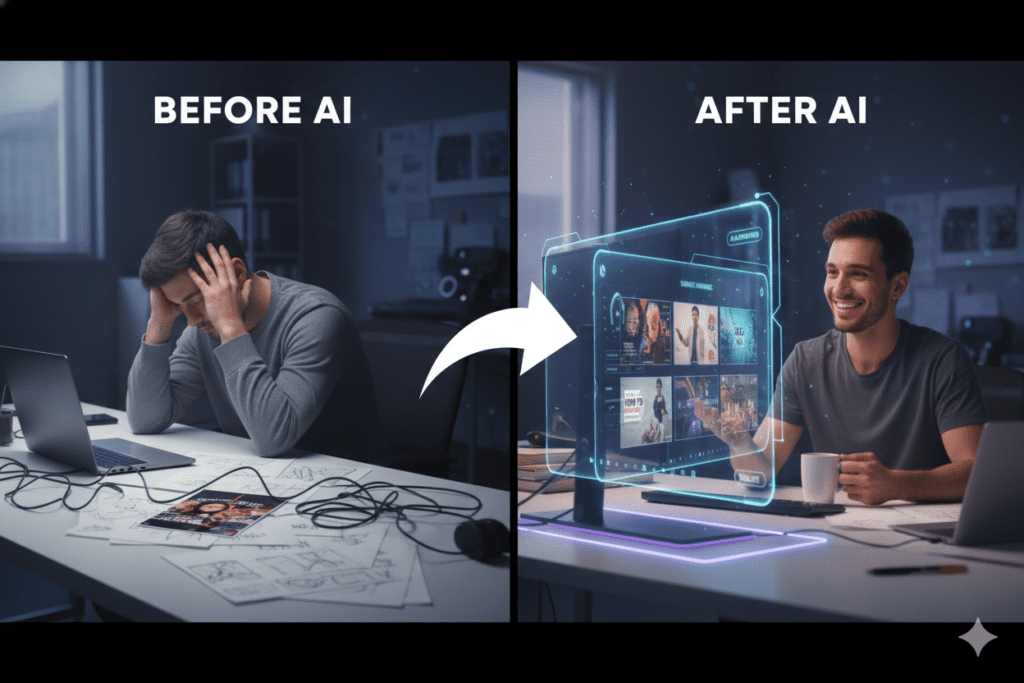
The problem isn’t effort — it’s system. Manual thumbnail design has three massive weaknesses that no amount of hard work can fix:
It’s slow. The average creator spends 1–3 hours designing a single thumbnail manually. Over 50 videos, that’s 50–150 hours of your life spent on design instead of content.
It’s expensive. Hiring a professional thumbnail designer costs $20–$150 per thumbnail. At three videos per week, that’s up to $1,800 a month — just for visuals.
It’s based on guesswork. Most creators design from instinct, not data. They pick colors they like, text they think sounds good, and images they hope will resonate. Meanwhile, AI has been trained on thousands of high-performing thumbnails across every niche and knows exactly what patterns actually drive clicks.
Without an AI generated YouTube thumbnail workflow, you’re competing against data-driven creators with nothing but your gut. That’s not a fair fight.
According to HubSpot content marketing statistics, creators who leverage AI tools in their workflow produce content up to 3x faster and maintain more consistent output schedules — which is exactly what YouTube’s algorithm rewards.
How an AI Generated YouTube Thumbnail Actually Works
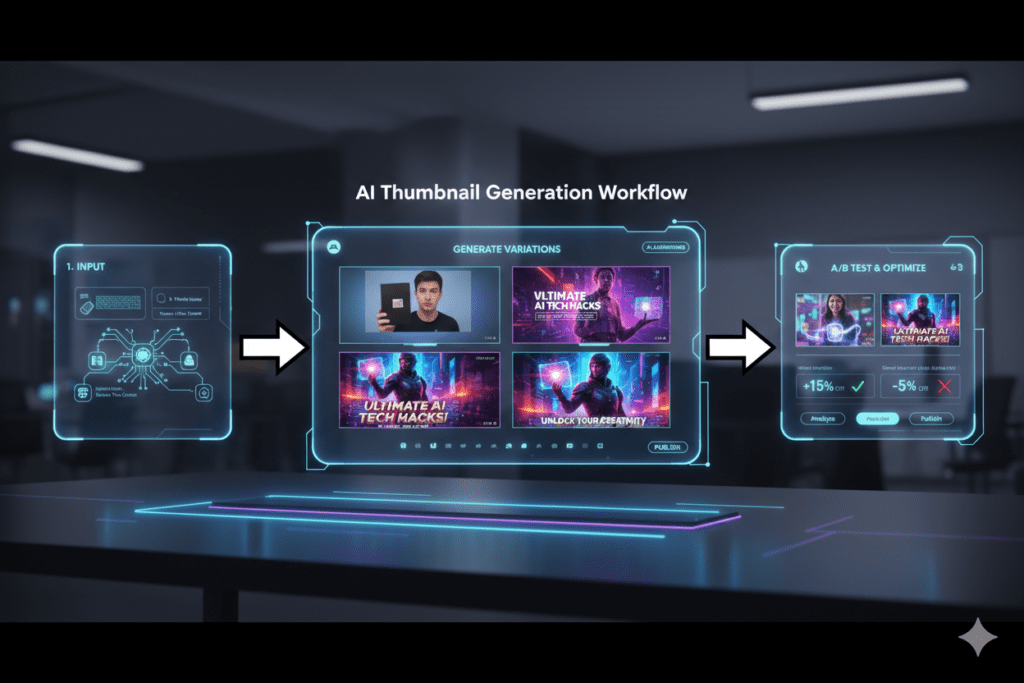
So what’s actually happening inside an AI thumbnail tool when it creates your image?
Step 1: Content Understanding The AI reads your video title, topic, or script to understand the angle of your content. What’s the hook? What’s the emotional promise? What does the viewer need to feel to click?
Step 2: Niche-Specific Pattern Recognition The AI has been trained on thousands of high-performing videos in dozens of niches. It knows that gaming thumbnails look different from finance thumbnails. It knows what visual styles, color palettes, and text treatments consistently win clicks in your specific category.
Step 3: Performance-Backed Design Generation Rather than generating random images, the AI applies data-backed design principles: high contrast, readable text, emotional cues, strong subject isolation, and mobile-optimized composition. Every element has a reason.
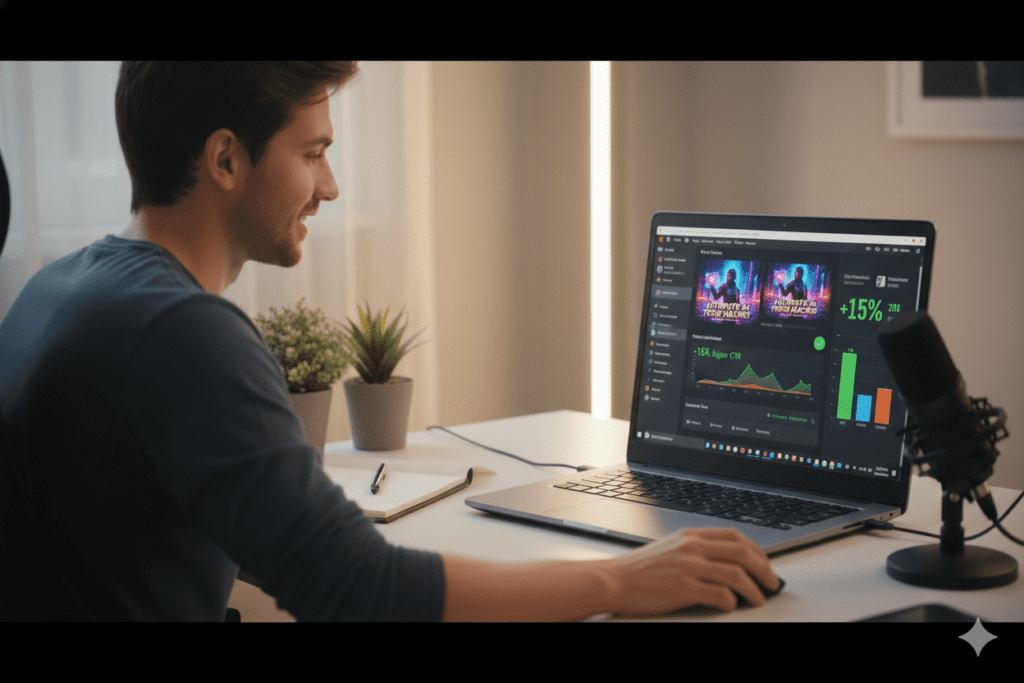
Step 4: Multiple Variations for A/B Testing A quality AI generated YouTube thumbnail tool doesn’t give you one option and call it done. It produces multiple distinct variations — giving you the ability to test different approaches and let real audience data pick the winner.
YouTube’s Test & Compare feature update allows you to run up to three thumbnail variations simultaneously, letting the algorithm determine which drives the highest watch-time share.
The result is a smarter, faster, and more consistent creative process than anything achievable with manual design.
How ytZolo Creates AI Generated YouTube Thumbnails That Convert
Most thumbnail tools stop at the image. ytZolo starts there — and takes you all the way to a fully optimized, viral-ready video.
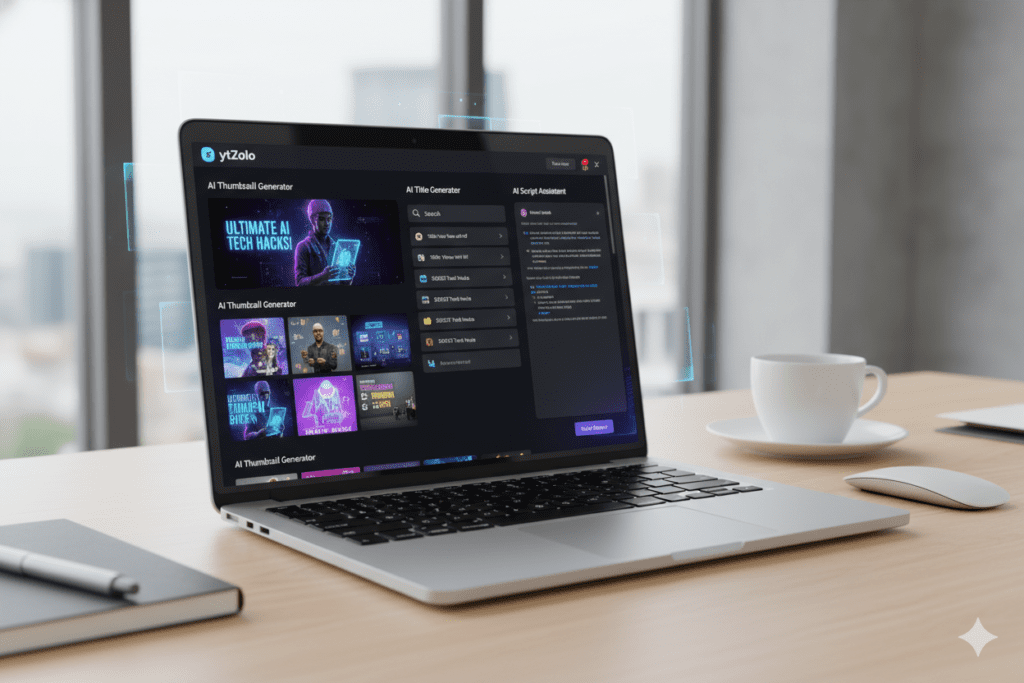
ytZolo is an all-in-one AI YouTube growth platform built specifically for content creators. The AI generated YouTube thumbnail feature isn’t a bolt-on. It’s deeply embedded in a complete content workflow that covers everything from your first idea to your final upload.
Here’s what makes ytZolo’s thumbnail generation genuinely different:
It Understands Your Content — Not Just Your Prompt
You don’t hand ytZolo a vague creative brief and hope for the best. ytZolo reads your video topic, title, or script and generates thumbnail concepts that are directly aligned with what your content promises.
The thumbnail tells the same story your title is selling. That alignment is critical — not just for getting the click, but for keeping the viewer watching. Mismatched thumbnails and titles destroy retention.
It’s Trained on YouTube CTR Data — Not General Aesthetics
Generic AI image generators produce beautiful images. But they have no idea what drives clicks on YouTube specifically.
ytZolo’s AI is trained on YouTube-specific performance data — real CTR patterns from real channels across real niches. It applies high-contrast color theory, emotional expression cues, bold typography rules, and niche-specific visual trends automatically with every generation.
It Gives You Multiple Variations Ready to Test
Every generation produces multiple distinct thumbnail options. You’re not stuck with the first output. You can select the best option — or pick two for A/B testing in YouTube Studio.
Creators who test thumbnails consistently outperform creators who don’t. ytZolo makes that process frictionless.
It Exports in Full HD With Zero Watermarks
No visible tool branding. No quality compromise. Clean, professional, high-resolution images ready to upload directly to YouTube Studio.
It’s Connected to Your Entire Content Pipeline
Here’s the real game-changer. In ytZolo, your AI generated YouTube thumbnail is created alongside your AI-written script, SEO-optimized title, keyword-rich description, and tag suggestions — all in one dashboard.
Everything is aligned. Everything is consistent. Your thumbnail reinforces your title. Your title reinforces your tags. Your script is built to maximize watch time. It’s a complete growth engine, not just a design tool.
In ytZolo, your AI generated YouTube thumbnail is created alongside your AI-written script…
You can also explore advanced AI-powered YouTube script writing tools to strengthen your overall video performance.
Why ytZolo Is Better Than Other Tools
The space for AI generated YouTube thumbnail tools has exploded. There are plenty of options. So why are thousands of creators choosing ytZolo?
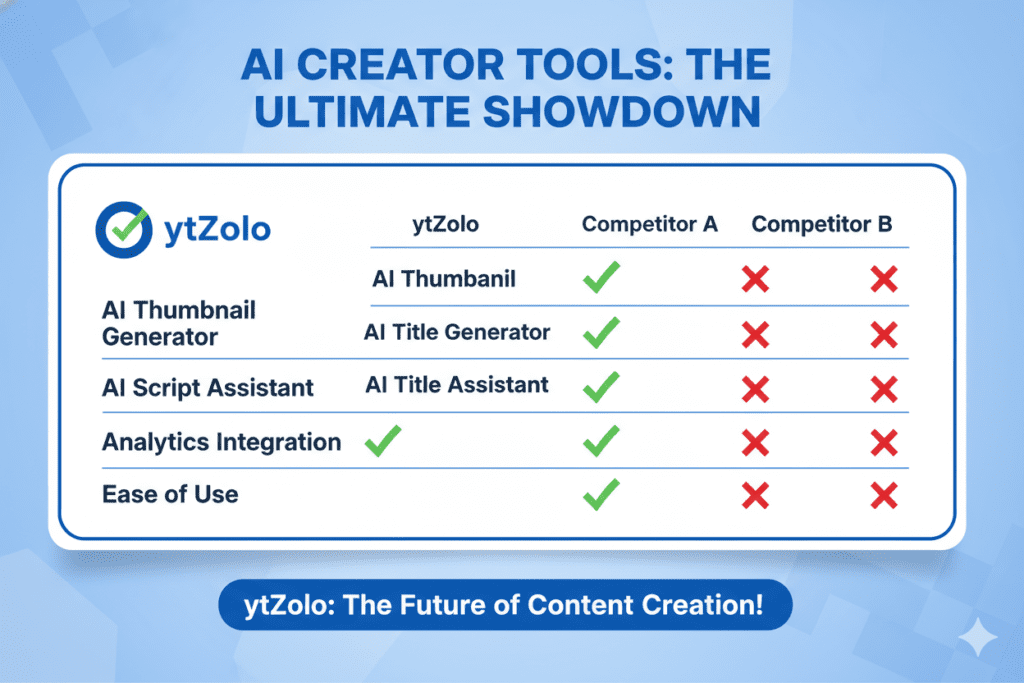
Here’s the straightforward comparison:
| Tool | Strengths | Limitations |
|---|---|---|
| Canva | Beautiful templates, intuitive drag-and-drop | No YouTube CTR intelligence; you make all the strategic decisions manually |
| VidIQ Thumbnail Maker | Built into a popular analytics platform | Feature-light; not deeply integrated with titles or scripts |
| Midjourney / DALL-E | Stunning artistic image generation | Zero YouTube knowledge; no CTR optimization, no niche awareness |
| Standalone Thumbnail Generators | Fast visual creation | Single-purpose; you still need 4–5 other tools to complete your workflow |
| ytZolo | AI thumbnails + titles + scripts + descriptions + tags, all in one | Nothing — it’s the complete system |
The pattern is clear. Other tools hand you one piece of the puzzle. ytZolo hands you the entire picture.
Canva is great for making things look pretty. But Canva doesn’t know what makes a gaming thumbnail different from a cooking thumbnail. It doesn’t analyze your title and optimize your visual to match it. It doesn’t generate your script, your description, and your tags while you’re at it.
ytZolo was built from the ground up with one purpose: getting your videos more views. Every feature, every output, every design decision is made with YouTube performance in mind.
According to Ahrefs YouTube SEO study, keyword-optimized content paired with high-CTR visuals creates a compounding growth effect over time. ytZolo is the only platform designed to optimize both simultaneously.
When other tools show you data, ytZolo takes action. That’s the difference.
Step-by-Step: Create Your First AI Generated YouTube Thumbnail
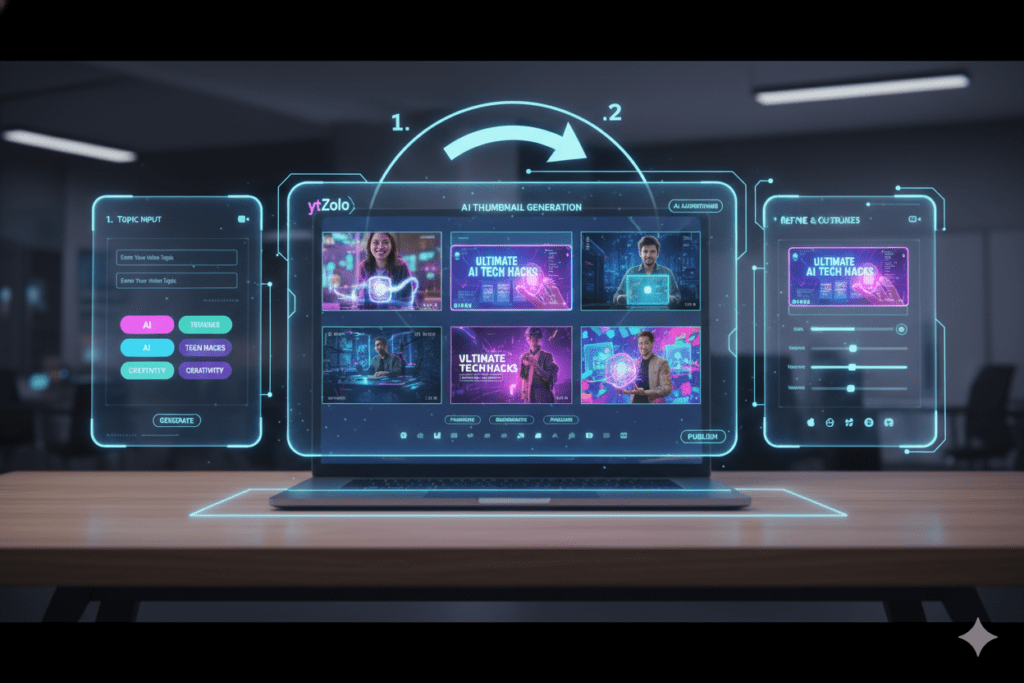
Getting your first AI generated YouTube thumbnail from ytZolo takes under five minutes. Here’s exactly how:
Step 1 — Create Your Free Account Go to ytzolo.com and sign up. No credit card required. You’re inside the platform in under a minute.
Step 2 — Enter Your Video Topic or Title Type in your video title or a short description of your content. The more specific you are, the better your AI generated YouTube thumbnail output will be. “How I Paid Off $30,000 in 12 Months” will produce better results than “Money video.”
Step 3 — Generate Your Thumbnail Options Hit generate. ytZolo’s AI engine analyzes your input, cross-references top-performing content in your niche, and produces multiple AI generated YouTube thumbnail concepts in seconds.
Step 4 — Review and Select Your Variation Browse the options. Each one is built with CTR optimization in mind — strong composition, high contrast, bold visual hierarchy, emotional cues. Pick the one that best captures your video’s energy. Or select two for A/B testing.
Step 5 — Download and Upload Download your AI generated YouTube thumbnail in full HD. Zero watermarks. Ready to upload directly to YouTube Studio.
Bonus Step — Build Your Complete Content Package While you’re in ytZolo, generate your AI-optimized title, SEO description, keyword tags, and video script. You can walk away with a fully optimized video package — complete with your AI generated YouTube thumbnail — in under 15 minutes.
This is what “working smarter” looks like in 2026.
While you’re in ytZolo, generate your AI-optimized title, SEO description, keyword tags, and video script.
You can also compare the top AI tools for writing YouTube scripts in 2026 to refine your workflow even further.
Pro Strategies to Maximize Every Thumbnail’s Performance
An AI generated YouTube thumbnail gives you a serious starting advantage. These strategies will push your results even further:
- Always A/B test. YouTube Studio’s Test & Compare feature lets you test up to three thumbnails per video simultaneously. Never assume your first thumbnail is your best one. Let your actual audience data decide.
- Check mobile readability before uploading. Shrink your thumbnail preview to 150 pixels wide. If you can’t clearly identify the main subject and read the text, it’s going to get lost on mobile. Redesign before publishing.
- Keep on-thumbnail text to 3 words or fewer. Short, punchy text (“THIS CHANGED EVERYTHING”) triggers curiosity far better than complete sentences. The visual carries the story.
- Align your thumbnail and title deliberately. Your title creates the promise. Your AI generated YouTube thumbnail should visualize it. When both elements reinforce the same idea, your CTR and retention both improve.
- Use bold, contrasting colors that pop on both light and dark YouTube themes. Your thumbnail needs to work visually in both environments. High-contrast palettes win in both.
- Study your niche’s top performers weekly. Spend 10 minutes looking at the thumbnails of the top 5 channels in your category. Notice patterns in color, expression, text style, and subject placement. ytZolo’s AI already incorporates this data — but your own observation adds an extra strategic layer.
- Batch your content creation. Use ytZolo to generate thumbnails, titles, scripts, and tags for 4–5 videos in a single session. Batch creation is one of the highest-leverage productivity habits for serious creators.
FAQ
What is an AI generated YouTube thumbnail?
An AI generated YouTube thumbnail is a custom thumbnail image created by artificial intelligence based on your video topic, title, or script. Instead of designing manually in Canva or Photoshop, you provide your content details and the AI generates multiple high-CTR thumbnail options in seconds.
The best tools — like ytZolo — are trained specifically on YouTube performance data, ensuring every output is optimized for clicks, not just aesthetics.
Can an AI generated YouTube thumbnail really improve my views?
Yes — significantly. Custom thumbnails directly drive click-through rate (CTR), which is one of YouTube’s most important algorithmic signals. Higher CTR means more recommendations, more impressions, and more organic views.
AI generated thumbnails apply proven design principles — emotional expressions, high contrast, bold text, niche-specific styling — that manual designs often miss. Creators using AI tools report CTR improvements of 20–200% within their first month of switching.
How is ytZolo different from just using Canva for thumbnails?
Canva is a general-purpose design tool. It’s excellent for making things look polished — but Canva’s AI has no understanding of YouTube-specific CTR patterns. You’re still making all the creative and strategic decisions yourself, without data to back them up. ytZolo is YouTube-native.
Its AI is trained on what actually drives clicks on YouTube — niche visual trends, emotional triggers, mobile readability, text hierarchy — and it generates thumbnails automatically based on your content. Plus, ytZolo creates your title, script, description, and tags in the same workflow. Canva can’t come close to that.
Do I need design skills to create an AI generated YouTube thumbnail?
Not at all. That’s the entire point. Tools like ytZolo are built for creators, not designers. If you can type your video topic into a search bar, you can generate a professional, high-CTR thumbnail in minutes. No Photoshop skills required. No design experience needed. The AI handles the creative strategy while you focus on making great videos.
How many thumbnail variations should I test?
Most YouTube growth experts recommend testing two to three thumbnail variations per video. YouTube Studio’s “Test & Compare” feature lets you upload multiple options and collects real performance data from your audience.
After gathering enough impressions — typically 1,000 or more — YouTube shows you which thumbnail is driving the most clicks and watch time. Always let the data make the final call, not your personal preference. ytZolo makes this easy by generating multiple distinct variations in every session.
Conclusion
Here’s the reality in 2026: YouTube is the most competitive content platform on earth. Millions of videos compete for the same eyeballs every single day. And in that environment, your AI generated YouTube thumbnail is the most powerful weapon you have.
It’s the first thing viewers see. It’s the thing that earns — or loses — the click. And it’s the signal that tells YouTube’s algorithm whether your content is worth showing to more people.
Manual thumbnail design had its place. That place is the past.
The creators winning right now aren’t necessarily the most talented. They’re the most strategic. They’re using AI generated YouTube thumbnails, AI-optimized titles, AI-written scripts, and AI-powered SEO — all working together inside a single platform built specifically for YouTube growth.
That platform is ytZolo.
Don’t let another video underperform because of a weak thumbnail. Every upload is an opportunity to grow. Every impression YouTube serves is a chance to earn a click. And every click is a viewer who could become a lifelong subscriber.
Start creating smarter, faster, and more viral YouTube content with ytZolo today.
Want more actionable YouTube growth strategies? Head over to the ytZolo blog for in-depth guides, creator case studies, and the latest AI-powered tactics for building a channel that actually grows.


Pingback: Best AI Title Generator for YouTube to Boost CTR (2026)
Pingback: YouTube Title Best Practices Length 2026 | Get More Clicks