
Table of Contents
Why Your Thumbnail Is Costing You Views Right Now
Picture this.
You spend two days filming, editing, color grading, and polishing a video you’re genuinely proud of. You write the description, add the tags, and hit publish.
Then you pick a random screenshot from the video as your thumbnail and call it a day.
Sound familiar? If so, you’re leaving a massive amount of views on the table — every single upload.
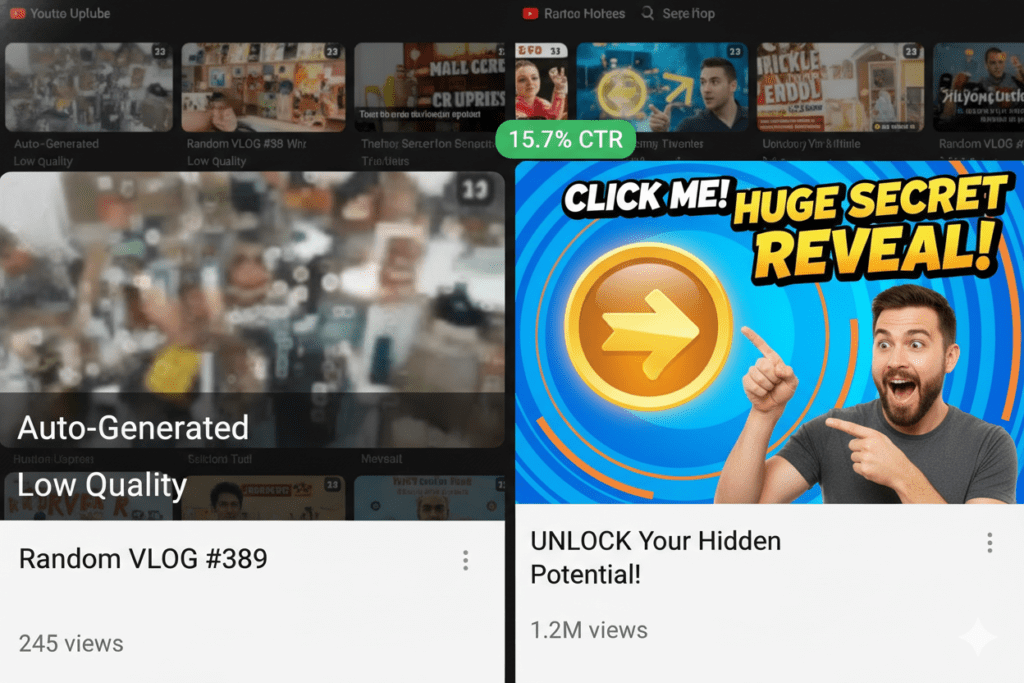
Here’s a stat that should stop you cold: 90% of the best-performing videos on YouTube use custom thumbnails. And research shows that custom thumbnails with strategic design can increase click-through rates by 30–40% compared to auto-generated ones.
Your thumbnail is the first thing a viewer sees. In a crowded feed, it’s competing with dozens of other videos for a fraction of a second of attention. If it doesn’t instantly communicate value, trigger curiosity, or create emotion — the viewer scrolls right past.
If you want to understand how thumbnails directly impact rankings and visibility, read how to rank videos on YouTube fast.
The good news? Finding the best YouTube thumbnail generator in 2026 can change all of that. And this guide is going to show you exactly how.
What Makes a YouTube Thumbnail Go From “Meh” to Must-Click?
Before we dive into the best YouTube thumbnail generator options, let’s talk about what actually makes a thumbnail work.
Because using any tool — even the best YouTube thumbnail generator available — won’t help if you don’t understand the fundamentals.
The Psychology Behind the Click
Your brain processes visuals 60,000 times faster than text. In a busy YouTube feed, your thumbnail has less than a second to earn a click.
The algorithm doesn’t look at your thumbnail directly. But it reacts to what your thumbnail causes. High CTR tells YouTube: “People want this content.” And YouTube rewards that by pushing your video to even more people.
According to research by VidIQ, thumbnails featuring expressive human faces can boost CTR by 20–30%. Neutral faces blend into the feed. Emotion stands out.
The 5 Non-Negotiables of a High-CTR Thumbnail
Every click-worthy thumbnail shares these core elements:
- Bold, expressive human face — emotions like shock, excitement, or curiosity outperform neutral expressions every time
- High contrast colors — bright backgrounds make your thumbnail pop in a dark or crowded feed
- 3 words or fewer — research consistently shows that short text outperforms long text on thumbnails
- Clear focal point — one subject, not five. The viewer’s eye needs somewhere to land immediately
- Thumbnail-title alignment — your thumbnail should tease the promise your title makes, not repeat it
Miss any of these and your best YouTube thumbnail generator won’t save you. Nail them all, and your CTR can go from an average 2–5% to a standout 8–12% — which is where top creators consistently perform.
Why CTR Matters Beyond the Click
Here’s what most creators misunderstand: a high CTR isn’t just about vanity metrics.
When your video earns more clicks from the same number of impressions, YouTube’s algorithm interprets it as a strong match between viewer intent and your content. It then expands your reach — showing the video to more people, in more places, for longer.
That’s the compounding effect of a great thumbnail. One strong visual decision can drive thousands of views over months or even years.
The Best YouTube Thumbnail Generator Tools in 2026
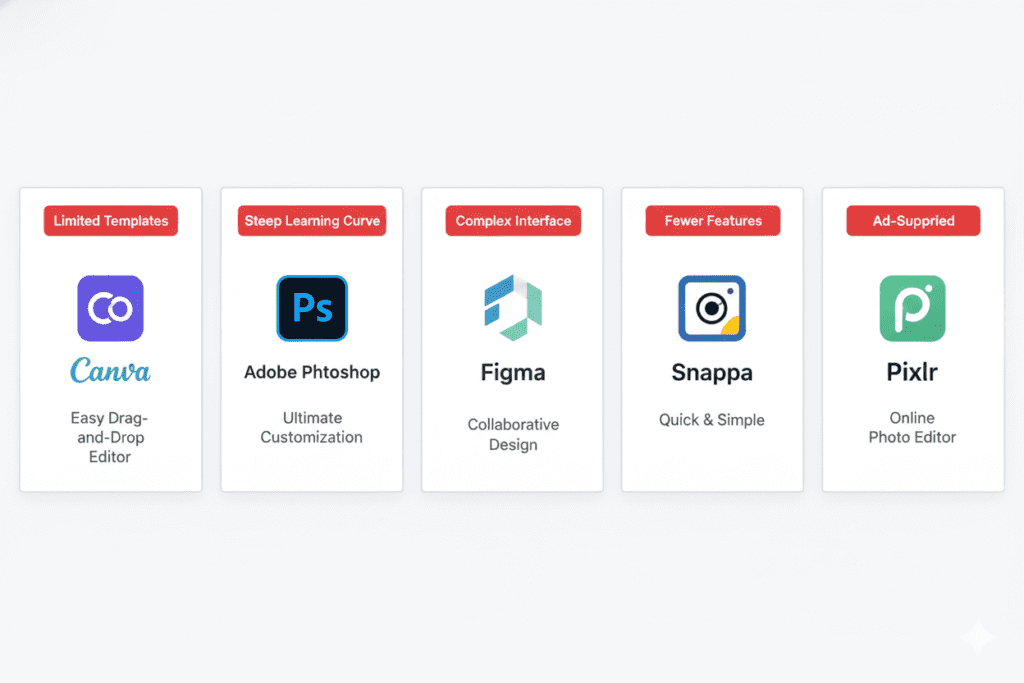
The market for the best YouTube thumbnail generator has exploded in 2026. There are dozens of options. Here’s an honest breakdown of the most popular ones — what they’re good at and where they fall short.
1. Canva
Canva remains one of the most popular choices for creators who want a template-first workflow. It has thousands of YouTube thumbnail templates, easy drag-and-drop editing, and decent AI features like background removal and text-to-image generation.
What it does well:
- Massive template library
- Easy for beginners
- Good brand kit integration
Where it falls short:
- It’s a general design tool, not YouTube-specific
- AI image generation quality is inconsistent
- Free plan restricts access to the best templates and features
- You still have to write your own titles, descriptions, and tags separately
2. Adobe Express
Adobe Express is a strong option, especially if you’re already in the Adobe ecosystem. It offers professional-grade templates and AI generation from text prompts, and it’s available for free with a basic plan.
What it does well:
- Clean, polished designs
- Strong template variety
- Good for brand consistency
Where it falls short:
- More complex than Canva for beginners
- Doesn’t integrate with YouTube SEO optimization
- Best features require a paid Creative Cloud subscription
3. Pikzels
Pikzels is YouTube-focused, which gives it an edge over general design tools. It offers face-swap features and thumbnail recreation tools trained on high-performing YouTube content.
What it does well:
- Built specifically for YouTube thumbnails
- Trains on real high-CTR data
- Strong visual quality
Where it falls short:
- One of the pricier options ($40–$80/month for best features)
- Doesn’t help with titles, scripts, or descriptions
- You still need a separate workflow for everything else
4. Fotor
Fotor is a solid middle-ground option — decent template library, basic AI features, and an accessible interface. It’s a workhorse, not a showstopper.
What it does well:
- Photo editing + thumbnail design in one tool
- Template library for multiple niches
- Affordable pricing
Where it falls short:
- Limited AI capabilities compared to newer tools
- No YouTube SEO integration
- Templates can feel generic
5. VidIQ
VidIQ is primarily a YouTube SEO and analytics tool that now includes thumbnail features. Its competitor analysis tool — which lets you analyze a rival’s thumbnail and get improvement suggestions — is a standout feature.
What it does well:
- Strong data-backed optimization insights
- Competitor thumbnail analysis
- Pairs thumbnail work with keyword research
Where it falls short:
- Thumbnail generation is secondary to its SEO features
- The best AI features require the priciest plans ($299/month for coaching)
- Steeper learning curve for beginners
The common thread across all of these tools? They each do one piece of the puzzle well. You still need to jump between multiple apps to write your title, craft your script, generate your thumbnail, optimize your description, and research your tags.
If you want a full system instead of scattered tools, explore free AI tools for content creators.
That’s where ytZolo changes everything — and we’ll cover that in depth shortly.
How to Create a High-CTR Thumbnail: Step-by-Step
Knowing which best YouTube thumbnail generator to use is only half the equation. Here’s exactly how to create thumbnails that get clicked — every time.
Step 1: Define Your Thumbnail Concept Before You Film
Most creators design their thumbnail after they finish editing. That’s backwards.
Plan your thumbnail concept when you plan your video. If your thumbnail needs an expressive reaction shot — film it deliberately. Don’t hope a random frame captures it.
Ask yourself: What is the one visual moment that makes someone feel like they have to watch this?
Step 2: Choose Your Primary Visual Element
Your thumbnail needs one dominant visual. That could be:
- Your face with a strong, emotion-driven expression
- A compelling object relevant to the video (a product, a result, a before-and-after)
- A dramatic scene that teases what’s inside the video
Whatever you choose, it should fill at least 60% of the frame. Small subjects get ignored in a crowded feed.
Step 3: Pick Your Color Palette Strategically
Color psychology is real — and it matters more in thumbnails than almost any other context.
- Red creates urgency and excitement
- Yellow grabs attention and signals positivity
- Blue builds trust and authority
- High contrast combinations (like bright text on a dark background) perform consistently across niches
Look at the top 5 videos in your niche. Then design your thumbnail to look dramatically different from all of them.
Step 4: Add Short, Punchy Text
Keep your thumbnail text to 3 words or fewer. Your title already handles the SEO and context. Your thumbnail text should deliver an emotional hook or create a curiosity gap.
Bad: “Here Are My 5 Best Tips for YouTube Growth” Good: “THIS CHANGED EVERYTHING”
Use bold, sans-serif fonts with a subtle shadow for readability on mobile screens. If someone has to squint to read it, you’ve already lost them.
Step 5: Use the Best YouTube Thumbnail Generator to Execute Fast
Once your concept is locked, use the best YouTube thumbnail generator available to bring it to life quickly and at professional quality — without spending hours in Photoshop.
The goal isn’t perfection on the first try. The goal is to create multiple strong variations so you can A/B test and find the version that earns the highest CTR.
Step 6: A/B Test Everything
YouTube’s native “Test & Compare” feature lets you upload multiple thumbnails and see which one wins in real-time. Use it for every major upload.
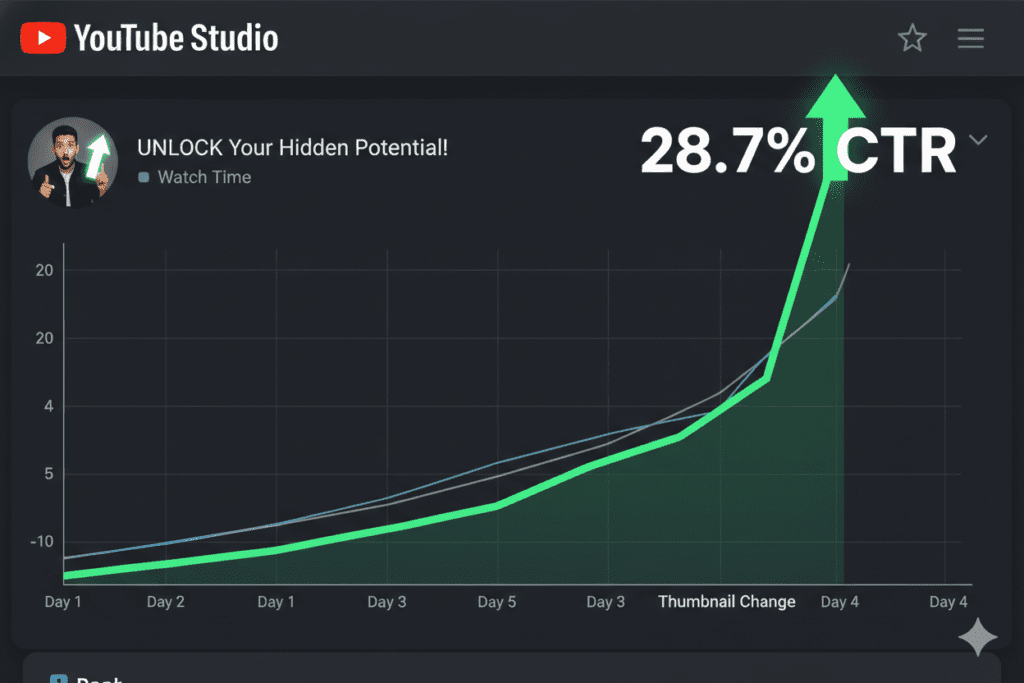
Small changes compound. In one well-documented case, a creator who swapped a cluttered thumbnail for a high-contrast, simple version saw a CTR boost of 2% — which translated into a sustained bump in daily views for months after upload.
That’s not cosmetic. That’s growth strategy.

Why Manual Design Methods Are Holding You Back
Let’s be blunt about something.
Opening Photoshop, searching for stock photos, adjusting layers, writing text, exporting, and then doing it all again for A/B test variants takes 2–3 hours per video. Minimum.
That’s time most creators simply don’t have.
And the problem goes deeper than just the thumbnail. For every upload, you also need to:
- Research the right keyword for the video
- Write a title that’s both SEO-optimized and click-worthy
- Craft a description that ranks and reads well
- Generate accurate, relevant tags
- Write a script that holds attention
Manual methods were fine when YouTube was less competitive. In 2026, with over 20 million videos uploaded daily, manually grinding through every optimization step is a competitive disadvantage.
The creators who are winning aren’t working more hours. They’re using smarter systems.
The best YouTube thumbnail generator in 2026 isn’t just a design tool. It’s an AI-powered content engine that handles the entire workflow — from keyword to thumbnail — so you can focus on what you actually love: making great videos. If you want to explore how AI is transforming the entire content creation process, read YouTube AI content creation in 2026.
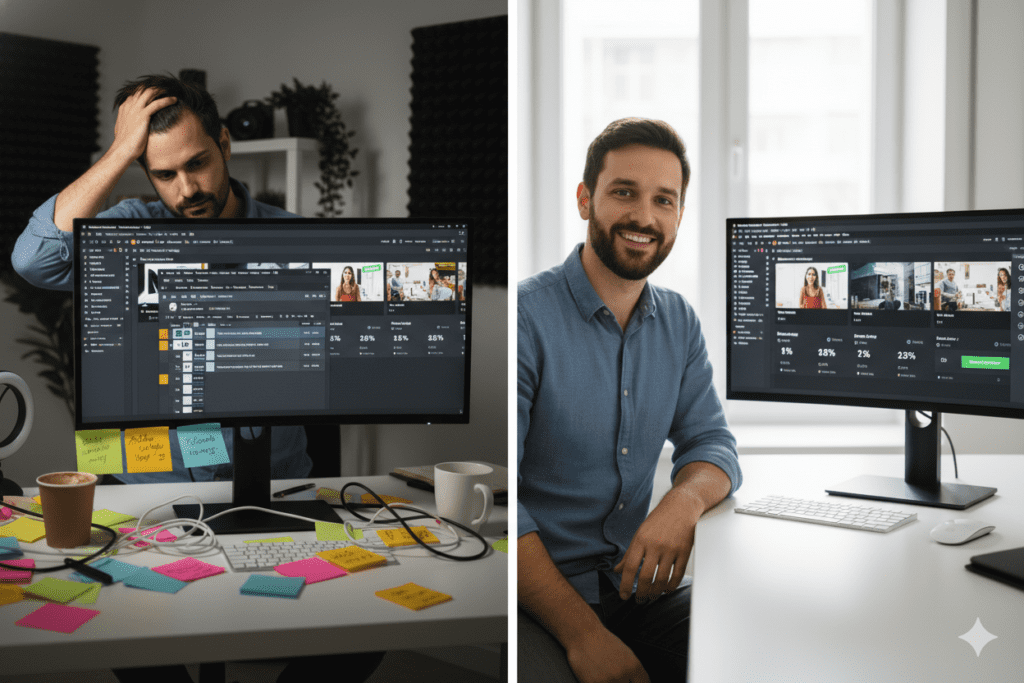
How ytZolo Is the Best YouTube Thumbnail Generator for Serious Creators
Here’s where everything comes together.
ytZolo isn’t just a thumbnail tool. It’s an all-in-one AI YouTube growth platform built specifically for creators who want to move faster, rank higher, and create more viral content — without burning out in the process.
Most tools make you design your thumbnail separately, then open another tool for keyword research, another for writing your title, and another for your description. That fragmented workflow costs hours per video.
ytZolo eliminates all of that.
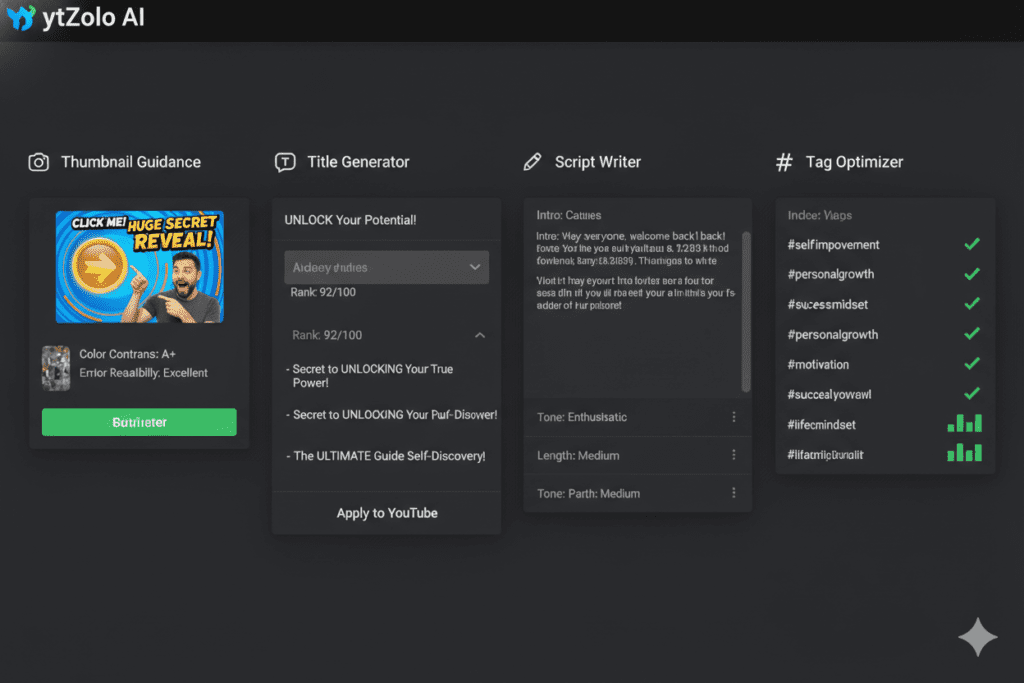
Here’s what ytZolo brings to the best YouTube thumbnail generator conversation:
- AI-powered thumbnail guidance — ytZolo analyzes your video topic, niche, and trending CTR patterns to guide you toward scroll-stopping thumbnail concepts that get clicks
- SEO-optimized titles — generates multiple click-worthy title options aligned with high-volume search queries
- Retention-focused scripts — writes full video scripts designed to maximize watch time and audience retention
- Keyword-rich descriptions — crafts descriptions that rank on YouTube and read naturally to real viewers
- Smart tag suggestions — researches and recommends the best tags based on real-time data
- Trending topic analysis — tells you exactly what your audience is searching for right now
In short: ytZolo is the best YouTube thumbnail generator that’s part of a complete content engine — not a standalone design app.
Instead of spending 3–4 hours per video on optimization across five different tools, ytZolo puts everything in one place. That means faster uploads, better-optimized content, and more time spent creating instead of grinding through admin work.
Explore the ytZolo blog for even more creator strategies, growth tactics, and tips to take your channel to the next level.
Why ytZolo Is Better Than Other Tools
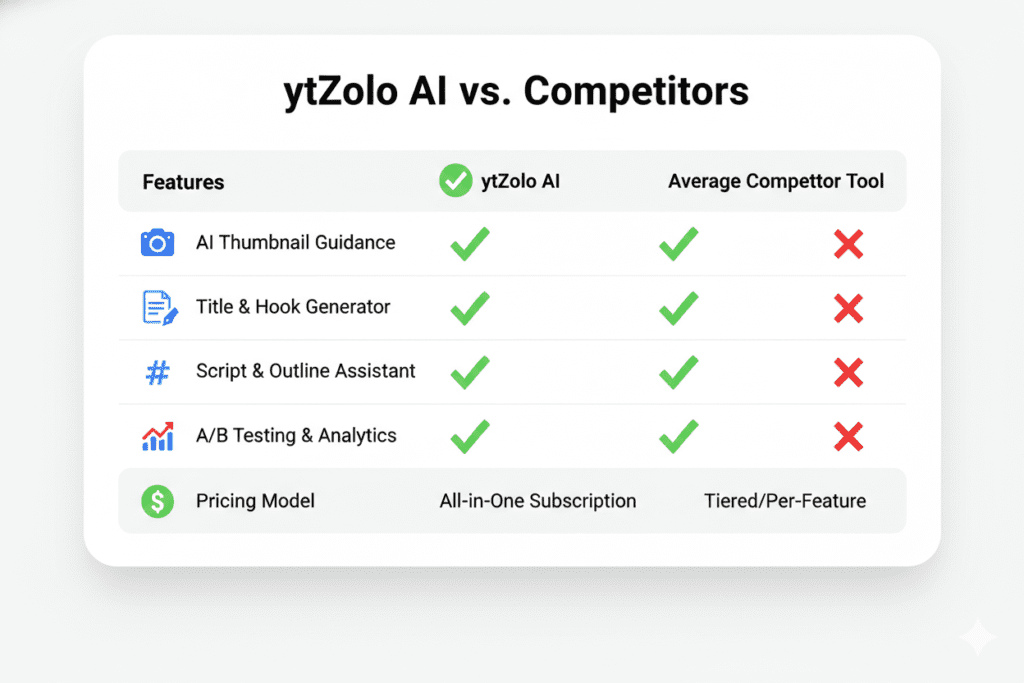
There are plenty of tools that claim to offer the best YouTube thumbnail generator experience. Here’s how ytZolo actually stacks up:
| Feature | ytZolo | Canva | VidIQ | Pikzels | Adobe Express |
|---|---|---|---|---|---|
| Thumbnail guidance (AI) | ✅ | Partial | Partial | ✅ | Partial |
| SEO title generation | ✅ | ❌ | ✅ | ❌ | ❌ |
| Script writing | ✅ | ❌ | ❌ | ❌ | ❌ |
| Description optimization | ✅ | ❌ | Partial | ❌ | ❌ |
| Tag research | ✅ | ❌ | ✅ | ❌ | ❌ |
| Trending topic analysis | ✅ | ❌ | Partial | ❌ | ❌ |
| All-in-one workflow | ✅ | ❌ | ❌ | ❌ | ❌ |
| Built for viral content | ✅ | ❌ | ❌ | ❌ | ❌ |
| Time per video | Minutes | Hours | Hours | Hours | Hours |
The difference is clear.
Tools like Canva and Adobe Express are excellent at design — but they don’t help you rank. VidIQ gives you data but doesn’t write anything for you. Pikzels makes good thumbnails but leaves the rest of your optimization entirely in your hands. If you want to understand how to combine design with full YouTube SEO for better rankings, read how to rank videos on YouTube fast.
ytZolo closes the gap between “I have a nice-looking thumbnail” and “my video is fully optimized to rank, get clicked, and retain viewers.”
Other tools give you a single piece of the puzzle. ytZolo gives you the complete picture — from trending topic to thumbnail to tags — in a single, streamlined workflow.
For creators who are serious about growth, ytZolo is the most complete YouTube content tool available in 2026.
FAQ: Best YouTube Thumbnail Generator
1. What is the best YouTube thumbnail generator in 2026?
The best YouTube thumbnail generator depends on your workflow. For pure design, Canva and Pikzels are popular options. But for creators who want a complete solution — thumbnail guidance, title generation, script writing, descriptions, and tags all in one place — ytZolo is the most powerful all-in-one option. It’s built specifically for creators who want to create viral content faster and with less manual effort.
2. Do YouTube thumbnails really make a difference to views?
Absolutely. According to YouTube’s own data, 90% of the best-performing videos use custom thumbnails. Research shows well-optimized custom thumbnails can boost CTR by 30–40% compared to auto-generated screenshots. Since CTR is one of YouTube’s core ranking signals, a better thumbnail directly leads to more impressions, more views, and faster channel growth.
3. What makes a high-converting YouTube thumbnail?
The highest-converting thumbnails share five key traits: an expressive human face, high-contrast colors that stand out in the feed, short text (3 words or fewer), a clear focal point that fills most of the frame, and strong alignment between the thumbnail and the video title.
If you want to see how these elements directly impact click-through rate and video performance, check out this detailed guide on best AI YouTube thumbnail generator in 2026.
Using the best YouTube thumbnail generator helps you execute these elements consistently and quickly, without spending hours on design for every upload.
4. Is Canva the best YouTube thumbnail generator for beginners?
Canva is a beginner-friendly option with great templates, but it’s a general design tool. It doesn’t help with YouTube SEO, title writing, keyword research, or scripts.
For beginners who want to grow their channel — not just design pretty thumbnails — a more complete tool like ytZolo provides a much faster path to real growth by handling the full optimization workflow in one place.
5. How does AI improve YouTube thumbnail creation?
AI-powered thumbnail tools analyze high-performing videos in your niche, trending CTR patterns, and viewer psychology to guide you toward concepts that get clicked. Tools like ytZolo take this further — combining thumbnail guidance with AI-generated titles, scripts, descriptions, and tags, so every video is optimized from the ground up. The result is faster creation, better-optimized content, and thumbnails designed to drive real clicks and views.
Conclusion: Your Thumbnail Is the Gateway to Every View You Deserve
Here’s the truth about YouTube in 2026.
Your content can be brilliant. Your editing can be flawless. Your audio can be crystal clear.
But if your thumbnail doesn’t earn the click — none of that matters.
The best YouTube thumbnail generator isn’t a luxury for big creators. It’s the foundation of a smart growth strategy for any creator who’s serious about getting views.
We’ve covered the most popular thumbnail tools, the core design principles that drive CTR, and exactly how to build a thumbnail strategy that compounds over time.
But the real opportunity — the one most creators are still sleeping on — is combining the best YouTube thumbnail generator with a complete AI content workflow.
That’s what ytZolo delivers. Thumbnail guidance, SEO titles, retention-focused scripts, keyword-rich descriptions, and smart tag research — all in one tool, all working together.
Every day you upload an unoptimized video is a day your competitors climb higher.
You’ve put too much work into your content to let a weak thumbnail bury it.
Start creating smarter, faster, and more viral YouTube content with ytZolo today.
👉 Visit ytZolo.com and give every video the best possible chance to get seen.
Want more strategies to grow your channel? Explore the ytZolo blog for expert guides, YouTube SEO tips, and the latest creator growth tactics.
External Resources:
- YouTube Creator Academy — Thumbnails — Official YouTube guidance on custom thumbnail best practices
- YouTube Creators Blog — Platform updates and creator tips directly from YouTube
- Backlinko YouTube SEO Study — Research-backed insights on what drives YouTube rankings

