

There are many free tools available to help with your content creation. They can aid with brainstorming, script writing, video editing, thumbnails, audio editing and formatting your content for the right platform. But not every tool will be completely free. Some have limitations and some will offer key features only on their paid plans.
Depending on what you are creating and where you are publishing it will determine which tools are best for you. If you’re creating content for YouTube you may want tools to help with script writing and thumbnails.
If you’re creating a podcast transcription and audio improvement tools will be more beneficial. Social media creators may want captioning, short video editing and repurposing tools.
Below we’ve compared 20 different AI tools and shown how they can help with the most common content creation tasks. We will also show you what they are good for and what you should look out for when choosing a free plan to help build a useful set of tools without paying for any unnecessary features.
We’ll also show you why ytZolo is the all-in-one AI platform that ties it all together for YouTubers who are serious about scaling.
Table of Contents
1. Why Content Creators Can’t Afford to Ignore AI in 2026
Here’s a number that should stop you mid-scroll.
Over 500 hours of video are uploaded to YouTube every single minute. That’s not a typo.
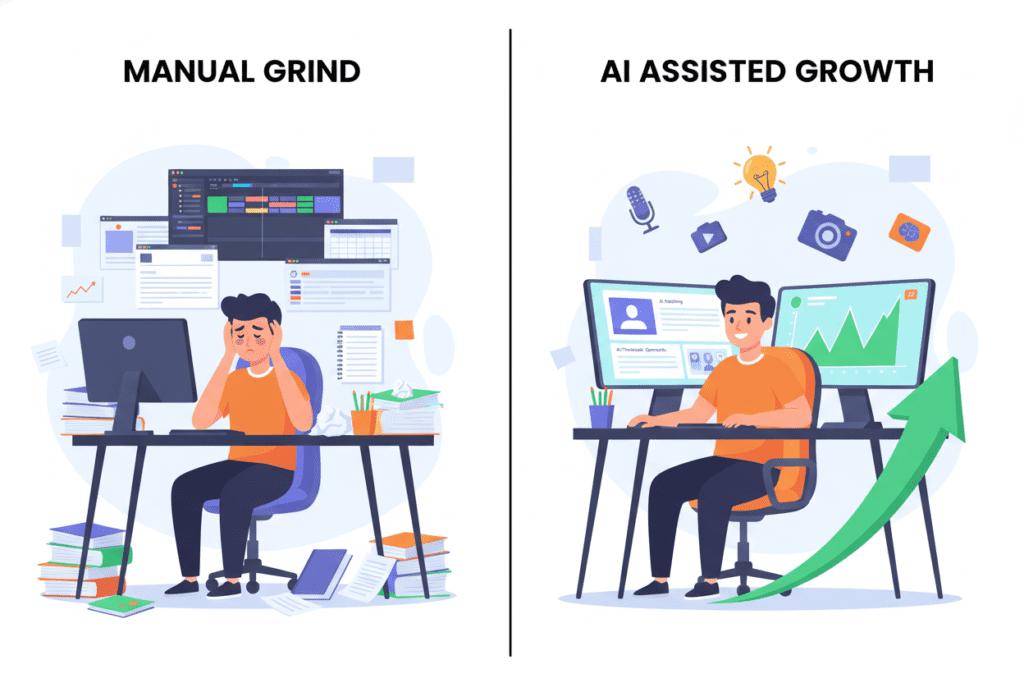
With competition at an all-time high, creators who rely on manual workflows — writing titles from scratch, designing thumbnails by trial and error, guessing keywords — are fighting with a plastic spoon in a sword fight.
AI has fundamentally changed what’s possible for solo creators.
What once required a full content team — strategy, SEO, scripting, design — can now be handled by a single creator using the right free AI tools. And the gap between creators who use AI and those who don’t is widening every month.
This isn’t about replacing your creativity. It’s about removing the friction so your creativity can actually shine.
The smartest creators in 2026 treat AI as their most reliable collaborator — always available, never tired, and constantly optimizing.
2. What Are Free AI Tools for Content Creators?
Free AI tools for content creators are software platforms, apps, and browser extensions that use artificial intelligence to help you create, optimize, and distribute content — without charging you upfront.
Most offer a free tier with core features. Some are completely free. Others are freemium — free to start, with paid upgrades for advanced capabilities.
These tools cover the full content workflow:
- Generating ideas when you’re stuck
- Writing scripts when the blank page wins
- Designing thumbnails that actually get clicked
- Optimizing titles and tags for YouTube search
- Editing video without professional skills
- Analyzing performance so you know what to improve
The key insight? You don’t need a huge budget to compete anymore.
Free AI tools for content creators have democratized what was once only possible with expensive production teams. If you know which tools to use — and how to combine them into a system — you can out-produce, out-optimize, and outgrow creators spending thousands of dollars per month.
3. The 8 Essential Categories of AI Tools for Creators
Before diving into specific tools, let’s map out every area of your workflow that AI can help with.
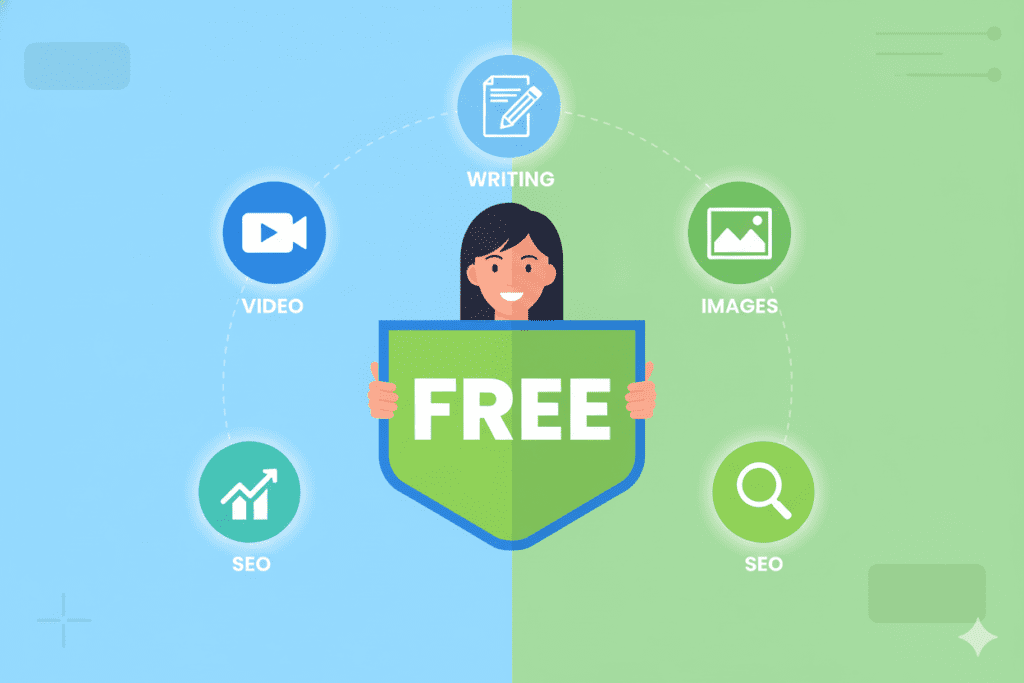
As a content creator — especially a YouTuber — you need AI tools working across these eight areas:
- Writing & Scripting — From video ideas to full scripts
- Title & Description Optimization — SEO-ready copy that drives clicks
- Thumbnail & Image Creation — Visual assets that stop the scroll
- Video Editing & Repurposing — Turn one video into five pieces of content
- SEO & Keyword Research — Rank in YouTube and Google search
- Audio Enhancement — Sound quality that keeps viewers watching
- Analytics & Optimization — Data-driven decisions, not guesswork
- Scheduling & Workflow — Stay consistent without the burnout
The creators growing fastest in 2026 have at least one solid free AI tool in each of these categories.
Let’s break them down.
4. Best Free AI Tools for Content Creators — Full Breakdown
✍️ AI Writing & Script Tools
Writing is where most creators lose hours every week. Ideas stall. Scripts feel forced. Titles never feel quite right. These free AI tools for content creators fix that.
ChatGPT (Free Plan) ChatGPT is the Swiss Army knife of AI writing tools. Its free tier gives you access to solid language generation — useful for brainstorming video ideas, outlining scripts, writing email newsletters, or drafting community posts.
The key is learning how to prompt it well. Weak prompts produce weak output. Be specific: include your niche, target audience, video angle, and tone. The more context you give, the better the results.
Rytr (Free Plan) Rytr’s free plan gives you up to 10,000 characters per month and access to 40+ content templates. It’s particularly useful for shorter content — YouTube descriptions, video intros, social captions, and ad copy.
Its tone customization feature lets you match your brand voice — professional, casual, enthusiastic, or formal — across every piece of content you write.
Copy.ai (Free Plan) Copy.ai’s free tier offers solid short-form content generation. Think: video hooks, titles, YouTube community posts, and call-to-action lines. Great for creators who need quick bursts of copy without spending hours staring at a blank screen.
ytZolo’s AI Script Generator For YouTubers specifically, ytZolo goes beyond general writing tools. Enter your video topic and ytZolo’s AI builds a complete, structured script — hook, main points, transitions, and CTA — in seconds.
It’s built specifically for YouTube content, not generic marketing copy. And it remembers the typical structure of high-performing videos in your niche, so every script is optimized from the start.
Pro Tip: Don’t publish AI-generated scripts as-is. Use them as a framework, then inject your personal stories, opinions, and examples. That’s what makes your content uniquely yours — and what keeps viewers coming back.

🎨 AI Thumbnail & Image Tools
Your thumbnail is the first thing every potential viewer sees. It’s doing more work than any other element of your video.
According to YouTube’s own Creator Academy, 90% of top-performing videos use custom thumbnails. Not screenshots. Not auto-generated frames. Intentional, designed thumbnails built to earn the click.
Canva AI (Free Plan) Canva is the gold standard for beginner-friendly design. The free plan includes YouTube thumbnail templates, a drag-and-drop editor, and an expanding suite of AI features including Magic Design — which generates layout suggestions based on your content.
It’s fast, intuitive, and the results look professional even if you’ve never designed anything before. The main limitation: you’re still doing most of the strategic thinking yourself.
Adobe Express (Free Plan) Adobe Express offers more brand control than Canva. Its free tier includes a strong library of templates and AI-powered resizing, background removal, and text effects.
Good for creators who want a more polished, consistent visual identity across their thumbnails.
DALL·E (via ChatGPT Free) DALL·E allows you to generate custom AI images from text prompts. Useful for creating unique background images or concept art for thumbnails when you don’t want to rely on stock photography.
ytZolo’s AI Thumbnail Generator Here’s where ytZolo separates itself from the design tools above. Canva gives you a template. ytZolo gives you a strategy.
ytZolo’s thumbnail AI has been trained on millions of high-performing YouTube thumbnails to understand what drives clicks in specific niches. You enter your video topic, and the AI generates a conversion-optimized thumbnail — with the right color contrast, text placement, and visual composition — based on what actually works, not just what looks good.
The difference: Canva knows design. ytZolo knows YouTube. That’s not a small distinction when click-through rate is everything.

🎬 AI Video Editing & Repurposing Tools
Video editing is the most time-intensive part of a creator’s workflow. These free AI tools for content creators cut editing time dramatically.
CapCut (Free) CapCut is completely free and one of the most powerful mobile editing apps available. Auto-captions, trending templates, background removal, speed effects — all free. Ideal for Shorts, Reels, and quick social content.
Its “auto-cut” feature identifies the best moments in your footage and creates a rough cut automatically. A massive time saver for creators who batch their filming.
Descript (Free Plan) Descript lets you edit video by editing text. It transcribes your footage, and when you delete a word from the transcript, it deletes that moment from the video. Revolutionary for talk-heavy content like tutorials, vlogs, or interviews.
The free plan includes one hour of transcription per month — limited, but enough to test whether the workflow suits you.
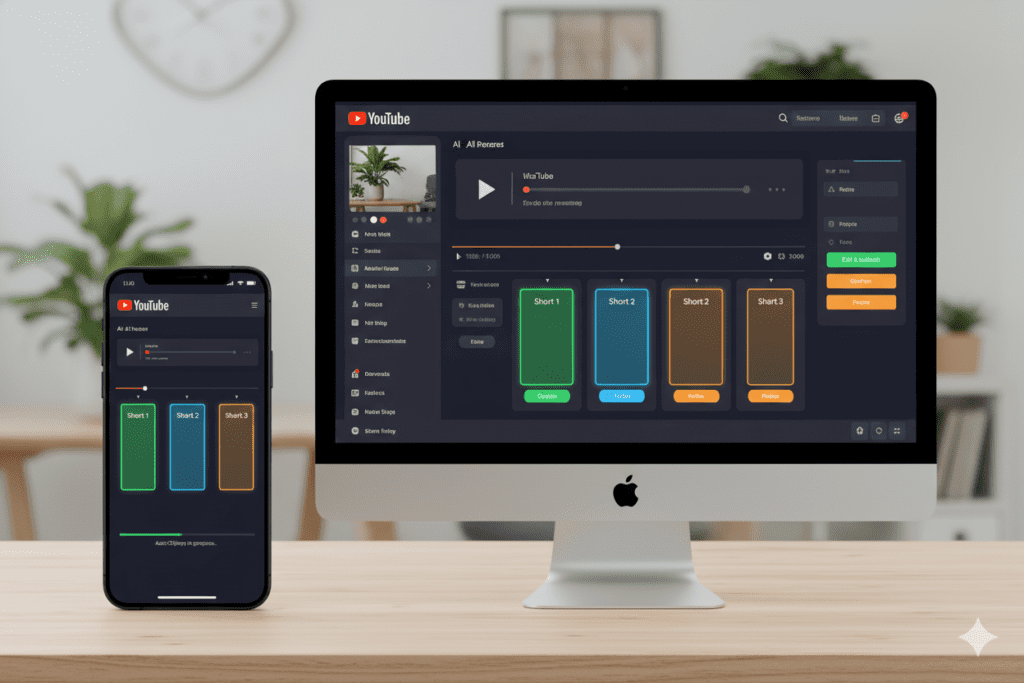
Opus Clip (Free Plan) Opus Clip uses AI to automatically identify the most compelling moments in your long-form videos and turn them into Shorts-ready vertical clips. Complete with auto-captions, reframing, and virality scores.
The free plan allows a limited number of clips per month — but even a few free exports can help you understand the repurposing potential of each video before committing to a paid plan.
Lumen5 (Free Plan) Lumen5 transforms written content — blog posts, scripts, outlines — into engaging video slideshows. Its AI matches your text with relevant visuals from a stock media library automatically.
Perfect for creators who want to publish educational content across YouTube and other platforms without filming every single piece.
🔍 AI SEO & Keyword Research Tools
SEO is how your content gets discovered. Without it, even brilliant videos can sit at zero views.
Google Trends (Free) Google Trends is one of the most underused free AI tools for content creators. Filter searches specifically for YouTube to see which topics are gaining momentum in real time.
Timing your content around a rising trend — before it peaks — is one of the highest-leverage moves in YouTube strategy. Google Trends makes that possible at zero cost.
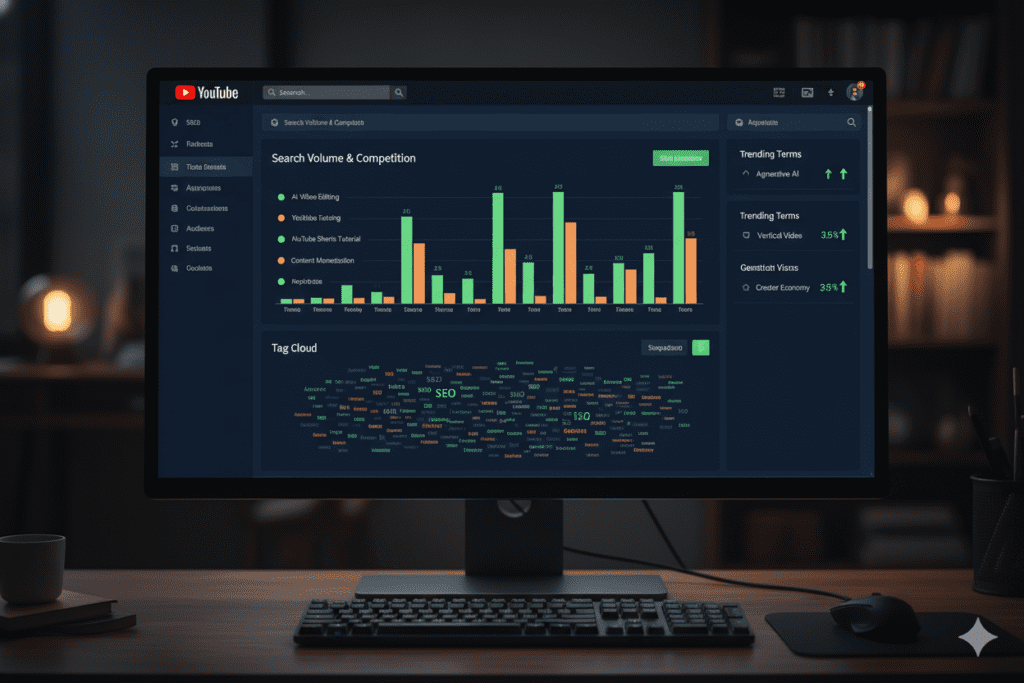
TubeBuddy (Free Plan) TubeBuddy’s free browser extension shows you keyword search volume, competition scores, and related terms directly inside YouTube Studio. Its tag suggestions and SEO scorecard help you optimize each video as you publish it.
The free plan has limitations, but for early-stage creators, it offers more than enough to make data-driven decisions about titles and tags.
VidIQ (Free Plan) VidIQ’s free plan gives you a Daily Ideas feature — surfacing fresh content opportunities based on trending keywords in your niche every single day. Great for creators who never want to run out of proven, searchable ideas.
Its competitor analysis tool lets you see what’s working on similar channels — including their top-performing tags and titles.
ytZolo’s AI Tag & SEO Engine Most free AI tools for content creators make you do the research, then try to optimize manually. ytZolo closes that gap by building SEO directly into content creation.
Enter your video topic, and ytZolo generates a complete tag set — primary keywords, secondary terms, semantic relationships, and trending search phrases — instantly. No separate research step. No copy-pasting between tools. Just optimized metadata ready to publish.
🎙️ AI Audio Enhancement Tools
Bad audio is a silent killer of watch time. Viewers will tolerate average video quality — but they’ll click off the moment audio becomes distracting.
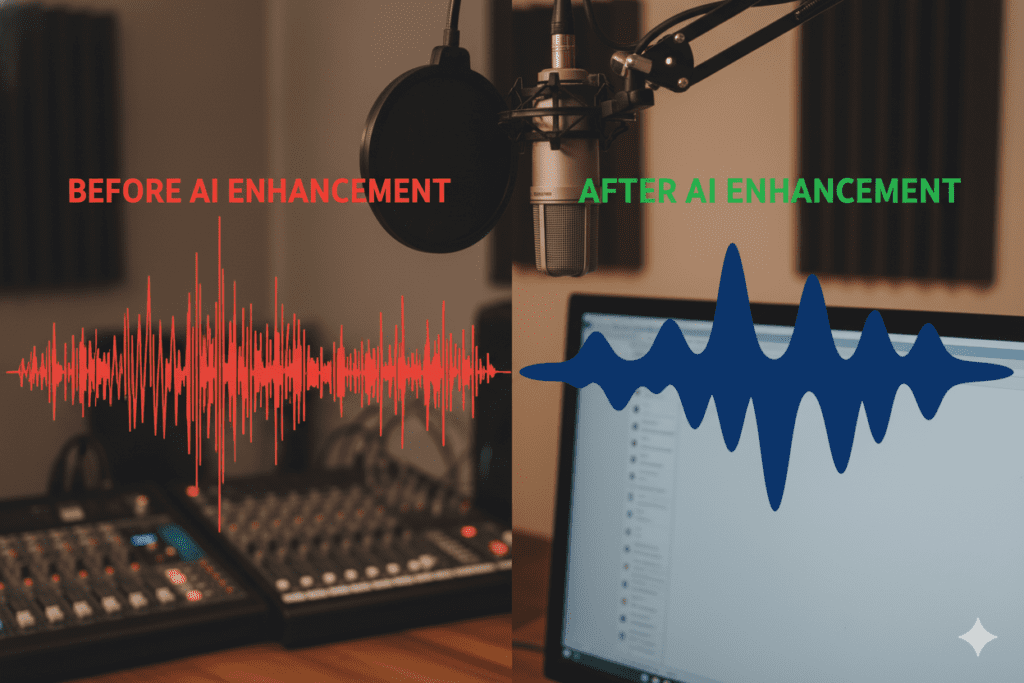
Adobe Podcast Enhance (Free) Adobe Podcast Enhance is completely free and genuinely impressive. Upload any audio file and the AI removes background noise, improves clarity, and balances levels automatically.
Whether you’re recording with a professional mic or a built-in laptop microphone, this tool makes a dramatic difference. No settings to configure. Just upload and download.
Krisp (Free Plan) Krisp removes background noise in real time during recording or calls. Its free plan offers a limited number of noise-cancellation minutes per week — useful for creators who record in imperfect environments.
Auphonic (Free Plan) Auphonic automatically masters your audio — normalizing levels, reducing noise, and balancing music against voice. Free for up to two hours of audio per month. Perfect for podcasters or vloggers who want broadcast-quality sound without post-production expertise.
Pro Tip: Good audio dramatically improves your average view duration — one of the most important signals the YouTube algorithm uses to push your video to new audiences. Investing 10 minutes in AI audio enhancement can pay off in thousands of extra watch minutes.
📊 AI Analytics & Optimization Tools
Data tells you what to double down on and what to stop doing. These tools make analytics accessible even without a background in data science.
YouTube Studio (Free) YouTube Studio is completely free and the most important analytics tool any creator can use. Focus on two metrics above all others: Click-Through Rate (CTR) — which tells you how compelling your title and thumbnail are — and Average View Duration (AVD) — which tells you how engaging your content actually is.
Review these weekly. Not to obsess over numbers, but to spot patterns. Which topics hold attention? Which video formats bring in the most subscribers? That data shapes your next batch of content.
Social Blade (Free) Social Blade tracks competitor channel growth over time. See subscriber trends, estimated revenue ranges, and upload frequency for any public YouTube channel. Excellent for understanding what growth pace is realistic in your niche and benchmarking against similar creators.
Google Search Console (Free) If your channel has a companion website or blog, Google Search Console shows you exactly which search queries are bringing people to your content. Use this to identify search intent and reverse-engineer what future videos to create.

📅 AI Scheduling & Workflow Tools
Consistency beats perfection on YouTube — every time.
The algorithm rewards channels that publish on a predictable schedule. And publishing consistently without a system is a fast road to burnout.
YouTube Studio Scheduler (Free) The built-in YouTube scheduler is completely free and works flawlessly. Schedule videos weeks in advance and control exactly when they go live. No third-party tool required.
Publish at your channel’s peak traffic time — check your YouTube Studio audience data to find this.
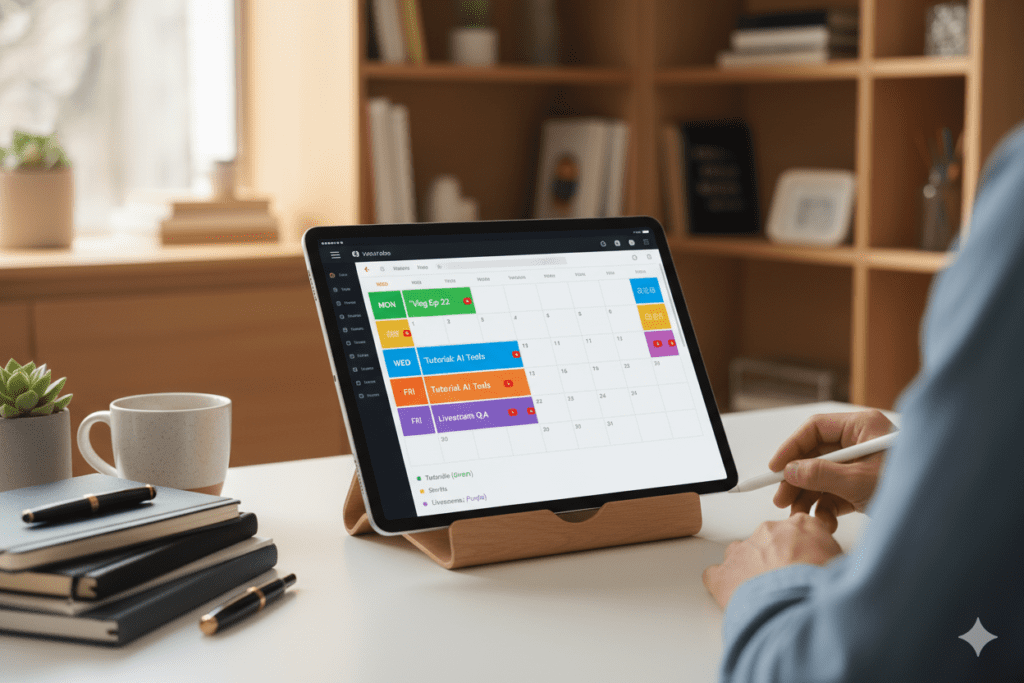
Notion (Free Plan) Notion’s free plan is powerful enough to run your entire content operation. Build a content calendar, store research notes, track video ideas, and manage your publishing workflow in one organized workspace.
Many top creators use Notion as their creative command center — the hub everything else feeds into.
Buffer (Free Plan) Buffer’s free plan allows scheduling across up to three social media channels. Great for creators managing YouTube alongside Instagram, TikTok, or LinkedIn. Schedule your Shorts, community posts, and cross-platform promotion in one place.
Pro Tip: Batch your content workflow. Plan four to six videos in one sitting using AI tools. Then film, edit, and schedule them in batches. You’ll publish more consistently and feel less overwhelmed than the creator grinding out one video at a time.
ytZolo for YouTube Content Creation
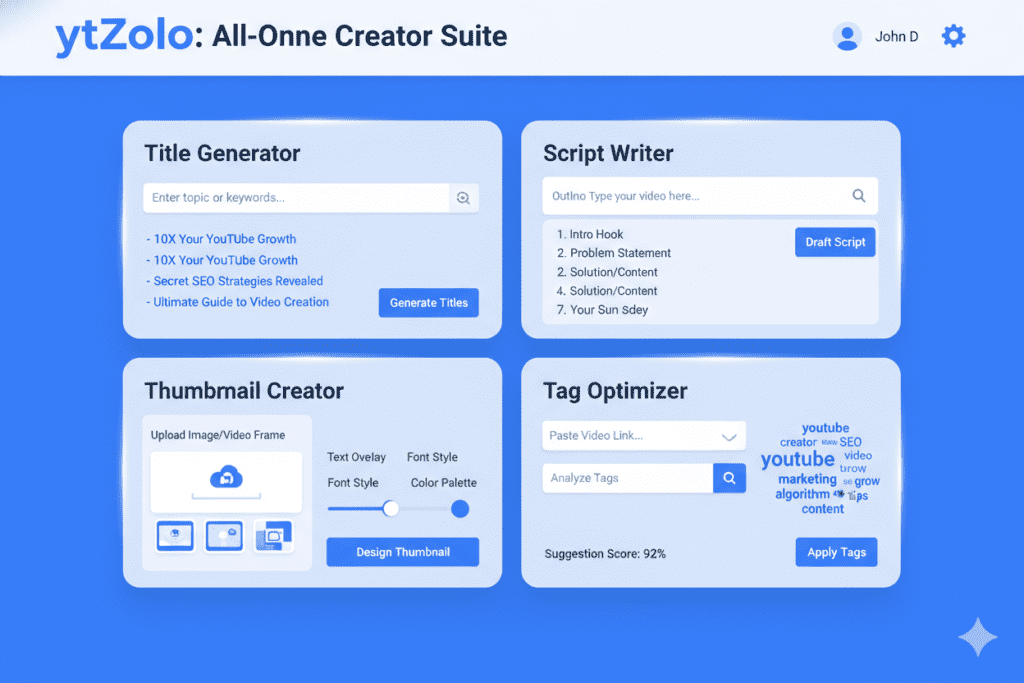
ytZolo is an AI-based platform for YouTube content workflows. It can help creators prepare video scripts, generate title ideas, create thumbnail concepts, and draft descriptions and tags.
It may be useful for creators who prefer handling several YouTube preparation tasks in one place rather than switching between separate writing and metadata tools.
For example, a creator preparing a tutorial could start with a script draft, develop several title options, create a thumbnail concept, and prepare video metadata before publishing. Each output should still be reviewed for accuracy, originality, relevance, and consistency with the finished video.
Best for: YouTube creators who want help preparing video content and metadata.
Before choosing it: Check the current plan details and confirm which features are included in free access. Compare those features with your actual workflow rather than assuming an all-in-one platform will replace every specialist tool.
AI tools can support the preparation process, but they do not guarantee search rankings, clicks, views, or audience growth.
Why ytZolo Beats Every Other Tool on This List
Let’s be real about the competitive landscape.
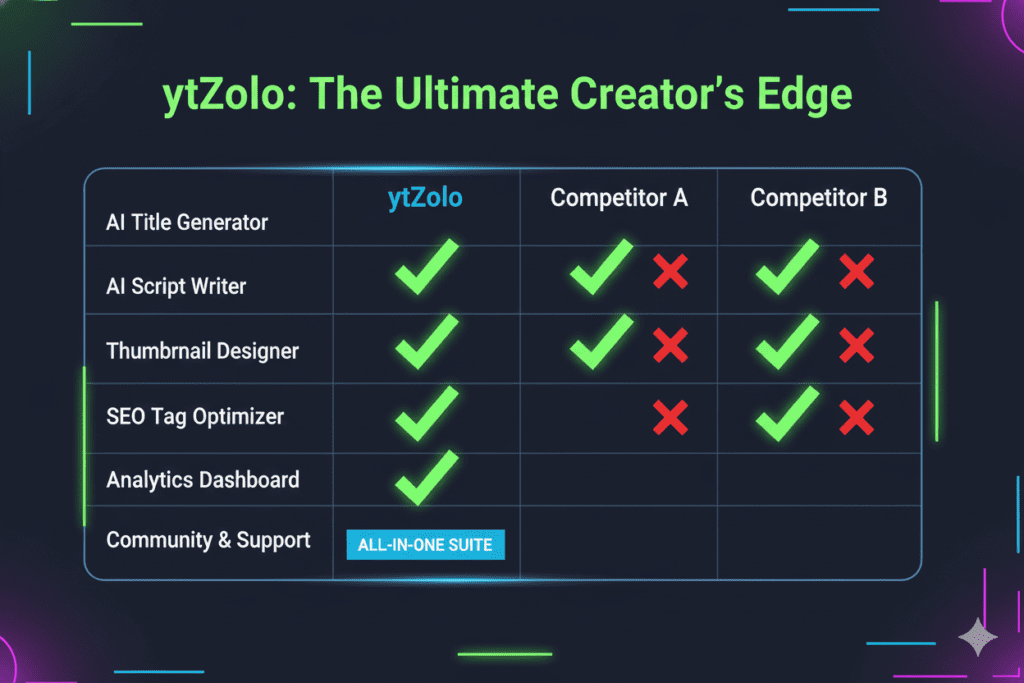
TubeBuddy and VidIQ are analytics-first platforms. They show you what’s happening — but they don’t create anything for you. They’re excellent data companions. But data without execution is just information.
ChatGPT and Jasper are powerful general-purpose writing tools. But they know nothing about YouTube specifically — CTR patterns, tag structures, thumbnail psychology, or niche-specific optimization. You have to do that thinking yourself.
Canva is a world-class design tool. But it’s a design tool, not a YouTube growth tool. It can’t tell you which thumbnail combination will get more clicks in the finance niche versus the gaming niche.
Here’s the honest comparison:
| Feature | ChatGPT | TubeBuddy | VidIQ | Canva | ytZolo |
|---|---|---|---|---|---|
| YouTube-Specific AI Titles | ⚠️ Generic | ✅ Basic | ✅ Good | ❌ | ✅ Advanced |
| Full Script Generator | ⚠️ Generic | ❌ | ❌ | ❌ | ✅ YouTube-Optimized |
| AI Thumbnail Creator | ❌ | ❌ | ❌ | ⚠️ Templates | ✅ Viral Data-Trained |
| AI Tag Generator | ❌ | ✅ Good | ✅ Good | ❌ | ✅ Advanced + Semantic |
| AI Description Writer | ⚠️ Generic | ⚠️ Basic | ⚠️ Basic | ❌ | ✅ Fully Optimized |
| All-in-One Unified Workflow | ❌ | ❌ | ❌ | ❌ | ✅ Yes |
| Built for Viral Growth | ❌ | ❌ | ❌ | ❌ | ✅ Yes |
| Free Starting Plan | ✅ | ✅ | ✅ | ✅ | ✅ Yes |
The pattern is clear. Every other tool was built for something else first — analytics, writing, design — and YouTube features were added later.
ytZolo was built for YouTube creators from day one.
That’s not a minor distinction. For a creator trying to grow, that’s the entire difference between a toolbox and a weapon.
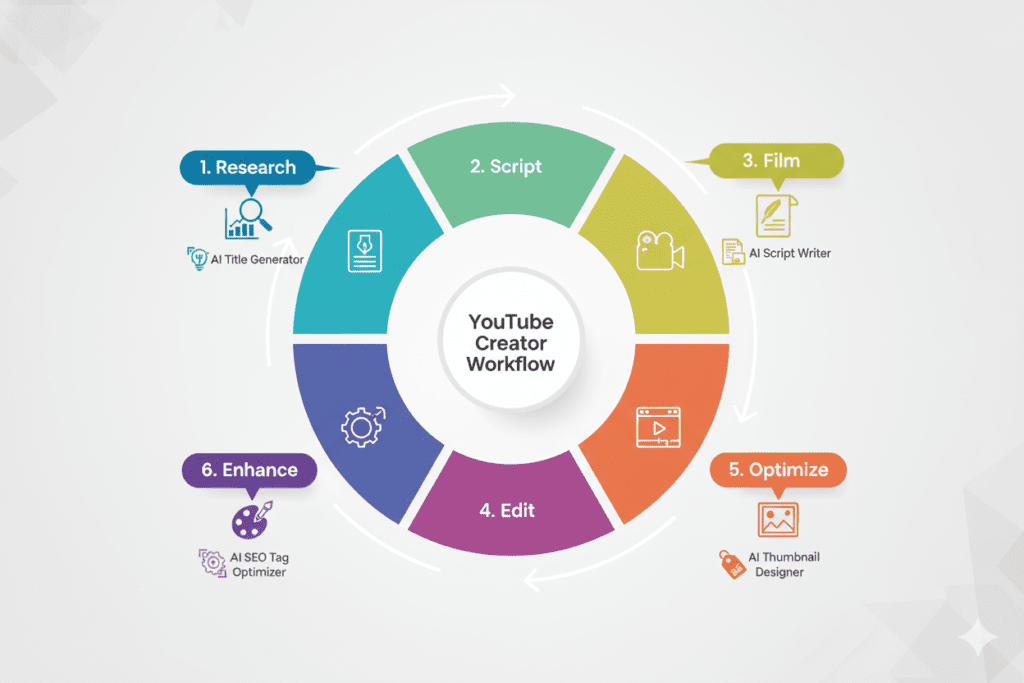
How to Build Your Free AI Creator Toolkit in 7 Steps
Here’s a practical, step-by-step system for putting these free AI tools for content creators to work — starting this week.
Step 1: Pick Your Niche Keyword (Google Trends + VidIQ) Start with Google Trends filtered for YouTube search. Find a topic gaining momentum in your niche. Cross-reference it in VidIQ to validate search volume and competition level.
Step 2: Generate Your Script (ytZolo + ChatGPT) Enter your validated topic into ytZolo to get a YouTube-optimized script outline. Use ChatGPT to expand specific sections or brainstorm alternative angles. Add your personal stories and opinions before filming.
Step 3: Film Using Your Hook First Your first 30 seconds are everything. Script your hook specifically — a bold statement, a surprising question, or a compelling story. Film your video using the structure ytZolo generated.
Step 4: Edit With AI (CapCut or Descript) Use CapCut for mobile-first editing or Descript for transcript-based editing. Remove dead air, tighten pacing, and add captions. Keep your total editing time under two hours by letting AI handle the heavy lifting.
Step 5: Optimize Your Full Video Package (ytZolo) Open ytZolo and generate your complete video package: title, description, tags, and thumbnail. Review them as a unified set — not individual elements. Adjust your title if the thumbnail visual tells a slightly different story.
Step 6: Enhance Audio (Adobe Podcast) Before uploading, run your audio through Adobe Podcast Enhance. Free, fast, and the improvement is dramatic. This single step can meaningfully improve your average view duration.
Step 7: Schedule and Repurpose (YouTube Studio + Opus Clip) Schedule your video to go live at your channel’s peak traffic time. Export three Shorts using Opus Clip — each with its own optimized title and description. Schedule those Shorts for the days following your main upload.
Repeat this system every week for 90 days. Track your CTR, watch time, and subscriber growth. Adjust based on what the data tells you.
8. Why Manual Methods Are Officially Outdated
Let’s address the elephant in the room.
Some creators still spend two hours researching keywords manually. Three hours writing scripts from scratch. Forty-five agonizing minutes designing a thumbnail they’re only 60% happy with.
And then they wonder why creators who launched their channels six months later are already ahead of them.
Manual methods are not wrong. They’re just slow. And in a game where consistency and volume are competitive advantages, slow is expensive.
Why creators struggle without AI:
- They run out of content ideas and miss weeks of uploads
- They publish videos with weak titles that never get discovered
- Their thumbnails don’t convert and the algorithm stops pushing their content
- They burn out from doing everything themselves and quit before gaining traction
Why free AI tools for content creators change this:
- Idea generation goes from hours to minutes
- SEO-optimized titles are generated in seconds
- Thumbnails are built on performance data, not gut feeling
- The entire workflow becomes systematic and repeatable
According to YouTube’s Creator Academy, custom thumbnails and strong metadata are among the most consistent factors in video discoverability. That’s not guesswork — that’s platform guidance. And AI tools are the fastest way to execute on that guidance at scale.
The goal isn’t to use AI to create inhuman volume. It’s to use AI to execute your strategy well — consistently.
Frequently Asked Questions
What are the best free AI tools for content creators?
The best free AI tools depend on the task. ChatGPT and Claude can help with brainstorming and drafting, Canva can help with visual design, CapCut supports video editing, Google Trends helps explore search interest, and Adobe Podcast Enhance can improve spoken-audio clarity. Check each tool’s current free-plan limits before relying on it for regular production.
Can I create YouTube videos using free AI tools?
Yes. You can combine free or free-tier tools for topic research, scripting, editing, thumbnails, captions, audio cleanup, and metadata preparation. You will still need to review the results, check facts, follow copyright rules, and make sure the finished video provides value to viewers.
Are free AI tools completely free?
Not always. Some tools offer free access with usage limits, while others provide a trial or restrict advanced features to paid plans. Check whether the free version includes exports, commercial-use rights, watermarks, and the amount of usage you need.
Which AI tools are useful for YouTube SEO?
Google Trends can help explore topic interest, while tools such as vidIQ and TubeBuddy provide YouTube research and optimization features. AI writing tools can help draft titles and descriptions. Review suggestions manually, and do not assume that adding more tags or using AI automatically improves rankings.
Should content creators use one AI tool or several?
Start with the tools that address your biggest workflow problems. A creator who mainly needs editing may require a different toolkit from someone who struggles with scripting or audio cleanup. Add another tool only when it provides a clear benefit and fits your budget.
Conclusion: Your AI Toolkit Is Ready. Now Use It.
You’ve just discovered the most powerful free AI tools for content creators available in 2026 — across writing, video editing, thumbnails, SEO, audio, analytics, and workflow.
The opportunity in front of you is real and it’s time-sensitive.
Every day you spend grinding through manual workflows is a day a competitor using AI gets further ahead. The creators winning on YouTube right now aren’t necessarily the most talented — they’re the most optimized. They use AI to create better content, faster, more consistently than anyone working alone could manage.
The free tools are here. The strategy is clear. The only variable left is you.
Start with ytZolo. Get your titles, tags, and descriptions right from day one. Layer in the other tools as your workflow develops. Build a system, stick to it for 90 days, and watch what happens to your numbers.
Your next viral video is closer than you think — it just needs the right optimization to unlock it.
Start creating smarter, faster, and more viral YouTube content with ytZolo today.
And for a deeper dive into every topic in this guide — from AI scripting to thumbnail psychology to YouTube SEO mastery — explore the ytZolo Blog. It’s the free resource library every serious creator should bookmark.
External Resources:
- YouTube Creator Academy — Official creator growth guidance from YouTube
- YouTube Official Blog — Made on YouTube 2025 — Platform’s latest AI creator tools announcement
- HubSpot: AI Tools for Content Marketing — Broader AI content strategy for creators and marketers


Pingback: YouTube AI Thumbnail: Create Click-Worthy Visuals Fast (2026)
Pingback: Best YouTube Thumbnail Generator 2026 | Boost CTR Fast
Pingback: Best YouTube Shorts Thumbnail Generator – AI Tools 2026
Pingback: Free YouTube Thumbnail Maker AI: Best Tools in 2026
Hurrah, that’s what I was exploring for, what a stuff! existing
here at this weblog, thanks admin of this web site.
Pingback: 7 Proven YouTube Policy on AI Generated Content Shorts Tips