
A YouTube thumbnail helps viewers understand what a video offers before deciding whether to watch it.
Following YouTube Creator Academy thumbnail best practices: high contrast, text, and faces can make your thumbnail clearer and easier to recognize, especially on small screens.
However, a thumbnail alone cannot guarantee more views. Your topic, title, audience interest, and video content also influence performance.
In this guide, you’ll learn how to apply YouTube thumbnail best practices, choose contrasting colors, decide when to use text or faces, and test different thumbnail designs using YouTube Studio.
Tools like ytZolo can also help you explore thumbnail ideas and create designs that match your video’s topic and intended audience.
Table of Contents
1. Why Thumbnails Are Your #1 Growth Lever
Most creators obsess over video quality, editing, and SEO tags. Those things matter — but none of them matter if no one clicks.
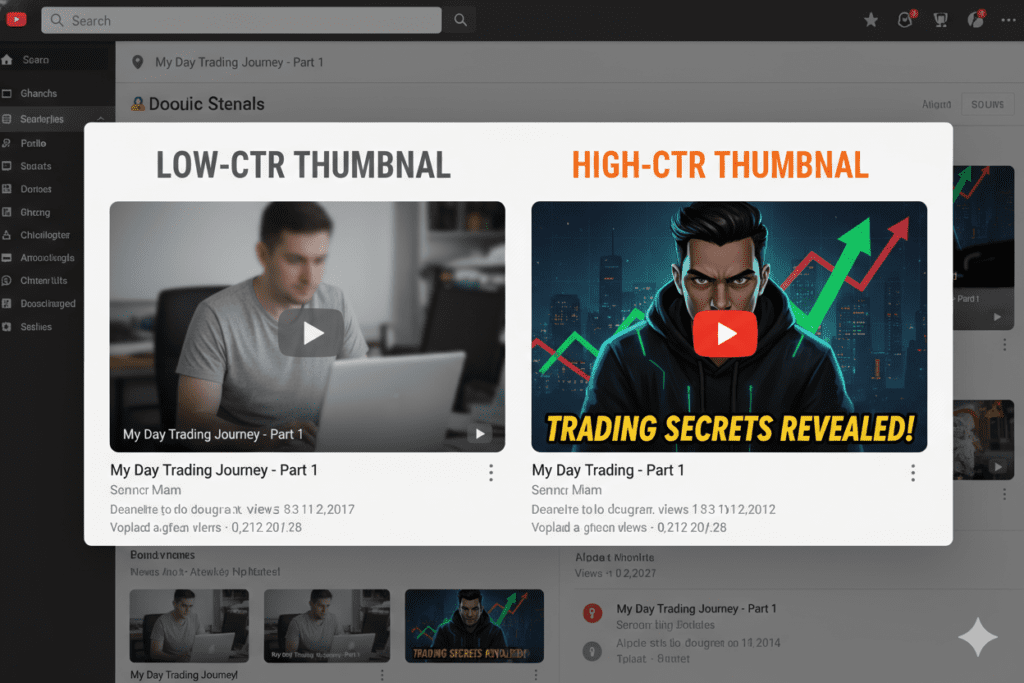
Your thumbnail is the first visual impression your video makes. It’s your ad, your billboard, and your sales pitch — all in one tiny image.
Think about how you browse YouTube. You scroll quickly. Something catches your eye. You click.
That split-second decision is driven almost entirely by the thumbnail. Following YouTube Creator Academy thumbnail best practices high contrast text faces, a high-contrast thumbnail with expressive faces and bold, readable text can be the difference between 200 views and 200,000.
Following YouTube Creator Academy thumbnail best practices isn’t optional anymore — it’s survival.
2. What YouTube Creator Academy Says About Thumbnails
YouTube’s official Creator Academy is crystal clear on this. Their guidance emphasizes a few core principles that every creator must follow.
The key official recommendations include:
- Use custom thumbnails — always, without exception
- Make text easy to read — short, bold, clear
- Show emotions that resonate with casual viewers — like a shocked or surprised face
- Apply the “rule of thirds” for composition
- Don’t overcrowd the design — simplicity wins
- Keep branding consistent across all your videos
According to the YouTube Creator Academy, consistent branding helps viewers instantly recognize your content — even on tiny mobile screens. This trust factor builds over time and compounds your growth.
And here’s the stat that changes everything: 90% of YouTube’s top-performing videos have custom thumbnails. Not generic auto-generated frames — custom, intentionally designed thumbnails.
For current technical requirements and thumbnail testing instructions, consult YouTube’s official thumbnail help page.
The algorithm rewards clicks. And clicks come from thumbnails that follow these YouTube Creator Academy thumbnail best practices: high contrast, legible text, and real human faces.
3. The Power of High Contrast in YouTube Thumbnails
Contrast allows the viewer to separate the main subject from the background. It becomes difficult to make out what is important when elements blend together.
Examine the two thumbnails for a video about audio editing. The first has light-colored text on a light background and a few small icons that fight for dominance. The second features a dark background, a prominent waveform, and a contrasting label.
The second option stands out as the subject is easy to make out.
Here are some ways to create contrast:
- Pick one subject.
- Use a background that makes the subject stand out.
- Ensure that the text is easily readable.
- Eliminate colors and elements that do not serve a purpose.
- Make the image preview smaller.
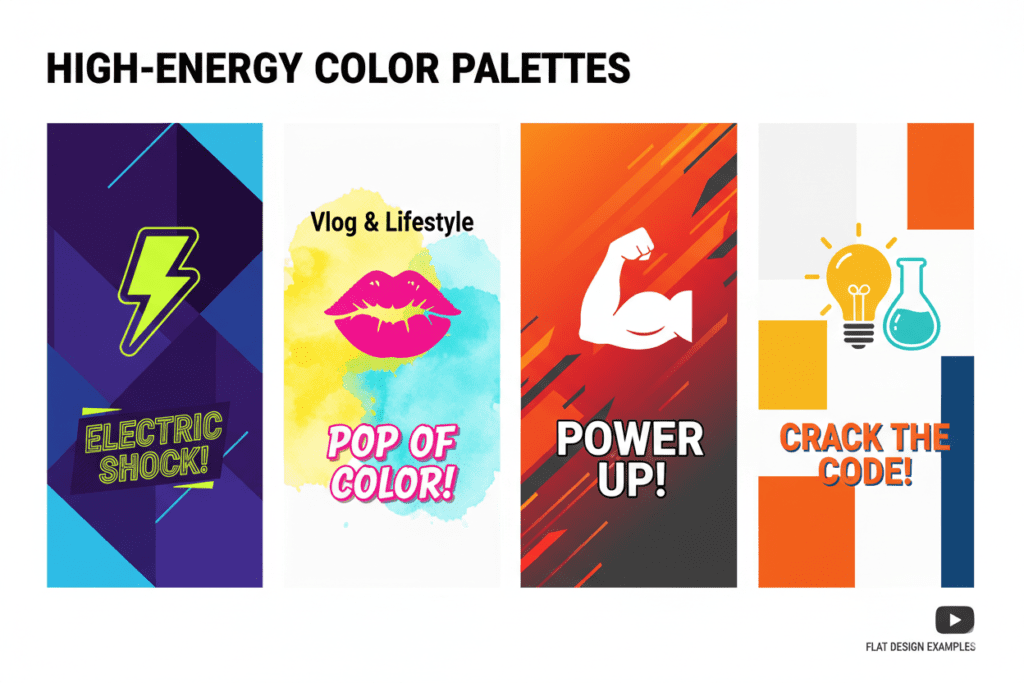
Blue and orange, black and yellow, or white on a dark background are a few examples. It should be apparent what the main subject is in the image.
Though increasing the odds of the image being clicked on is important, there is no magic formula.
At ytZolo, the AI thumbnail strategy tools analyze your niche and suggest color palettes proven to generate higher CTRs. No guesswork needed.
4. Mastering High Contrast Text for Maximum Readability
Thumbnail text should say something about the video’s overall message while also not overcrowding the image.
Three or four words would probably be a good start, but there’s no hard limit. You may want to remove text from a thumbnail you’re designing if it’s clear what the image is about based on what it shows.
Examples:
- Video title: How to Remove Background Noise From a Podcast
- Thumbnail text: CLEANER AUDIO
That way, you’re not just reiterating the whole title of the video in the thumbnail.
Some ways to make text on a thumbnail easier to read:
Make sure you use a font that is not too small. Use contrasting colors for the text and background or try putting the text on top of an outlined box. Try to make the text in the thumbnail stand out more than the rest of the image.
Don’t put text over the main subject of the photo or video you’re putting the text on top of. Preview how the image would look on a smaller screen before uploading and publishing the thumbnail.
While putting white text with a black outside border around it is sometimes a good approach, it doesn’t always work depending on the image you’re putting it on. As long as you’re able to clearly see the text you’ve added, it should be fine.
You shouldn’t be using the same text in your thumbnail and title. The two should say different things that go together.
ytZolo’s AI title generator pairs perfectly with thumbnail strategy — it helps you craft titles and thumbnail text combinations that work together to create curiosity gaps that click-bait without being click-bait.
5. Why Faces Dominate High-Performing Thumbnails
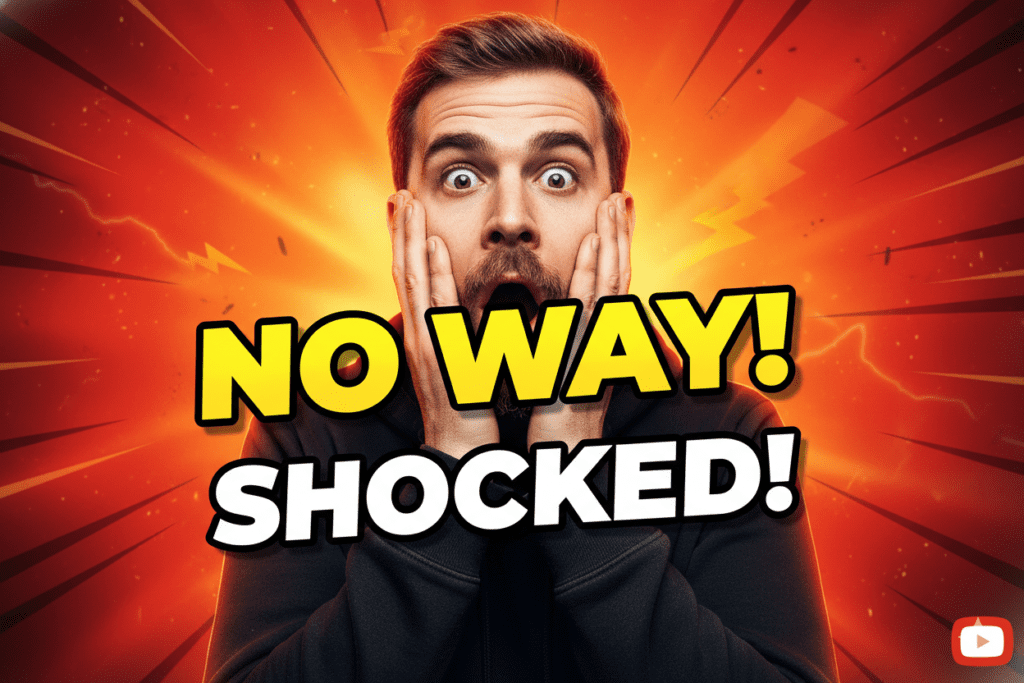
Faces can be used to identify a creator, convey an emotion or recognize a thumbnail. Faces can be helpful on interviews, reactions, personal vlogs and opinion videos.
On the other hand, a face is not mandatory in a thumbnail.
A software tutorial, for example, can have a still image of the software interface as the thumbnail. A cooking tutorial would have the dish prepared as the thumbnail. An educational video would have an illustration or image relevant to the topic.
In general, ask yourself if the person is relevant to the video’s subject, if their facial expression helps to convey the message, if the person is recognizable in a small thumbnail size, and if an object, scene or screenshot can help the understanding of the video.
Avoid overacting on thumbnails as it suggests that the video is exaggerated or fake.
The percentage of how much a face affects the clik-through rate is not certain, as there are many variables to consider. It can vary on the target audience and video’s topic, among other factors.
6. The YouTube Creator Academy Thumbnail Checklist
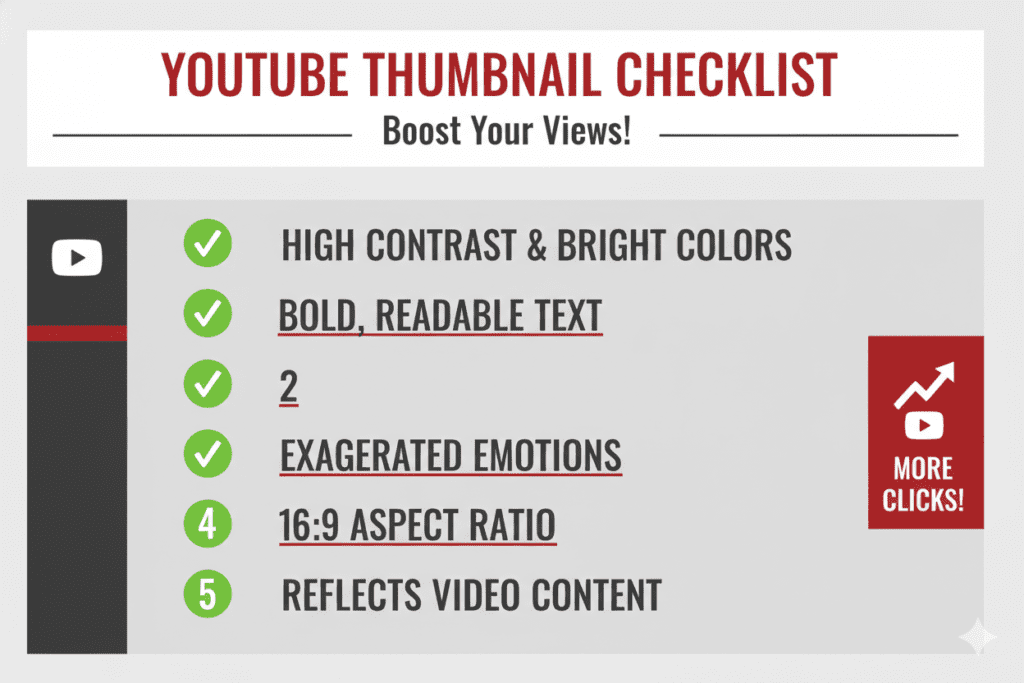
Use this checklist before publishing a YouTube thumbnail.
Technical checks
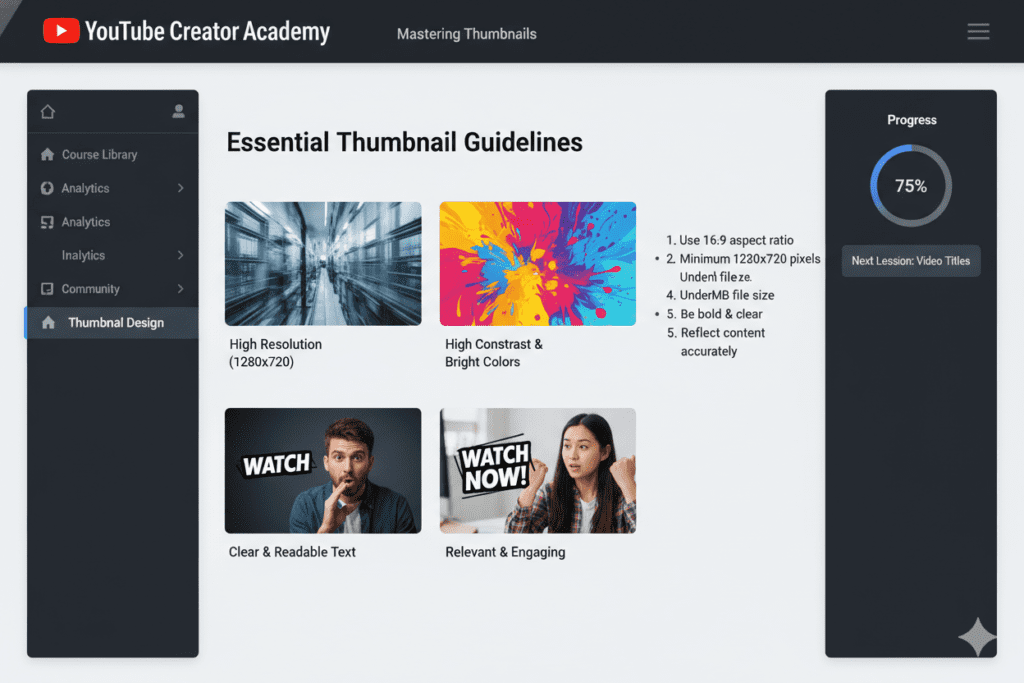
- Use a 16:9 aspect ratio.
- Prepare a high-resolution image. YouTube recommends 1280 × 720 pixels for custom thumbnails.
- Check the current file-size and format requirements in YouTube Help.
- Keep important details clear of the video-duration overlay.
Design checks
- Make the main subject easy to identify.
- Separate the subject from the background.
- Remove unnecessary decorative elements.
- Use text only when it adds useful context.
- Check readability at a small size.
Accuracy checks
- Make sure the thumbnail represents the actual video.
- Ensure the title and thumbnail complement each other.
- Avoid misleading expressions, images or promises.
- Compare alternative designs when thumbnail testing is available.
Final test: Reduce the image to a small preview. Can you still identify the subject and understand the main idea? If not, simplify the design.
For a deeper breakdown of how to create high-performing thumbnails using AI tools, explore this guide on the best AI YouTube thumbnail generator for 2026 to optimize your workflow and boost video clicks.
7. Common Thumbnail Mistakes That Kill Your CTR
A low click-through rate should not automatically be associated with a badly designed thumbnail. One must understand that CTR depends on many factors such as the audience, traffic source and the degree of broadness shown by YouTube.
Rather than focusing on a particular percentage value, it is better to focus on certain aspects which could have affected the score:
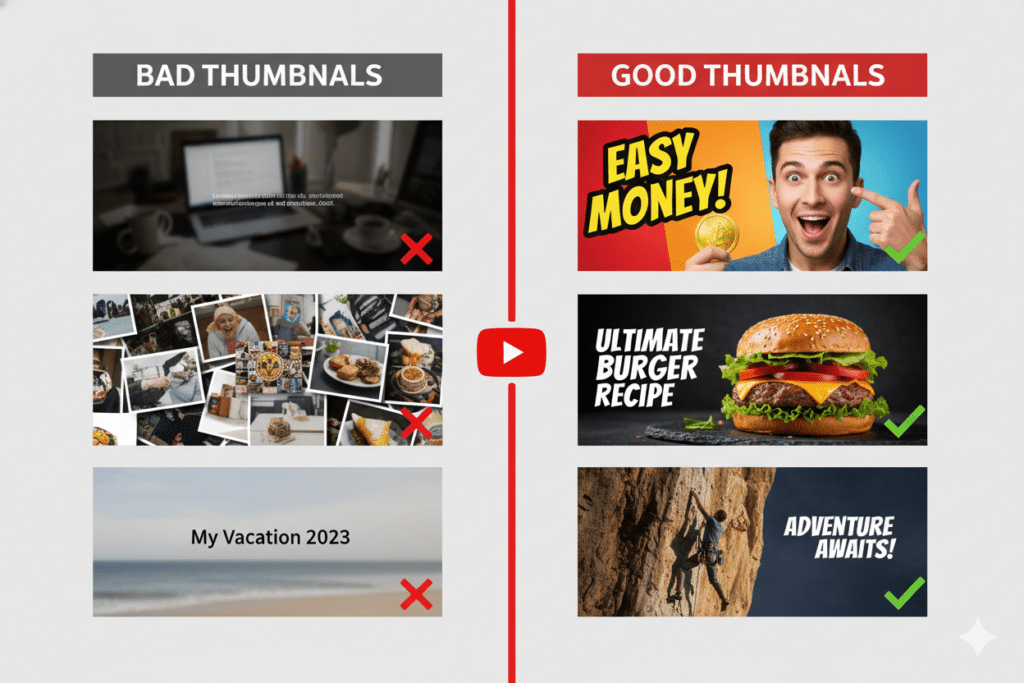
Mistake 1: Too much text
Descriptive text comprising of long sentences tends to be unattractive when shrunk into a small thumbnail.
Fix: Always remember to keep your text concise
Mistake 2: Poor contrast
Use of similar colors for background and subject makes the thumbnail look unappealing.
Fix: Make use of contrasting colors for backgrounds and subjects
Mistake 3: Too many elements
Incorporating multiple objects, words, icons, etc., makes it difficult to identify the main subject of the thumbnail.
Fix: Minimize the elements used and ensure that there is a dominant focus.
Mistake 4: Unattractive Picture
Selecting a random picture from the video might result in an image which fails to deliver an appropriate message.
Fix: Always ensure that the image chosen is relevant and not unclear.
Mistake 5: Inappropriate Expression
Although dramatic expressions on faces tend to be more engaging, they might also convey misleading information about the video.
Fix: Choose an expression that is appropriate to the subject, or replace the face with an object or scene.
Mistake 6: Misleading Promise
The thumbnail might make a promise which is not fulfilled by the video.
Fix: Always ensure that the video, along with the title and thumbnail, conveys the same message.
The suggested fixes might help you improve the score, but always analyze your data to identify the factors that might be affecting your CTR.
8. How to Test and Improve Your Thumbnails With Data
Design principles are a good start, but it’s your own audience’s behavior that will help you choose between competing thumbnails.
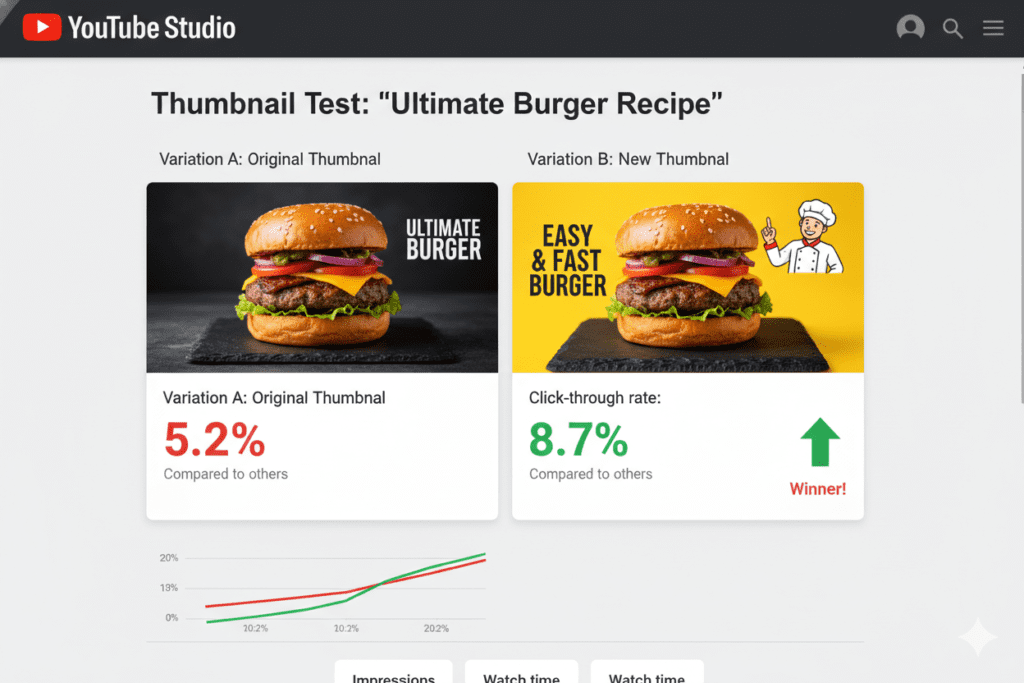
YouTube Studio lets you run a Test & Compare for eligible videos. In this feature, creators can compare up to three thumbnail variations against each other.
YouTube takes into account watch-time share rather than pure CTR in determining which thumbnail variation is the most successful. Testing can take several days or up to two weeks.
How to test your thumbnails
- On a computer, go to YouTube Studio .
- Select an eligible video.
- In the thumbnail gallery, click Test & Compare .
- Upload up to three thumbnail variations.
- Once the test is live, click View results when results are available.
What should you test?
Make meaningful comparisons by testing variations of the same thumbnail, such as:
- With text vs. without text
- Tight shot vs. full shot
- Face-based vs. object-based
- Two different compositions that highlight different elements in the same video
What should you measure?
Watch this video to learn how to analyze impressions, impressions click-through rate, and watch time and audience retention in conjunction with each other.
A higher CTR doesn’t always indicate a higher watch time if viewers are clicking on a thumbnail that doesn’t meet their expectations.
If there isn’t an obvious winning thumbnail, the variations may not be significantly different, or the test may not have enough data to determine a winner. In this case, try another variation or continue to watch the test.
ytZolo helps you understand what’s working across your niche, giving you competitive data that goes beyond your own channel. Check out the ytZolo blog for deep dives on using AI-driven insights to optimize thumbnails and titles together.
9. How ytZolo Helps You Win With YouTube Creator Academy Thumbnail Best Practices
Creators often have to come up with video ideas, titles and thumbnails as part of one and the same publishing workflow.
An AI-assisted approach can be helpful for coming up with ideas, but each suggestion still requires human approval. In particular:
The creator has to define the question to be answered in the video, come up with a few title variations, select the thumbnail that best conveys the idea of the video, study other thumbnail options, and make sure that the resulting design is comprehensible and correctly reflects the contents of the video.
ytZolo offers tools for creating YouTube videos, including thumbnail preparation and title creation. These tools can be used to prepare your own ideas and assets as part of the available functionality.
Therefore, it is important to understand that AI tools only give you food for thought: you should always make sure that the result is correct and corresponds to the video.
The tool is therefore ideal for creators who need to prepare ideas and assets as part of the publishing workflow, but do not have the time or resources to do this themselves.
However, do not forget that AI tools only give you food for thought: you should always make sure that the result is correct and corresponds to the video.
For example, understanding YouTube video title length best practices in 2026 is just as important as thumbnail design because both directly influence click-through rate and search visibility.
ytZolo replaces the guesswork with intelligence. And it gives smaller creators the same strategic edge that big channels with full teams already have.
11. FAQ: YouTube Creator Academy Thumbnail Best Practices
Q1. What are the best practices for high-contrast YouTube thumbnails?
Make the main subject easy to distinguish from the background. Use readable text when necessary and remove decorative elements that compete with the message. No particular color combination guarantees a higher CTR.
Q2. How many words should a YouTube thumbnail have?
There is no universal word limit. Three to five words can be a useful starting point, but some thumbnails communicate the subject better without text.
Q3. Do faces improve YouTube thumbnail performance?
Faces can help when a person or expression is central to the video. They are not necessary for every topic, and their effect on CTR varies by audience and design.
Q4. What thumbnail size does YouTube recommend?
YouTube recommends a 16:9 aspect ratio and 1280 × 720 pixels for custom thumbnails. Check YouTube Help for the latest technical requirements.
Q5. How can I test YouTube thumbnails?
Eligible creators can use YouTube Studio’s Test & Compare feature to test up to three thumbnail variations. YouTube uses watch-time share to evaluate the results.
Q6. Should every thumbnail use bold text and bright colors?
No. Bold text and bright colors can work well in some designs, but the best approach depends on the video’s subject, audience and visual style.
12. Conclusion: Stop Leaving Views on the Table
An effective YouTube thumbnail makes the video’s subject clear, supports the title and gives viewers an accurate idea of what they will watch.
Start with one strong visual, use contrast to draw attention to your most important elements, and add text only where it makes sense to support the copy. Always test your thumbnail at a reduced size before publishing your video.
Once your video is live, analyze your click-through rate (CTR) in relation to your impressions, watch time, and audience retention. If available, use YouTube Studio’s Test & Compare tool to examine variations of your thumbnail.
No combination of colors, words or facial expressions guarantees success. Apply sound design principles, represent the video accurately and use your audience’s response to guide future improvements.
Start creating smarter, faster, and more viral YouTube content with ytZolo today.
For more creator tips, thumbnail strategies, and YouTube growth breakdowns, visit the ytZolo blog.

