
Table of Contents
What is the best YouTube thumbnail creator AI without watermark? A YouTube thumbnail creator AI without watermark is an AI-powered tool that generates professional, click-worthy thumbnails for YouTube videos — and lets you download them in full HD with zero watermarks, completely ready to publish. The best option for creators in 2026 is ytZolo — an all-in-one AI YouTube growth platform that creates clean, watermark-free thumbnails alongside AI titles, scripts, descriptions, and tags. No design skills needed. No ugly logos ruining your image.
The Watermark Problem That’s Quietly Destroying Your Brand
Picture this. You spend two hours filming a video. You edit it perfectly. You fire up a free AI thumbnail tool, generate something that actually looks great — and then you hit download.
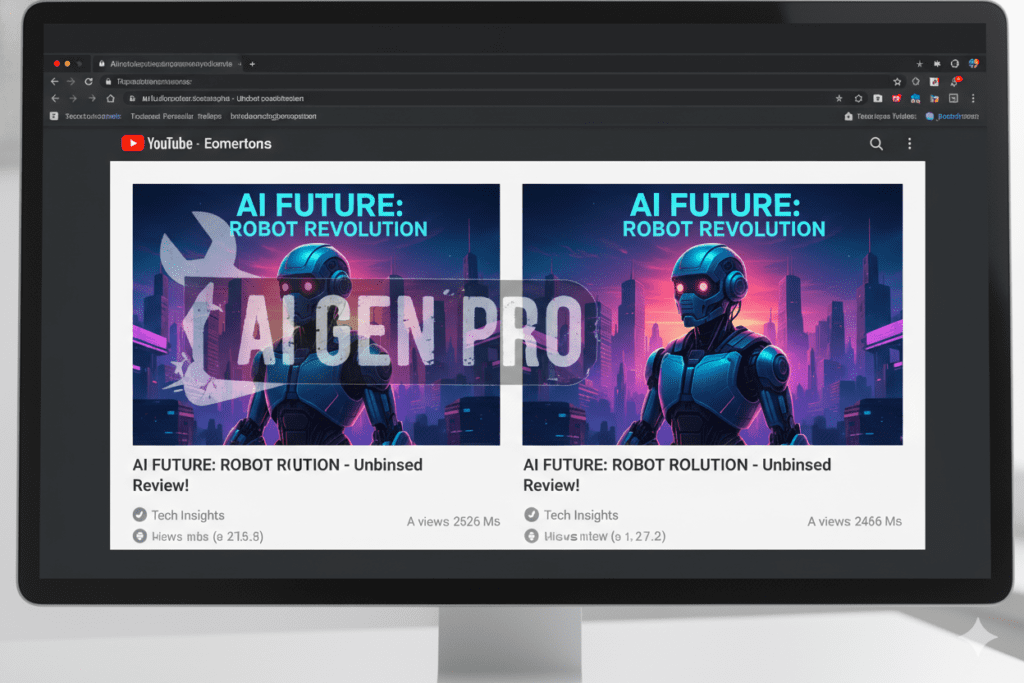
And there it is. A big, ugly watermark slapped right across your thumbnail.
Sometimes it’s in the corner. Sometimes it’s right in the middle. Either way, it screams one thing to every viewer scrolling past your video: amateur hour.
This happens to thousands of creators every single day. They find a youtube thumbnail creator ai without watermark, discover it’s not actually watermark-free unless they pay, and end up uploading something embarrassing — or spending money on yet another tool that only half-solves the problem.
Here’s the thing. Your thumbnail is the single most important visual asset your channel has. It’s the first thing anyone sees. Before your title. Before your description. Before a single second of your video plays. A watermark doesn’t just look bad — it actively kills your credibility and your click-through rate.
The good news? Tools like ytZolo have completely solved this problem. And in this guide, you’ll learn exactly how to get professional, watermark-free AI thumbnails that actually get clicks.
What Is a YouTube Thumbnail Creator AI Without Watermark?
A YouTube thumbnail creator AI without watermark is an AI-powered design tool that generates scroll-stopping thumbnails for YouTube — and delivers them clean, with no brand logos, tool badges, or promotional overlays on your final image.
These tools use machine learning and computer vision to:
- Understand your video’s topic and niche
- Generate high-CTR visual compositions automatically
- Apply proven design principles like emotional faces, bold text, and strong contrast
- Output a full-resolution, publish-ready thumbnail at 1280×720px
- Let you download it immediately — with zero watermarks
The “without watermark” part matters more than most creators realize. A thumbnail with a tool’s branding on it doesn’t just look unprofessional. It signals to viewers (consciously or not) that your content isn’t polished. In a platform where viewers make click decisions in under three seconds, that signal can cost you hundreds or thousands of views per video.
The best youtube thumbnail creator ai without watermark tools in 2026 go even further. They’re not just image generators. They’re part of a full creator workflow — and the smartest among them, like ytZolo, integrate thumbnail creation with AI-powered titles, scripts, and channel SEO.
Why Watermarks on Thumbnails Hurt Your YouTube Growth
You might think a small watermark in the corner isn’t a big deal. You’d be wrong. Here’s exactly why it matters:
1. It Destroys First Impressions Instantly
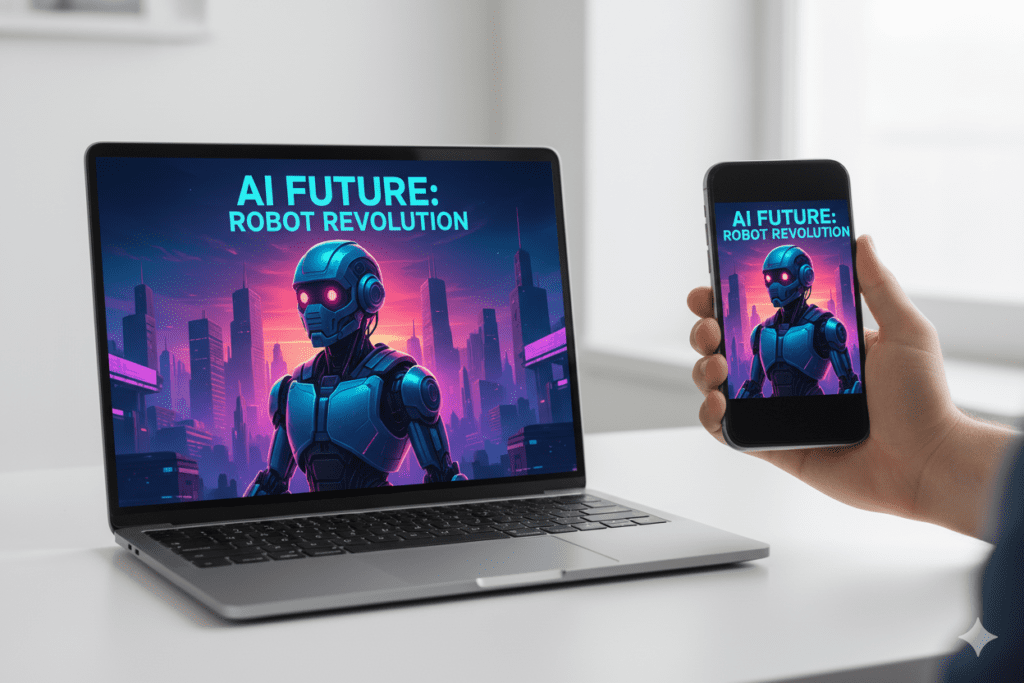
Your thumbnail appears in YouTube’s search results, home feed, and suggested videos — often at very small sizes. A watermark that seems subtle on a large screen becomes a glaring distraction on mobile, where over 70% of YouTube views happen.
Viewers process images in milliseconds. Any visual noise — including a tool’s logo — takes attention away from your actual message.
2. It Screams “Free Tool User” to Sophisticated Viewers
The YouTube audience has become visually sophisticated. Subscribers of growing channels notice quality. A watermarked thumbnail signals that you’re using the free tier of a tool — and that you didn’t invest in your own content.
That’s not the impression you want your channel building.
3. It Undermines Your Brand Consistency
Branding consistency is one of the biggest growth levers on YouTube. Viewers recognize channels they love by their visual style. A watermark from a third-party tool breaks that visual consistency completely.
According to research, custom thumbnails can increase CTR by 30–40% compared to auto-generated ones. That uplift disappears quickly when your thumbnails look amateur.
4. It Limits What You Can Do Commercially
If you run a monetized channel, use YouTube for business, or partner with brands — watermarked content creates problems. It looks unprofessional in media kits. It undermines sponsor trust. And it can complicate licensing if you ever use thumbnail assets in promotional materials.
The solution is simple: use a proper youtube thumbnail creator ai without watermark from day one.
What to Look for in a YouTube Thumbnail Creator AI Without Watermark
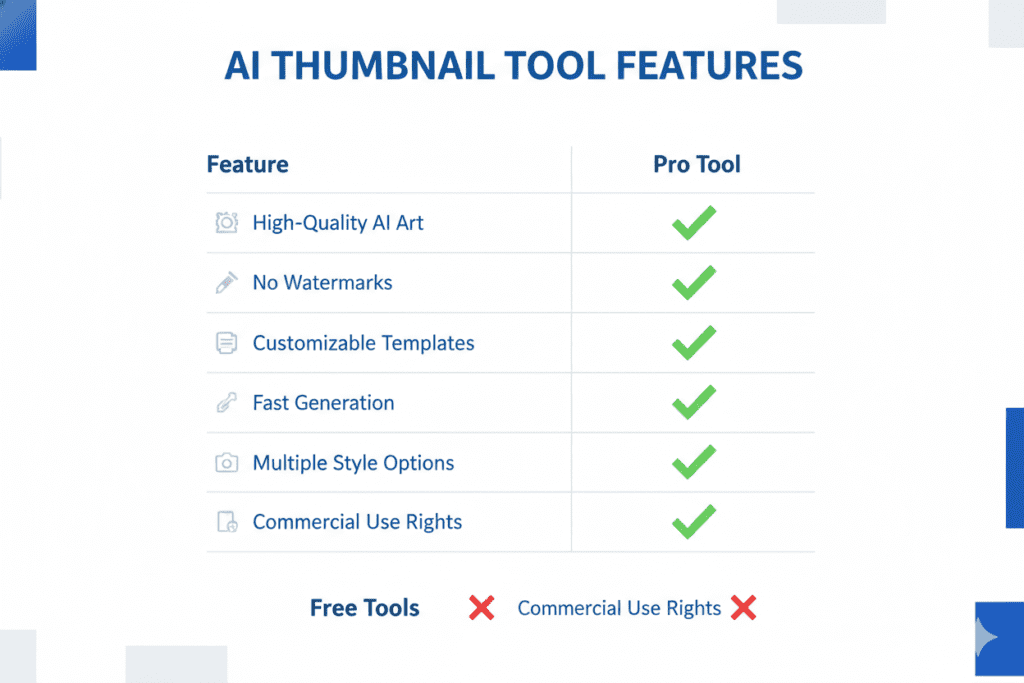
Not every tool that claims “no watermark” delivers on that promise. Before choosing a youtube thumbnail creator ai without watermark, make sure it checks these boxes:
- Truly watermark-free downloads — Not just on paid plans. Confirm before you commit.
- Full HD export (1280×720px) — YouTube’s recommended thumbnail resolution. Anything lower looks blurry.
- YouTube-specific AI training — Generic image generators don’t understand YouTube CTR patterns. You need a tool built for YouTube.
- Mobile optimization — Your thumbnail must be legible on a 5-inch screen. Most viewers are on mobile.
- Multiple variations — The best AI tools generate 3–5 options so you can A/B test and find the winner.
- Expressive face support — Thumbnails with emotional human faces increase CTR by 20–30%. Your tool should handle this well.
- Fast generation — You shouldn’t wait more than 60 seconds for a professional result.
- Integration with your full workflow — Bonus points if the same platform helps with titles, tags, and descriptions.
That last point is where most tools fall short. They solve one piece of the puzzle. You still need separate apps for your title, script, description, and SEO. That’s a fragmented, time-wasting workflow.
ytZolo is the rare tool that handles all of it in one place — cleanly, without watermarks, and without the chaos of juggling five different subscriptions.
Top YouTube Thumbnail Creator AI Without Watermark Tools in 2026
Let’s be honest about the landscape. There are a lot of tools out there. Here’s a quick breakdown of the main players — and their real limitations.
Canva (Free Plan)
Canva is the most popular design tool for creators. But its free plan includes watermarks on AI-generated exports, and its AI thumbnail tools are template-based — not YouTube CTR-optimized.
You still need to know what works. Canva won’t tell you.
Fotor
Fotor’s free plan also adds watermarks to exports — a dealbreaker for professional use. The paid plan removes them, but you’re still using a generic photo editor, not a YouTube-specific growth tool.
Fliki
Fliki offers a clean, no-watermark experience on its free tier — and it’s a solid tool for quick thumbnails. But it’s not deeply trained on YouTube CTR data, and it doesn’t connect thumbnail creation to your titles, scripts, or SEO strategy.
Pixelbin
Pixelbin offers genuinely watermark-free downloads without even requiring a login. It’s fast and simple. But it lacks YouTube-specific optimization and offers zero support for the rest of your content workflow.
Adobe Express
Adobe Express is excellent if you’re already in the Adobe ecosystem. The AI features (powered by Adobe Firefly) are commercially safe and watermark-free. But it’s expensive if you don’t already pay for Creative Cloud, and it’s a design tool — not a YouTube growth platform.
vidIQ
vidIQ’s AI thumbnail tool is convenient if you already use it for keyword research. But its thumbnail quality lags behind dedicated tools, and it offers very limited creative customization.
The Clear Winner: ytZolo
None of these tools solve the real problem. The real problem isn’t just watermarks. It’s that creators need a complete YouTube growth system — not a patchwork of tools that each do one thing.
That’s exactly what ytZolo delivers.
Why ytZolo Is the Best YouTube Thumbnail Creator AI Without Watermark
Let’s talk about what makes ytZolo genuinely different from every other youtube thumbnail creator ai without watermark you’ll find in 2026.
Clean, Professional Thumbnails — Every Time
ytZolo’s AI generates thumbnails specifically trained on YouTube’s highest-performing content. It understands what drives clicks in your niche — not just what looks good on a generic image generator.
You get multiple thumbnail variations, all delivered in full HD, all completely watermark-free. Every. Single. Time.
No more scrambling to find a free tool that keeps its promises. No more uploading something embarrassing because the “free” option slapped its logo on your image.
Built for Viral Content From the Ground Up
ytZolo isn’t a design tool that also does YouTube. It’s a YouTube growth tool that also does design — and that distinction matters enormously.
Every thumbnail ytZolo generates is designed around one goal: getting the click. Color psychology, text placement, emotional expression guidance, mobile readability — all baked into every output.
It Doesn’t Stop at Thumbnails
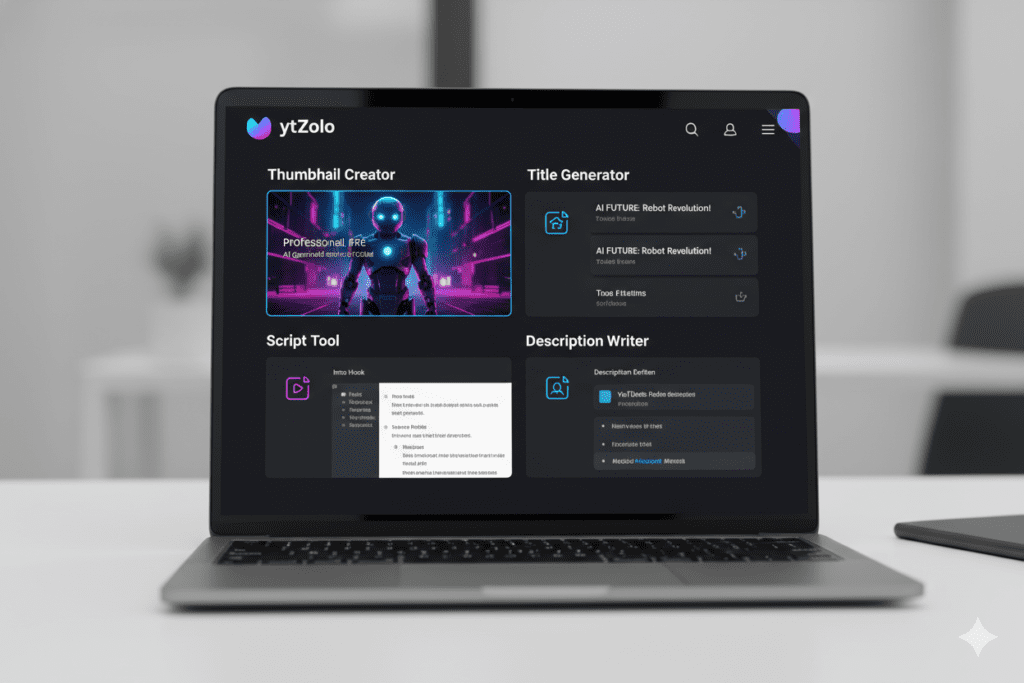
This is the game-changing part. ytZolo is a full-stack AI YouTube growth platform that handles your entire content creation workflow:
- 🎯 AI Thumbnail Creator — Watermark-free, CTR-optimized, YouTube-trained thumbnails
- 📝 AI Title Generator — Data-backed titles that rank in search and get clicked in feeds
- 🎬 AI Script Writer — Structured video scripts that hook viewers and hold retention
- 📋 AI Description Generator — SEO-optimized descriptions that boost discoverability
- 🏷️ AI Tag Suggester — Smart, niche-relevant tags that help the algorithm understand your content
- 📈 Viral Trend Intelligence — Real-time insights on what’s performing in your niche right now
Think about what this means for your workflow. Instead of paying for a thumbnail tool, a title generator, a script writer, and a keyword research tool separately — you get all of it in one dashboard, with one login, at a fraction of the combined cost.
That’s not just convenience. That’s a serious competitive advantage.
Check out the ytZolo blog for creator case studies, tutorials, and deep-dives on getting maximum results from every feature.
Why ytZolo Beats Every Other Tool
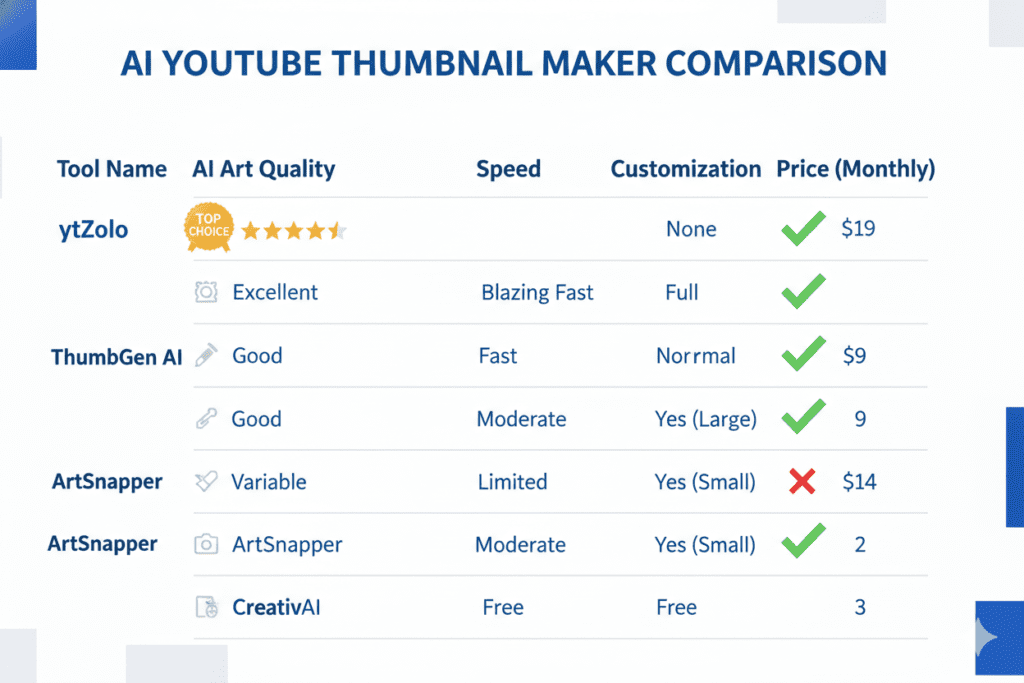
Let’s put it all on the table. Here’s how ytZolo compares head-to-head with the competition:
| Feature | ytZolo | Canva | Fotor | Fliki | vidIQ |
|---|---|---|---|---|---|
| Watermark-Free Downloads | ✅ Yes | ❌ Free plan only | ❌ Paid only | ✅ Yes | ✅ Yes |
| YouTube-Specific AI Training | ✅ Yes | ❌ No | ❌ No | ❌ Partial | ✅ Partial |
| AI Title Generator | ✅ Yes | ❌ No | ❌ No | ❌ No | ✅ Yes |
| AI Script Writer | ✅ Yes | ❌ No | ❌ No | ✅ Yes | ❌ No |
| AI Descriptions + Tags | ✅ Yes | ❌ No | ❌ No | ❌ No | ✅ Partial |
| All-in-One Workflow | ✅ Yes | ❌ No | ❌ No | ❌ No | ❌ No |
| Viral Trend Intelligence | ✅ Yes | ❌ No | ❌ No | ❌ No | ✅ Partial |
| Built for YouTube Growth | ✅ Yes | ❌ No | ❌ No | ❌ No | ✅ Yes |
Why Creators Struggle Without a Unified AI Tool
Here’s what most creators don’t realize until it’s too late.
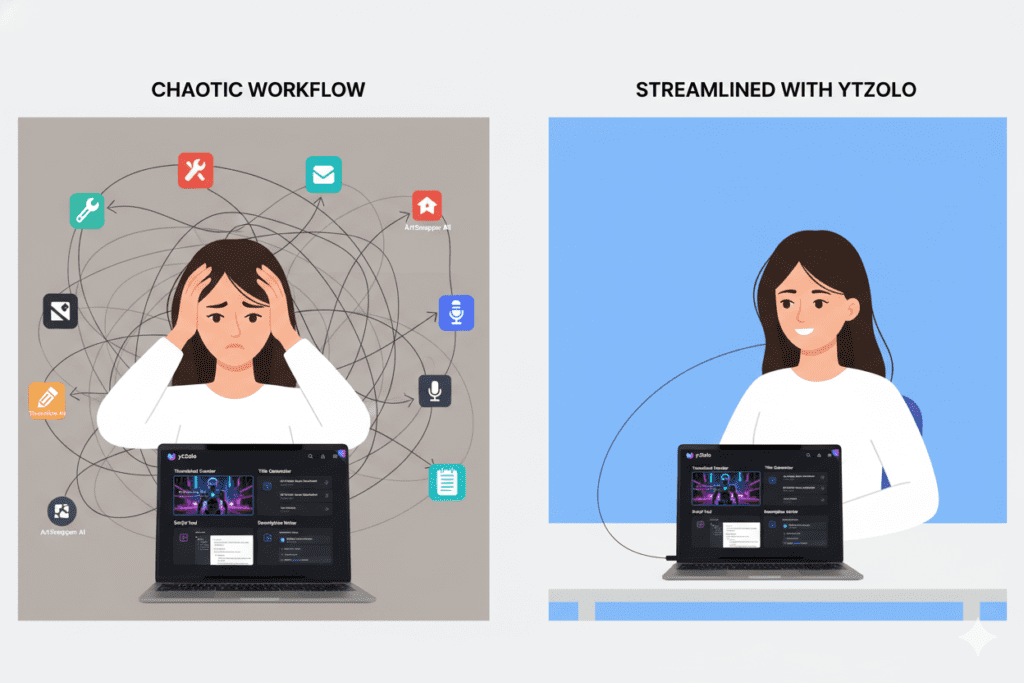
Using five separate tools for your YouTube workflow isn’t just expensive and annoying. It creates inconsistency. Your thumbnail AI doesn’t know what your title AI is doing. Your script tool has no idea what keywords your SEO tool is targeting. Everything is disconnected.
That disconnection shows up in your content. Titles that don’t match thumbnails. Descriptions that don’t support your keywords. Scripts that don’t set up what your thumbnail promises.
ytZolo solves this at the root. When one AI system understands your video concept from start to finish — from thumbnail to tags — everything becomes coherent. And coherent content gets more clicks, more watch time, and more algorithmic love.
Why Manual Methods Are a Dead End
Designing thumbnails manually in Photoshop takes 60–90 minutes per video. Canva templates take 20–30 minutes but still require a design eye most creators don’t have.
Meanwhile, the YouTube algorithm is getting more competitive every month. Channels posting consistently with optimized thumbnails and titles grow significantly faster than those that don’t. You simply can’t afford to spend an hour on a thumbnail when you need to be creating, engaging, and publishing.
AI tools that deliver youtube thumbnail creator ai without watermark outputs in under 60 seconds aren’t a luxury in 2026. They’re a necessity.
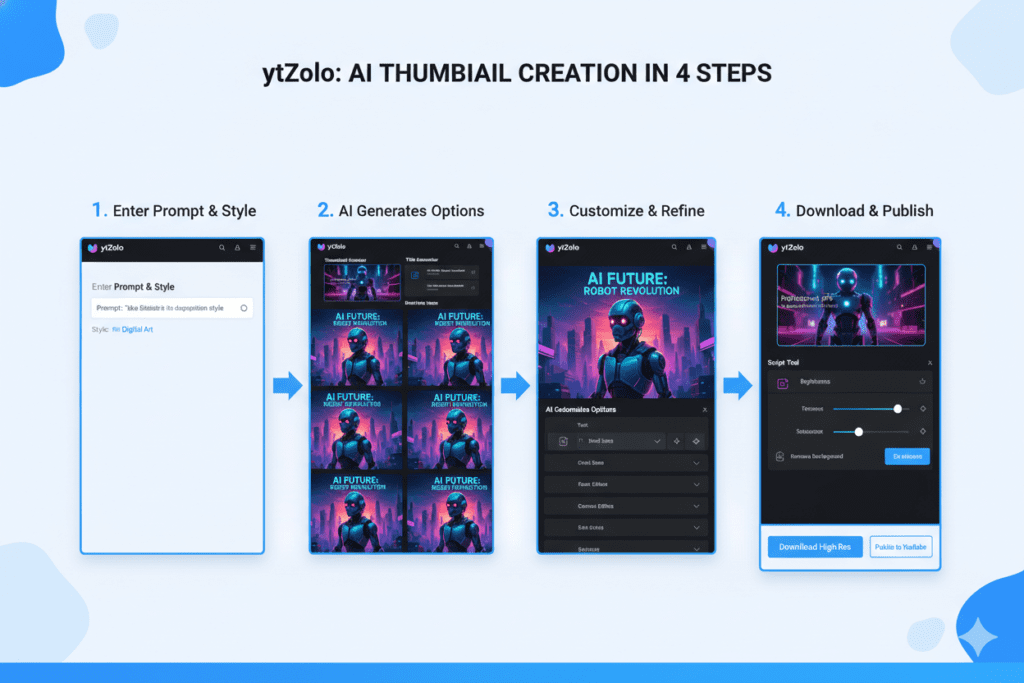
How to Create Clean, Watermark-Free Thumbnails with ytZolo
Ready to stop worrying about watermarks forever? Here’s exactly how to use ytZolo as your go-to youtube thumbnail creator ai without watermark:
Step 1 — Create Your Free Account at ytZolo.com Head to the site and sign up. No credit card required to get started.
Step 2 — Enter Your Video Title or Concept Type in your video idea — even a rough one works. ytZolo’s AI immediately understands your niche, your audience, and your content type.
Step 3 — Generate Multiple Thumbnail Variations Hit generate. Within seconds, you’ll see several watermark-free thumbnail options — each using data-backed design principles for maximum CTR.
Step 4 — Pick and Customize Your Favorite Choose the thumbnail that best fits your brand and video vibe. Adjust text, colors, or layout using simple, intuitive controls.
Step 5 — Generate Your Complete Video Package While you’re in the workflow, use ytZolo to generate your video title, SEO description, and tags. Everything aligned, everything optimized, everything consistent.
Step 6 — Download at Full Resolution and Publish Export your thumbnail at YouTube’s recommended 1280×720px. No watermarks. No compression. Upload directly to YouTube Studio and go live.
The entire process — from concept to publishing-ready thumbnail — takes under 10 minutes.
Compare that to the 60–90 minutes most creators waste fumbling through Photoshop or hunting for a youtube thumbnail creator ai without watermark that actually delivers.
Thumbnail Best Practices for Maximum CTR in 2026
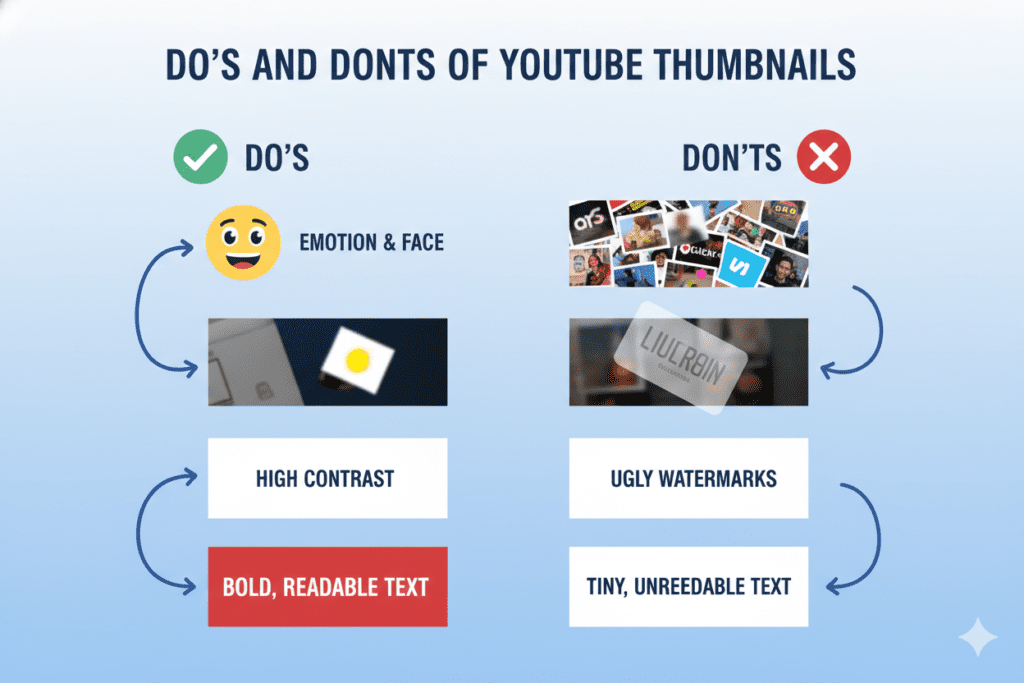
Even with the best youtube thumbnail creator ai without watermark, knowing a few core principles helps you get even better results. Use these to guide your AI prompts and pick winning variations:
- Lead with emotion — Thumbnails with expressive human faces increase CTR by 20–30%. Neutral expressions blend in. Surprise, excitement, and curiosity stand out.
- Simplicity wins on mobile — Over 70% of YouTube traffic is on mobile phones. Keep your thumbnail focused on one main subject and no more than three focal points.
- High contrast is king — A bright subject on a dark background always outperforms a busy, cluttered design. Contrast communicates faster than color.
- Bold, readable text — If someone has to squint to read your thumbnail text at thumbnail size, you’ve already lost them. Use thick, high-contrast fonts.
- Complement your title — don’t repeat it — Let the title be specific and informational. Let the thumbnail create curiosity or emotion. They should work together, not duplicate each other.
- A/B test consistently — Even great thumbnails get stale. Run two variations per video and let YouTube’s data tell you which one wins. Update evergreen videos with fresh thumbnails quarterly.
- Match your content tone — A misleading thumbnail might spike your initial CTR but tanks your watch time. YouTube’s algorithm punishes this. Always deliver what your thumbnail promises.
Pro tip from the ytZolo blog: creators who use AI thumbnail generation with regular A/B testing see roughly 2x faster iteration cycles — meaning you improve your CTR much faster without spending twice the time.
FAQ: YouTube Thumbnail Creator AI Without Watermark
❓ What is the best YouTube thumbnail creator AI without watermark in 2026?
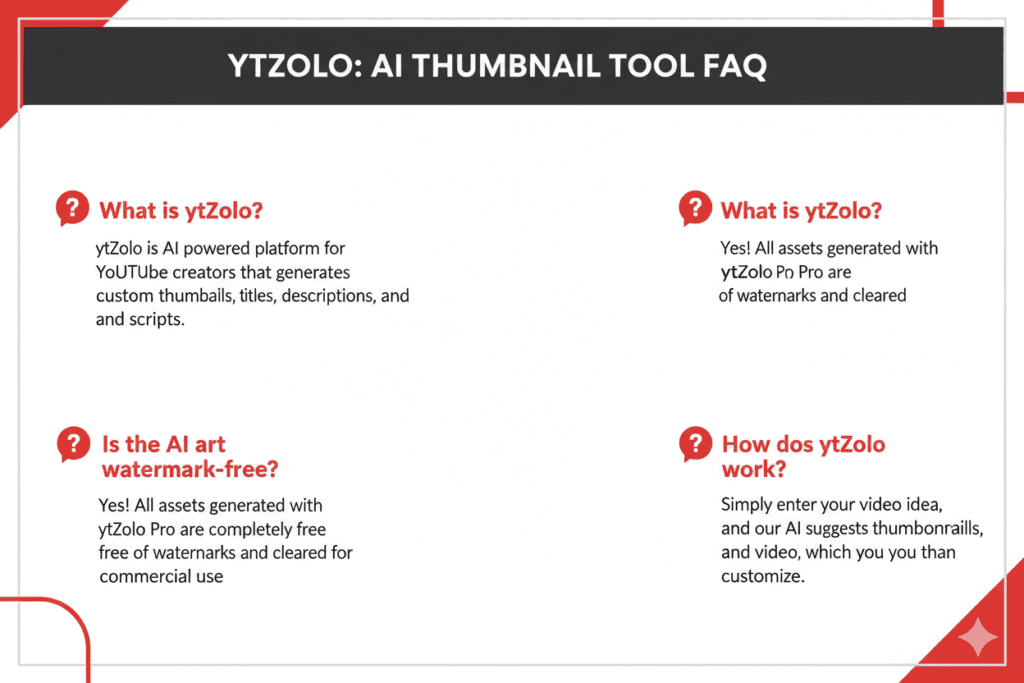
The best youtube thumbnail creator ai without watermark in 2026 is ytZolo. Unlike tools that only remove watermarks on expensive paid plans, ytZolo delivers clean, professional, full-HD thumbnail downloads as part of a complete YouTube growth platform. You also get AI-powered titles, scripts, descriptions, and tags — making it the only tool that handles your entire content workflow without watermarks or workflow chaos.
❓ Are free AI thumbnail tools really watermark-free?
Not always — and this is one of the biggest pain points for creators. Many tools advertise “free” AI thumbnail creation but only remove watermarks on paid tiers. Tools like Canva’s free plan and Fotor’s free tier both add watermarks to AI-generated exports. Always check the download terms before generating. Tools like Pixelbin and ytZolo offer genuinely clean downloads without forcing you into a premium plan just to get a usable file.
❓ Do watermarks affect YouTube CTR?
Yes — more than most creators expect. A visible watermark on your thumbnail signals low production quality to viewers, even subconsciously. Research confirms that custom, professional-looking thumbnails increase CTR by 30–40% compared to auto-generated or low-quality ones. A watermark actively works against that credibility. If your thumbnail looks like it came from a free tool, it undermines the first impression your video makes.
❓ Can I use a YouTube thumbnail creator AI without watermark for commercial channels?
Absolutely — and you should. If your channel is monetized, brand-sponsored, or used for business purposes, watermarked thumbnails create real problems: they look unprofessional in media kits, undermine brand trust, and can cause issues if you use thumbnail images in promotional materials. Tools like ytZolo deliver commercially clean, watermark-free thumbnails that you can use confidently across all your monetized content.
❓ How many thumbnail variations should I create per video?
Aim for at least 2–3 variations per video so you can A/B test and identify the highest-CTR design. Most creators who test consistently see meaningful CTR improvements within 3–4 months. ytZolo generates multiple watermark-free variations in one session, so you can test without any extra effort. YouTube’s own A/B testing feature in Studio makes it easy to rotate thumbnails and track which one wins — use it every time.
Conclusion: Stop Settling for Watermarked Thumbnails
Here’s the truth that every serious creator needs to hear.
Your thumbnail is the first decision every viewer makes about your content. It’s your channel’s handshake. Your video’s book cover. Your most visible piece of branding — and it appears on every impression YouTube delivers.
A watermark on that thumbnail doesn’t just look bad. It costs you clicks. It undermines your credibility. It tells the algorithm — and your audience — that you’re not fully invested.
You’ve put real effort into your videos. Don’t let a free tool’s logo undo that.
The best youtube thumbnail creator ai without watermark isn’t just about clean downloads. It’s about having an AI system that understands YouTube, creates CTR-optimized visuals in seconds, and connects seamlessly to the rest of your content workflow.
That’s exactly what ytZolo delivers. Clean thumbnails. Smart titles. Viral-ready scripts. SEO-optimized descriptions and tags. Everything in one platform, built specifically for creators who are serious about growth.
No watermarks. No compromises. No more juggling five different tools.
Your channel deserves better — and now you know exactly where to find it.
🚀 Start creating smarter, faster, and more viral YouTube content with ytZolo today. 👉 Visit ytZolo.com — and create your first watermark-free AI thumbnail in under 60 seconds.
References & Further Reading
- YouTube Creator Academy — Thumbnail Best Practices
- YouTube Official Blog — Creator Tools & Updates
- Ahrefs Blog — YouTube SEO: How to Rank Your Videos
Continue reading on the ytZolo Blog:
- How to Write Click-Worthy YouTube Titles with AI in 2026
- The Complete YouTube SEO Guide for Creators Using AI
- Why Your Thumbnail CTR Is Low — and How ytZolo Fixes It

