
Introduction
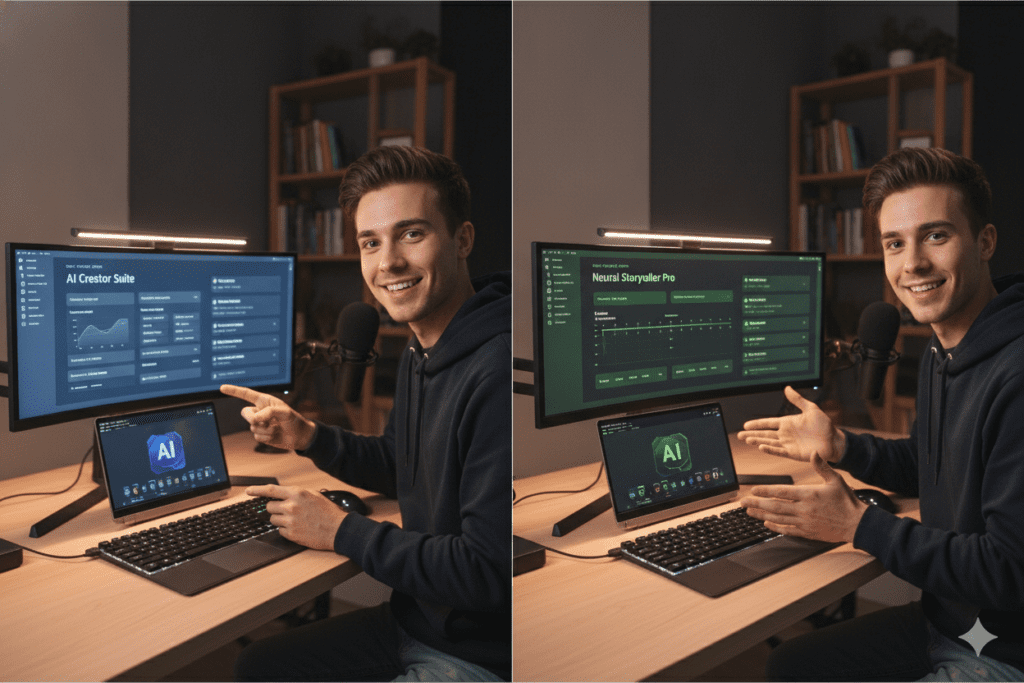
It’s 11 PM. Your video is edited. Your thumbnail is half-finished. And you’re still typing titles into a Google Doc, deleting them, and typing again.
Sound familiar? You’re not alone. Most creators spend more time on titles, scripts, and SEO than on the actual video.
That’s why so many people look for a direct comparison before picking their next tool. Both promise to save you time. Both use AI. But they solve very different problems.
This guide breaks down how both platforms stack up in plain English. No fluff, no fake stats, just what each tool actually does, what it costs, and which one fits your workflow.
If you’ve been bouncing between five browser tabs trying to write a title and design a thumbnail, this honest showdown is exactly what you need right now.
Let’s get into it.
Table of Contents
What Is ytZolo?
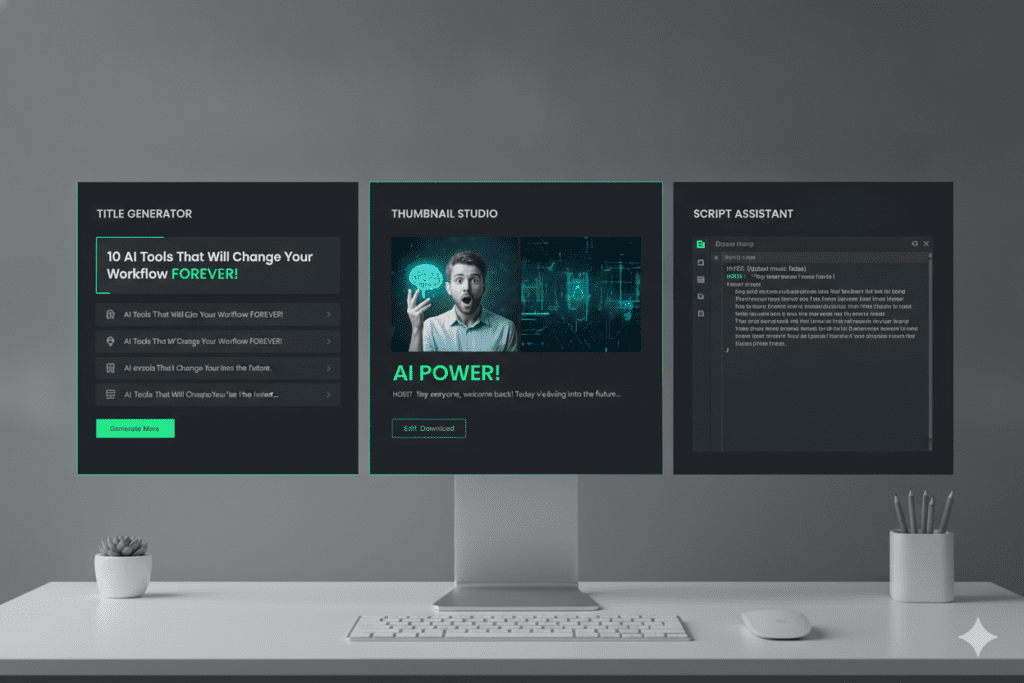
ytZolo is an all-in-one AI YouTube growth tool. It focuses on everything that happens before you hit upload.
It generates scripts, titles, thumbnails, descriptions, and tags from a single dashboard. You type your video idea once, and ytZolo builds the rest.
The platform runs on multiple AI models, including ChatGPT, Claude, and Gemini. You can switch between them depending on the tone or style you want.
What ytZolo Actually Does
Here’s the simple breakdown:
- Scripts: Full-length scripts for long-form videos, plus punchy short scripts for Shorts.
- Titles: SEO-optimized title options built around click psychology and keyword placement.
- Thumbnails: AI-generated, export-ready thumbnail concepts with no watermark.
- Descriptions & Tags: Search-friendly copy designed for YouTube’s algorithm.
- History Library: Every output gets saved, so nothing gets lost.
ytZolo offers a free plan with limited credits, plus paid tiers with more monthly credits and thumbnail variants. You can check current plans on the ytZolo blog for detailed breakdowns and creator case studies.
Who Built ytZolo For
ytZolo was designed with four creator types in mind:
- Shorts creators who need vertical thumbnails and punchy 60-second scripts fast.
- Long-form YouTubers who need full scripts, chapter timestamps, and SEO descriptions.
- Faceless channel owners who batch-generate content for multiple channels at once.
- Content agencies who want one platform instead of five separate subscriptions for clients.
This focus is the first big clue in any ytZolo vs InVideo AI comparison. ytZolo isn’t trying to be a general video tool. It’s a content and SEO engine built specifically around how YouTube actually ranks and recommends videos.
What Is InVideo AI?
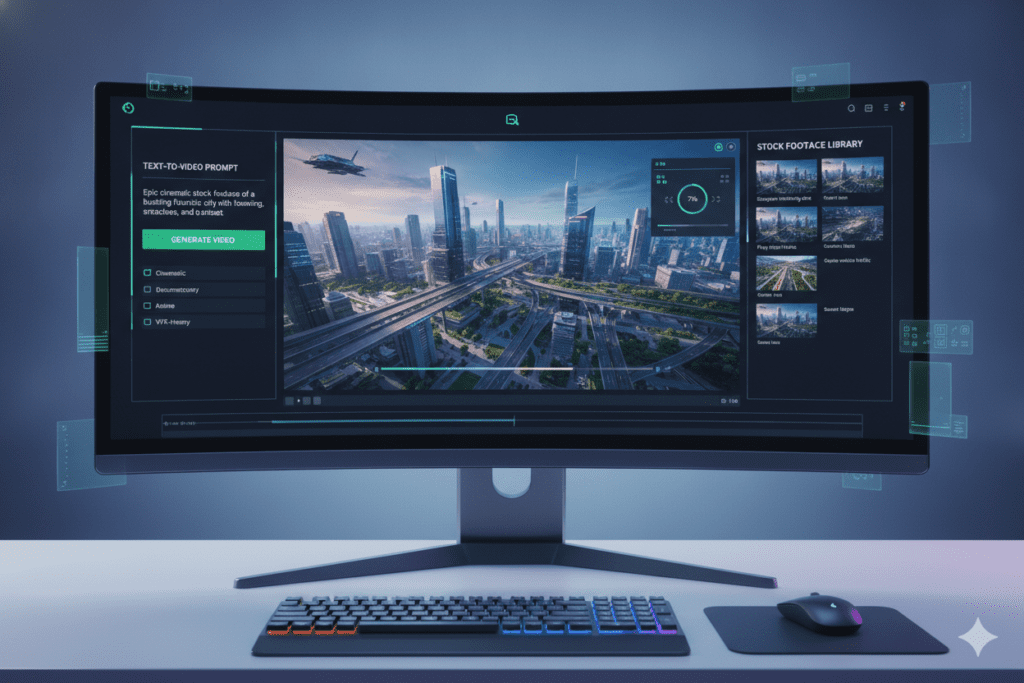
InVideo AI takes a completely different approach. Instead of writing your content, it builds the actual video.
You type a prompt or paste a script, and InVideo AI generates footage, voiceover, subtitles, music, and transitions automatically. It has been around since 2017, originally as a template-based editor before the AI product took over.
The platform runs two products side by side: InVideo AI for prompt-based generation, and InVideo Studio for manual timeline editing.
What InVideo AI Actually Does
- Text-to-Video Generation: Type a prompt, get a full video with stock footage and voiceover.
- Voice Cloning: Upload a short audio sample to create your own AI voice.
- Stock Library: Access to iStock footage and images on paid plans.
- Generative Models: Integration with OpenAI’s Sora 2 and Google’s VEO 3.1 for cinematic AI clips.
- Multi-Format Export: Same video exported in 16:9, 9:16, and 1:1 formats at once.
InVideo AI offers a free plan with a watermark and limited weekly minutes. Paid plans unlock watermark-free exports, higher resolution, and more generation minutes, though exact pricing and credit allocations have shifted across 2025–2026, so it’s worth checking invideo.io/pricing directly before subscribing.
Where InVideo AI Fits in the Workflow
InVideo AI sits closer to the production end of content creation. It doesn’t help you decide what to say or how to title your video. It helps you turn a finished script into a watchable video.
That difference matters a lot once you start comparing ytZolo vs InVideo AI feature by feature, because the two tools rarely compete for the same task.
ytZolo vs InVideo AI: What Job Does Each One Do?
Here’s the part most comparison articles skip. ytZolo and InVideo AI aren’t solving the same problem.
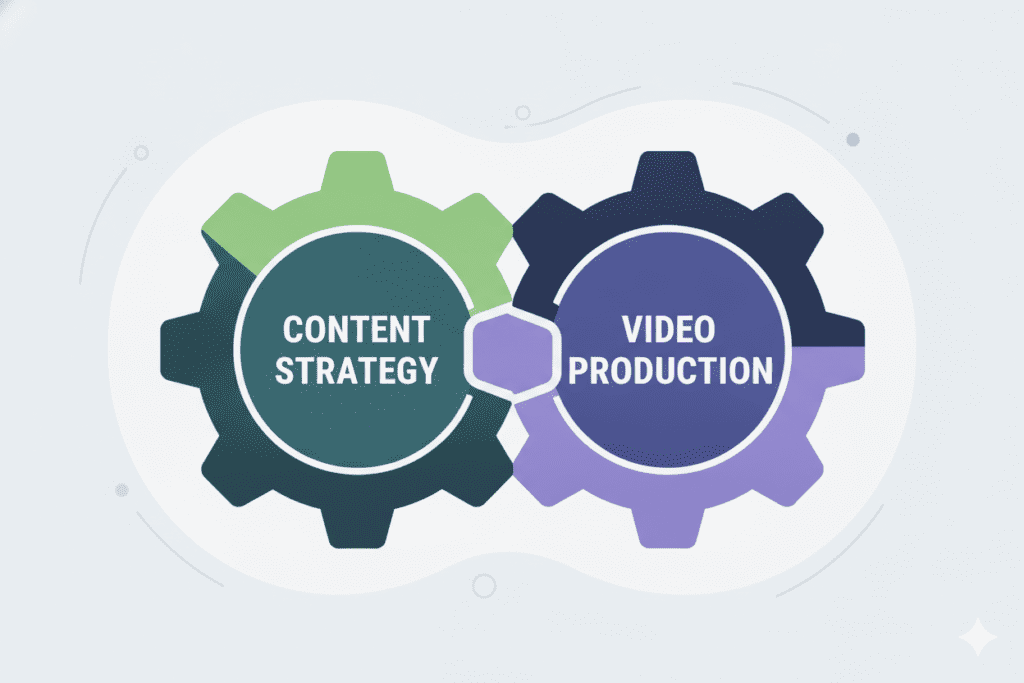
ytZolo handles the brain of your video: the idea, the script, the title, the thumbnail, and the SEO.
InVideo AI handles the body: turning a script into footage, voiceover, and a finished render.
Think of it like this. ytZolo writes the recipe. InVideo AI cooks the meal. Some creators genuinely use both, depending on whether they film themselves or need fully generated footage.
This is the real answer behind every “ytZolo vs InVideo AI” search. They overlap a little, but their core jobs are different.
A Real Creator Workflow Example
Let’s make this practical. Picture two creators uploading on the same day.
Creator A uses ytZolo. They type their video idea, get three title options, a full script, a thumbnail concept, and tags within minutes. They film, edit, and upload using their own camera footage.
Creator B uses InVideo AI. They paste a script, and the platform generates stock footage, a voiceover, subtitles, and background music automatically. They never touch a camera.
Neither workflow is wrong. They’re just answering different questions. That’s the real story behind why creators look at both options, and it’s why picking a “winner” without context misses the point.
If you want both — strong content strategy and fully generated footage — combining the two tools is a completely reasonable move for faceless channels with no on-camera presence.
ytZolo vs InVideo AI: Feature Comparison
Let’s line them up side by side.
| Feature | ytZolo | InVideo AI |
|---|---|---|
| AI script writing | Yes, long-form and Shorts | Yes, but for video narration |
| Title generation | Yes, SEO-focused | No |
| Thumbnail generation | Yes, niche-tuned | No (uses templates instead) |
| Tags & descriptions | Yes | No |
| Full video rendering | No | Yes, core feature |
| Stock footage library | No | Yes, iStock integration |
| Voice cloning | No | Yes |
| Multi-model AI (ChatGPT, Claude, Gemini) | Yes | No, uses its own pipeline |
| Free plan available | Yes | Yes, with watermark |
The pattern is clear. If your bottleneck is writing and optimizing content, ytZolo fits. If your bottleneck is producing the actual footage, InVideo AI fits.
LSI Keywords Worth Knowing
When people research ytZolo vs InVideo AI, they’re usually also searching for:
- AI YouTube title generator
- AI script writer for YouTube
- AI thumbnail maker
- Best AI video generator
- YouTube SEO tools
Understanding these related terms helps you search smarter and pick the right tool category first.
Pricing Comparison
Pricing is where things get a little messy, mostly because InVideo AI’s model has changed multiple times.
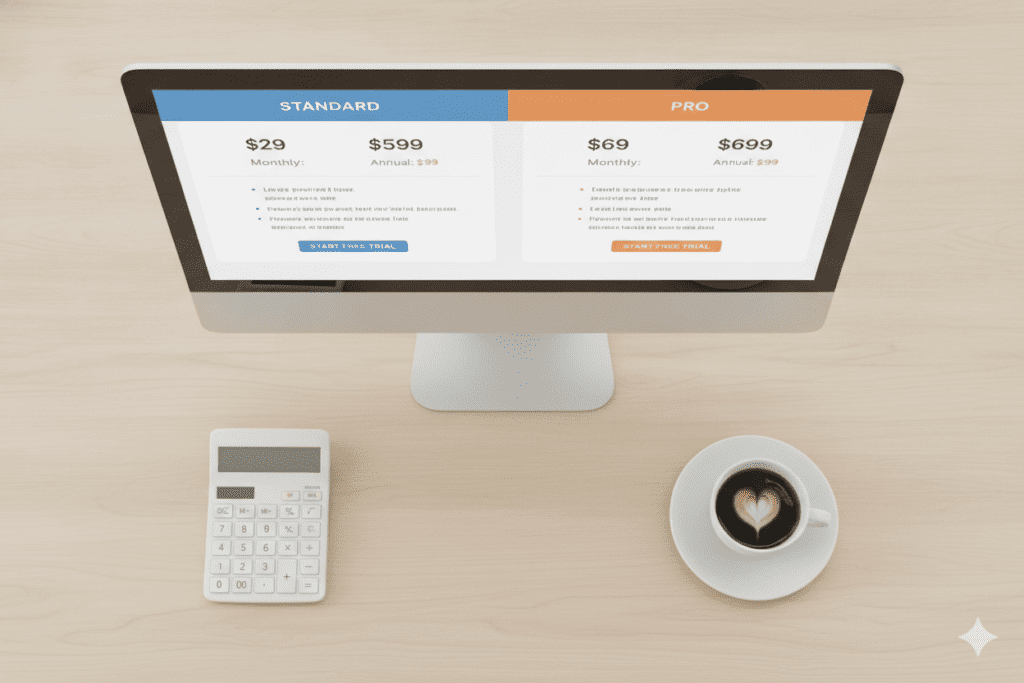
ytZolo uses a straightforward credits-based system. You get a free tier to test the platform, then paid tiers that increase your monthly credit allowance and thumbnail variant count. Different actions (like generating a thumbnail) use more credits than simpler tasks (like generating tags).
InVideo AI uses a credits-and-minutes system split across separate pools: AI generation minutes, iStock downloads, and voice-clone slots. These pools don’t always share, so you can run out of one resource while another sits untouched. Reported entry-level paid pricing has ranged from roughly $17 to $28 a month depending on the billing period and plan version, with higher tiers running up to $60 a month or more for heavier usage.
Here’s the honest takeaway: InVideo AI’s pricing is harder to predict because of the multi-pool credit system. ytZolo’s single-credit model is simpler to track month to month.
Why Pricing Clarity Matters
When you’re comparing ytZolo vs InVideo AI on cost alone, clarity matters as much as the number itself. A $20 plan that quietly runs out of iStock credits halfway through the month feels more expensive than it looks on paper.
ytZolo’s approach avoids that surprise. One credit pool covers scripts, titles, thumbnails, descriptions, and tags, so you always know what’s left and what it covers.
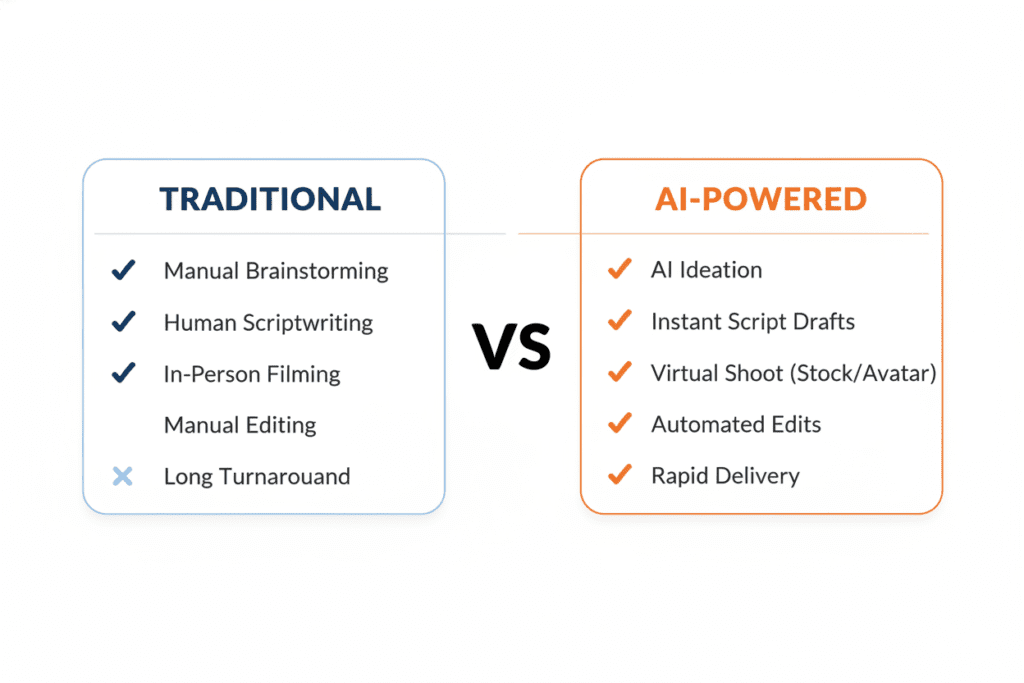
Why Creators Struggle Without AI
Let’s be blunt for a second. Manual content creation in 2026 is rough.
YouTube processes hundreds of hours of video every single minute. Standing out without help is like shouting in a stadium full of people shouting back.
Writing a script from scratch takes hours. Designing a thumbnail that actually gets clicks takes design skill most creators don’t have. Researching keywords manually means digging through scattered tools and guesswork.
Manual methods aren’t wrong. They’re just slow. And slow doesn’t win in an algorithm that rewards consistency and watch time.
This is exactly why AI tools exploded in popularity. According to Ahrefs’ content marketing research, properly optimized content — including titles and metadata — consistently earns more organic traffic than content that skips optimization entirely.
That single fact explains why choosing the right tool is so critical. Creators aren’t just chasing convenience; they’re chasing visibility. This breakdown usually comes up right when that frustration peaks.
Why ytZolo Is Better Than Other Tools
Here’s where we put our cards on the table. ytZolo was built specifically for YouTube, not adapted from a general-purpose tool.
- Built for YouTube, not borrowed for it. Every feature is tuned to what actually performs on the platform, not stretched from blog writing or generic video editing.
- One dashboard, full workflow. Script, title, thumbnail, description, and tags all come from the same place. No five-tab juggling act.
- Multi-model flexibility. Access to ChatGPT, Claude, and Gemini means you’re not stuck with one AI’s writing style.
- No design skills needed. You don’t need Photoshop or a design background to get a click-worthy thumbnail concept.
- Free plan to start. You can test the platform without entering a credit card.
Compare that to general AI writing tools, which produce generic text with no understanding of hooks, pacing, or YouTube’s algorithm. Or thumbnail-only tools, which leave your titles and tags unoptimized. ytZolo replaces the entire stack.
For creators specifically debating ytZolo vs InVideo AI for content strategy and SEO, ytZolo wins simply because that’s its entire purpose. InVideo AI is a strong video generator, but it was never built to optimize YouTube search visibility.

Who Should Choose ytZolo?
Still weighing ytZolo vs InVideo AI? ytZolo makes sense if you:
- Film your own content and just need help with titles, scripts, thumbnails, and SEO.
- Run a faceless channel and need to batch-produce scripts and metadata at scale.
- Manage multiple channels or clients and need consistent, fast content output.
- Want one simple dashboard instead of juggling five different subscriptions.
If your real bottleneck is “what do I say and how do I get clicks,” ytZolo is your answer.
Who Should Choose InVideo AI?
InVideo AI makes more sense if you:
- Don’t film yourself and need fully AI-generated footage.
- Want access to Sora 2 or VEO 3.1 generation without paying for each separately.
- Need stock footage, voice cloning, or multi-format exports built into one editor.
- Are producing UGC-style ads or product videos rather than talking-head YouTube content.
If your bottleneck is “I have no footage and no camera,” InVideo AI solves that specific problem.
How to Decide: A Simple Action Plan
Stop overthinking the ytZolo vs InVideo AI decision. Follow these steps instead. The whole ytZolo vs InVideo AI choice gets a lot easier once you know your actual bottleneck.
- Identify your real bottleneck. Is it writing and SEO, or is it actual video footage?
- Try the free plan first. Both tools offer free access, so test before you commit any money.
- Check your monthly output goal. High-volume creators should map their needs against each tool’s credit system before upgrading.
- Combine tools if needed. Some creators write and optimize in ytZolo, then render footage in InVideo AI.
- Track your results for 30 days. Watch CTR and watch time before deciding to stick or switch.
This approach removes the guesswork and replaces it with a quick, low-risk test.
FAQs
1. Is ytZolo better than InVideo AI for YouTube SEO? Yes, for SEO specifically. In the ytZolo vs InVideo AI matchup, ytZolo focuses on titles, descriptions, tags, and keyword optimization. InVideo AI doesn’t generate SEO metadata; it focuses on video rendering instead.
2. Can I use ytZolo and InVideo AI together? Yes. Many creators write and optimize content in ytZolo, then use InVideo AI to generate footage if they don’t film themselves. The two tools complement each other more than they compete.
3. Does ytZolo have a free plan? Yes, ytZolo offers a free plan with limited credits so you can test the platform before upgrading to a paid tier.
4. Is InVideo AI good for YouTube Shorts? It can generate short-form video content, but it doesn’t optimize titles, tags, or descriptions the way a YouTube-specific tool does. For Shorts metadata, a tool like ytZolo fills that gap.
5. Which tool saves more time, ytZolo or InVideo AI? It depends on your bottleneck. ytZolo saves time on writing and optimization tasks. InVideo AI saves time on filming and editing tasks. The fastest workflow often uses both.
Final Verdict
The ytZolo vs InVideo AI debate isn’t really about which tool is “better” in general. It’s about which job you need done.
If you’re stuck writing titles at midnight, struggling with thumbnails, or losing views because your SEO is weak, ytZolo solves that exact pain point.
If you don’t have footage and need AI to generate the entire video from scratch, InVideo AI fills that gap.
Either way, manual methods are getting harder to justify in 2026. Google’s own guidance on creating helpful content emphasizes clarity, usefulness, and consistency — all things AI-assisted workflows make easier to maintain at scale.
HubSpot’s research on AI in marketing also points to the same trend: teams that adopt AI tools for repetitive content tasks consistently report faster output without sacrificing quality. That trend applies just as much to solo YouTubers as it does to marketing teams.
So, ytZolo vs InVideo AI: pick based on your actual bottleneck, not the hype. Test the free plans, track your results, and let your own numbers make the final call.
Ready to stop guessing and start growing? Try ytZolo and build your next title, script, and thumbnail in minutes, not hours.

