
Quick Summary: The best AI music generator for YouTube isn’t necessarily the one with the flashiest vocals — it’s the one with clear commercial licensing, mood-based controls, and output that won’t trigger a Content ID claim. This guide compares the top AI music generators built for YouTube creators in 2026, from Soundraw and Beatoven.ai to Suno and ytZolo, and explains how to pick one based on your upload schedule, budget, and monetization goals.
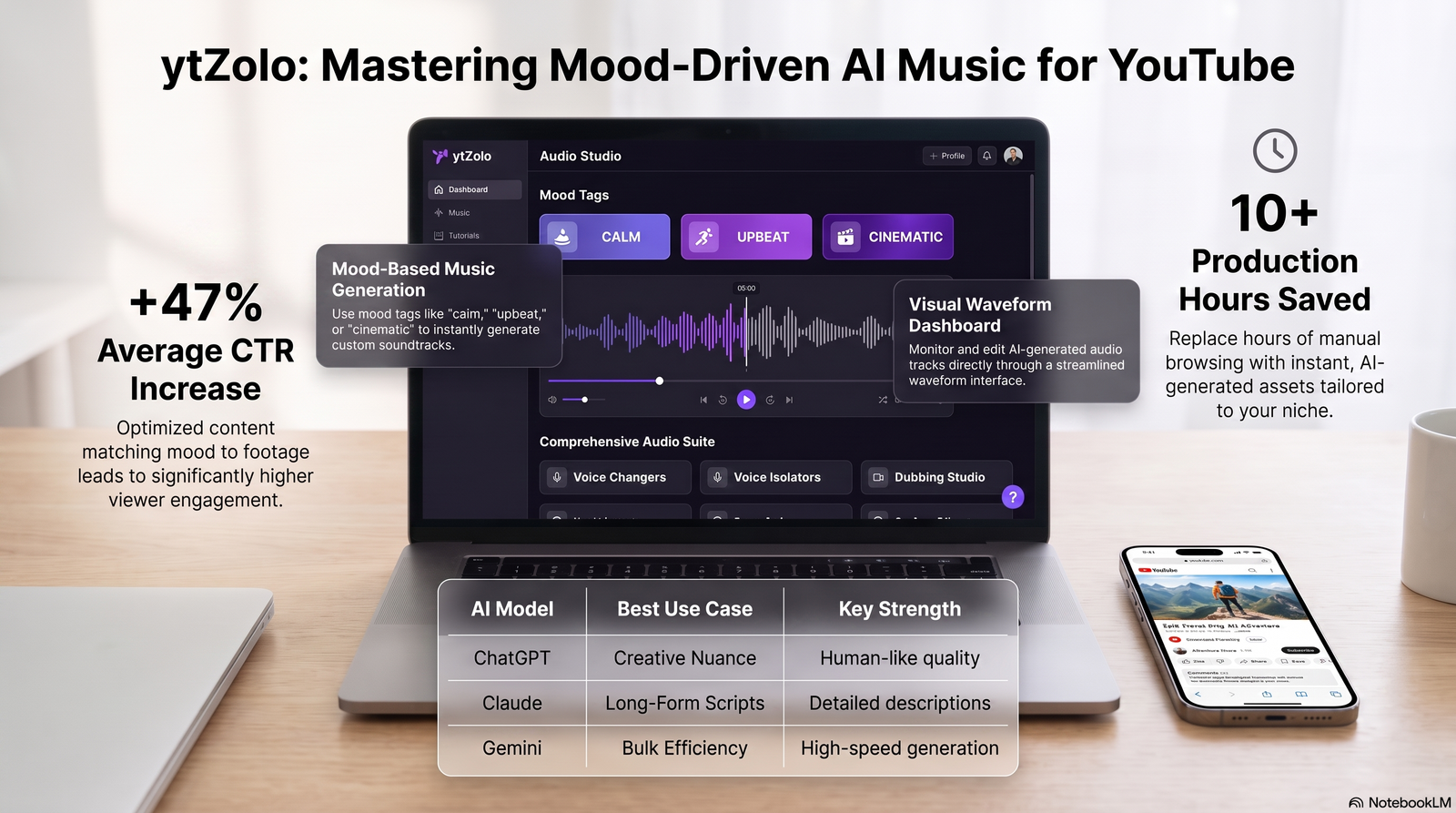
Table of Contents
Introduction
Every YouTube video needs a soundtrack, and most creators still find it the hard way — searching stock libraries, previewing tracks, then discovering the one they liked isn’t cleared for monetized use.
An AI music generator for YouTube skips that search entirely. You describe a mood or genre, and the tool composes an original track built for your video, usually in under a minute.
That matters more on YouTube than almost anywhere else, because the platform’s Content ID system actively scans uploaded audio against a database of registered works. A generic stock track can still get flagged even when you technically had a license.
This guide focuses specifically on choosing an AI music generator for YouTube videos — not music generation in general — and walks through the tools, the licensing details, and the workflow decisions that actually affect a channel’s watch time and monetization.
For a broader look at how AI-generated audio fits into a full production pipeline, our complete guide to AI music generators covers the technology in more depth.
What Makes a Good AI Music Generator for YouTube
Not every music tool is built with YouTube in mind. A few factors separate the ones that are from the ones that just happen to export an MP3.
Content ID safety. The output needs to avoid matching a registered composition in YouTube’s rights-management database, which rules out uploading unlicensed samples or remixes.
Commercial licensing on monetized uploads. A free tier that only covers personal use won’t protect a channel running ads, memberships, or sponsorships.
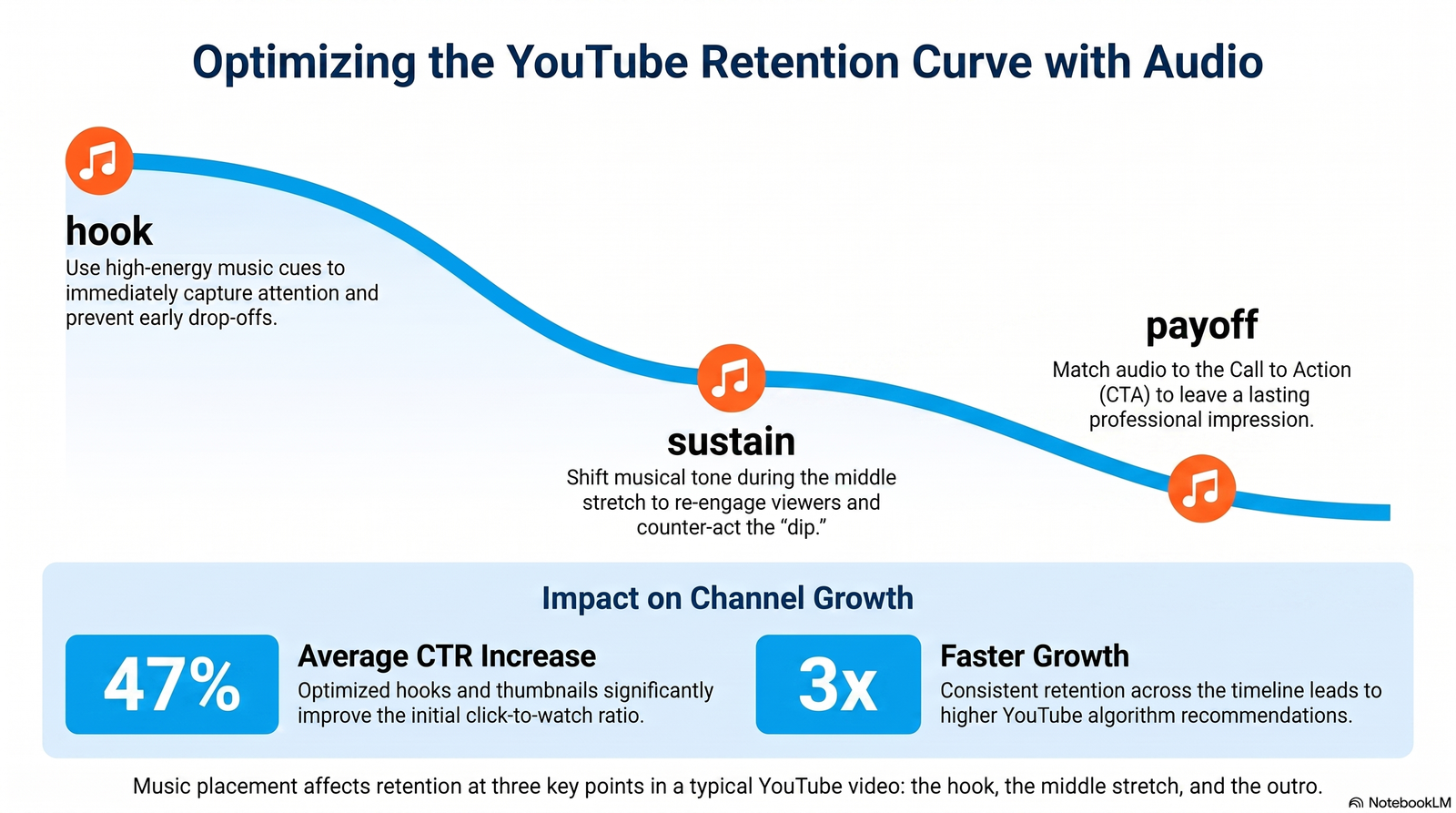
Mood and scene matching. YouTube pacing is different from a standalone song — tracks often need to build, dip under narration, and rise again for a payoff.
Length flexibility. A 58-second Short needs a completely different structure than a 20-minute tutorial with a long, low-key instrumental bed.
Consistency across uploads. A channel that publishes weekly benefits from a recognizable sound, not a different genre every time.
Why YouTube Creators Specifically Need AI Music
Background music isn’t filler on YouTube — it’s part of how the platform’s algorithm reads viewer behavior. Watch time, audience retention, and session duration all respond to pacing, and music is one of the fastest ways to shape pacing without re-editing footage.
Shorts and Reels-style content depend on the first two to three seconds of audio to stop a scroll. A flat or silent opening loses viewers before the visual even registers.
Long-form tutorials and vlogs use low, repetitive instrumental beds to keep a video from feeling dead during quiet stretches, without competing with narration.
Faceless channels — a growing segment of YouTube automation content — lean on music and voice even more heavily, since there’s no on-camera host reacting in real time.
Understanding who uses AI music generators helps explain why the category has grown so fast: solo creators, podcast producers, faceless-channel operators, and small agencies all needed a way to score video without hiring a composer for every upload.
Best AI Music Generators for YouTube in 2026
We narrowed this list to tools that are realistic picks for YouTube specifically — meaning clear licensing, exportable formats, and mood or scene controls rather than pure novelty generators. For the full 11-tool breakdown across every use case, see our hands-on AI music generator comparison.
1. Soundraw — Best for Scene-Synced Background Music
Soundraw skips text prompts in favor of mood, genre, and energy sliders, which makes it fast to dial in a track that matches a video’s pacing.
Its bar-level editor lets you drop the energy under narration and build it back up for a reveal, without touching an audio editor.
Soundraw explicitly states its licensed tracks won’t trigger Content ID claims on monetized YouTube uploads, which is one of the clearer commercial guarantees in this category. Best for creators who want precise control without editing skills.
2. Beatoven.ai — Best Budget Pick for Video and Podcast Scoring
Beatoven.ai composes music that shifts mood partway through a track, following a described scene rather than looping one feel for the whole runtime.
Its entry-level paid plan is among the cheapest in this category that still includes real commercial rights, which matters for creators publishing multiple times a week.
The tradeoff is a narrower style range compared to Soundraw, but for straightforward YouTube background beds, that rarely shows.
3. Mubert — Best for Continuous, Non-Repeating Streams
Mubert generates infinite, non-repeating ambient music instead of a single fixed track, which suits long-form livestreams or looping background content.
It licenses from a curated artist pool rather than training on open internet audio, giving it one of the cleaner legal stories in the category.
Vocals aren’t part of the picture here — this is strictly an instrumental tool for background and ambient use.
4. Suno — Best When You Actually Need Vocals
Suno is the strongest option if a video needs a full song with lyrics — a channel intro theme, a parody track, or a vocal-driven Short.
Commercial rights are tied to a paid subscription, and free-tier songs are restricted to personal use, so confirm your plan before publishing anything monetized.
For channels that mainly need instrumental beds rather than standalone songs, this is more tool than most YouTube uploads require.
5. Loudly — Best for Fast, Short-Form Beats
Loudly is built for speed — prompt-based generation that finishes in under a minute, aimed at Shorts, Reels, and other short-form formats.
Its free tier is generous by category standards, though customization depth trails Soundraw and Beatoven.ai on longer, more complex tracks.
If your channel publishes daily Shorts and needs a quick, licensed beat without deep editing, Loudly is a reasonable fit.
6. AIVA — Best for Cinematic and Documentary Scoring
AIVA handles orchestral and cinematic composition better than any generalist tool on this list, with actual dynamic build across a track rather than a static loop.
It doesn’t generate vocals, and its advanced controls reward music theory knowledge, but for documentary-style YouTube content, the structured output is worth the learning curve.
Pro-tier plans include full copyright ownership, which is uncommon in this space.
7. ytZolo — Best for a Connected YouTube Workflow
ytZolo’s AI Music Generator isn’t a standalone music engine — it’s one part of a broader Audio Studio that also covers voice generation, dubbing, and sound effects inside the same dashboard used for titles, thumbnails, and scripts.
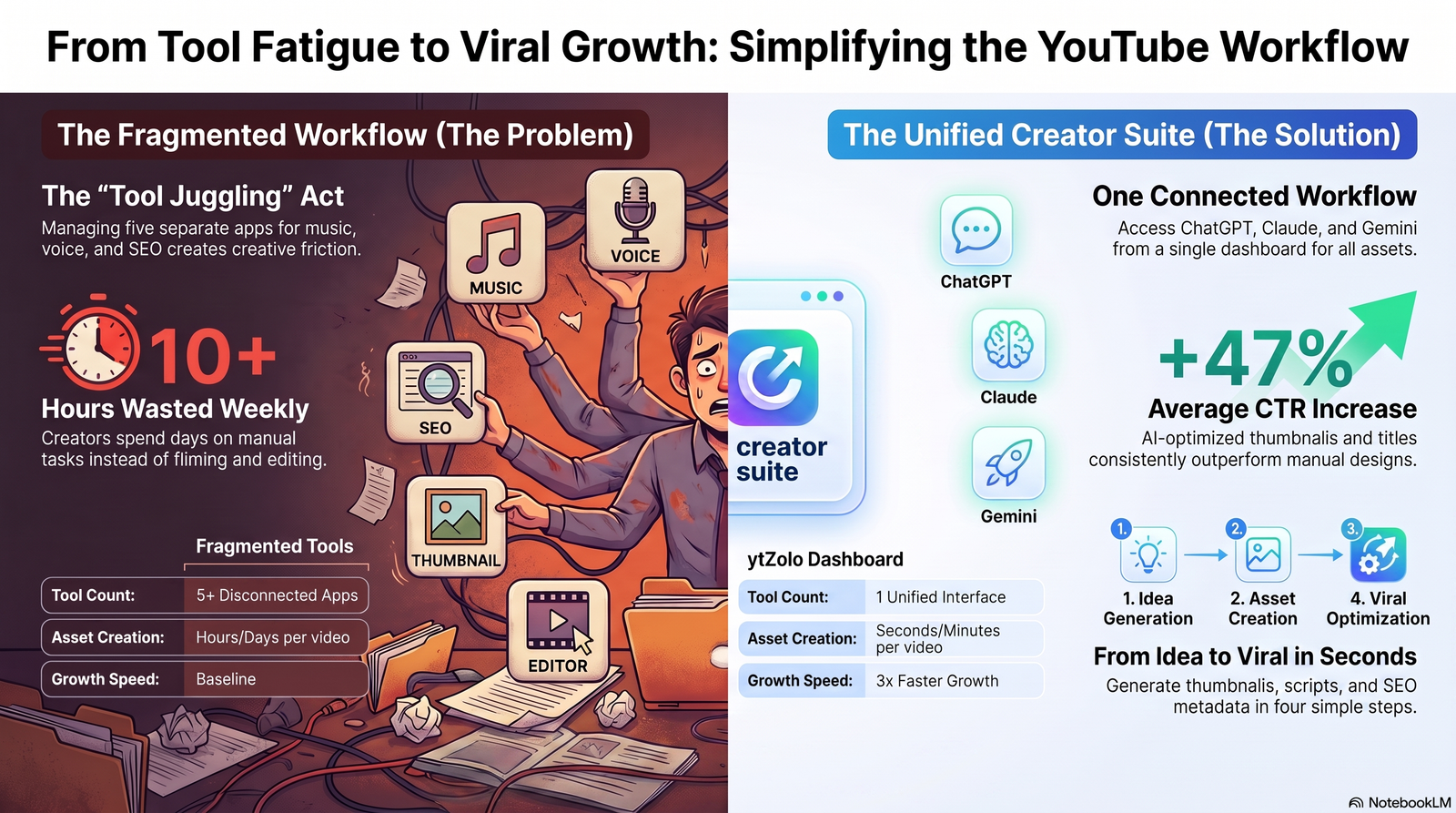
For a creator already writing scripts and generating thumbnails in ytZolo, adding background music without opening a second tool is the real appeal.
It won’t out-edit a dedicated tool like Soundraw on bar-level control, but as an AI music generator for YouTube channels that want one dashboard instead of five subscriptions, it covers the core need.
Quick Comparison Table
| Tool | Best For | Vocals | Free Tier | Content ID Safe (Paid Plans) |
|---|---|---|---|---|
| Soundraw | Scene-synced background music | No | No downloads | Yes, explicitly stated |
| Beatoven.ai | Budget podcast/video scoring | No | Yes, limited | Yes |
| Mubert | Continuous ambient streams | No | Yes, watermarked | Yes |
| Suno | Full songs with vocals | Yes | Yes, non-commercial | Paid plans only |
| Loudly | Fast short-form beats | No | Yes | Paid plans only |
| AIVA | Cinematic/orchestral scoring | No | Yes, 3 downloads/mo | Standard tier up |
| ytZolo | Bundled with full creator suite | Limited | Free trial | Confirm current terms |
Always check the platform’s current terms before publishing to a monetized channel — commercial licensing details in this category change often.
AI Music Generator vs. Stock Music for YouTube
Stock libraries like Epidemic Sound or Artlist offer pre-made, human-produced tracks that thousands of other channels can also download.
An AI music generator for YouTube creates something new for each prompt, which lowers the odds another video is running the exact same track underneath a similar topic.
Stock libraries still win on polish and human production quality for high-stakes, brand-defining content. For routine weekly uploads, generated background music is usually the faster and cheaper path.
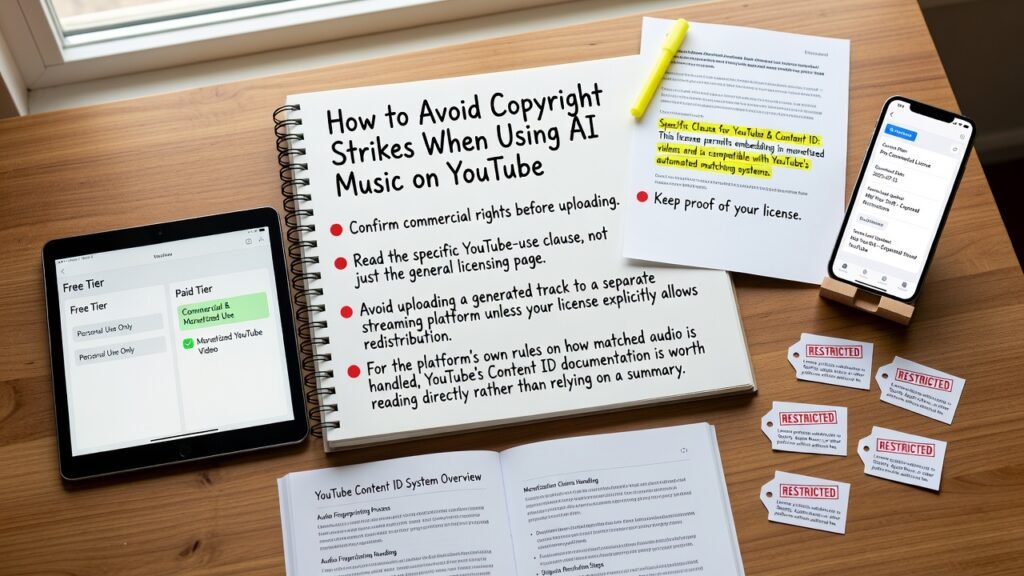
How to Avoid Copyright Strikes When Using AI Music on YouTube
Confirm commercial rights before uploading. Most tools split free and paid tiers by usage type, and a monetized video almost always counts as commercial use.
Read the specific YouTube-use clause, not just the general licensing page. Some platforms address YouTube and Content ID directly; others only mention “commercial use” broadly.
Keep proof of your license. Screenshot your plan and the download date — licensing terms in this category have shifted mid-year for more than one platform.
Avoid uploading a generated track to a separate streaming platform unless your license explicitly allows redistribution, since several tools restrict that specifically.
For the platform’s own rules on how matched audio is handled, YouTube’s Content ID documentation is worth reading directly rather than relying on a summary.
Monetizing Videos That Use AI Music
Most creators can monetize videos built with a licensed AI music generator for YouTube, provided the plan they used includes commercial rights at the time of generation.
Free-tier tracks frequently restrict monetized use specifically, even when the same track looks identical to a paid-tier export.
If AI tools are involved elsewhere in the video too — voice, script, or visuals — it’s worth understanding YouTube’s current disclosure requirements for AI-generated content, since background music alone typically doesn’t require disclosure but other elements might.
Copyright ownership of AI-generated music is also still unsettled in some jurisdictions. The U.S. Copyright Office’s guidance on AI notes that purely AI-generated work without meaningful human authorship may not qualify for copyright registration at all — worth knowing before treating a track as a defensible original asset.
Step-by-Step: Adding AI Music to a YouTube Video
Step 1: Lock your rough cut first. Generating music before editing means fitting your footage to a track instead of the more natural reverse.
Step 2: Describe mood, not just genre. “Tense, building, cinematic” guides most tools better than “orchestral” alone.
Step 3: Generate three to five variations. Output quality varies noticeably between generations of the same prompt — don’t settle for the first result.
Step 4: Match the track to your video’s structure. Use a mood-editing feature if your tool offers one, so energy dips under narration and rises for reveals.
Step 5: Export and confirm the license tier. Download in a standard format like WAV or MP3, and note which plan you were on when you generated it.
Step 6: Mix at 15–20% under narration. Music louder than the voice track is one of the most common, easiest-to-avoid mistakes on YouTube audio.
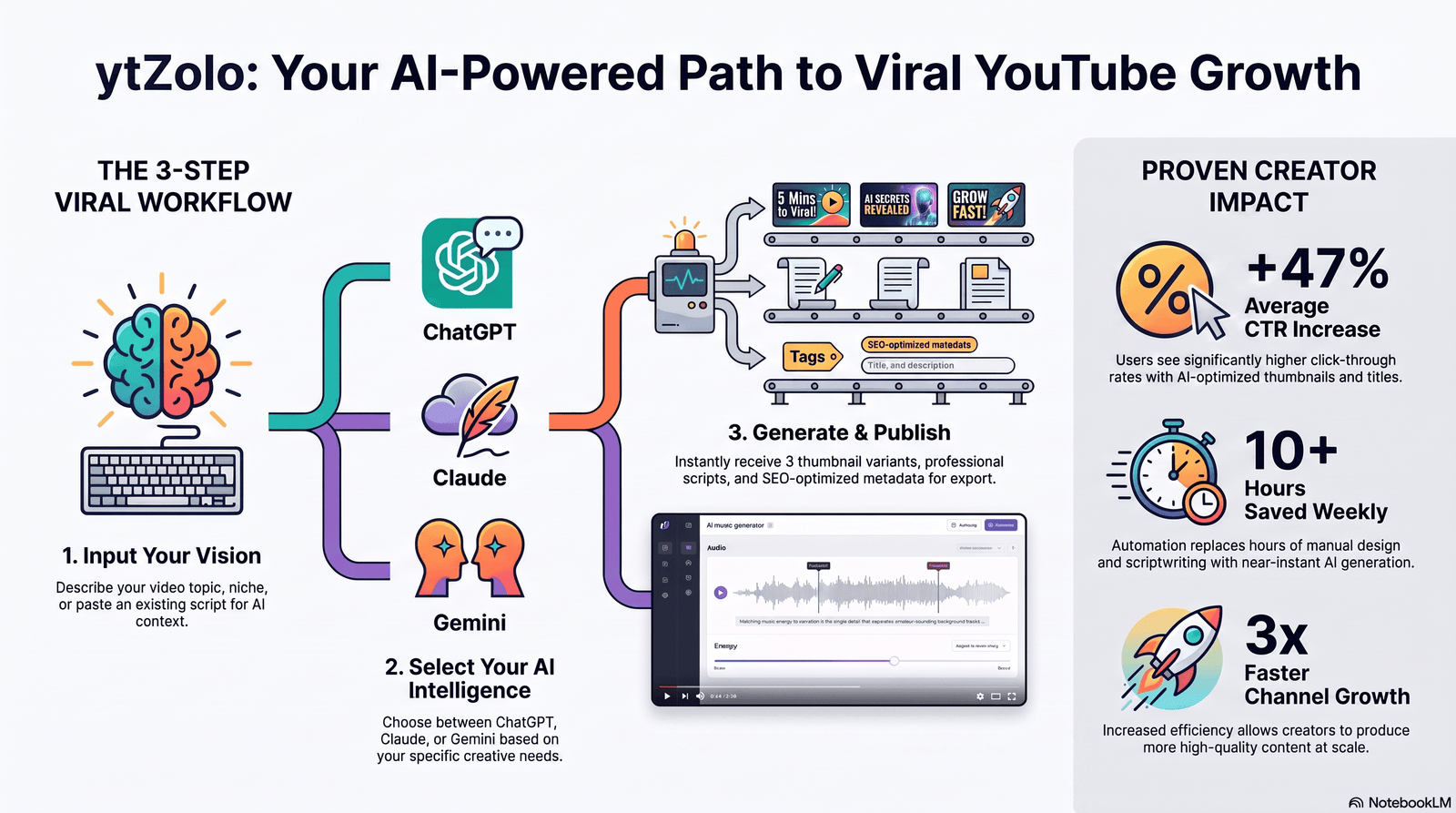
If your workflow already includes scripting, ytZolo’s AI script writer can generate the video outline first, so the music tool has real context for mood matching.
Tips for Choosing an AI Music Generator for YouTube
- Prioritize tools with explicit YouTube or Content ID language in their terms, not just general “commercial use” wording.
- Match your plan tier to your upload frequency — a per-track credit system can get expensive fast on a daily schedule.
- Test the free tier before committing, even if you’ll eventually need the paid plan for monetization.
- Keep intro stings short — five to eight seconds is usually enough to set tone without delaying content.
- Build a small library of go-to tracks per mood so your channel develops a consistent audio identity.
- For Shorts, prioritize the opening two seconds of a track over the rest of the composition.
- Re-check licensing terms periodically — several AI music platforms have updated terms mid-year.
Common Mistakes Creators Make
Using a free-tier track on a monetized upload. This is the single most common licensing mistake, and it’s avoidable by reading the plan comparison page before generating.
Assuming “AI-generated” automatically means “Content ID safe.” Safety depends on the platform’s licensing structure, not the fact that a machine composed it.
Picking the first generation instead of comparing options. Prompt variance is real — generating a handful of versions before choosing takes minutes and noticeably improves results.
Ignoring volume balance. A track that competes with narration undercuts watch time more than a slightly generic music choice ever will.
Frequently Asked Questions
What is the best AI music generator for YouTube in 2026? There isn’t a single universal answer — Soundraw leads on scene-synced background music, Beatoven.ai on budget, and Suno when a video needs vocals. The right pick depends on format and budget.
Is AI-generated music safe from YouTube copyright strikes? Generally yes, if you’re using output from a paid plan with explicit commercial rights. Free-tier tracks and unclear licensing terms are where most strikes originate.
Can I use a free AI music generator for a monetized YouTube channel? Usually no. Most free tiers restrict output to personal, non-commercial use, and a monetized video counts as commercial use on nearly every platform’s terms.
Do I need any music experience to use these tools? No. Most AI music generators work from a plain-language mood or genre description, so no instrument or composition background is required.
How is an AI music generator for YouTube different from a general AI music tool? YouTube-focused tools typically emphasize Content ID safety, mood-to-scene matching, and export formats suited to video editors, rather than standalone streaming releases.
Can AI music generators create intro and outro stings, not just full background tracks? Yes. Most platforms, including ytZolo, support short-form generation for intros and outros separately from full-length beds.
Is it better to use one AI music tool for an entire channel, or mix tools? Sticking with one tool for a consistent mood library helps a channel develop a recognizable sound, though mixing tools for vocals versus instrumentals is common.
Final Thoughts
The right AI music generator for YouTube isn’t the one with the most impressive demo — it’s the one whose licensing terms match how you actually plan to publish.
For most channels, that means prioritizing clear commercial rights and mood-matching controls over raw novelty. Vocals matter only if your format specifically calls for a song rather than a bed.
Whatever tool you land on, treat licensing as part of your upload checklist, not an afterthought — a few minutes verifying terms is far cheaper than a held payout during a Content ID dispute.
For a deeper dive into how AI-generated audio fits into scripting, voice, and SEO as one connected workflow, see ytZolo’s full AI music generator guide.
Author
Anshika Verma Email: anshika@ytzolo.com
Anshika researches AI creator tools, YouTube growth workflows, and audio production hands-on, testing platforms across scripting, SEO, thumbnails, and music generation before writing about them. Her recommendations are based on direct use of these tools rather than promotional claims, with a focus on what actually holds up in a real creator’s publishing schedule.

