

Table of Contents
The Real Reason Your Videos Aren’t Getting Clicked
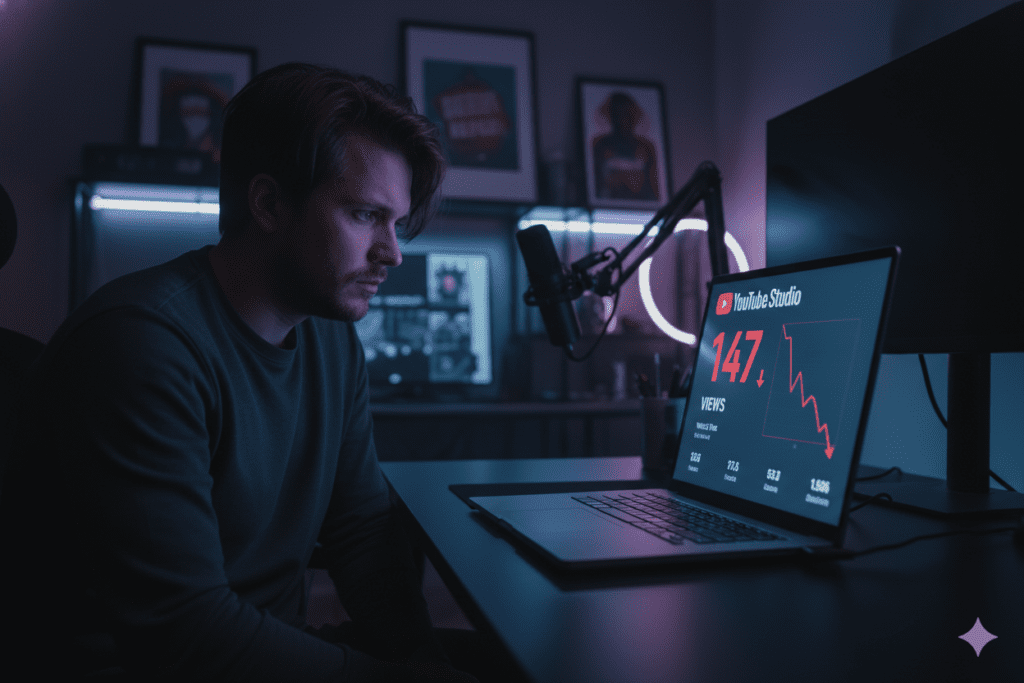
Imagine this. You spend 8 hours filming, editing, and polishing your best video yet. You hit publish. And then… crickets.
No clicks. No views. No growth.
You check your analytics. Your video got thousands of impressions. People saw it. They just didn’t click.
Sound familiar?
Here’s the cold, hard truth: your thumbnail killed your video before anyone even pressed play.
You’re not alone. Millions of creators make the same mistake every day — pouring everything into the video and slapping on a rushed thumbnail at the last minute.
But here’s the good news. In 2026, you don’t need a graphic designer or hours in Photoshop to fix this. You just need the right free AI thumbnail maker — and about 60 seconds.
Let’s break it all down.
What Is a Free AI Thumbnail Maker?
A free AI thumbnail maker is an online tool that uses artificial intelligence to automatically design professional, click-worthy YouTube thumbnails for you.
You don’t need design skills. You don’t need Photoshop. You don’t need to spend hours picking fonts and colors.
You simply enter your video title or a short description, and the AI generates stunning thumbnail options in seconds.
The best free AI thumbnail maker tools are trained on thousands of high-performing YouTube thumbnails. They understand what gets clicks — bold text, expressive faces, high contrast colors, and clean layouts that pop on mobile screens.
They also analyze viewer behavior, niche trends, and engagement patterns to refine designs, helping creators produce thumbnails that consistently attract attention and improve overall click-through performance.
Some tools even let you upload your own photo, customize the text, and tweak the style to match your brand — all for free.
Why Your Thumbnail Is Your Most Powerful Growth Tool
Most creators focus on video quality, SEO, and posting schedules. But they overlook the one thing that decides whether anyone watches the video at all: the thumbnail.
Here’s why it matters more than you think.
The YouTube CTR Reality Check
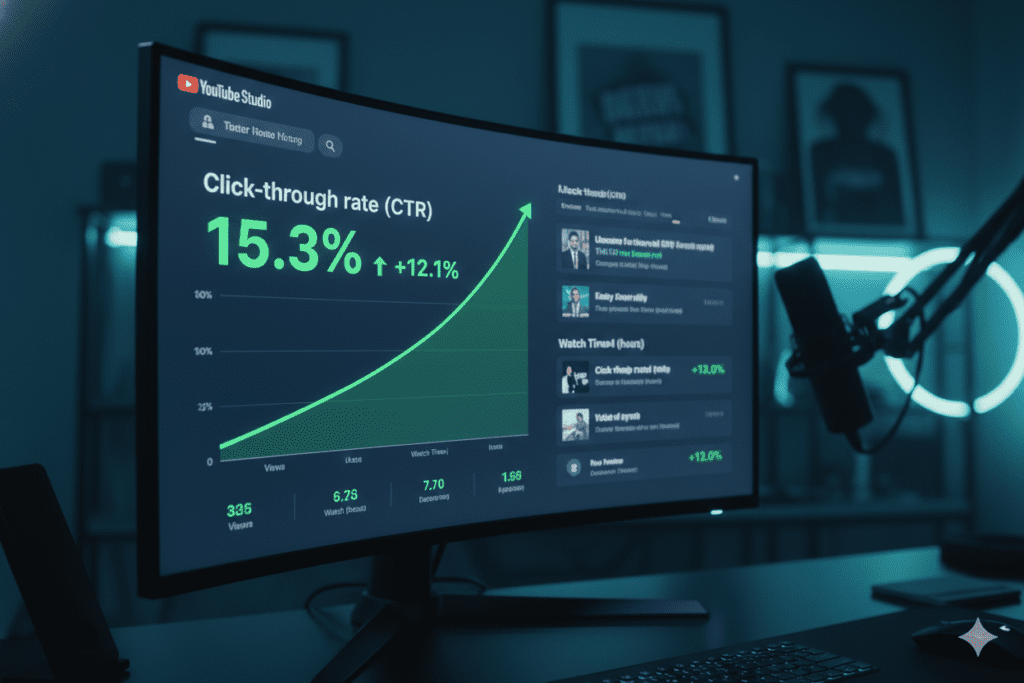
According to YouTube’s own data, most channels have a click-through rate (CTR) between 2% and 10%. The platform-wide average sits around 4–5%. But creators with optimized thumbnails consistently push past 7–10%.
A jump from 3% CTR to 7% CTR doesn’t just mean more clicks. It tells the YouTube algorithm that your video is worth recommending to more people — triggering a compounding growth effect.
As more viewers engage, your video gains momentum, leading to increased impressions, higher watch time, stronger audience signals, and a greater chance of being featured across browse, suggested, and search results.
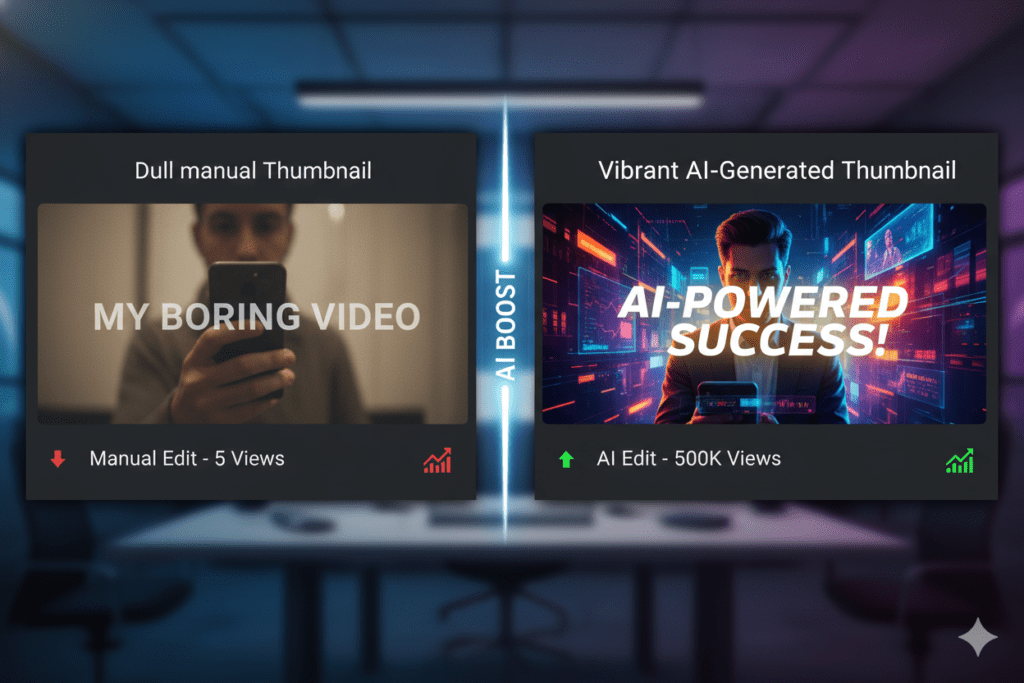
Think about it this way: the same video, with the same quality, can get 2x more views just by having a better thumbnail.
Mobile-First = Thumbnail-First
Over 70% of YouTube traffic comes from mobile devices. On a small screen, your thumbnail is tiny. Overcrowded designs, small text, and dark images disappear into the feed.
AI thumbnail tools are built with this in mind. They create clean, high-contrast visuals that punch through the noise — even on a 5-inch screen.
The Algorithm Rewards High CTR
YouTube’s algorithm uses your CTR as a key signal to decide how widely to distribute your video. A video with a strong early CTR gets pushed to broader audiences. A weak one stalls — no matter how good the content is.
Using a free AI thumbnail maker to optimize your thumbnails before publishing is one of the smartest moves you can make for channel growth.
How a Free AI Thumbnail Maker Works
Modern AI thumbnail tools are surprisingly simple. Here’s what happens under the hood.
AI Trained on Performance Data
The best free AI thumbnail maker tools are trained on massive datasets of high-performing thumbnails. They learn which colors, layouts, face expressions, and text styles drive more clicks in different niches — gaming, finance, tech, lifestyle, and more.
By analyzing patterns across millions of impressions and viewer interactions, these tools continuously improve, helping creators generate thumbnails that are not only visually appealing but also strategically optimized for higher engagement and consistent CTR growth.
Generative Image Technology
When you enter a prompt or video title, the AI use generative image models to create original visuals from scratch. This means you’re not stuck with recycled stock photos or generic templates everyone else is using.
Smart Composition
AI doesn’t just generate a pretty image. It applies design principles automatically — rule of thirds, color contrast, face placement, readable typography — all optimized for YouTube’s thumbnail dimensions (1280x720px, 16:9 aspect ratio).
The result? Thumbnails that look like a professional designer made them. In under a minute.
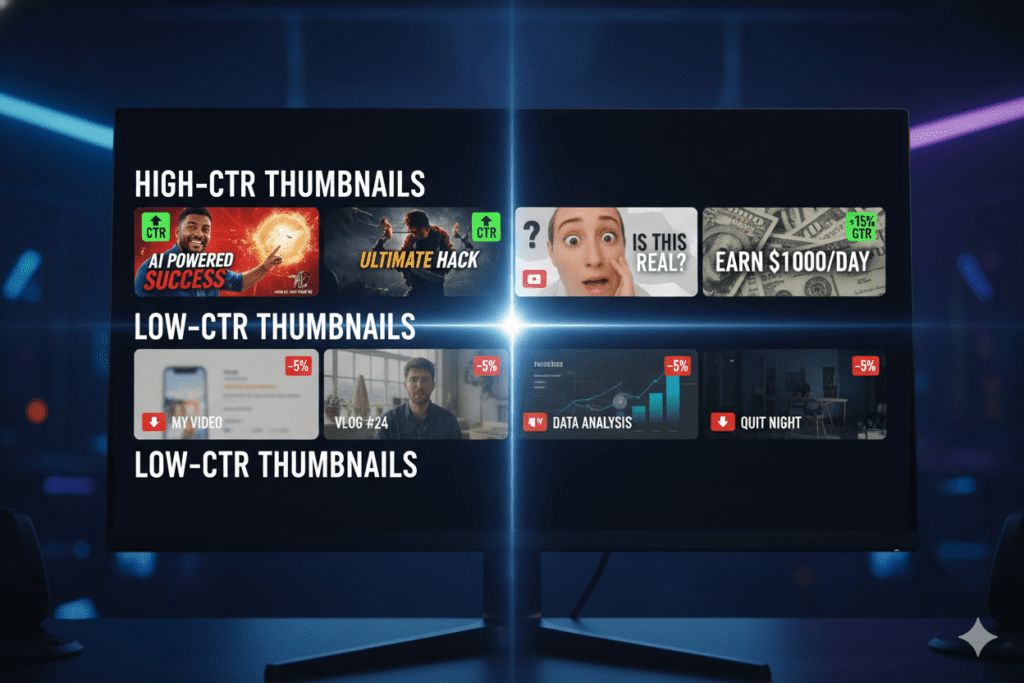
What Makes a High-CTR Thumbnail?
Before you create your next thumbnail — AI-generated or not — you need to understand what actually drives clicks. Here’s what the data says.
The Big 3 Elements of a Viral Thumbnail
- Expressive Faces: Thumbnails featuring clear, emotional faces (surprise, shock, joy) consistently outperform faceless designs. Viewers are hardwired to connect with human expressions.
- Bold, Minimal Text: Use 3–5 words max. Large, readable font. Contrasting color against the background. If the text disappears at thumbnail size, it’s too small.
- High Contrast Colors: Bright colors — yellow, red, electric blue — against dark or clean backgrounds stop the scroll. Muddy, low-contrast thumbnails blend into the feed.
What to Avoid
- Too much text (hard to read on mobile)
- Dark or blurry backgrounds
- Generic stock photo looks
- Inconsistent branding across your channel
- Misleading thumbnails (hurts watch time and ranking)
Pattern Interruption
Look at what other creators in your niche are doing. If everyone uses red backgrounds, try neon green. If everyone has text on the left, put yours on the right.
The goal is to stand out, not fit in.
A quality free AI thumbnail maker handles all of this automatically. It generates options that follow proven CTR principles, so you don’t have to remember every rule.
Step-by-Step: How to Create Thumbnails with AI
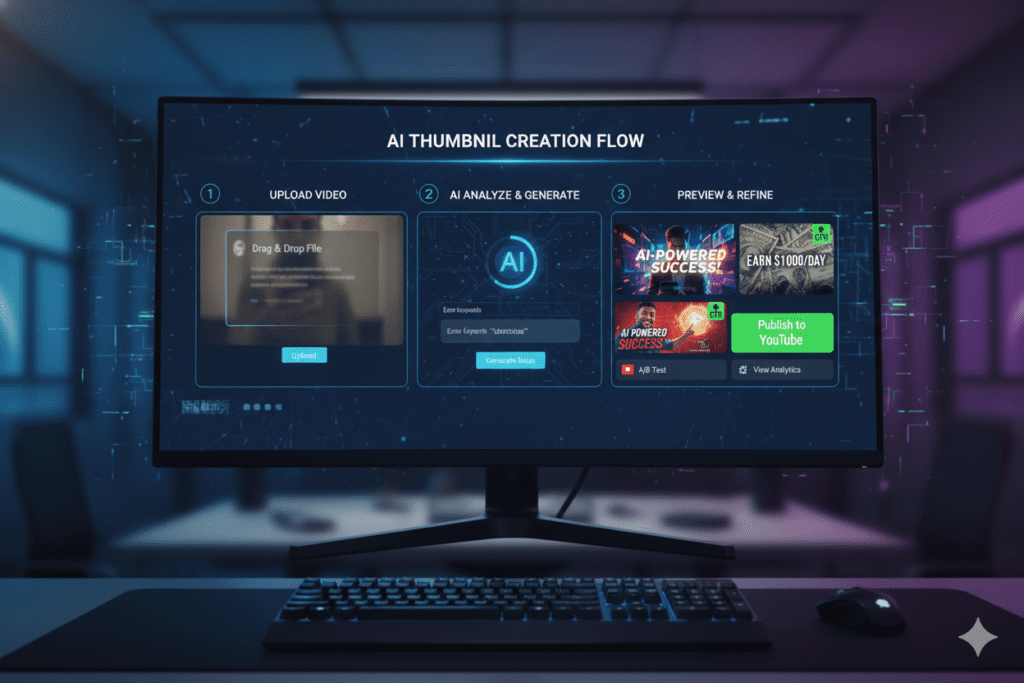
Ready to make your first AI-generated thumbnail? Here’s exactly how to do it.
Step 1: Choose the Right Tool
Not all free AI thumbnail maker tools are equal. Look for one that offers:
- Custom text overlays
- Face/background customization
- YouTube-optimized dimensions (1280x720px)
- Multiple style options
- Fast generation time
Step 2: Enter Your Video Title or Description
Be specific. Instead of “cooking video,” try “5-minute pasta recipe for beginners.” The more context you give the AI, the better the output.
Step 3: Choose a Style
Most tools let you pick from styles like cinematic, bold, minimal, dramatic, neon, or photorealistic. Match the style to your niche and audience.
Step 4: Customize
Add your face, adjust the text, change the background color, or tweak the layout. Small customizations make a big difference in making the thumbnail feel authentic to your brand.
Step 5: Download and Upload
Download in PNG format (best quality). Upload directly to YouTube Studio when setting your custom thumbnail before publishing.
Step 6: Track Your CTR
Check YouTube Studio → Analytics → Reach tab after 48 hours. If your CTR is below 4%, try a new thumbnail. A/B testing thumbnails is one of the highest-ROI activities for any creator.
Why ytZolo Is the Best Free AI Thumbnail Maker for YouTubers
Here’s where things get really exciting.
Most free AI thumbnail maker tools do one thing: generate images. But ytZolo does something completely different.
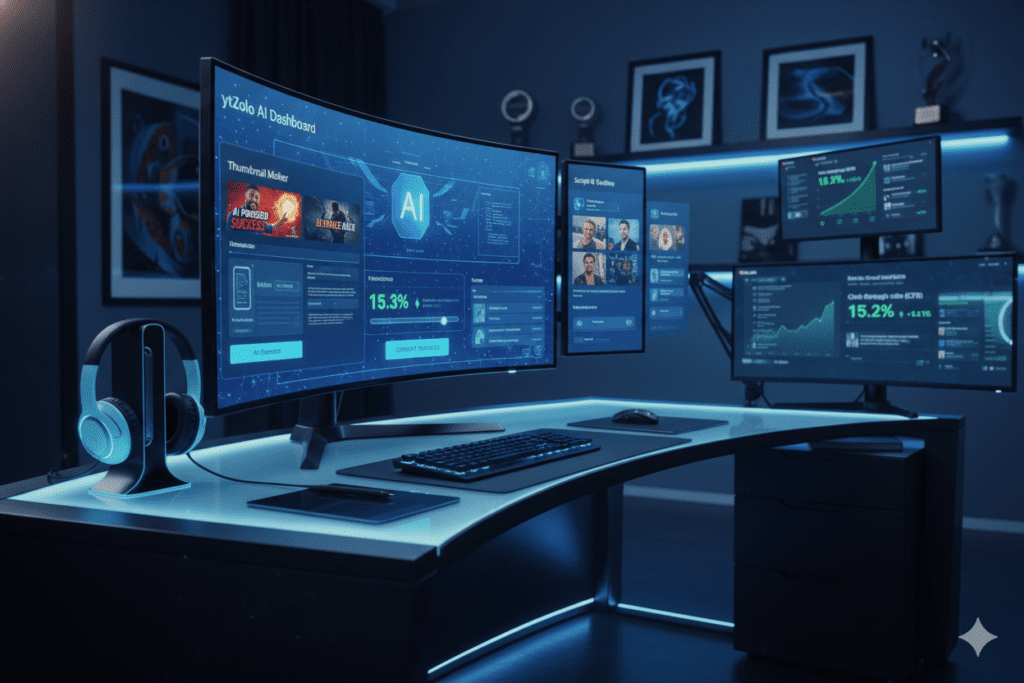
ytZolo is an all-in-one AI YouTube growth platform built specifically for content creators who want to grow faster, create smarter, and stop wasting hours on tasks that AI can handle in seconds.
What ytZolo Does
ytZolo combines every tool a growing YouTuber needs into one powerful platform:
- AI Thumbnail Maker — Generate stunning, high-CTR thumbnails instantly
- AI Title Generator — Craft scroll-stopping titles optimized for search and clicks
- AI Script Writer — Write engaging video scripts in minutes, not hours
- AI Description Generator — Auto-generate keyword-rich video descriptions
- AI Tags Generator — Find the best tags to rank your videos faster
This isn’t just a thumbnail tool. This is your complete AI YouTube growth system.
Why ytZolo Stands Out
Other tools make you jump between 5 different apps to create one video. With ytZolo, everything lives in one place. You generate your title, write your script, create your thumbnail, and craft your description — all without leaving the platform.
For creators who upload consistently, this kind of workflow efficiency is a game-changer.
Whether you’re a new creator just starting out or a seasoned YouTuber trying to scale to 100K subscribers, ytZolo gives you the AI firepower to compete with the biggest channels on the platform.
Want to see more tips on growing your YouTube channel with AI? Check out the ytZolo blog for actionable strategies updated regularly for creators in 2026.
Why ytZolo Is Better Than Other Tools
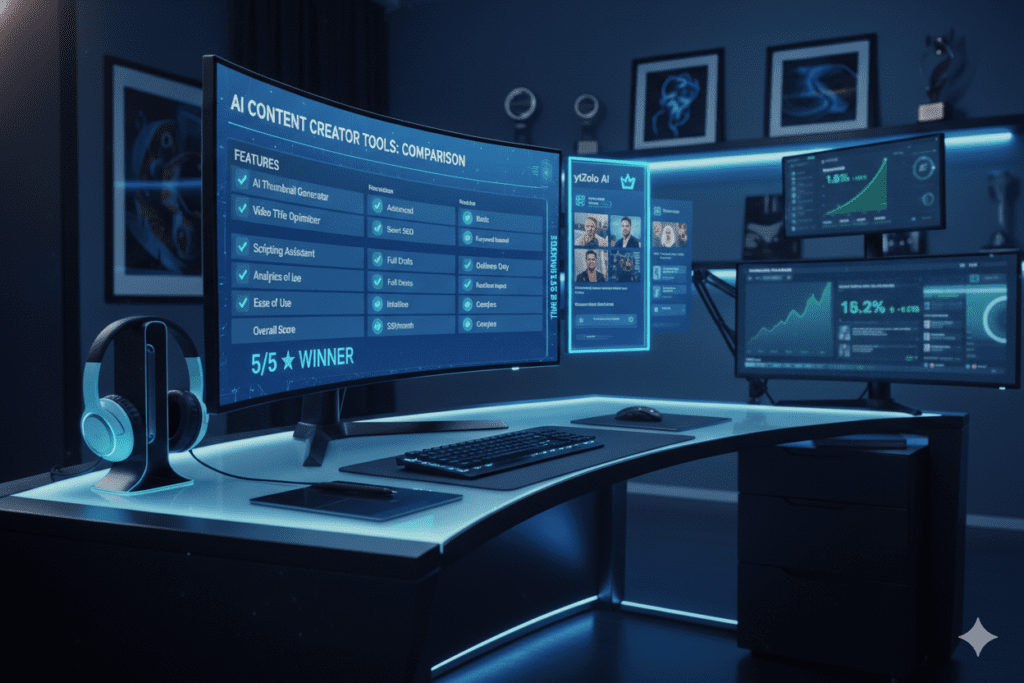
There are a lot of free AI thumbnail maker options out there. Here’s how ytZolo compares.
| Feature | ytZolo | Canva | vidIQ | Standalone Thumbnail Tools |
|---|---|---|---|---|
| AI Thumbnail Generation | ✅ Yes | ✅ Limited free | ✅ Yes | ✅ Yes |
| AI Title Generator | ✅ Yes | ❌ No | ✅ Yes | ❌ No |
| AI Script Writer | ✅ Yes | ❌ No | ❌ No | ❌ No |
| AI Description + Tags | ✅ Yes | ❌ No | ✅ Partial | ❌ No |
| All-in-One Platform | ✅ Yes | ❌ No | ❌ No | ❌ No |
| Built for YouTubers | ✅ Yes | ❌ No | ✅ Yes | ✅ Partial |
The Problem with Using Multiple Separate Tools
Using Canva for thumbnails, a separate tool for titles, another for scripts, and yet another for descriptions sounds manageable at first. But it kills your creative momentum.
Every time you switch tools, you lose context, waste time, and introduce inconsistency across your content. Your title and thumbnail stop working together. Your description doesn’t match your tags.
ytZolo solves this by putting every AI YouTube tool in one smart, connected workflow.
Why Canva Isn’t Enough
Canva is great for general design. But it’s not built for YouTube growth. It doesn’t understand CTR optimization, keyword-driven title formulas, or what makes a video script engaging.
ytZolo is purpose-built for YouTubers. Every feature is designed with one goal: helping you get more views, more subscribers, and more growth.
Why Creators Struggle Without AI
Let’s be honest about the creator economy in 2026.
YouTube has over 800 million videos on the platform. Thousands of new videos are uploaded every minute. Getting noticed is harder than it’s ever been.
The Manual Method Is Broken
Before AI, creating one video required:
- 30–60 minutes designing a thumbnail in Photoshop
- 1–2 hours writing and rewriting a script
- 30 minutes brainstorming title ideas
- 20 minutes researching tags and keywords
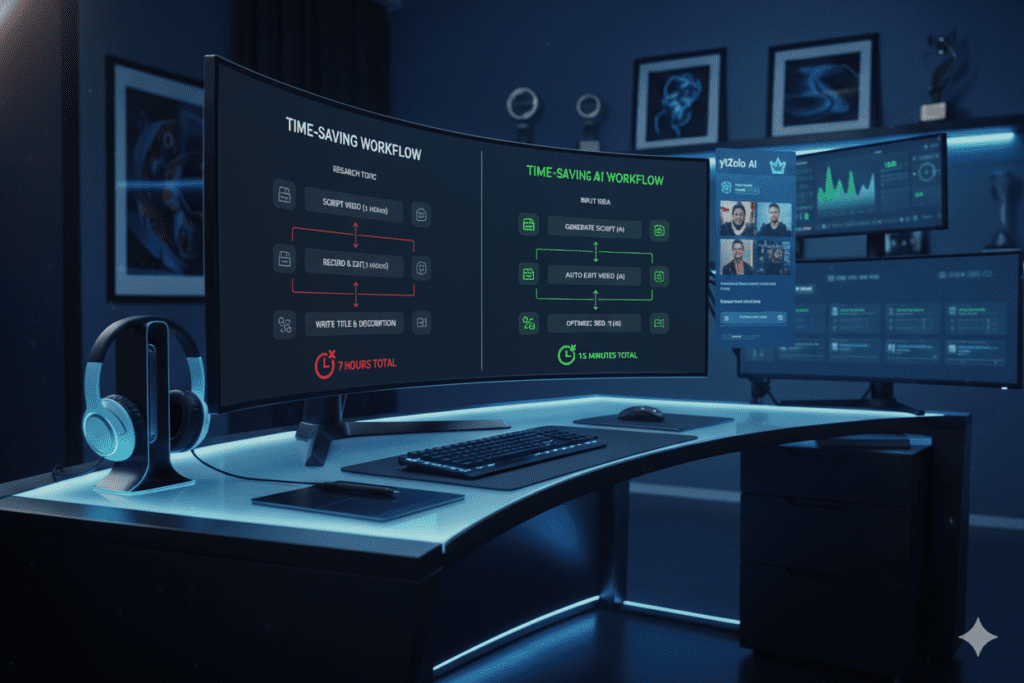
That’s 3–4 hours of non-video work for every single upload. If you’re uploading twice a week, that’s 6–8 hours every week spent on tasks that AI can now do in minutes.
The Creators Who Are Winning
The top-growing YouTube channels in 2026 aren’t necessarily the ones with the best cameras or the most editing experience. They’re the ones who’ve embraced AI tools to speed up their workflow, optimize their content, and publish more consistently.
Consistency is everything on YouTube. The algorithm rewards creators who publish regularly. If manual processes are slowing you down, AI is the only practical solution.
The Cost of a Bad Thumbnail
Consider this: if your video gets 10,000 impressions with a 2% CTR, you get 200 views. The same video with a 6% CTR gets 600 views — three times more — without any change to the video itself.
That’s the ROI of a good free AI thumbnail maker. Not just convenience. Real, measurable growth.
Using ytZolo as your primary AI YouTube tool means never leaving views on the table again.
FAQ
What is the best free AI thumbnail maker for YouTube in 2026?
The best free AI thumbnail maker for YouTube in 2026 is one that combines high-quality image generation with YouTube-specific optimization. ytZolo stands out because it goes beyond just thumbnails — it’s a full AI YouTube growth platform that also generates titles, scripts, descriptions, and tags, all designed to help creators grow faster.
Can I really create professional thumbnails for free with AI?
Yes. Modern free AI thumbnail maker tools can generate professional-quality thumbnails in seconds. You don’t need design skills, Photoshop, or expensive software. Tools like ytZolo allow creators to design click-worthy thumbnails optimized for YouTube’s 1280x720px format — completely free.
How does a free AI thumbnail maker improve my YouTube CTR?
An AI thumbnail maker improves your CTR by applying data-backed design principles automatically — high contrast colors, expressive faces, bold readable text, and clean compositions that perform well on mobile. Higher CTR signals to YouTube’s algorithm that your video deserves more impressions, leading to more organic reach and views.
Is using an AI thumbnail maker allowed on YouTube?
Absolutely. YouTube has no restrictions on how you design your thumbnails — only on what they contain (no misleading or policy-violating imagery). Using a free AI thumbnail maker to create your thumbnails is completely allowed and encouraged. Thousands of top creators already use AI tools to design their thumbnails every week.
Do I need to know design or have a professional photo to use an AI thumbnail maker?
No. The best free AI thumbnail maker tools are designed for creators with zero design experience. You can generate stunning thumbnails from just a text prompt. Many tools also let you upload a simple selfie and the AI will automatically remove the background, adjust lighting, and blend your face into the thumbnail design professionally.
Conclusion: Stop Leaving Views on the Table
Your thumbnail is the single most important factor in whether your video gets clicked. It’s more powerful than your title, your SEO, even your posting time.
In 2026, there is absolutely no reason to spend hours manually designing thumbnails — or to publish with a weak one that kills your CTR before the video even gets a chance.
A free AI thumbnail maker puts professional-quality design in your hands in under 60 seconds. And when you combine that with an all-in-one platform like ytZolo, you’re not just making better thumbnails — you’re building a smarter, faster, more consistent content machine.
With ytZolo, you get:
- ✅ AI thumbnails that stop the scroll
- ✅ AI titles that rank and get clicked
- ✅ AI scripts that keep viewers watching
- ✅ AI descriptions and tags that boost your SEO
- ✅ Everything in one place, built for YouTube growth
The creators who are winning on YouTube right now aren’t working harder. They’re working smarter — with AI.
Start creating smarter, faster, and more viral YouTube content with ytZolo today.
👉 Visit ytZolo.com and start your free AI-powered YouTube journey right now.
For more YouTube growth strategies, creator tips, and AI tool guides, visit the ytZolo blog.
External resources: YouTube Creator Blog | Google Search Central | HubSpot Marketing Blog


Pingback: Best YouTube AI Title Generator for More Views (2026)