

Introduction: The Thumbnail That Changed Everything
Let me tell you about a creator named Priya.
She was posting YouTube Shorts every single day. Good content. Real effort. Solid editing. But her views? Flatlined at a few hundred per video. She was invisible — and she had no idea why.
Then one evening, she ran her next Short through a YouTube Shorts thumbnail generator powered by AI. The result? A bold, high-contrast thumbnail with a single power phrase and a crystal-clear focal point. She uploaded it that night.
By morning, that Short had 47,000 views.
Nothing changed except the thumbnail.
That’s the power of a great YouTube Shortsthumbnail generator — and in 2026, the creators who don’t use one are leaving thousands of views on the table every single week.
In this guide, you’ll learn everything you need to know: what makes a great Shorts thumbnail, why AI tools are crushing manual design methods, and why ytZolo is the tool thousands of creators are switching to right now.
Let’s get into it.
Table of Contents
What Is a YouTube Shorts Thumbnail Generator?
A YouTube Shorts thumbnail generator is a tool — increasingly powered by artificial intelligence — that creates custom thumbnail images for your YouTube Shorts videos.
Instead of spending 30–60 minutes in Photoshop or Canva wrestling with fonts, colors, and layouts, you simply input your video topic or title and the tool produces a professional, click-optimized thumbnail in seconds.
The best YouTube Shorts thumbnail generators do more than just make things look pretty. They’re trained on thousands of high-performing videos and understand exactly what visual cues drive clicks in specific niches.
Think of it as having a professional thumbnail designer available 24/7 — except it takes 10 seconds instead of 10 hours.
A YouTube Shorts thumbnail generator is AI-powered software that automatically creates custom, click-optimized thumbnail images for YouTube Shorts by analyzing high-performing video data and applying proven CTR principles like bold contrast, emotional faces, and minimal text.
Do YouTube Shorts Thumbnails Really Matter in 2026?
This is the question every creator asks. And the answer might surprise you.
Yes — your Shorts thumbnail matters more than ever right now.
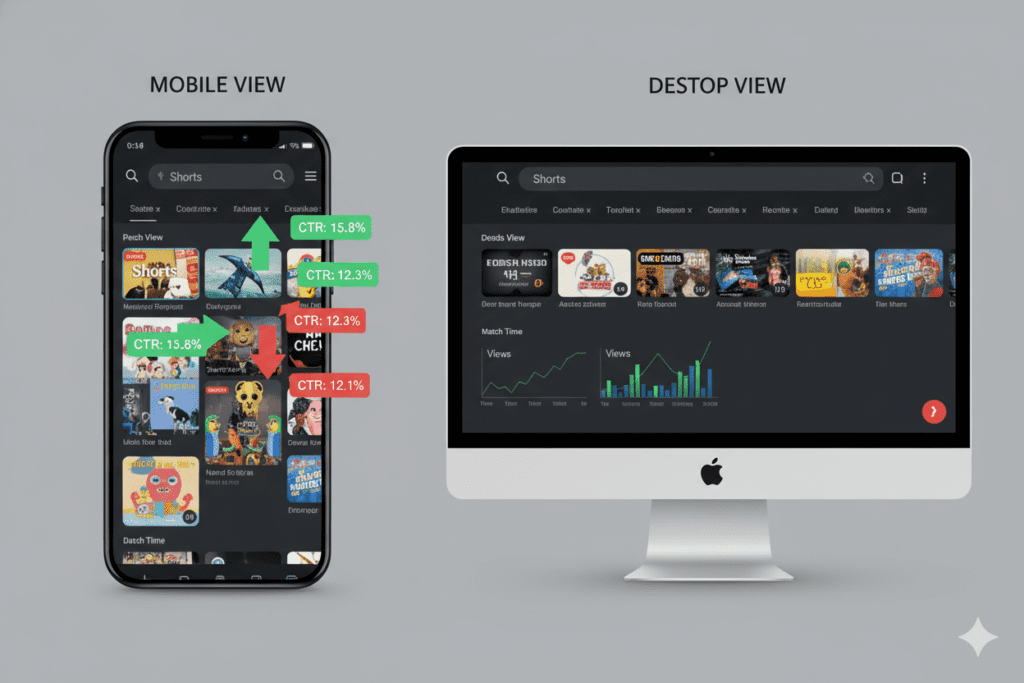
Here’s why. In the vertical swipe feed, YouTube auto-selects a frame from your video. You can’t control that. But your custom thumbnail shows up in several high-intent places where clicks actually happen:
- YouTube Search Results — When someone searches a topic, your thumbnail competes for the click
- Your Channel Page — First impressions that turn casual viewers into subscribers
- Suggested Videos — Where YouTube recommends your content to new audiences
- Home Feed Browse — Recommended to cold audiences based on algorithm signals
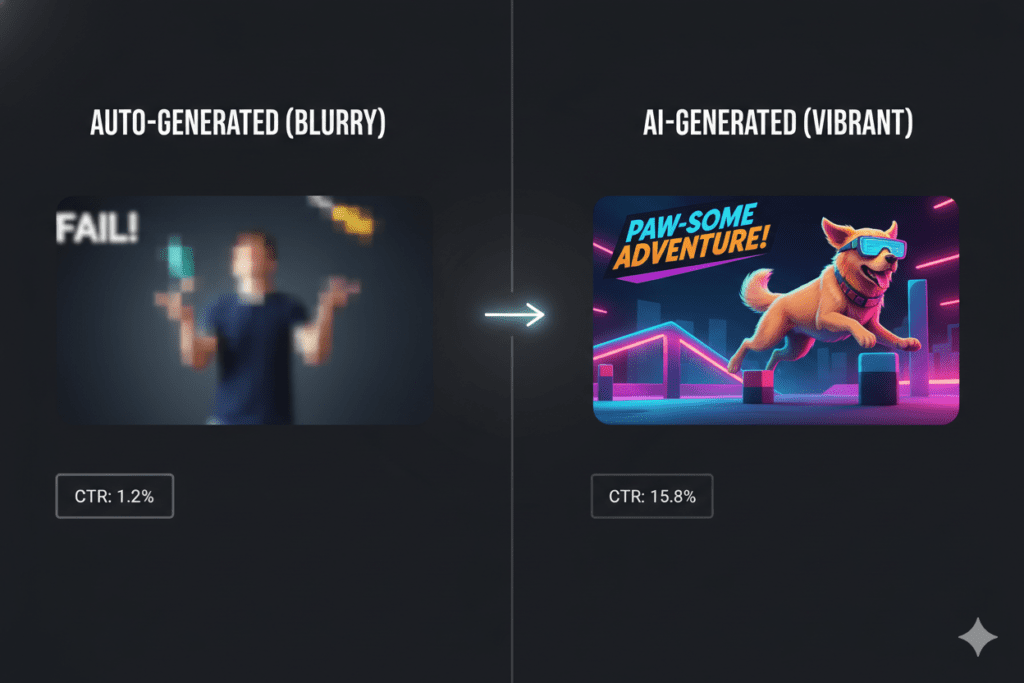
Here’s the data that should wake you up. Shorts with custom thumbnails containing readable text had 85% higher click-through rates in YouTube search results compared to auto-generated frames.
And since January 2026, YouTube now lets viewers specifically filter Shorts in search results. That means your thumbnail is competing head-to-head for clicks in a targeted, high-intent environment.
A weak thumbnail equals invisible content. A strong one? That’s your ticket to the algorithm.
Why Manual Thumbnail Design Is Killing Your Growth
Let’s be honest. Most creators fall into one of three traps:
Trap #1: Skipping thumbnails entirely They upload their Short with an auto-selected frame and hope for the best. YouTube picks a random moment — often a blurry mid-blink frame — and that’s what thousands of potential viewers see first.
Trap #2: Spending too much time on manual design They open Canva, spend 45 minutes adjusting fonts and backgrounds, second-guess every color choice, and still aren’t sure if the result is actually good.
Trap #3: Using the same static template forever They create one thumbnail style and never test or evolve it. Their CTR slowly drops as the design becomes invisible to repeat visitors.
All three approaches have the same problem: they’re slow, inconsistent, and not data-driven.
The YouTube Creator Blog acknowledges that the algorithm rewards content that earns strong early click signals. If your thumbnail can’t generate that initial click, the algorithm has no reason to push your video further.
Manual design is a creativity drain. It eats the time and energy you should be spending on making more great content.
That’s exactly why a smart YouTube Shorts thumbnail generator like ytZolo exists — to remove the guesswork and give you professional results in seconds.
What Makes a Perfect YouTube Shorts Thumbnail?
Before you start generating thumbnails, you need to understand what separates great ones from forgettable ones. Here’s what actually works in 2026:
The Core Elements of a High-CTR Thumbnail
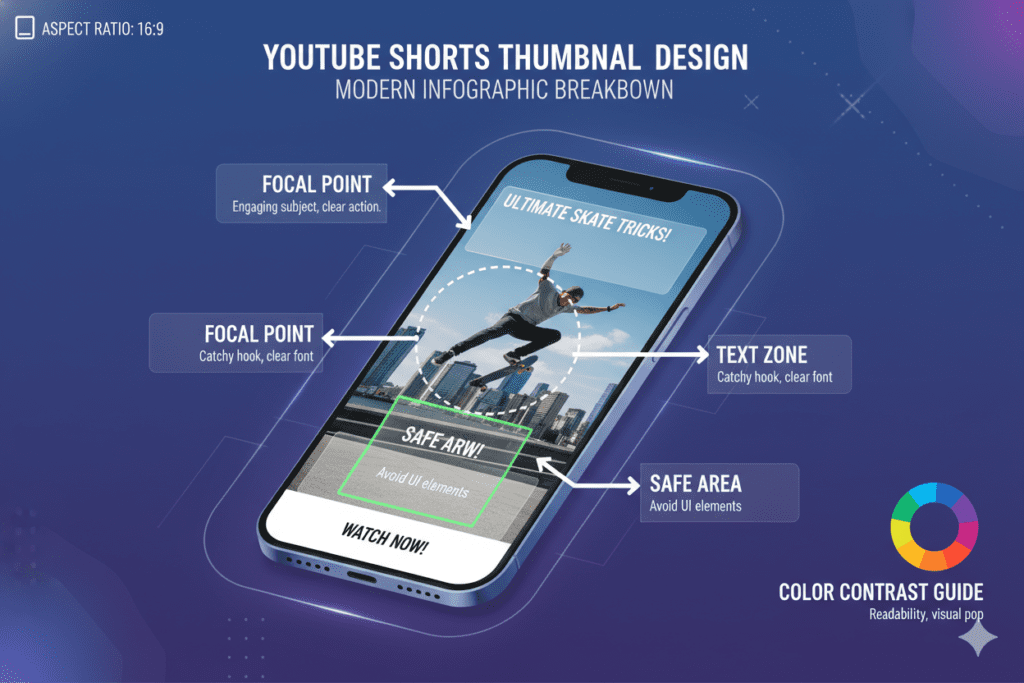
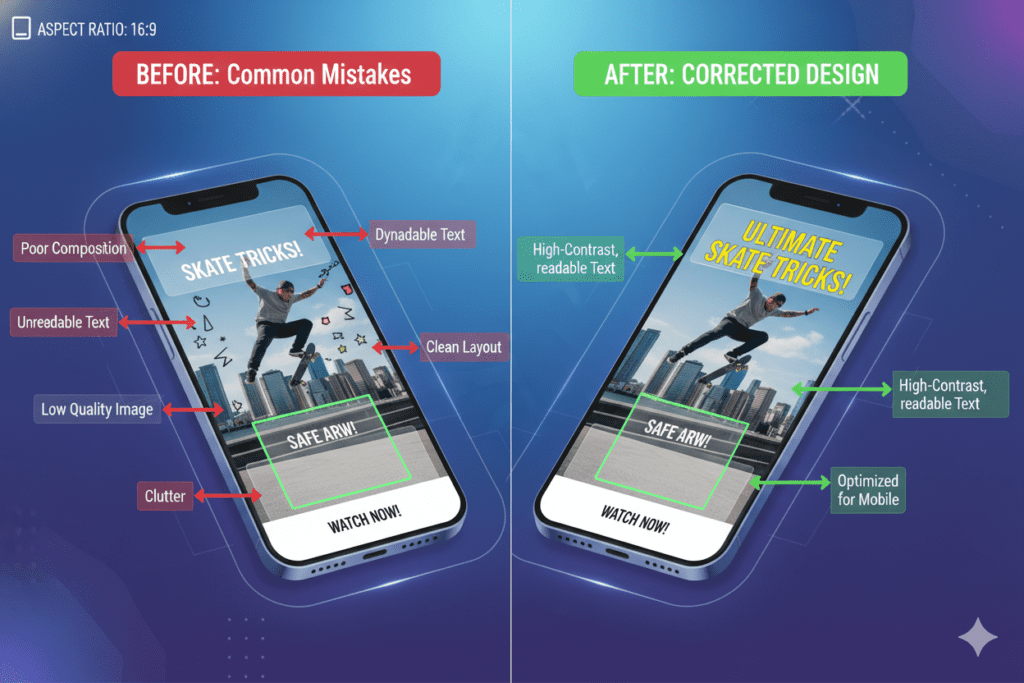
1. One clear focal point Your thumbnail can handle exactly one main subject. A face showing strong emotion, a product, or a bold visual result. Never crowd the frame.
2. High contrast colors Bright colors against dark backgrounds — or vice versa — make your thumbnail impossible to ignore in a crowded feed. Complementary color pairs like yellow/violet or blue/orange create the strongest visual impact.
3. Minimal, bold text Use 1–3 words maximum. Large, readable fonts that communicate a single idea. If your text can’t be read on a phone screen at arm’s length, it’s too small.
4. Emotional faces Thumbnails featuring human expressions — especially surprise, excitement, or curiosity — consistently outperform faceless designs. Viewers connect emotionally before they even read the title.
5. Mobile-first design More than half of YouTube’s traffic comes from mobile. Your thumbnail must look sharp and readable on a small screen. Keep important elements inside the center safe zone.
6. Curiosity gap The best thumbnails create a gap between what’s shown and what’s promised. Pair your thumbnail with your title to tell a story together — but never repeat the same information in both.
YouTube Shorts Thumbnail Specs (2026)
| Spec | Requirement |
|---|---|
| Dimensions | 1280 x 720 pixels (16:9) |
| Min Resolution | 1280 x 720 px |
| Recommended | 1920 x 1080 px |
| File Size | Under 2MB |
| Formats | JPG, PNG, GIF, BMP |
| Aspect Ratio | 16:9 (not 9:16) |
Note: Many creators upload 9:16 vertical images thinking that matches Shorts format. It doesn’t. YouTube’s thumbnail system uses 16:9 containers — always use standard 1280×720 thumbnails even for Shorts.
How AI-Powered Thumbnail Generators Work
Here’s where things get really interesting — and where AI completely changes the game.
A traditional YouTube Shorts thumbnail generator template just gives you a blank canvas with pre-made layouts. You still have to do all the creative heavy lifting yourself.
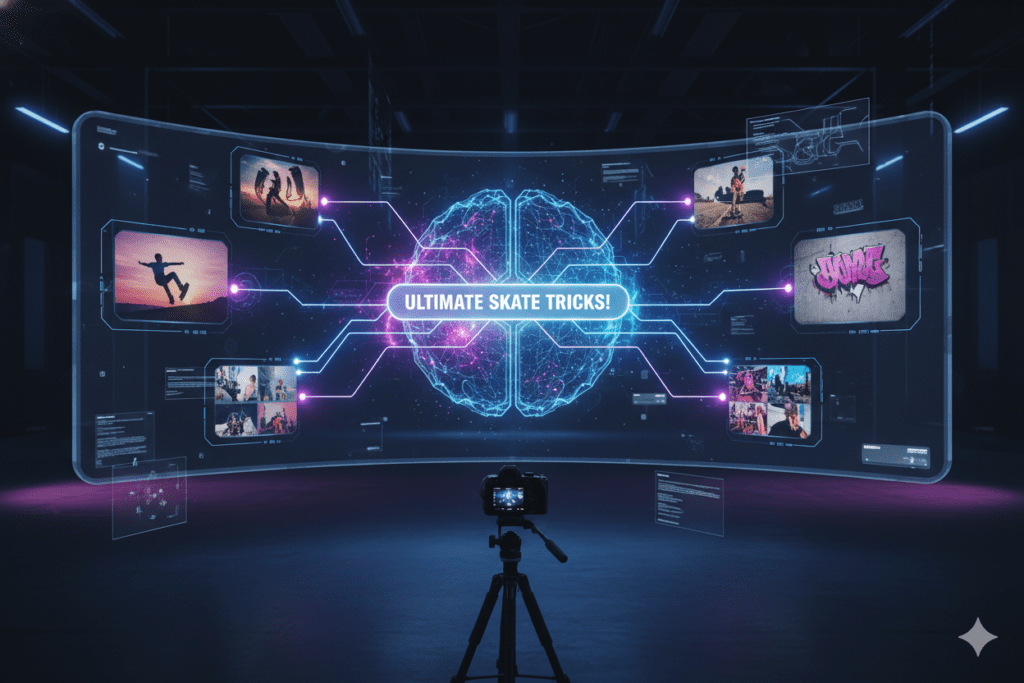
An AI-powered YouTube Shorts thumbnail generator does something much smarter.
It’s trained on massive datasets of high-performing YouTube thumbnails across thousands of niches. It learns:
- Which color combinations drive the highest CTR by content category
- What text placement and font weights perform best on mobile
- Which emotional expressions correlate with longer watch time
- How competitor thumbnails in your niche are structured
- What visual patterns trigger curiosity and clicks in your specific audience
When you input your video title or topic, the AI applies all of that learned intelligence to generate thumbnail concepts that are optimized for performance — not just aesthetics.
The result? Thumbnails built to get clicked, not just to look nice.
According to research from HubSpot’s content marketing studies, creators who use AI tools produce content up to 3x faster and maintain more consistent publishing schedules — which is exactly what the YouTube algorithm rewards.
The difference between a mediocre thumbnail and a viral one isn’t talent. It’s data. And AI gives you access to that data instantly.
How ytZolo’s YouTube Shorts Thumbnail Generator Stands Out
Here’s the truth about most YouTube Shorts thumbnail generators out there: they’re built for general graphic design, not specifically for YouTube performance.
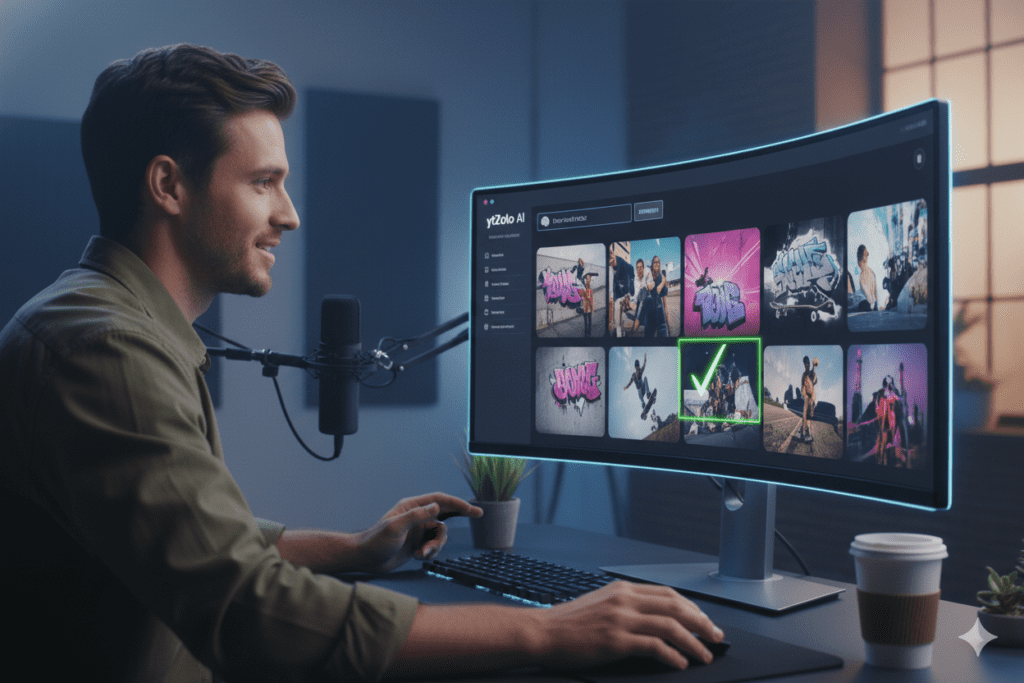
ytZolo is different. It was built from the ground up by people who understand the YouTube algorithm, creator psychology, and what actually drives channel growth.
When you use ytZolo’s thumbnail generator, you’re not getting a generic design template. You’re getting thumbnail concepts that are:
- Trained on YouTube-specific performance data — not generic stock photo aesthetics
- Niche-aware — a gaming thumbnail looks completely different from a finance thumbnail
- Optimized for CTR principles — emotional impact, curiosity gaps, and scroll-stopping contrast
- Mobile-first by default — every design accounts for small screen legibility
- Paired with your title and content — the thumbnail and title work as a unified click system
ytZolo understands that your thumbnail doesn’t exist in isolation. It works alongside your title, description, and tags as part of a complete video optimization package.
That’s why creators who use ytZolo don’t just get better thumbnails — they get better overall channel performance.
“Your thumbnail is responsible for up to 70% of your click-through rate. A bad thumbnail means even a great title fails.” — ytZolo AI Thumbnail Generator Guide
Why ytZolo Is Better Than Other Tools
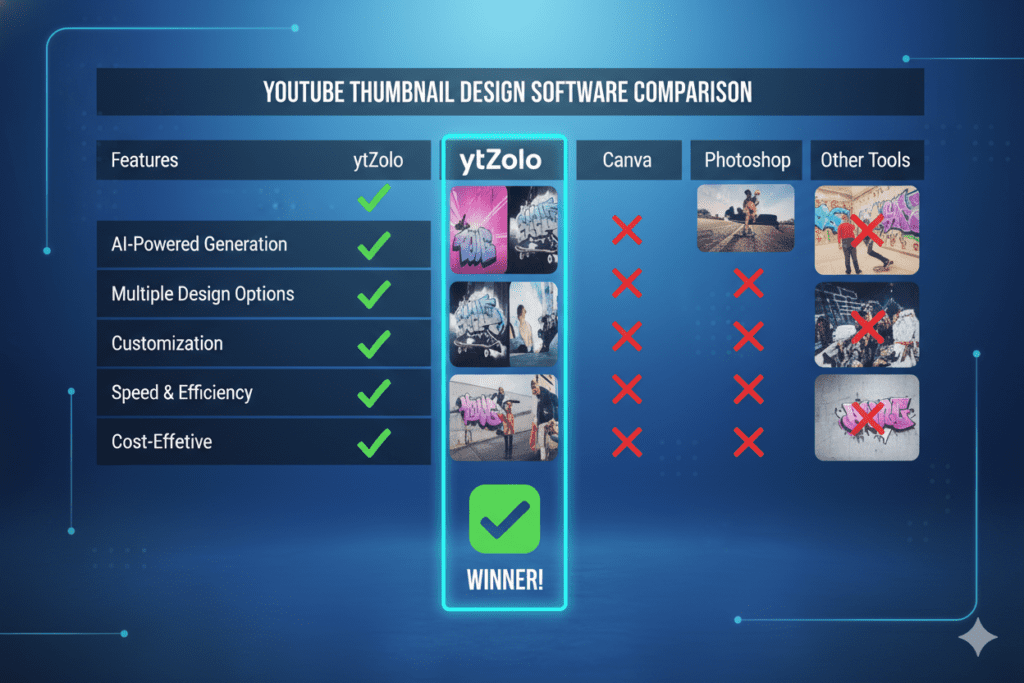
There are plenty of YouTube Shorts thumbnail generator options out there. Here’s how ytZolo stacks up — honestly.
ytZolo vs. Canva
Canva is a great general design tool. But it doesn’t understand YouTube. It doesn’t know which thumbnail styles are trending in your niche, what CTR benchmarks look like, or how your thumbnail should pair with your title for maximum algorithmic impact. You’re doing all the strategic thinking yourself. ytZolo handles that thinking for you.
ytZolo vs. TubeBuddy / VidIQ
TubeBuddy and VidIQ are analytics-first tools with thumbnail features bolted on. They’re useful for data — but ytZolo was built as a growth-first AI platform from the start. When other tools show you data, ytZolo takes action.
ytZolo vs. Generic AI Art Tools
Tools like Midjourney or DALL-E create visually stunning images. But they weren’t trained on YouTube performance data. They don’t understand CTR, watch time signals, or what makes a viewer click on a Short versus scroll past it. ytZolo does.
The Real Difference: All-in-One vs. Patchwork
Most creators use 4–6 different tools for their YouTube workflow: one for thumbnails, one for titles, one for scripts, one for tags, one for descriptions. That’s expensive, inefficient, and the tools don’t work together.
ytZolo replaces all of them with a single platform where every feature is trained on the same goal: getting your videos seen and clicked.
| Feature | ytZolo | Canva | TubeBuddy | Generic AI |
|---|---|---|---|---|
| YouTube-specific training | ✅ | ❌ | Partial | ❌ |
| Shorts thumbnail generator | ✅ | ✅ | ✅ | ❌ |
| Title generator | ✅ | ❌ | Partial | ✅ |
| Script writer | ✅ | ❌ | ❌ | ✅ |
| Tags & descriptions | ✅ | ❌ | ✅ | Partial |
| All-in-one workflow | ✅ | ❌ | ❌ | ❌ |
| Free to start | ✅ | ✅ | Partial | ❌ |
Step-by-Step: Creating YouTube Shorts Thumbnails with ytZolo
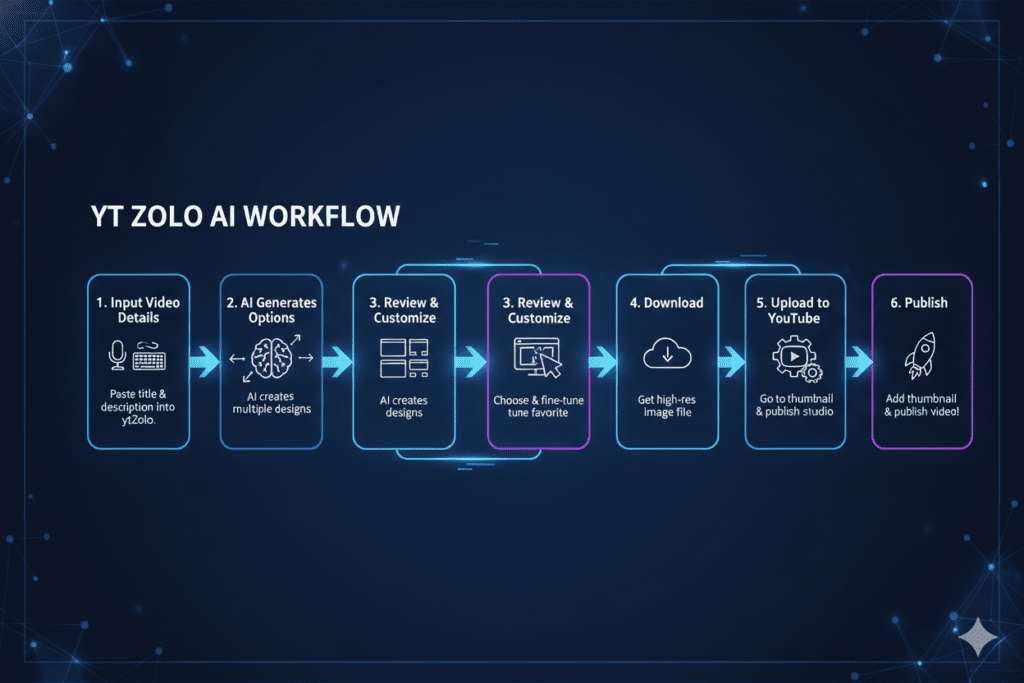
Getting started takes less than five minutes. Here’s the exact process:
Step 1 — Visit ytZolo
Head to ytzolo.com and create your free account. No credit card required to get started.
Step 2 — Enter Your Video Topic or Title
Type in your Shorts title or a brief description of what your video is about. The more specific you are, the more targeted your thumbnail will be.
Example input: “3 morning habits that doubled my productivity”
Step 3 — Let the AI Generate Thumbnail Concepts
Hit generate. ytZolo’s AI engine analyzes your input against its database of high-performing thumbnail patterns and produces multiple visual concepts optimized for your niche.
Step 4 — Review and Customize
Browse the generated options. Pick the one that best matches your brand voice and content. Make light customizations — tweak colors to match your channel palette, adjust text phrasing if needed.
Step 5 — Download and Upload to YouTube Studio
Download your thumbnail (1280×720 JPG or PNG, under 2MB). Go to YouTube Studio → Content → Select your Short → Upload custom thumbnail.
Step 6 — Track Performance
Check YouTube Analytics after 48–72 hours. Compare your CTR to previous Shorts. The data doesn’t lie.
Pro tip: Since YouTube’s Test & Compare feature doesn’t currently support Shorts, your thumbnail needs to be right on the first upload. That’s exactly why using a data-driven YouTube Shorts thumbnail generator like ytZolo matters so much — you get it right the first time.
Thumbnail Design Tips That Maximize CTR
Even with the best YouTube Shorts thumbnail generator, knowing these principles helps you pick the strongest option and customize it effectively.
Design Principles That Drive Clicks
Keep it to one focal point. One face, one object, one message. Complexity kills clicks on small screens.
Lead with emotion. Surprise, curiosity, excitement — thumbnails that trigger an emotional response get more clicks than purely informational ones.
Use the curiosity gap. Your thumbnail should hint at something without revealing everything. Pair it with a title that completes the story.
Match your audience’s expectations. A thumbnail that looks out of place in your niche creates confusion. Stay true to what your audience expects — but elevate the quality.
Stay consistent across your channel. Consistent thumbnail style builds brand recognition. Viewers learn to recognize and trust your content format.
Common Thumbnail Mistakes to Avoid
- Too much text — More than 3–4 words becomes unreadable on mobile
- Low-resolution images — Always use minimum 1280×720 pixels
- Misleading thumbnails — YouTube’s spam policy penalizes thumbnails that don’t match your video content
- Ignoring the safe zone — Keep key elements within the center 1100×620 pixels to avoid platform UI overlays
- Copy-pasting competitors — Imitation looks low-quality and confuses algorithms
The ytZolo Advantage: All-in-One YouTube Growth
Here’s what separates serious growing channels from ones that stagnate: they don’t just optimize thumbnails. They optimize everything.
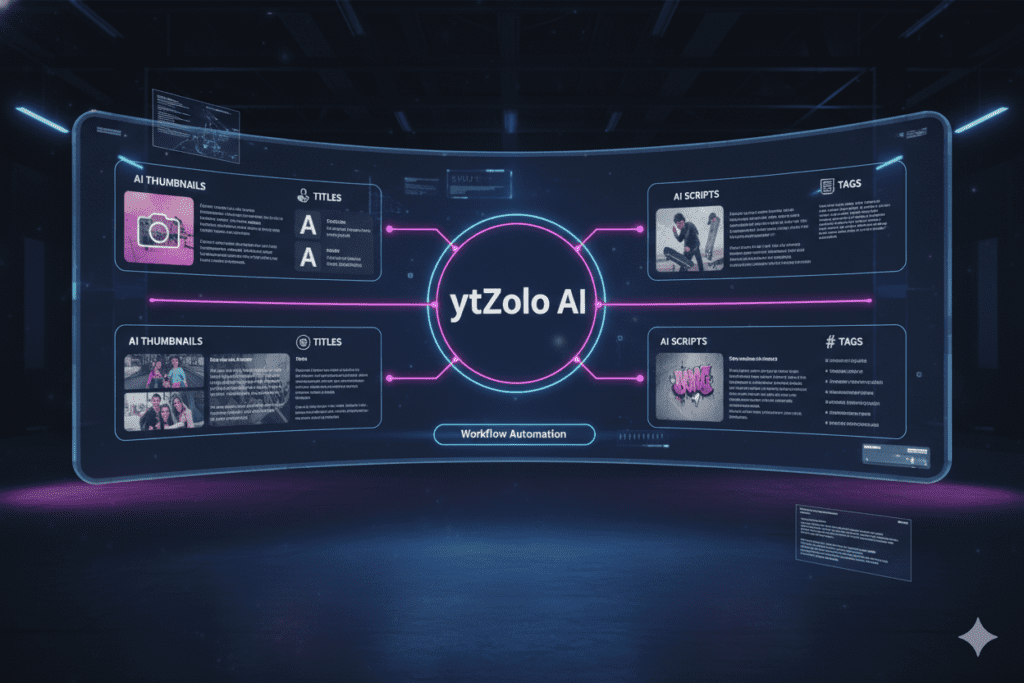
ytZolo isn’t just a YouTube Shorts thumbnail generator. It’s a complete AI-powered YouTube growth platform that handles your entire content workflow:
- 🎯 Viral Title Generator — Click-worthy titles optimized for both search and viewer psychology
- 🖼️ AI Thumbnail Generator — Scroll-stopping thumbnail concepts for both Shorts and long-form videos
- 📝 Script Writer — Full structured scripts with hooks, pattern interrupts, and strong CTAs
- 🏷️ Tags & Descriptions — Metadata packed with the right keywords for maximum discoverability
- 💡 Video Idea Generator — High-potential content ideas based on trending topics and your niche
Every feature works together. Your thumbnail, title, script, and tags are all aligned around the same video concept. That unified approach is what produces compound growth — not just single-video spikes.
Creators who use ytZolo don’t just get better thumbnails. They build better channels.
Check out the ytZolo blog for more strategies on YouTube SEO, content optimization, and growth tactics that are working right now in 2026.
FAQ: YouTube Shorts Thumbnail Generator
1. What is the best YouTube Shorts thumbnail generator in 2026?
The best YouTube Shorts thumbnail generator is one that combines AI-powered design with YouTube-specific performance data. ytZolo leads this category because it generates thumbnail concepts trained on what actually drives CTR on YouTube — not just generic graphic design.
It also integrates with title generation, scripts, and metadata optimization so your entire video performs as a unified package.
2. What size should a YouTube Shorts thumbnail be?
YouTube Shorts thumbnails should be 1280 x 720 pixels (16:9 aspect ratio), with a maximum file size of 2MB. Use JPG or PNG format. Despite Shorts being vertical videos, YouTube’s thumbnail system displays in 16:9 containers — so always create horizontal thumbnails, not vertical 9:16 images.
3. Do YouTube Shorts really need a custom thumbnail?
Yes. While YouTube auto-selects a frame from your Shorts for the swipe feed, your custom thumbnail appears in YouTube search results, suggested videos, your channel page, and the home feed. Shorts with custom thumbnails have been shown to achieve significantly higher CTR in search — which directly signals YouTube’s algorithm to push your content further.
4. Can AI thumbnail generators actually improve my YouTube Shorts views?
Absolutely. AI-powered YouTube Shorts thumbnail generators are trained on thousands of high-performing videos and understand which visual elements — color contrast, emotional faces, minimal text — drive the highest click-through rates in your specific niche.
Creators who switch to AI-generated thumbnails frequently report meaningful CTR improvements within the first few weeks of consistent use.
5. Is ytZolo free to use as a YouTube Shorts thumbnail generator?
Yes — you can get started with ytZolo completely free, with no credit card required. The platform offers a free tier that lets you explore the thumbnail generator alongside its other AI tools for titles, scripts, tags, and descriptions. Visit ytzolo.com to create your free account and start generating thumbnails today.
Conclusion: Stop Guessing, Start Growing
Here’s the bottom line.
YouTube Shorts in 2026 is fiercely competitive. Over 500 hours of video are uploaded to YouTube every single minute. Your content is fighting for attention against thousands of other creators — and the battle starts before a single viewer presses play.
Your thumbnail is your first impression. It’s the difference between a click and a scroll. Between going viral and going unnoticed.
A great YouTube Shorts thumbnail generator powered by AI removes the guesswork, saves you hours every week, and gives you thumbnail designs backed by real performance data — not gut instinct.
And ytZolo is the best YouTube Shorts thumbnail generator available today because it doesn’t stop at thumbnails. It gives you the titles, scripts, tags, and descriptions to make every single video perform at its highest potential.
The creators growing fastest right now aren’t working harder. They’re working smarter. They’re using AI to do in 10 minutes what used to take 2 hours — and spending that saved time making more content, building more consistency, and reaching more people.
You can do the same. Starting today.
Start creating smarter, faster, and more viral YouTube content with ytZolo today.
👉 Get started free at ytzolo.com →
Related Reading:

