

Introduction: Your Thumbnail Is Killing Your Channel (And You Don’t Even Know It)
Picture this. You just spent six hours filming and editing what might be your best video ever. The content is gold. The audio is clean. The editing is tight.
You upload it to YouTube. You wait. Three days later — 200 views. You feel defeated.
Meanwhile, a smaller channel in your exact niche — objectively worse audio, shakier footage — just hit 40,000 views on a nearly identical topic. You scroll to their video. The difference is obvious the second you see it. Their thumbnail is sharp, high-contrast, emotionally compelling, and impossible to scroll past. Yours is a blurry screenshot with your channel name slapped on it.
That’s the thumbnail gap. And in 2026, it’s the silent growth killer destroying more channels than any algorithm change ever has.
Here’s the good news: the best free AI YouTube thumbnail generator tools have completely changed the game. You no longer need a graphic designer, a Photoshop subscription, or two hours of your day to create professional, click-worthy thumbnails.
In this guide, you’ll learn exactly what makes a thumbnail perform, how to use AI to generate them in seconds, and why ytZolo is the best free AI YouTube thumbnail generator available right now.
Let’s get into it.

Table of Contents
Why Your Thumbnail Is More Powerful Than Your Video
This might feel like a bold claim. But the data backs it up hard.
According to YouTube’s own Creator Academy, 90% of top-performing videos use custom thumbnails. That’s not a coincidence — that’s a pattern.
Research analyzing thousands of high-performing videos shows that an optimized thumbnail can boost your click-through rate (CTR) by 30–40%. And CTR is one of the strongest signals YouTube’s algorithm uses to decide how widely it distributes your content.
Think about it like this. Your video doesn’t get watched if it doesn’t get clicked. And it doesn’t get clicked if the thumbnail doesn’t stop the scroll.
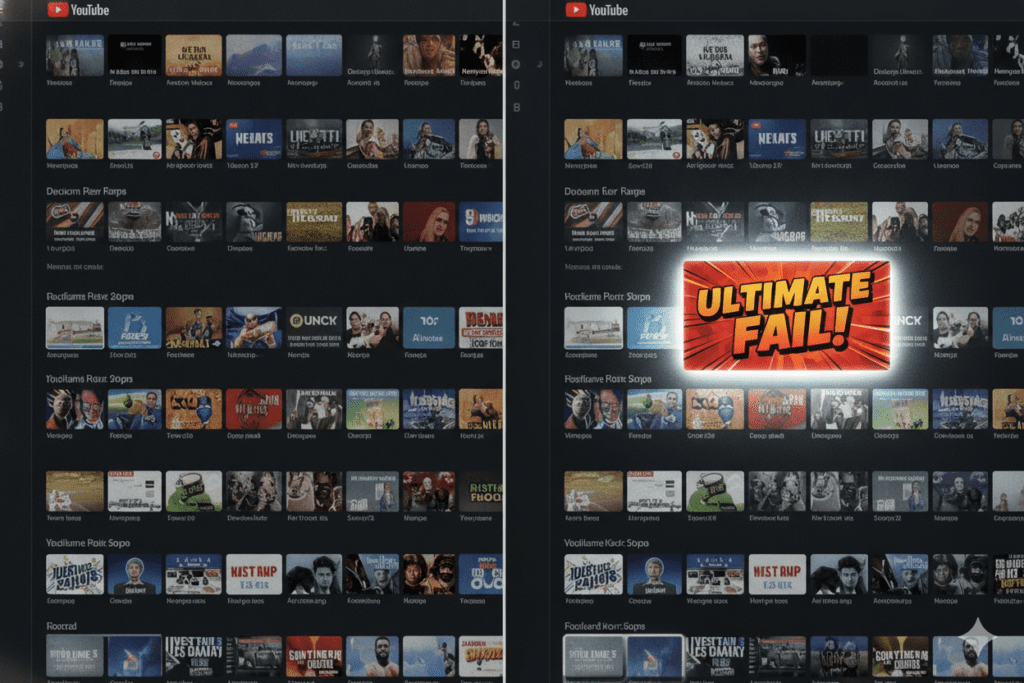
With over 500 hours of content uploaded to YouTube every single minute, your thumbnail has about 1.5 seconds to compete with thousands of other videos. It either wins that moment — or your video disappears into the noise.
Using the best free AI YouTube thumbnail generator isn’t a shortcut. It’s a competitive necessity.
What Is a Free AI YouTube Thumbnail Generator?
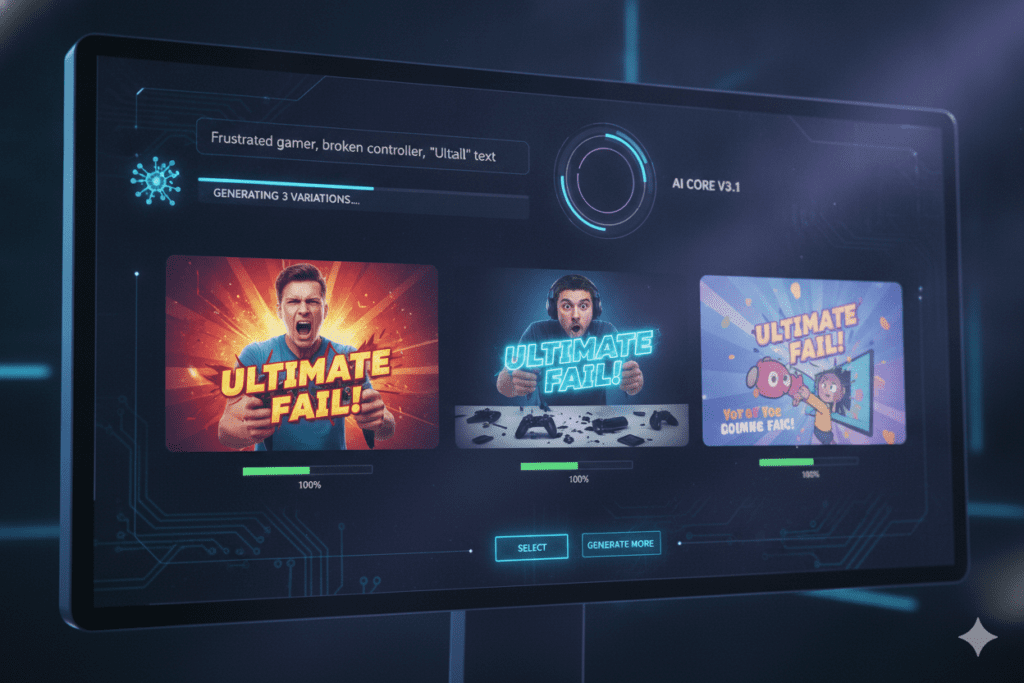
A free AI YouTube thumbnail generator is a tool that uses artificial intelligence — specifically image generation and machine learning models — to create professional, click-optimized thumbnail images automatically.
Instead of opening Canva, hunting for templates, resizing elements, and guessing what works — you enter your video topic, and the AI handles the design work.
The best tools go much deeper than generic image creation. They understand:
- Color psychology — which colors trigger clicks in your niche
- Text hierarchy — what size and placement makes text pop
- Emotional triggers — facial expressions that create curiosity
- CTR patterns — what visual layouts your audience actually responds to
A true best free AI YouTube thumbnail generator isn’t just an image generator with a YouTube label slapped on it. It’s a tool trained specifically on what drives clicks on YouTube.
The Anatomy of a High-CTR Thumbnail
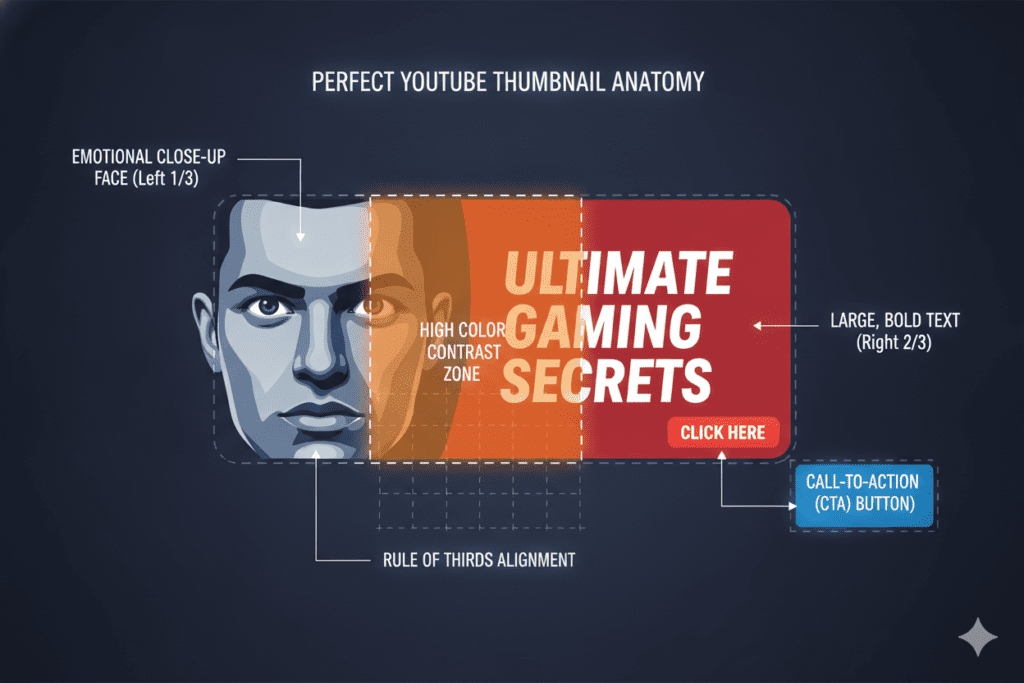
Before we get to the tools, you need to understand what actually makes a thumbnail work. The best free AI YouTube thumbnail generator tools are built around these exact principles.
1. A Bold, Readable Headline Three to five words max. Large font. High contrast. If someone can’t read your thumbnail text at thumbnail size on a mobile screen, it’s already failing.
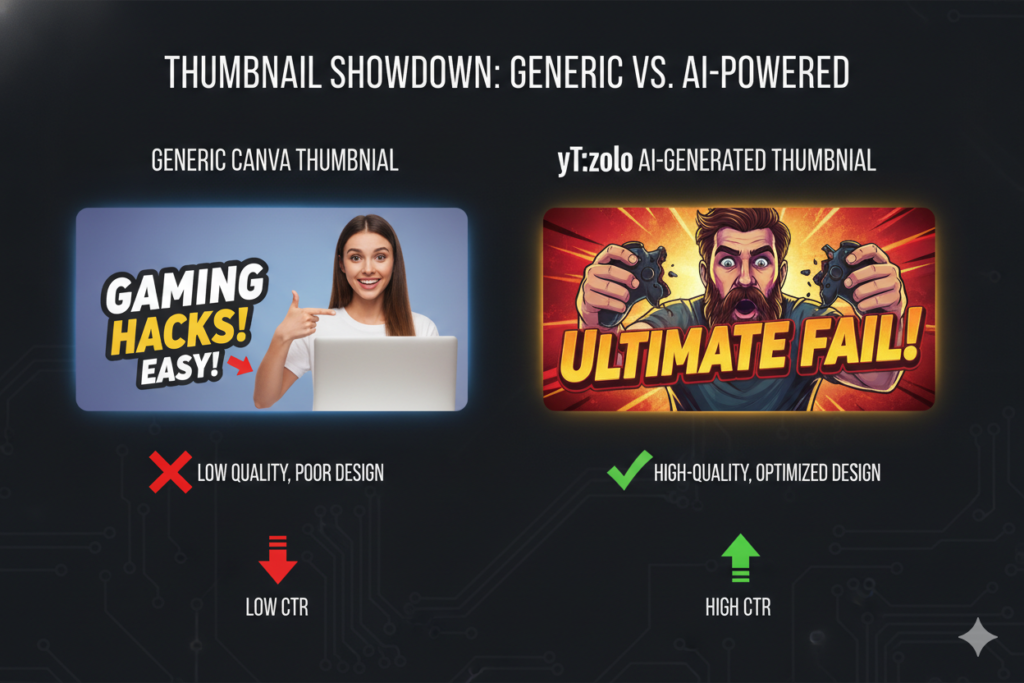
2. An Emotional Face (When Relevant) Research from VidIQ shows that thumbnails featuring expressive human faces can increase CTR by 20–30%. Surprise, curiosity, and shock consistently outperform neutral expressions.
3. High Contrast Colors Bright subject on a dark background. Or vivid colors that clash intentionally. Low-contrast thumbnails blend into the feed and get ignored.
4. A Clear Visual Focus One main subject. Not three, not five — one. Your viewer’s eye needs a clear entry point.
5. The Right Dimensions YouTube’s recommended thumbnail size is 1280×720 pixels at 16:9 aspect ratio. No exceptions. Any tool worth using outputs at these dimensions automatically.
6. No Watermarks A watermarked thumbnail signals low production value before a viewer even clicks. The best free AI YouTube thumbnail generator tools export clean, HD images — no branding.
Top 6 Best Free AI YouTube Thumbnail Generators in 2026
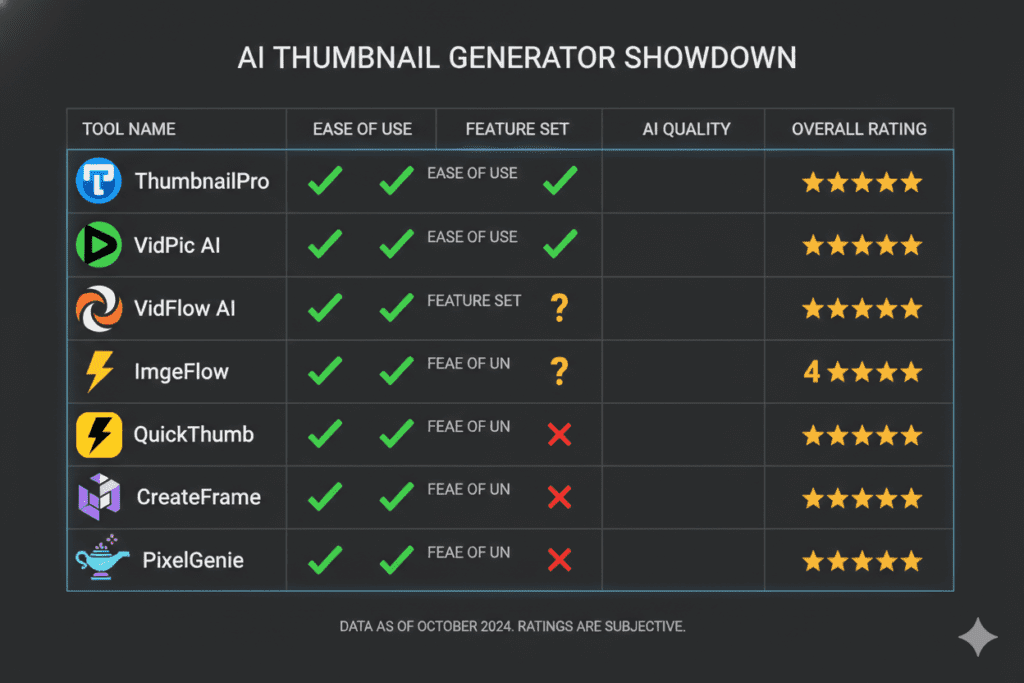
There’s no shortage of tools claiming to be the best free AI YouTube thumbnail generator. Here’s an honest breakdown of what’s actually worth your time.
1. ytZolo — Best Overall (Most Recommended)
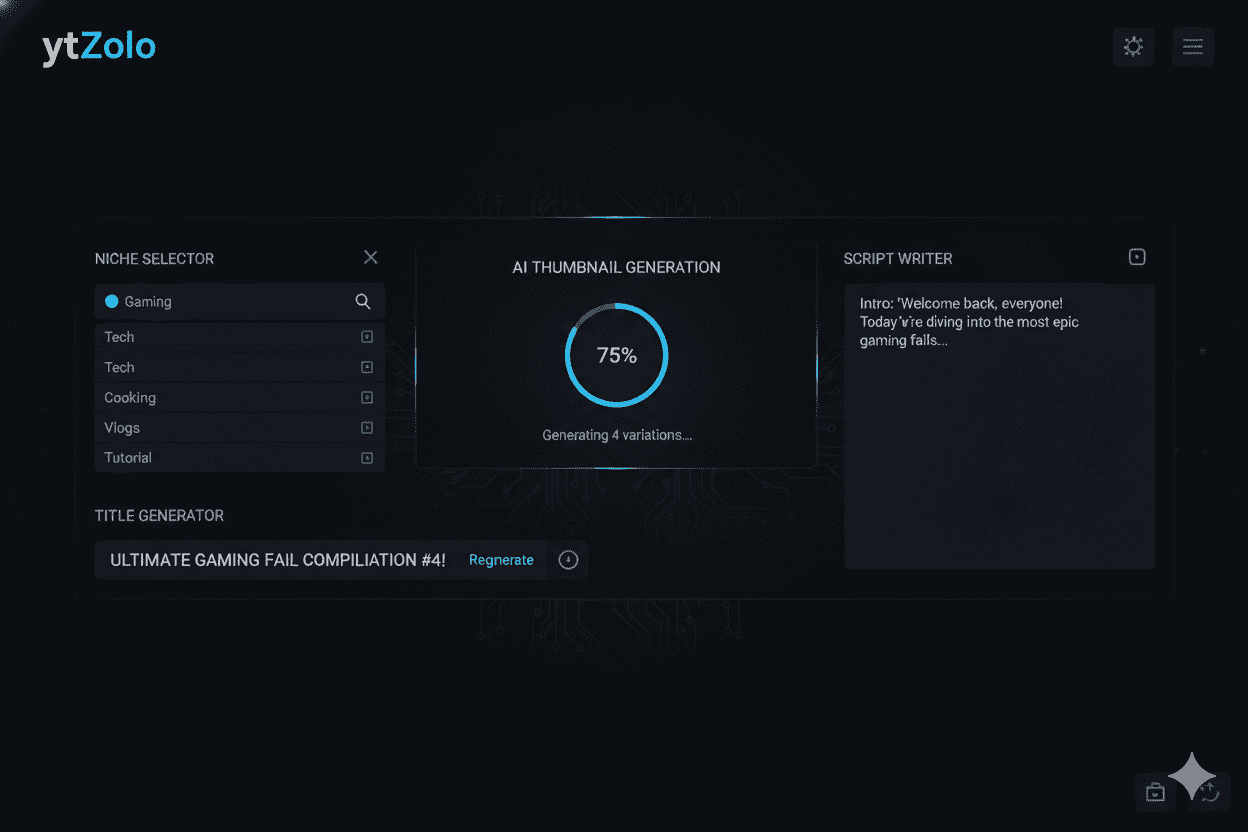
ytZolo is the only tool on this list that was built from the ground up specifically for YouTube creators. It’s not a generic design app or an analytics tool with thumbnail features bolted on.
ytZolo generates CTR-optimized thumbnails trained on niche-specific click psychology, exports in full HD with zero watermarks, and connects your thumbnail directly to your titles, scripts, descriptions, and tags — all in one platform.
Best for: Creators who want a complete YouTube growth system, not just a thumbnail tool.
Free plan: Yes — no credit card required.
2. Canva
Canva is the most widely used design tool on the planet, and for good reason. It has hundreds of YouTube thumbnail templates and a solid free tier.
The limitation? Canva is a general design tool. It doesn’t understand YouTube CTR. You’re still doing the creative thinking yourself — Canva just makes it easier to execute.
Best for: Beginners who want template-based design control.
Free plan: Yes, with limitations.
3. vidIQ
vidIQ is primarily a YouTube analytics platform, but its AI tools include some thumbnail optimization suggestions. It’s excellent for data — less strong as a pure thumbnail creation tool.
Best for: Data-driven creators who already have a design workflow.
Free plan: Yes, limited features.
4. CapCut
CapCut’s AI Design Agent has become a surprisingly capable thumbnail tool, especially for mobile creators. It’s fast and the free tier is generous.
The downside: it’s built for broad content creation, not YouTube-specific CTR optimization.
Best for: Mobile-first creators who want speed over deep customization.
Free plan: Yes.
5. Adobe Firefly
Adobe Firefly produces stunning AI-generated images. If you need pure visual creativity and you’re comfortable with design fundamentals, it’s powerful.
The catch: it’s not YouTube-native. You’ll still need to add text, resize for YouTube, and handle your metadata separately.
Best for: Design-savvy creators who want maximum visual control.
Free plan: Limited credits.
6. Microsoft Designer
A clean, accessible AI image tool with decent thumbnail templates. Easy to use, free to start, and good for basic needs.
Best for: Casual creators who need something quick and simple.
Free plan: Yes.
Why ytZolo Is the Best Free AI YouTube Thumbnail Generator
Here’s the thing that separates ytZolo from every other best free AI YouTube thumbnail generator on this list.
Every other tool solves one part of your problem. ytZolo solves the whole thing.
When you create a thumbnail in isolation — without thinking about your title, your SEO, or your script — you’re making a disconnected creative decision. The best-performing YouTube videos treat thumbnails, titles, and descriptions as one unified system.
ytZolo is the only platform that understands this. It combines multiple large language models — including ChatGPT, Claude, and Gemini — with AI image generation to produce your entire content package in one workflow.
Here’s what you get with ytZolo’s free plan:
- AI Thumbnail Generator — High-CTR thumbnail variants exported in 1280×720 HD, no watermarks
- AI Title Generator — Viral, SEO-optimized titles that match search intent and click psychology
- AI Script Writer — Full video scripts with hook, body, and CTA in minutes
- AI Description & Tags — YouTube-optimized metadata that helps your video rank
- Niche Awareness — The AI adapts its output to your specific niche and audience
Whether you’re a gaming channel, a finance educator, a cooking creator, or a lifestyle vlogger — ytZolo’s thumbnail AI adapts to what actually works in your space. Not a generic template. A data-informed, niche-specific design built to get clicks.
Visit ytZolo.com to start generating thumbnails for free today.
Why ytZolo Beats Every Other Tool
Let’s be direct. There are a lot of tools claiming to be the best free AI YouTube thumbnail generator. Most of them fall into two categories:
Category 1: Analytics tools with thumbnail features added on (like vidIQ). Great for data. Weak for actual creation.
Category 2: Design tools that happen to have some AI (like Canva). Great for templates. Zero YouTube CTR intelligence built in.
ytZolo is neither. It was built from day one as a YouTube-first growth platform. Here’s what that means in practice:
| Feature | ytZolo | Canva | vidIQ | CapCut |
|---|---|---|---|---|
| YouTube-native CTR optimization | ✅ | ❌ | Partial | ❌ |
| AI thumbnail generation (no templates) | ✅ | ❌ | ❌ | Partial |
| Niche-aware design | ✅ | ❌ | ❌ | ❌ |
| HD export, no watermark | ✅ | Paid | ✅ | ✅ |
| Integrated title generator | ✅ | ❌ | Partial | ❌ |
| AI script writing | ✅ | ❌ | ❌ | ❌ |
| SEO descriptions & tags | ✅ | ❌ | ✅ | ❌ |
| Free plan available | ✅ | ✅ | ✅ | ✅ |
| All-in-one content workflow | ✅ | ❌ | ❌ | ❌ |
The gap is obvious. Other tools show you data or give you templates. ytZolo takes action.
That’s not a small difference. That’s the entire game when you’re trying to grow a YouTube channel in a competitive niche.
Explore the full platform at ytZolo.com and see the difference for yourself.
How to Create a Viral Thumbnail with ytZolo (Step-by-Step)
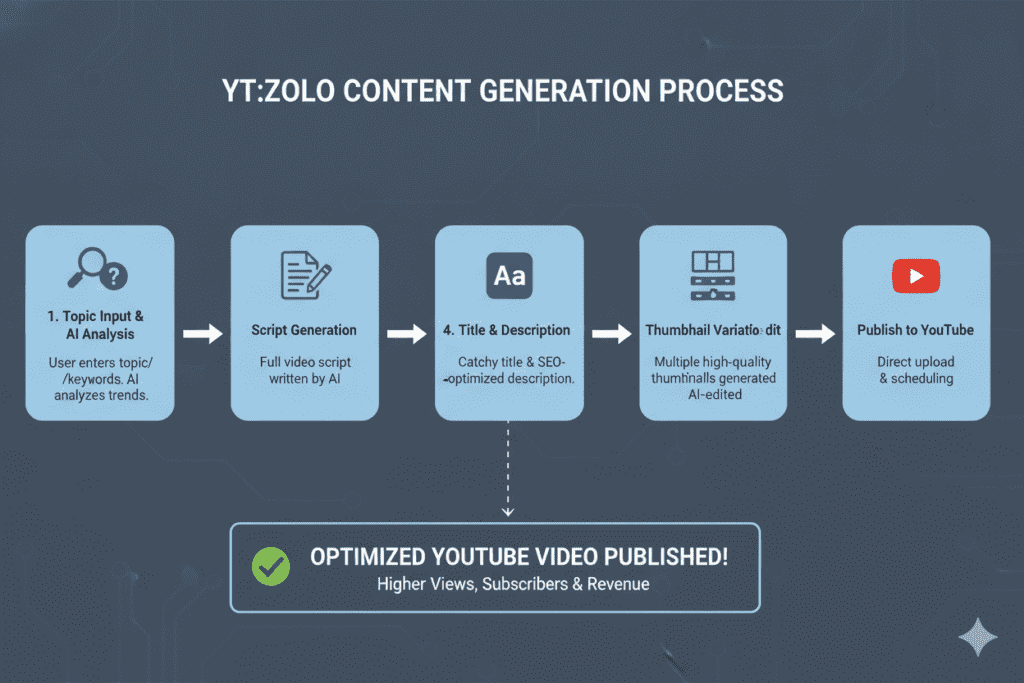
Using the best free AI YouTube thumbnail generator doesn’t need to be complicated. Here’s exactly how to go from idea to published video in minutes with ytZolo.
Step 1: Sign Up for Free Head to ytZolo.com and create your free account. No credit card required. You’re set up in under 60 seconds.
Step 2: Enter Your Video Topic Type your video idea or topic into the dashboard. Be specific — “10 ways to save money in your 20s” will get better results than just “money tips.”
Step 3: Generate Your AI Title ytZolo’s AI generates multiple SEO-optimized, psychologically compelling title options. Pick the one that best matches your angle, or mix elements from a few.
Step 4: Generate Your AI Thumbnail With your title selected, ytZolo’s image AI creates thumbnail variations using color psychology, text hierarchy, and niche-specific CTR principles. You get clean, HD, watermark-free images ready for upload.
Step 5: Build Your Tags & Description In one click, ytZolo generates your complete tag list and SEO description — pulling keywords your target audience is actually searching for. No more keyword guessing.
Step 6: (Optional) Write Your Script Feed your title back to ytZolo’s script generator and get a fully structured video script — hook, body, and call-to-action included. This is where the best free AI YouTube thumbnail generator becomes something much more powerful.
Step 7: Upload, Publish, and Grow Your entire content package is ready. Publish with confidence knowing every element — thumbnail, title, tags, and description — is working as one optimized system.
The whole process takes under five minutes. That’s not an exaggeration.
Why Creators Struggle Without AI Thumbnails
Let’s talk about the painful reality most YouTubers don’t want to admit.
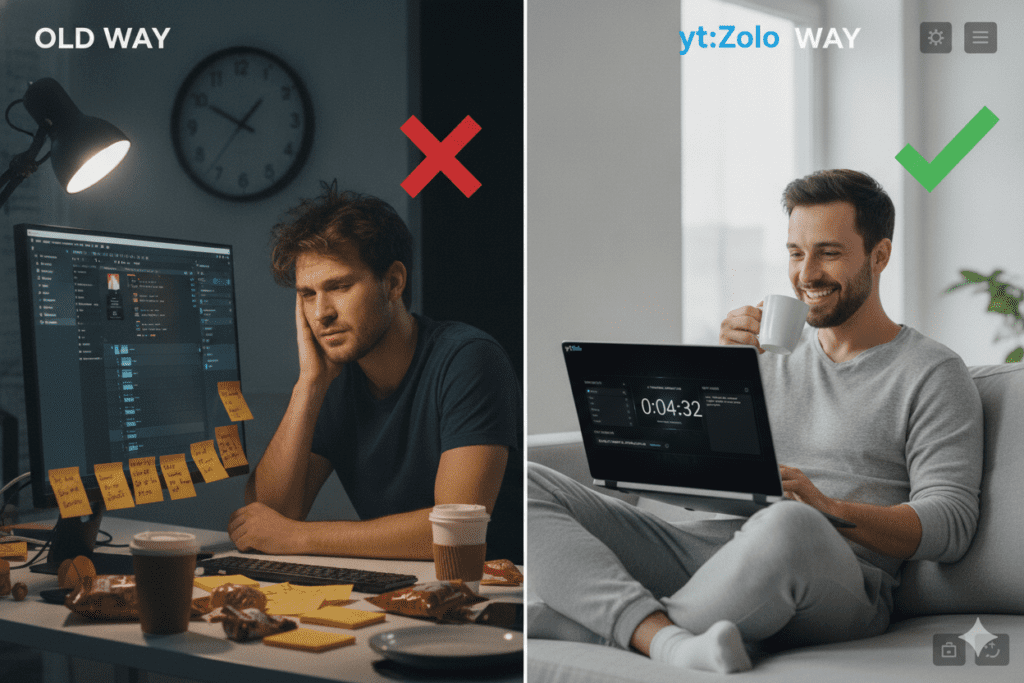
The average creator spends two to three hours on a single thumbnail. That’s two to three hours that should be spent filming, editing, building an audience, or creating the next video. It’s a massive time drain — and manual thumbnail design doesn’t scale.
Without a best free AI YouTube thumbnail generator, most creators face:
- Design paralysis — staring at a blank canvas with no idea where to start
- Inconsistent branding — every video looks different because there’s no system
- Missed trends — manually designed thumbnails can’t keep up with what’s performing right now in your niche
- Wasted potential — great videos buried by bad thumbnails, never seen by the audience they deserve
The cruel irony? You can have the most valuable, well-produced content on YouTube. But if your thumbnail doesn’t stop the scroll, none of that work gets rewarded.
AI changes that equation completely. Tools like ytZolo generate thumbnails based on what’s actually working in your specific niche — not gut feeling, not outdated templates, not whatever you could throw together in thirty minutes.
Check out the ytZolo blog for more deep-dives into YouTube growth strategy and creator success stories.
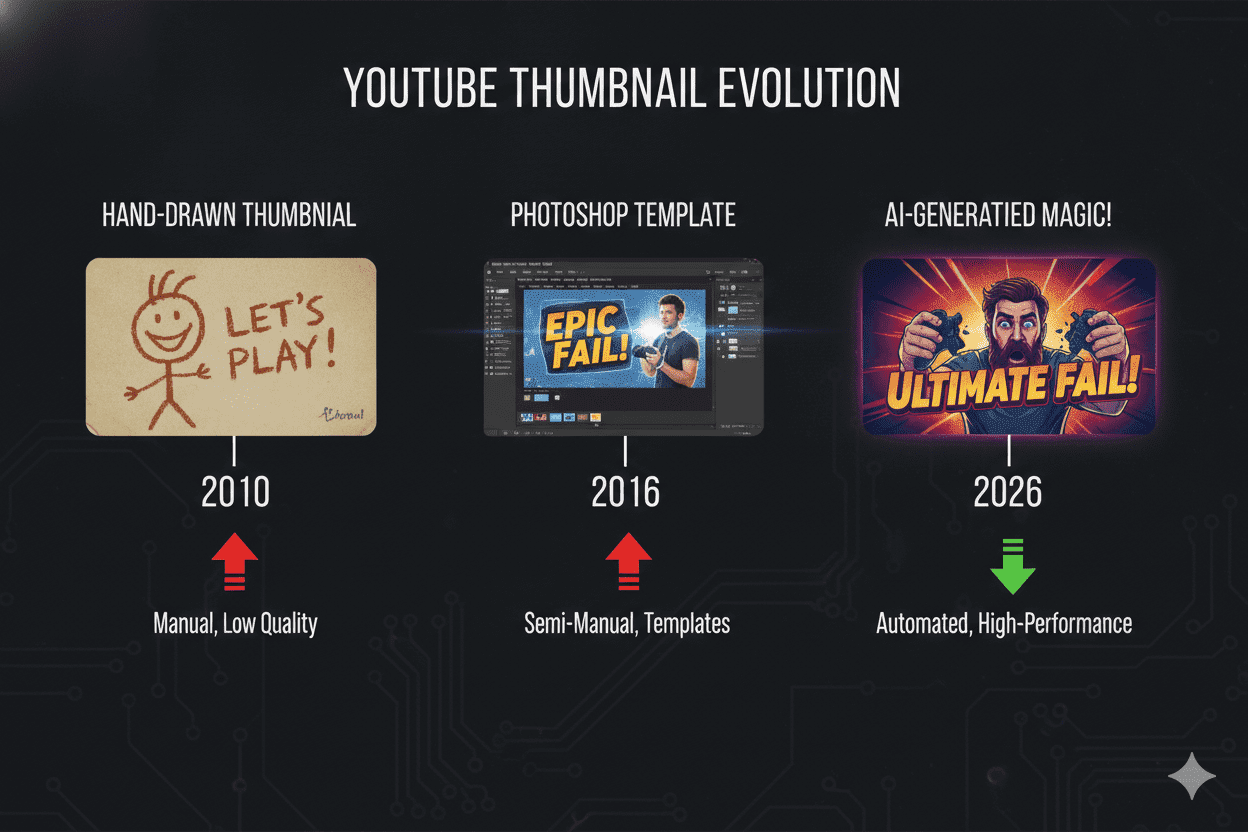
Why Manual Methods Are Officially Outdated
There was a time when manual thumbnail design made sense. That time has passed.
In 2018, a decent Photoshop template was enough to stand out. In 2026, you’re competing with creators who are using AI to generate optimized, niche-specific, data-driven thumbnails in under sixty seconds.
Manual design has three fatal flaws in today’s landscape:
1. Speed AI generates five thumbnail variations in the time it takes you to find a Photoshop template. Speed compounds. Creators who move faster publish more. Publishing more gives the algorithm more to distribute.
2. Data Manual design is based on your personal taste. AI is based on what actually gets clicked in your niche. There’s no contest when it comes to CTR performance.
3. Scalability If you’re posting three, four, or five videos a week — manual thumbnail design becomes a part-time job. Using the best free AI YouTube thumbnail generator means your thumbnail quality stays high no matter how fast you scale.
The creators dominating YouTube in 2026 are not designing thumbnails by hand. They’re using tools like ytZolo to automate the repetitive work and focus their energy on creativity and strategy.
This isn’t about working less. It’s about working smarter.
FAQs: Best Free AI YouTube Thumbnail Generator
Q1: What is the best free AI YouTube thumbnail generator in 2026?
The best free AI YouTube thumbnail generator in 2026 is ytZolo. Unlike generic design tools or analytics platforms with added thumbnail features, ytZolo was built specifically for YouTube creators from day one.
It generates niche-aware, CTR-optimized thumbnails, exports them in 1280×720 HD with no watermarks, and integrates seamlessly with AI title generation, scripts, descriptions, and tags — all at no cost on the free plan.
Q2: Can a free AI YouTube thumbnail generator really improve my CTR?
Yes — significantly. Research consistently shows that optimized thumbnails can boost CTR by 30–40%. AI-generated thumbnails outperform manually designed ones because they’re built on data — color psychology, text hierarchy, emotional expression patterns, and niche-specific click behaviors — not guesswork.
Creators who switch to AI thumbnails typically see measurable CTR improvements within their first few uploads.
Q3: Do I need design skills to use a free AI YouTube thumbnail generator?
No. The entire point of a best free AI YouTube thumbnail generator is that you don’t need design skills, Photoshop experience, or any technical knowledge. You enter your video topic, and the AI creates the thumbnail for you — ready to upload.
ytZolo is specifically designed to be accessible for beginners while delivering results that even experienced creators rely on.
Q4: Is ytZolo really free, or is there a catch?
ytZolo offers a genuine free plan that lets you start generating AI thumbnails immediately — no credit card required.
The free plan includes thumbnail generation, title creation, and access to core content tools. Premium plans are available for creators who want higher output volume, more thumbnail variations, and advanced features. You can explore full plan details at ytzolo.com.
Q5: How is ytZolo different from Canva as a free AI YouTube thumbnail generator?
Canva is a general-purpose design tool that offers templates you customize manually. ytZolo’s AI generates YouTube-optimized thumbnails automatically — based on your video topic and CTR data — without you needing to design anything yourself.
More importantly, ytZolo also generates your titles, scripts, descriptions, and tags in one connected workflow, making it a complete YouTube growth platform rather than just a design app.
Conclusion: Stop Guessing. Start Growing.
Here’s the truth about YouTube growth in 2026: the gap between creators who grow and creators who stall has almost nothing to do with video quality, niche, or posting frequency.
It has everything to do with whether their thumbnails get clicked.
Your thumbnail is the first impression. It’s the handshake before the conversation. It decides — in less than two seconds — whether your video gets a chance to prove itself.
The best free AI YouTube thumbnail generator eliminates the guesswork, the hours of manual design, and the painful inconsistency that holds most channels back. And in a landscape where creators with smaller budgets and newer channels are using AI to compete with veterans — not having these tools is a real competitive disadvantage.
ytZolo isn’t just the best free AI YouTube thumbnail generator. It’s the complete AI YouTube growth system that top creators are quietly using to pull ahead — generating viral thumbnails, SEO-optimized titles, engaging scripts, and metadata that ranks.
You’ve put the work into your content. Make sure it actually gets seen.
Start creating smarter, faster, and more viral YouTube content with ytZolo today.
👉 Get started for free at ytZolo.com
Looking for more YouTube growth strategies? Check out the ytZolo blog for expert guides on titles, scripts, SEO, and building a channel that the algorithm loves.
External Authority References:

