
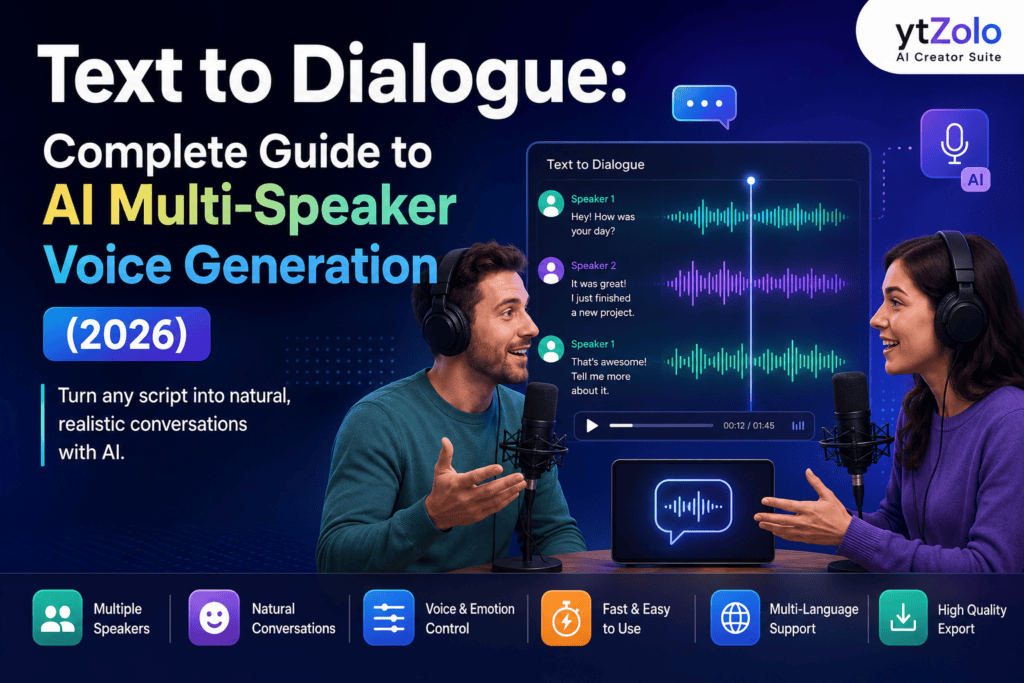
Quick Answer: Script to Dialogue uses AI to transform written conversations into natural, multi-speaker audio with realistic voices, pacing, and emotion. This guide explains how the technology works, compares it with text-to-speech and voice cloning, explores real-world use cases, and walks you through creating professional AI conversations using ytZolo‘s Text to Dialogue feature. Whether you’re making YouTube videos, podcasts, training content, or storytelling projects, you’ll learn how to generate engaging dialogue faster without hiring voice actors or switching between multiple tools.
Table of Contents
1. Introduction
Writing a script is the easy part. Giving each character or speaker their own natural-sounding voice used to mean hiring actors, booking a studio, or manually stitching together clips from separate text-to-speech tools.
Text to dialogue solves that problem. It’s AI technology that turns a written conversation into audio with multiple distinct voices, natural pacing, and realistic turn-taking, all from a single script.
This guide covers what script to dialogue ai is, how it works behind the scenes, who uses it, and how to create your own multi-speaker audio in a few simple steps.
2. What Is Text to Dialogue?
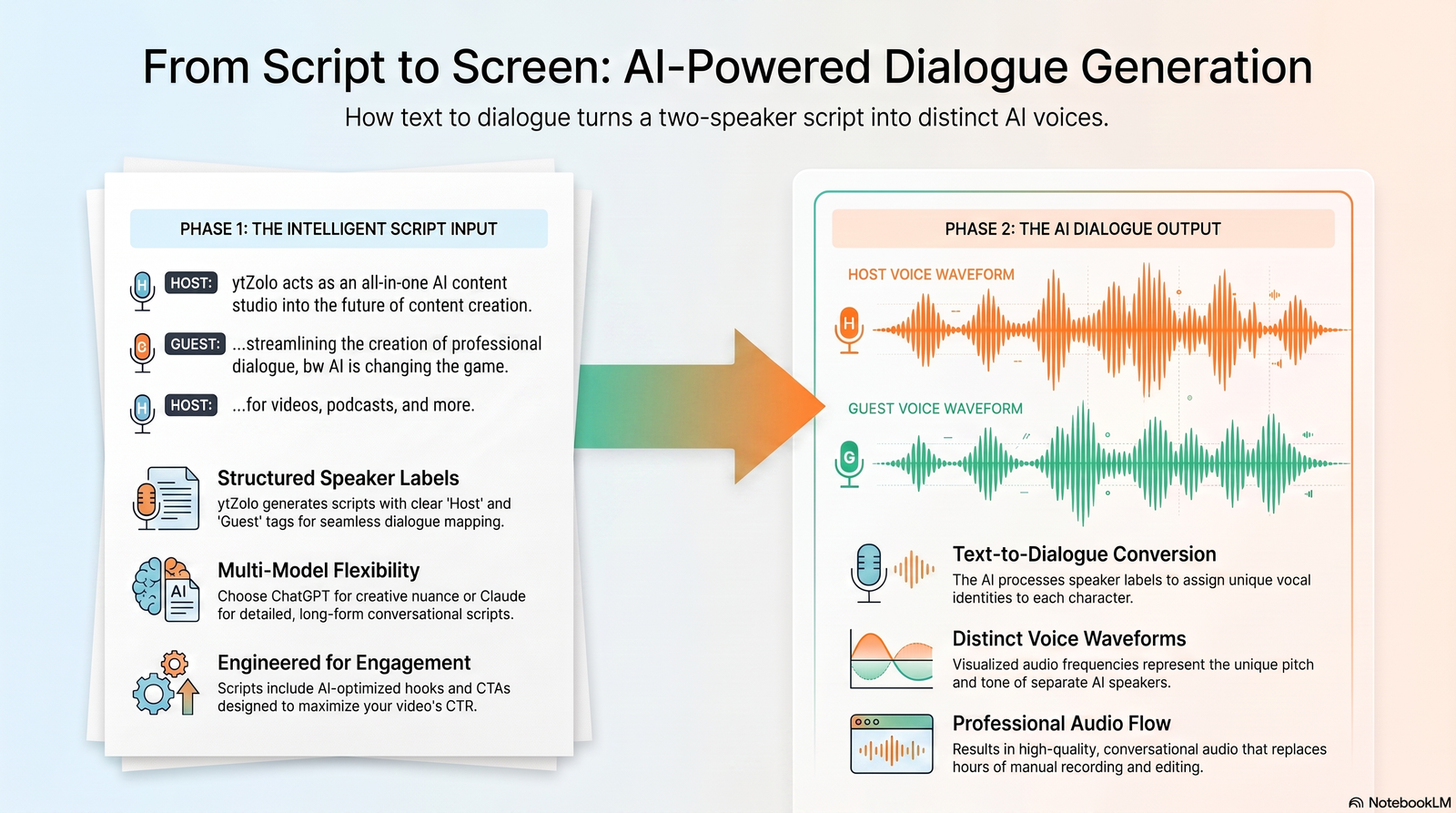
Text to dialogue is an AI process that converts a written script with two or more speakers into spoken audio, assigning a unique voice to each speaker automatically.
It’s different from single-voice narration, which reads an entire script in one tone. Text to conversation generator recognizes speaker changes and shifts voice, pacing, and emotion accordingly, much like a real conversation.
Three things make this possible:
- Speaker tags — labels in the script that tell the AI who is talking
- Turn-taking logic — the system that manages pacing and pauses between speakers
- Emotion and tone control — settings that let each character sound happy, serious, curious, or calm
Together, these components turn a flat script into something that sounds like two real people talking.
3. How AI Text to Dialogue Works Behind the Scenes
Every text to dialogue tool follows a similar process, even if the interface looks different.
Step 1: Script parsing. The AI reads the full script and identifies where one speaker’s line ends and another’s begins.
Step 2: Speaker assignment. Each speaker tag gets mapped to a chosen voice, so “Speaker A” always sounds the same throughout the file.
Step 3: Voice synthesis. The AI generates audio for each line using the selected voice, tone, and emotional setting.
Step 4: Natural pacing and pauses. The system inserts realistic gaps and breathing room between turns, so the conversation doesn’t sound rushed or robotic.
This is also why multi-speaker AI sounds more conversational than looping separate single-voice clips together. A single-voice TTS tool has no awareness of the other speaker’s rhythm — it just reads text. A dedicated dialogue engine treats the whole exchange as one connected performance, adjusting pacing based on context rather than generating each line in isolation.
4. Text to Dialogue vs Related Tech
It helps to know how text to conversation generator compares to similar tools, since the terms often get used loosely.
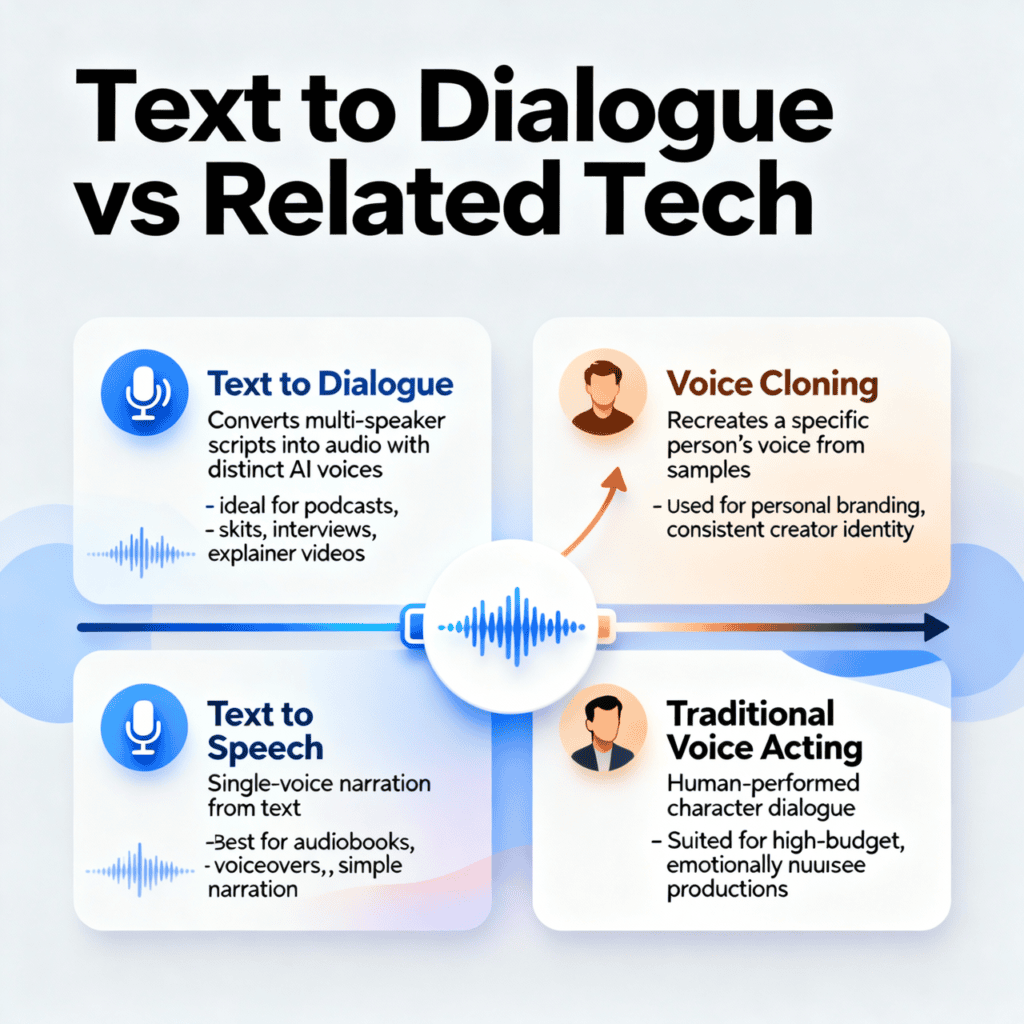
| Technology | What It Does | Best For |
|---|---|---|
| Text to Dialogue | Converts multi-speaker scripts into audio with distinct voices per speaker | Podcasts, skits, interviews, explainer videos |
| Text to Speech | Converts single-voice text into spoken audio | Narration, audiobooks with one narrator, voiceovers |
| Voice Cloning | Recreates a specific person’s voice from a sample recording | Personal branding, consistent creator voice |
| Traditional Voice Acting | Human actors record each character live | High-budget productions, emotionally complex scenes |
Text to dialogue sits between traditional text to speech and full voice acting. It gives creators the speed of AI with a level of conversational realism that single-voice narration can’t match.
For a deeper look at each, see our guides on AI voice generation and AI dubbing and multilingual voice tools.
5. Who Uses Text to Dialogue?
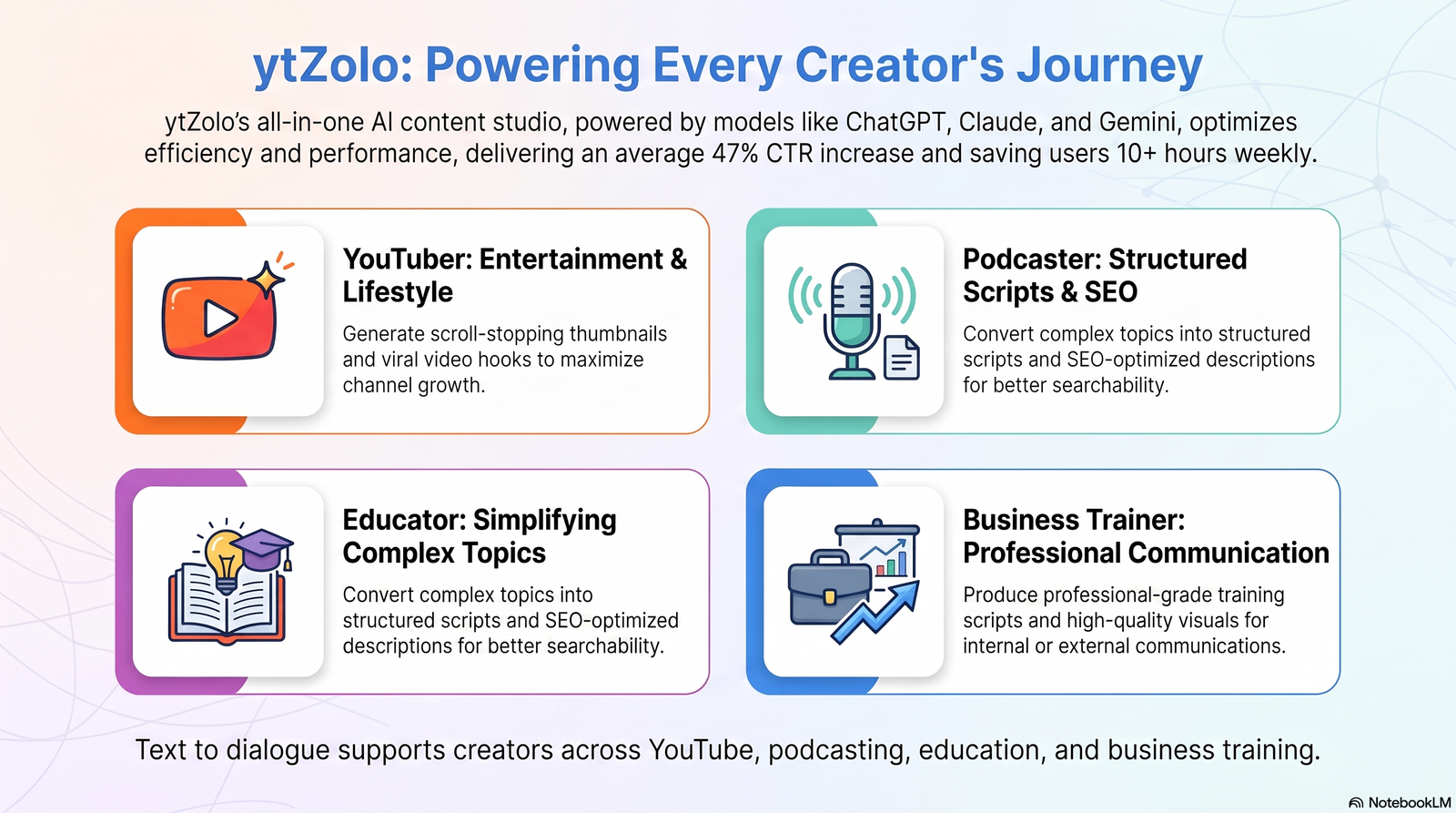
Text to dialogue has become an essential tool for creators, educators, businesses, and developers who need realistic conversations without recording multiple voice actors. Instead of spending hours coordinating recordings or editing separate audio tracks, AI can generate natural multi-speaker dialogue in minutes.
YouTubers and Content Creators
Faceless YouTube channels, animated explainers, commentary videos, and storytelling creators frequently use dialogue generator ai to produce engaging conversations. Instead of relying on a single narrator, they can assign different AI voices to hosts, guests, or fictional characters, making videos more dynamic and improving audience retention.
For creators producing videos consistently, tools like ytZolo simplify this workflow by combining script creation, AI dialogue generation, and other YouTube production tools within one platform.
Podcasters
Independent podcasters often use AI dialogue to create interview-style episodes, scripted discussions, or fictional audio stories. It also helps when a guest cannot record live, allowing creators to produce high-quality conversations from a written script while maintaining consistent voice quality.
Educators and Online Course Creators
Educational content becomes more engaging when concepts are presented as conversations instead of lectures. Teachers can create student-teacher discussions, language-learning exercises, customer service scenarios, or debate-style lessons that improve comprehension and keep learners interested.
Businesses and Corporate Teams
Companies use text to dialogue for employee onboarding, compliance training, sales simulations, and customer support practice. AI-generated conversations provide consistent training materials that can be updated quickly without arranging new voice recording sessions.
Game Developers and Storytellers
Game studios, visual novel creators, and audiobook producers use AI dialogue to prototype conversations before final production. This speeds up script testing and allows writers to hear how characters interact before investing in professional voice acting.
Marketing and Advertising Teams
Marketing teams create promotional videos, product demonstrations, social media ads, and explainer content using conversational AI voices. Dialogue-based presentations often feel more engaging than traditional voiceovers because they mimic natural human interaction.
As AI voice technology continues to improve, dialogue generator ai is becoming a practical solution for almost anyone who needs high-quality conversational audio at scale.
Faceless YouTube channels in particular have grown fast, and multi-voice dialogue is a big part of why skit-style and narrated-conversation formats have taken off.
6. How to Create Text to Dialogue with ytZolo (Step-by-Step)
Here’s how the process works inside ytZolo’s AI Audio Studio:
Step 1: Write or paste your script. Draft your dialogue directly in ytZolo, or paste in a script you’ve already written elsewhere.
Step 2: Assign speaker tags. Label each line with the correct speaker so the system knows exactly who is talking at each point.
Step 3: Choose voices per speaker. Pick a distinct AI voice for each character from ytZolo’s voice library, matching tone and personality to the role.
Step 4: Adjust emotion and tone. Fine-tune how each speaker sounds, whether that’s excited, calm, serious, or playful, so the conversation feels natural.
Step 5: Export or download. Generate the final audio file and export it in the format you need for your video, podcast, or app.
Because ytZolo also handles script writing, SEO, and thumbnails in the same platform, you can go from idea to a fully voiced, published-ready video without switching between five separate tools.
7. Tips for Natural-Sounding AI Dialogue
Why does AI dialogue sound robotic? Usually it’s flat pacing — every line delivered at the same speed with no pauses, which strips out the natural rhythm of real conversation.
A few fixes make a noticeable difference:
- Use realistic pauses between turns, especially after questions
- Add emotional variation so speakers don’t all sound equally neutral
- Include natural interruptions or short reactions (“Right,” “Exactly”) where it fits the tone
Simple prompt template for better output:
Speaker A [tone: curious]: Line of dialogue here.
Speaker B [tone: confident, short pause before replying]: Response here.
Small tone cues like this give the AI clearer direction and usually produce a more natural-sounding exchange on the first try.
8. Best Text to Dialogue Tools Compared (2026)
Several AI platforms now support text to dialogue generation, but they differ significantly in voice quality, customization, language support, and workflow integration. Choosing the right tool depends on whether you simply need AI voices or a complete content creation platform.
Dedicated AI Voice Platforms
Many text-to-speech providers have expanded into multi-speaker dialogue generation. These platforms typically offer realistic voices, emotion controls, and multiple language options, making them suitable for podcasts, audiobooks, and conversational content. However, they often focus only on voice generation, requiring additional software for scripting, editing, music, or video production.
Creator-Focused Platforms
Some AI creator suites combine dialogue generation with content planning, SEO optimization, and production tools. This approach reduces the need to switch between multiple applications and streamlines the entire workflow from script to published content.
For example, ytZolo allows creators to generate multi-speaker dialogue while also providing AI script writing, YouTube SEO tools, thumbnail generation, AI music, sound effects, voice isolation, and dubbing from a single dashboard. Instead of exporting files between separate services, creators can manage most of their production process in one place.
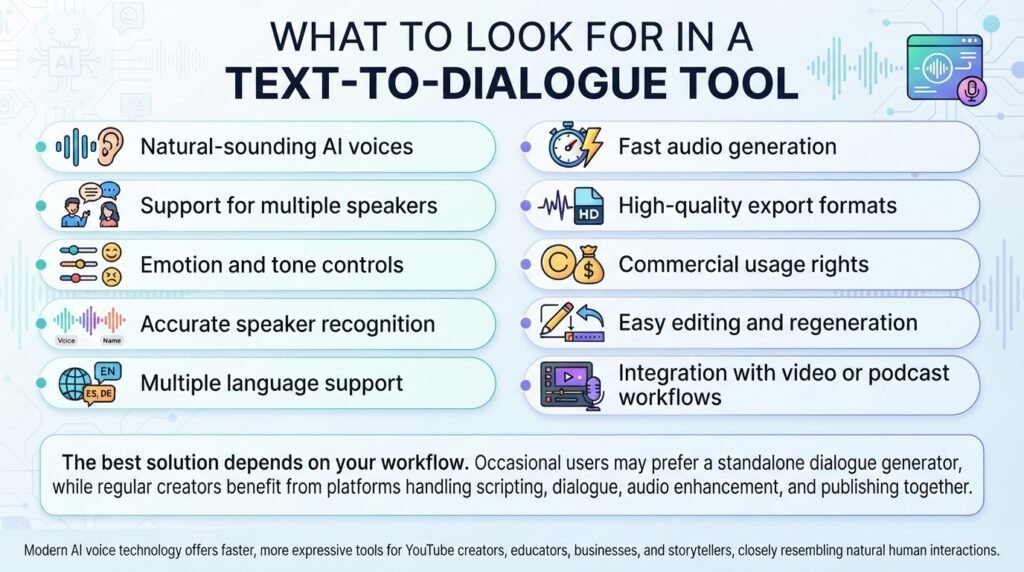
What to Look for in a Text to Dialogue Tool
Before choosing a platform, consider these features:
- Natural-sounding AI voices
- Support for multiple speakers
- Emotion and tone controls
- Accurate speaker recognition
- Multiple language support
- Fast audio generation
- High-quality export formats
- Commercial usage rights
- Easy editing and regeneration
- Integration with video or podcast workflows
The best solution depends on your workflow. If you only need occasional AI conversations, a standalone dialogue generator may be sufficient. However, creators publishing content regularly often benefit from an integrated platform that handles scripting, dialogue generation, audio enhancement, and publishing resources together.
As AI voice technology continues to evolve, modern text-to-dialogue tools are becoming faster, more expressive, and capable of producing conversations that closely resemble natural human interactions, making them valuable for YouTube creators, educators, businesses, and storytellers alike.
9. FAQs
Is text to dialogue free? Most platforms, including ytZolo, offer a free tier or trial credits so you can test voice quality before committing to a paid plan.
Can I use it for YouTube monetized content? Yes, generally. YouTube allows AI-voiced content as long as it meets disclosure and originality requirements. Keep an eye on evolving platform policy, since rules around AI-generated and repetitive content continue to shift.
How many speakers can I add? Most tools support two or more speakers per script, with some platforms allowing several distinct voices in a single generation.
Does it support multiple languages? Yes. Many script to dialogue tools, including ytZolo, let you assign different languages per speaker, which is useful for language-learning content or multilingual productions.
What is the difference between text to dialogue and AI voice generation? Text to dialogue creates conversations between multiple speakers using different AI voices, while AI voice generation or text-to-speech typically converts text into a single narrator’s voice.
Can I customize each speaker’s voice? Yes. Most modern ai script to dialogue tools let you assign unique voices, accents, speaking styles, and emotions to individual speakers, making conversations sound more natural.
Is script to dialogue suitable for commercial projects? Generally, yes. Many AI platforms allow commercial use of generated audio, but you should always review the licensing terms of the tool you choose before publishing or monetizing content.
Can I edit the dialogue after generating the audio? Yes. Most platforms allow you to modify the script, change voices, adjust pacing, or regenerate only specific sections without starting over.
What industries benefit most from text to dialogue? Besides YouTube creators and podcasters, script to dialogue is widely used in education, corporate training, gaming, customer support simulations, marketing, and audiobook production.
How can I make AI dialogue sound more realistic? Use clear speaker labels, vary sentence length, add emotion or tone instructions, include natural pauses, and choose voices that match each character’s personality.
Can text to dialogue replace professional voice actors? AI dialogue works well for prototypes, tutorials, explainers, and routine content. However, professional voice actors still provide unmatched emotional depth for films, high-end games, and dramatic storytelling.
Why use ytZolo for text to dialogue? ytZolo combines AI script to Dialogue with complementary tools like AI Script Writer, Voice Generator, AI Music Generator, Voice Isolator, Sound Effects Generator, and AI Dubbing, allowing creators to produce complete audio and video content from a single workflow instead of relying on multiple separate applications.
Final Verdict
Text to dialogue has evolved far beyond basic text-to-speech. Today’s AI can generate natural, multi-speaker conversations with distinct voices, realistic pacing, and expressive delivery, making it an invaluable tool for content creators, educators, businesses, and developers.
Whether you’re producing YouTube videos, podcasts, online courses, training materials, or interactive storytelling, AI dialogue generation can significantly reduce production time while maintaining professional-quality audio. The key is choosing a platform that offers not only realistic voices but also the flexibility to customize speakers, emotions, and workflow.
If you’re looking for an all-in-one solution, ytZolo stands out by combining Text to Dialogue with AI script writing, voice generation, AI music, sound effects, voice isolation, dubbing, and YouTube optimization tools. Instead of juggling multiple applications, creators can move from script to publish-ready content within a single platform, making the production process faster, more efficient, and easier to scale.
10. Internal Links & Related Tools
Explore more of ytZolo’s AI Audio Studio:
- AI Voice Generator — turn text into natural single-speaker narration
- Multi-Voice Dialogue — the feature covered in this guide
- AI Music Generator — original background music from a text prompt
- AI Sound Effects Generator — custom sound effects on demand
- AI Dubbing & Localization — translate and dub content into multiple languages
- Voice Isolator & Voice Changer tools — clean up audio and transform voices inside the same dashboard
About the Author
Anshika Verma Content & AI Audio Researcher, ytZolo 📧 anshika@ytzolo.com
Anshika Verma researches AI voice, dialogue, and dubbing technology for creators and publishes practical guides on applying it to real YouTube and podcast workflows. Her work focuses on translating fast-moving AI audio developments into clear, usable steps for creators, with an emphasis on accuracy, platform compliance, and up-to-date tool comparisons in line with current search and content-quality guidelines.
This guide is reviewed periodically to stay current with product updates and platform policy changes.

