
Table of Contents
The Thumbnail Problem Nobody Talks About
You spent 6 hours editing your best video yet. The footage is clean. The audio is sharp. The pacing feels right. You know this one could blow up.
Then you open Canva.
An hour later you’ve got a thumbnail that looks… fine. Generic. Like something you’ve seen a hundred times before. You upload it, cross your fingers, and watch the impressions come in. The clicks don’t follow.
Sound familiar?
This is the silent killer of YouTube channels. Most creators obsess over their edit and completely underestimate the thumbnail. And the ones who do care about thumbnails lose hours every week trying to design something they’re not trained to design.
That’s exactly why so many creators are now searching for a youtube thumbnail generator ai free without login — a tool that skips the friction, skips the design degree, and just delivers a click-ready thumbnail in seconds.

What a YouTube Thumbnail Generator AI Free Without Login Actually Means
Let’s be clear about what we’re actually talking about here.
A youtube thumbnail generator ai free without login is exactly what it sounds like: an AI tool that generates professional YouTube thumbnails without making you sign up, hand over your email, or pull out a credit card. You go to the tool, you use it, you download your thumbnail.
No gatekeeping. No friction.
The “free” part matters a lot. Most thumbnail tools offer a “free plan” that’s really just a trial with a watermark slapped on the output. That’s not free. That’s bait.
And the “no login” part? That’s about respecting your time. Creators don’t need another account to manage. They need results.
Why Thumbnails Are Make or Break for Your Channel
Here’s a stat that should stop you in your tracks: according to YouTube’s own Creator Academy, 90% of the best-performing videos on YouTube use custom thumbnails.
That’s not a tip. It’s basically a requirement.
Research from Backlinko’s 2025 study found that videos with custom thumbnails see 35% higher CTR than auto-generated ones. And studies analyzing thousands of top-performing videos show thumbnails can increase click-through rates by 30-40% when done right.
Think about how you browse YouTube. Your eye jumps to the thumbnail first. Always. If something catches you in that 0.3-second window, you click. If it doesn’t, you scroll.
Your potential viewers do the exact same thing.
A weak thumbnail means your video dies in the algorithm — even if the content is brilliant. The algorithm reads CTR as a signal. Low CTR? YouTube stops recommending it. High CTR? It gets pushed everywhere.
Your thumbnail is the first ad for your own video. Treat it that way.
What Makes a High-CTR Thumbnail in 2026
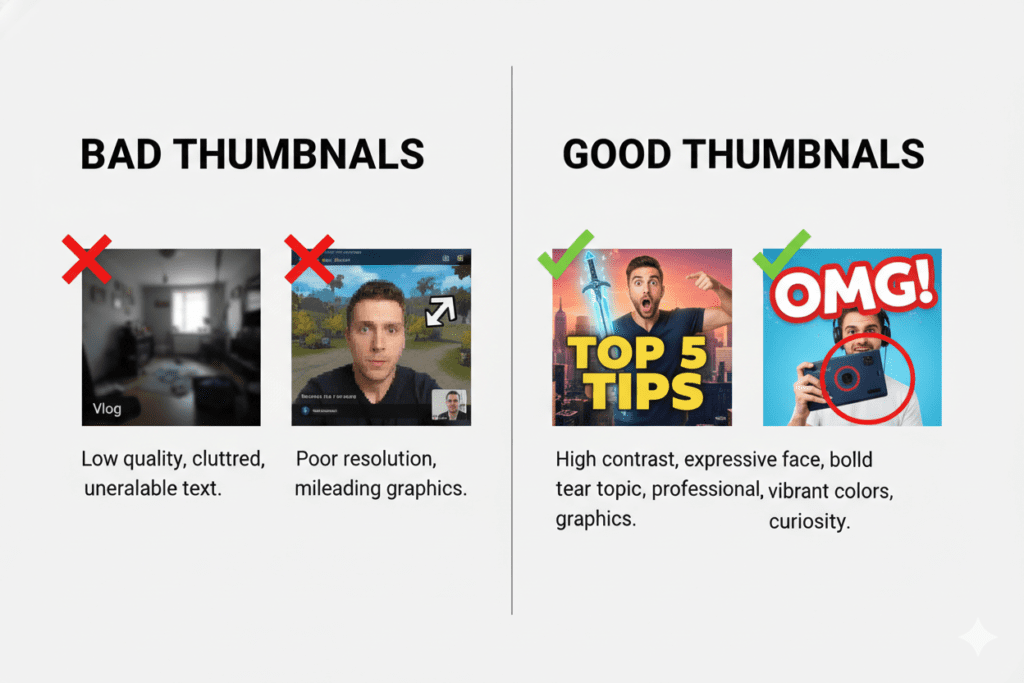
Before you use any tool, you should know what you’re actually trying to create. Good thumbnails in 2026 follow a few consistent patterns.
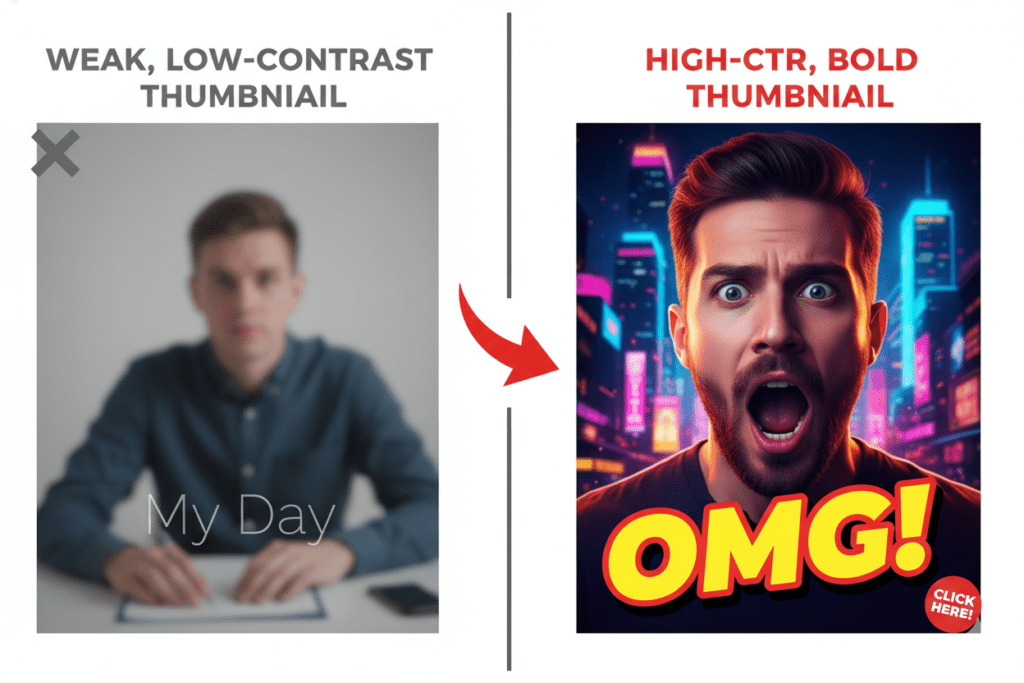
Faces with strong emotion. Research referenced by VidIQ shows thumbnails featuring expressive faces can boost CTR by 20-30%. Surprise, excitement, curiosity. Neutral faces blend in. Emotion stands out.
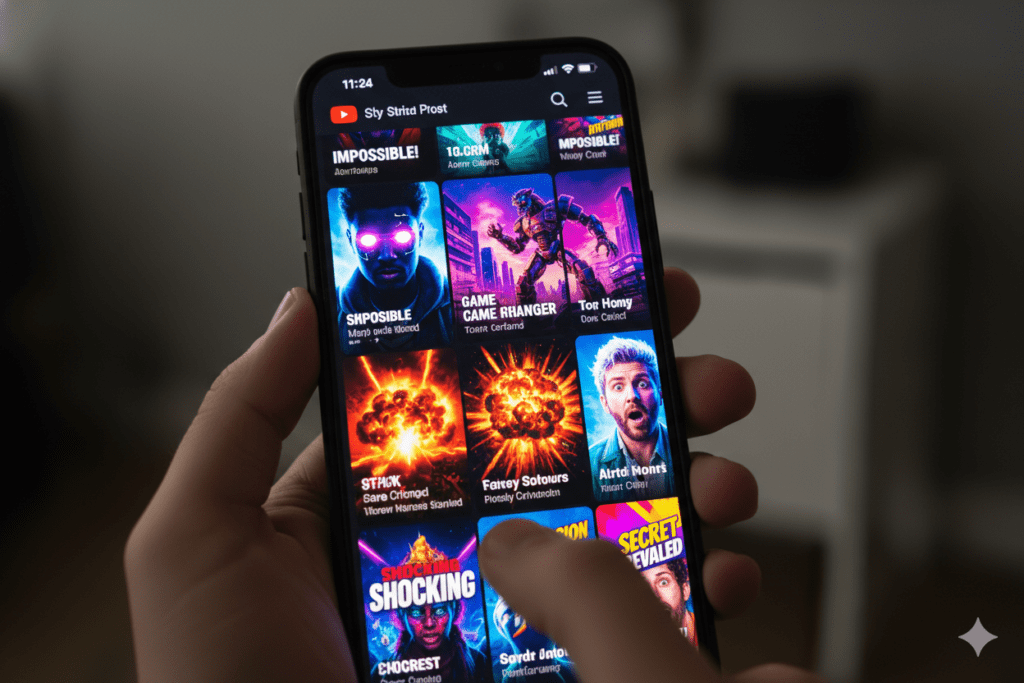
High contrast colors. Bright subjects on dark backgrounds. Yellows, oranges, electric blues. Your thumbnail needs to pop on a phone screen at 150px.
3-5 words max. That’s it. People scroll fast. If they have to read a sentence, they won’t.
One clear focal point. A busy thumbnail with 4 competing elements loses every time. Pick one thing to look at.
Title-thumbnail sync. Your thumbnail and title should tell the same story from 2 different angles. When they align, CTR spikes. When they contradict, viewers feel deceived and bounce.
Most manual design processes get maybe 2 of these right. A purpose-built AI tool like a youtube thumbnail generator ai free without login gets all 5 right, automatically.
How to Use a YouTube Thumbnail Generator AI Free Without Login
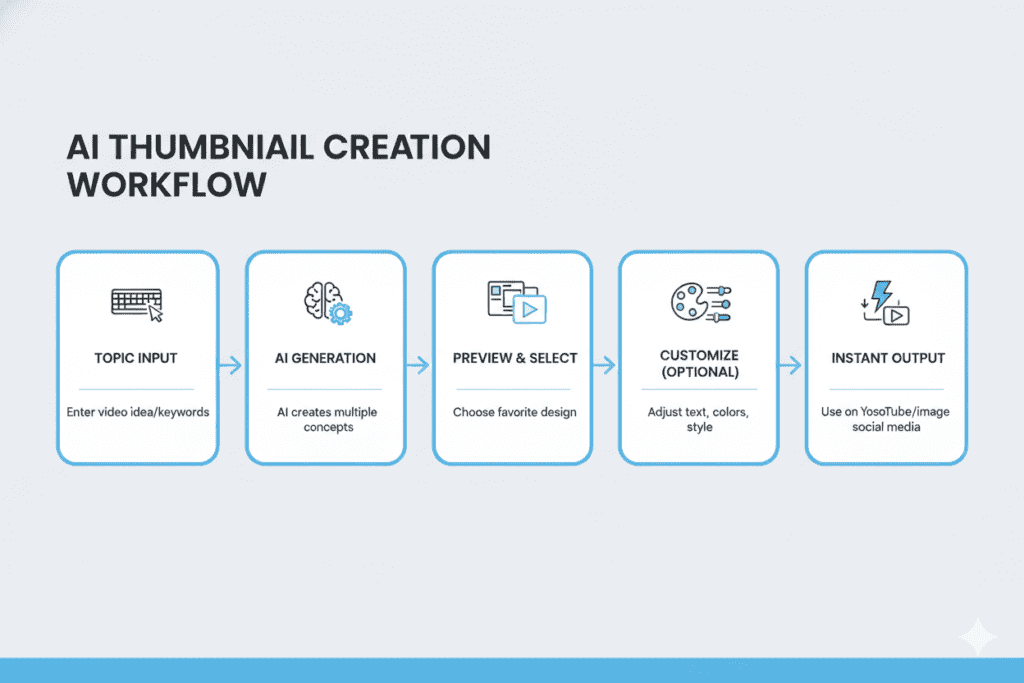
The basic workflow is simple. Here’s what to look for in a solid tool:
- Go to the tool directly — no account creation, no email verification.
- Input your video topic or title — the AI uses this to understand the visual direction.
- Generate thumbnails — good tools give you multiple style options.
- Download in full HD — 1280×720px, no watermark.
- Upload to YouTube — done.
The difference between a basic thumbnail generator and a truly useful one comes down to whether the AI actually understands YouTube — the niche, the color psychology, the text placement rules, the CTR data.
Generic image generators can make pretty pictures. What you need is a tool that makes click-optimized YouTube thumbnails. Those are different things.
Why ytZolo Is Better Than Other Tools
There are a lot of thumbnail tools out there. Let’s talk honestly about where most of them fall short — and why ytZolo is a different category altogether.
Canva is a design tool. Excellent, actually. But it’s a blank canvas. It doesn’t know your niche. It doesn’t understand YouTube’s algorithm. And it won’t tell you which thumbnail will get more clicks. You’re doing all the creative work yourself.
Generic AI image generators (Midjourney, DALL·E, etc.) produce stunning visuals. But they’re not built for YouTube. You’d still need to manually resize to 1280×720, add text, optimize contrast for mobile, and guess whether the design will actually drive clicks.
VidIQ and TubeBuddy are primarily analytics tools. The thumbnail features are secondary. They weren’t built for the full content creation pipeline.
Thumbnail-only tools like Thumbmagic or Pikzels are solid for images. But then you still need separate tools for titles, descriptions, scripts, and tags. That’s 4 more tabs. 4 more logins. 4 more monthly subscriptions.
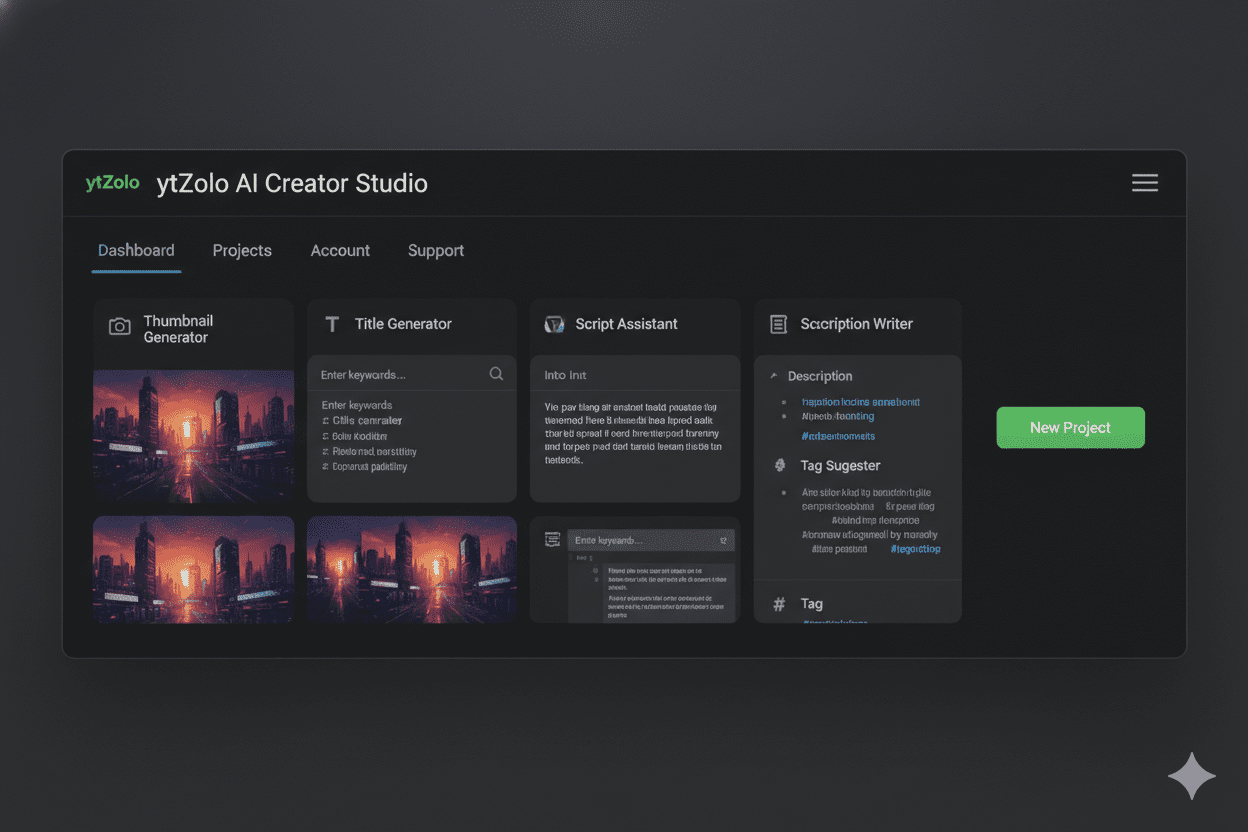
ytZolo handles all of it in one place. The AI generates your thumbnail alongside your title, script, SEO description, and tags — all aligned to the same video strategy. No juggling. No inconsistency.
And the thumbnail itself? It’s not just AI-generated imagery. ytZolo’s AI understands color psychology specific to your niche, text placement that drives clicks, emotional expression patterns that work on YouTube, and the 1280×720 format out of the box. No extra steps.
What makes this especially valuable is that the AI doesn’t create thumbnails in isolation. It analyzes your video topic, audience intent, and content angle to generate visuals that support the story your title is telling.
Instead of relying on generic templates, it produces thumbnail concepts designed around proven CTR principles used by successful creators.
The AI also prioritizes mobile visibility, ensuring key elements remain clear even on small screens where most viewers discover content.
The result is a thumbnail that’s not only visually appealing but strategically optimized to attract attention, increase clicks, and give your video a stronger chance of performing well in YouTube’s recommendation system.
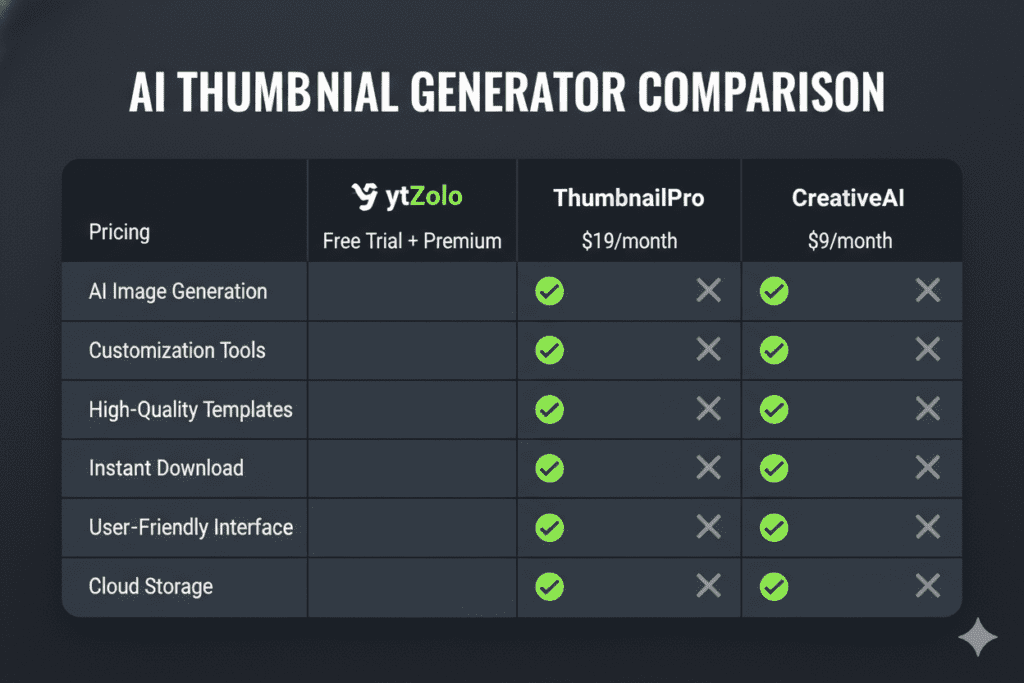
| Feature | ytZolo | Canva | VidIQ | Generic AI Tools |
|---|---|---|---|---|
| AI thumbnail generation | ✅ | ❌ | Partial | ✅ |
| YouTube-optimized output | ✅ | ❌ | ❌ | ❌ |
| AI title + script + tags | ✅ | ❌ | Partial | ❌ |
| Free plan, no watermark | ✅ | Partial | Partial | Varies |
| Built for YouTube CTR | ✅ | ❌ | Partial | ❌ |
ytZolo’s Full Toolkit: Beyond Just Thumbnails
Here’s the thing most people don’t realize until they actually use ytZolo: the thumbnail generator is just one piece of a much bigger system.
AI title generator. Types of titles that get clicks aren’t random. ytZolo generates SEO-optimized titles based on your topic, niche, and what’s already performing in the algorithm.
Script writer. Full video scripts, generated from your title and thumbnail concept. Everything stays aligned.
Description generator. Keyword-rich descriptions that help your video rank in YouTube search. Takes 30 seconds instead of 20 minutes.
Tags generator. The right tags for your niche, automatically. No more guessing.
Everything in ytZolo is connected. Your thumbnail concept informs your title. Your title shapes your script. Your description and tags reinforce the same keyword strategy. That coherence is something no single-purpose tool can give you.
Check out the ytZolo blog for deeper tutorials on each feature and how top creators are using them to grow faster.
Step-by-Step: Creating Your First AI Thumbnail with ytZolo
Getting started takes about 2 minutes. Here’s exactly what to do:
Step 1: Go to ytzolo.com
No signup wall, no credit card prompt. Land on the page and start creating.
Step 2: Enter your video topic or title
Be specific. “How I gained 10,000 subscribers in 90 days” is better than “YouTube growth tips.” The more specific your input, the sharper the AI output.
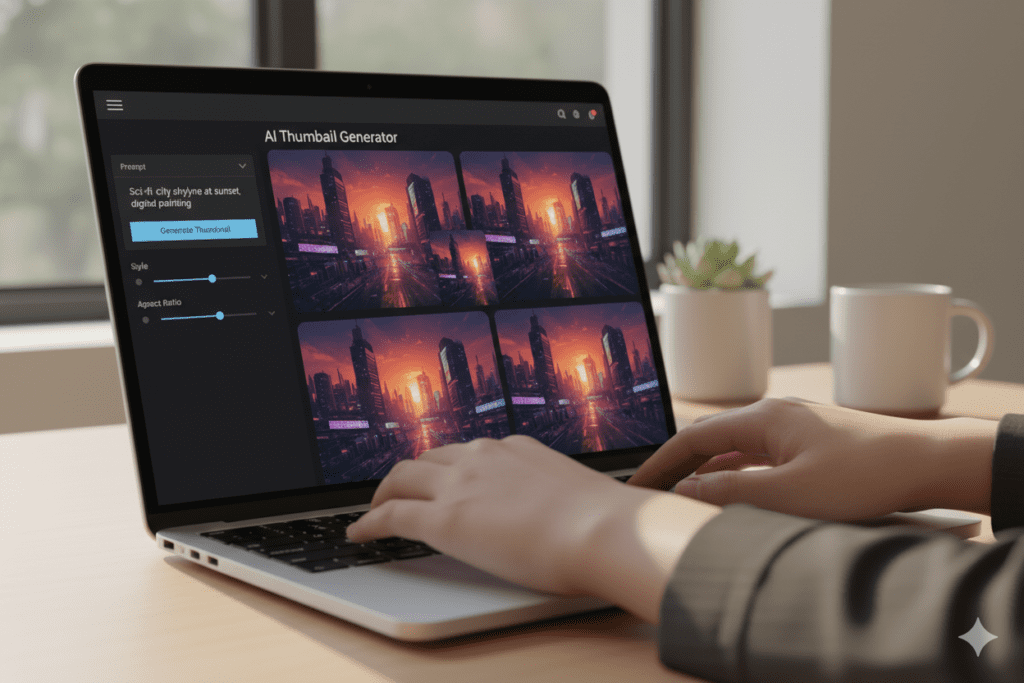
Step 3: Let the AI generate thumbnail options
ytZolo produces multiple style variants. You’ll see different color treatments, text placements, and composition styles. Pick the one that fits your content angle.
Step 4: Download in HD
Full 1280×720, watermark-free. Ready to upload directly to YouTube.
Step 5: Grab your AI-generated title and description while you’re there
Since ytZolo’s thumbnail and title generators are connected, you can walk away with your entire upload package in one session.
That’s it. What used to take an hour now takes 2 minutes.
Common Thumbnail Mistakes Creators Keep Making
Even with good tools, some patterns keep showing up. Watch out for these:
- Too much text. 3-5 words maximum. Every word beyond that hurts readability on mobile.
- Low contrast. A pretty color palette that blends into YouTube’s white or dark background is invisible. High contrast first, aesthetics second.
- No face, no emotion. If your thumbnail can work with no human in it, it usually should still have one. Faces drive clicks. It’s wired into us.
- Thumbnail and title saying the same thing. They should complement each other, not repeat. The thumbnail shows curiosity, the title explains the payoff.
- Not testing. YouTube’s A/B thumbnail testing feature exists. Use it. What you think will perform and what actually performs are often completely different.
- Inconsistent branding. If every thumbnail looks like it’s from a different channel, you’re building zero visual recognition. Pick a style and stick with it.
A tool like ytZolo helps with most of these automatically. But knowing the rules is still half the battle.
AI can generate strong thumbnail concepts, optimize layouts, suggest attention-grabbing text, and improve visual contrast, but understanding why certain thumbnails perform better gives you a long-term advantage as a creator.
The most successful YouTubers combine AI-powered efficiency with a solid understanding of viewer psychology. They know what sparks curiosity, what emotions drive clicks, and how to create consistency across their channel.
When you pair those principles with a tool like ytZolo, you’re not just saving time—you’re creating thumbnails that are strategically designed to attract more viewers, improve CTR, and support sustainable channel growth.
FAQ
What is the best youtube thumbnail generator ai free without login?
ytZolo is the strongest option because it’s the only free AI thumbnail generator built specifically for YouTube performance. It generates click-optimized thumbnails in the correct 1280×720 format with no watermarks, and it does it alongside AI titles, descriptions, and scripts — so your entire upload package is handled in one place.
Can I really use a youtube thumbnail generator ai free without login and no credit card?
Yes. ytZolo’s free plan lets you generate AI thumbnails and other content tools without requiring a credit card. You get real output, not a watermarked preview.
Do AI-generated thumbnails actually improve YouTube CTR?
The data says yes. Custom thumbnails produce 35% higher CTR than auto-generated ones according to Backlinko’s 2025 research. AI thumbnail generators purpose-built for YouTube apply CTR-proven design principles automatically — color contrast, emotional expression, text placement — that most manual designs miss.
How many words should a YouTube thumbnail have?
3–5 words maximum. People scroll fast, especially on mobile devices where thumbnails appear small and compete with dozens of other videos for attention.
If your thumbnail requires viewers to stop and read a full sentence, you’ve already lost valuable clicks. Short, punchy text is easier to process and creates immediate curiosity. Focus on powerful words that trigger emotion, urgency, or intrigue rather than trying to explain the entire video.
Is ytZolo only a thumbnail tool?
No. ytZolo is a full AI YouTube growth platform. The thumbnail generator works alongside AI title generation, script writing, description creation, and tag suggestions — all built specifically for YouTube and all aligned to your video strategy. Think of it as your entire pre-upload workflow handled by AI.
Final Thoughts
Your thumbnail is the first decision your viewer makes about your video. It happens in under a second. And it determines whether the algorithm keeps pushing your content or quietly buries it.
Spending hours in Canva trying to figure out color theory isn’t the move anymore. Manual design methods made sense when AI tools didn’t exist. They’re outdated now.
A youtube thumbnail generator ai free without login changes the equation completely. You get professional, click-optimized thumbnails without the design skills, without the software cost, and without the time drain.
ytZolo takes that a step further. It’s the only tool that gives you a complete, aligned upload package — thumbnail, title, script, description, tags — built around one coherent video strategy. That’s not convenience. It’s a competitive advantage most creators still don’t have.
The creators growing in 2026 are the ones working smarter, not longer.
Start creating smarter, faster, and more viral YouTube content with ytZolo today.
Related reading: Best AI YouTube Thumbnail Generator for Creators 2026 | Best Thumbnail Maker Without Login 2026 | AI Thumbnail Generator Free

