

Table of Contents
The Thumbnail Problem No One Talks About
Picture this: You spent 6 hours editing a killer video. The content is great. The audio is clean. The editing is on point.
You hit publish — and the video sits at 200 views for a week.
Sound familiar?
Here’s the brutal truth: your thumbnail killed it.
In a platform where over 360 hours of video are uploaded every single minute, viewers make a click decision in less than one second. Your thumbnail is doing all the heavy lifting before your video even gets a chance to prove itself.
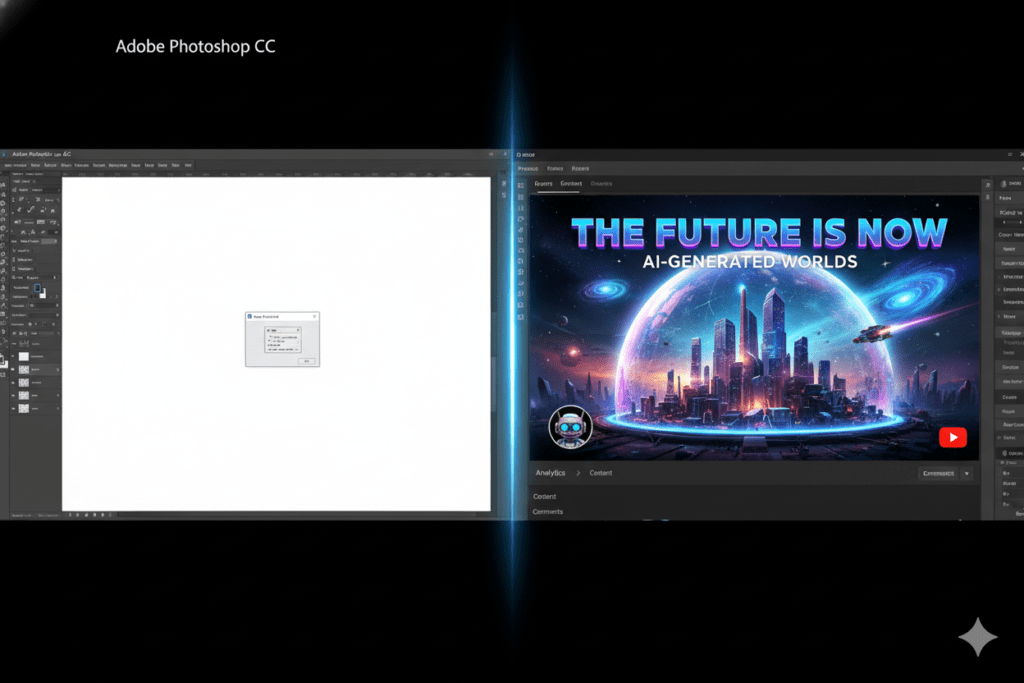
And if you’re still spending hours in Photoshop trying to design the “perfect” thumbnail — or worse, using YouTube’s auto-generated screenshots — you’re already losing.
That’s why so many smart creators are switching to a YouTube AI thumbnail creator. Not because it’s trendy. Because it works.
This guide breaks down exactly what an AI thumbnail creator is, why it matters more than ever in 2026, and why ytZolo is the smartest tool you can use to start getting real clicks, real views, and real growth.
What Is a YouTube AI Thumbnail Creator?
Quick Answer: A YouTube AI thumbnail creator is a software tool that uses artificial intelligence to automatically generate, design, or optimize eye-catching thumbnail images for YouTube videos — with little to no manual design work required.
A YouTube AI thumbnail creator uses machine learning models trained on millions of high-performing thumbnails. It understands what colors grab attention, which facial expressions drive clicks, and what text layouts perform best across different niches.
Instead of opening Photoshop and spending 45 minutes per thumbnail, you feed the AI your video topic, a few inputs, or sometimes just a video link — and it spits out a professional, click-worthy image in seconds.
The best tools go even further. They combine AI thumbnail generation with title optimization, script writing, description creation, and tag research — all under one roof.
That’s exactly what ytZolo does.
Why Your Thumbnail Is Your #1 Growth Lever
Before we go deeper, let’s talk numbers — because the data here is honestly shocking.
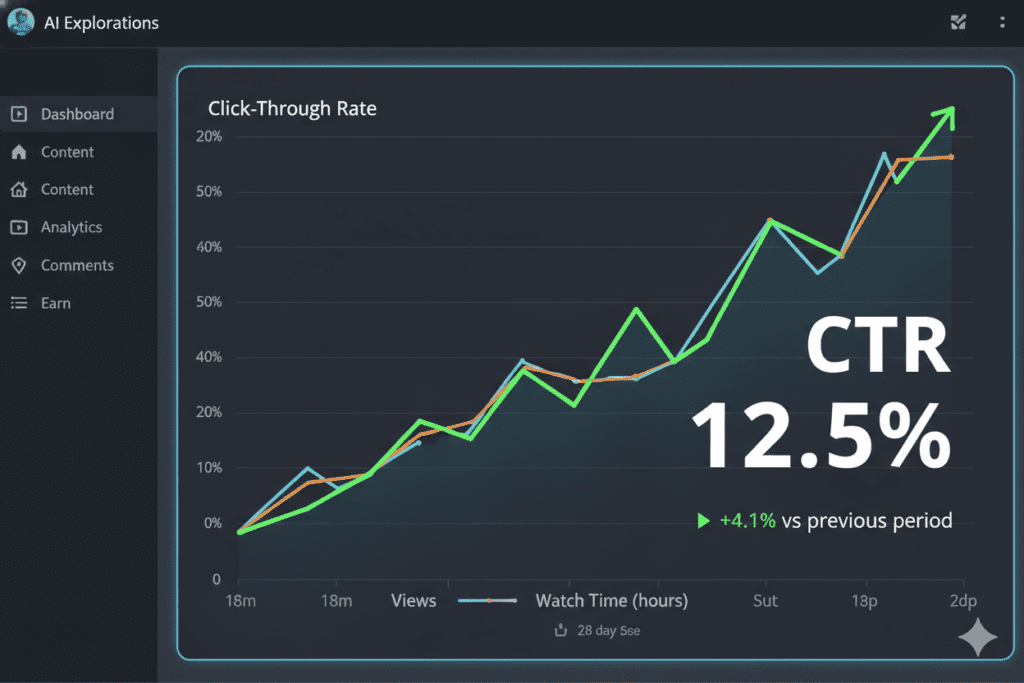
According to the YouTube Creator Academy, 90% of the best-performing videos on YouTube use custom thumbnails. That’s not a suggestion. That’s a pattern you’d be foolish to ignore.
Custom thumbnails increase CTR by 30–40% on average compared to auto-generated ones. And a higher CTR tells the YouTube algorithm your video is worth showing to more people. More impressions. More views. More subscribers.
Here’s the compounding effect nobody explains clearly:
- Higher CTR → More impressions from the algorithm
- More impressions → More views
- More views → Higher watch time
- Higher watch time → Even more algorithmic push
- Result: Exponential growth from one small change
One creator refreshed thumbnails on just 10 evergreen videos. Their CTR jumped 30–40% — and total views on those videos grew by over 200%.
That’s the power of thumbnail optimization. And with a YouTube AI thumbnail creator, you can run this process at scale, on every single upload, without burning out.
How a YouTube AI Thumbnail Creator Actually Works
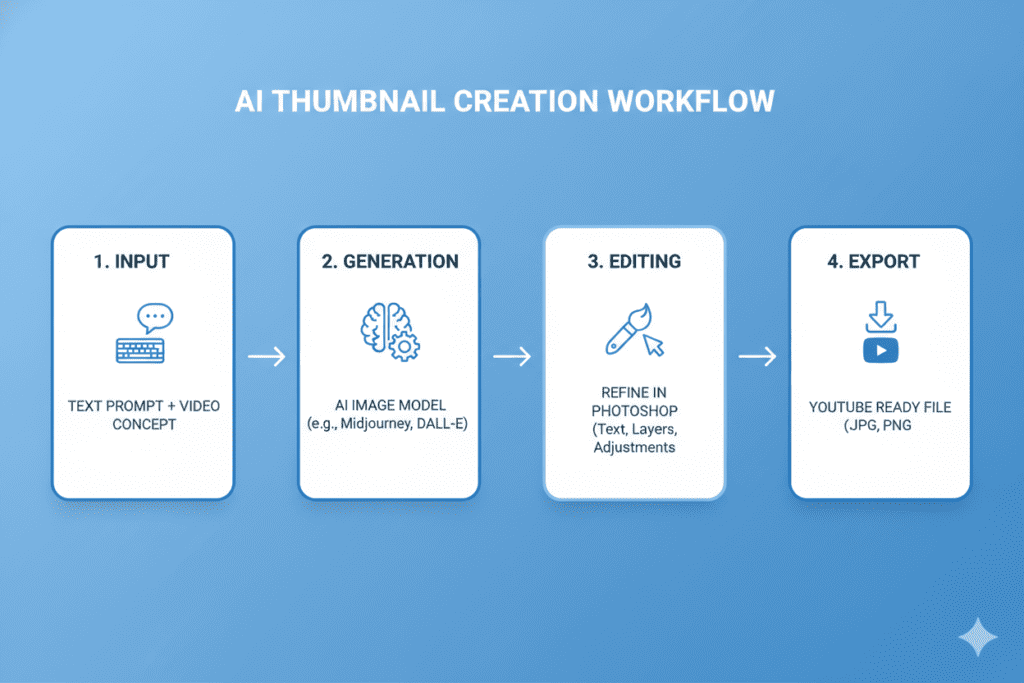
You don’t need to be a designer. You don’t need Photoshop skills. Here’s the basic flow of how AI thumbnail creation works:
Step 1 — Input Your Video Data You enter your video title, topic, or paste a YouTube link. Some advanced tools analyze your actual video content.
Step 2 — AI Analyzes Winning Patterns The AI scans its database of high-performing thumbnails in your niche. It identifies what colors, faces, fonts, and compositions are getting the most clicks right now.
Step 3 — Generation Happens in Seconds The tool generates multiple thumbnail options — different layouts, color schemes, and text overlays — optimized for your specific audience and niche.
Step 4 — You Pick, Customize & Export You choose the best option, make any tweaks, and download the thumbnail at the exact 1280×720px resolution YouTube recommends.
Step 5 — Track & Iterate Use YouTube Studio’s A/B testing feature to see which thumbnail version gets more clicks. Repeat with the winner.
The best YouTube AI thumbnail creator tools handle all five of these steps faster than you can boil water. ytZolo is built around this exact workflow — and then takes it 10 steps further.
What Makes a High-CTR Thumbnail in 2026?
Not all thumbnails are created equal. Here’s what the data consistently shows drives the most clicks:
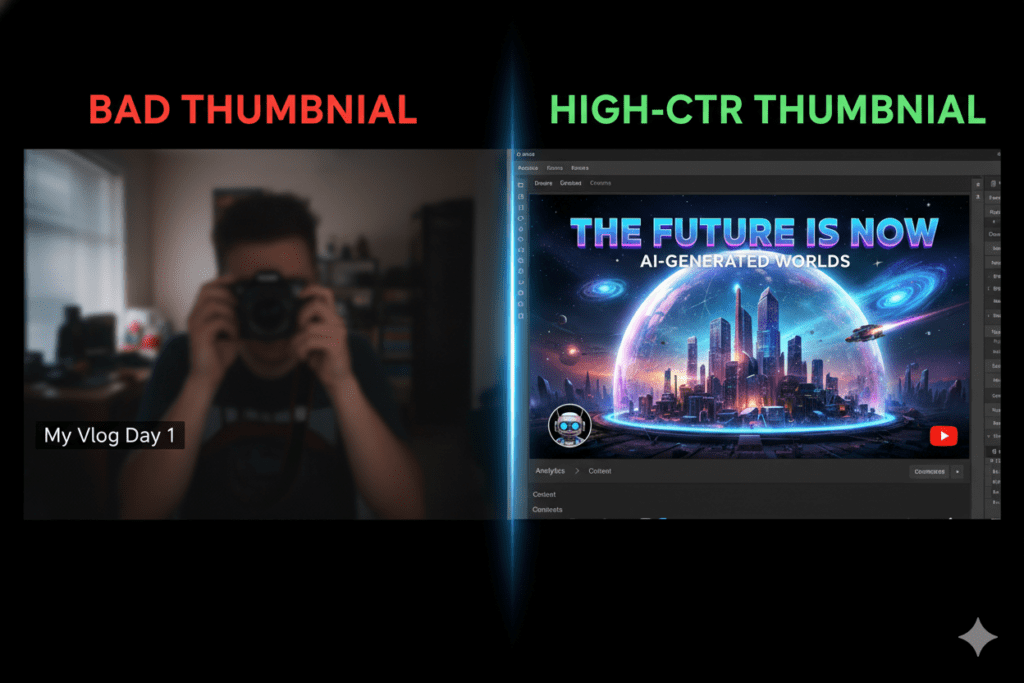
Emotional Faces Thumbnails with expressive human faces can increase CTR by 20–30% according to VidIQ research. Neutral expressions blend into the feed. Emotion stands out.
Bold, Readable Text Your text should be readable at thumbnail size on a mobile phone screen. That means large fonts, high contrast, and no more than 5–6 words. Over 70% of YouTube traffic comes from mobile devices — design for the phone first.
High Contrast Colors Bright backgrounds with dark text (or vice versa) perform better than muted, complex visuals. The thumbnail needs to pop in a sea of other content.
Curiosity Gaps The best thumbnails tease the video without giving everything away. They make the viewer feel like they need to click to find out more.
Consistent Branding Channels that maintain consistent color schemes and thumbnail styles are recognized faster by repeat viewers — which drives more clicks over time.
Mobile-First Design 87% of top-performing thumbnails in 2025 used top-left text placement — because that’s where eyes go first when scanning on a phone.
A good YouTube AI thumbnail creator bakes all of these principles into every output automatically. You don’t need to memorize the rules. The AI already knows them.
Why Manual Thumbnail Creation Is Killing Your Channel
Let’s be honest about the old way of doing things.
Time: A decent manual thumbnail in Photoshop or Canva can take 30–60 minutes per video. If you’re posting 3–4 times a week, that’s 2–4 hours every single week — just on thumbnails.
Inconsistency: When you’re designing by hand, your quality fluctuates. Some weeks your thumbnails look amazing. Other weeks they look rushed. Inconsistent visual quality confuses your audience and hurts your brand.
Guesswork: Without AI, you’re designing based on gut feeling. You have no idea if bold red text will outperform blue text in your niche — until you’ve already published and lost thousands of potential clicks.
Lack of Scale: As your channel grows, the demand for thumbnails grows too. Manual processes don’t scale. AI does.
Creators who rely on manual methods in 2026 are essentially bringing a pencil to a gunfight. The competition has AI. The competition has automation. And the competition is winning.
The good news? You can close that gap today — with the right YouTube AI thumbnail creator.

Introducing ytZolo: The All-in-One YouTube AI Growth Tool
Here’s where things get exciting.
Most YouTube AI thumbnail creator tools do one thing. They generate a thumbnail, and then you’re on your own to write a title, create a description, find tags, and write a script.
ytZolo is built differently.
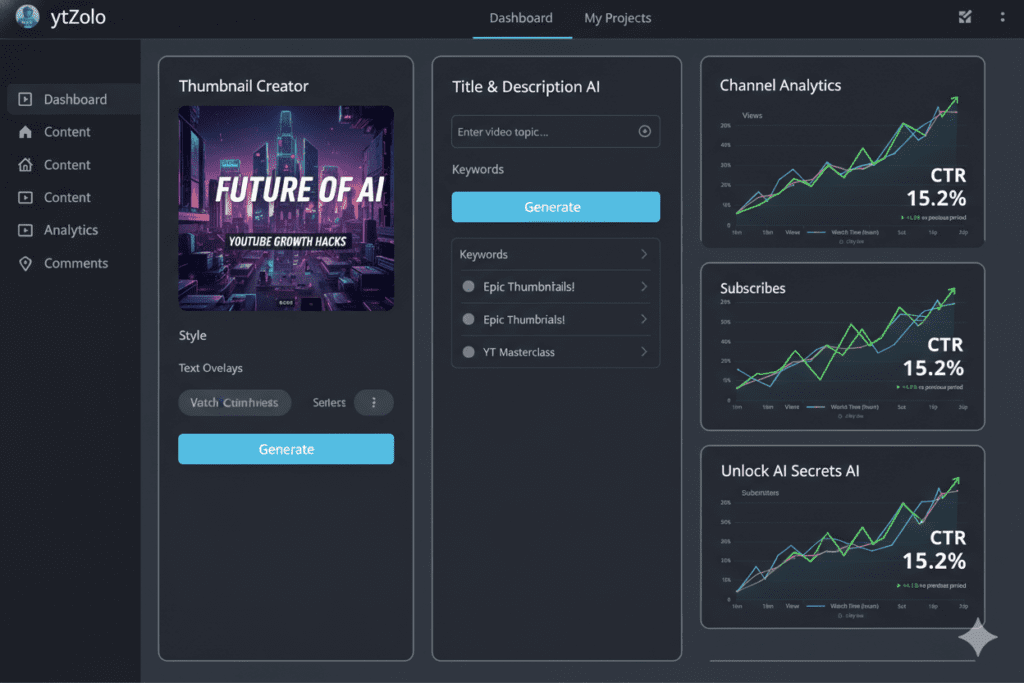
ytZolo is a complete AI-powered YouTube growth platform — not just a thumbnail generator. It’s designed to handle every piece of your content creation workflow, from the idea stage to the publish button.
Here’s what ytZolo does for you:
- 🎨 AI YouTube Thumbnail Creator — Generate stunning, click-optimized thumbnails for any niche in seconds
- 📝 AI Title Generator — Create scroll-stopping, SEO-optimized video titles that rank and get clicks
- ✍️ AI Script Writer — Build full video scripts that keep viewers watching until the end
- 📋 AI Description Generator — Write keyword-rich, algorithm-friendly video descriptions automatically
- 🏷️ AI Tag Finder — Discover the exact tags your video needs to rank on YouTube search
- 📊 Channel Growth Insights — Data-driven recommendations for your next viral video idea
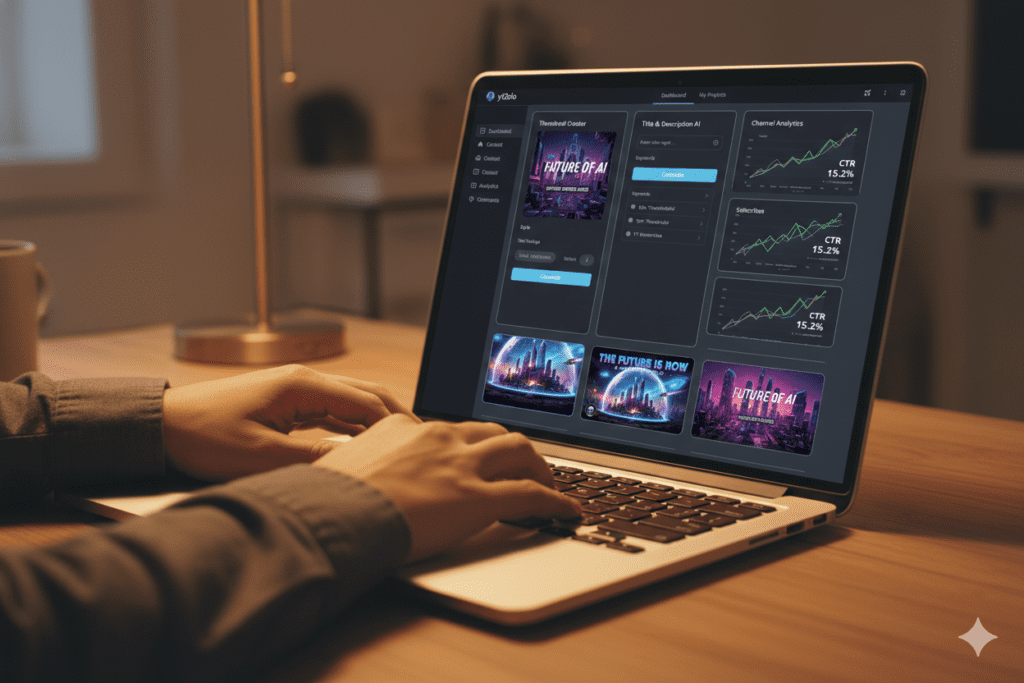
Think about what that means for your workflow. Instead of bouncing between five different tools — and paying for each one separately — ytZolo gives you everything in one dashboard.
One login. One workflow. Unlimited content potential.
Check out the ytZolo blog for real creator success stories and deep-dive tutorials on getting the most out of every feature.
How ytZolo Crushes the Competition
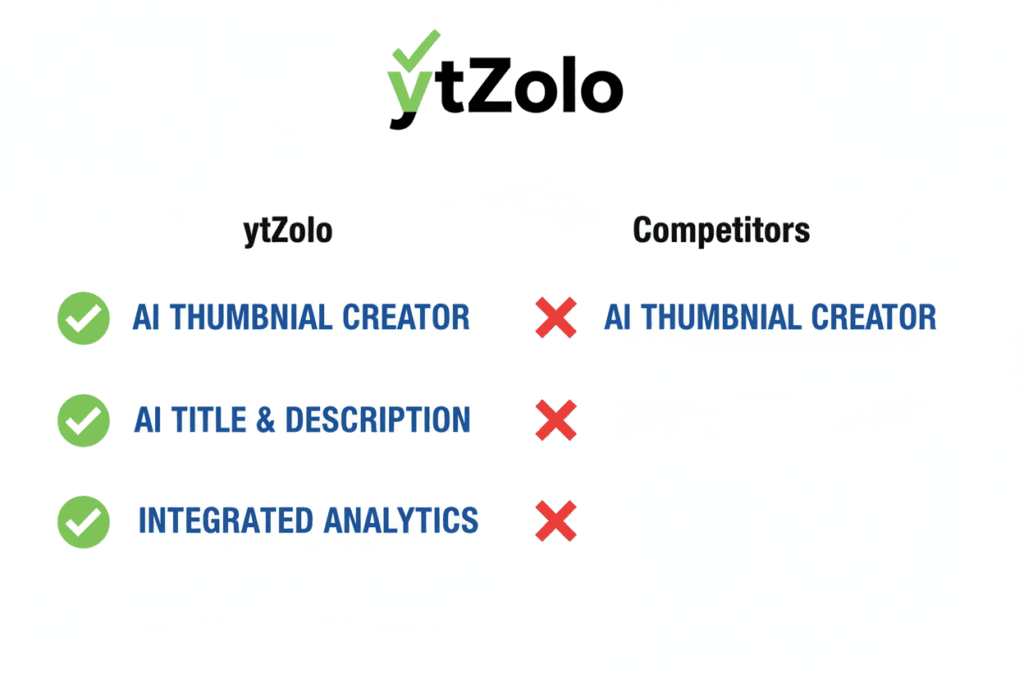
There are plenty of AI thumbnail tools out there. So why choose ytZolo?
Let’s break it down honestly.
| Feature | ytZolo | Generic AI Art Tools | Standalone Thumbnail Tools |
|---|---|---|---|
| AI Thumbnail Creator | ✅ Yes | ✅ Yes | ✅ Yes |
| AI Title Generator | ✅ Yes | ❌ No | ❌ No |
| AI Script Writing | ✅ Yes | ❌ No | ❌ No |
| AI Description & Tags | ✅ Yes | ❌ No | ❌ No |
| Built for YouTube SEO | ✅ Yes | ❌ No | ⚠️ Partial |
| All-in-One Dashboard | ✅ Yes | ❌ No | ❌ No |
| Viral Content Strategy | ✅ Yes | ❌ No | ❌ No |
Generic AI art tools like Midjourney or DALL-E can generate stunning images — but they weren’t built for YouTube. They don’t understand CTR psychology, YouTube’s algorithm, or what makes viewers click in 2026.
Standalone thumbnail tools solve one problem but leave you without titles, scripts, descriptions, or a content strategy. You still end up jumping between tools.
ytZolo solves the whole problem. It’s built specifically for YouTube creators who want to grow — not just design pretty images. The thumbnail creator is just one piece of an ecosystem that handles your entire content pipeline.
That’s the difference between a tool and a growth partner.
Step-by-Step: Creating AI Thumbnails with ytZolo
Ready to create your first AI-powered thumbnail? Here’s exactly how to do it with ytZolo:
Step 1: Sign Up for Free Head to ytzolo.com and create your free account. No credit card required to get started.
Step 2: Enter Your Video Topic or Title Type in what your video is about. The more specific you are, the better the AI output. For example: “How I Made $10,000 With Freelancing in 30 Days.”
Step 3: Choose Your Niche & Style Select your channel niche (tech, finance, fitness, gaming, etc.) and pick a visual style — dramatic, clean, bold, or curiosity-driven.
Step 4: Generate Multiple Options ytZolo’s AI thumbnail creator generates several thumbnail concepts in seconds. Each one is automatically optimized for:
- High contrast and readability
- Emotional impact
- Mobile-first design
- YouTube’s 1280×720px spec
Step 5: Customize to Match Your Brand Swap colors, adjust text, add your face or logo. ytZolo’s editor makes it easy to stay on-brand without needing design experience.
Step 6: Download & Upload to YouTube Export your thumbnail at full resolution and upload it directly in YouTube Studio. Done.
Pro Tip: While you’re in ytZolo, use the AI title generator and description writer on the same video. You’ll have a fully optimized upload ready in under 10 minutes — something that used to take hours.
For more detailed tutorials, check out the ytZolo blog — it’s packed with creator-focused guides and growth strategies.
Real Results: What Creators Are Saying
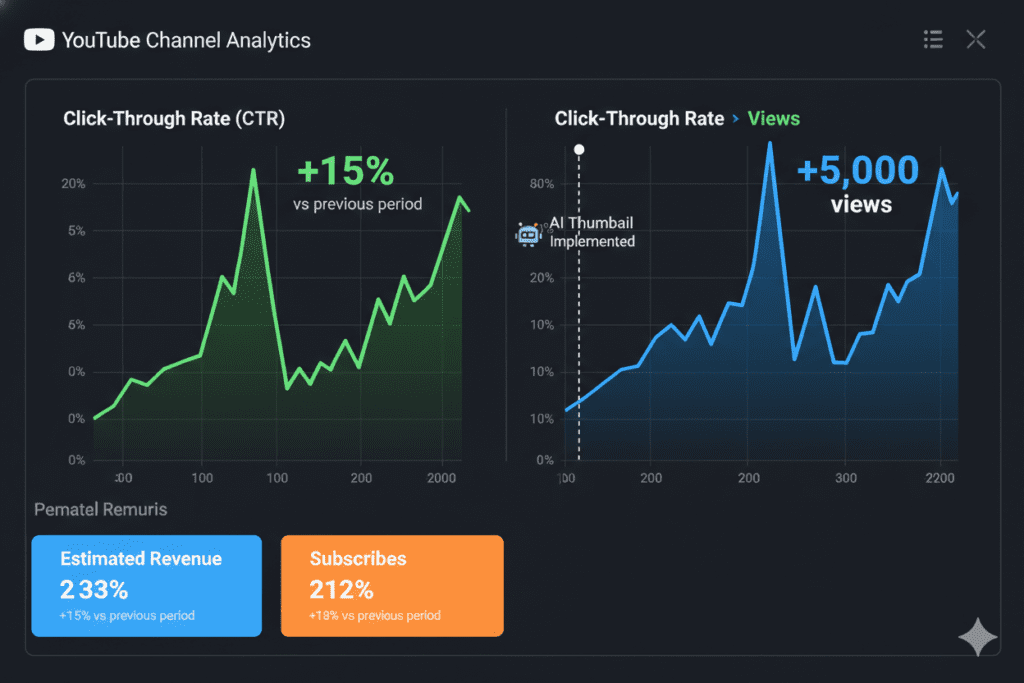
The numbers don’t lie. Creators who switch to AI-powered thumbnail workflows are seeing real, measurable growth.
Here’s what the data consistently shows across the creator community:
- Channels using AI thumbnails see CTR improvements of 2–5 percentage points within the first month
- Evergreen videos with refreshed AI thumbnails have seen view counts grow by 200%+
- Creators using all-in-one AI tools report saving 5–8 hours per week on content production
And here’s the thing about that time savings: it doesn’t just reduce stress. It means you can publish more consistently. And consistency is one of the biggest drivers of YouTube channel growth in 2026.
Channels posting 12+ times per month gain 66% more subscribers and 53% more views than those posting just 1–3 times, according to VidIQ’s analysis of over 5 million YouTube channels.
When ytZolo handles your thumbnails, titles, scripts, and descriptions — you have the bandwidth to post more. And posting more, with better quality, is the compounding formula that builds channels that last.
FAQ: YouTube AI Thumbnail Creator
❓ What is a YouTube AI thumbnail creator?
A YouTube AI thumbnail creator is a software tool that uses artificial intelligence to automatically generate professional, click-optimized thumbnail images for YouTube videos. It analyzes high-performing thumbnails in your niche and creates designs optimized for maximum click-through rate — without requiring any manual design skills.
❓ Can a YouTube AI thumbnail creator really improve my CTR?
Yes — significantly. Custom thumbnails increase CTR by 30–40% on average compared to auto-generated frames, according to multiple 2025–2026 studies. Thumbnails with expressive faces alone can boost CTR by 20–30% (VidIQ Research). A better CTR means more impressions from the algorithm, which leads to more views and faster channel growth.
❓ Is ytZolo just a YouTube AI thumbnail creator?
No — ytZolo is a complete AI-powered YouTube growth platform. In addition to the AI thumbnail creator, ytZolo includes an AI title generator, AI script writer, AI description generator, and tag research tool. It’s the only tool you need to create fully optimized YouTube content from start to finish.
❓ Do I need design experience to use an AI thumbnail creator?
Not at all. That’s the whole point. A good YouTube AI thumbnail creator like ytZolo handles the design work automatically. You just input your video details, pick a style, and the AI generates professional thumbnails in seconds. No Photoshop skills, no design background, no experience needed.
❓ How is ytZolo different from other YouTube AI thumbnail tools?
Most thumbnail tools only generate images. ytZolo combines AI thumbnail creation with title optimization, script writing, descriptions, and tags — all in one dashboard built specifically for YouTube. It’s designed to help creators grow their entire channel, not just design one image.
Final Thoughts: Start Growing Smarter Today
Here’s the bottom line.
In 2026, YouTube is more competitive than ever. Over 360 hours of content is uploaded every minute. The algorithm rewards clicks. And clicks come from thumbnails.
If you’re still designing thumbnails manually, you’re spending hours every week on a task that a YouTube AI thumbnail creator can handle in seconds — and probably doing it less effectively.
The creators who are growing fastest aren’t the ones working the hardest. They’re the ones working the smartest. They’re using AI to handle the repetitive, technical work so they can focus on what they do best: creating content their audience loves.
ytZolo is the tool that makes that possible. It’s not just a YouTube AI thumbnail creator. It’s your all-in-one AI growth partner — built specifically for YouTubers who are serious about scaling.
Your next viral video is waiting. All it needs is the right thumbnail to get clicked.
👉 Start creating smarter, faster, and more viral YouTube content with ytZolo today.
For more Information explore this ytZolo blog page.
Want to go deeper? Explore more creator growth strategies and AI tool tutorials on the ytZolo blog.
External Resources:
- YouTube Creator Academy — Thumbnail Best Practices
- Google Search Central — Content Quality Guidelines
- HubSpot — How Visual Content Drives Engagement
© 2026 ytZolo | ytzolo.com

